

 SharePoint 2019
Download ShortPoint
& Install it Manually
If the download hasn’t started automatically, Click here
Or, switch to the automatic installation (recommended)
Next Steps after downloading . . .
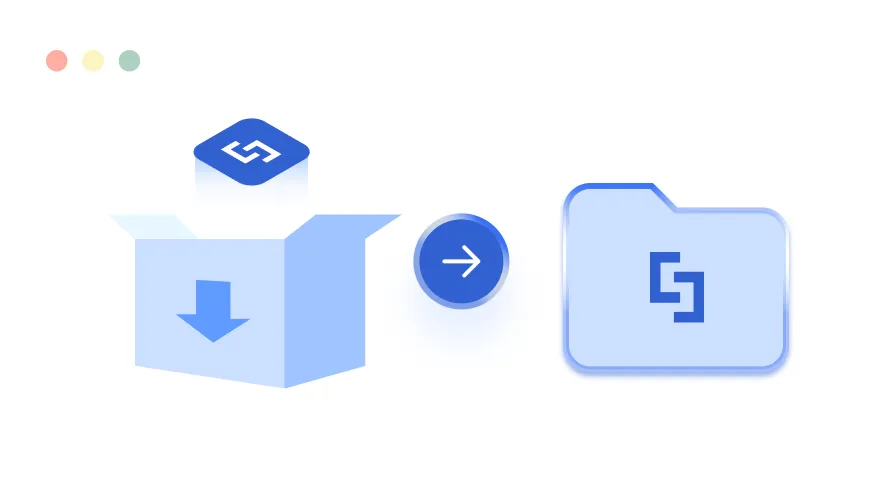
Extract the zip file
Extract the Downloaded “ShortPoint_SPFX.zip” file
Not enough permissions to install?
-

First-time Installation Tutorial
-

Switching to New Upgrade
-

New Upgrade
Simple version upgrade through the Dashboard (if you are on 7.1.5.xx and higher)
-

Installation & Upgrade FAQs
Simple version upgrade through the Dashboard (if you are on 7.1.5.xx and higher)




Our Support is on stand by 👋🏻
Reach out to our support team to get help with ShortPoint installation. We're ready to walk you through each step in a screen-sharing session
Get Installation Help Submit support ticket
Installed on  +350,988
intranet sites for hundreds of companies!
+350,988
intranet sites for hundreds of companies!



































Sorry, you are unable to add ShortPoint due to insufficient permissions
Schedule a call with our
Onboarding team 👋🏻
Schedule a call with our onboarding team to see ShortPoint in action
and get help with activation
Or share this URL with your team
shortpoint.com/microsoft365/get-started
You may also send an invite to your admin via mail,
Downloadable resources
You can also download and share these guides with your team
Invite a team mate with necessary permissions to install ShortPoint.
The required permissions to Add ShortPoint are:
- Global Microsoft 365 Admin Role
- Site Collection Administrator Role for the site collection you are installing ShortPoint on
You will also be notified via mail cc:
Invite sent!