

100+ production ready templates
SharePoint Templates

See all SharePoint Intranet templates and design ideas
A SharePoint template is a pre-built, fully customizable page or site design you edit without code. Browse ready-to-use SharePoint page templates for intranet homepages, HR portals, onboarding hubs, knowledge bases, team sites and more — every one going beyond SharePoint Lookbook with live data connections, full branding control, and responsive layouts built for modern SharePoint.
all templates
Showing 114 of 114 templates
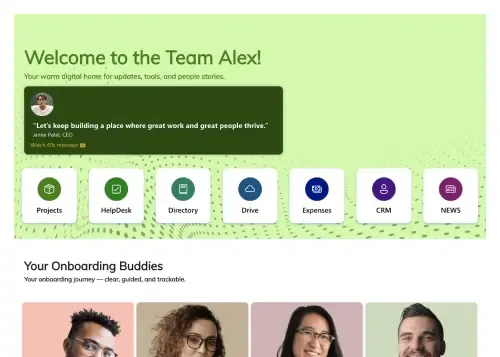
A structured, step-by-step visual roadmap for new hire success.

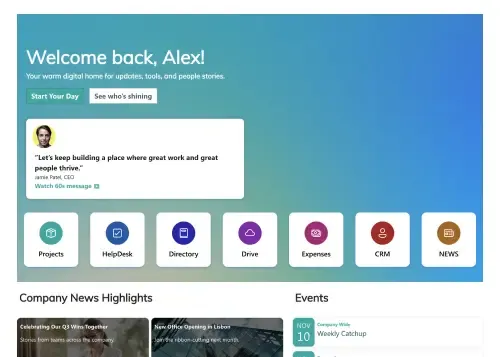
A centralized, engaging welcome hub for every new hire.
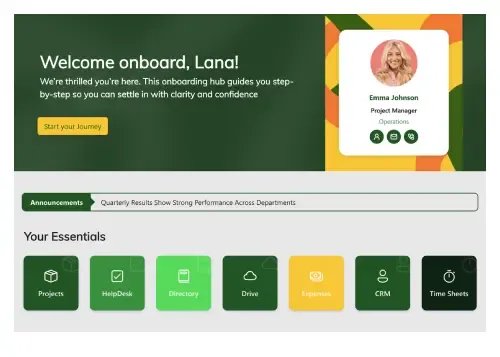
Get new hires productive from their first day.
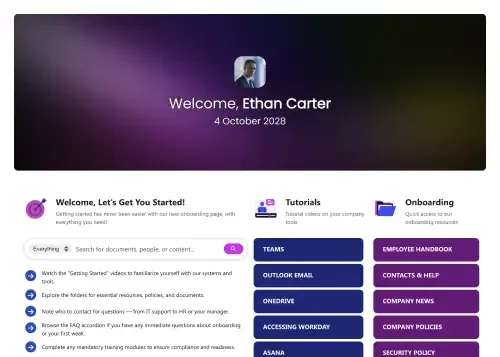
One central, organized resource for streamlined new hire onboarding.
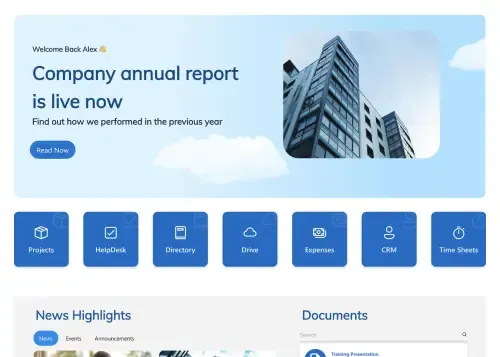
Drive internal communication and corporate transparency instantly.
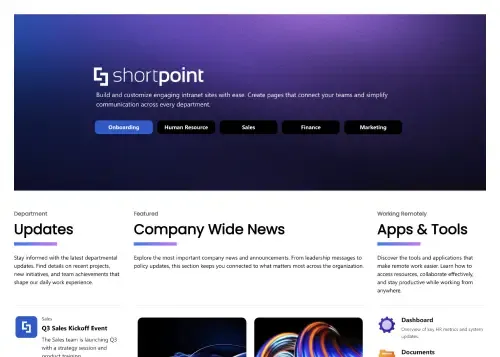
Modern homepage for news, tools, people, and events.

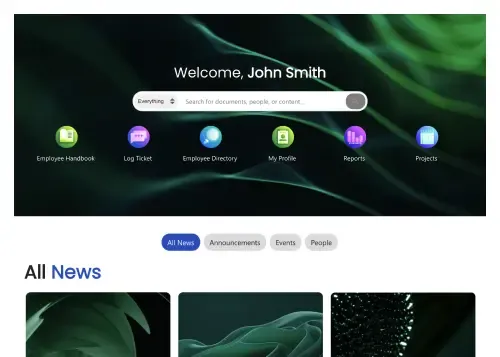
Personalized intranet homepage for search, news, and actions.
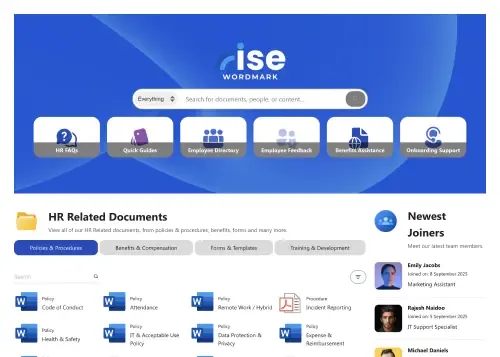
A dynamic, searchable hub connecting employees with HR resources.
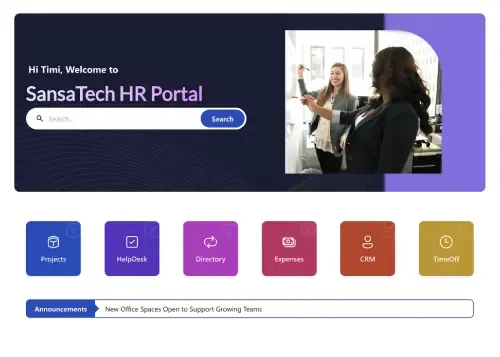
Your all-in-one hub for HR resources, news, policies, and tasks.
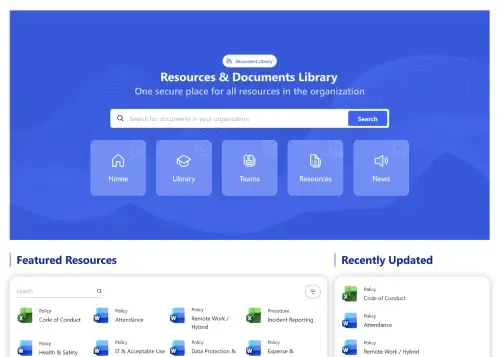
Featured files, browse-by-category, and quick uploads.
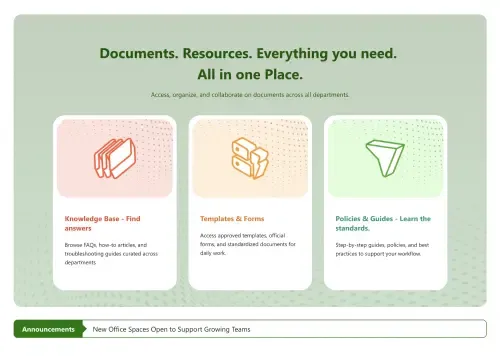
Departmental docs hub with knowledge base and templates.
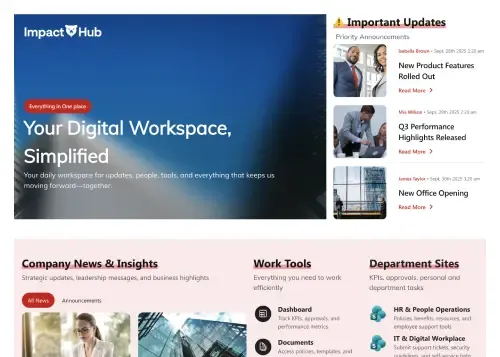
News, tools, sites, docs, FAQs, and onboarding in one.
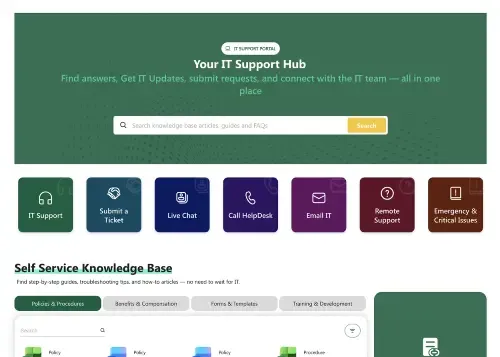
Self-service knowledge base, requests, alerts, contacts.
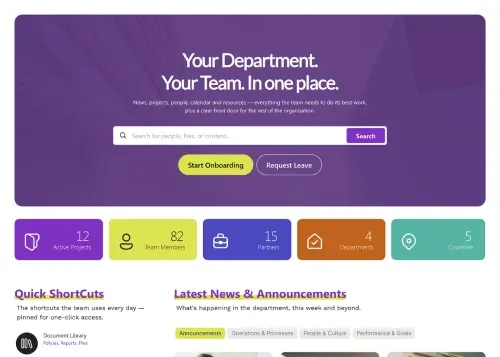
Team news, projects, goals, calendar, KB, and directory.
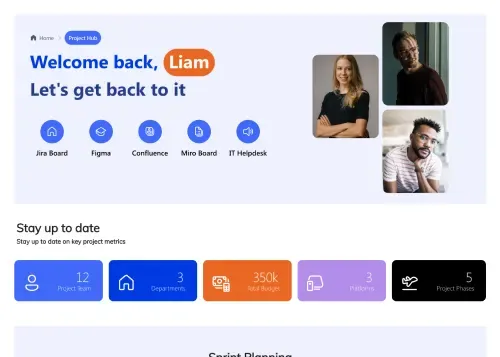
Sprints, KPIs, docs, team, and live project updates.
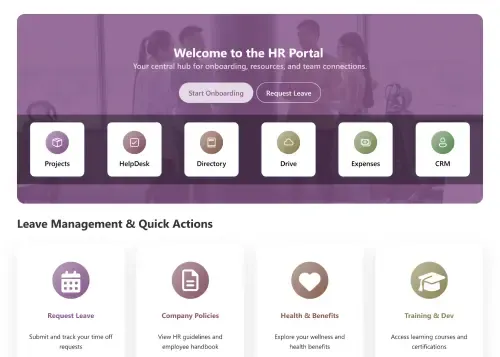
Streamline employee onboarding, benefits, and self-service HR requests.
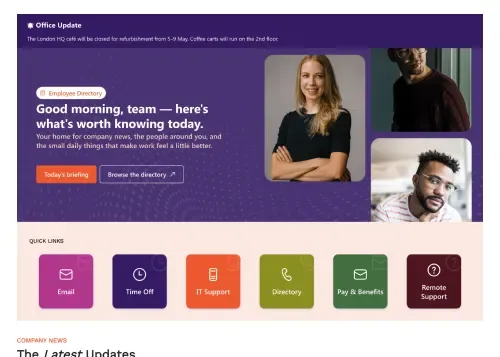
Daily links, news, birthdays, events, and world clock.
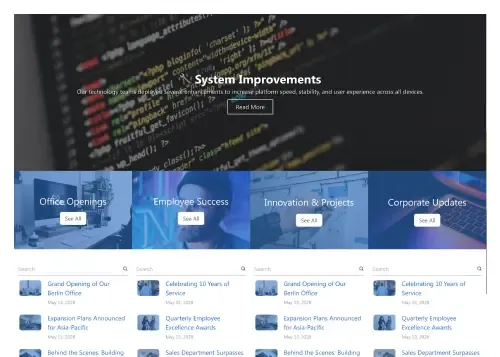
Centralize company news with a modern, engaging interface.
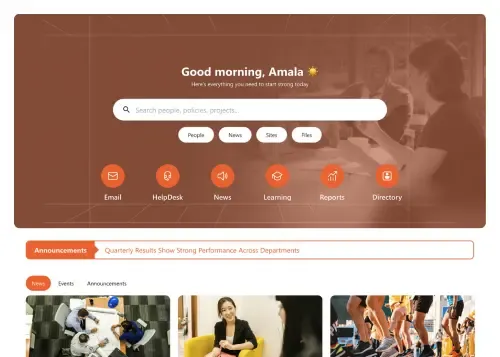
The central hub for your modern digital workplace needs.
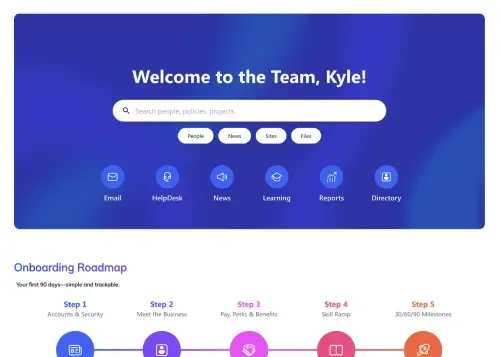
A central hub for all team resources and needs.
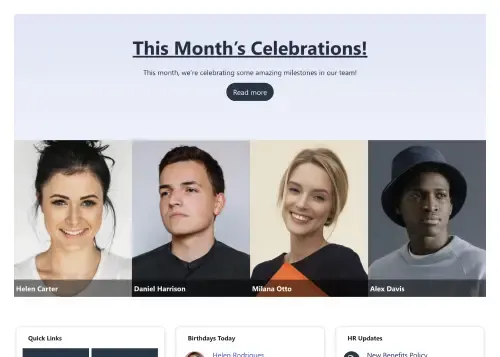
Celebrate people and surface HR updates in one place.
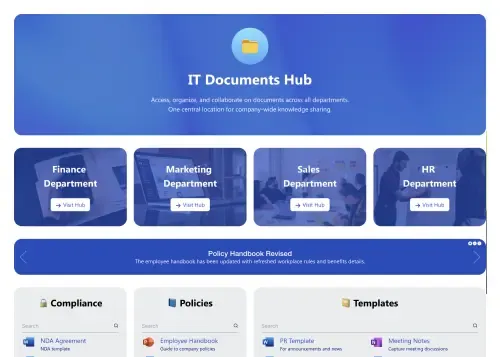
Central document hub with alerts, search, and actions.
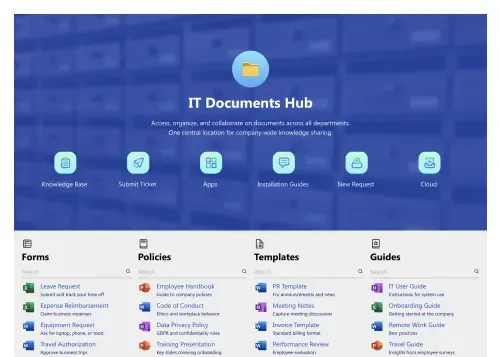
All-in-one system for documents, updates, and actions.
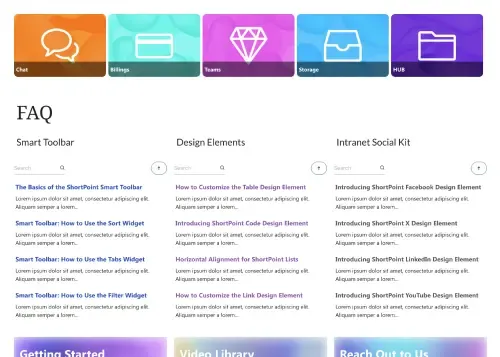
Centralize company news, events, highlights, and resources.
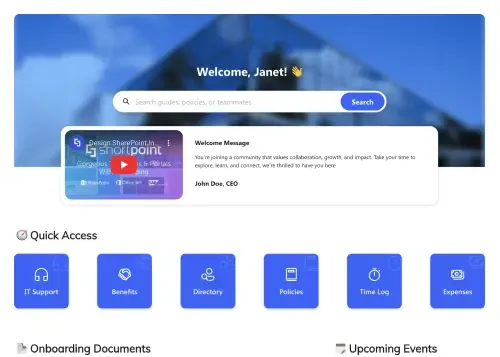
The complete employee onboarding template for SharePoint.
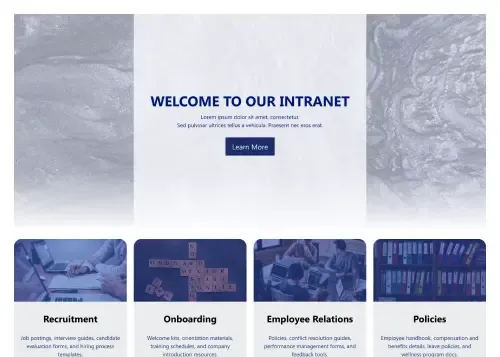
Modern HR hub for onboarding, policies, and updates.
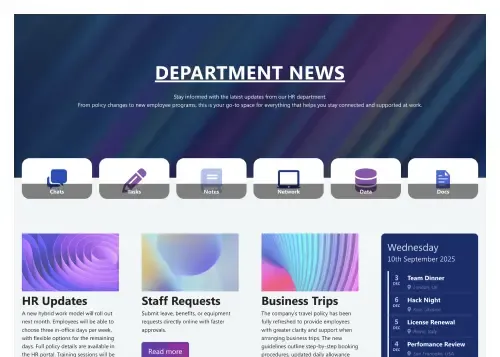
Launch news, events, requests, and directory—no hassle.
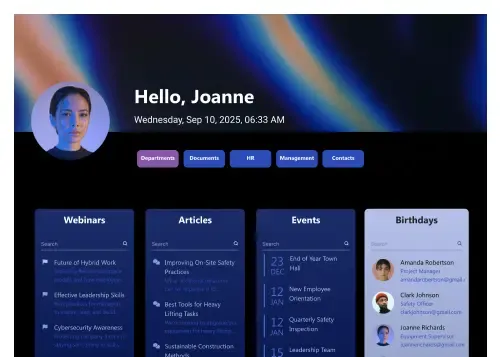
Personalized hub for people, milestones, meetings, and FAQs.
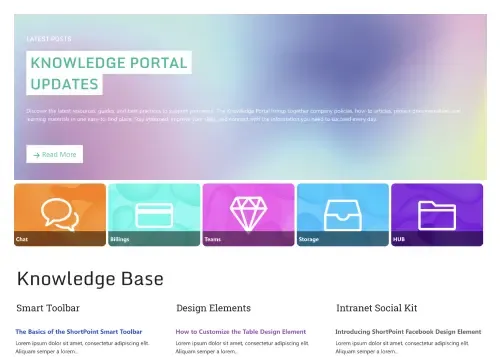
Streamline documents, FAQs, guides, and updates for teams.
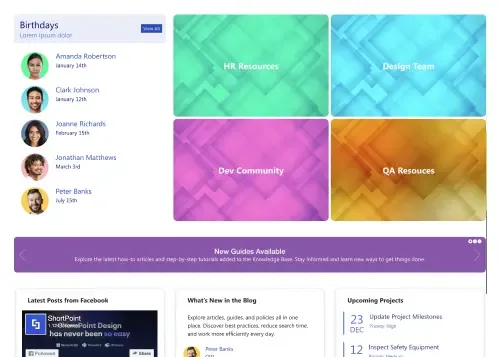
Unify resources, news, projects, and guides in one place
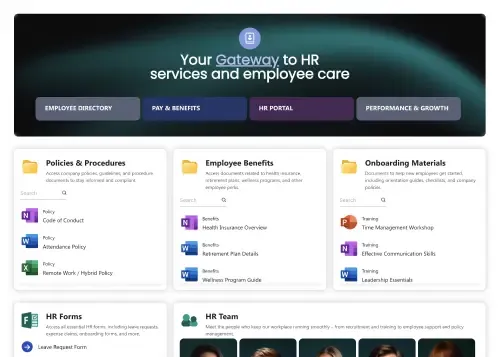
Single, central gateway for all essential employee resources.
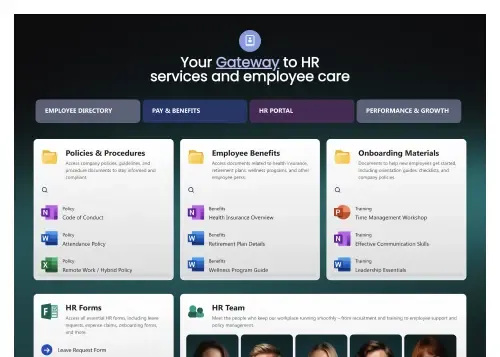
Single, central gateway for all essential employee resources.
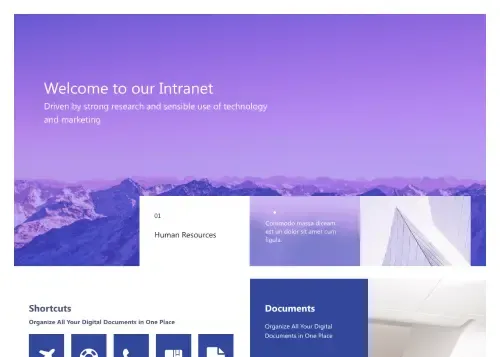
Modern intranet homepage for news, documents, and events.
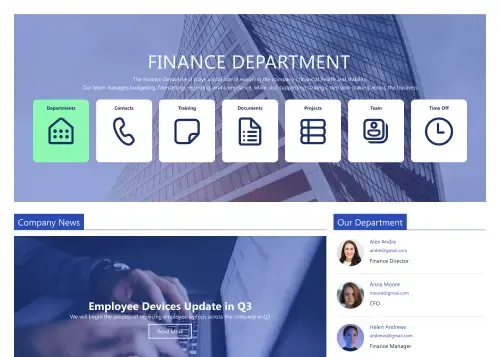
Clean intranet page with tiles, updates, and calendar.
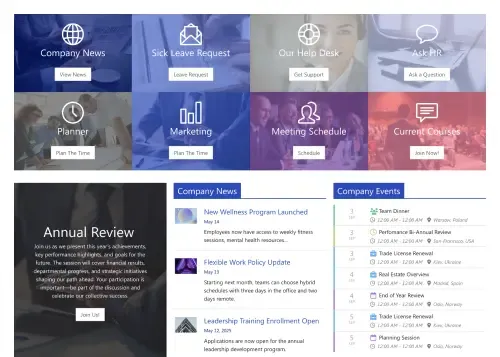
Action-first homepage with tiles, news, docs, schedules.
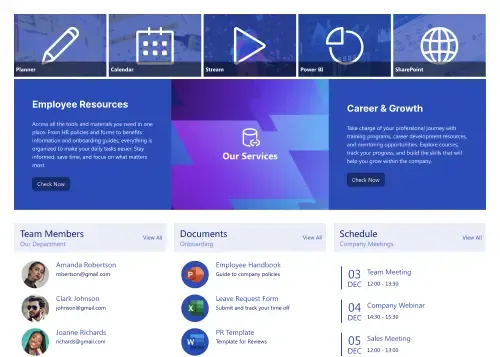
Centralize resources, documents, schedules, and employee services.
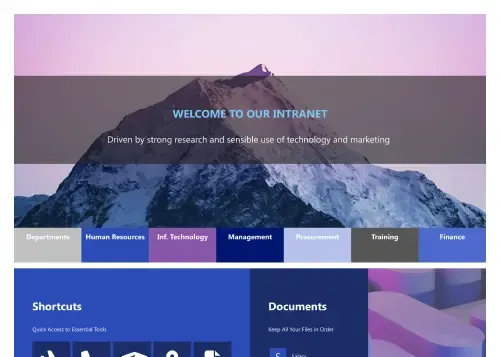
Modern hub for news, documents, events, and shortcuts.
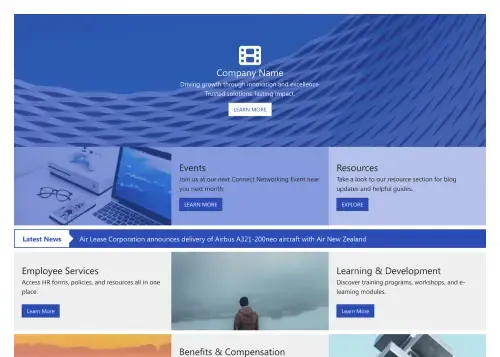
Homepage that surfaces news, services, events, and resources.
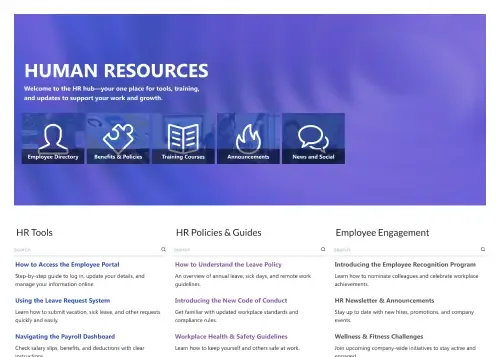
Centralize tools, policies, training, engagement, and news.
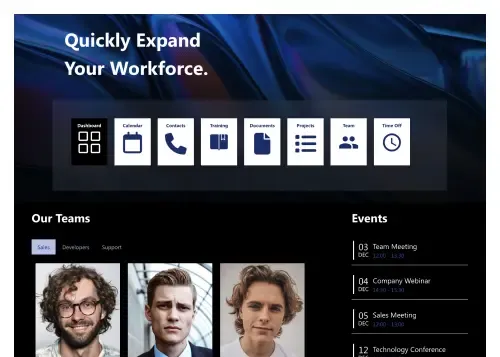
Modern hub for people, policies, events, and tools.
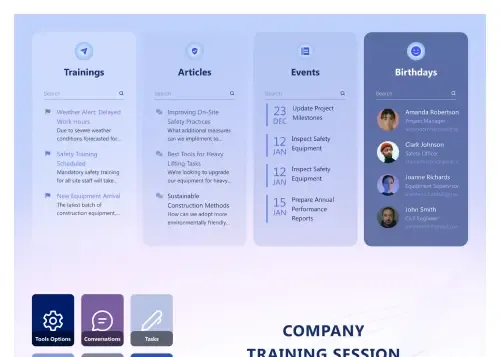
Trainings, articles, events, birthdays, and FAQs in one.
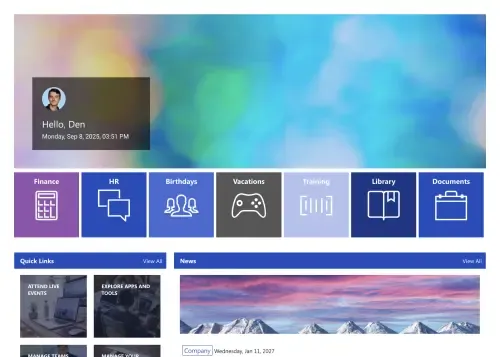
Streamline news, policies, training, events, and workflows now.
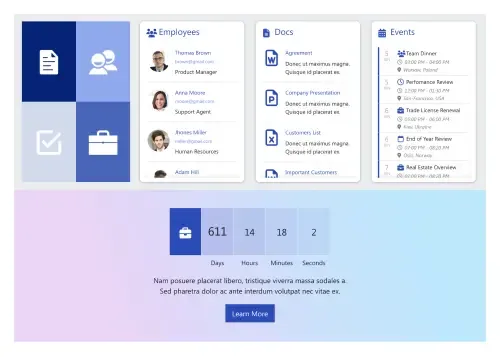
All‑in‑one space for news, events, and documents.
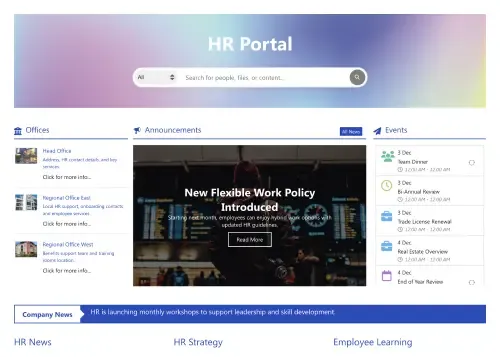
Central HR hub for search, announcements, events, learning.
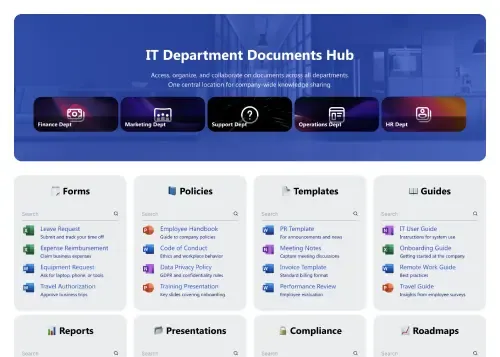
Faster document findability with search, filters, and categories
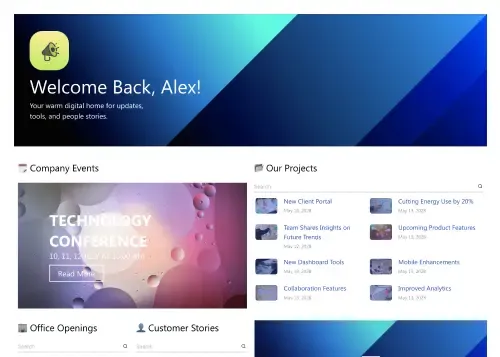
Company news hub with events, projects, and stories.
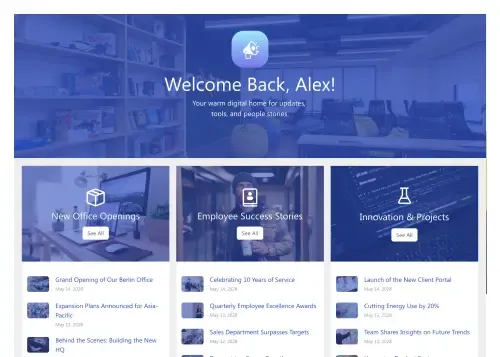
Company feed for streams, projects, launches, and updates.
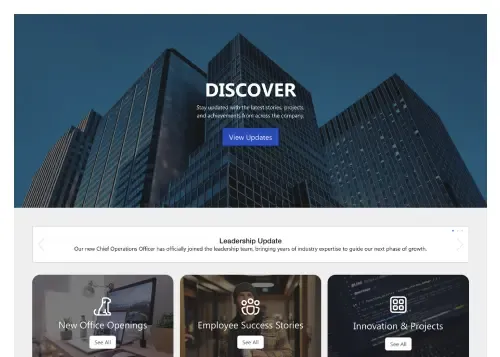
Company feed for news, events, and department updates.
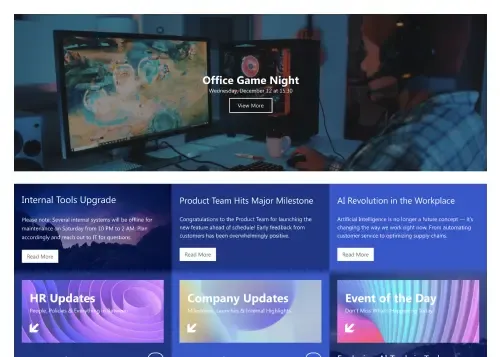
Deliver company news, updates, and announcements effortlessly.
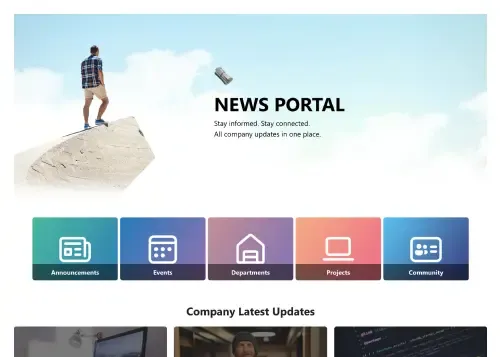
Company news hub for updates, events, and stories.
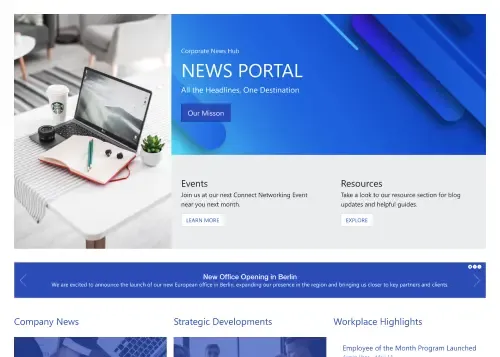
Centralize company news, events, highlights, and resources.
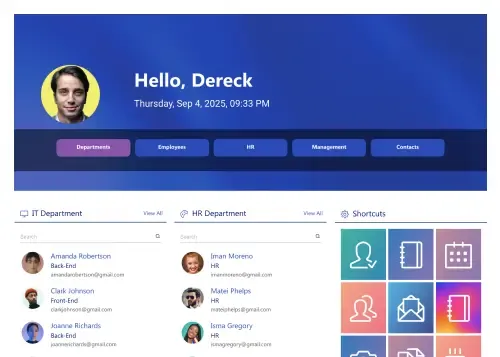
Team hub for links, people, documents, and events.
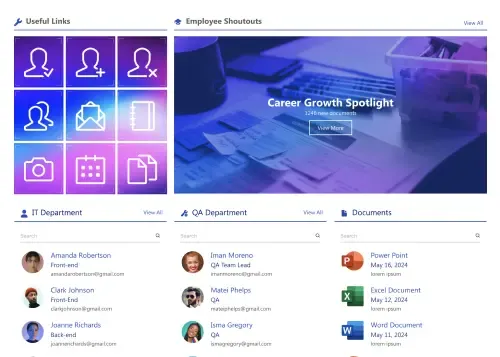
Simple team site for people, tools, and updates.
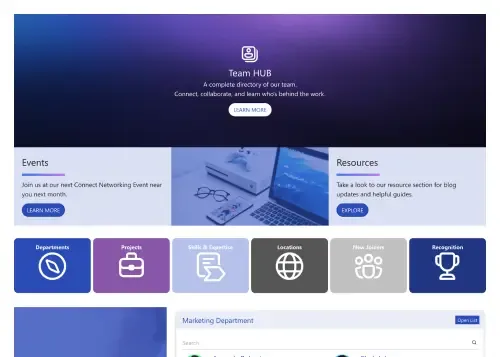
Employee portal for people, calendar, skills, and resources.
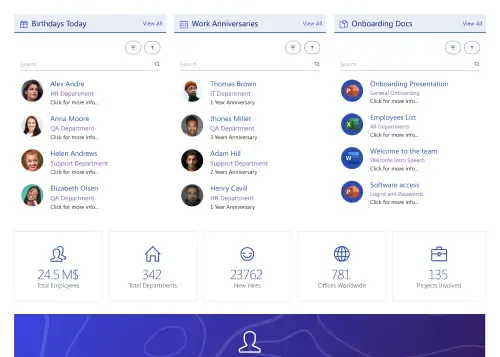
Centralize birthdays, onboarding docs, meetings, news, and people.
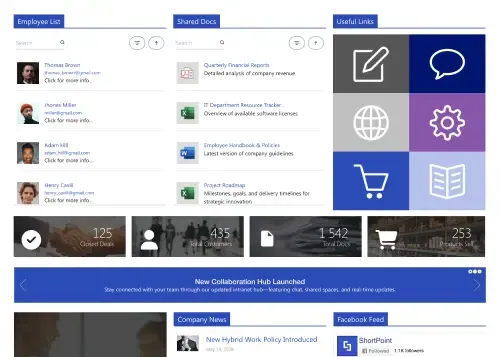
Social hub for news, documents, events, and shortcuts.
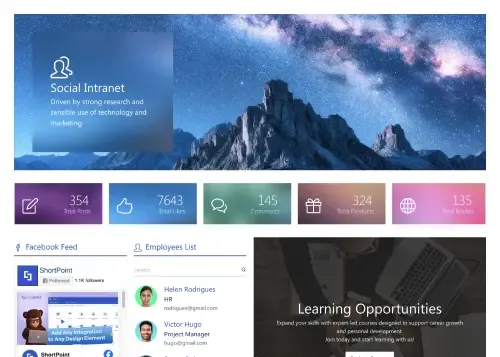
Community hub for news, learning, profiles, and events.
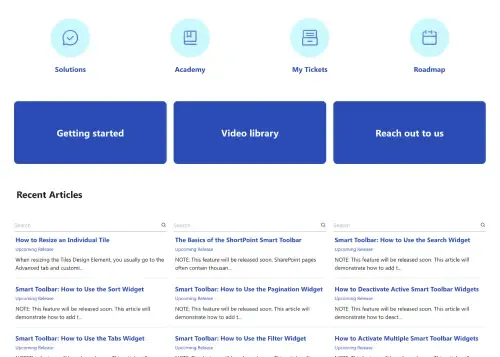
Centralize documents, FAQs, and updates for teams.
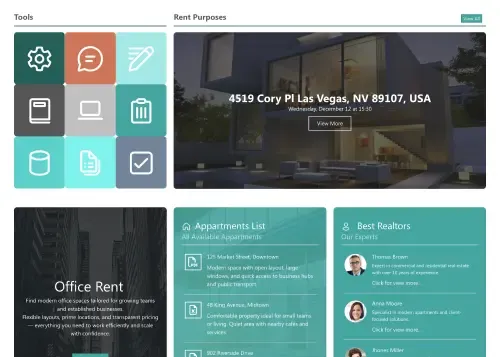
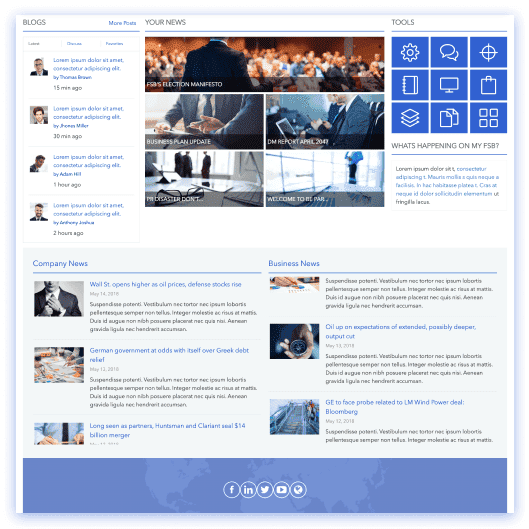
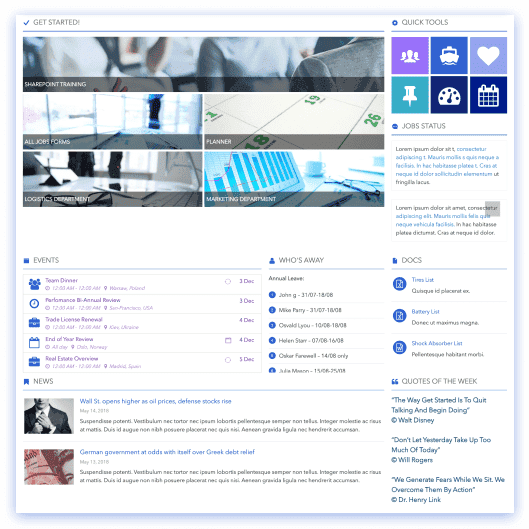
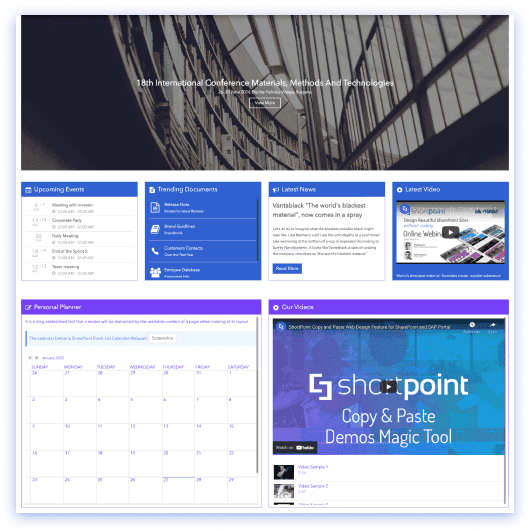
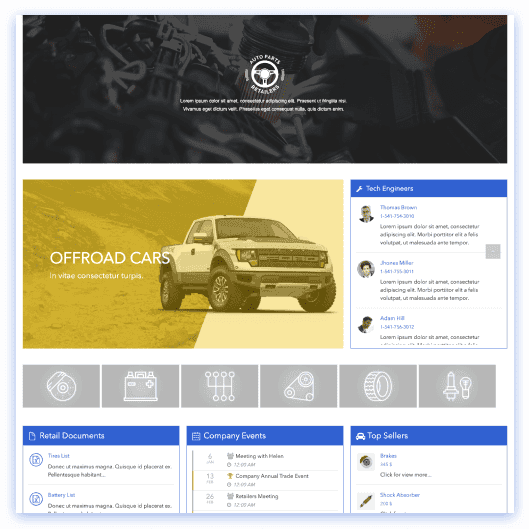
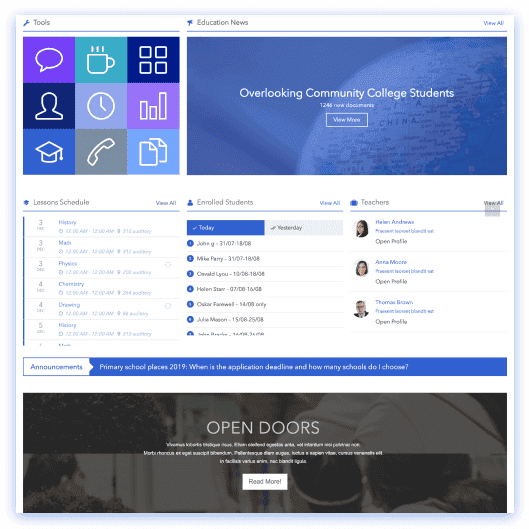
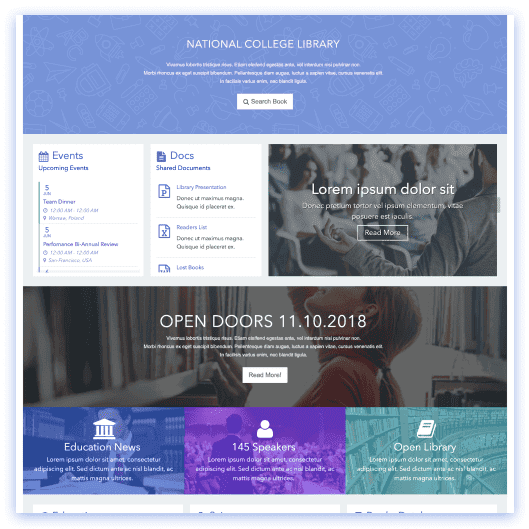
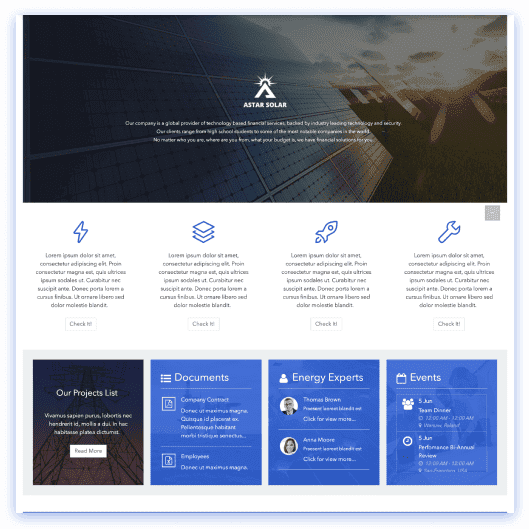
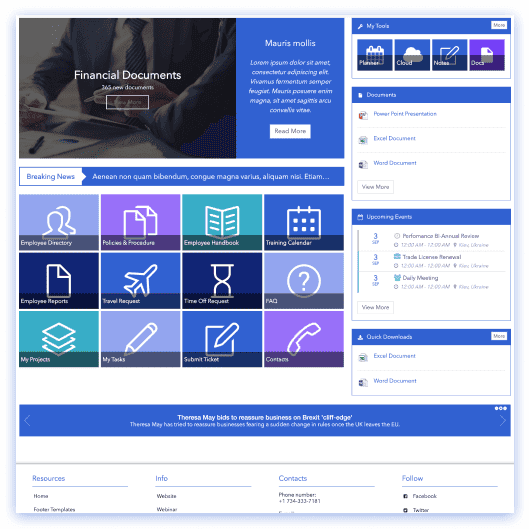
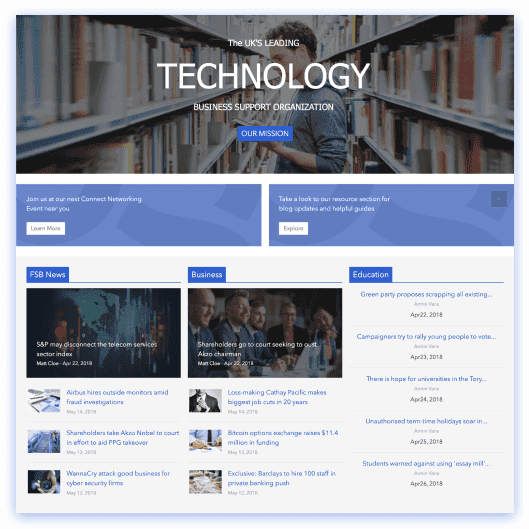
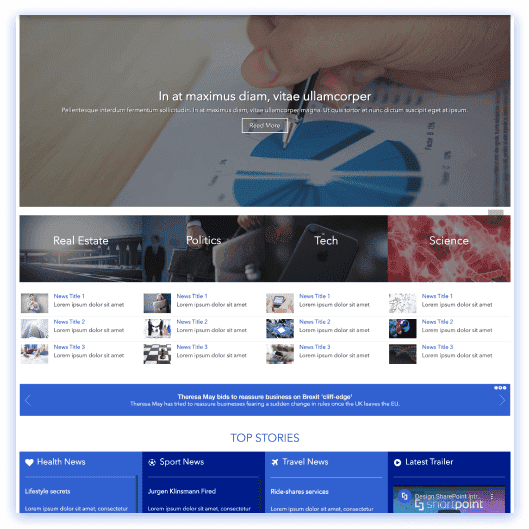
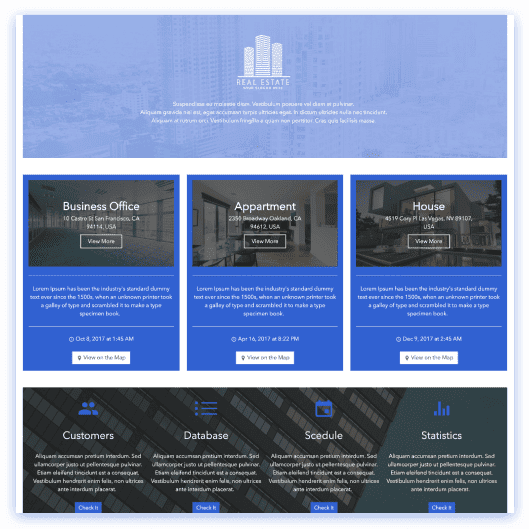
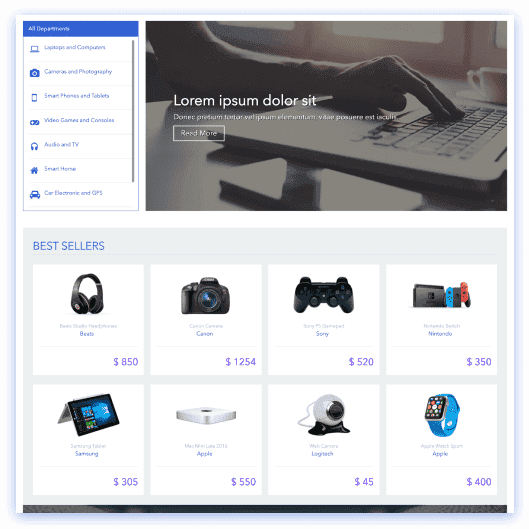
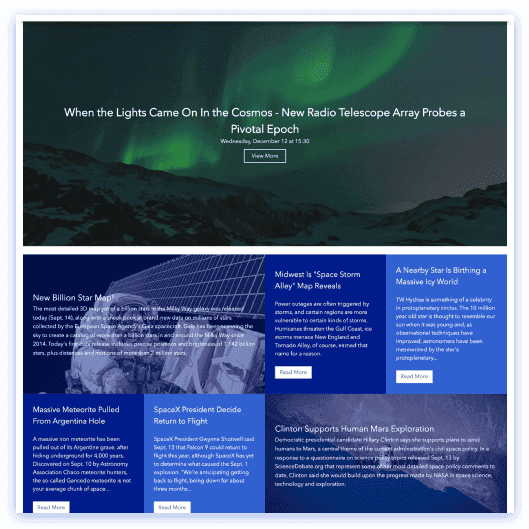
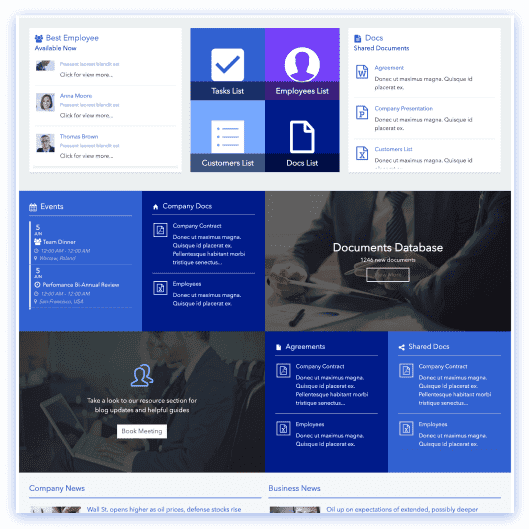
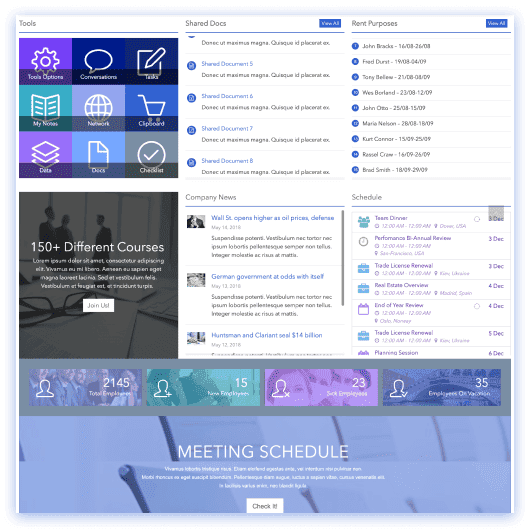
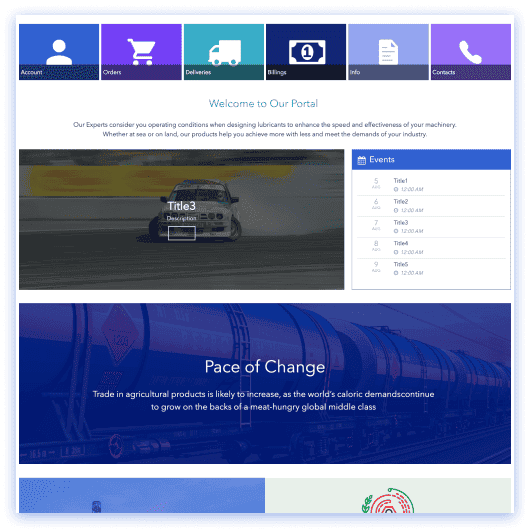
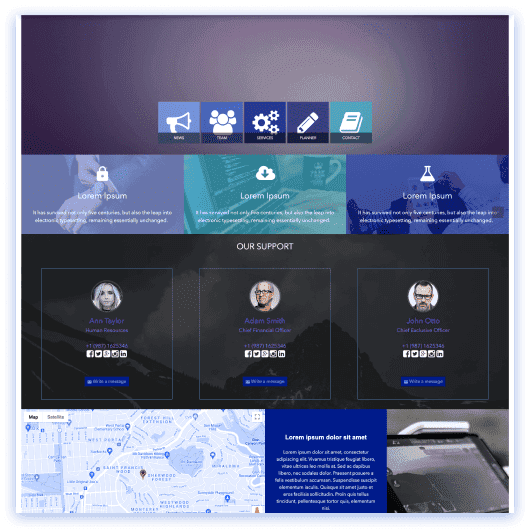
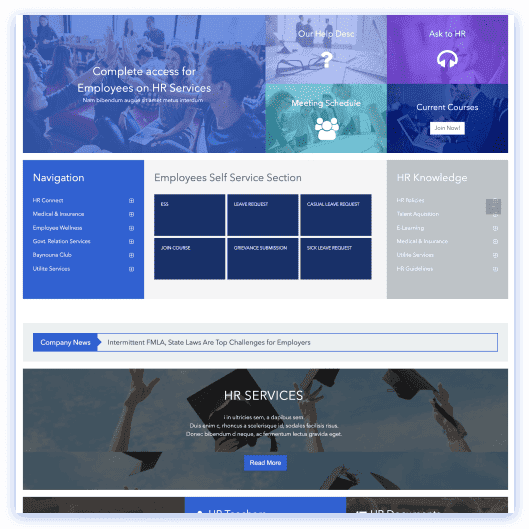
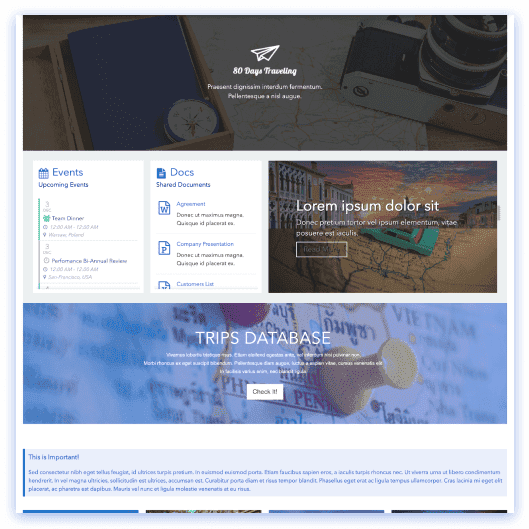
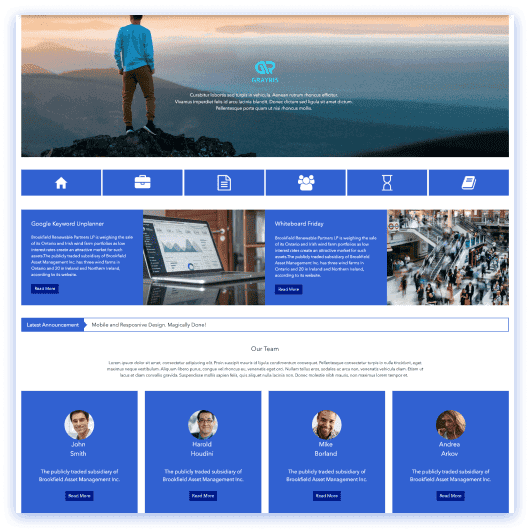
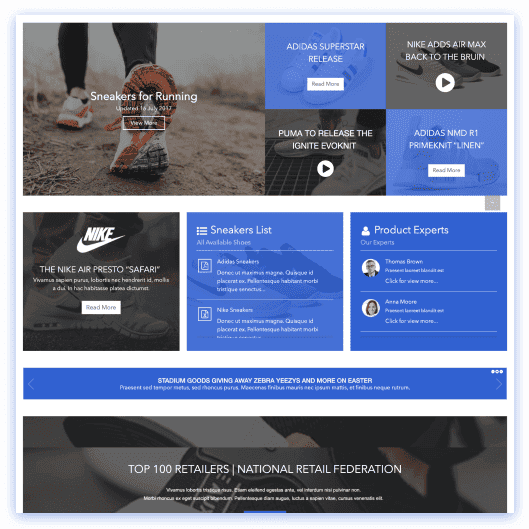
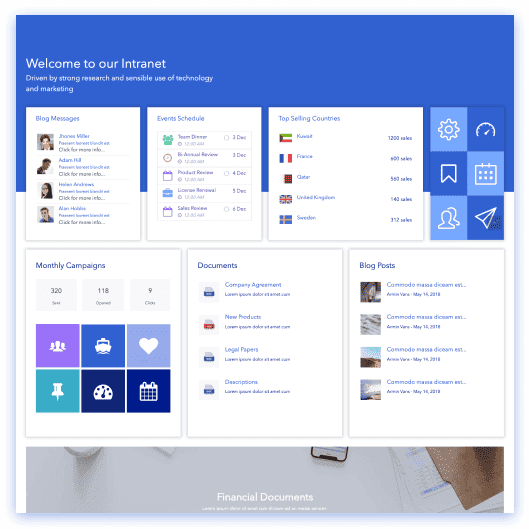
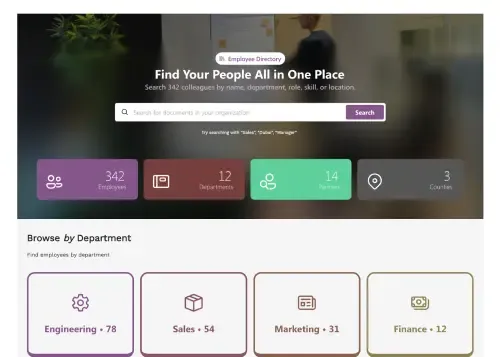
Browse departments, spotlights, and find experts fast.
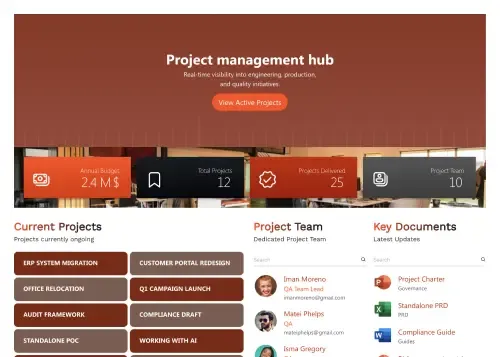
Track projects, docs, escalations, meetings, and Q&A.
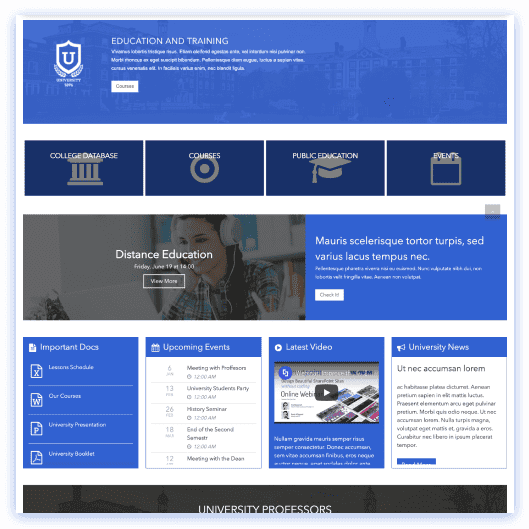
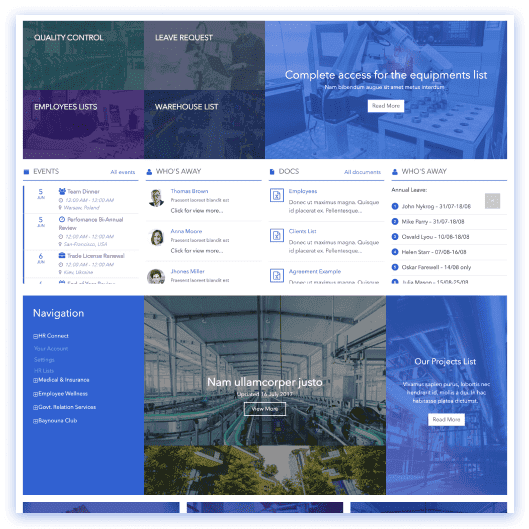
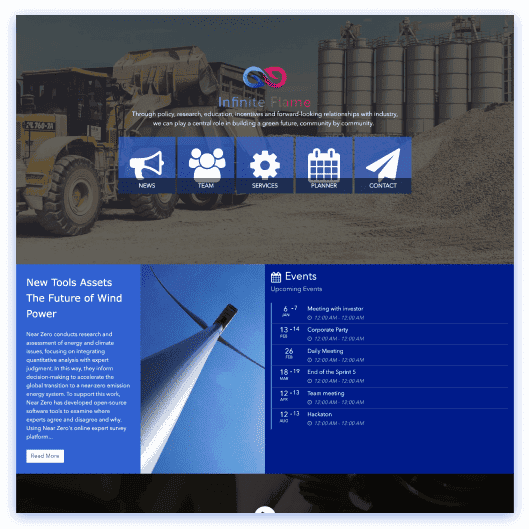
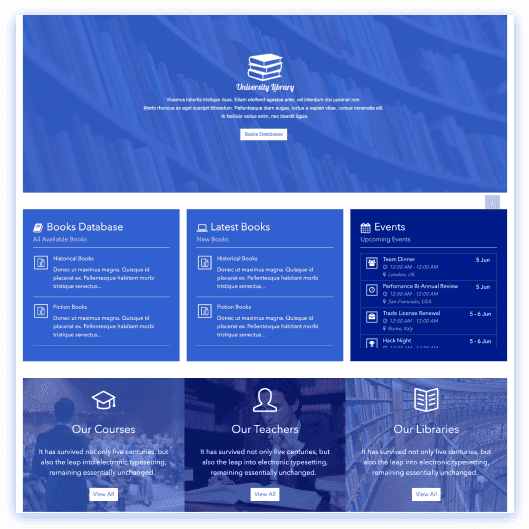
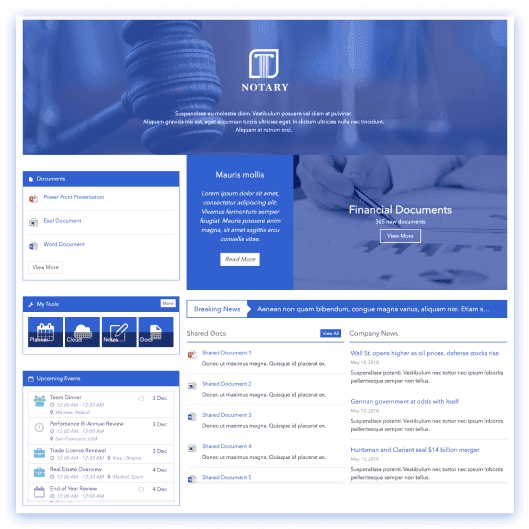
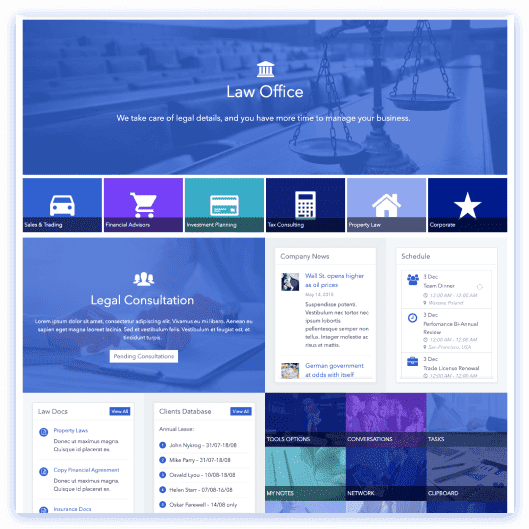
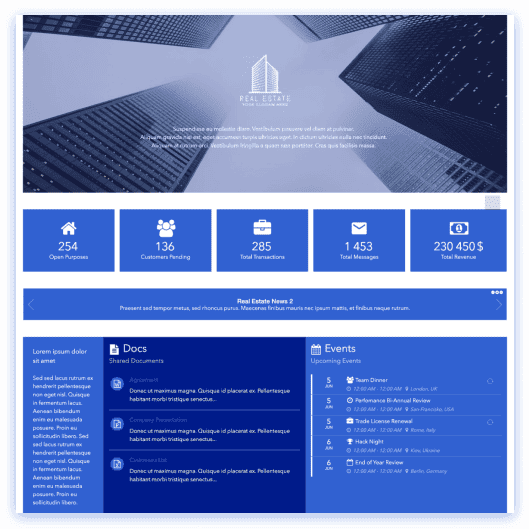
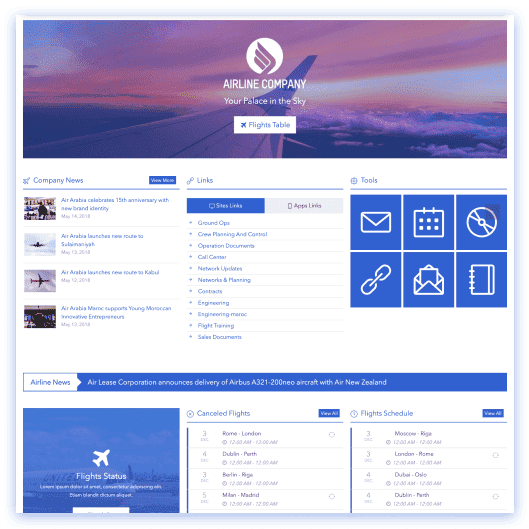
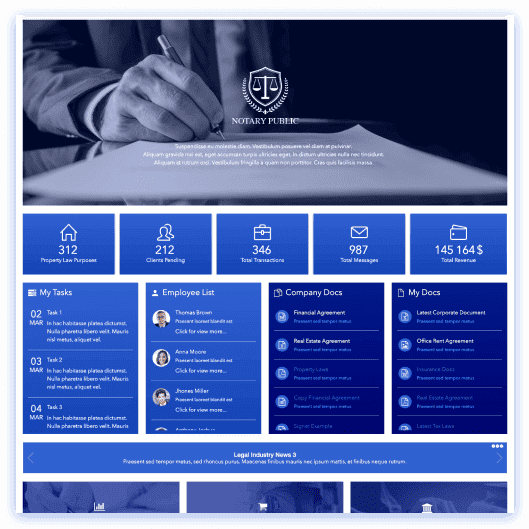
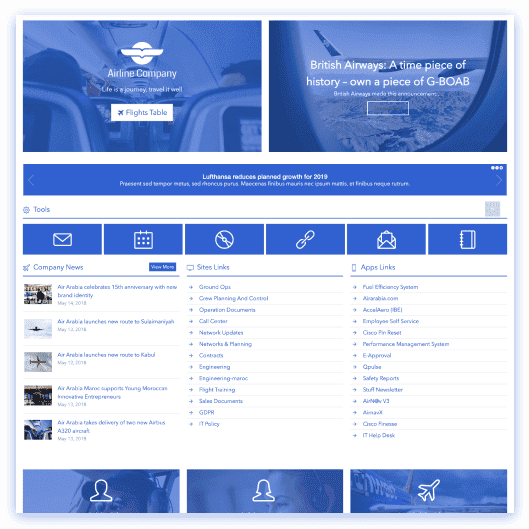
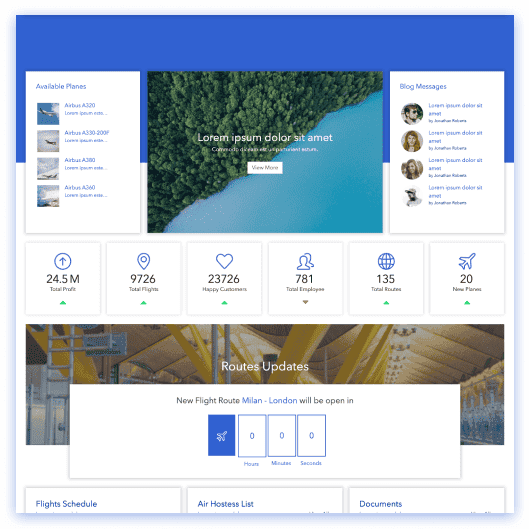
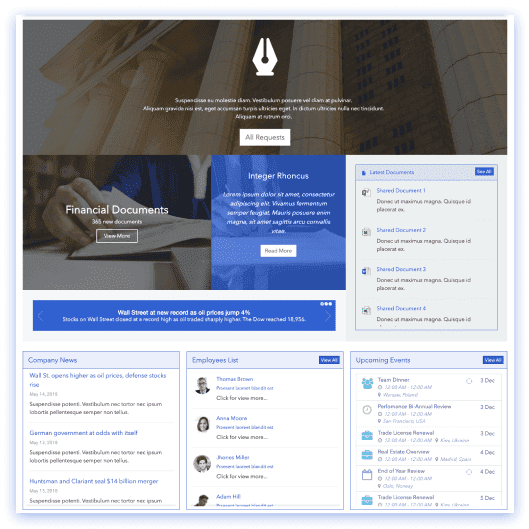
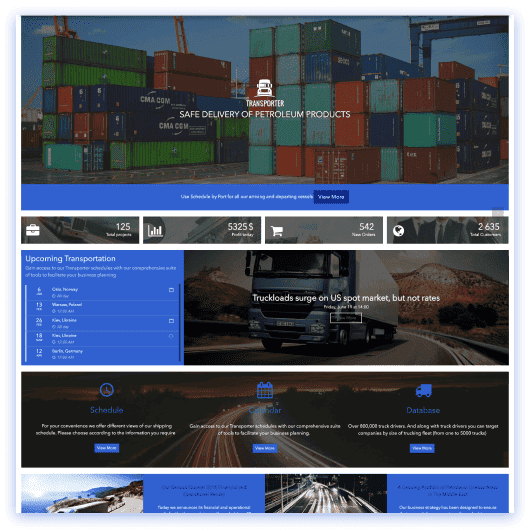
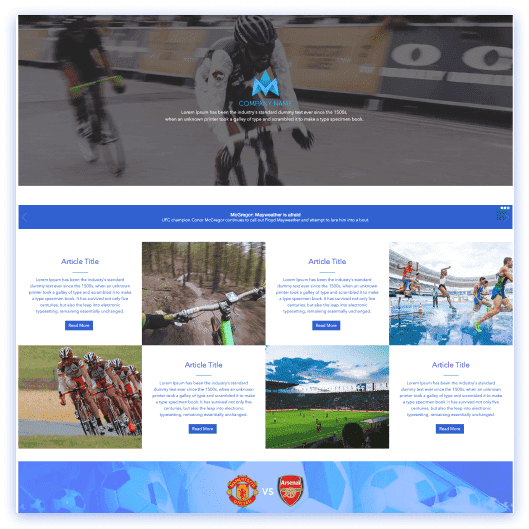
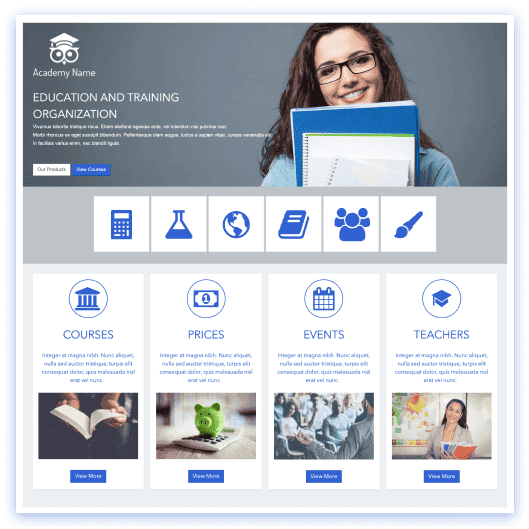
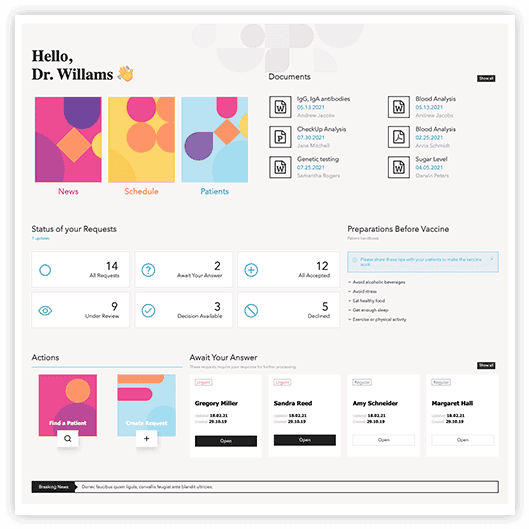
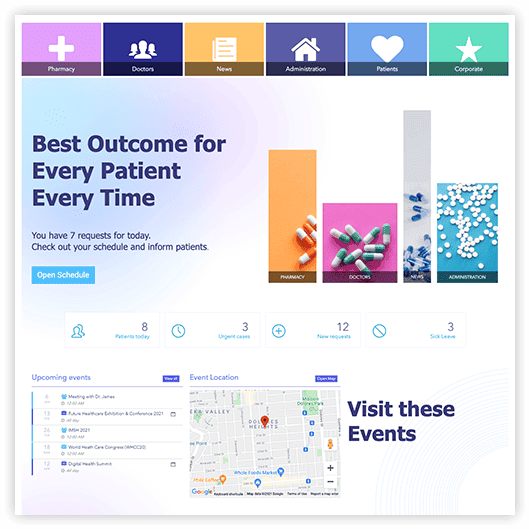
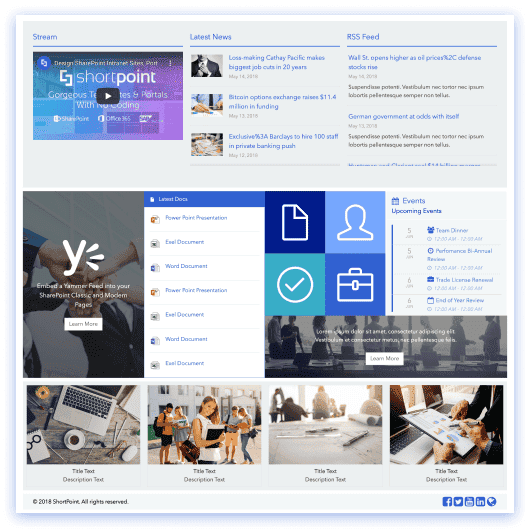
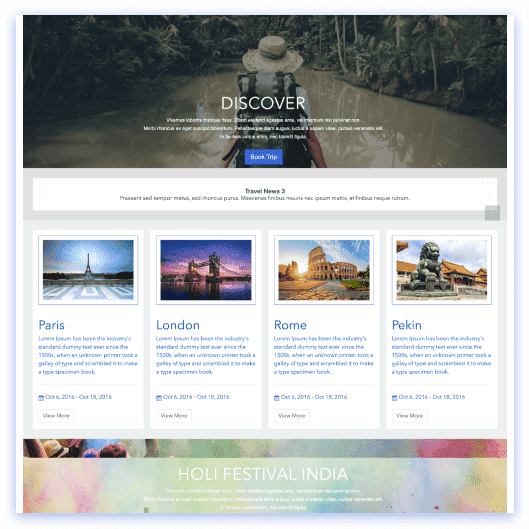
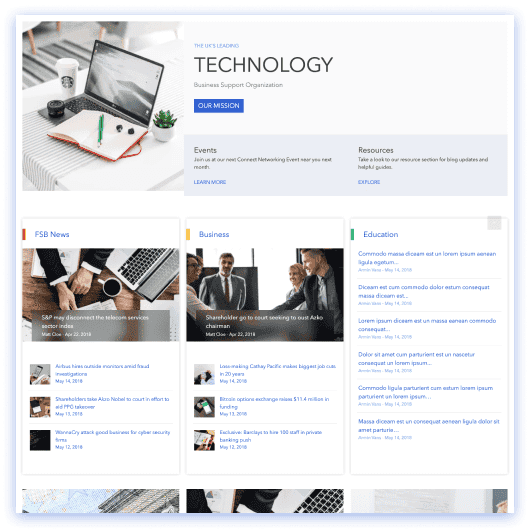
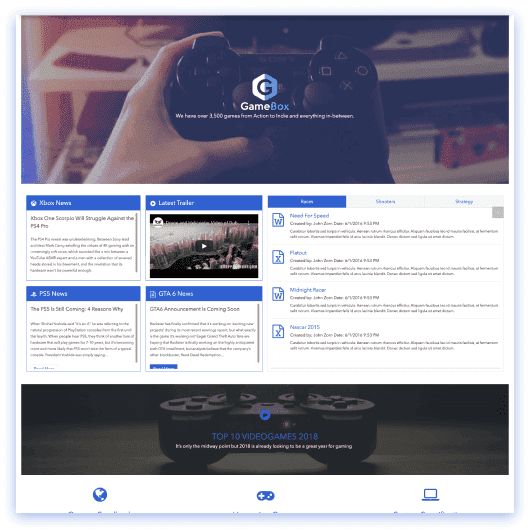
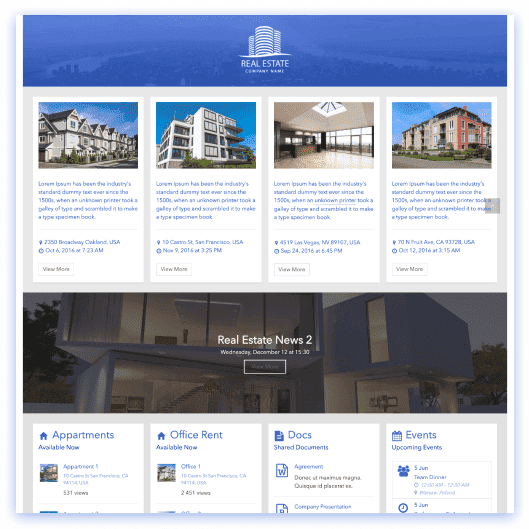
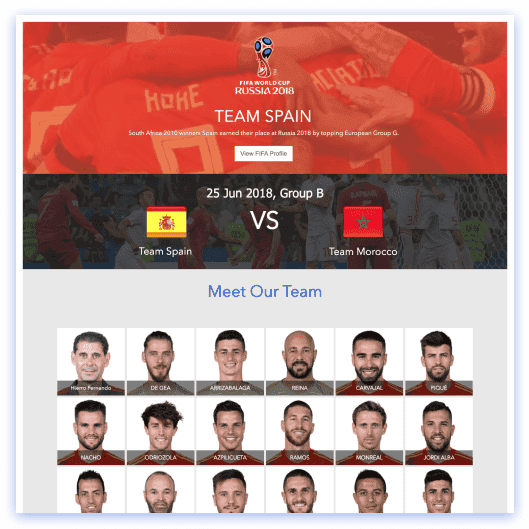
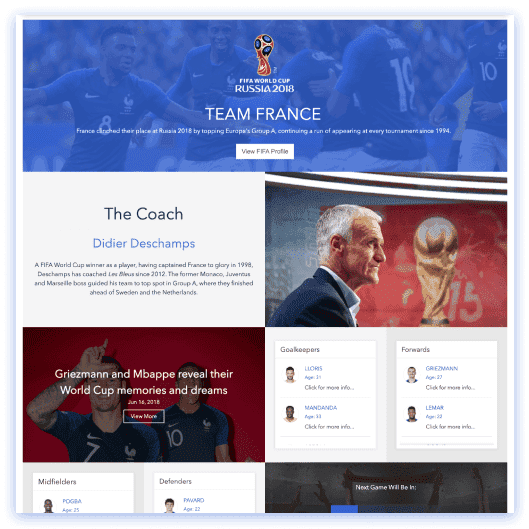
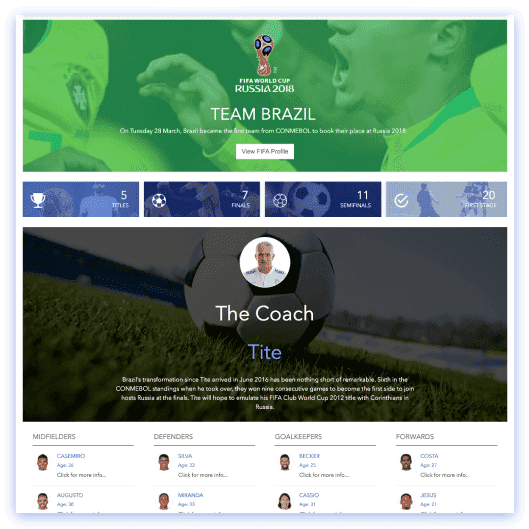
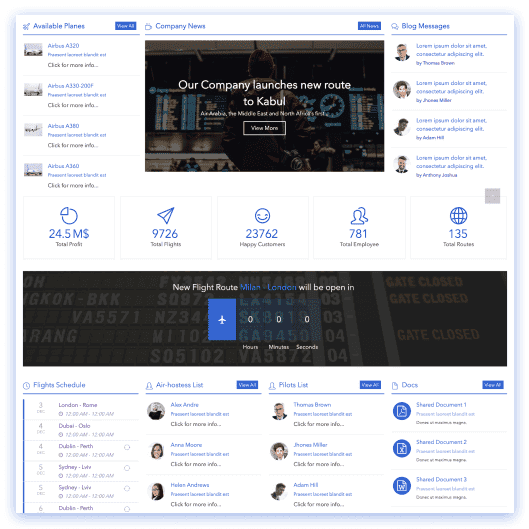
Popular types of SharePoint templates
Pick the use case that matches the job you need to do. Click any category to jump back to the library above filtered to that view.
How to choose the right SharePoint site template
The right starting point makes everything that follows easier. Work through these four checks before committing to a design.
Start with your use case, not the look
HR portals, news hubs and knowledge bases each need a different layout and structure. Pick the SharePoint page template that matches the job your team needs to do — aesthetics come second.
Match the layout to content volume
Heavy knowledge base templates need stronger information architecture; HR and intranet templates lean on quick links, directories and live announcements. Choose a structure that fits how much content you’ll publish.
Prefer modern templates with reusable sections
Look for section templates — hero banners, news lists, employee directories — so you can mix and match blocks instead of rebuilding pages from scratch. Every ShortPoint template uses the same component library underneath.
Customize after stakeholder alignment
Start with a template stakeholders agree on, then apply your brand in Theme Builder. You’re never locked in — any template can be reshaped later with AI Designer once it’s installed in your site.
Frequently asked questions about SharePoint templates
Yes. ShortPoint templates support SharePoint Online (Microsoft 365), SharePoint Subscription Edition (SE), and SharePoint On-Premises (2019, 2016, and 2013). Installation steps differ slightly by environment — for SharePoint Online you install via the app catalog, while On-Premises requires the ShortPoint installer on your server — but the same templates and features work across all versions.
A page template is a complete page layout — for example, a homepage, department page, or news page with all sections pre-arranged. A section template is a reusable block (hero banner, news list, employee directory, quick links) you can mix and match on any page. Use page templates when you need a fast starting point; use section templates when you want full control over each piece.
Insert a page or section template on any SharePoint page, then edit the layout and content in Page Builder (Live Mode or Grid Mode) without writing code. Apply your company’s logo, fonts, and color palette using Theme Builder, and connect components to live SharePoint data — lists, document libraries, calendars — using Connect so content stays fresh automatically.
Yes. Use ShortPoint page templates to build an intranet homepage, then layer department pages, news pages, HR portals, and knowledge base pages using additional templates. Apply consistent branding across all pages with Theme Builder, and connect every page to live SharePoint lists, libraries, and calendars so content stays centralized and up to date.
The fastest way is to start a 15-day free trial — install ShortPoint on any SharePoint site, browse the full template library, and customize any design in your own environment. If you’d prefer a guided experience, schedule a walkthrough and our team will help you pick the right templates, install them, and customize them live in a call.
No. Edit layouts, sections, colors, typography, and content visually in Page Builder using Live Mode or Grid Mode. Apply your brand across every page with Theme Builder. Connect to SharePoint lists, libraries, and calendars with the Connect feature. Everything is drag-and-drop — no HTML, CSS, JavaScript, or SPFx development required.
Yes. Use ShortPoint’s Connect feature to link any component to SharePoint lists, document libraries, calendars, and other Microsoft 365 data sources including the Microsoft Graph API. Pages update automatically when underlying data changes, so your intranet content stays current without manual edits.
Yes. Apply your logo, fonts, and full color palette across every template with Theme Builder — no page-by-page editing required. Templates are built on accessible patterns to support WCAG 2.1-friendly experiences, including semantic HTML, keyboard navigation, and ADA-compliant contrast. Review our accessibility documentation for the full compliance details.
Microsoft provides built-in templates through SharePoint Online and the SharePoint Lookbook — they cover basic team sites and communication sites but offer limited visual customization and branding. ShortPoint templates go much further: 100+ designs with full layout editing in Page Builder, one-click branding with Theme Builder, and live data connections to SharePoint lists, libraries, and calendars. You can start a trial to test them in your own environment.
The SharePoint Lookbook (now part of the Microsoft Adoption site) is Microsoft’s gallery of site design inspiration and free templates for SharePoint Online. While it’s a great source of ideas, Lookbook templates are static starting points — they offer limited customization and are difficult to brand to your specific identity. ShortPoint’s templates go further with full visual editing, one-click branding, and live data connections.
Start by choosing one of ShortPoint’s 18+ homepage templates — browse them above using the "Home Pages" filter. Install it on your SharePoint site, customize the layout and content in Page Builder, apply your company brand with Theme Builder, and connect to live data sources. The entire process takes minutes, not weeks — no developers or code required.
Yes. Save any page or individual section as a reusable template and apply it across departments, teams, and site collections. This lets you scale consistent designs quickly while giving each team the flexibility to customize content for their specific needs — without rebuilding from scratch each time.
Yes. Every template works with ShortPoint AI Designer — pick a starting point, then describe your changes (brand, audience, content sections) and the AI reshapes the design around them. The layout structure stays intact while colors, copy, and sections update to fit your team.
SharePoint Online (Microsoft 365): Tenant-level install requires SharePoint Admin or Global Admin permissions. Site-collection install requires Site Collection Administrator for that specific site collection.
SharePoint Subscription Edition (SE) and On-Premises (2019/2016/2013): You need remote server access and SharePoint Central Administration access (typically a farm admin role) to run the installer.









We were spending a lot of development dollars, but things still weren’t how we wanted and every day wasted was a day closer to our deadline.

ShortPoint has enabled us to create internal SharePoint sites that are user-friendly and attractive for our multi-generational group of Associates.

Before using ShortPoint, I’d never have expected that a small team such as ours could deliver a product that looks as good as our portal does today.

ShortPoint reduced the time it took to rebuild our intranet from 3 months to just 2 weeks. It really is a must-have for every company that uses SharePoint.


Building and customizing sites in SharePoint was a very heavy lift. We needed a developer on every project and it felt like we were always doing things the hard way.


I had no idea intranet consultancy would become so big for us! And none of it would have been possible without ShortPoint’s incredible software and support team.


It was hard to find solutions to beautify customers’ SharePoint installations and give customers a visual impression of how a new intranet could look.


Thanks to ShortPoint, the intranet isn’t a pain point for us anymore. I couldn’t put a price on how much happier we are working with ShortPoint as opposed to our previous vendor.

Working with ShortPoint was one of the smoothest projects I’ve ever been involved in. What they created for us is fantastic, and we never felt an ounce of stress.