


About this Template
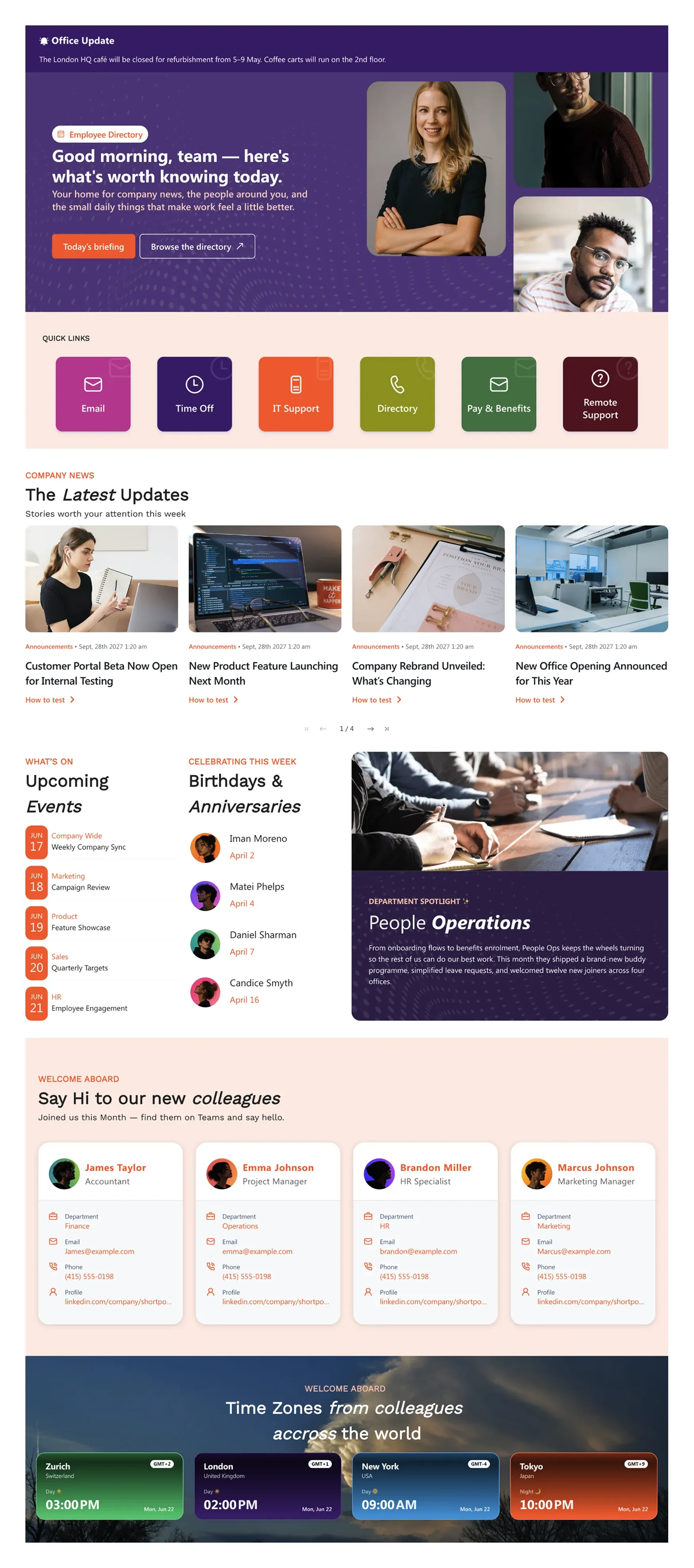
Daily intranet experience — company news, quick links (Email, Time Off, IT Support, Directory, Pay & Benefits, Learning), department spotlights, employee birthdays, events, and a world clock for distributed teams.
Template Features
Deliver a vibrant intranet landing page that keeps every team member informed. These intuitive design capabilities help you build custom layouts, highlight culture initiatives, and broadcast critical updates while maintaining strict brand consistency across your organization.
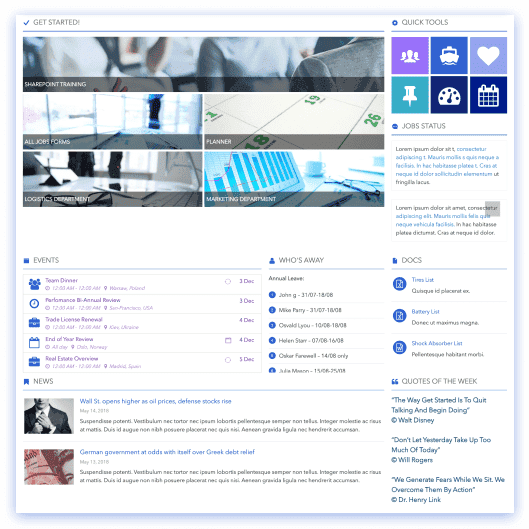
Structure engaging news grids and culture showcases visually without code.
Coordinate font styles and vibrant brand accents globally across your news portal.
Automate updates by streaming live company events and announcements instantly.
Share communication cards and milestone blocks between department sites smoothly.
Deliver readable newsletters and employee spotlights to every worker.
Combine internal feeds with global widgets like live time-zone clocks easily.
Deploy styled quick-link navigation bars and event layouts in seconds.
Embed text tickers, employee profile cards, and celebration banners cleanly.
Guarantee a clean reading experience for company news on mobile screens.
Prompt intelligent layout drafting to build tailored landing pages rapidly.
Get Started With Everyday Home In Three Simple Steps
Launch a branded sharepoint communication site template in under an hour - no coding required.
- 1
Activate your trial: Click “Start a Trial,” verify with Microsoft 365, and install to your site. Or use the manual installer - quick setup, no credit card required.
- 2
Insert a Template: Edit the page, add the ShortPoint web part, open Templates Library, and insert Daily Start (or any ShortPoint intranet template).
- 3
Customize & Publish: Replace sample content, connect your SharePoint libraries with metadata and filters, set permissions, apply Theme Builder styling, and publish your communication hub.
Frequently Asked Questions
Within an afternoon. Drop the layout directly into your site, add your current leadership or team updates, and launch your communication space immediately.
Anyone you authorize. Your internal communications and HR teams can post articles, change banner images, and update text blocks directly using the visual editor. No IT tickets or coding required.
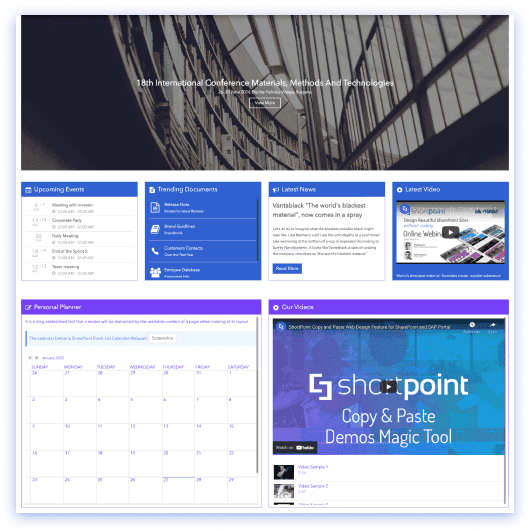
Seamlessly. You can embed video feeds from Microsoft Stream, YouTube, or Vimeo directly into your news columns or featured spotlights to create a more dynamic, multimedia-rich homepage experience.
No. The events block pulls dates directly from your existing SharePoint lists or shared Outlook calendars, displaying town halls, training sessions, and social gatherings in a clean, modern timeline.
The design framework is built for both cloud environments and server infrastructures. It deploys natively within modern SharePoint Online (Microsoft 365) and maintains full compatibility with on-premise SharePoint 2019 architectures, including the SharePoint Server Subscription Edition (SE).
It functions as a centralized style manager. You define your organization’s exact color specifications, typographic scales, and structural padding in a master control panel, which automatically applies those global rules to every custom layout and active element.
A subscription grants full access to the complete, updated template ecosystem and the entire library of responsive design elements. It also unlocks native live data connection engines, regular performance upgrades, and dedicated technical help from our enterprise engineering desk.
Related Templates
See all Templates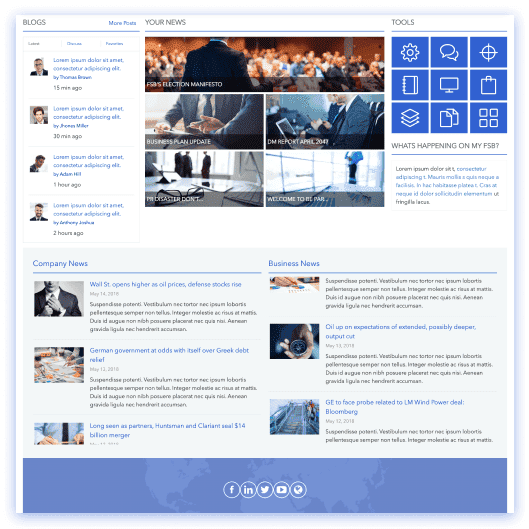
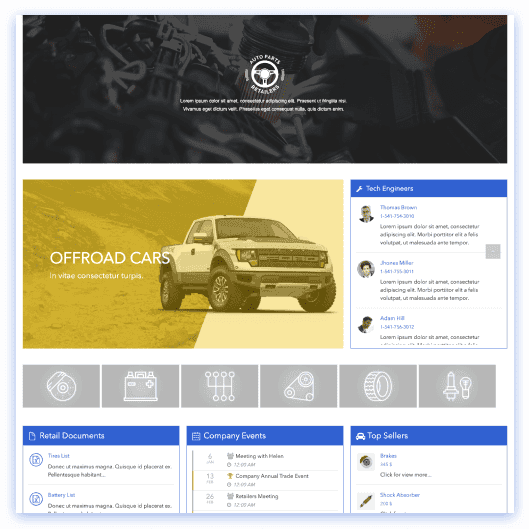
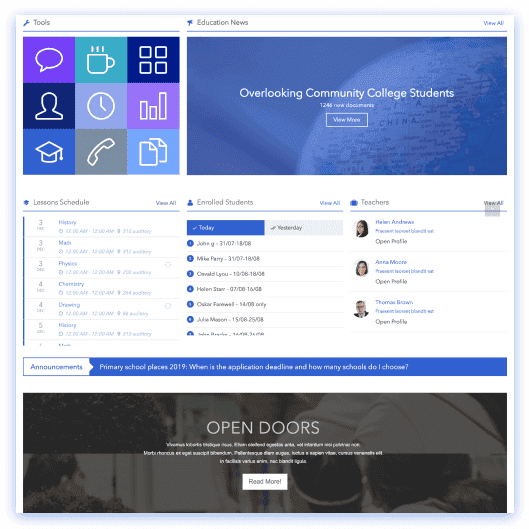
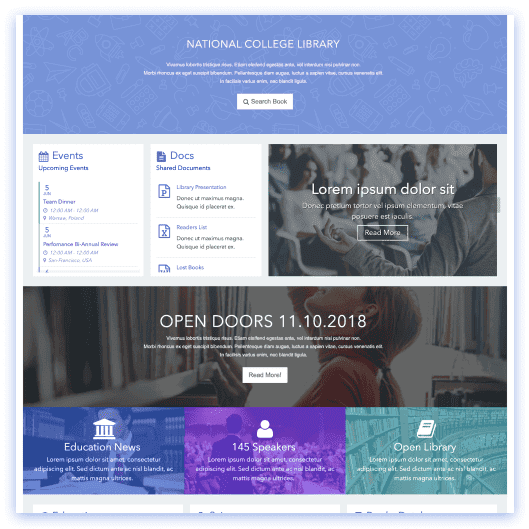









We were spending a lot of development dollars, but things still weren’t how we wanted and every day wasted was a day closer to our deadline.

ShortPoint has enabled us to create internal SharePoint sites that are user-friendly and attractive for our multi-generational group of Associates.

Before using ShortPoint, I’d never have expected that a small team such as ours could deliver a product that looks as good as our portal does today.
ShortPoint reduced the time it took to rebuild our intranet from 3 months to just 2 weeks. It really is a must-have for every company that uses SharePoint.


Building and customizing sites in SharePoint was a very heavy lift. We needed a developer on every project and it felt like we were always doing things the hard way.


I had no idea intranet consultancy would become so big for us! And none of it would have been possible without ShortPoint’s incredible software and support team.


It was hard to find solutions to beautify customers’ SharePoint installations and give customers a visual impression of how a new intranet could look.


Thanks to ShortPoint, the intranet isn’t a pain point for us anymore. I couldn’t put a price on how much happier we are working with ShortPoint as opposed to our previous vendor.

Working with ShortPoint was one of the smoothest projects I’ve ever been involved in. What they created for us is fantastic, and we never felt an ounce of stress.