Announcements
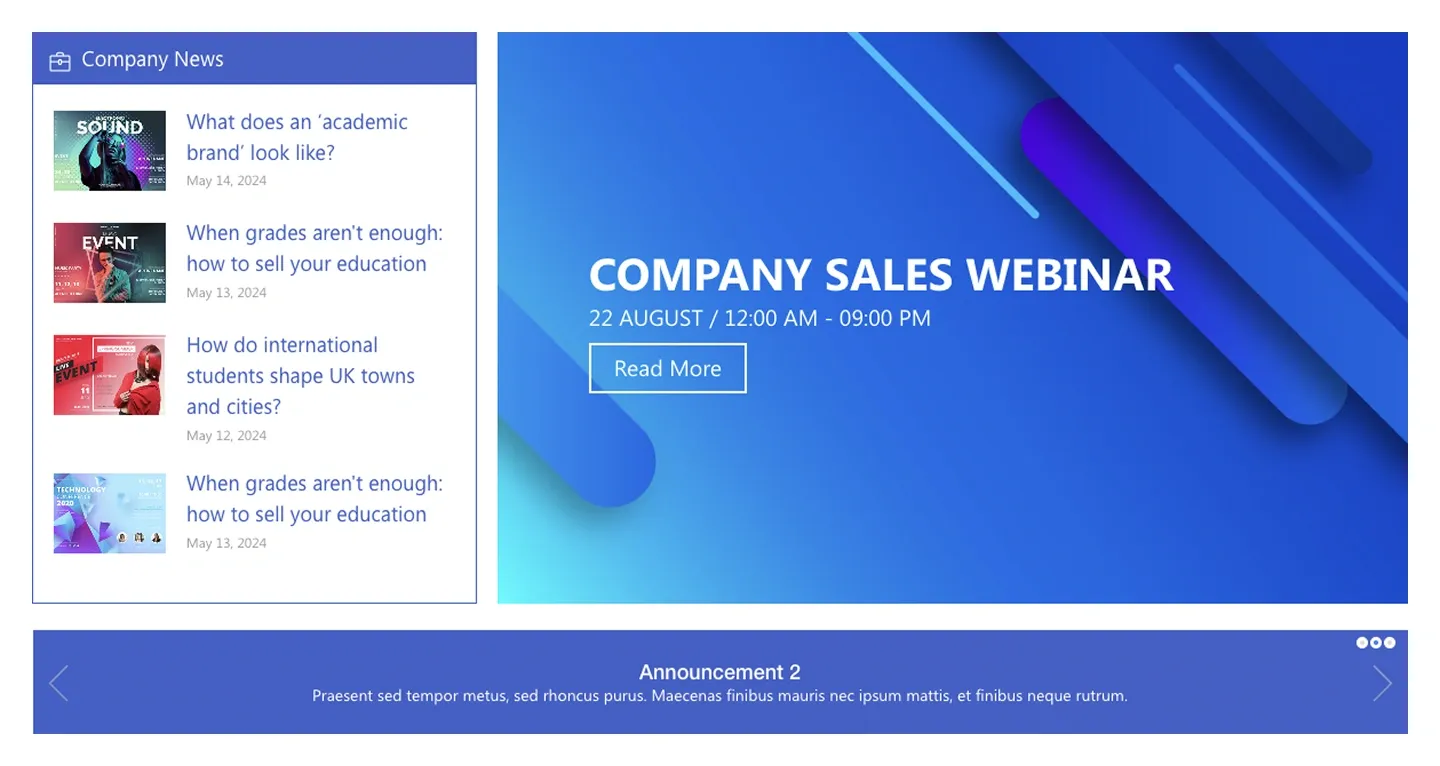
News list with thumbnails beside a large hero announcement card, plus a sliding announcement bar underneath. It connects to news posts.
News list with thumbnails beside a large hero announcement card, plus a sliding announcement bar underneath. It connects to news posts.
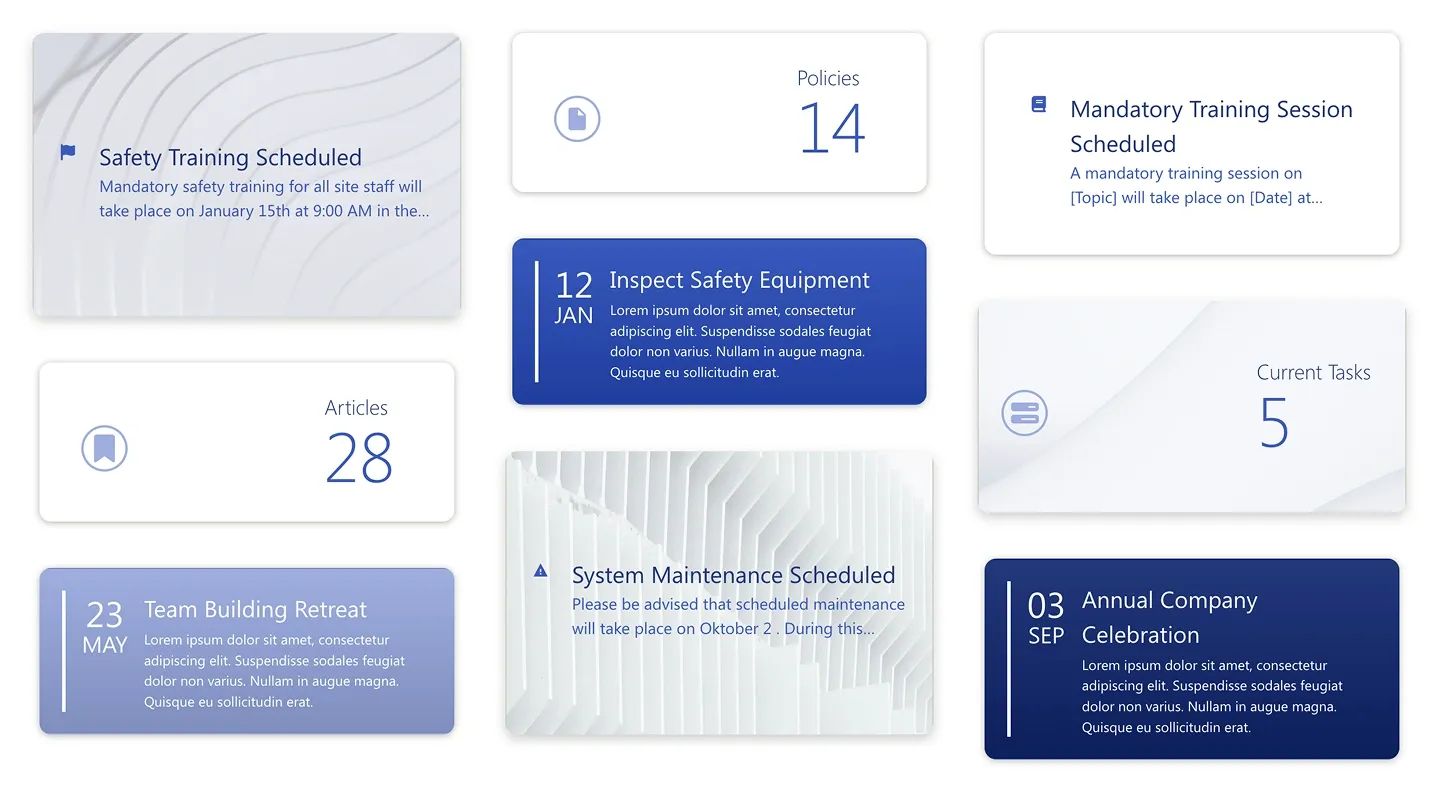
Masonry-style grid mixing news cards, counters, date badges, and alerts. It brings a dashboard feel to a news area.
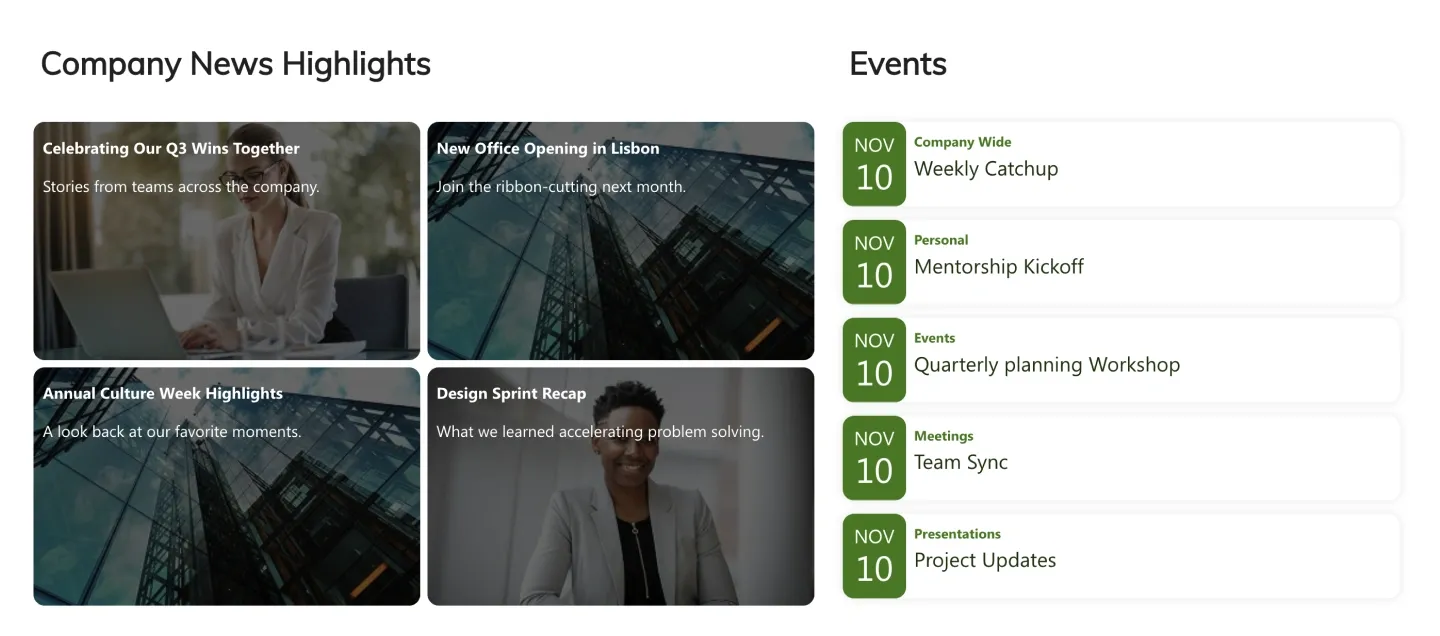
Four image news tiles with overlaid titles beside an events list with date badges. It connects to news posts and a calendar.
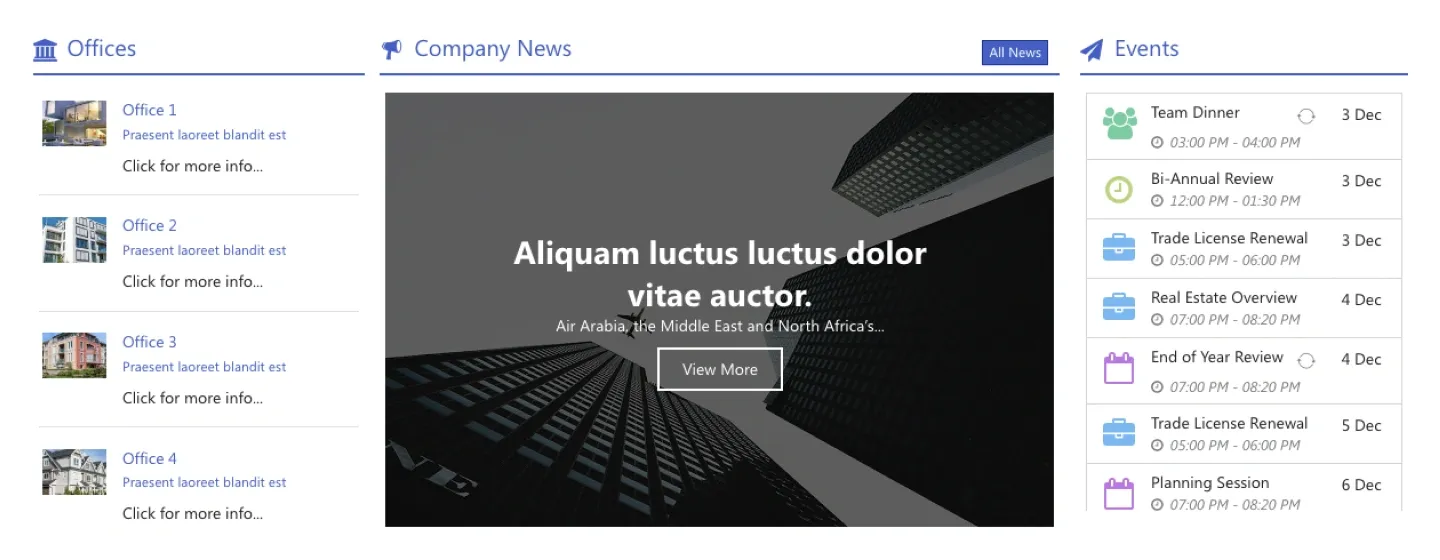
Three-column block: a list of office or location links, a large image news hero with button, and an events list with icons.
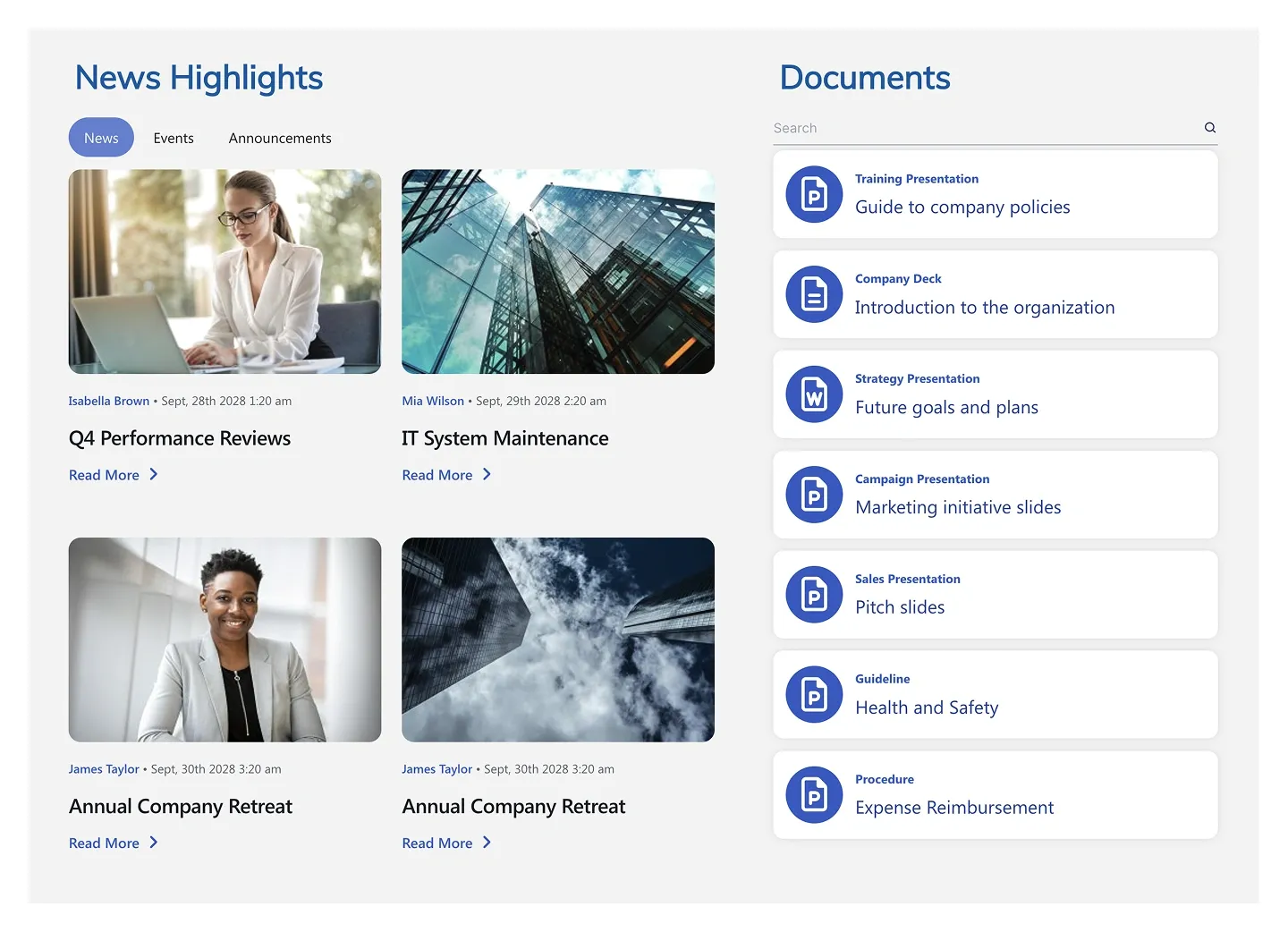
Tabbed news grid of four image cards with author and date, beside a searchable documents list with file icons.
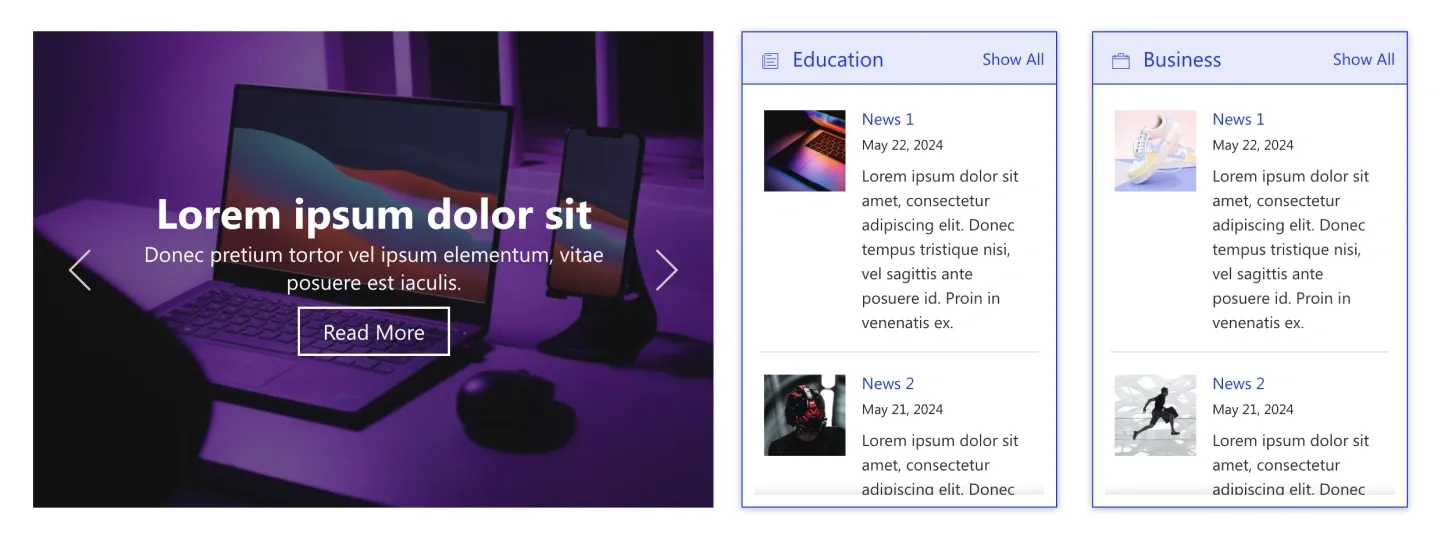
Image news slider with overlaid headline and button, beside two category columns of news items with thumbnails and dates.
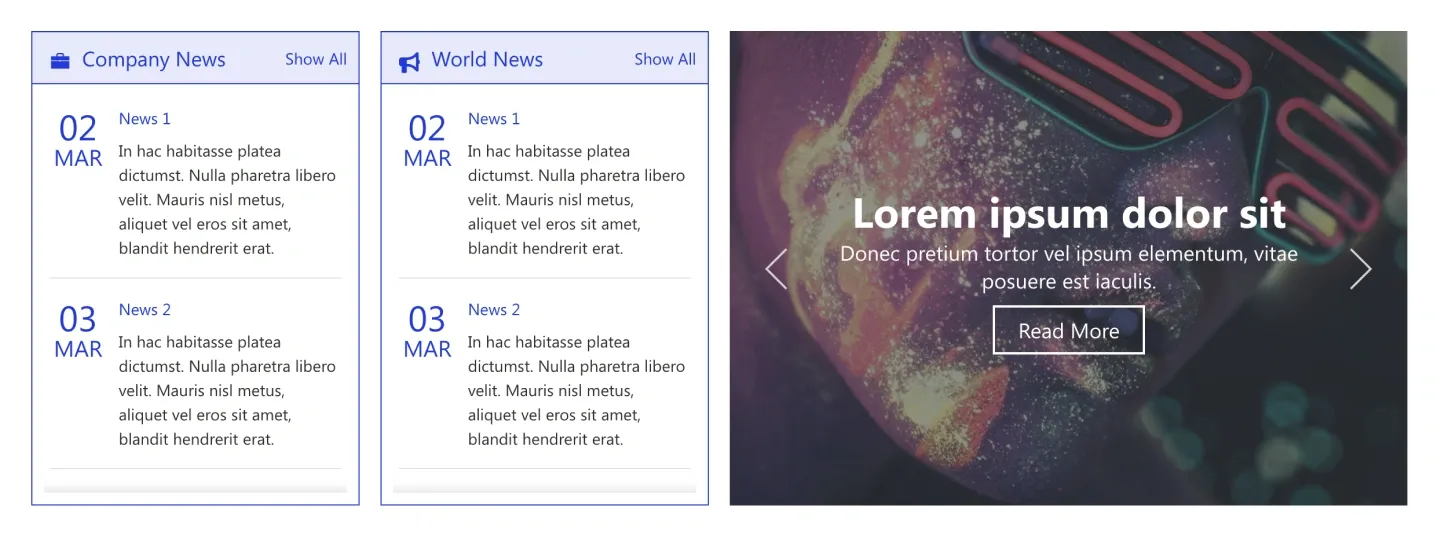
Two boxed news columns with date badges and excerpts beside an image news slider with headline and button.
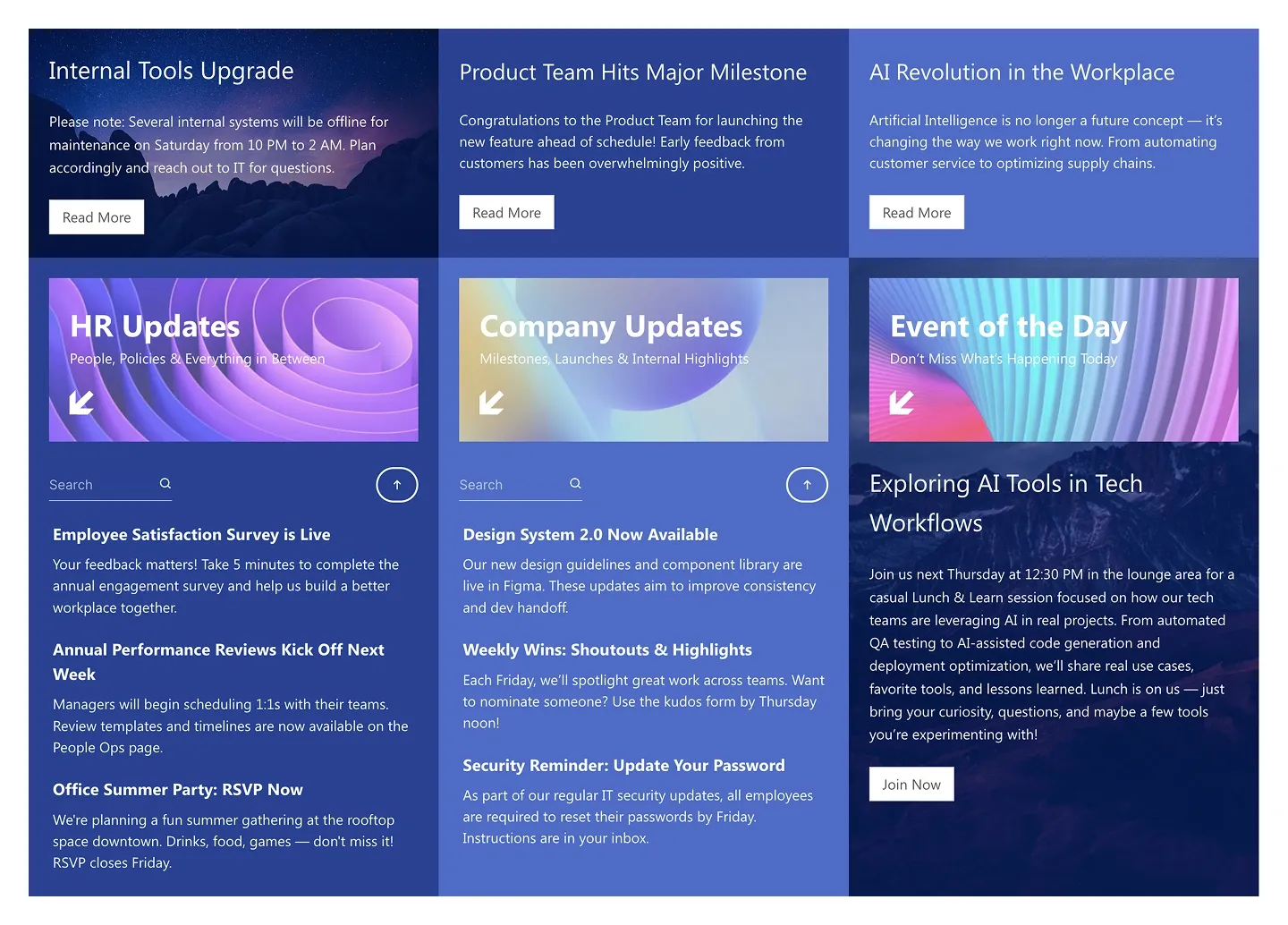
News panel with three featured stories on top and three category headers with searchable story lists below. It's built for high-volume news.
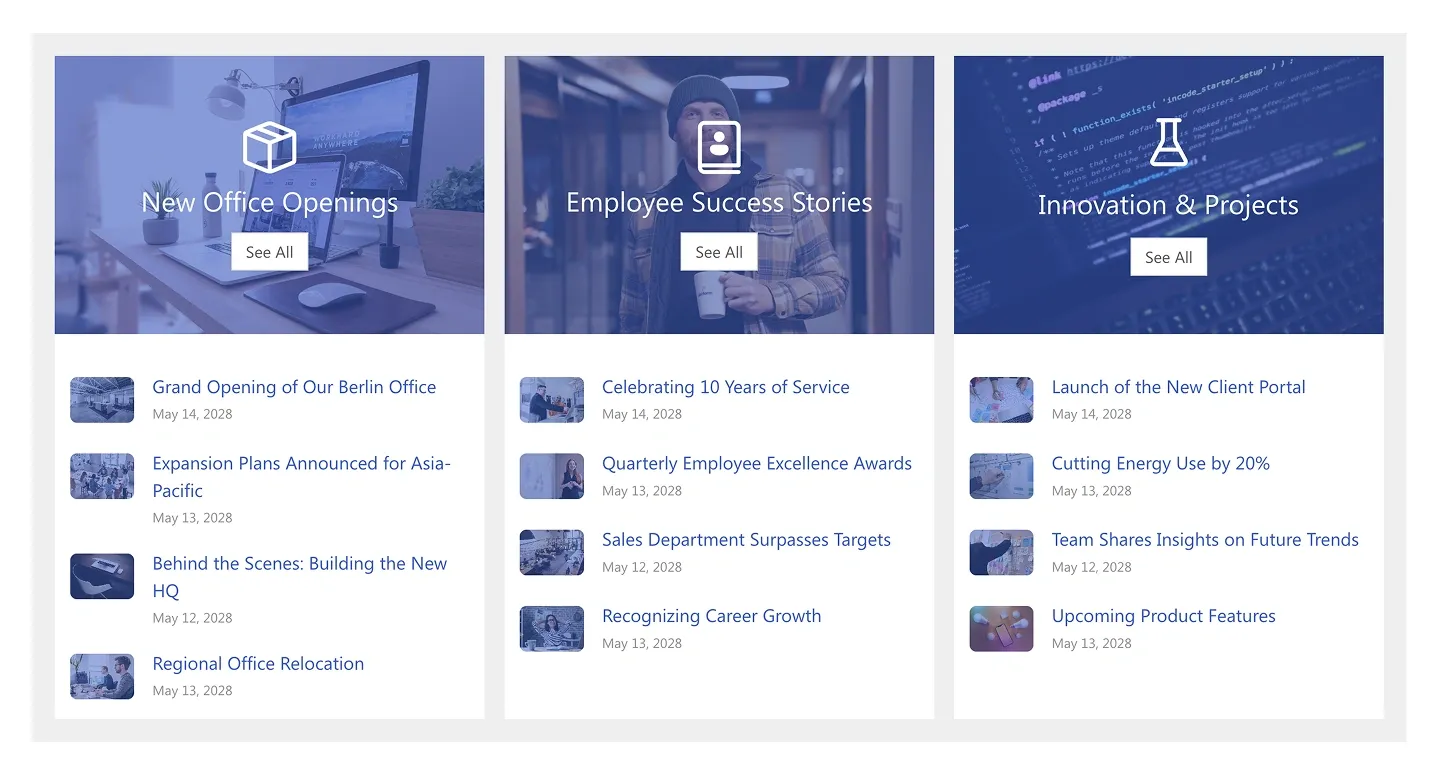
Three image category headers with see-all buttons above lists of dated news items with thumbnails.
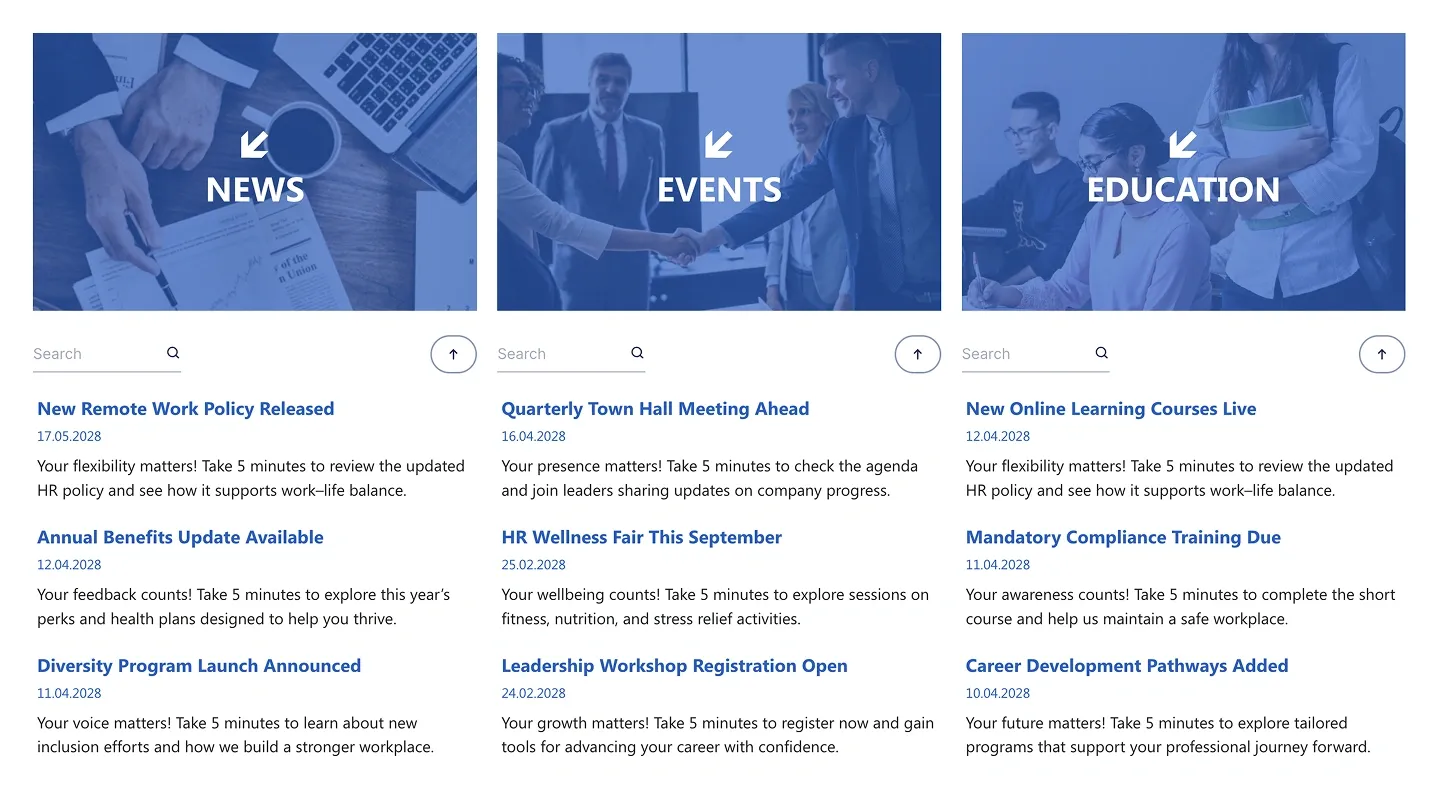
Three image category headers, each with a search box and a list of dated stories with excerpts. It lets readers filter by category at a glance.
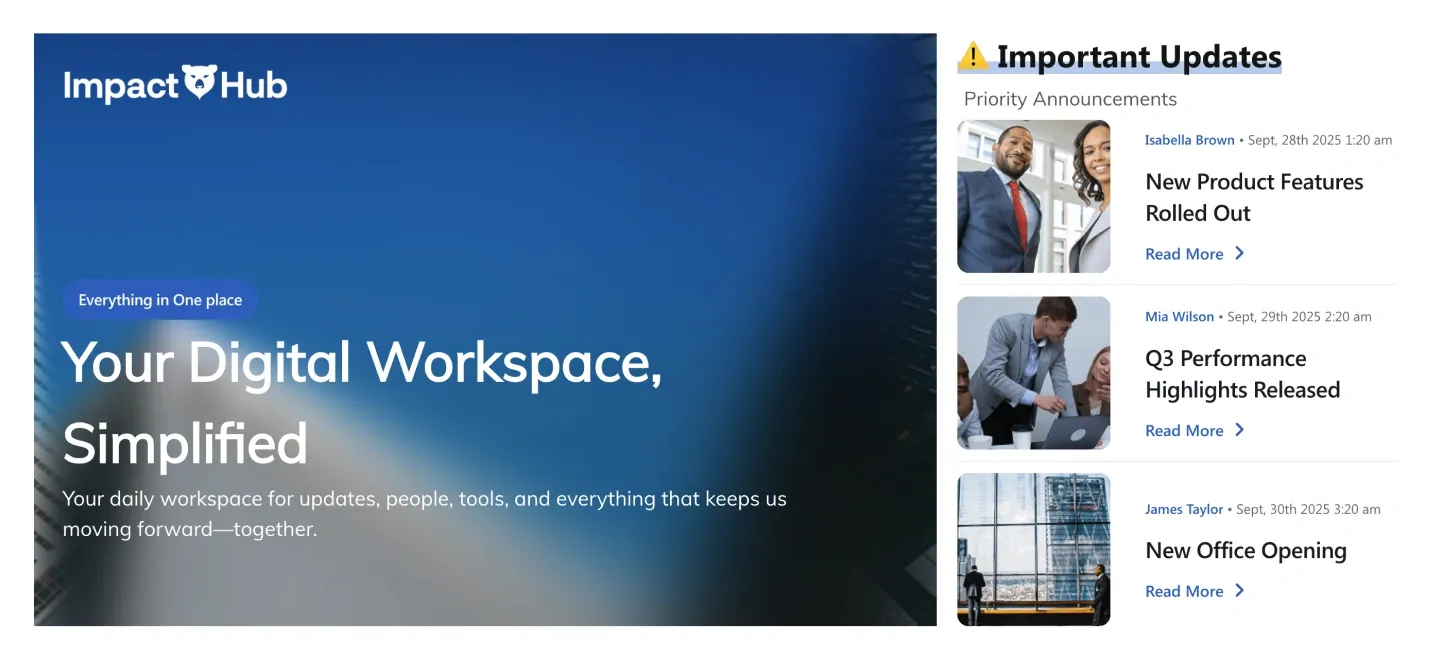
Wide image hero with badge and headline beside a priority updates list with thumbnails and read-more links.
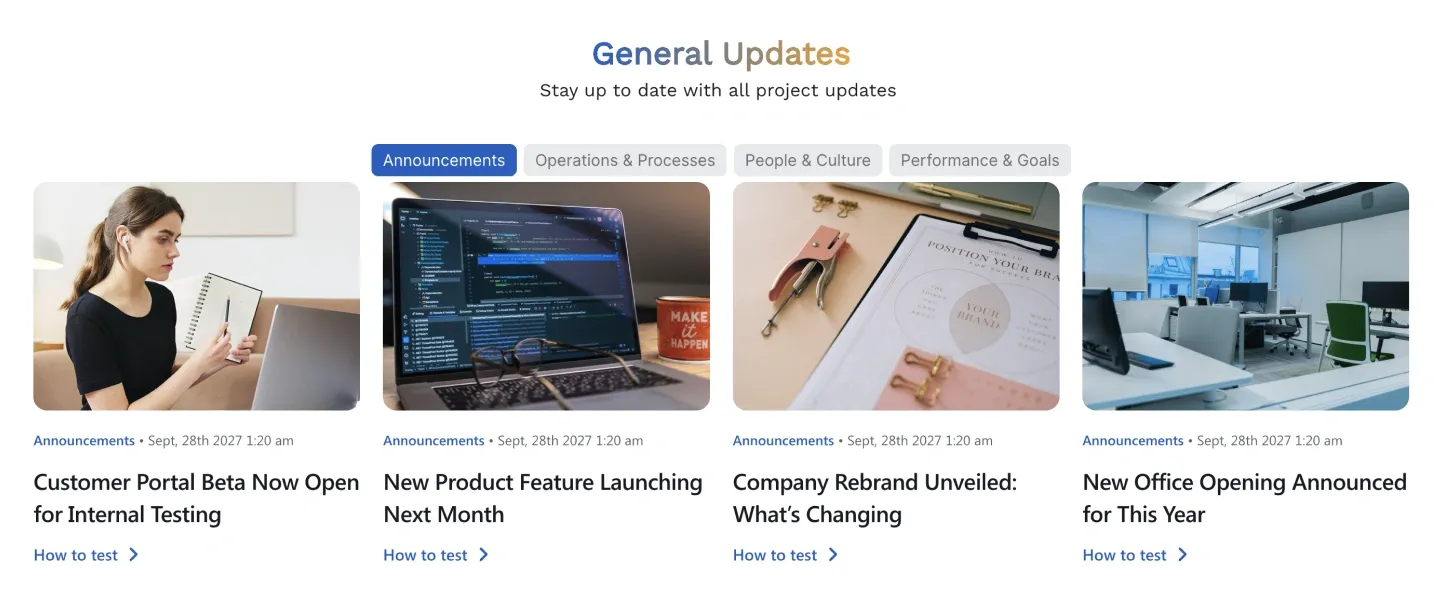
Centered title with category filter pills, above four image news cards with dates and links. Readers sort the feed themselves.
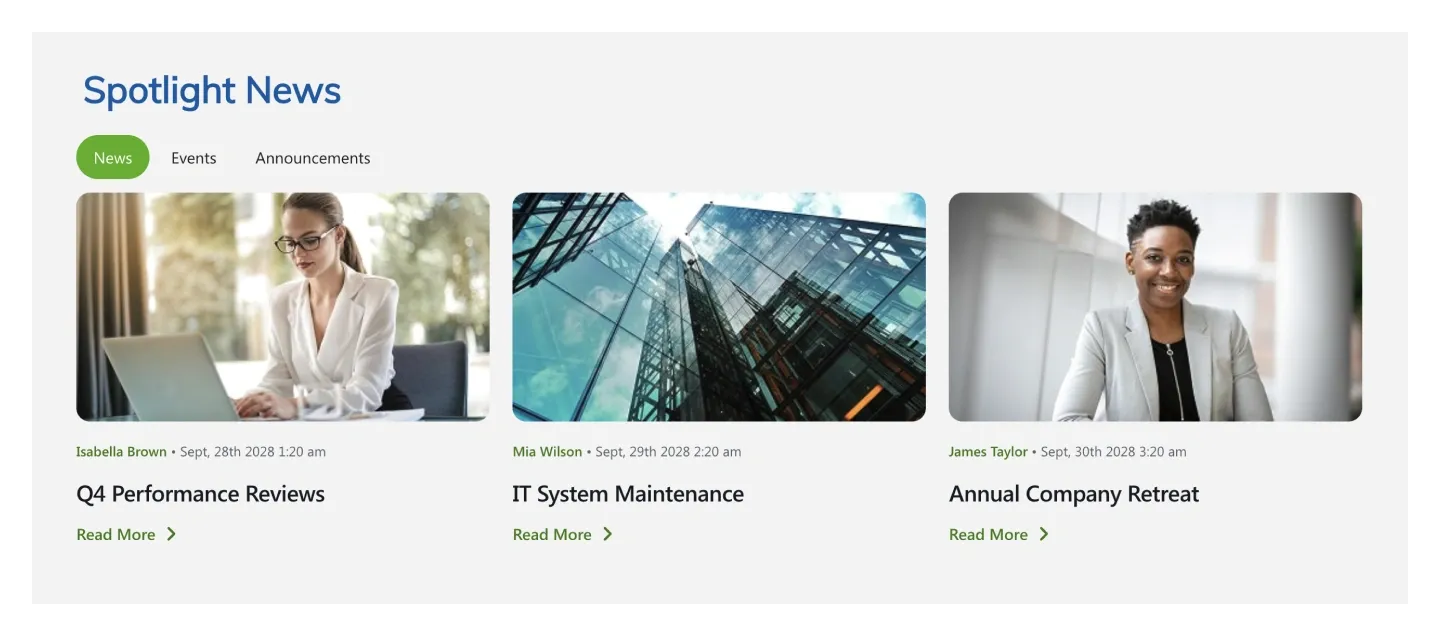
Three image news cards with author, date, and read-more link, under a title with tab pills. It's the simplest news block.
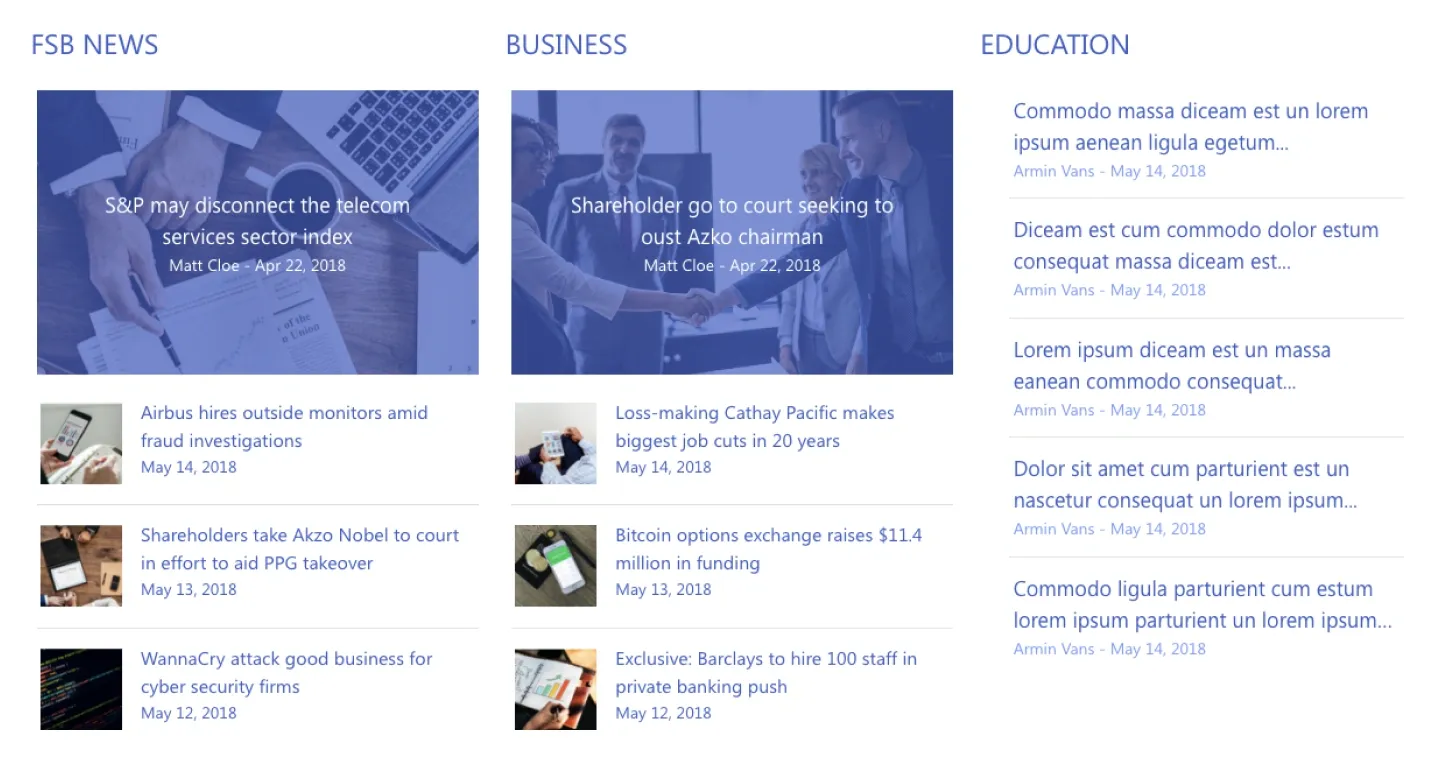
Three news columns: two with a large image lead story and a thumbnail list, and one text-only column with headlines and authors.
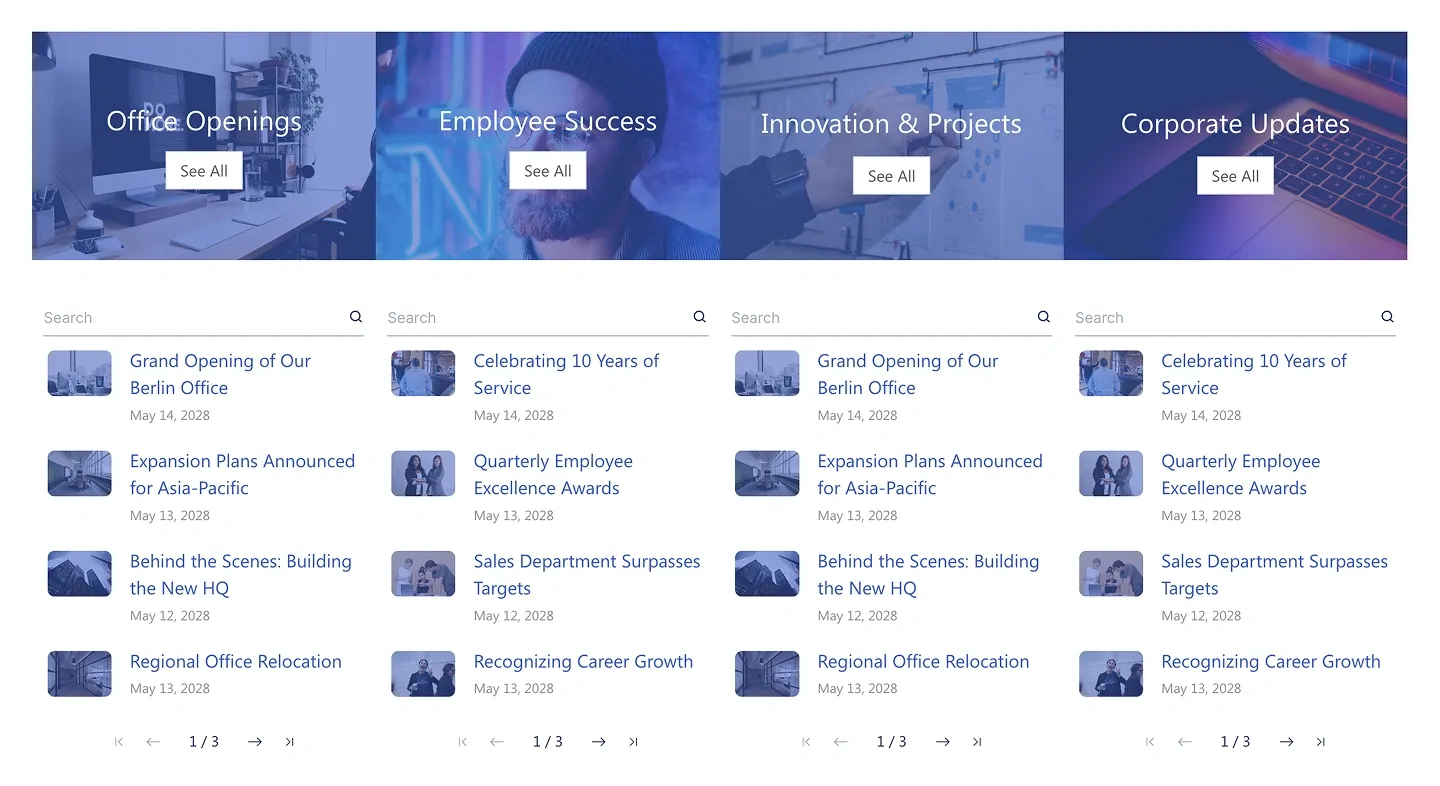
Four image category headers above four searchable, paginated news lists with thumbnails and dates.
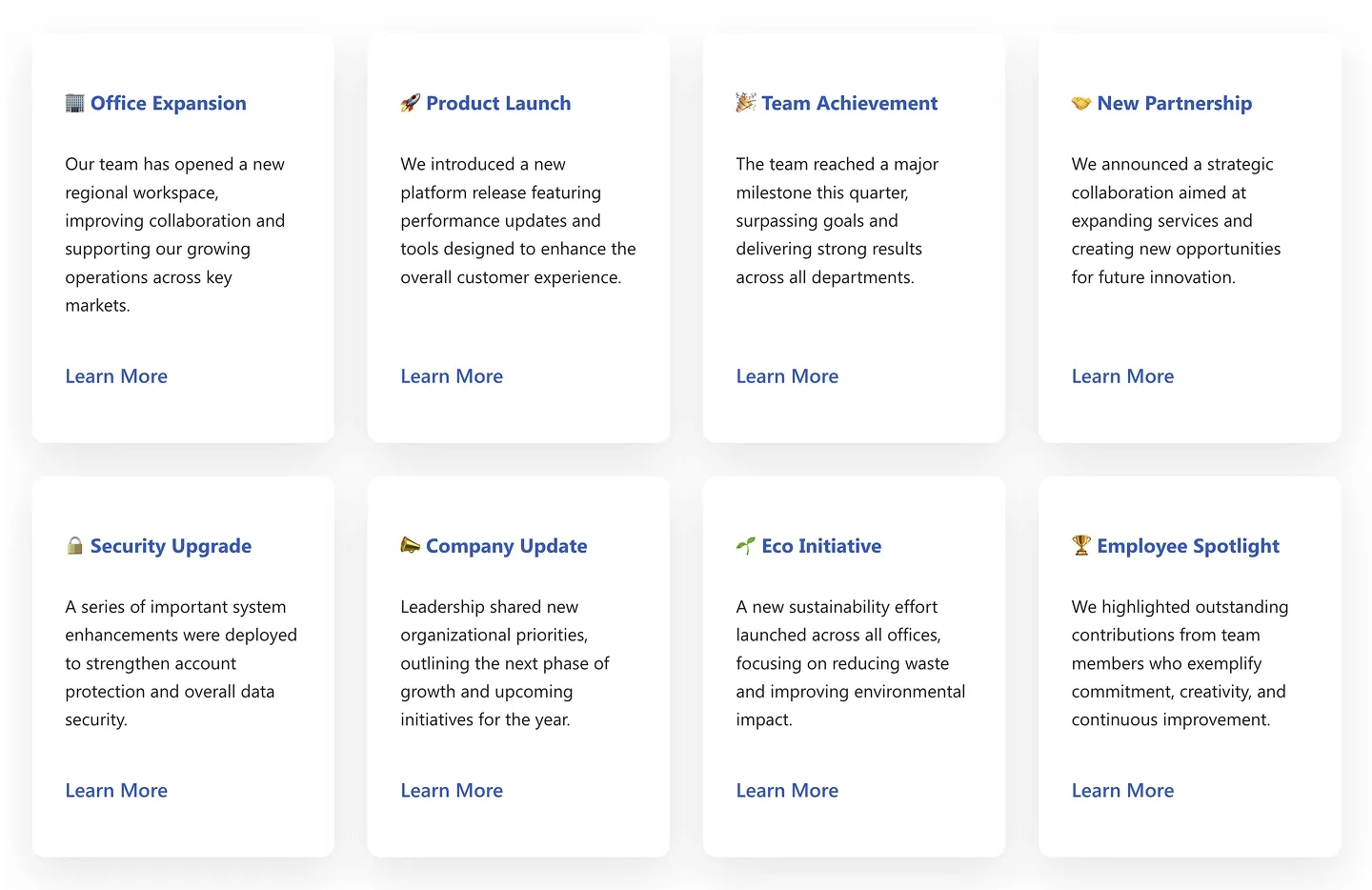
Eight cards in two rows, each with an icon, bold title, short paragraph, and learn-more link. They're built for evergreen updates rather than dated news.
A SharePoint news section is a pre-built block that puts company news, announcements and updates on any intranet page. SharePoint's own News web part offers a set of fixed layouts in your site theme. ShortPoint news sections go further: masonry card grids, news split into category columns, filter pills readers can sort by, a sliding announcement bar, and news shown beside events or documents in a single block. Each one connects to your SharePoint news posts or lists and takes your brand styling from Theme Builder, so every news area on your intranet matches. Compare every design in the carousel, from a simple three-card spotlight to a multi-category updates center with search, and preview each one live.
Use ShortPoint to design an intranet news feed that matches your brand: connect a news section to SharePoint news posts or a list, choose a card or list layout, and let Theme Builder keep headlines, dates, and buttons consistent across the site.
Describe the section you need and let AI Designer write and build the block.
Swap layouts, resize the block and edit every piece of content visually.
Apply your brand colors, typography and corner radius in one place.
Pull headlines, dates and items from SharePoint lists so the block updates itself.
Reuse the same section across every department page and site.
Proper labels, contrast and keyboard support for every reader.
Link straight to Microsoft Forms, Planner, Teams or any external tool.
Pre-styled variants that match the rest of your page.
Built from standard ShortPoint elements you can reuse anywhere else.
Everything stays readable and tappable when the block stacks on mobile.
Publish a branded SharePoint news feed or announcement block in under an hour. No coding required.
Start free trial & add ShortPoint to your site : Click "Start a Trial" and get access to ShortPoint instantly. No credit card needed. Sign in with your Microsoft 365 credentials to activate your trial instantly, or download the package manually and activate it from there.
Insert a Section : Edit your SharePoint page, insert the ShortPoint web part, and pick any news section (Spotlight News, Priority Announcements, News Highlights, Updates Hub) from the Sections tab of the Templates Library. It drops into your page as a ready-made block you can move, duplicate or restyle.
Customize & Publish : Replace the placeholder content with your own, connect your SharePoint data sources, apply your company branding with Theme Builder, and publish the page for immediate use.
To add a news feed to a SharePoint page, insert the ShortPoint web part, choose a news section, and connect it to your SharePoint news posts or a list. The section pulls in titles, images, and dates automatically, so your feed stays current without manual editing.
Yes, these sections can replace the SharePoint news web part. They display the same news posts but give you full control over layout, styling, and filtering, which the standard web part doesn't offer.
Yes, once connected to SharePoint news or a list, these sections update automatically. New posts appear as soon as they're published, with no manual editing needed.
Yes, the Priority Announcements and Announcements sections are both built for short, high-visibility messages at the top of a page, ideal for a banner or ticker-style announcement.
Yes, sections such as Sorted News and Updates Hub support tabs or filters driven by your news categories or list columns, so readers can easily find what's relevant to them.
Yes, every news section layout is fully responsive. Cards and feeds adapt cleanly across phones and tablets, so the feed looks right on any device.