


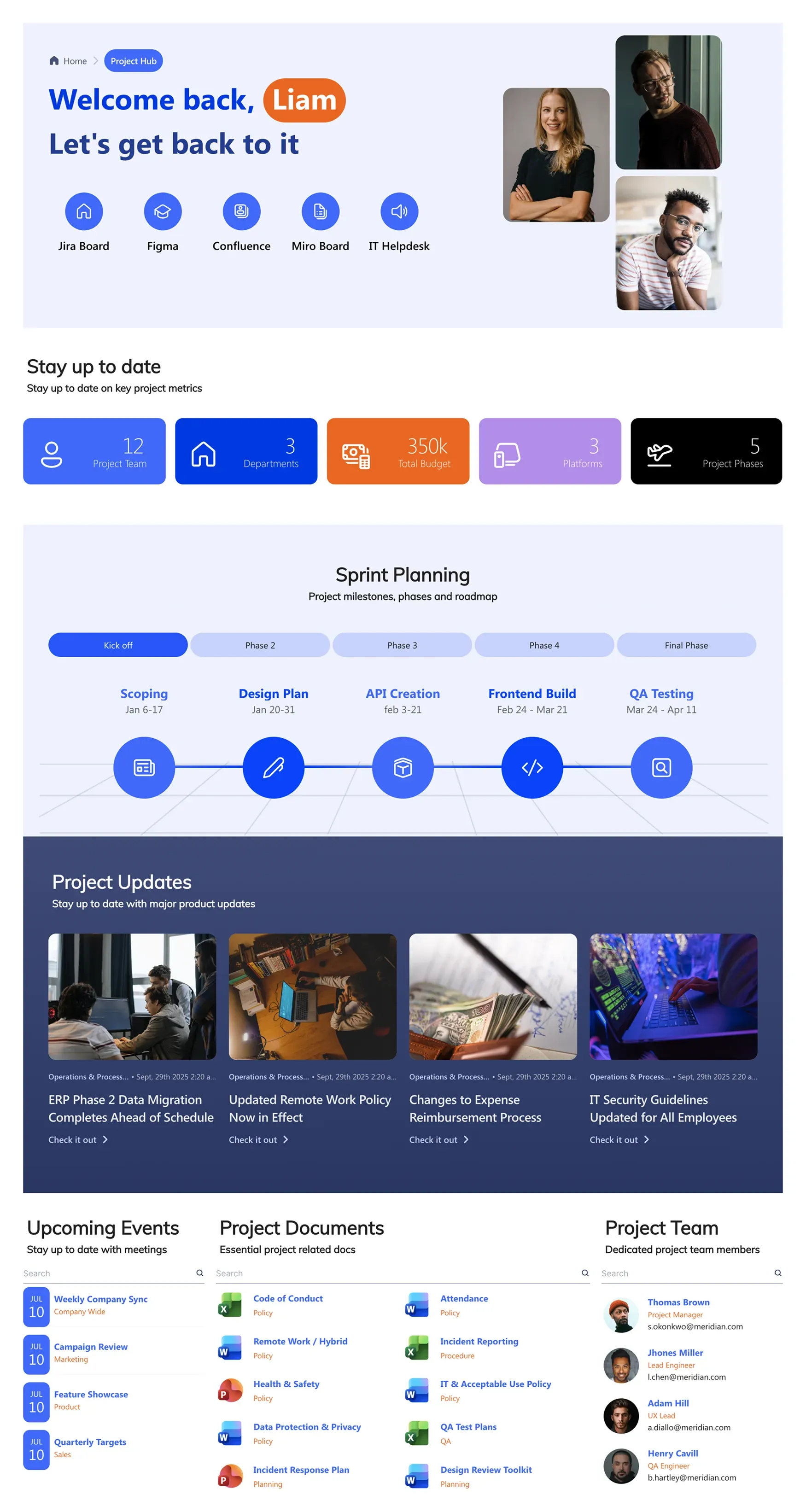
About this Template
Workspace for one project at a time. Sprint timeline with phases/milestones, KPIs (budget, days to launch, tasks, critical issues), updates, events, documents, and team directory. Quick-launch links to Jira, Figma, CI/CD, Confluence.
Template Features
Move beyond static task lists to build an interactive command center. These flexible layout and data-linking tools enable you to customize your project tracking space, giving your team real-time visibility into active deadlines, backlogs, and key performance indicators.
Arrange milestone timelines, budget cards, and team directories on a clean grid layout.
Harmonize your project dashboard's interface with corporate or client brand standards.
Link data from internal and external task boards, project lists directly to your site.
Copy proven sprint layouts and tracking lists across multiple new project spaces.
Keep project updates, schedules, and document lists easily readable for every stakeholder.
Centralize links to well-known project management tools directly within your primary hub.
Deploy pre-configured project planning layouts to launch your site immediately.
Utilize high-visibility progress counters, timeline steps, and status badges to track issues.
Provide on-the-go managers with clear access to project KPIs from any mobile device.
Automatically design structured project reporting spaces using plain text prompts.
Get Started With Everyday Home In Three Simple Steps
Launch a branded sharepoint project site in under an hour - no coding required.
- 1
Activate your trial: Click “Start a Trial,” verify with Microsoft 365, and install to your site. Or use the manual installer - quick setup, no credit card required.
- 2
Insert a Template: Edit the page, add the ShortPoint web part, open Templates Library, and insert Project Hub (or any ShortPoint intranet template).
- 3
Customize & Publish: Replace sample content, connect your SharePoint libraries with metadata and filters, set permissions, apply Theme Builder styling, and publish your Project project hub.
Frequently Asked Questions
Absolutely. The template includes metrics blocks for budgets, task completion, and issue tracking that display your operational health clearly at a glance.
Yes, it features a dedicated, visual sprint planning timeline component that breaks down your development or operational phases from kick-off to testing.
Yes. Because ShortPoint integrates natively with SharePoint, it fully respects your existing M365 document permissions, hiding restricted content from unauthorized users.
Very straightforward. You can use the quick-link icons or embedding features to keep your external toolchain just a single click away.
Yes. The dashboard layout is fully responsive and adjusts to mobile screens, ensuring critical alerts and upcoming events remain easily accessible anywhere.
Definitely. You can save this customized layout as a global template, allowing your PMO to spin up identical hubs for new initiatives instantly.
Yes, they do. Using our dynamic connection tools, any document uploaded to your underlying library updates on the project hub automatically without manual refreshing.
Related Templates
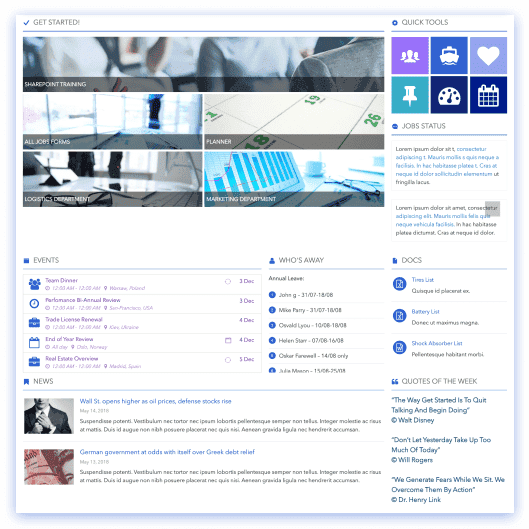
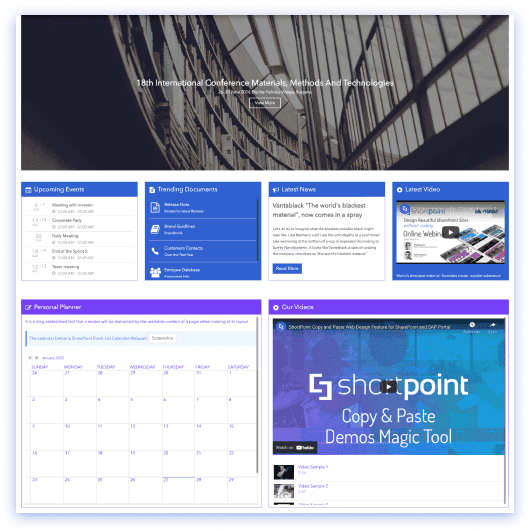
See all Templates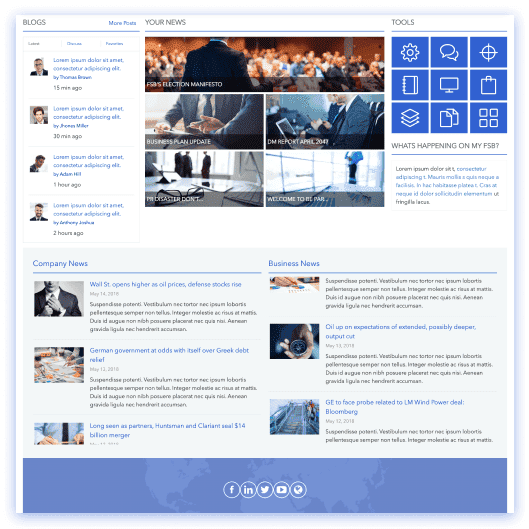









We were spending a lot of development dollars, but things still weren’t how we wanted and every day wasted was a day closer to our deadline.

ShortPoint has enabled us to create internal SharePoint sites that are user-friendly and attractive for our multi-generational group of Associates.

Before using ShortPoint, I’d never have expected that a small team such as ours could deliver a product that looks as good as our portal does today.


ShortPoint reduced the time it took to rebuild our intranet from 3 months to just 2 weeks. It really is a must-have for every company that uses SharePoint.


Building and customizing sites in SharePoint was a very heavy lift. We needed a developer on every project and it felt like we were always doing things the hard way.


I had no idea intranet consultancy would become so big for us! And none of it would have been possible without ShortPoint’s incredible software and support team.


It was hard to find solutions to beautify customers’ SharePoint installations and give customers a visual impression of how a new intranet could look.


Thanks to ShortPoint, the intranet isn’t a pain point for us anymore. I couldn’t put a price on how much happier we are working with ShortPoint as opposed to our previous vendor.


Working with ShortPoint was one of the smoothest projects I’ve ever been involved in. What they created for us is fantastic, and we never felt an ounce of stress.