Browse social intranet templates
social intranet templates
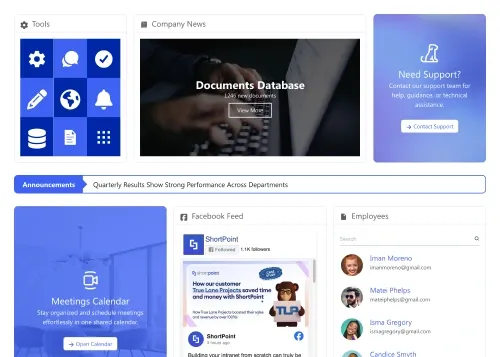
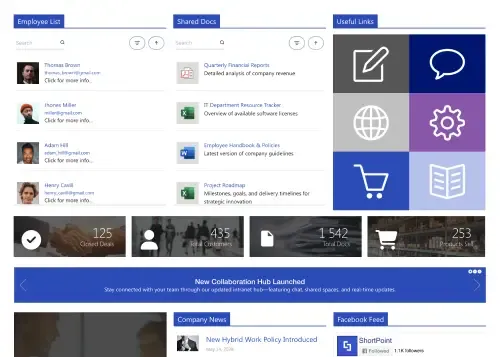
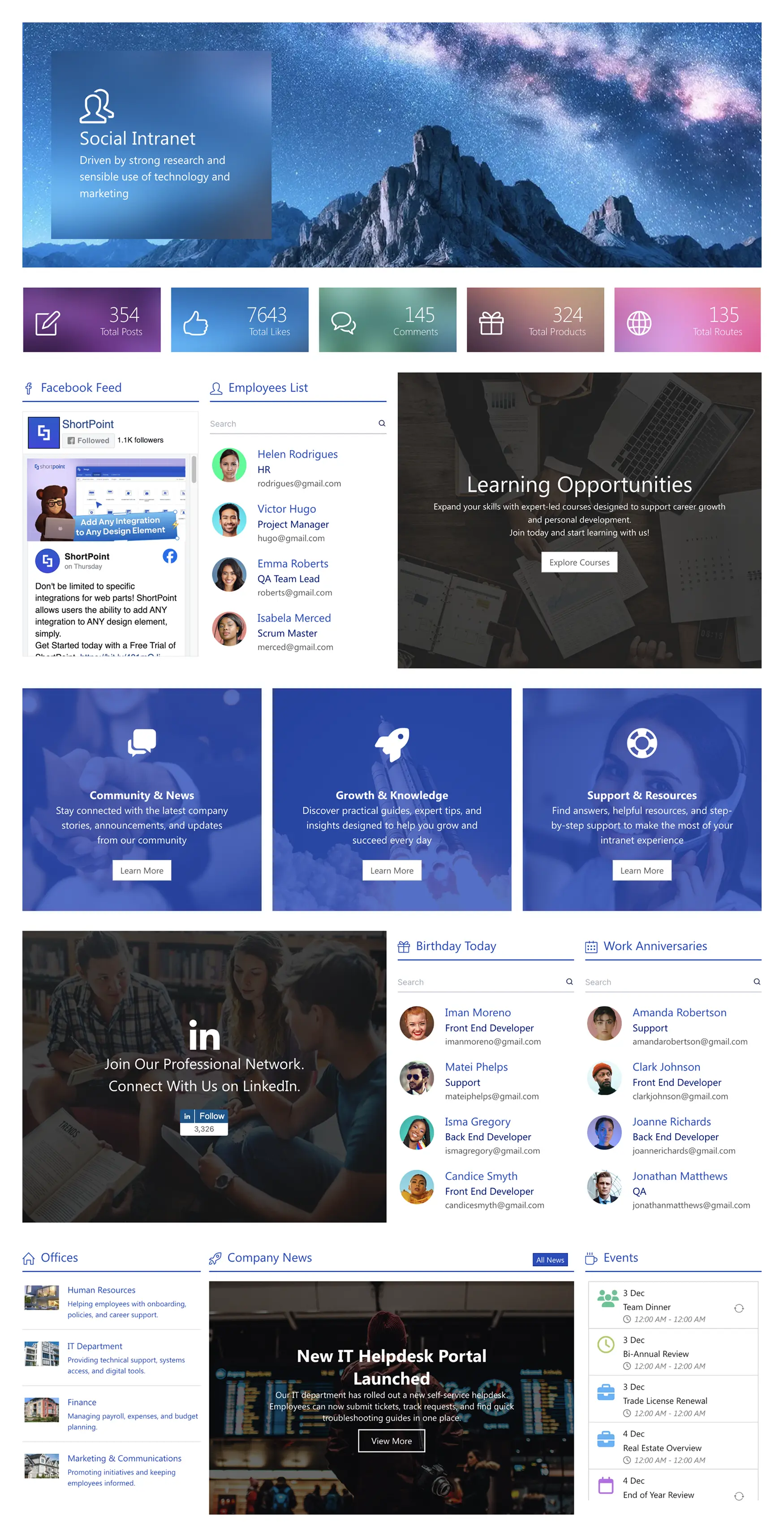
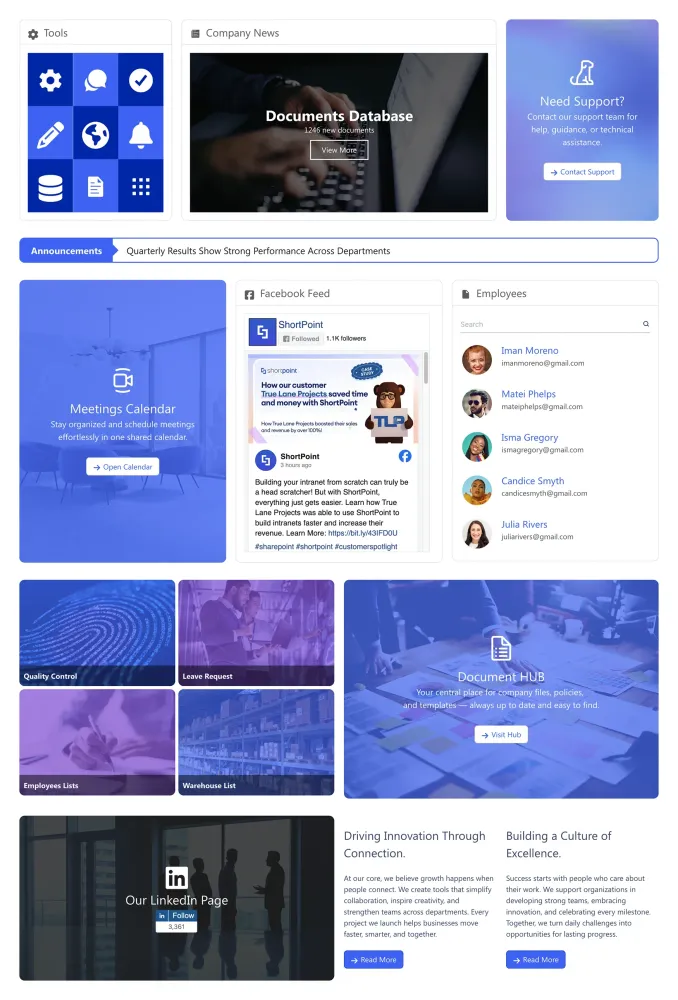
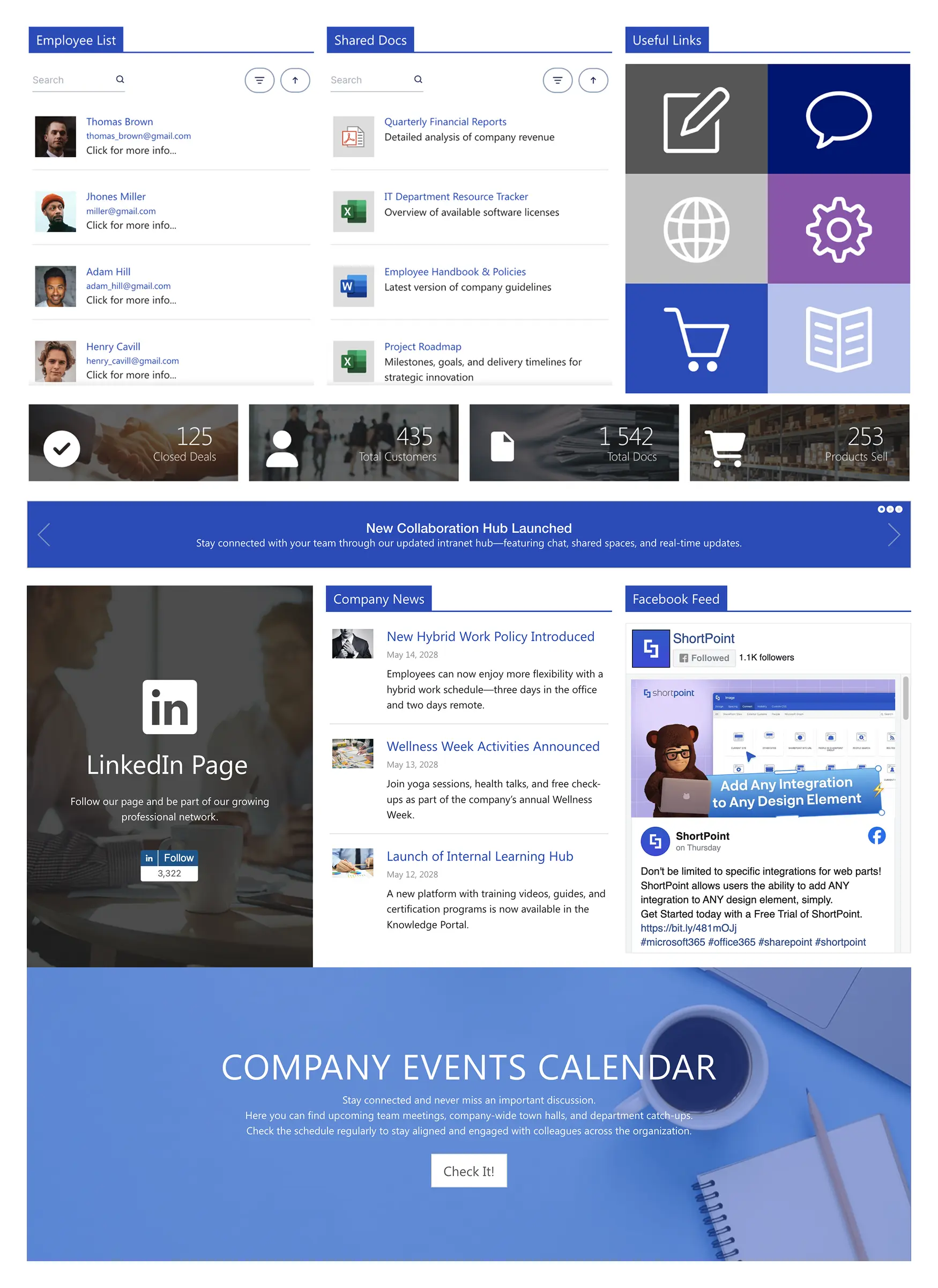
About SharePoint social intranet templates
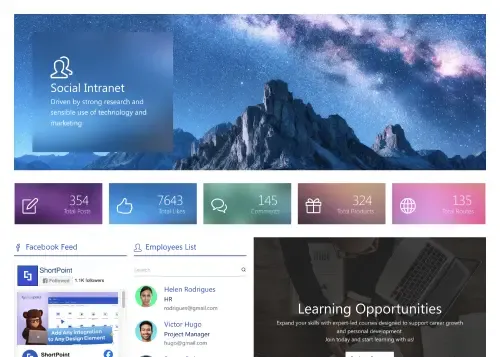
A SharePoint social intranet template is a ready-made page for the human side of the company: recognition, birthdays and anniversaries, communities and company social feeds. Recognition, celebration and feed blocks are ShortPoint sections you can reorder or restyle without code.
Social pages work best next to the news. See the news and newsletter templates for company updates.
The social pages most intranets need
- Recognition wall Shout-outs and awards.
- Celebrations Birthdays, work anniversaries and new joiners.
- Communities Interest groups and employee networks.
- Company social feeds Posts from the company’s public channels.
The sections a social page is built from
Social sections cover feeds and community blocks, and Team sections add the people cards used for recognition and celebrations.
Layout order for a social page
Recognition and celebrations are what people come back for, so they go first. Below them, communities, events and company social feeds. On a phone, recognition and celebrations still lead the page.
- 1 Page title set the tone
- 2 Recognition shout-outs and awards
- 3 Celebrations birthdays, anniversaries, new joiners
- 4 Communities groups to join
- 5 Events social and community events
- 6 Company social feeds public channels
- 7 Footer company social channels
Keeping social pages alive
Connect celebrations to a SharePoint list or Microsoft 365 profiles so birthdays and anniversaries update on their own, and give recognition a simple way to submit. A social page needs regular new content, so give it an owner.
- Manual dates Typed-in birthdays get missed. Connect to profiles.
- No way to contribute People can’t add a shout-out.
- Only company posts Recognition from colleagues matters more than announcements.
- No owner The page stops being updated.
Why ShortPoint for social pages
SharePoint holds your people data, but its default pages don’t show it in a social way. ShortPoint social templates turn profiles, lists and feeds into recognition walls, celebrations and community pages, so the page keeps itself current as people join, move and reach milestones.
Every template here is a starting point. With ShortPoint you can connect any section to live data from SharePoint lists and Microsoft 365, such as people, calendars, news and files, using Connect. You can add or swap any of the design elements without code, and apply your brand to every page at once with Theme Builder. AI Designer can then help you adjust a layout or create a page that isn’t in the library.
Get started with a social page in three steps
- Start your free trial
Start a 15-day trial with no credit card, and sign in with your Microsoft 365 account to add ShortPoint to your SharePoint.
- Pick your starting point
Open the Templates Library inside SharePoint and choose the template you previewed here.
- Make it yours and publish
Replace the sample content, connect your data, apply your brand with Theme Builder, and publish.