Code
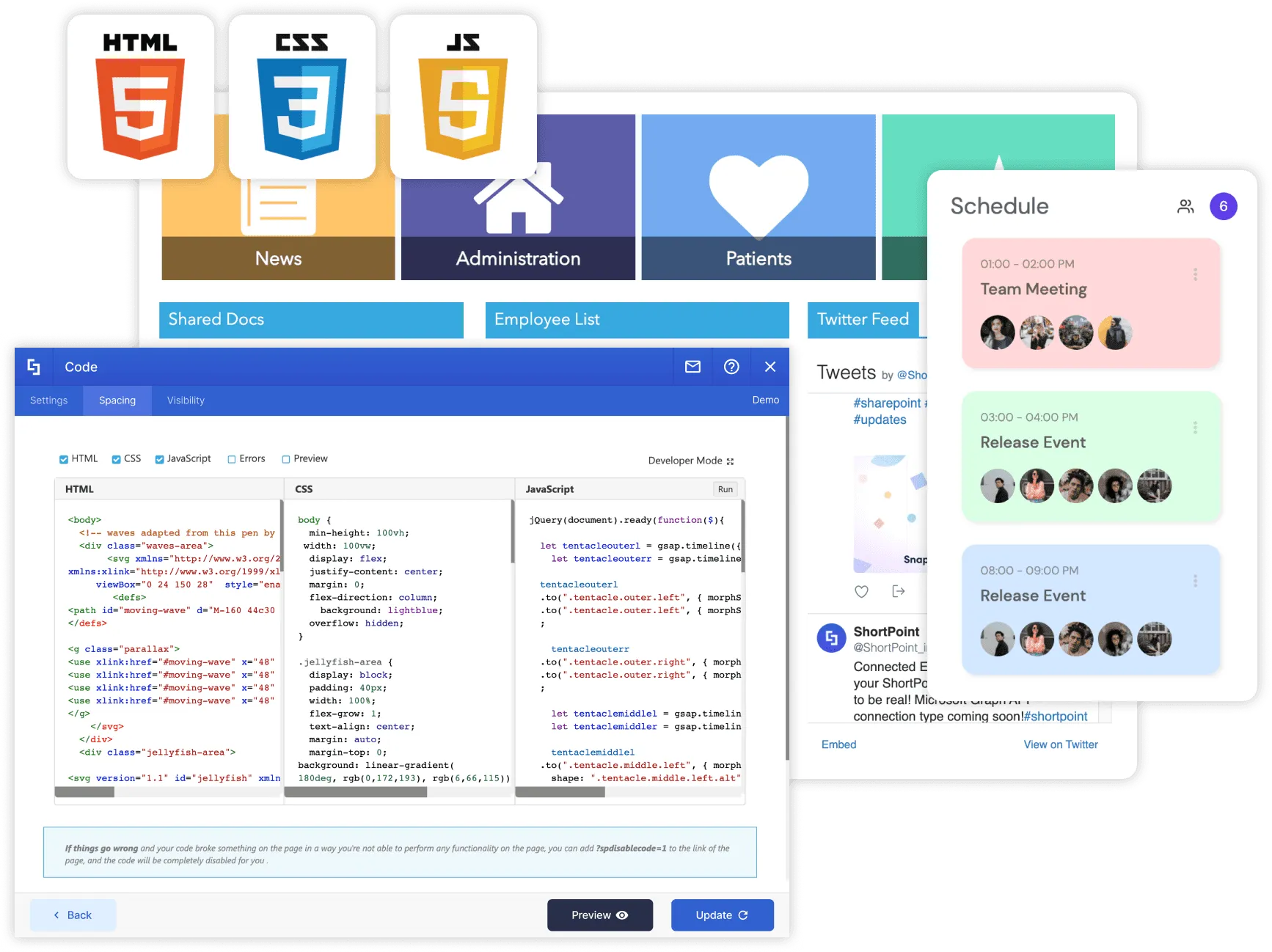
Finally - a full-fledged script editor for Modern SharePoint pages. So much more possibilities than simple embedding. ShortPoint Code offers you development freedom for every type of task, be it a weather widget, a stock ticker, page animation or even a game.
-
HTML, CSS, JS
Use markup, stylesheets and scripts together or separately - to produce exactly what you need
-
Highly Customizable
A selection of coding modes to fit your needs - scroll down to see them all
-
Allows to Play Around
Use Sandbox and Testing modes to keep your code isolated. Make sure it doesn't misbehave and affect your existing content
-
Use Case Library
We have a collection of curated use cases to introduce you to the best examples of using Code
Decide which components to include into your Code experience
-
HTML, CSS, JavaScript
Choose your language(s)
-
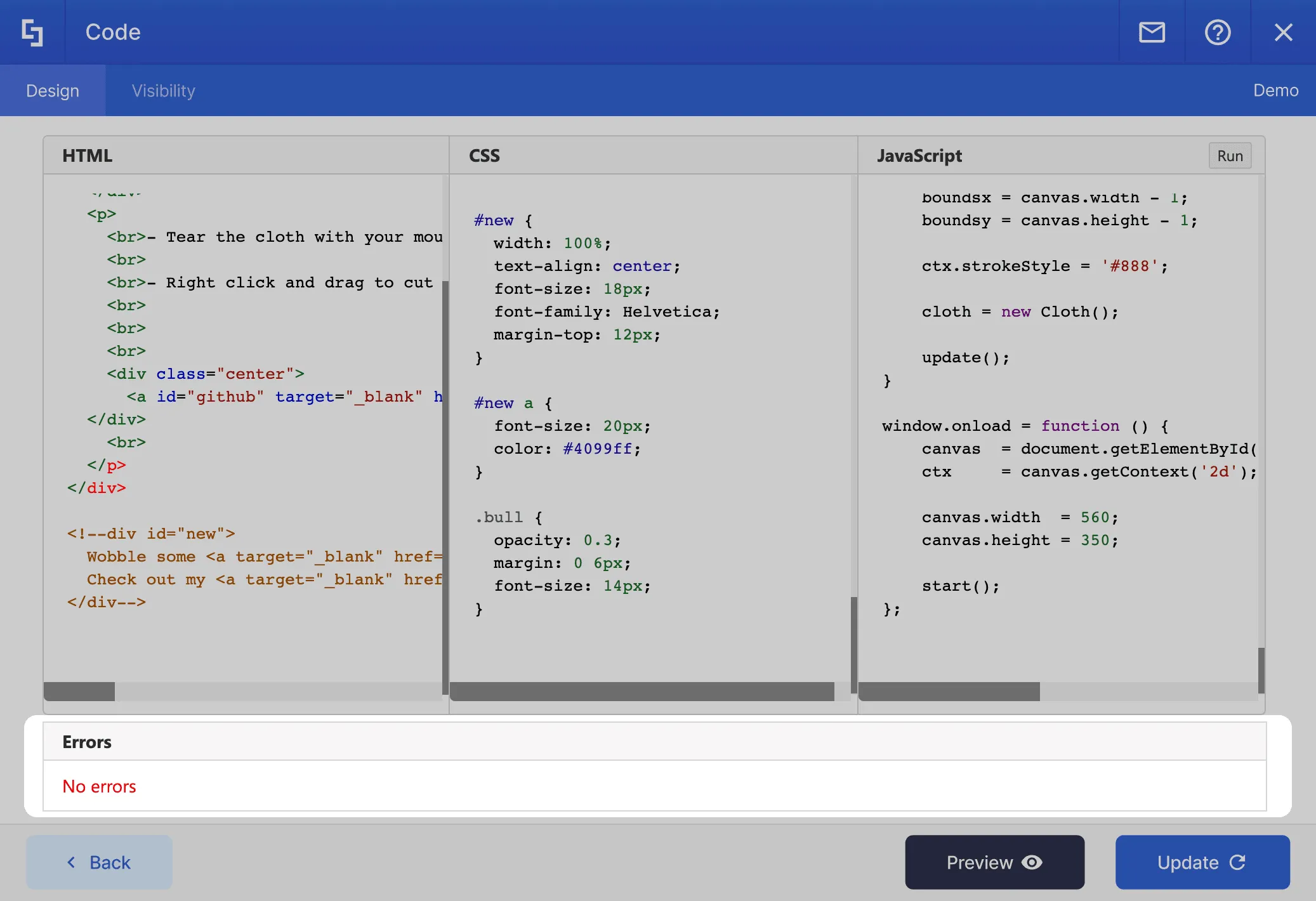
Error checker
If you missed something - the editor will point what's wrong
-
Preview
Preview what your code produces and make tweaks without the need to hit those Save and Edit buttons

All you need to effectively inject code into your SharePoint pages
-
Coding modes
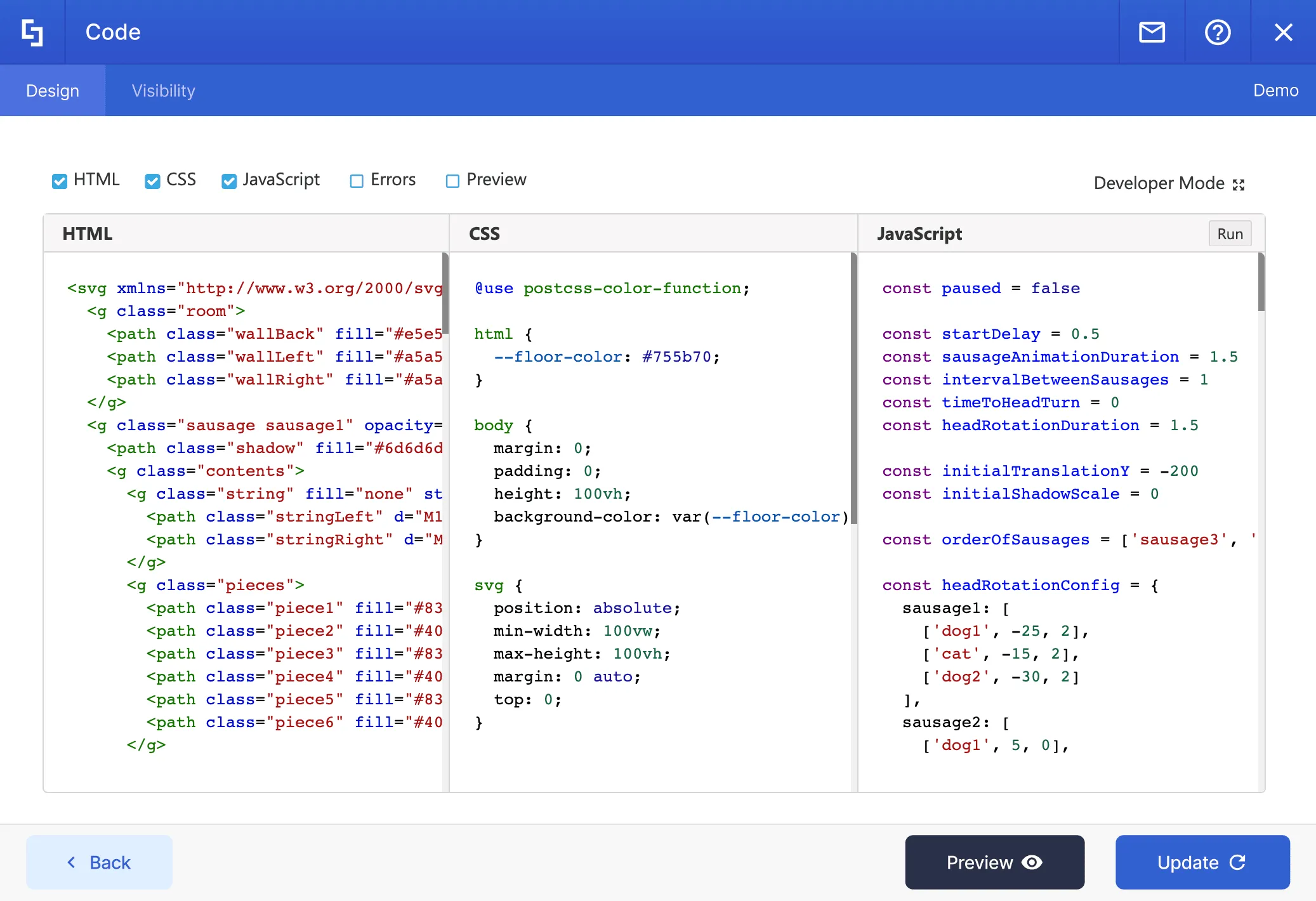
You can add or remove the checkmarks of the coding modes. Use these in any combinations: HTML, CSS, JavaScript, Errors, Preview
-
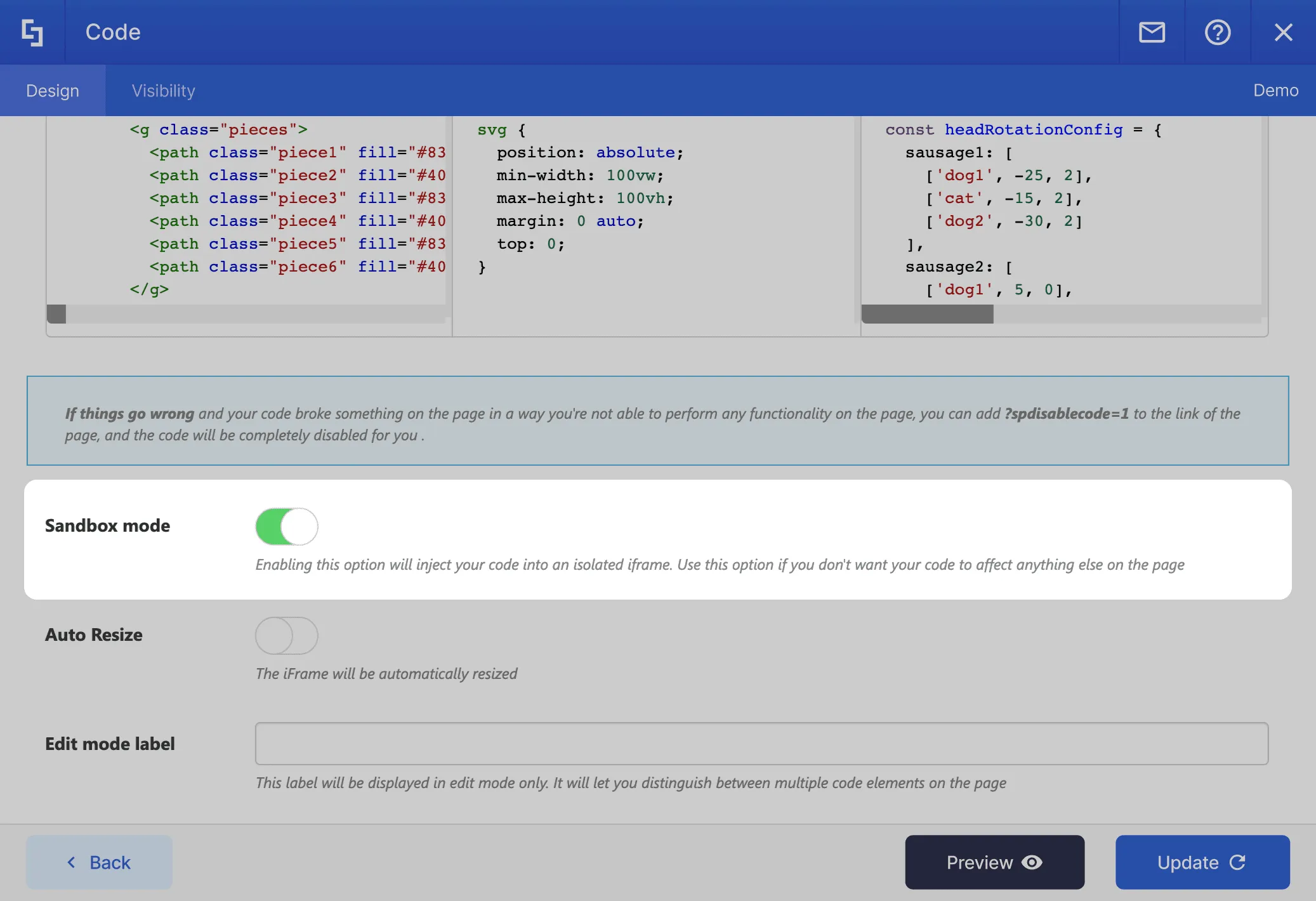
Sandbox mode
Click to enable this option if you would like to inject your code into an isolated frame.
-
Error checker
Make sure computers will understand you! If your code contains errors, we will give you a prompt - and tell exactly what's wrong.
Harmony Between Design & Back End
There is no limit to what can be done with ShortPoint. You can create any design you want with the available options.
Learn more about Code Integration
Ignite your vision. Install ShortPoint directly on your site, or play in sandbox mode. No credit card required.
Build faster with these integrations
Visit our live intranet templates and demos website, be inspired with awesome intranet design ideas.