Documents 3
SharePoint document management system template
All-in-one system for documents, updates, and actions.
 SOC 2 Type II, SOC 3
  GDPR
GDPR 
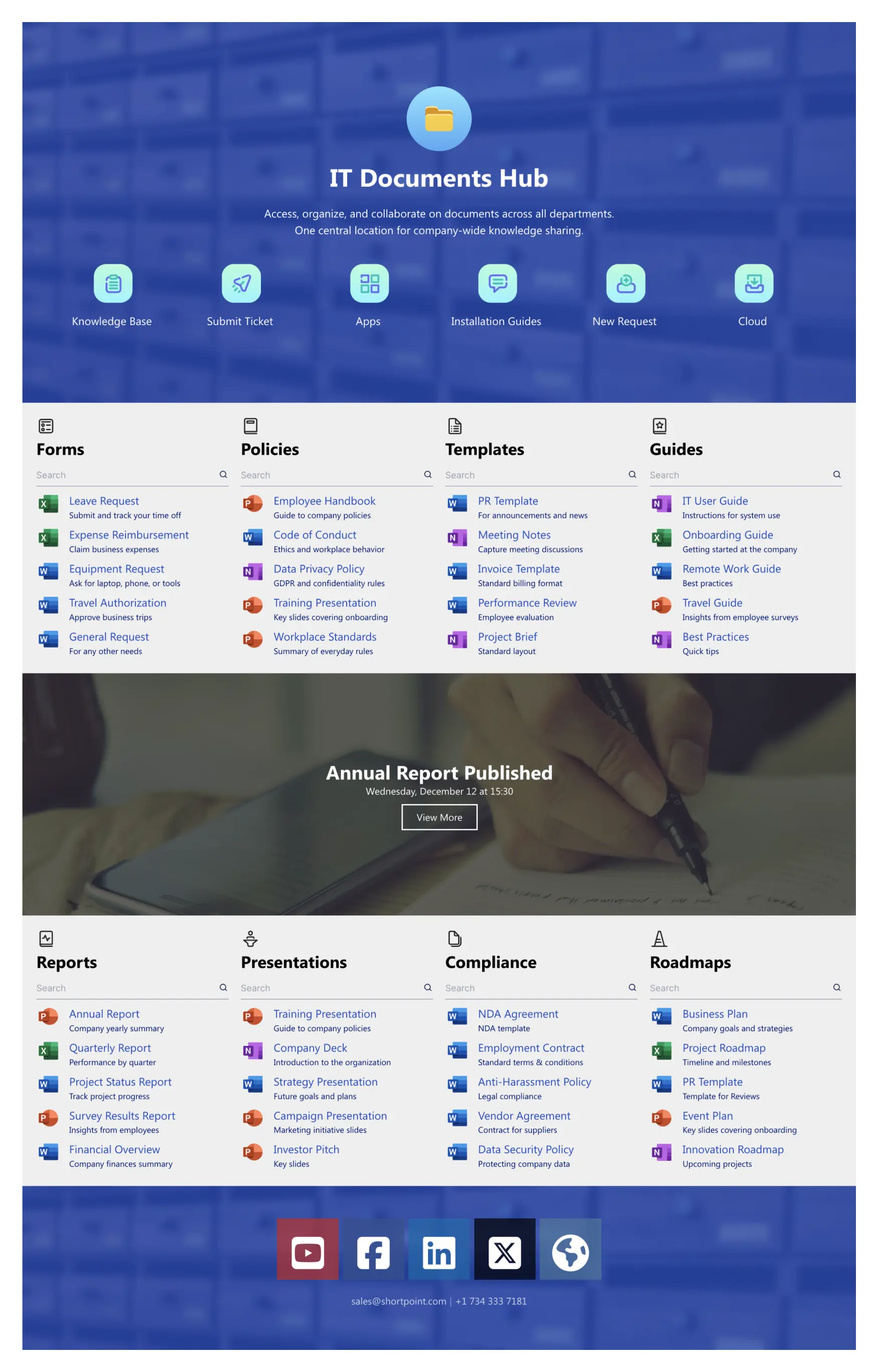
About this Template
A structured system for daily documents. A focused hero section sets context, while quick actions jump to the Knowledge Base, ticketing, apps, install guides, new requests, and cloud storage. Category blocks—Forms, Policies, Templates, Guides—each include search for faster retrieval. A featured banner highlights time-sensitive items like “Annual Report Published.” Lower sections cover Reports, Presentations, Compliance, and Roadmaps. Clear ownership and predictable paths reduce clicks and guesswork, so employees find, use, and update official files without delays.
Template Features
ShortPoint links Microsoft 365, standardizes styling, and speeds builds. Produce responsive, accessible pages, reuse sections, and scale updates—then list Theme Builder, Connect, Elements, and more.
Improve your template with AI. Describe changes and see them in minutes.
Build pages fast with drag‑and‑drop. Turn ideas into polished layouts using ready elements and reusable bl Fast to edit.
Easily customize colors and fonts with instant, site‑wide theme updates.
Seamless connections to SharePoint Lists and Microsoft 365—publish trusted data.
Copy FAQ accordions and paste to buiild pages faster.
Error handling that speaks—status and alerts are announced programmatically.
Connect calendars, lists, and feeds—integrations streamline updates.
We prepared hundreds of page designs so you're more confident when starting
60+ elements deliver flexibility with click-simple editing.
No-code responsive patterns deliver reliable mobile experiences.
Get Started With Everyday Home In Three Simple Steps
Launch a branded SharePoint document management system template in under an hour—no coding required.
- 1
Kick off a free ShortPoint trial : Hit Start a Trial, set up your account—no credit card—sign in with M365 or download ShortPoint, then activate your trial.
- 2
Insert a Template : Edit your SharePoint page, insert the ShortPoint web part, and select the documents 3 template (or any preferred template page) from the Templates Library
- 3
Customize & Publish : Replace placeholders, connect live SharePoint data, adjust branding, and publish.
Frequently asked Questions
Your site page can be up and running in a few hours. Site creation is entirely visual, letting you apply the design, hook up your site content, and publish without any technical hurdles.
Yes. Our SharePoint intranet templates operate seamlessly on Microsoft 365 (SharePoint Online) and SharePoint SE. On-Premise SharePoint is supported when used with ShortPoint components.
Full control without developers. Theme Builder enforces consistent branding; Page Builder adjusts layouts, sections, and components in a real-time visual editor.
Yes, it’s built mobile-first with responsive breakpoints and components that adapt smoothly to phones and tablets.
Reuse the SharePoint document management system template for departments, localize content, and maintain unified UX.
Connect data with ShortPoint—Lists, Planner, Outlook, and Teams—so events, documents update in real time.
Get the full library of templates/elements plus integrations, support, and updates for SharePoint.
Related Templates
See all Templates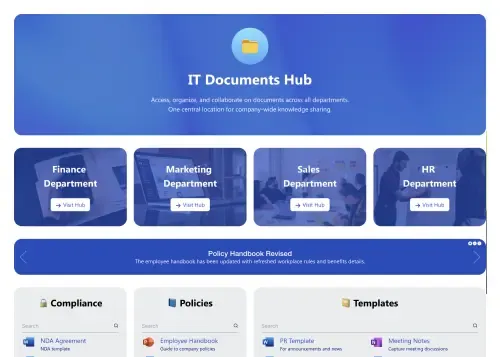
Central document hub with alerts, search, and actions.
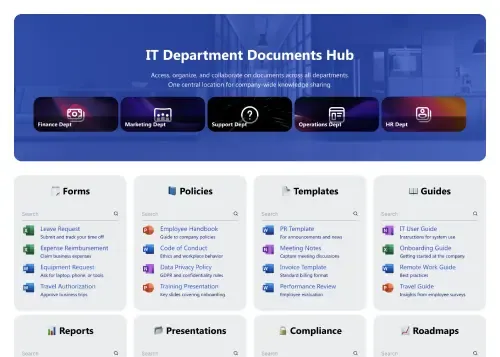
Faster document findability with search, filters, and categories
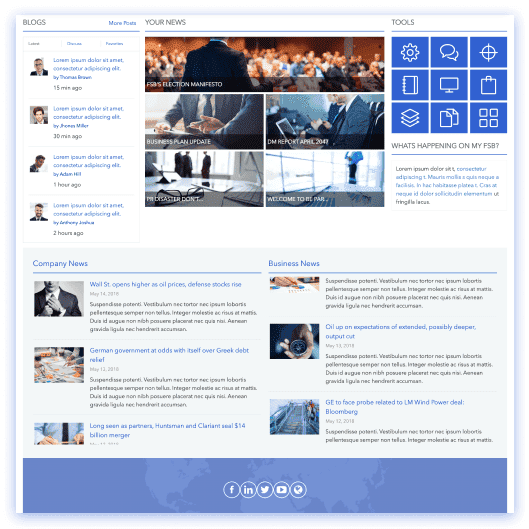
Task-oriented intranet with tiles, news, directory, and calendar.
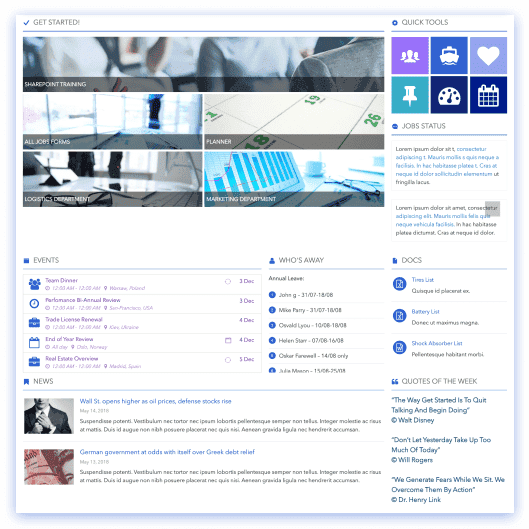
People-first intranet for apps, resources, team info, schedules.
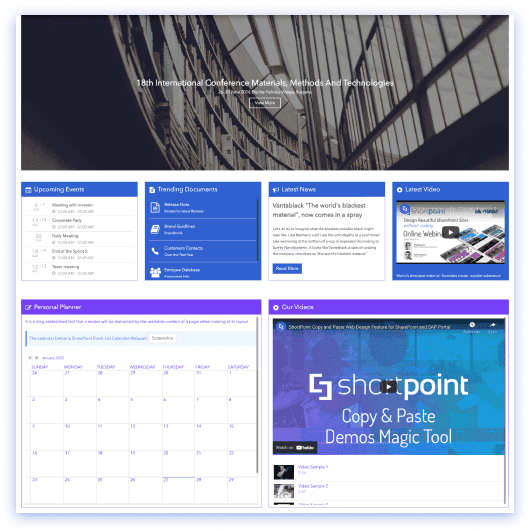
Minimalist, single-column layout for focused messaging and CTAs.
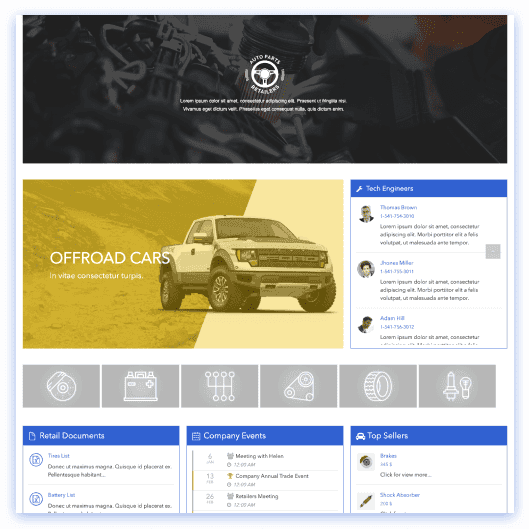
HR portal for retail employee resources, events, availability.









We were spending a lot of development dollars, but things still weren’t how we wanted and every day wasted was a day closer to our deadline.

ShortPoint has enabled us to create internal SharePoint sites that are user-friendly and attractive for our multi-generational group of Associates.

Before using ShortPoint, I’d never have expected that a small team such as ours could deliver a product that looks as good as our portal does today.


ShortPoint reduced the time it took to rebuild our intranet from 3 months to just 2 weeks. It really is a must-have for every company that uses SharePoint.


Building and customizing sites in SharePoint was a very heavy lift. We needed a developer on every project and it felt like we were always doing things the hard way.


I had no idea intranet consultancy would become so big for us! And none of it would have been possible without ShortPoint’s incredible software and support team.


It was hard to find solutions to beautify customers’ SharePoint installations and give customers a visual impression of how a new intranet could look.


Thanks to ShortPoint, the intranet isn’t a pain point for us anymore. I couldn’t put a price on how much happier we are working with ShortPoint as opposed to our previous vendor.

Working with ShortPoint was one of the smoothest projects I’ve ever been involved in. What they created for us is fantastic, and we never felt an ounce of stress.