


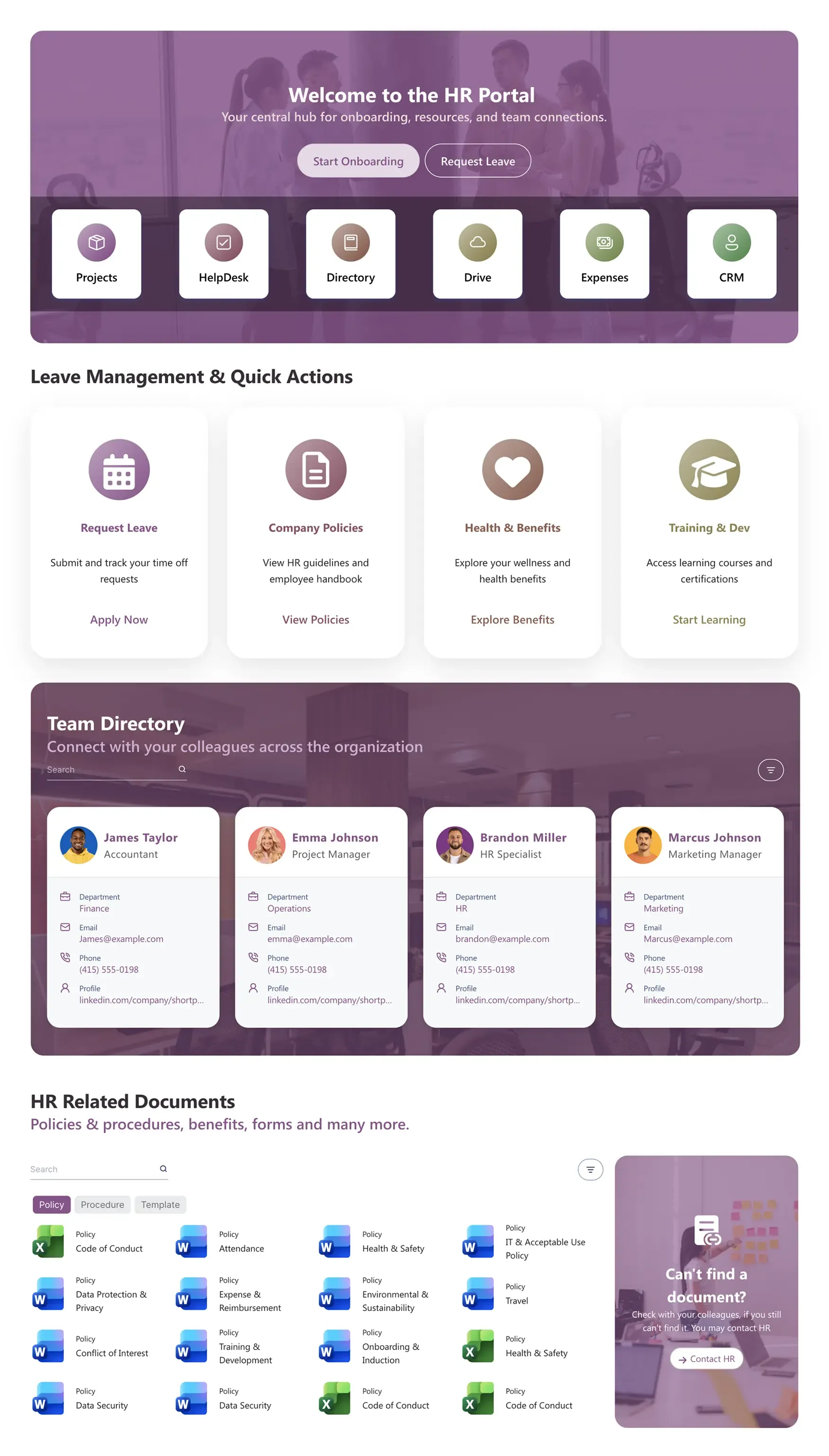
About this Template
Simplify employee management and reduce internal administrative friction with an HR portal SharePoint template. Designed to centralize workforce operations, this layout gives your staff access to onboarding workflows, leave tracking, and corporate health benefits.
Template Features
Empower your human resources department with an interactive, self-service dashboard that moves beyond rigid default lists. These native design capabilities give you the total freedom to structure document hubs, highlight team directories, and style key workflow buttons to mirror your corporate branding perfectly.
Generate targeted internal knowledge layouts rapidly using intelligent text commands.
Construct clean service grids and onboarding paths visually with zero coding required.
Implement your corporate color palette globally across all employee-facing landing pages.
Display real-time staff records and dynamic file lists directly from secure M365 storage.
Replicate successful document grids and navigation blocks to regional portals instantly.
Ensure compliance guidelines and payroll schedules remain readable for all employees.
Unify internal service desks, time-off logs, and external tracking systems seamlessly.
Leverage our gallery of existing templates to deploy full intranet layouts in seconds.
Add high-visibility callout blocks, search inputs, and clean team directory grids.
Ensure remote workers easy access to benefits and policy books on mobile screens.
Get Started With Everyday Home In Three Simple Steps
Launch a branded hr portal sharepoint template in under an hour - no coding required.
- 1
Activate your trial: Click “Start a Trial,” verify with Microsoft 365, and install to your site. Or use the manual installer - quick setup, no credit card required.
- 2
Insert a Template: Edit the page, add the ShortPoint web part, open Templates Library, and insert HR Portal (or any ShortPoint intranet template).
- 3
Customize & Publish: Replace sample content, connect your SharePoint libraries with metadata and filters, set permissions, apply Theme Builder styling, and publish your HR portal.
Frequently Asked Questions
Within an afternoon. The visual interface lets your HR team drop in your existing employee handbook, map active policy folders, and go live without relying on a development cycle.
Yes. The framework works perfectly on SharePoint Online via Microsoft 365 and maintains full compatibility with on-premise SharePoint 2019 setups and the SharePoint Subscription Edition (SE).
Completely. The Theme Builder gives you micro-control over all colors, gradients, fonts, and button styles to ensure your HR hub seamlessly matches your corporate brand footprint.
Yes. The mobile-first responsive architecture automatically optimizes the navigation buttons, profile grids, and request panels for a clean display on any smartphone.
The integrated document section features built-in category tabs and individual search rows, letting employees filter down to specific files like codes of conduct or travel expenses in one click.
Yes. Using ShortPoint Connect, you can synchronize the team directory grid directly with Azure Active Directory and link the policy blocks to live SharePoint document libraries.
Your active subscription grants unrestricted access to our complete template gallery, an expansive library of interactive design components, dynamic data connectors, and priority technical engineering support.
Related Templates
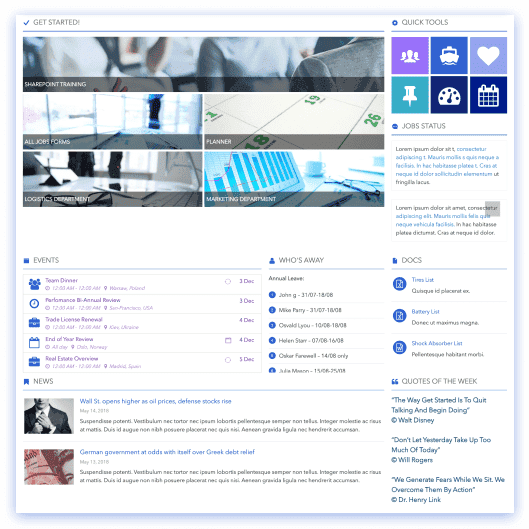
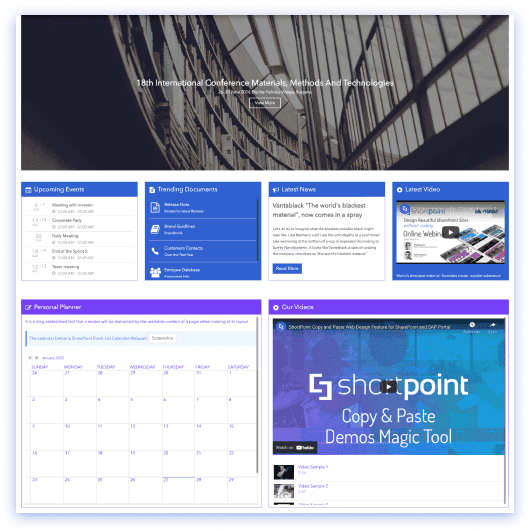
See all Templates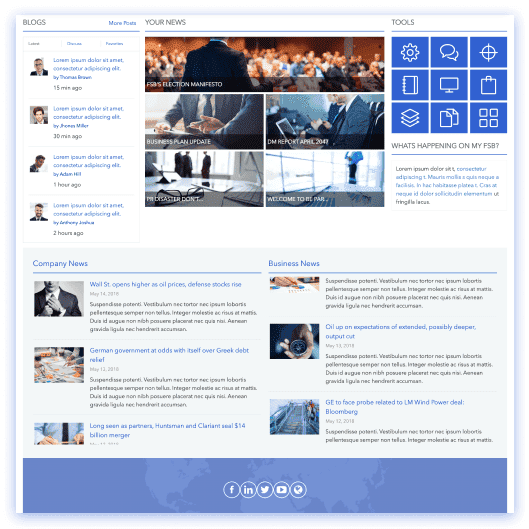









We were spending a lot of development dollars, but things still weren’t how we wanted and every day wasted was a day closer to our deadline.

ShortPoint has enabled us to create internal SharePoint sites that are user-friendly and attractive for our multi-generational group of Associates.

Before using ShortPoint, I’d never have expected that a small team such as ours could deliver a product that looks as good as our portal does today.
ShortPoint reduced the time it took to rebuild our intranet from 3 months to just 2 weeks. It really is a must-have for every company that uses SharePoint.


Building and customizing sites in SharePoint was a very heavy lift. We needed a developer on every project and it felt like we were always doing things the hard way.


I had no idea intranet consultancy would become so big for us! And none of it would have been possible without ShortPoint’s incredible software and support team.


It was hard to find solutions to beautify customers’ SharePoint installations and give customers a visual impression of how a new intranet could look.


Thanks to ShortPoint, the intranet isn’t a pain point for us anymore. I couldn’t put a price on how much happier we are working with ShortPoint as opposed to our previous vendor.

Working with ShortPoint was one of the smoothest projects I’ve ever been involved in. What they created for us is fantastic, and we never felt an ounce of stress.