Intranet Layout 3
SharePoint Homepage Template
Homepage that surfaces news, services, events, and resources.
 SOC 2 Type II, SOC 3
  GDPR
GDPR 
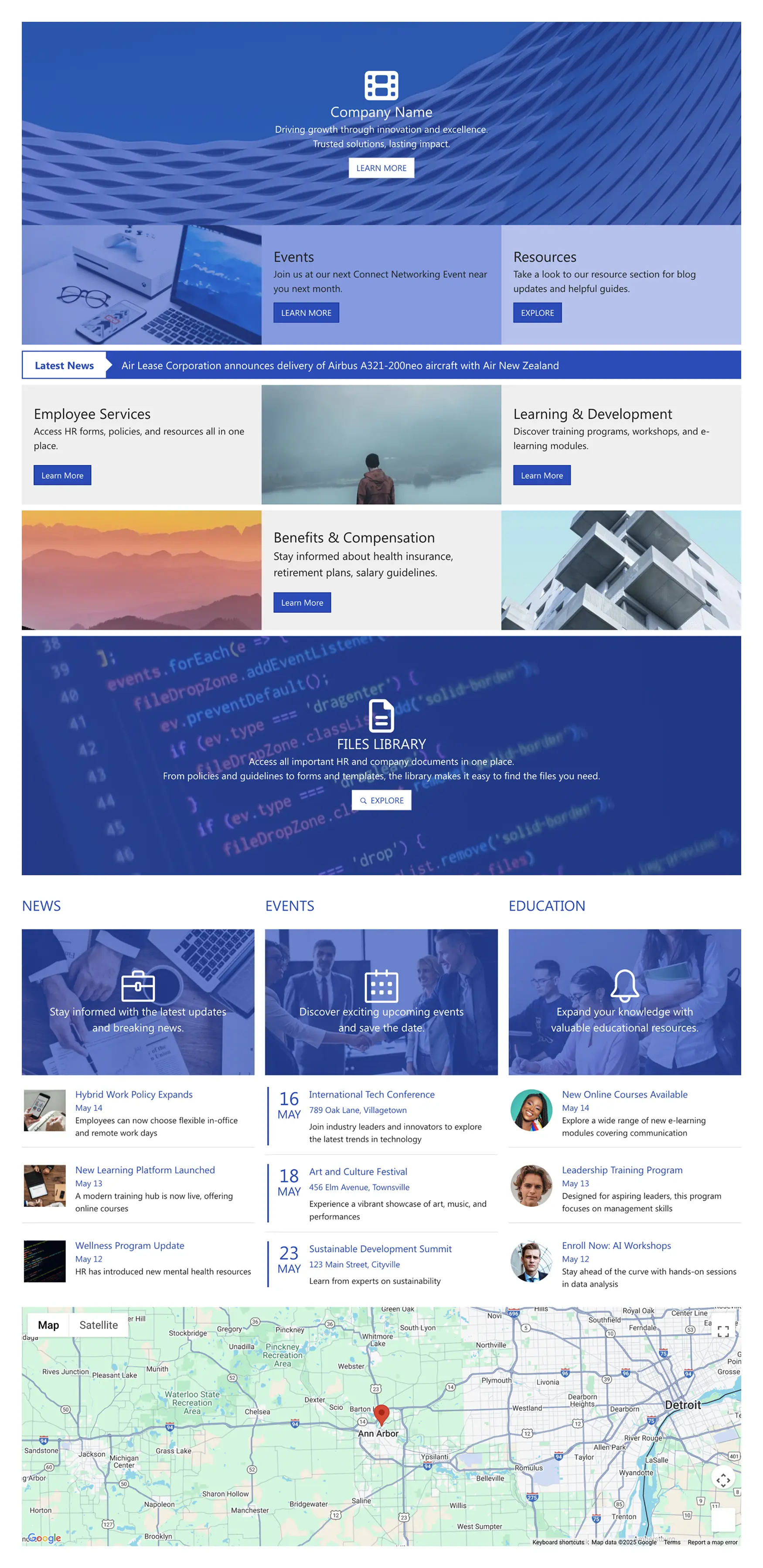
About this Template
Launch a clear, action-oriented homepage that shows what employees need first. This SharePoint homepage template combines a bold hero with CTA, service tiles for Employee Services, Learning & Development, and Benefits & Compensation; a Latest News ticker; a Files Library strip for policies and forms; and dedicated blocks for News, Events, and Education. An optional map highlights office locations or event venues. Quick cards and consistent headings make scanning effortless, while built-in search and simple filters help people jump to the right resource. The layout is responsive and accessible, so updates look great on any device. Use this design to reduce homepage clutter, promote programs, and guide staff to forms, trainings, and upcoming events in seconds.
Template Features
Speed site delivery and standardize layouts while integrating SharePoint and Microsoft 365 data, ensuring consistent styling, accessibility, and section reuse across pages.
Improve your template with AI. Describe changes and see them in minutes.
Create professional layouts fast. Drag, align, and update with ease over time.
Modifying your page branding is easy with real-time edits and quick updates.
Seamlessly connect to SharePoint and Microsoft 365 apps for live content updates.
Lift and shift sections easily—copy & paste keeps your workflow moving.
Accessible from the start: semantic HTML, ARIA, and clear interaction cues.
Hook up calendars, tasks, and dashboards—integrations that cut down manual updates.
Expert-designed page templates are ready anytime to start designing with confidence.
Compose unique pages quickly with 60+ user-friendly, reliable design elements.
Optimized breakpoints keep hierarchy and spacing consistent across all devices.
Get Started With Everyday Home In Three Simple Steps
Launch a branded SharePoint homepage template in under an hour—no coding required.
- 1
Start free trial & add ShortPoint to your site : Click "Start a Trial" and get access to ShortPoint instantly. No credit card needed—just sign in with your Microsoft 365 credentials or download ShortPoint manually and activate your trial.
- 2
Insert a Template : Edit your SharePoint page, insert the ShortPoint web part, and select the Intranet Layout 3 template (or any preferred template page) from the Templates Library
- 3
Customize & Publish : Replace placeholder content with your own, connect your SharePoint data sources, apply your company branding, and publish your new home page for immediate use.
Frequently asked Questions
Setup is fast. Simply install ShortPoint, apply the SharePoint homepage template, connect your existing data sources, and hit publish. Most teams are live within hours, not days—no development skills required.
Absolutely. The page template works perfectly with Microsoft 365 SharePoint Online, SharePoint Subscription Edition (SE) and all supported on-premise environments when paired with ShortPoint. We've got the technical compatibility covered so you don't have to worry about it.
You have full control. Use Theme Builder to match your brand colors, fonts, and style perfectly, then customize the SharePoint page layout with Page Builder. Everything's visual and intuitive—no CSS knowledge or custom coding required.
The layout of the intranet homepage adapts to any device or screen size, features touch-friendly navigation, and fully complies with accessibility standards to keep your team connected wherever they are.
Definitely. Reuse the homepage template for HR, Finance, IT, or regional offices—each team can aplly custom content and functionality while maintaining your organization's consistent brand and user experience across all sites.
ShortPoint Connect enables effortless integration with SharePoint resources and Microsoft 365 apps like Teams, Outlook, Planner, and more. This ensures your content stays updated in real time, eliminating the need for manual data entry and keeping your intranet fresh and accurate.
Gain full access to the entire ShortPoint Templates library, featuring a wide range of pre-built design elements and integrations that empower you to build a stunning, fully functional intranet site quickly. Enjoy continuous updates and dedicated support to ensure your modern SharePoint sites stay fresh, efficient, and perfectly aligned with your evolving business needs.
Related Templates
See all Templates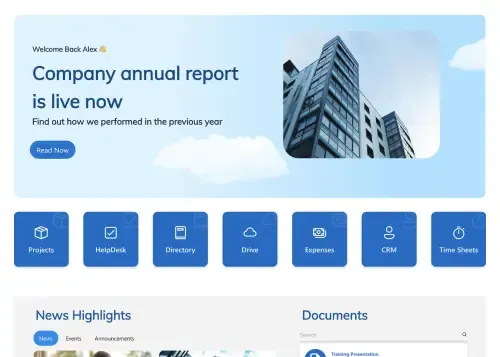
Drive internal communication and corporate transparency instantly.

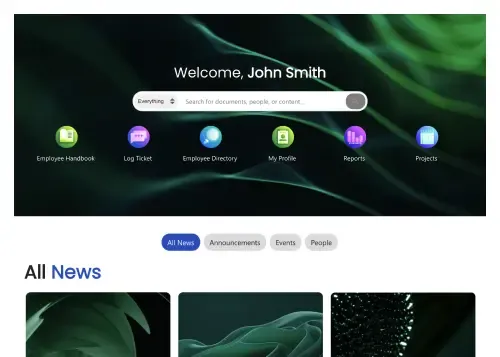
Personalized intranet homepage for search, news, and actions.

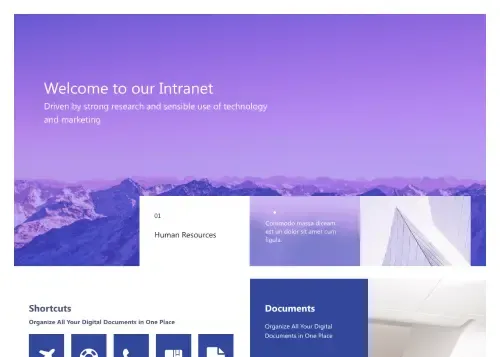
Modern intranet homepage for news, documents, and events.
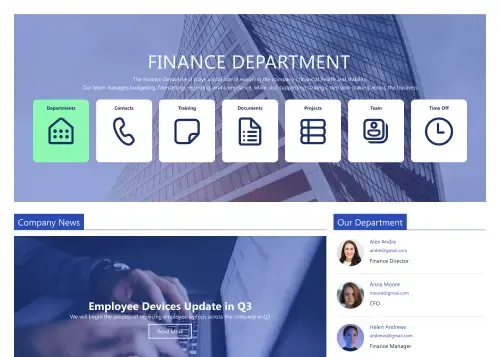
Clean intranet page with tiles, updates, and calendar.
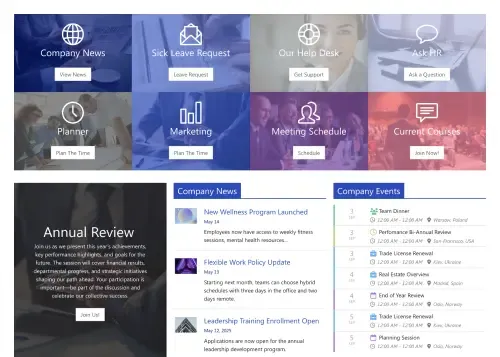
Action-first homepage with tiles, news, docs, schedules.
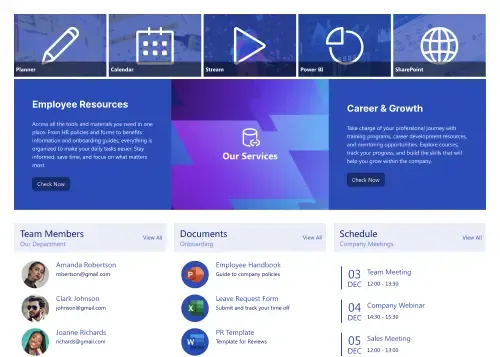
Centralize resources, documents, schedules, and employee services.









We were spending a lot of development dollars, but things still weren’t how we wanted and every day wasted was a day closer to our deadline.

ShortPoint has enabled us to create internal SharePoint sites that are user-friendly and attractive for our multi-generational group of Associates.

Before using ShortPoint, I’d never have expected that a small team such as ours could deliver a product that looks as good as our portal does today.


ShortPoint reduced the time it took to rebuild our intranet from 3 months to just 2 weeks. It really is a must-have for every company that uses SharePoint.


Building and customizing sites in SharePoint was a very heavy lift. We needed a developer on every project and it felt like we were always doing things the hard way.


I had no idea intranet consultancy would become so big for us! And none of it would have been possible without ShortPoint’s incredible software and support team.


It was hard to find solutions to beautify customers’ SharePoint installations and give customers a visual impression of how a new intranet could look.


Thanks to ShortPoint, the intranet isn’t a pain point for us anymore. I couldn’t put a price on how much happier we are working with ShortPoint as opposed to our previous vendor.

Working with ShortPoint was one of the smoothest projects I’ve ever been involved in. What they created for us is fantastic, and we never felt an ounce of stress.