


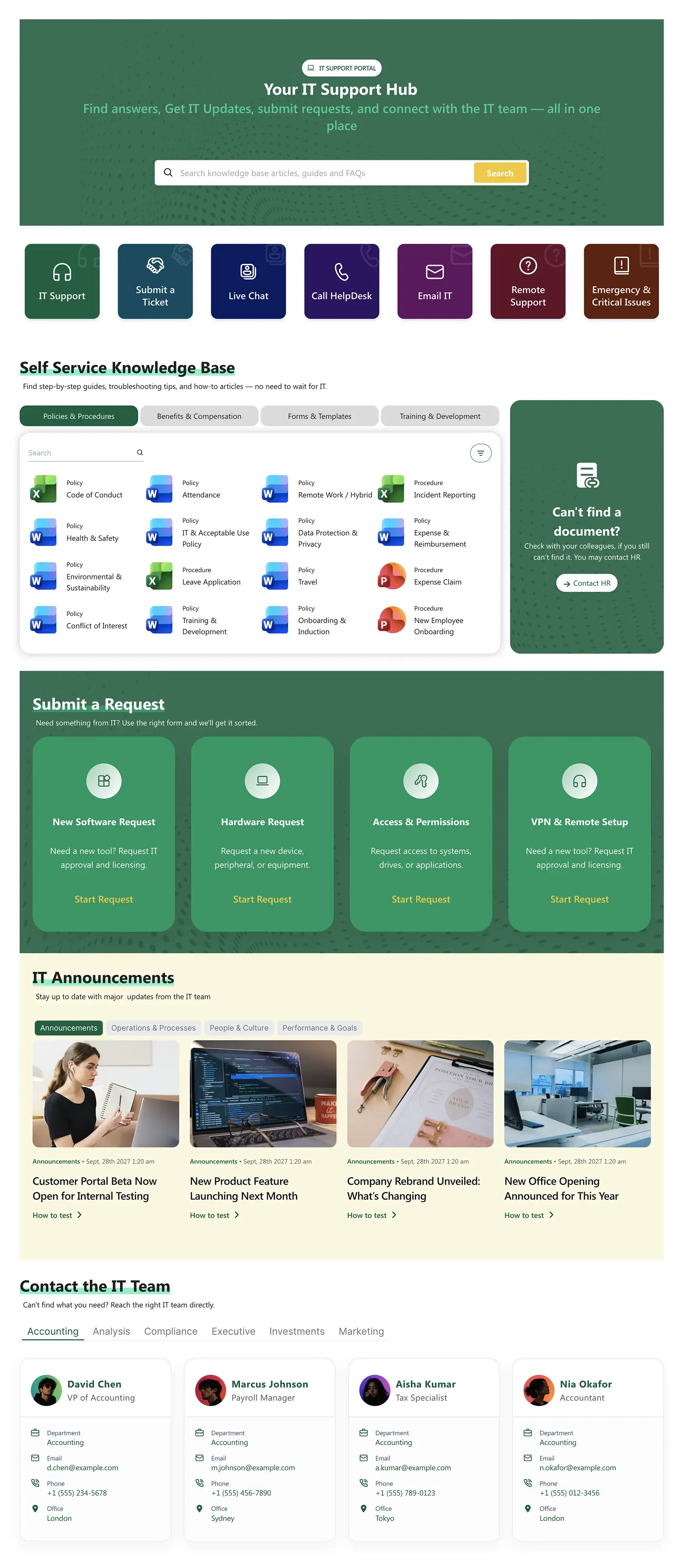
About this Template
Single front door to IT — submit tickets, browse KB, request software/hardware, set up VPN, escalate issues. Self-service KB with category filters (Software, Hardware, Security, Network), four pre-built request types, IT announcements. Designed to deflect tickets.
Template Features
Empower your technical departments with a highly scannable support gateway. These intuitive design tools allow you to prioritize critical system alerts, categorize self-service documentation, and streamline incident logging interfaces to match your organization's precise ticketing workflows.
Generate targeted IT support layouts instantly through conversational prompts.
Organize help categories, ticketing buttons, and alert bars visually with zero code.
Color-code urgent support priority buttons to align with corporate branding.
Link search bars dynamically to existing IT knowledge bases and FAQ libraries.
Reuse high-performing page designs across various regional support hubs.
Provide clear, readable error reporting instructions for all end-users.
Connect directly with internal and external ticketing tools, live chats, or helpdesk platforms.
Showcase structured IT support request links, lists, and forms straight out of the box.
Embed responsive tabbed panels, search fields, and direct team contact profiles.
Enable on-site or off-site workers to submit critical IT incidents from any device.
Get Started With Everyday Home In Three Simple Steps
Launch a branded sharepoint helpdesk template in under an hour - no coding required.
- 1
Activate your trial: Click “Start a Trial,” verify with Microsoft 365, and install to your site. Or use the manual installer - quick setup, no credit card required.
- 2
Insert a Template: Edit the page, add the ShortPoint web part, open Templates Library, and insert Help Center (or any ShortPoint intranet template).
- 3
Customize & Publish: Replace sample content, connect your SharePoint libraries with metadata and filters, set permissions, apply Theme Builder styling, and publish your help center.
Frequently Asked Questions
In just a few hours. You can instantly map the layout to your tenant, hook it up to your current documentation, and deliver an operational support portal today. No development lag.
Yes, completely. It runs seamlessly on Microsoft 365 (SharePoint Online) and remains completely compatible with your on-premise SharePoint 2019 servers and SharePoint Subscription Edition (SE).
The Theme Builder forces your IT hub to match your corporate styling guidelines, while individual layouts let you change request cards or color-code high-priority support issues.
Clear and user-focused. The layout adjusts gracefully to smaller screens, making it easy for locked-out employees or field agents to submit tickets on mobile.
Absolutely. This setup can act as a standard foundation for HR support, facilities requests, or financial help centers across your intranet ecosystem.
Yes. ShortPoint Connect links your search rows and contact listings to live M365 applications, ensuring resource documentation and staff data update automatically.
You gain unrestricted access to our design suite, full template catalog, specialized support elements, automated integrations, and expert technical guidance whenever needed.
Related Templates
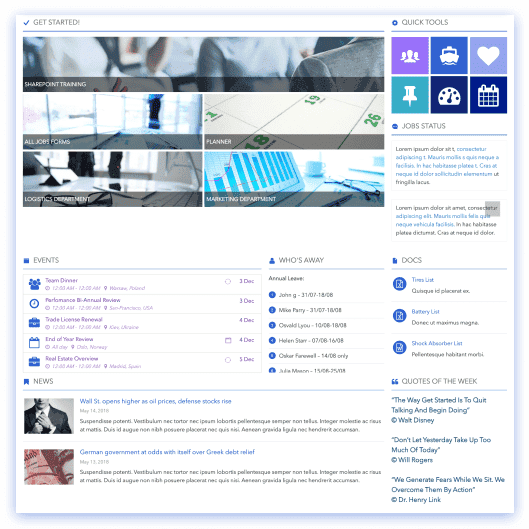
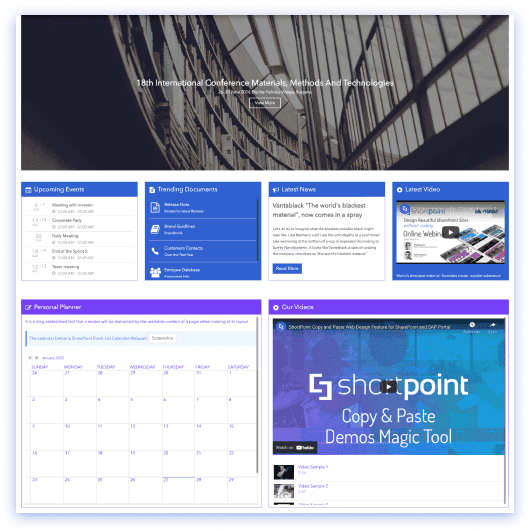
See all Templates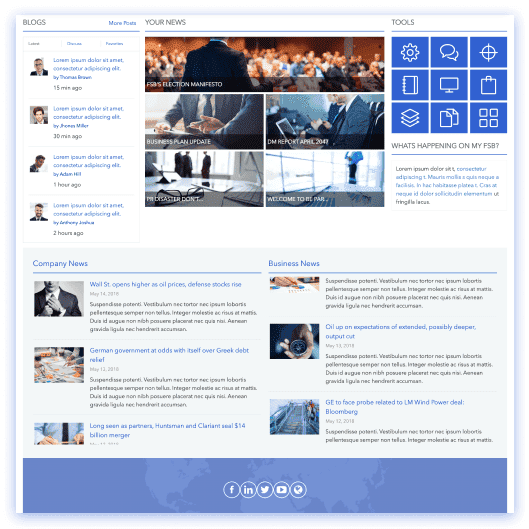









We were spending a lot of development dollars, but things still weren’t how we wanted and every day wasted was a day closer to our deadline.

ShortPoint has enabled us to create internal SharePoint sites that are user-friendly and attractive for our multi-generational group of Associates.

Before using ShortPoint, I’d never have expected that a small team such as ours could deliver a product that looks as good as our portal does today.
ShortPoint reduced the time it took to rebuild our intranet from 3 months to just 2 weeks. It really is a must-have for every company that uses SharePoint.


Building and customizing sites in SharePoint was a very heavy lift. We needed a developer on every project and it felt like we were always doing things the hard way.


I had no idea intranet consultancy would become so big for us! And none of it would have been possible without ShortPoint’s incredible software and support team.


It was hard to find solutions to beautify customers’ SharePoint installations and give customers a visual impression of how a new intranet could look.


Thanks to ShortPoint, the intranet isn’t a pain point for us anymore. I couldn’t put a price on how much happier we are working with ShortPoint as opposed to our previous vendor.

Working with ShortPoint was one of the smoothest projects I’ve ever been involved in. What they created for us is fantastic, and we never felt an ounce of stress.