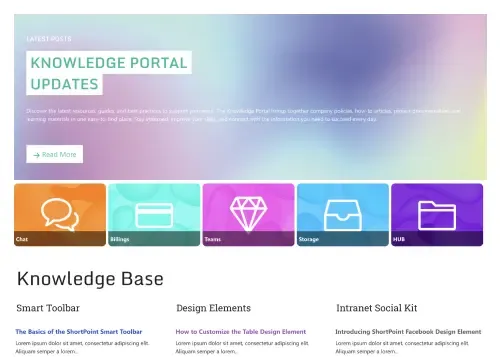
Browse knowledge base sites
Academy
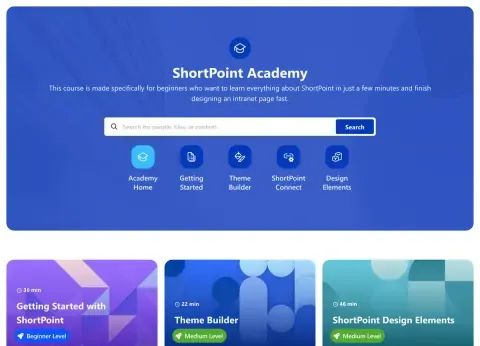
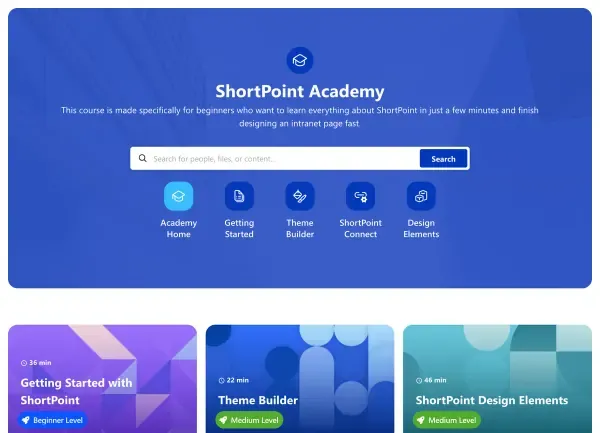
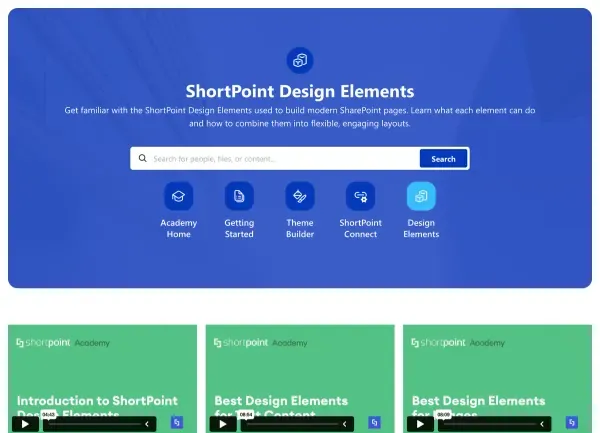
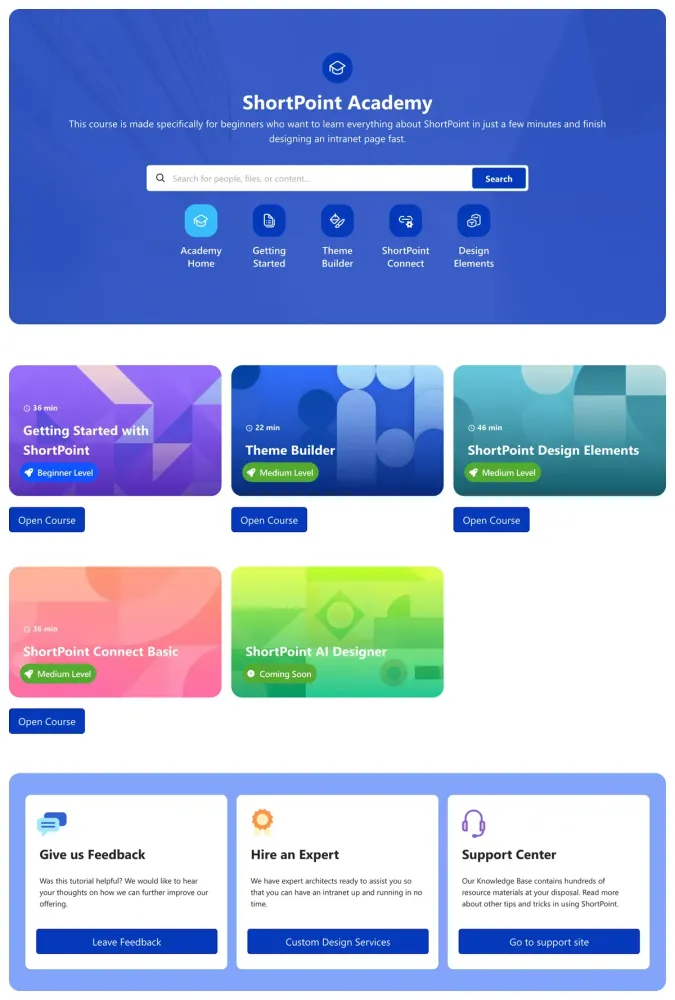
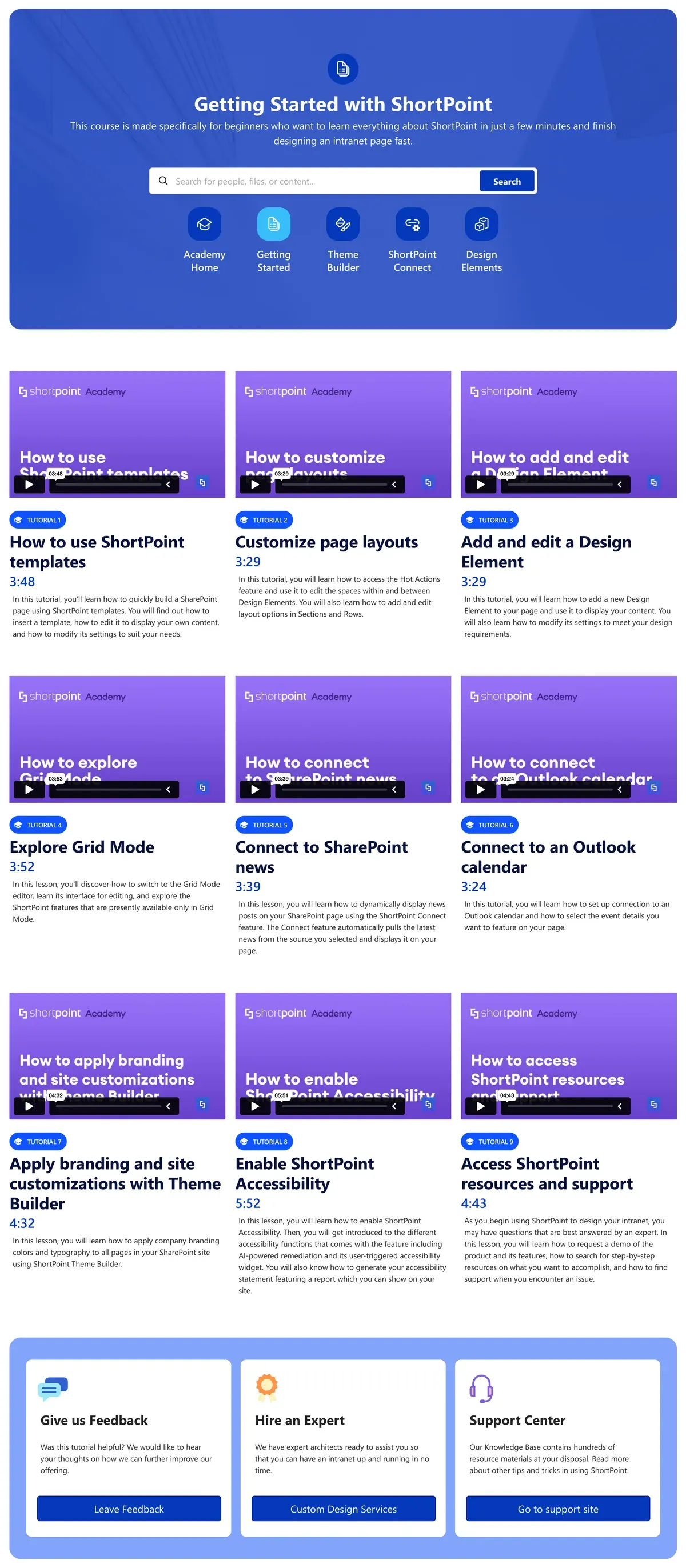
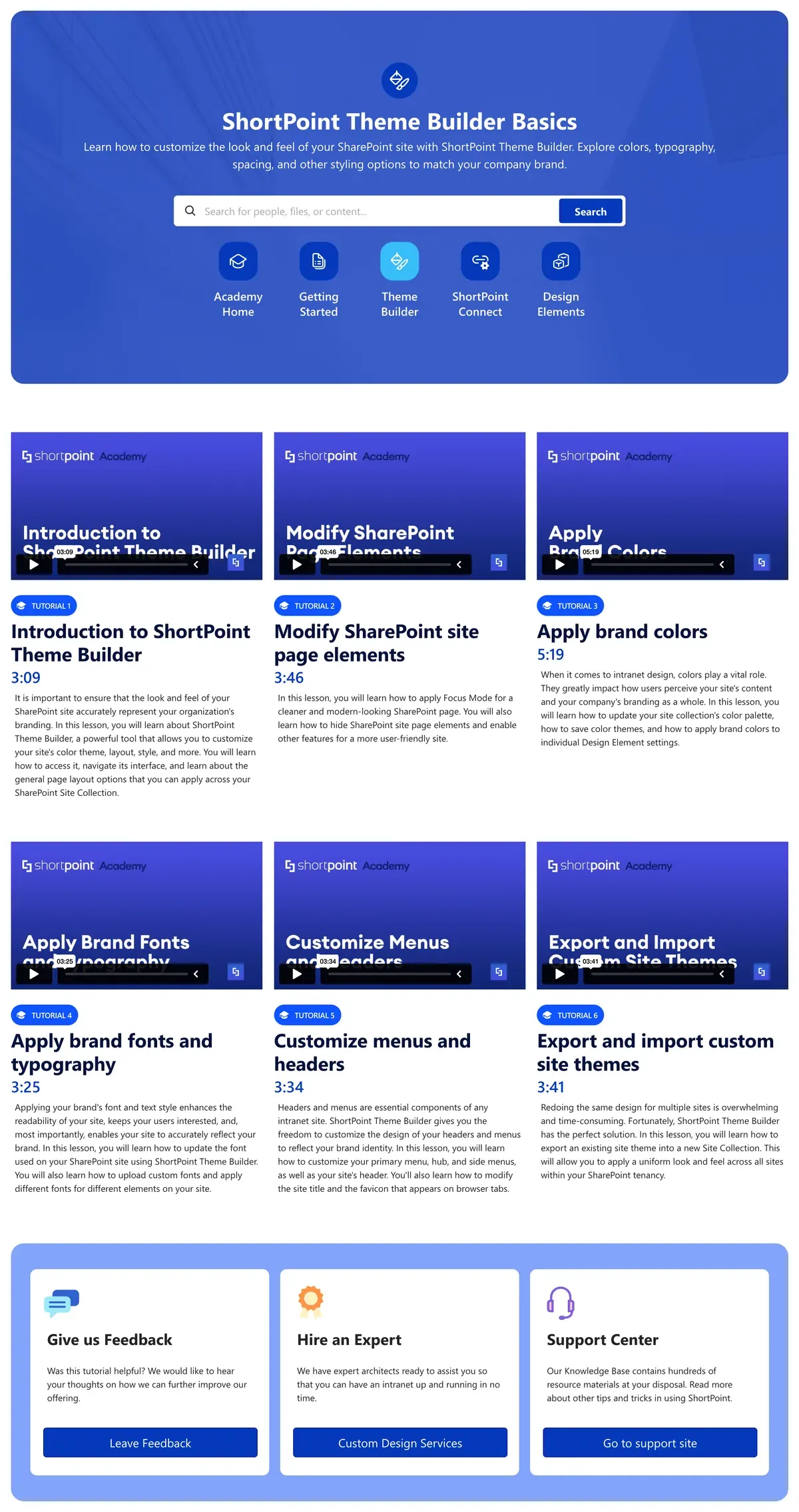
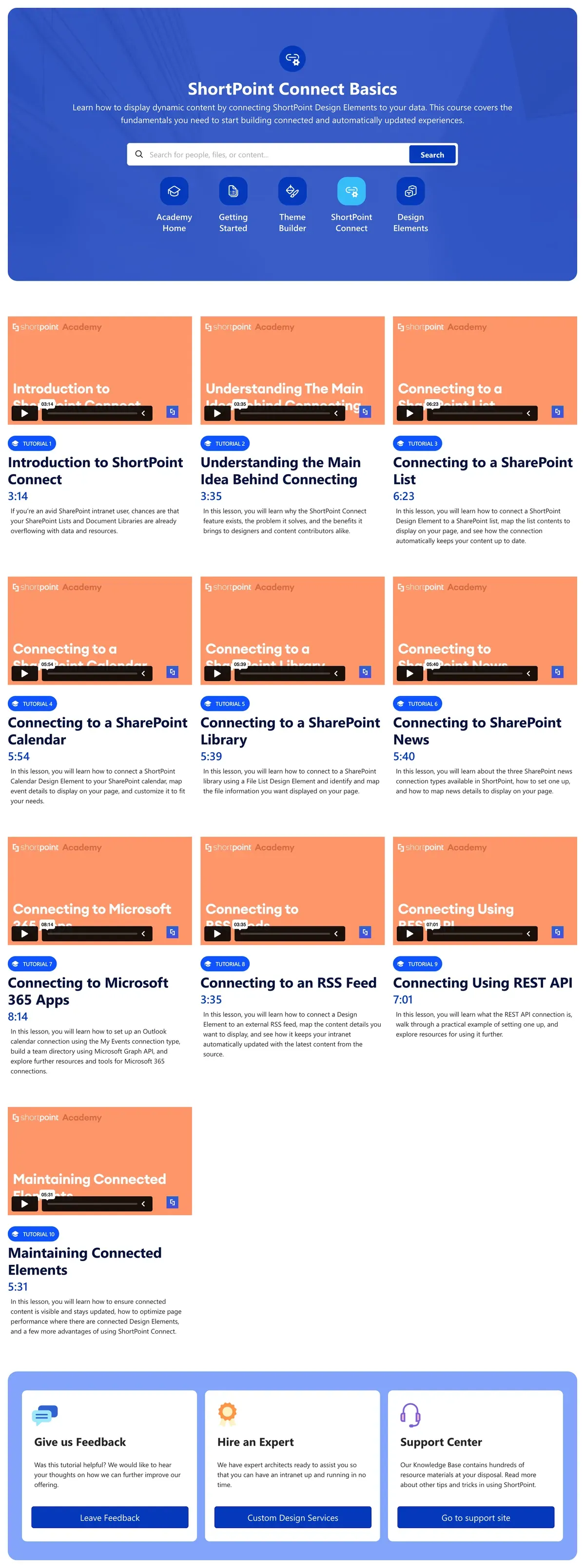
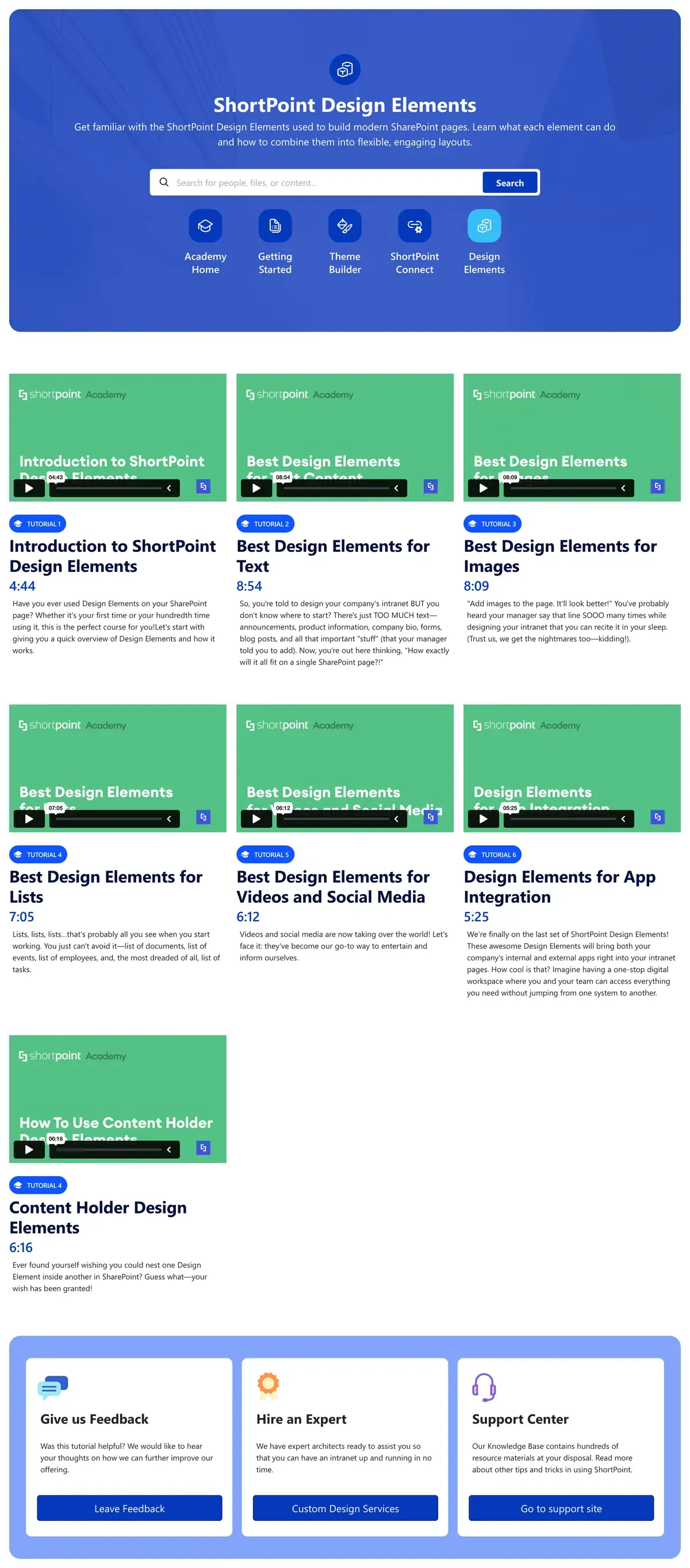
A training and knowledge site for any company: an academy home with every course, plus course pages of video tutorials for your own tools, processes or products.
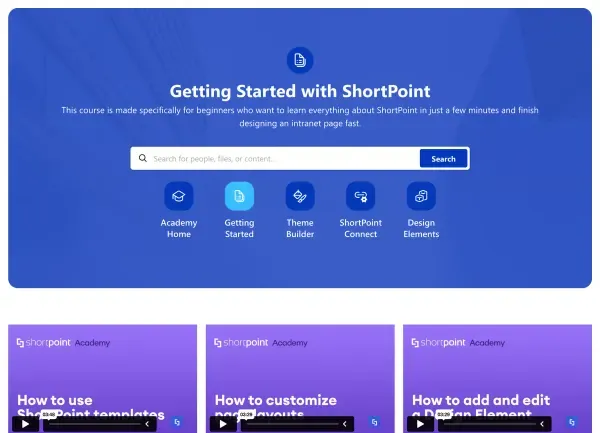
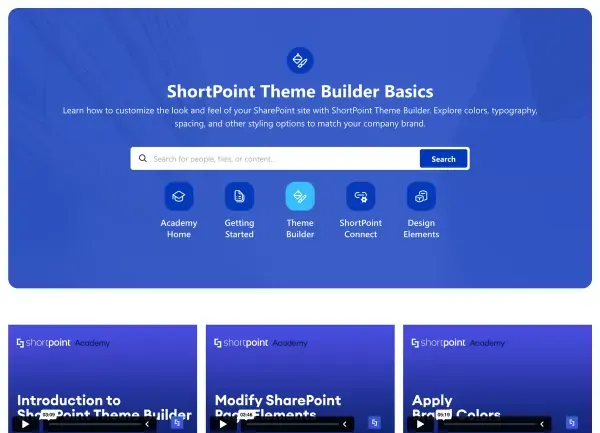
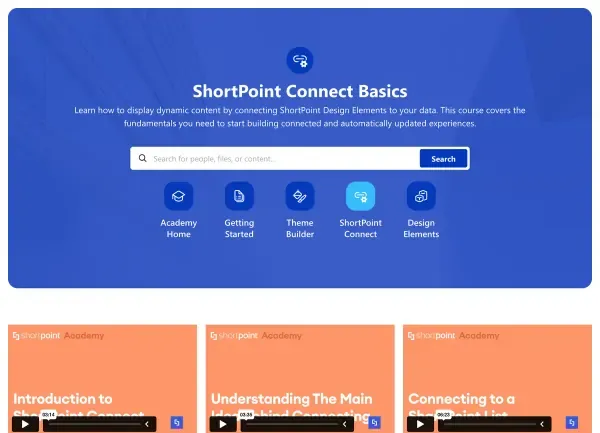
How it differs: Every course page shares one layout: a search bar, the same navigation and a grid of numbered video tutorials. The sample content teaches ShortPoint, so replace it with your own courses.
About SharePoint knowledge management sites
A SharePoint knowledge management site brings everything people need to learn and find answers into one site: a knowledge management home page, a searchable library of documents and guides, courses, and a directory of the people who know things. Academy covers the learning side: a course catalog and video tutorial pages in one design, which your team edits in its own SharePoint without code.
A single knowledge base page answers questions. A knowledge management site goes further: it connects the answers to the documents, the training and the experts behind them. If one page is enough, see the SharePoint knowledge base templates.
The pages a knowledge management site needs
A full knowledge site usually has these five pages. Each links to the templates that cover it.
- Knowledge Management home Where people start: what’s new, where to begin, and who can help. Knowledge base page templates
- Library Documents, guides, policies and templates in one searchable place. Documents page templates
- Courses and guides Step-by-step learning paths and how-to articles. Knowledge base page templates
- Directory of experts Who knows what, by team and topic. Team Hub page templates
- Department pages Each team’s own knowledge, people and requests. Team Hub page templates
How the pages connect
Every page in a knowledge site keeps the same header and navigation, and the library is the single source: guides, courses and department pages link to the same files instead of keeping their own copies, so an update appears everywhere at once.
- Library
- Courses and guides
- Directory
- Department pages
Need a different page? ShortPoint has 250+ page and section templates, so you can add pages to a site or replace any page with one that fits your needs better. Then use AI Designer to adjust or rebrand them to match the site’s layout.
Who owns what
Knowledge goes stale unless every topic has someone who checks it.
- Knowledge manager or L&D The knowledge management home page, courses and guides
- Subject experts in each team The articles on their topic
- IT or the SharePoint admin Library structure and permissions
- Heads of each department Their team’s knowledge page
Keeping knowledge trustworthy
People stop using a knowledge site the first time it gives them an outdated answer. Keep one source library and link to it rather than copying content. Show an owner and a last-updated date on every article, and retire what nobody owns. ShortPoint follows your SharePoint permissions, so restricted documents only show to the people allowed to see them.
Rolling it out
- Decide what the site is for first: courses and tutorials, a document library, or both.
- Gather the guides and documents people already rely on into one library, and point the site at it.
- Give every topic a subject expert who checks it on a set date.
- Open with the library and the home page, since that’s where people look first.
- Add new courses, the expert directory and department pages one team at a time.
Why ShortPoint for a knowledge site
SharePoint already stores your documents and videos, but its default libraries and pages make people browse folders to learn anything. ShortPoint knowledge sites put search first and turn the same content into designed pages: courses with their length and level, numbered video tutorials, and a clear route to help. Swapping in your own course means replacing the cards and video links, not rebuilding the page.
Every template here is a starting point. With ShortPoint you can connect any section to live data from SharePoint lists and Microsoft 365, such as people, calendars, news and files, using Connect. You can add or swap any of the design elements without code, and apply your brand to every page at once with Theme Builder. AI Designer can then help you adjust a layout or create a page that isn’t in the library.
ShortPoint knowledge sites vs SharePoint’s Learning central template
Microsoft’s Learning central template is a communication site home page for an education team, with news, learning objectives, deadlines and links to resources. A ShortPoint knowledge site adds the course pages themselves: a catalog showing each course’s length and level, and numbered video tutorials on every course page, searchable from the top of each page. See the full comparison on the template hub.