News Portal 2
SharePoint News Post Template
Deliver company news, updates, and announcements effortlessly.
 SOC 2 Type II, SOC 3
  GDPR
GDPR 
About this Template
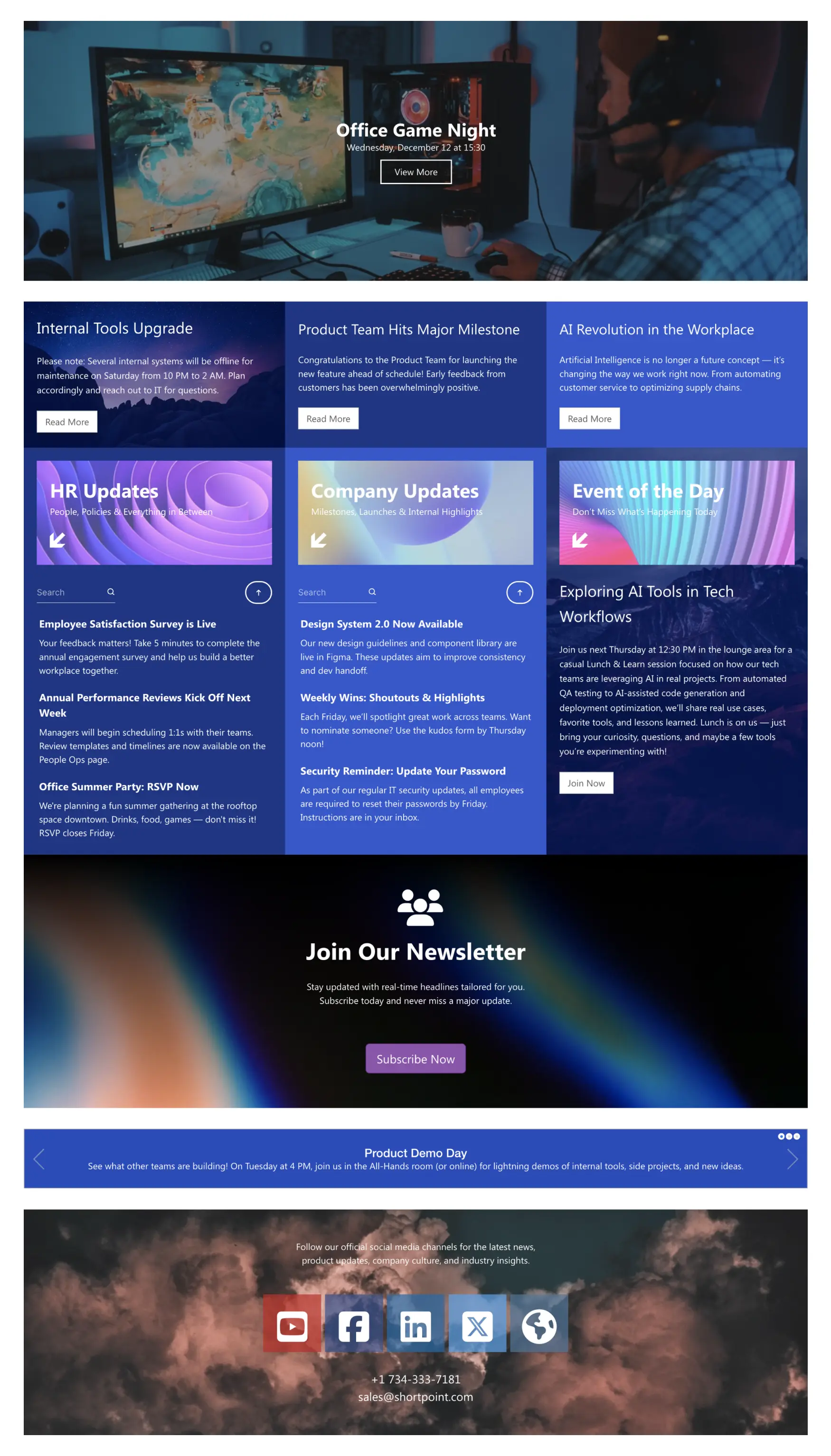
Publish company updates in a clean, scannable layout with News Portal 2. This SharePoint news post template presents a prominent hero for featured stories, plus card grids for HR updates, company news, and an “Event of the Day” spotlight. Group posts by category, add summaries, and let readers search to find what matters. A ticker banner displays urgent announcements, while a newsletter sign-up grows subscribers and keeps headlines circulating. Highlight milestones with callout cards, and embed social links to extend reach beyond the intranet. The responsive, accessible design makes reading effortless on any device. Use this template to replace scattered emails with a single source of truth, improve visibility for initiatives, and keep everyone aligned.
Template Features
Reduce friction and maintenance by connecting SharePoint and Microsoft 365, enforcing branding, and publishing accessible, responsive news pages quickly with repeatable blocks.
Improve your template with AI. Describe changes and see them in minutes.
Page Builder streamlines layout work. Arrange elements, reuse patterns, and publish fast.
Theme changes apply instantly—colors, fonts, and spacing create consistent pages.
Connect calendars, lists, and files—bring Microsoft 365 data straight into your pages.
Copy event blocks and paste them on department sites for easy reuse.
Reduce cognitive load with plain language, clear patterns, and feedback.
Integrations connect systems, powering a modern and unified intranet experience.
We’ve prepared hundreds of page template designs to help you start with confidence.
60+ elements for clear, consistent, and easy page design.
Component sizing updates automatically for different devices.
Get Started With Everyday Home In Three Simple Steps
Launch a branded SharePoint news post template in under an hour—no coding required.
- 1
Start free trial & add ShortPoint to your site : Click "Start a Trial" and get access to ShortPoint instantly. No credit card needed—just sign in with your Microsoft 365 credentials or download ShortPoint manually and activate your trial.
- 2
Insert a Template : Edit your SharePoint page, insert the ShortPoint web part, and select the News Portal 2 template (or any preferred template page) from the Templates Library
- 3
Customize & Publish: Replace sample intranet content with your own, connect your SharePoint data sources, apply company branding, and publish your employee portal for immediate use.
Frequently asked Questions
You’ll be up and running in just a few hours. Simply add ShortPoint, insert the template, connect your lists, give it a quick preview, and publish. It’s designed to be fast and super easy.
Yes. It works smoothly with Microsoft 365 (SharePoint Online), SharePoint Subscription Edition (SE) and supported On-Premise SharePoint, especially when you use it alongside ShortPoint components.
Yes. With Theme Builder, you can easily brand your site, and Page Builder lets you tweak layouts visually — no coding skills needed.
Yes. It’s built mobile-first, so it looks great and works perfectly on phones and tablets with a clean, responsive design.
Yes. You can duplicate the template for HR, Finance, IT, or regional teams—keeping each one unique while maintaining a consistent style.
Yes. Automatically display live news and events from SharePoint, other Microsoft 365 apps, and external sources right into your pages using ShortPoint Connect.
With a subscription, you unlock every SharePoint page template, tons of elements, and Microsoft 365 integrations to speed up your delivery.
Related Templates
See all Templates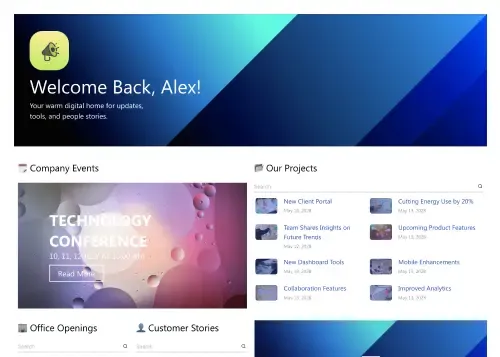
Company news hub with events, projects, and stories.
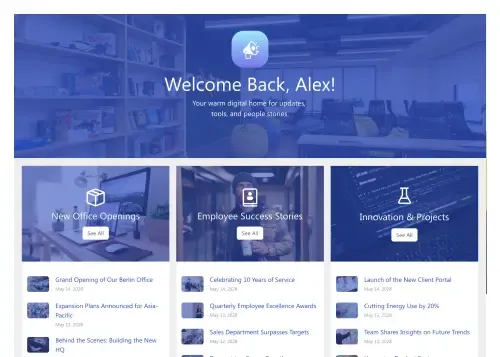
Company feed for streams, projects, launches, and updates.
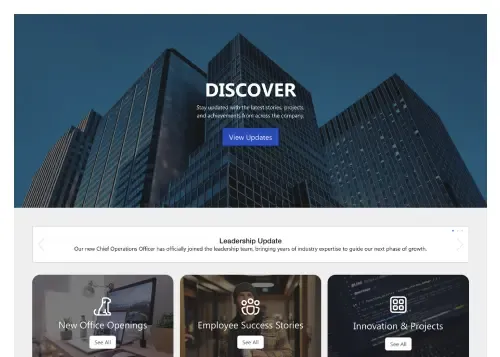
Company feed for news, events, and department updates.
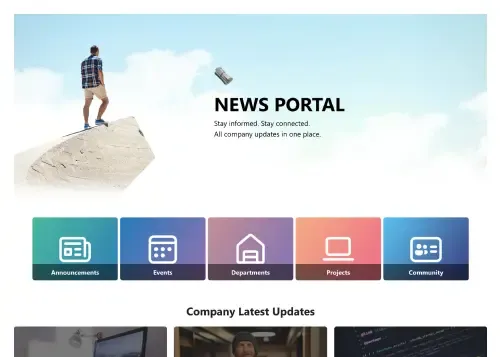
Company news hub for updates, events, and stories.
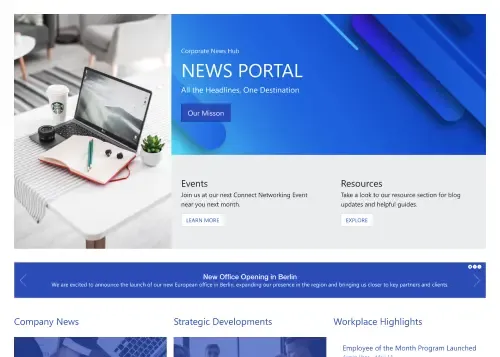
Centralize company news, events, highlights, and resources.
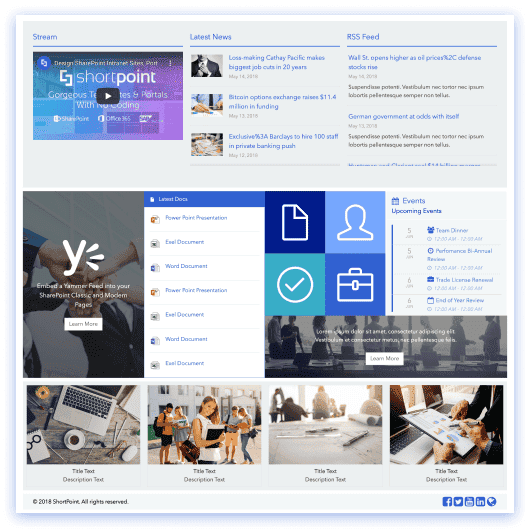
Your hub for video, news, documents, and collaboration.









We were spending a lot of development dollars, but things still weren’t how we wanted and every day wasted was a day closer to our deadline.

ShortPoint has enabled us to create internal SharePoint sites that are user-friendly and attractive for our multi-generational group of Associates.

Before using ShortPoint, I’d never have expected that a small team such as ours could deliver a product that looks as good as our portal does today.

ShortPoint reduced the time it took to rebuild our intranet from 3 months to just 2 weeks. It really is a must-have for every company that uses SharePoint.


Building and customizing sites in SharePoint was a very heavy lift. We needed a developer on every project and it felt like we were always doing things the hard way.


I had no idea intranet consultancy would become so big for us! And none of it would have been possible without ShortPoint’s incredible software and support team.


It was hard to find solutions to beautify customers’ SharePoint installations and give customers a visual impression of how a new intranet could look.


Thanks to ShortPoint, the intranet isn’t a pain point for us anymore. I couldn’t put a price on how much happier we are working with ShortPoint as opposed to our previous vendor.

Working with ShortPoint was one of the smoothest projects I’ve ever been involved in. What they created for us is fantastic, and we never felt an ounce of stress.