Introducing ShortPoint AI Designer: SharePoint AI for Intranet Page Design
Describe what you need, speak it, or paste an image — and get a complete, on-brand SharePoint intranet page in seconds.
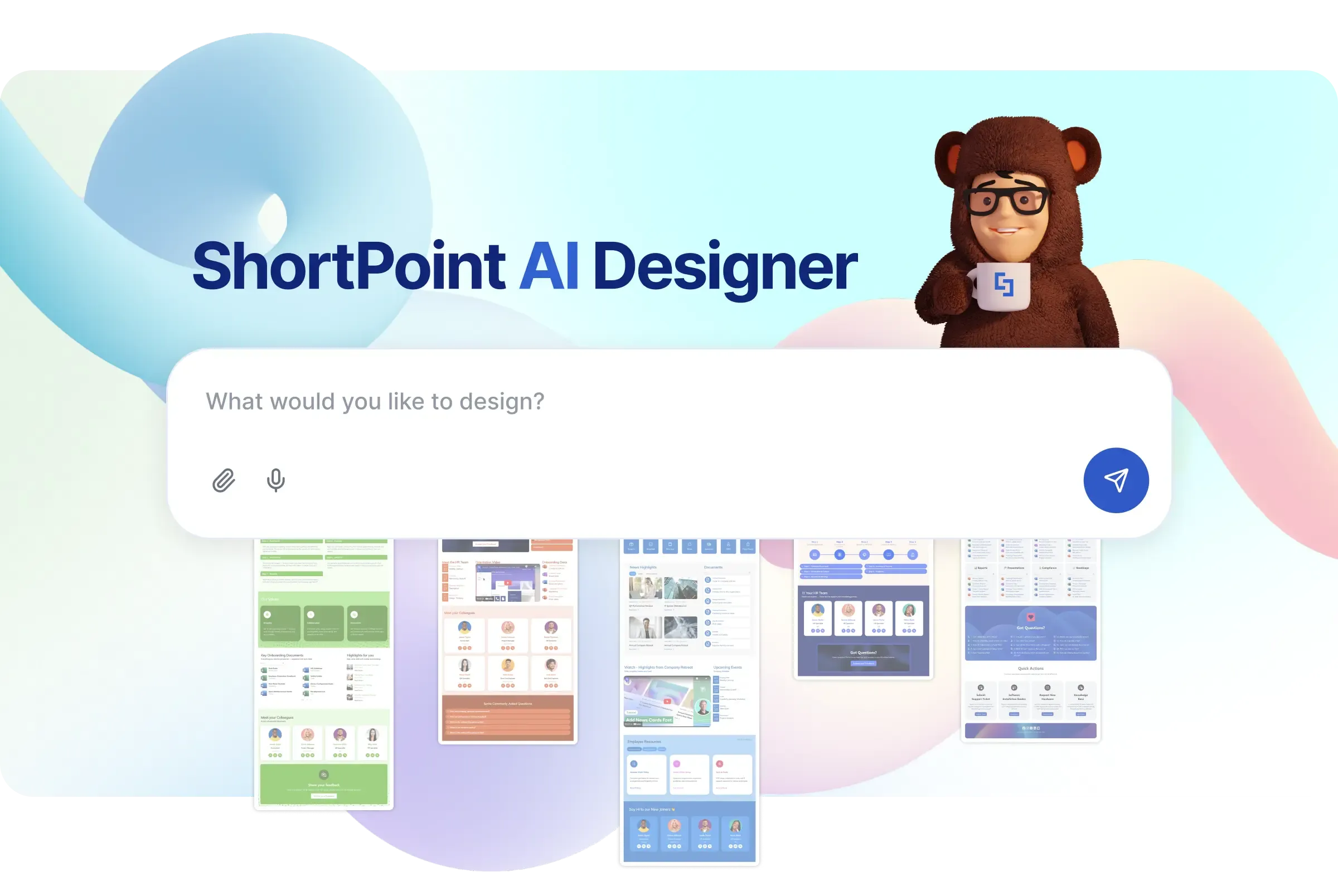
What if you could describe the intranet page you need — and just… get it? No design background. No technical skills. No starting from a blank canvas.
Not a wireframe. Not a template you still have to customize for an hour. A complete, on-brand SharePoint intranet page — fully structured and ready for refinement. Built from a single prompt.
That's exactly what ShortPoint AI Designer does.
What Is ShortPoint AI Designer?
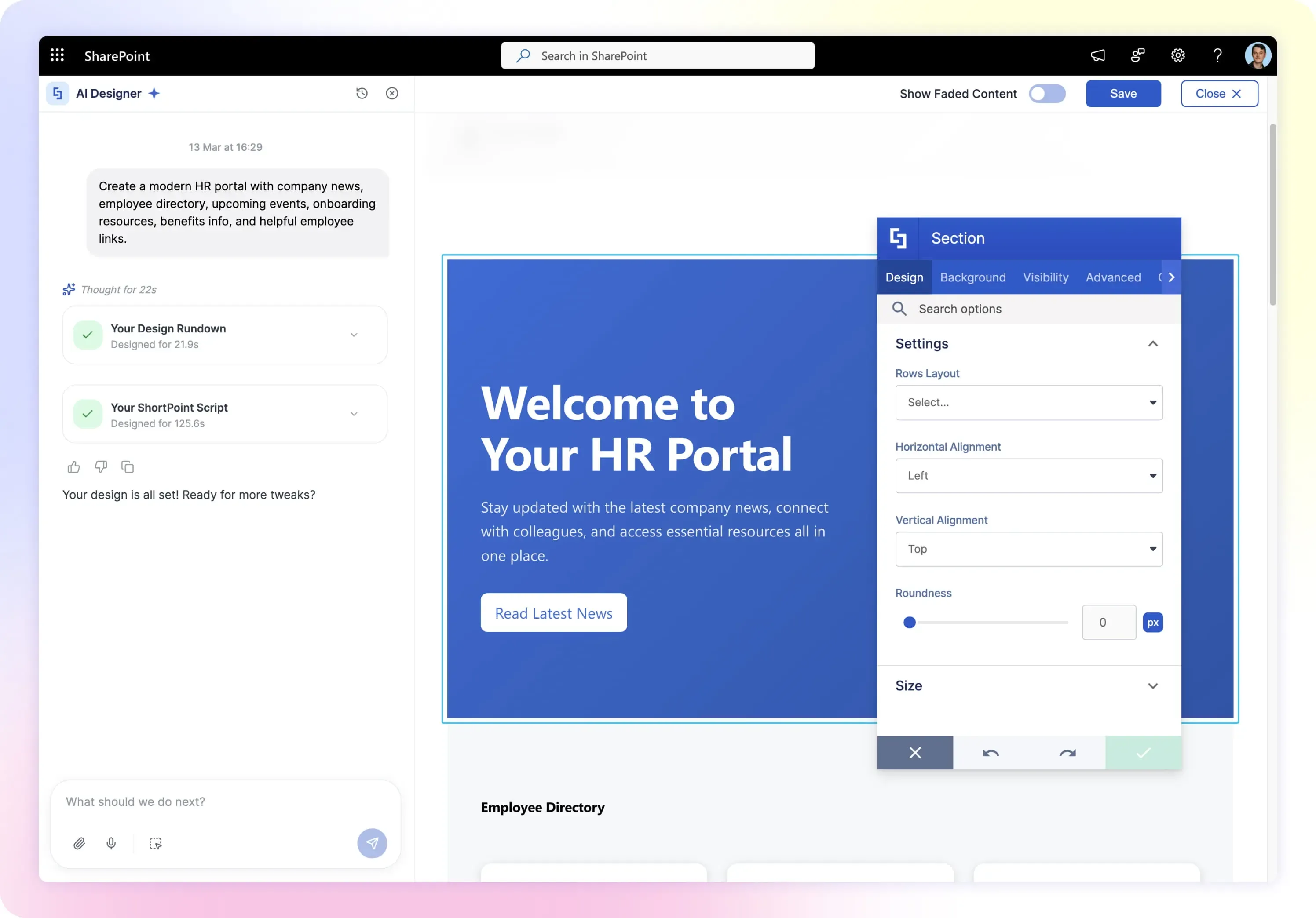
ShortPoint AI Designer is a new SharePoint AI tool built specifically for intranet page design. Instead of starting from a blank layout or picking a template, you open a conversation with AI Designer inside Page Builder and tell it what you need. Type it, say it with voice, or paste a screenshot.
AI Designer then generates a complete SharePoint page — with layouts, design elements, interactive features, and your brand styling — ready to refine and publish.
It's not a content writer. It's not a chatbot bolted onto SharePoint. It's a full-page design engine that understands ShortPoint's entire element library , your Theme Builder settings, and integrates your data sources.
See ShortPoint AI Designer in action:
How ShortPoint AI Designer Will Work
The workflow is simple — and it all happens inside Page Builder:
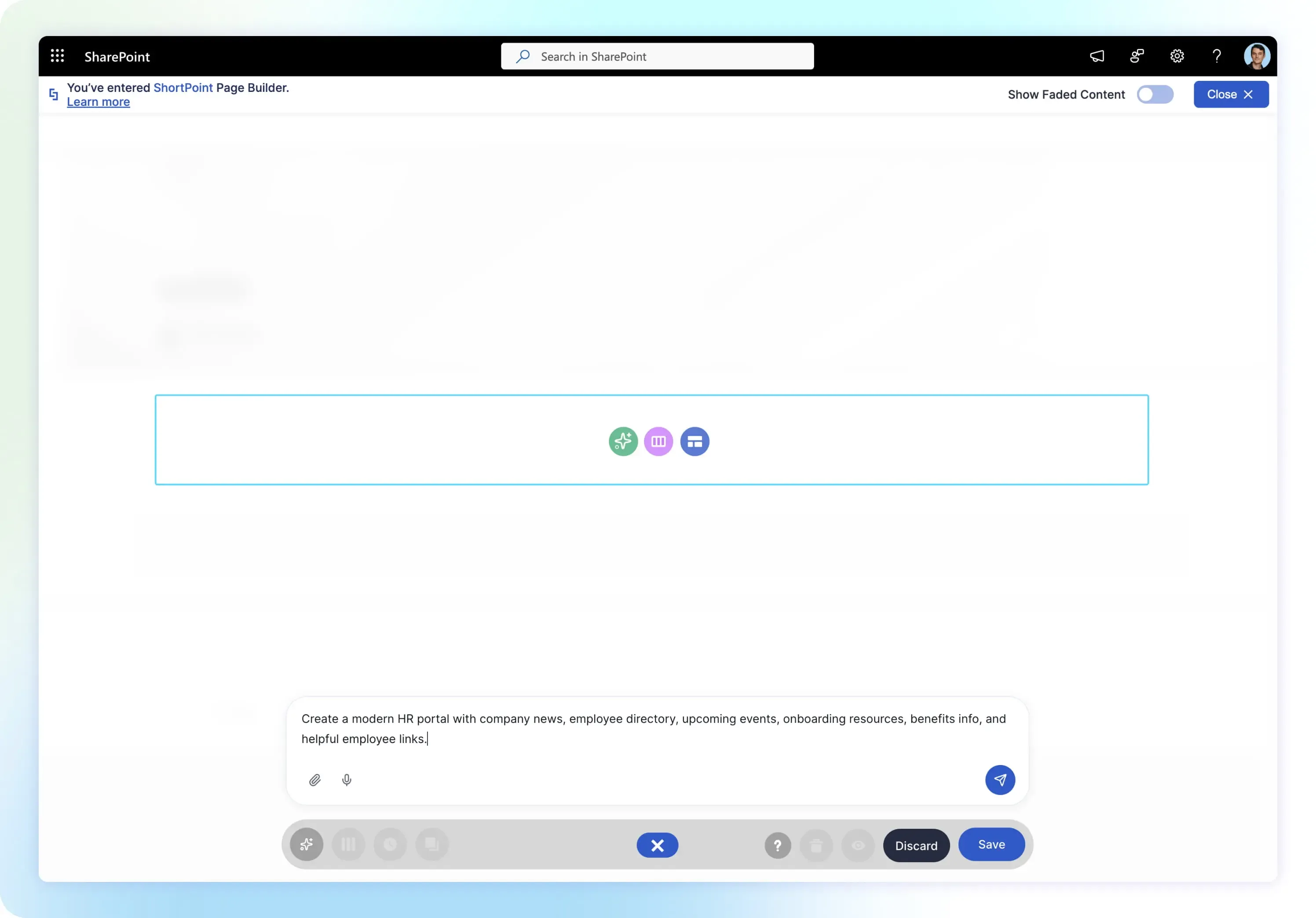
Open AI Designer in Page Builder
When you create or edit a page, you'll see a new option alongside "Choose Layout" and "Start with Template": AI Designer. Click it to open the conversation panel.
Tell It What You Need
You have four ways to communicate your design intent:
- Type a prompt — describe your page in plain language. Something like "Build a leadership landing page with a hero banner, team directory, and latest announcements" is all it takes.
- Speak it — use voice input to dictate your design instructions. Describe what you want out loud and AI Designer builds or updates the page from your voice.
- Paste from clipboard — spotted a design you love online? Copy it, paste it straight into the conversation, and AI Designer uses it as a reference to recreate a similar layout.
- Attach an image — upload a screenshot, mockup, or reference from your files for AI Designer to work from.
You can also pick from any of ShortPoint's 250+ pre-built templates and tell AI Designer how to adapt it — for your department, your brand, or a completely different use case.
Refine Through Conversation
AI Designer supports multi-turn conversation — it remembers context across prompts, so you can keep refining naturally:
You can also click any specific element on the page and ask AI to modify just that piece — a single button, a list, a card layout — without touching the rest.
Browse Versions, Revert Anytime
Every generation is saved. Browse version history to preview any previous state and revert with one click. Your conversations are stored in SharePoint, so you can pick up right where you left off — even days later.
What Makes ShortPoint AI Designer Different
There's a growing ecosystem of AI for SharePoint — from SharePoint AI assistants that help with content to SharePoint AI agents that automate workflows. Most focus on writing, retrieval, or automation. ShortPoint AI Designer does something none of them do: it designs the page itself.
Here's what that means in practice:
It builds full pages, not just content
Most SharePoint AI tools help you write or rewrite text. ShortPoint AI Designer generates the entire page — layouts, sections, design elements, interactive features. The full thing.
It's brand-aware from the start
AI Designer reads your Theme Builder settings automatically. Brand colors, typography, design tokens — all applied to every page it generates. No manual styling. Every page comes out on-brand.
It generates interactive features automatically
This is a big one. AI Designer can generate Search & Filter Toolbar interactivity on elements — search, filtering, sorting, pagination, tabs, and date filtering — without you configuring anything. Just describe what you need, and the interactive behavior is built in.
It works with everything you already have
AI Designer generates pages using the same 80+ ShortPoint design elements , 250+ templates , and theme settings you already use. It's an addition to your workflow — not a replacement. Switch between AI Designer, Live Mode, and Grid Mode at any time.
Prompt queue
Inspiration doesn't wait. If you think of the next change while AI is still generating, just queue it up. Prompt queue lets you stack multiple prompts so nothing gets lost.
Every page is 100% editable
ShortPoint AI Designer doesn't generate locked or proprietary output. Every page it creates is a standard ShortPoint page — built with the same elements, layouts, and settings you'd use manually. Open it in Live Mode or Grid Mode and adjust anything. AI gets you there faster. You stay in full control.
ShortPoint AI Designer vs. Copilot for SharePoint
This is probably the question we'll get the most — so let's address it directly.
Copilot for SharePoint helps create content and basic page drafts using native web parts. ShortPoint AI Designer focuses on intranet page design — advanced layouts, on-brand styling, and interactive components — inside ShortPoint.
| Capability | Copilot for SharePoint | ShortPoint AI Designer |
|---|---|---|
| Generate page content | ✓ | ✓ |
| Create SharePoint page draft | ✓ | ✓ |
| Advanced intranet layouts & design control | — | ✓ |
| 80+ design elements library | — | ✓ |
| 250+ design templates | — | ✓ |
| Interactive components (search, filter, sort, tabs) | — | ✓ |
| Brand theming automation | Limited | ✓ |
| Screenshot-to-layout generation | — | ✓ |
| 100% editable AI-generated output | Limited | ✓ |
| Requires M365 Copilot license (~$30/user/month) | Yes | No |
Bottom line: Copilot helps with content and basic drafts. ShortPoint AI Designer helps you design the intranet page itself — layout, structure, and interactive experience — while keeping everything editable.
Try It Today
ShortPoint AI Designer is available now inside ShortPoint Page Builder on Microsoft 365 and SharePoint Online.
Start a free 15-day trial → and get started with AI Designer today. No credit card required.
Start your free trial now so you're set up the moment AI Designer launches. Or schedule a walkthrough with our team.