April 2026 Snapshot
This month's Snapshot is filled to the brim with
exciting news and updates.

What's New?
An Opportunity to Meet the ShortPoint AI Designer is Coming This May
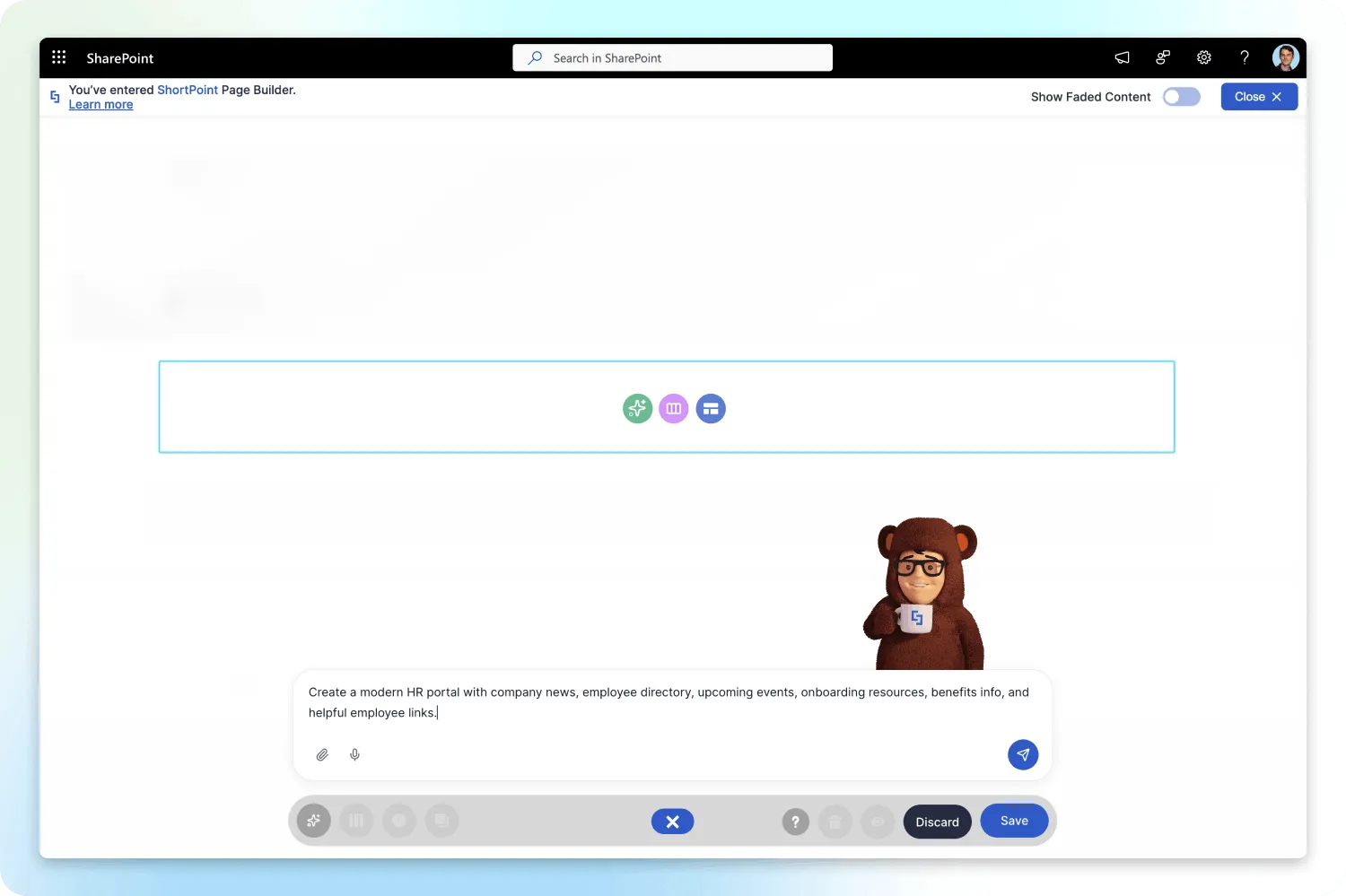
Last month, we let the secret out: the ShortPoint AI Designer is coming. We introduced you to our brand-new, full-page design engine that turns your text prompts, voice notes, or even screenshots into fully structured, customized SharePoint pages in seconds.
We are absolutely buzzing with excitement to put this powerful tool into your hands so you can finally wave goodbye to blank-page anxiety for good. But before we flip the switch, we want to show you exactly what this game-changing engine can do in a live environment. That's why we are hosting an exclusive, dedicated launch webinar this May to debut the ShortPoint AI Designer officially.
This isn't just a slide presentation. We are doing a live, hands-on demonstration of the engine in action. Here is what we will cover during the event:
- Live Page Generation: Watch as we build complete, fully branded intranet sections using just text prompts and uploaded screenshots.
- Seamless Customization: See how the AI Designer works hand-in-hand with your existing Page Builder and Theme Builder settings, keeping you in total control of the final look.
- Live Q&A: Have burning questions about how the AI interacts with your current design elements? We'll answer them live so you are ready to hit the ground running on launch day.
Even better? We will be announcing the official release date during the event. If you want to be the very first to know when you can start using it, you'll definitely want to tune in.
Register Now to secure your spot at the ShortPoint AI Designer launch webinar.
As we get closer to the event, be sure to keep a close eye on your inbox and our community channels. Over the next few weeks, we'll share the exact date and time for the May webinar, drop a few more sneak peeks, and make sure you have everything you need to prepare.
The era of instant intranet design is almost here!

Articles
New Articles
- Person Cards: How to Showcase Your Team in SharePoint
- How to Add Custom Properties to the Person Cards Design Element
- How to Create Pop-Up Announcements in SharePoint
- SharePoint Birthday Reminder: How to Show Upcoming Birthdays with ShortPoint People Search
- People Search Connection: How to Show New Hires on Your SharePoint Site
- SharePoint Birthday Reminder: How to Show Today's Birthdays in Your SharePoint Site

Tech Tip
Stop the Static! 3 Ways to Make Your Pages Interactive
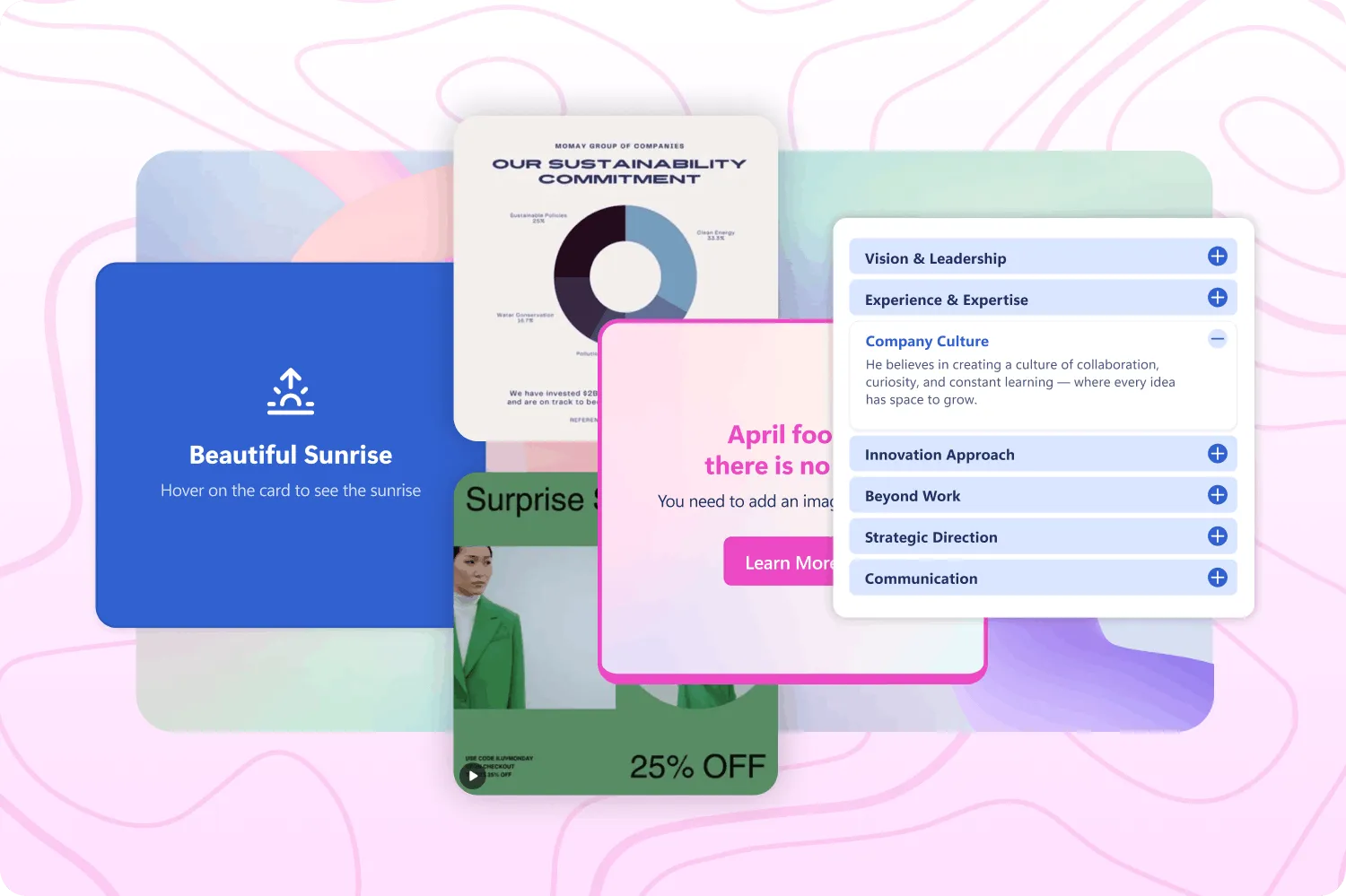
Is your SharePoint intranet starting to feel a bit flat? When users just scroll past content without engaging, information retention drops and digital disengagement sets in. The secret to a high-performing site isn't just better colors and images, it's interactivity. In our latest updates, we've released several elements specifically designed to turn passive readers into active users.
Here are three tips to solve common intranet design pain points using our newest interactive design elements.
The Information Overload Fix: FlipBoxes
When you have an abundance of secondary information, like team fun facts, technical specs, or detailed contact info, it can quickly clutter an otherwise clean design. Instead of forcing users to scroll past giant blocks of text, you can use the new FlipBoxes element. By displaying just a name or a high-level icon initially, the explanatory content stays cleanly hidden until a user hovers or clicks, revealing the details on the back of the card. The result is a professional, streamlined UI that feels like a natural discovery process. If you're ready to build your first one, our FlipBoxes article walks you through the entire setup.
The Stale Content Fix: Live Canva Integration
Beautiful infographics and project reports become stale the moment you upload them as static images. To keep your visuals fresh without the constant cycle of exporting and re-uploading, embed your live Canva projects directly into ShortPoint using the new Canva Design Element. Any changes your design team makes in Canva will reflect instantly on your SharePoint page, giving you zero-maintenance visuals that always look completely current. To get your graphics and content connected in minutes, take a look at our How to Embed Canva into SharePoint article.
The Endless Scroll Fix: FAQs
Support and policy pages are notorious for turning into mile-long text walls. When faced with an endless scroll, users often experience "content blindness" and abandon the page before finding what they need. You can easily break up these massive blocks of text using our FAQs element. By presenting information in an expandable and collapsible format, users can quickly scan the questions and only interact with the answers that are relevant to them. If you want to transform your lengthy HR or IT documents into highly scannable resources, check out How to Create FAQs in SharePoint for step-by-step instructions.
If you're wondering where to start, we suggest picking just one static section of your current homepage and replacing it with a FlipBox or adding a Canva infographic. It's a small, easy change that can dramatically improve how users experience the site!
Also, keep an eye out. We have even more Design Elements focused on interactivity coming to your ShortPoint soon!

Faces of ShortPoint
Meet Luisa, Our Senior Growth Marketer
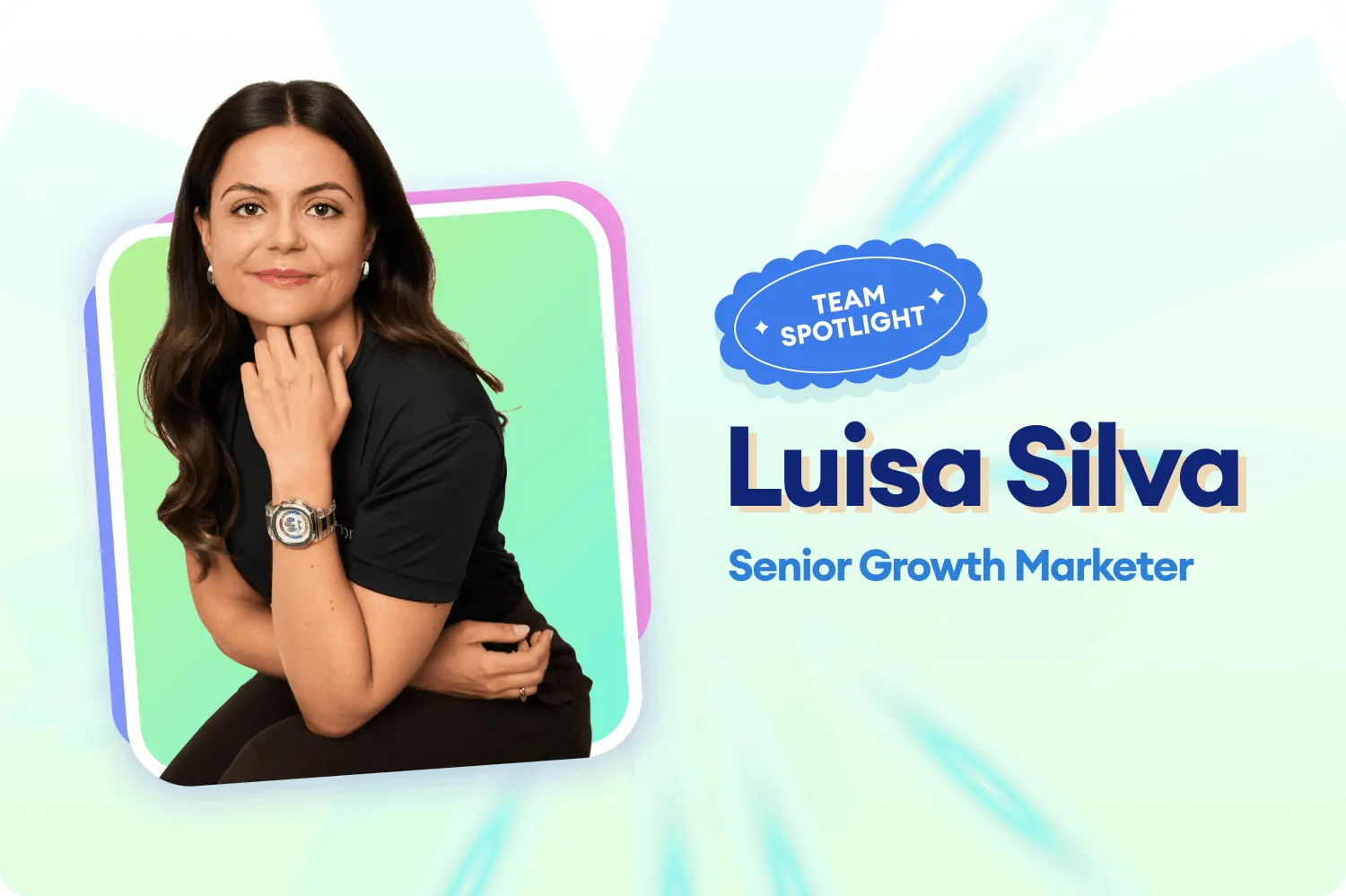
Ever wondered who is the brains behind ShortPoint's growth? Meet Luisa Silva, our Senior Growth Marketer. Luisa oversees everything from SEO and website UX to analytics and product launches (quite a lot, right? But she sure makes it look easy).
For Luisa, growth marketing can be tricky, kind of like running a local store. She shares, "You can be on the best street in town, but if the door sticks, the window is dark, or the dressing room is broken, nobody gives you a try. One weak spot is enough to send people back out the door." But, despite its challenges, she finds real joy from the fast-paced environment where she sees the impact of her work instantly. "That's what makes this feel less like marketing and more like building," she adds.
The secret to Luisa's success is a perfect blend of high-level strategy and a love for the "little things." She thrives on the trust and autonomy she finds in ShortPoint. She says, "I get to own my work end-to-end and test ideas, but I always have a team to lean on when I need a second perspective or a hand getting something across the finish line." Her recipe for winning? Staying curious and following the data, even when it's surprising. As Luisa puts it, "Growth marketing rewards the people who ask 'but why?' one more time, and ShortPoint is the kind of place where that curiosity actually turns into shipped work."
Luisa's marketing spark actually started with a bold, viral moment right after university. When the traditional job hunt stalled, she took a leap of faith and wrote a LinkedIn post to introduce herself. "It went viral overnight," she recalls. "I went from radio silence to dozens of job offers in a single day... it was the first time I saw firsthand what marketing can do and how it can turn a situation around." That same resourcefulness is exactly what she brings to the ShortPoint team every day.
When she isn't busy scaling our growth, Luisa is likely whipping up something delicious in the kitchen. She loves experimenting with new recipes, cooking traditional Portuguese food, and hosting dinner parties for her favorite people. She's also got a keen eye for interior design and makes sure to travel at least once a season to keep her perspective fresh. As she says: "Cooking, design, travel—pick one and I'll be there!"