Onboarding Essentials
Onboarding Template
Get new hires productive from their first day.
 SOC 2 Type II, SOC 3
  GDPR
GDPR 
About this Template
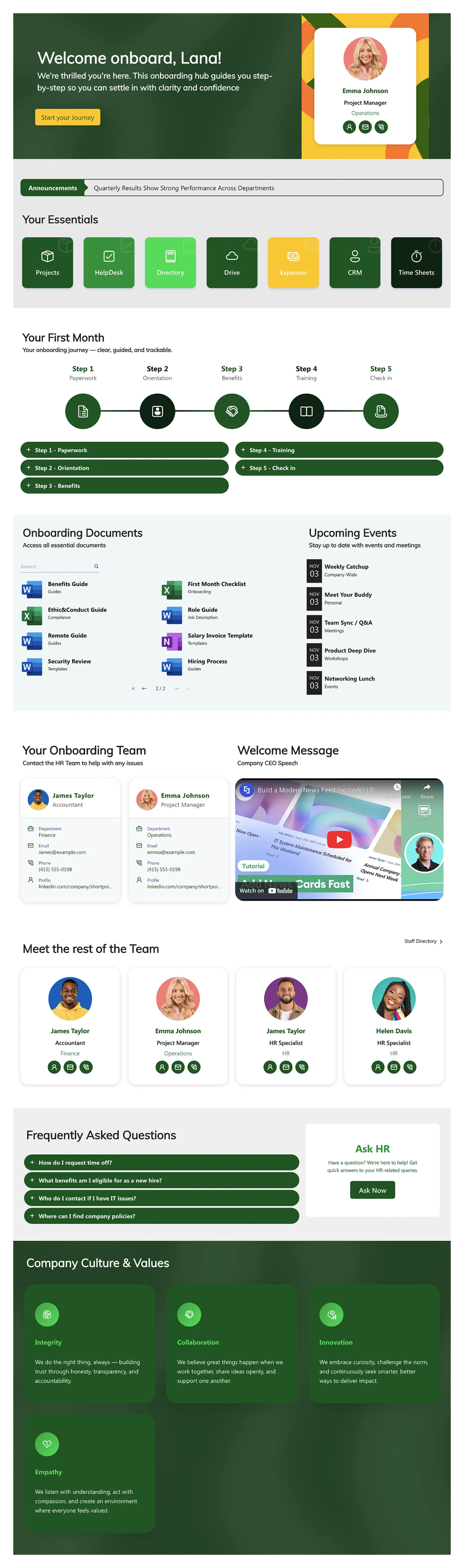
This onboarding template turns SharePoint into a structured journey for new employees, guiding them through their first weeks with clarity and purpose. It includes everything from essential resources and training schedules to team introductions and company culture—all in one centralized hub. Built for SharePoint Admins and HR teams who need a professional onboarding experience deployed quickly, without writing a single line of code.
Template Features
This template is fully powered by ShortPoint, giving you complete control over every element on the page. Adjust layouts, update content, and match your brand identity without relying on developers. Whether you're refining the welcome message or reorganizing the onboarding timeline, you're working with tools designed for speed and precision.
Improve your template with AI. Describe changes and see them in minutes.
Rearrange sections and adjust content without touching code or waiting on IT.
Apply your brand colors and fonts across the entire site with a few clicks.
Pull live data from Planner, Outlook, and other M365 apps into your onboarding hub.
Duplicate this template across departments to standardize onboarding company-wide.
Built to WCAG standards so every new hire can navigate the site confidently.
Embed tools like Teams, Forms, and Stream directly into the onboarding journey.
Access hundreds of pre-built components to expand or customize the template.
Add timelines, checklists, and document libraries without starting from scratch.
Looks sharp on desktop, tablet, mobile, or wherever your new hires are working.
Get Started With Everyday Home In Three Simple Steps
Launch a branded SharePoint onboarding template in under an hour - no coding required.
- 1
Start free trial & add ShortPoint to your site : Click "Start a Trial" and get access to ShortPoint instantly. No credit card needed - just sign in with your Microsoft 365 credentials or download ShortPoint manually and activate your trial.
- 2
Insert a Template : Edit your SharePoint page, insert the ShortPoint web part, and select the Onboarding Essentials template (or any preferred template page) from the Templates Library
- 3
Customize & Publish : Replace sample content with your own, connect your SharePoint data sources, apply your company branding, and publish your new employee onboarding template for immediate use.
Frequently asked Questions
Same day if needed. Import the template, connect your HR content, adjust the branding, and publish. There's no development backlog. It's just straightforward setup that gets new employees onboarded immediately.
Yes, it works natively with SharePoint Online in Microsoft 365, and it's fully supported on SharePoint Subscription Edition (SE) and On-Premise deployments.
Every element is editable. Swap out sections, add your internal policies, adjust the timeline phases, and apply your exact brand guidelines. The template adapts to your workflow.
They get the full experience, just optimized for smaller screens. The design is responsive by default, so checklists, documents, and team contacts all remain accessible and readable on mobile devices.
Yes, and that's the advantage. Roll this out as a standard template across sales, engineering, or any department. Each team customizes their content while maintaining a consistent onboarding experience throughout the company.
That's where it excels. ShortPoint Connect lets you surface real-time content from Planner tasks, Outlook calendars, and Teams channels. New hires see their actual schedule and resources.
Full access to every template in our library, a complete design element collection, all available integrations, and direct support from our team when you need guidance. It's everything required to build and maintain professional SharePoint sites.
Related Templates
See all Templates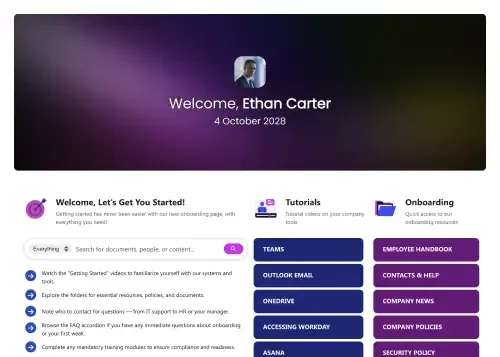
One central, organized resource for streamlined new hire onboarding.

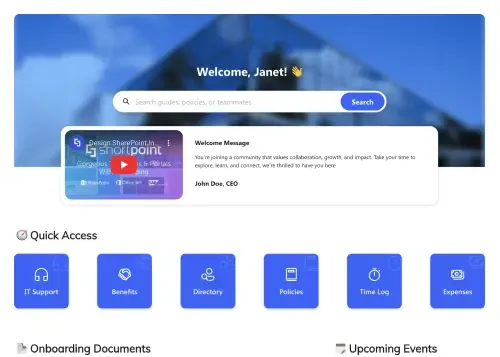
The complete employee onboarding template for SharePoint.
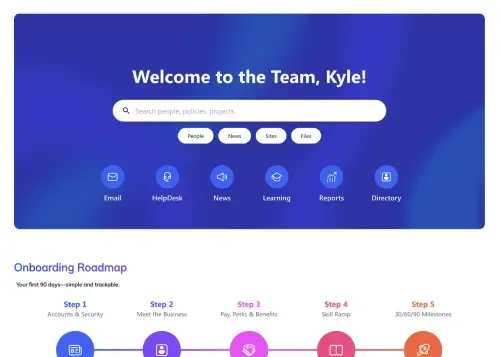
A central hub for all team resources and needs.
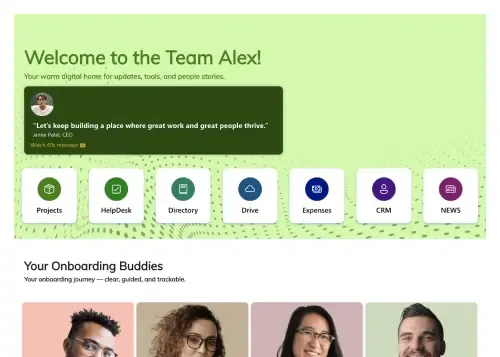
A structured, step-by-step visual roadmap for new hire success.
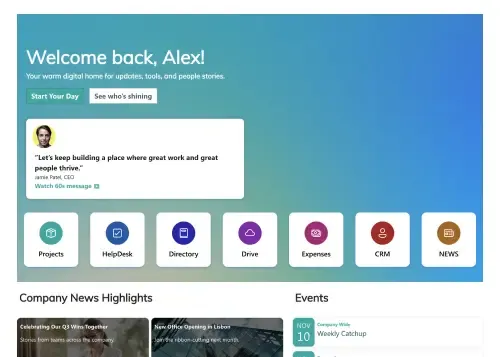
A centralized, engaging welcome hub for every new hire.
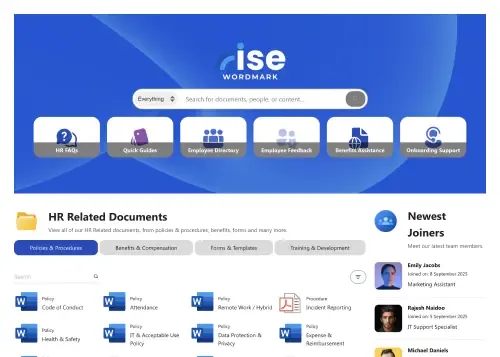
A dynamic, searchable hub connecting employees with HR resources.









We were spending a lot of development dollars, but things still weren’t how we wanted and every day wasted was a day closer to our deadline.

ShortPoint has enabled us to create internal SharePoint sites that are user-friendly and attractive for our multi-generational group of Associates.

Before using ShortPoint, I’d never have expected that a small team such as ours could deliver a product that looks as good as our portal does today.

ShortPoint reduced the time it took to rebuild our intranet from 3 months to just 2 weeks. It really is a must-have for every company that uses SharePoint.


Building and customizing sites in SharePoint was a very heavy lift. We needed a developer on every project and it felt like we were always doing things the hard way.


I had no idea intranet consultancy would become so big for us! And none of it would have been possible without ShortPoint’s incredible software and support team.


It was hard to find solutions to beautify customers’ SharePoint installations and give customers a visual impression of how a new intranet could look.


Thanks to ShortPoint, the intranet isn’t a pain point for us anymore. I couldn’t put a price on how much happier we are working with ShortPoint as opposed to our previous vendor.

Working with ShortPoint was one of the smoothest projects I’ve ever been involved in. What they created for us is fantastic, and we never felt an ounce of stress.