



About this Template
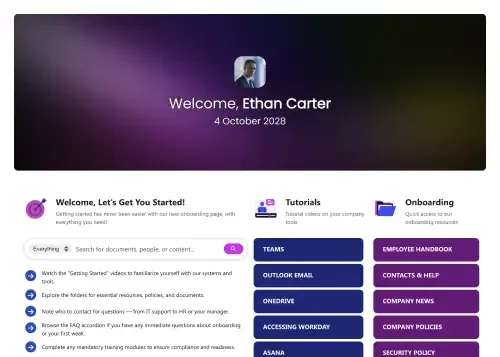
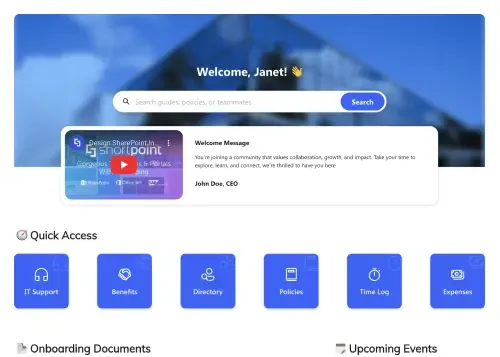
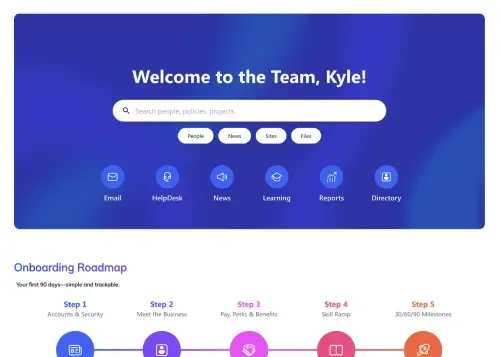
Onboarding should be an exciting journey, not a procedure headache. We designed this to be the best onboarding SharePoint template by focusing on clarity and connection. It guides new hires through their critical first weeks with a visual timeline, integrated document access, and direct links to mentorship, ensuring they feel supported from day one.
Template Features
Elevate a standard orientation into an interactive experience. This template leverages powerful design tools to replace static lists with engaging visuals. From tracking progress to connecting with colleagues, these features empower you to build a site that actively drives employee engagement and retention.
Improve your template with AI. Describe changes and see them in minutes.
Visually arrange the onboarding journey to match your company's unique timeline.
Instantly brand the experience with your corporate colors and typography.
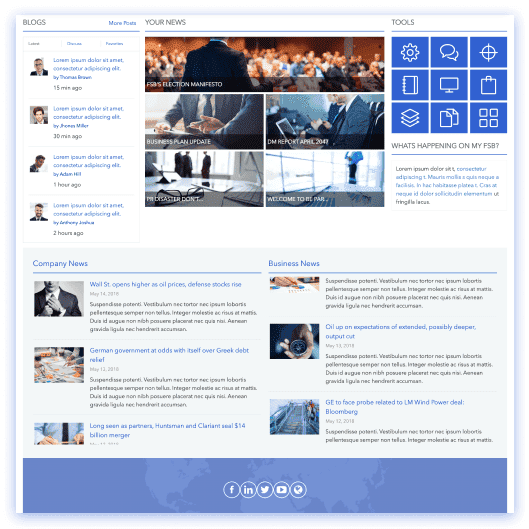
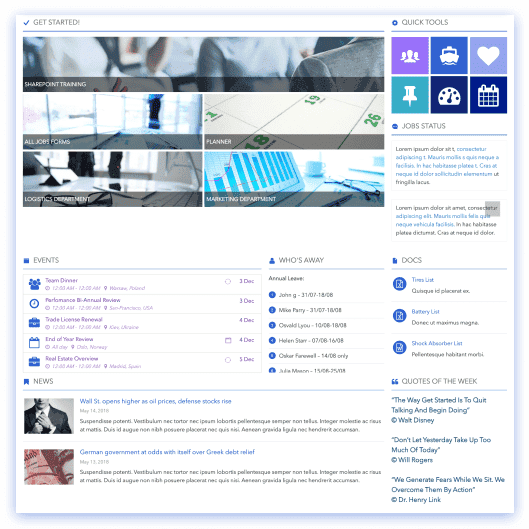
Auto-populate the "Colleagues" and "Documents" sections from Microsoft 365 data.
Duplicate successful page layouts for different departments in seconds.
Design for structure and form to ensure an inclusive welcome for everyone.
Embed Microsoft Forms for feedback and Stream videos for welcome messages.
Use pre-styled templates to add new sections without breaking the design.
Feature the "Steps" and "Accordions" to organize complex timelines clearly.
Ensure the roadmap looks perfect on desktops, tablets, and mobile devices.
Get Started With Everyday Home In Three Simple Steps
Launch the best onboarding SharePoint template in under an hour - no coding required.
- 1
Start free trial & add ShortPoint to your site : Click "Start a Trial" and get access to ShortPoint instantly. No credit card needed—just sign in with your Microsoft 365 credentials or download ShortPoint manually and activate your trial.
- 2
Insert a Template : Edit your SharePoint page, insert the ShortPoint web part, and select the Onboarding Fun template (or any preferred template page) from the Templates Library
- 3
Customize & Publish : Replace sample content with your own, connect your SharePoint data sources, apply your company branding, and publish the best onboarding SharePoint template for immediate use.
Frequently Asked Questions
Not at all. We designed this to be a "no-code" solution. You insert the template and use our visual interface to click-and-edit content. If you can edit a slide deck, you can build this page.
This template works flawlessly on SharePoint Online (Microsoft 365) as well as SharePoint 2019 and Subscription Edition (SE) On-Premise environments.
Yes, extensively. You aren't stuck with our blue and green defaults. Our Theme Builder allows you to define your specific color palette, typography, and corner radius settings to ensure the page feels like your company.
It can be both, but it shines when it is configured to be dynamic. Using ShortPoint Connect, you can wire the "News," "Events," and "Documents" sections to actual SharePoint lists. When you update the list, the page updates itself instantly.
Absolutely. We apply a mobile-first philosophy. The multi-column layout you see on the desktop automatically stacks and adjusts for tablets and mobile phones to ensure readability on any device.
Yes. Once you customize this template to your liking, you can make it as a custom asset and copy and paste it to other pages. This allows you to deploy the same structured layout for different regional offices or department sites instantly.
You get the full package: access to this template and hundreds of others, our powerful visual builder, advanced integration capabilities, and unlimited support from our design experts.
Related Templates
See all Templates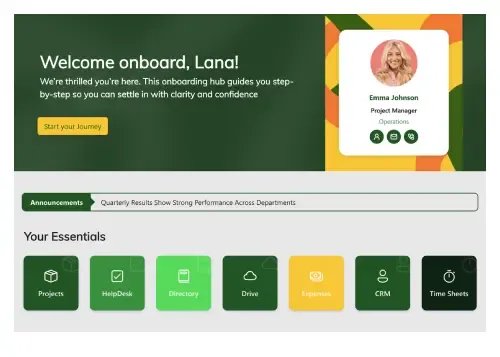









We were spending a lot of development dollars, but things still weren’t how we wanted and every day wasted was a day closer to our deadline.

ShortPoint has enabled us to create internal SharePoint sites that are user-friendly and attractive for our multi-generational group of Associates.

Before using ShortPoint, I’d never have expected that a small team such as ours could deliver a product that looks as good as our portal does today.

ShortPoint reduced the time it took to rebuild our intranet from 3 months to just 2 weeks. It really is a must-have for every company that uses SharePoint.


Building and customizing sites in SharePoint was a very heavy lift. We needed a developer on every project and it felt like we were always doing things the hard way.


I had no idea intranet consultancy would become so big for us! And none of it would have been possible without ShortPoint’s incredible software and support team.


It was hard to find solutions to beautify customers’ SharePoint installations and give customers a visual impression of how a new intranet could look.


Thanks to ShortPoint, the intranet isn’t a pain point for us anymore. I couldn’t put a price on how much happier we are working with ShortPoint as opposed to our previous vendor.

Working with ShortPoint was one of the smoothest projects I’ve ever been involved in. What they created for us is fantastic, and we never felt an ounce of stress.