Together
Intranet Homepage Template
Modern hub for news, documents, events, and shortcuts.
 SOC 2 Type II, SOC 3
  GDPR
GDPR 
About this Template
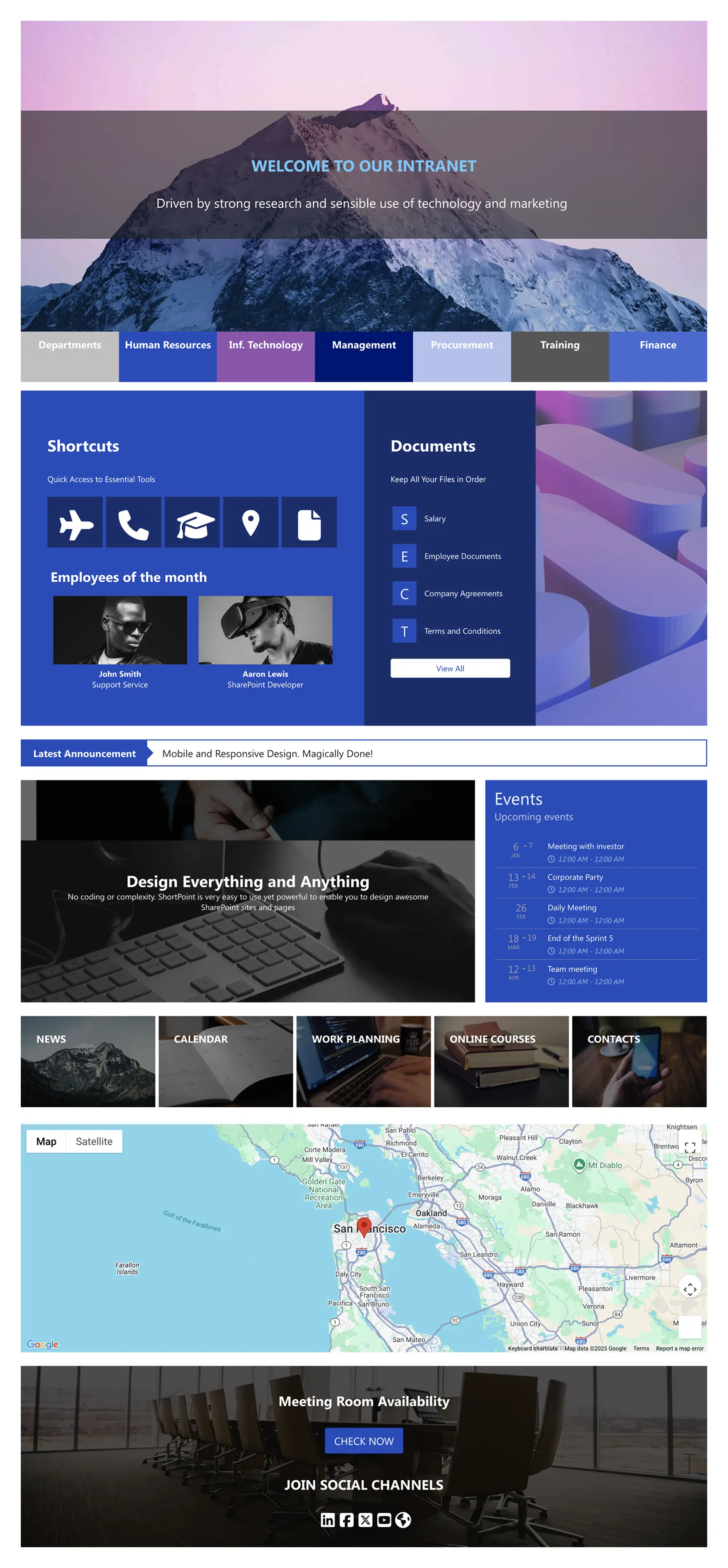
Launch an intranet homepage template that welcomes employees and puts daily essentials within one click. A bold hero and department tabs introduce priorities. Shortcut tiles connect to HR, IT, training, and finance tools. The documents panel organizes policies, salary documentation, agreements, and forms, while the announcement bar highlights urgent updates. An events agenda shows dates and times at a glance; feature blocks lead to news, calendar, work planning, and online courses. An interactive map can showcase office locations or travel details, and a footer band promotes meeting room availability and social channels. Built with ShortPoint, this intranet homepage template keeps navigation familiar, reduces search friction, and scales across teams.
Template Features
Reduce clicks and rework by empowering non-technical owners, maintaining brand consistency, and delivering responsive, accessible layouts that scale easily as content grows.
Improve your template with AI. Describe changes and see them in minutes.
Visual building made easy: stack elements, adjust styles, and launch scalable site designs.
Customize SharePoint site themes, colors, fonts, and spacing with real-time preview.
Connect to SharePoint lists and Microsoft 365 data sources for real-time content updates.
Multiply productivity: copy web parts, paste, customize site settings, and publish.
Readable and operable: high-contrast elements with clear, descriptive controls.
Easily integrate enterprise tools to publish updated content across your SharePoint intranet.
Choose from hundreds of expertly designed template pages to kickstart your project confidently.
Design your way with 60+ design elements, clean controls, and quick results.
Layout adjusts instantly to any device width—no manual changes needed.
Get Started With Everyday Home In Three Simple Steps
Launch a branded Intranet Homepage Template in under an hour—no coding required.
- 1
Start free trial & add ShortPoint to your site : Click "Start a Trial" and get access to ShortPoint instantly. No credit card needed—just sign in with your Microsoft 365 credentials or download ShortPoint manually and activate your trial.
- 2
Insert a Template : Edit your SharePoint page, insert the ShortPoint web part, and select the Together template (or any preferred template page) from the Templates Library
- 3
Customize & Publish : Replace sample content with your own, connect your SharePoint data sources, apply your company branding, and publish your new home page for immediate use.
Frequently asked Questions
The site creation process is quick and easy. Just install ShortPoint, add the Intranet Homepage Template, connect your data sources, and publish your new site.
Yes, it is fully compatible. Whether you use Microsoft 365 SharePoint Online, SharePoint Subscription Edition (SE), or supported on-premise setups, home page template works smoothly and reliably when paired with ShortPoint.
Brand freely with the Theme Builder and refine your page structure using the intuitive Page Builder—no custom CSS or coding skills needed.
The page template layout is responsive and touch-friendly, adhering to accessibility best practices to ensure a smooth experience for all users across devices.
Yes! You can easily duplicate the Intranet Homepage Template for various departments like HR, Finance, IT, or regional offices. Each can have personalized content and design while maintaining your organization’s consistent branding and user experience.
Definitely. ShortPoint Connect allows seamless integration with SharePoint data and Microsoft 365 applications such as Teams, Outlook, and Planner. This keeps your content automatically updated, eliminating manual updates and ensuring your intranet always reflects the latest information.
A subscription grants you full access to the extensive ShortPoint Templates library, packed with pre-built design elements and integrations. This enables you to build a beautiful, fully functional intranet site quickly. Plus, you get ongoing updates and dedicated support to keep your modern SharePoint sites current and aligned with your business needs.
Related Templates
See all Templates
Drive internal communication and corporate transparency instantly.

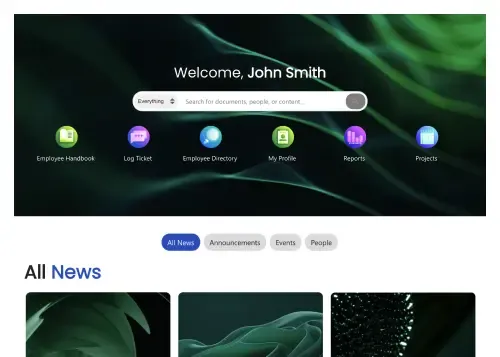
Personalized intranet homepage for search, news, and actions.

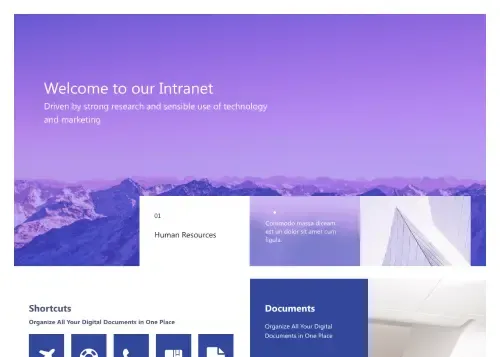
Modern intranet homepage for news, documents, and events.
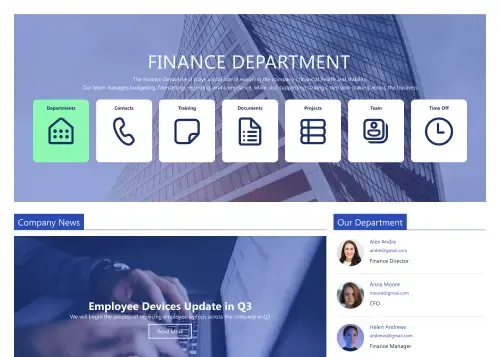
Clean intranet page with tiles, updates, and calendar.
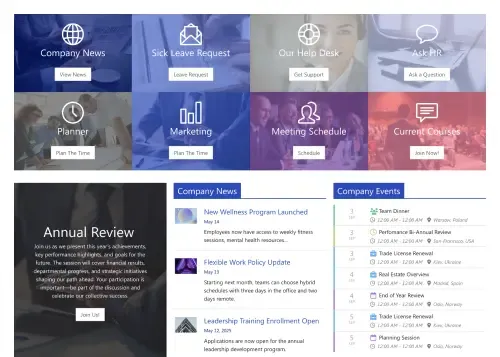
Action-first homepage with tiles, news, docs, schedules.
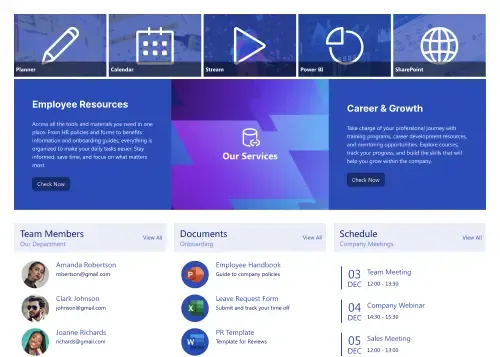
Centralize resources, documents, schedules, and employee services.









We were spending a lot of development dollars, but things still weren’t how we wanted and every day wasted was a day closer to our deadline.

ShortPoint has enabled us to create internal SharePoint sites that are user-friendly and attractive for our multi-generational group of Associates.

Before using ShortPoint, I’d never have expected that a small team such as ours could deliver a product that looks as good as our portal does today.


ShortPoint reduced the time it took to rebuild our intranet from 3 months to just 2 weeks. It really is a must-have for every company that uses SharePoint.


Building and customizing sites in SharePoint was a very heavy lift. We needed a developer on every project and it felt like we were always doing things the hard way.


I had no idea intranet consultancy would become so big for us! And none of it would have been possible without ShortPoint’s incredible software and support team.


It was hard to find solutions to beautify customers’ SharePoint installations and give customers a visual impression of how a new intranet could look.


Thanks to ShortPoint, the intranet isn’t a pain point for us anymore. I couldn’t put a price on how much happier we are working with ShortPoint as opposed to our previous vendor.

Working with ShortPoint was one of the smoothest projects I’ve ever been involved in. What they created for us is fantastic, and we never felt an ounce of stress.