ShortPoint Design Elements
Content Holder Design Elements
Ever found yourself wishing you could nest one Design Element inside another in SharePoint? Guess what—your wish has been granted!
ShortPoint has created something awesome just for you: Content-holder Design Elements. These special elements let you add other Design Elements right inside them. Imagine adding images, videos, buttons, and so much more within a single container—that’s the superpower of Content-Holder Design Elements.
And it’s easy to spot them too! Just click on the EasyPass tag of any Design Element, and if you see a plus icon pop up, congratulations, you've found a Content-holder!
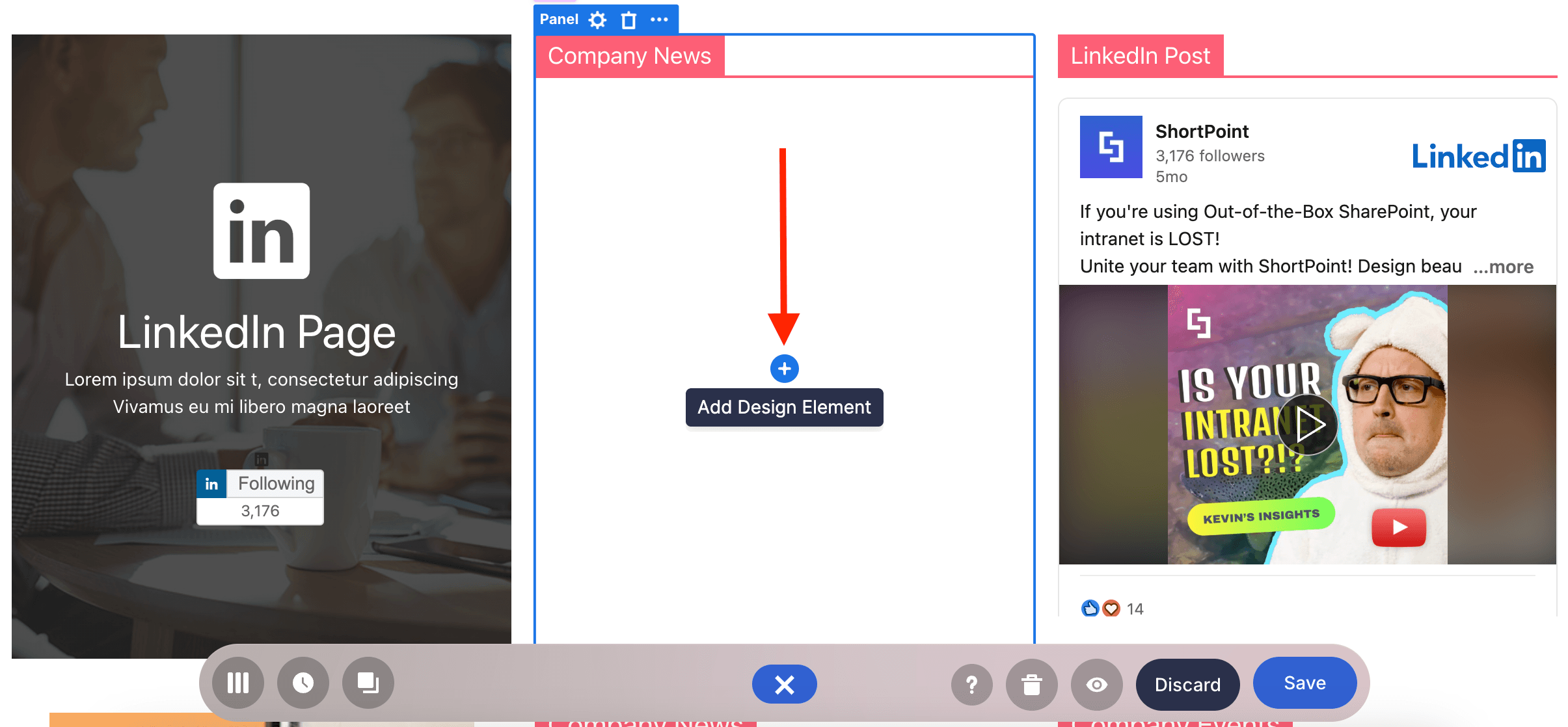
Let’s take you through some amazing Content-Holder Design Elements that you'll definitely want to use on your SharePoint page.
Background Design Element
In some Design Elements, you have the option to customize their background, like in Section, Row, or Column.
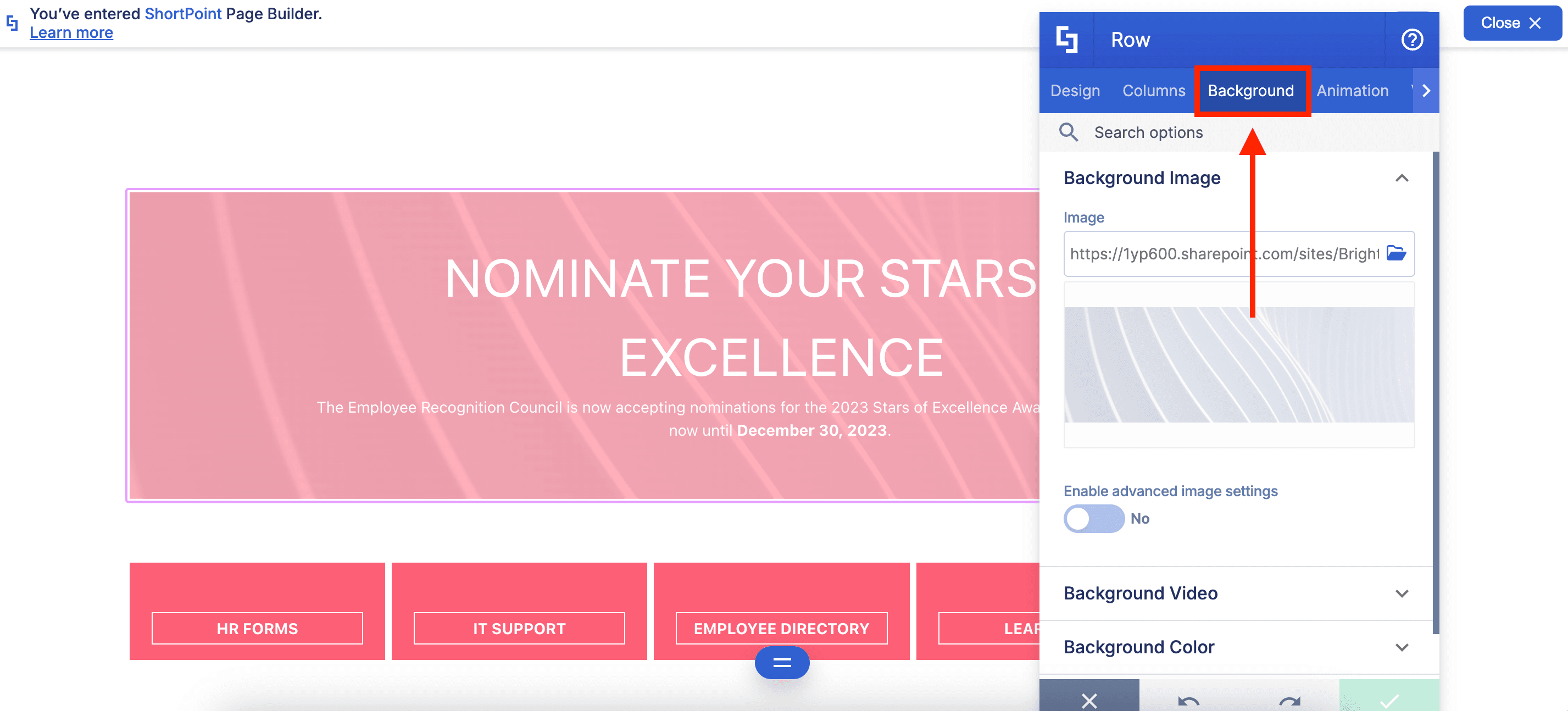
But what if you need to add a background separate from these Design Elements? The Background Design Element is the key!
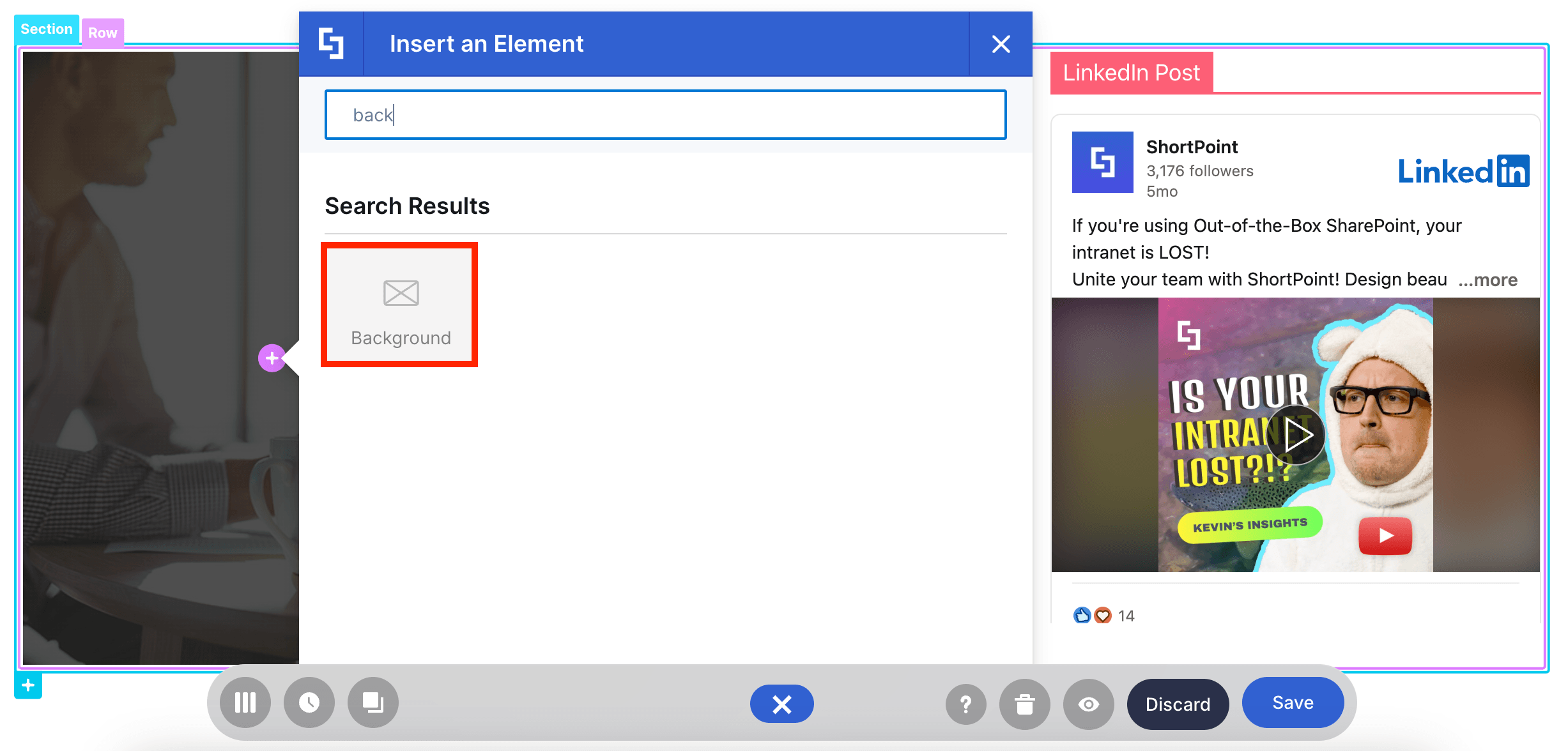
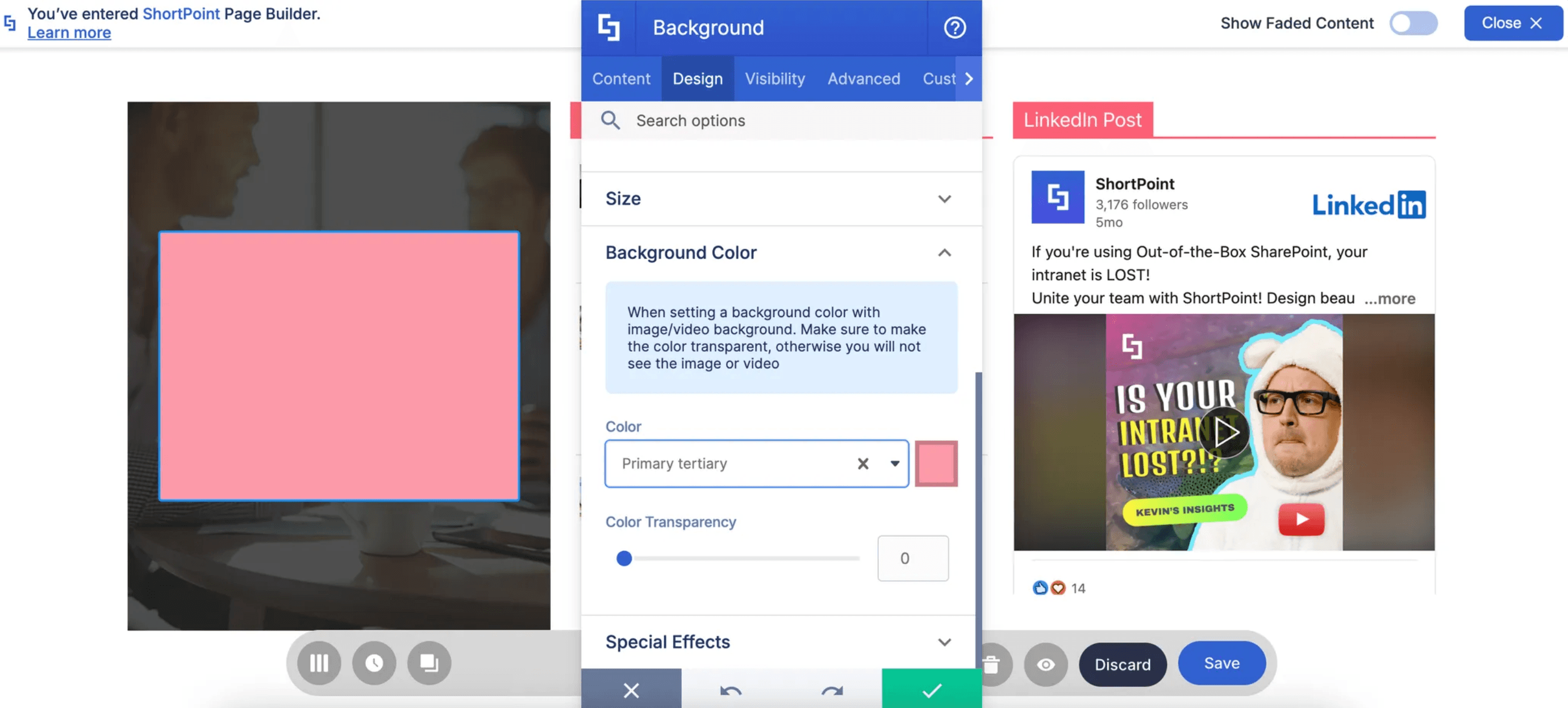
With it, you can select the background you want and modify its design settings:
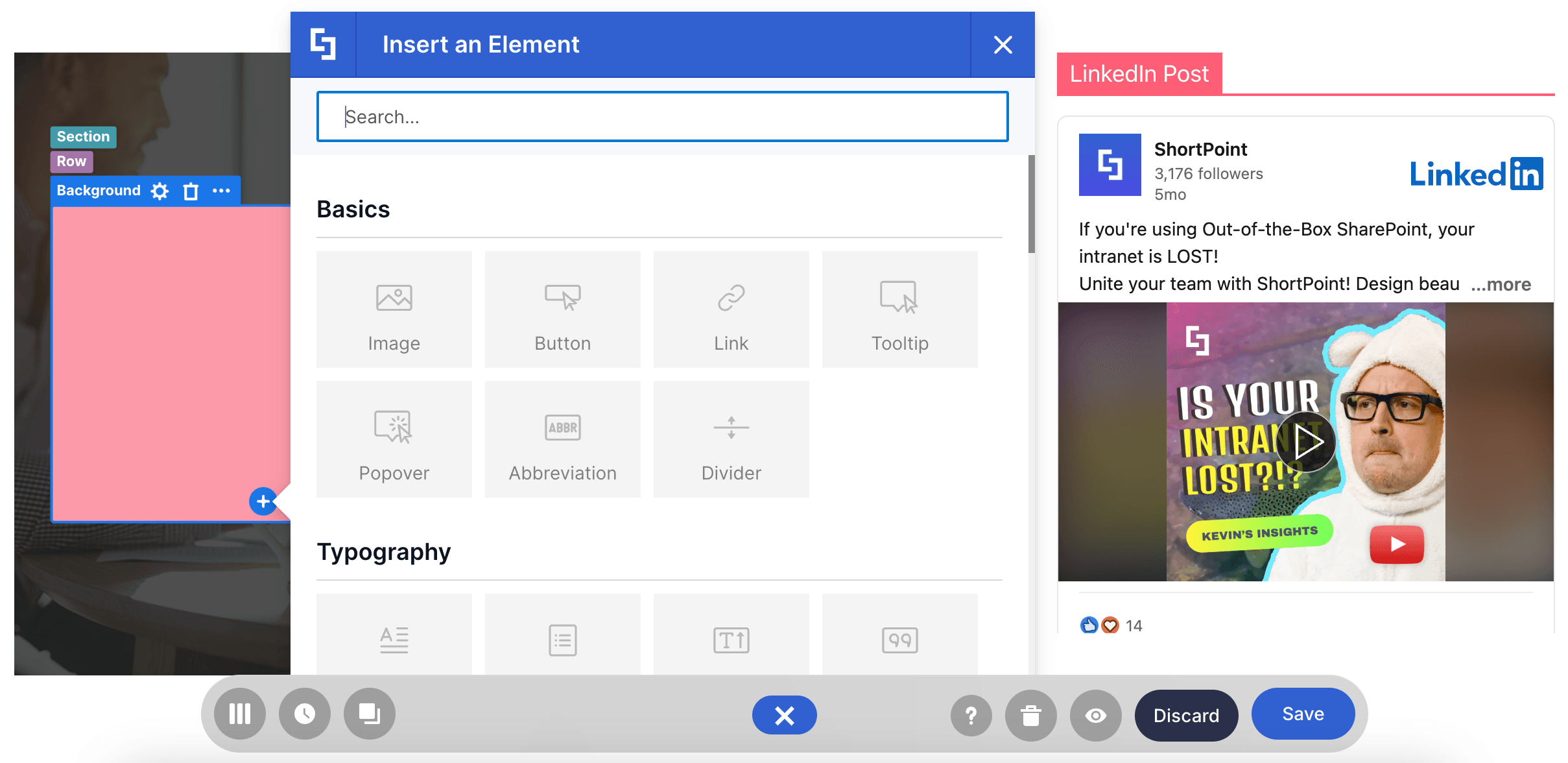
To top it off, you can insert another Design Element where you can display other content:
There are more features to discover! You can check all of it in How to Customize the Background Design Element.
Panel Design Element
Need to organize your content? The Panel Design Element gives you that and so much more!
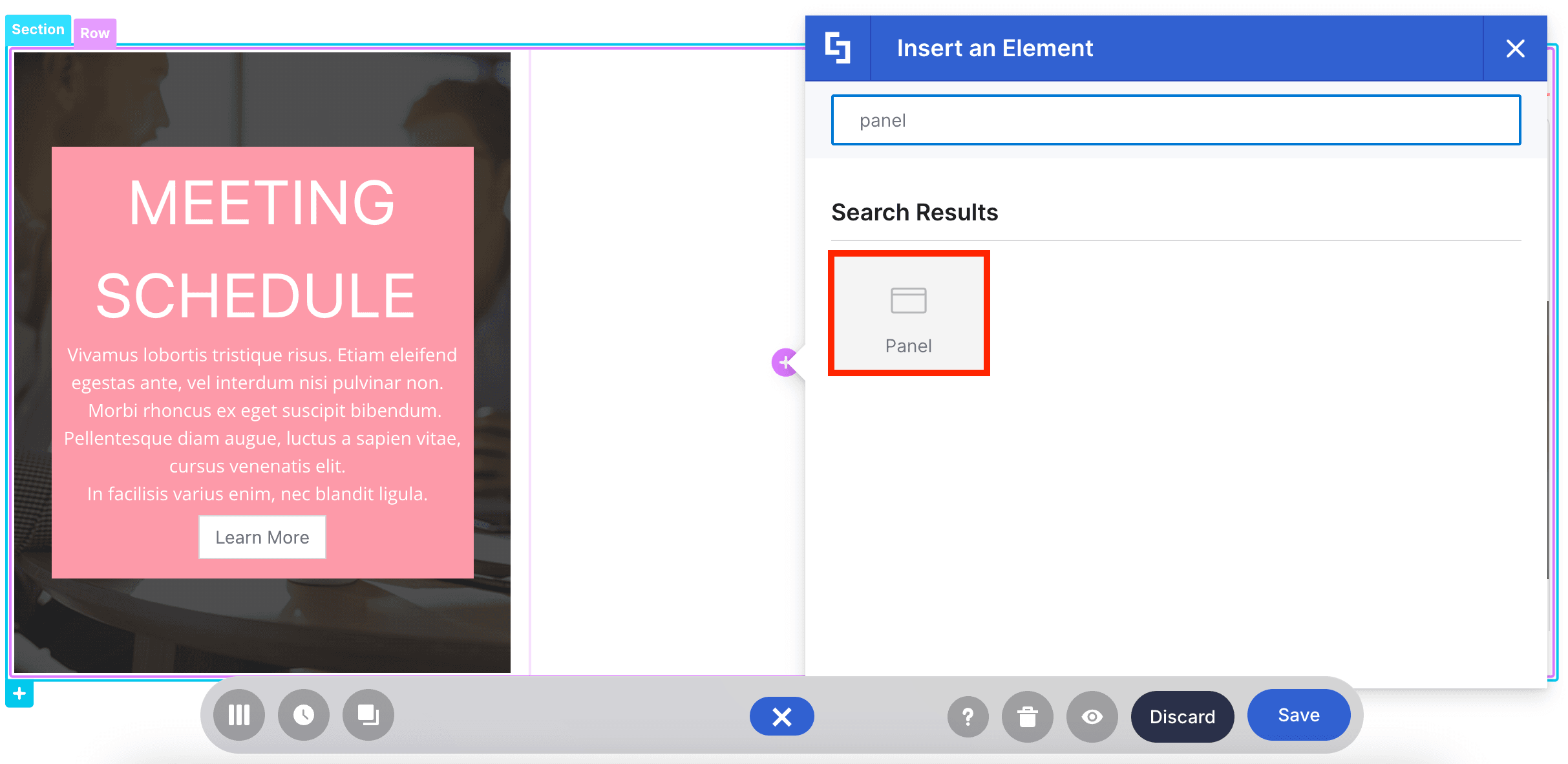
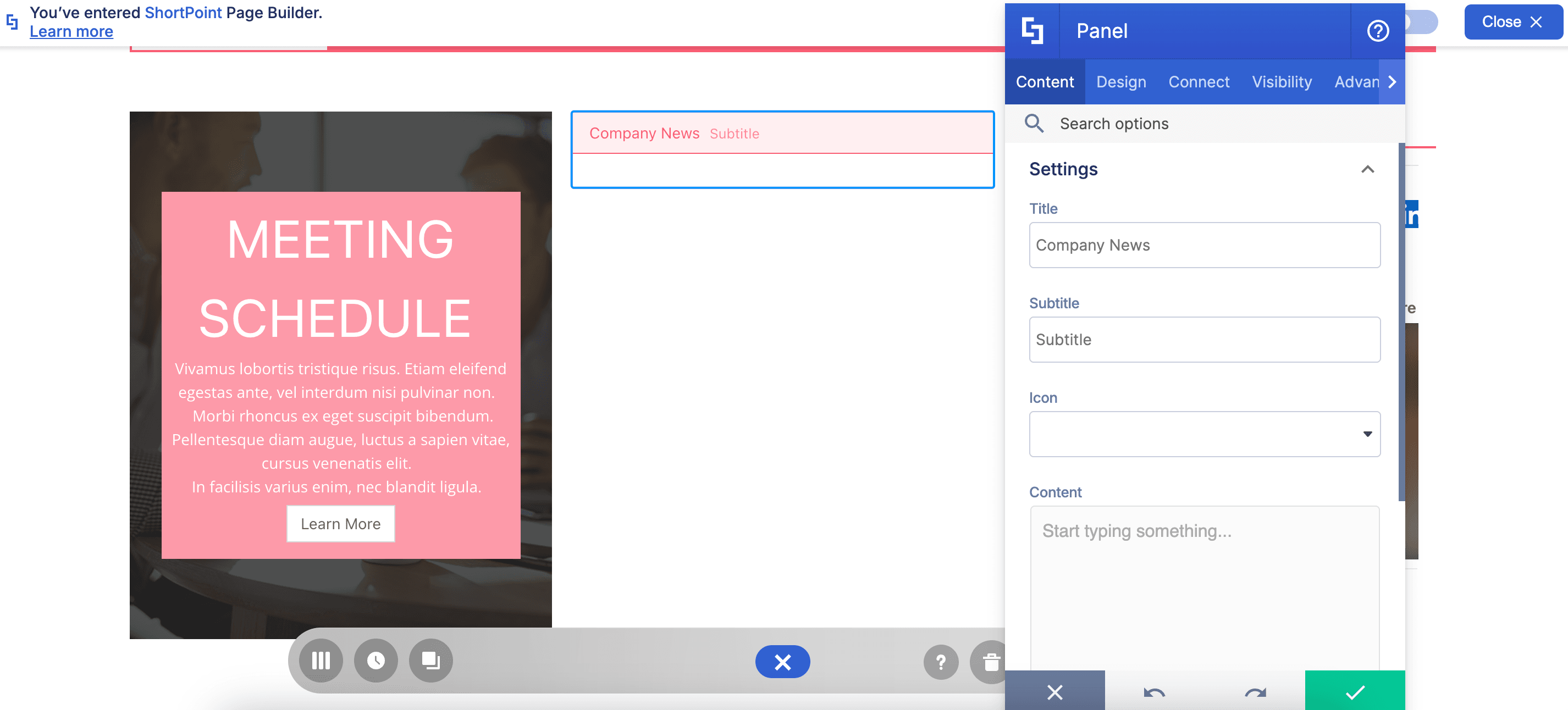
It allows you to add a label to parts of your SharePoint page:
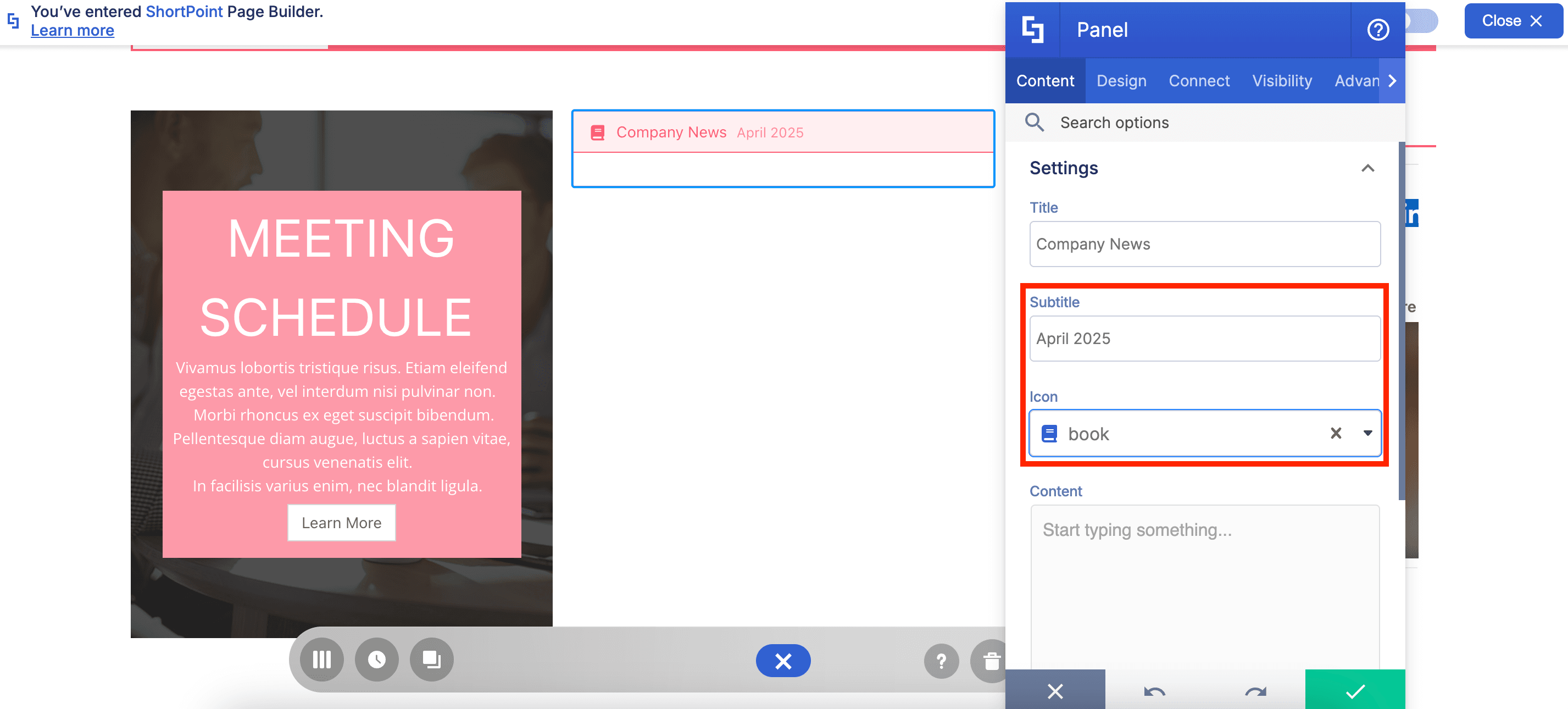
You can even add a subtitle and use an icon:
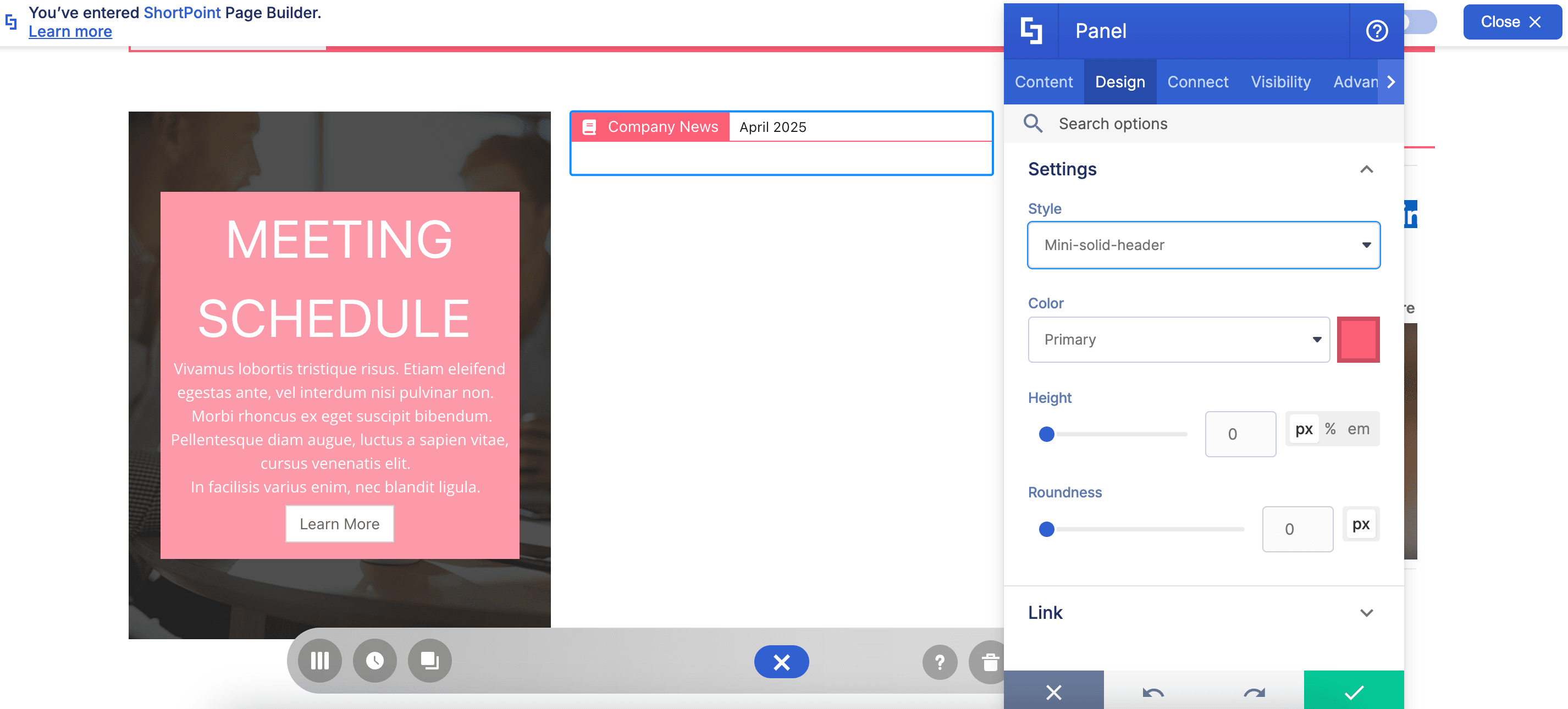
What’s even more amazing are the different Panel styles. You can mix and match and even change its color:
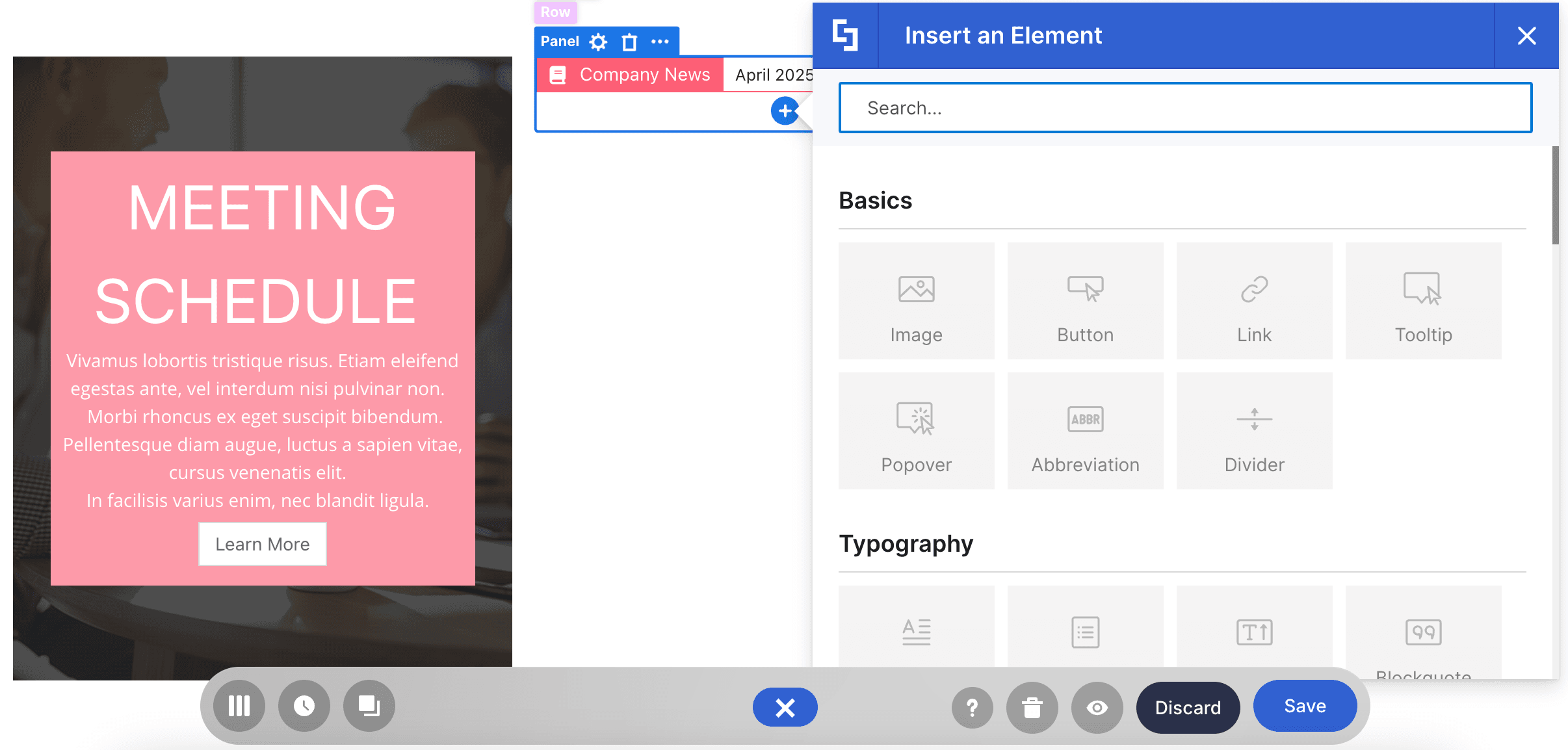
And since it’s a Content-holder Design Element, you can also add other Design Elements inside:
Care to know more? To get more details, check out How to Customize the Panel Design Element.
Tabs Design Element
Too much text in your SharePoint page? You can segment your content into different sections using the Tabs Design Element!
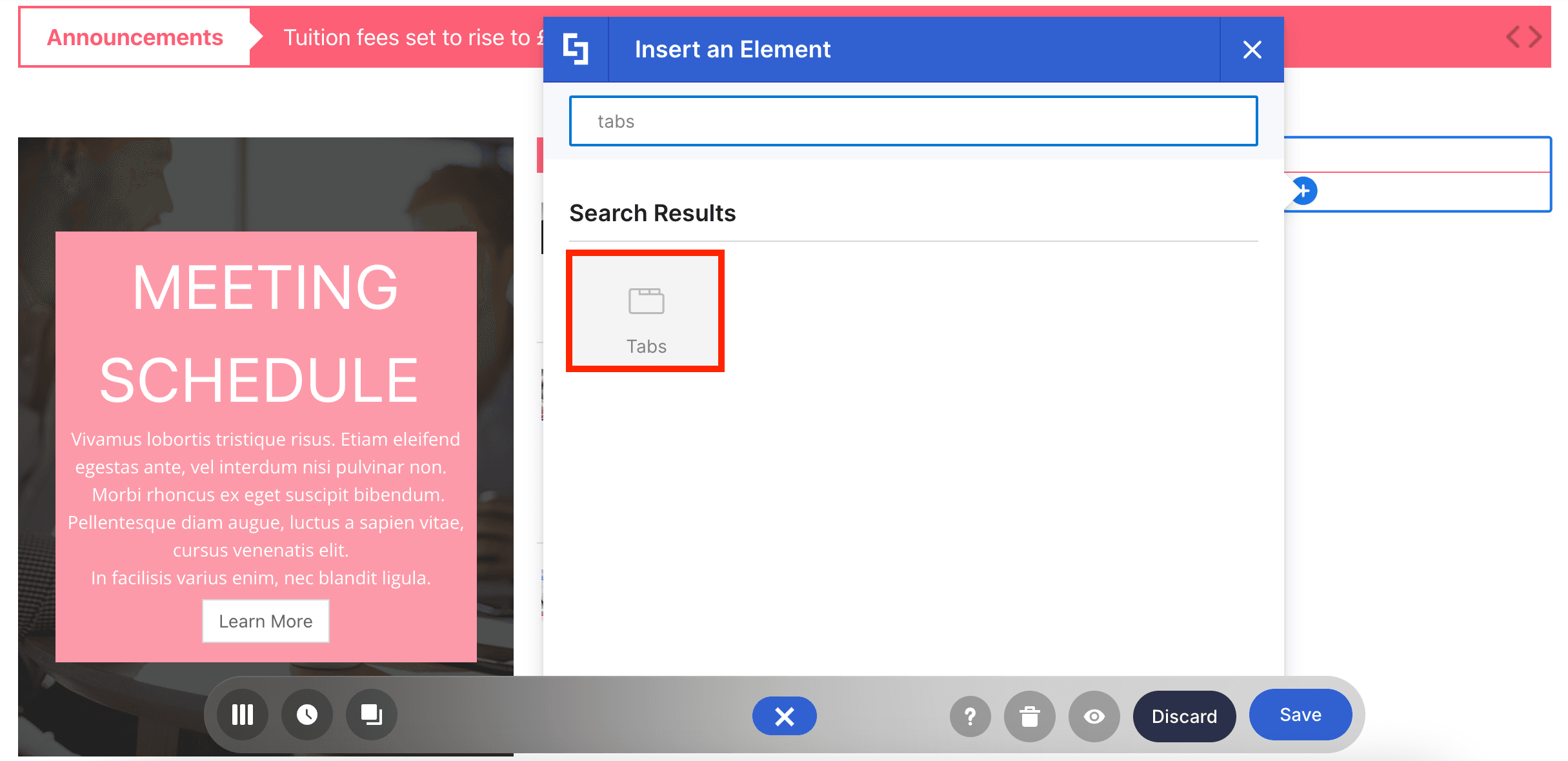
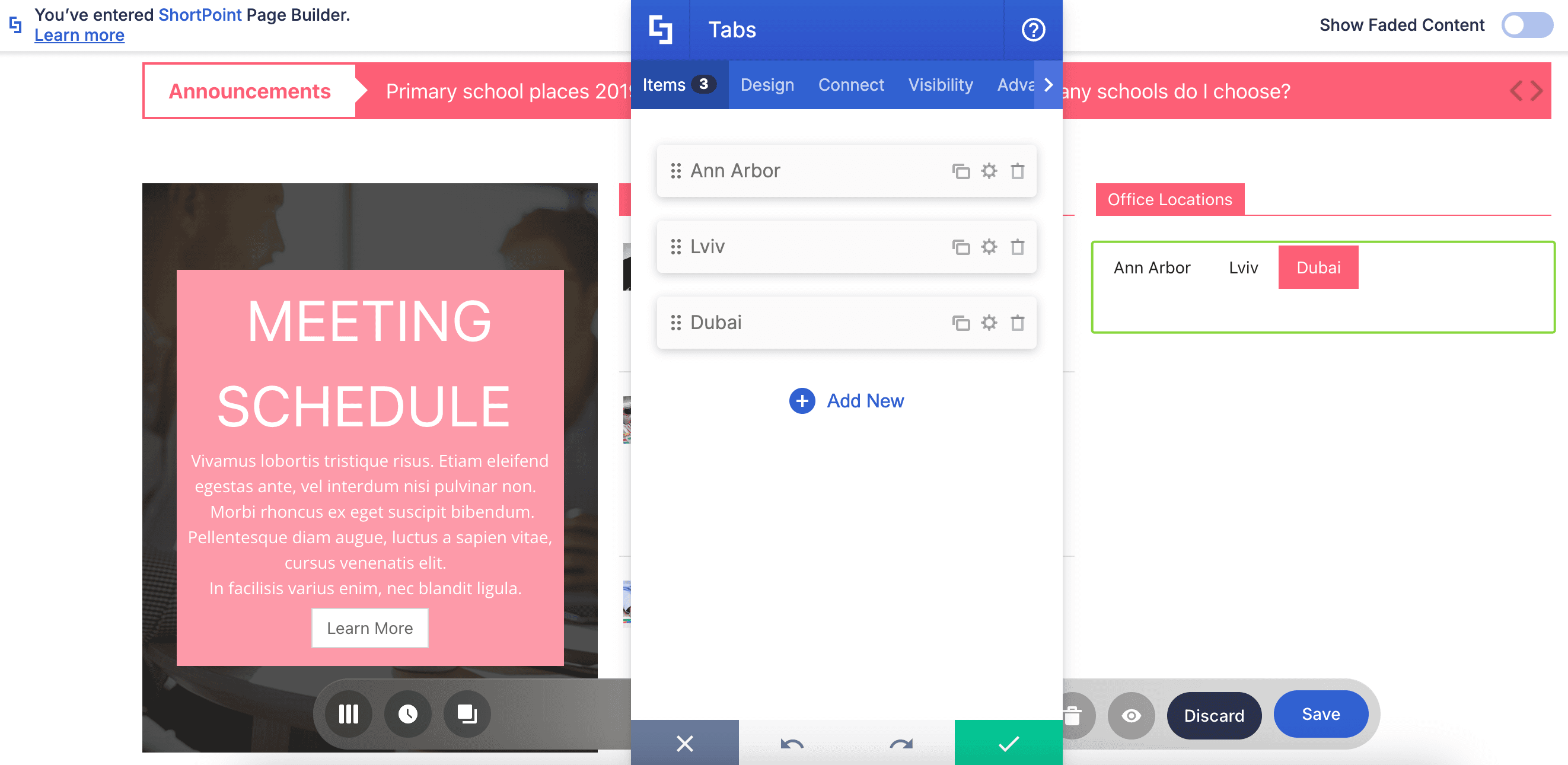
With it, you can separate your content into different tabs:
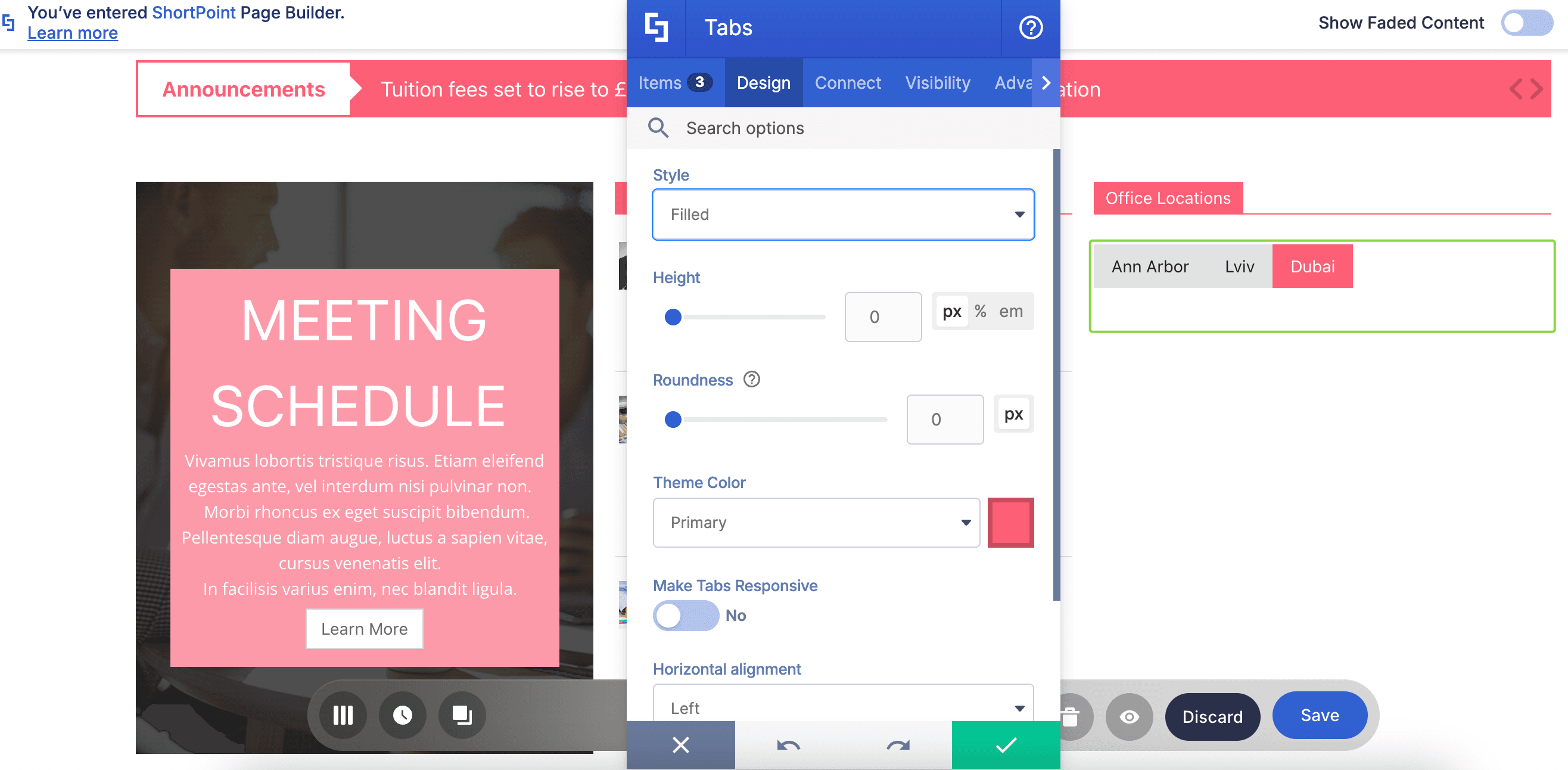
You can even customize its style, color, size, and so much more:
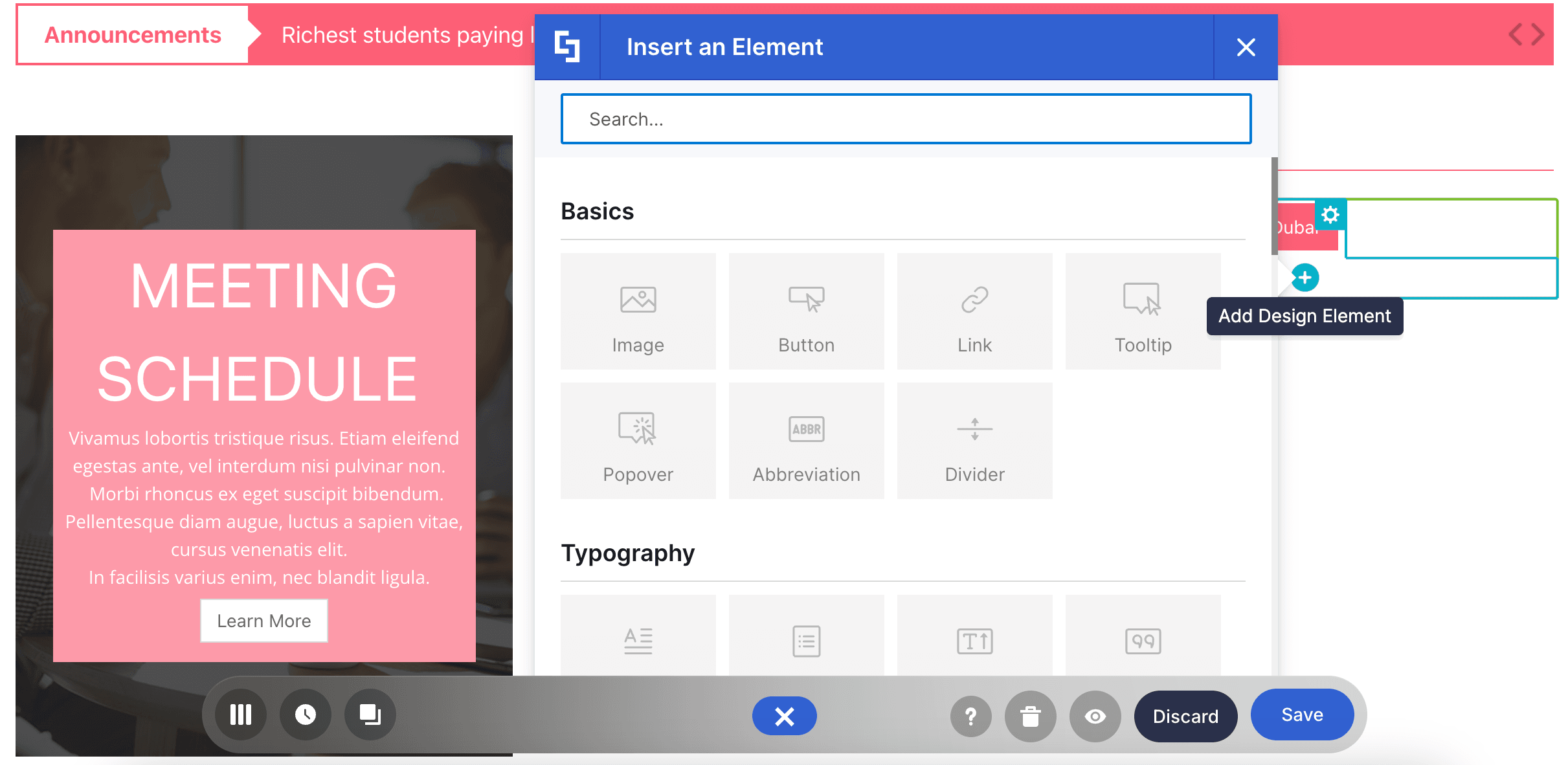
And of course, you can insert other Design Elements inside:
Ready to make tabs? Check out How to Customize the Tabs Design Element before you do to learn more about the features you can tweak.
Accordions Design Element
Need more ways to organize content? You can add a collapsible section to your SharePoint page using the Accordions Design Element!
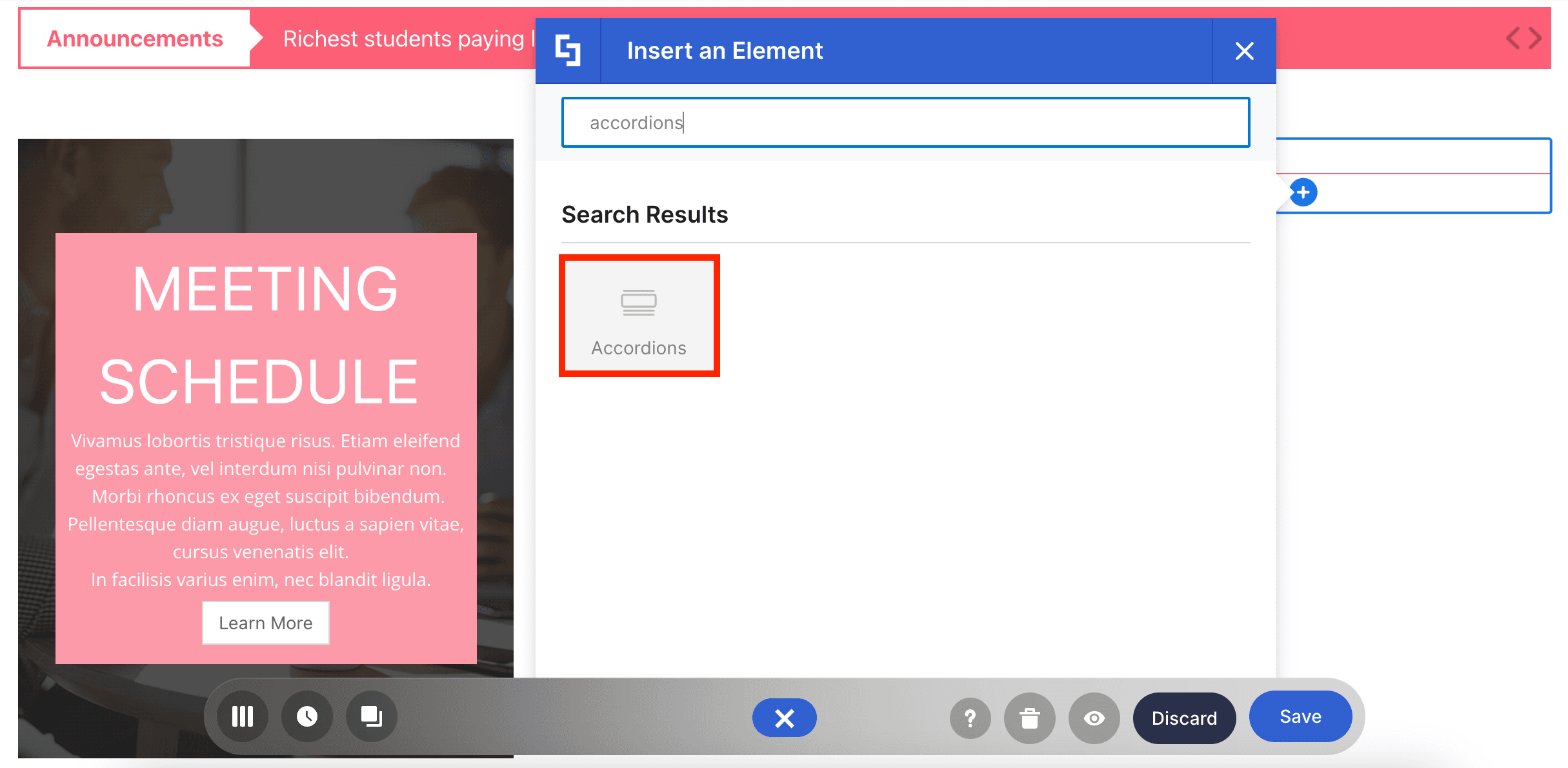
It works like the Tabs Design Element. The only difference is that it features an expand and collapse action instead of tabs.
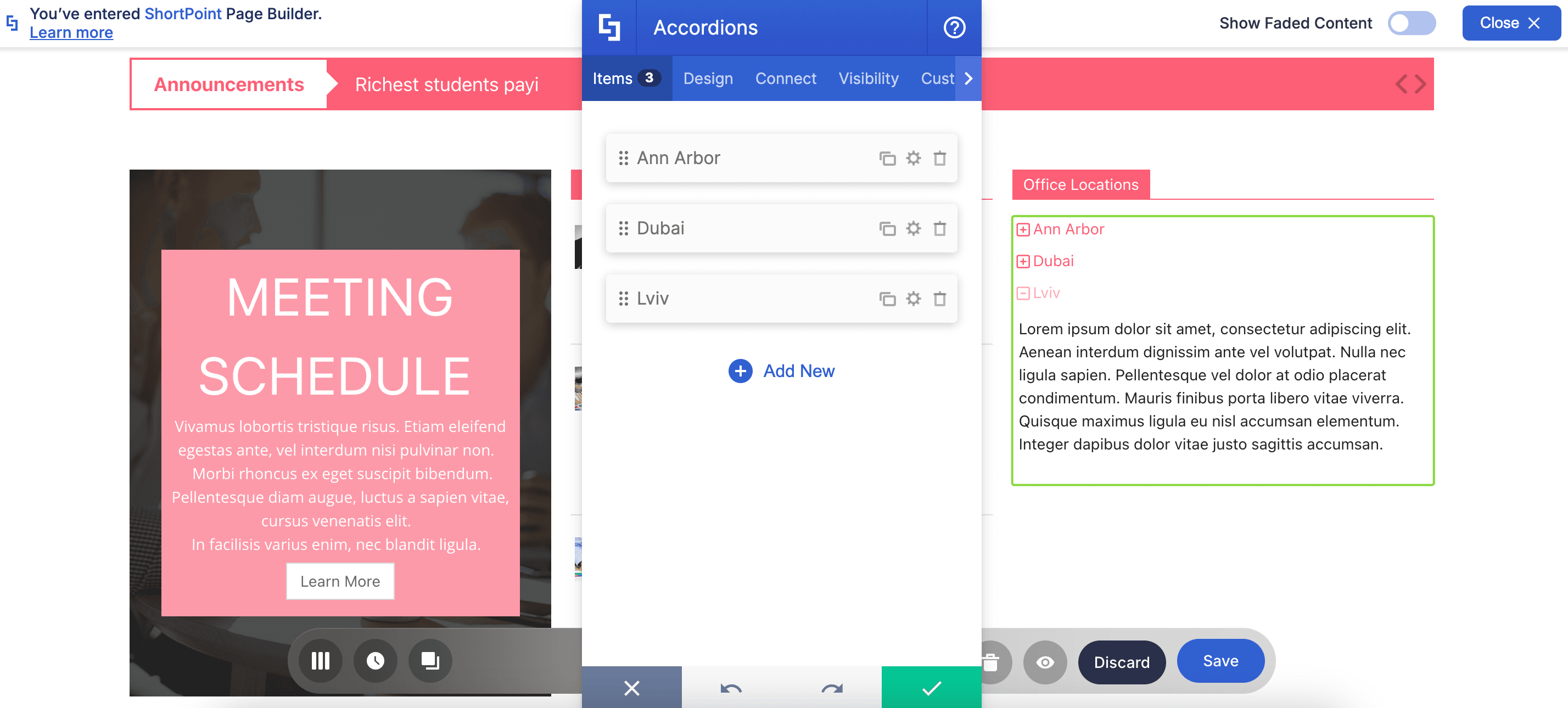
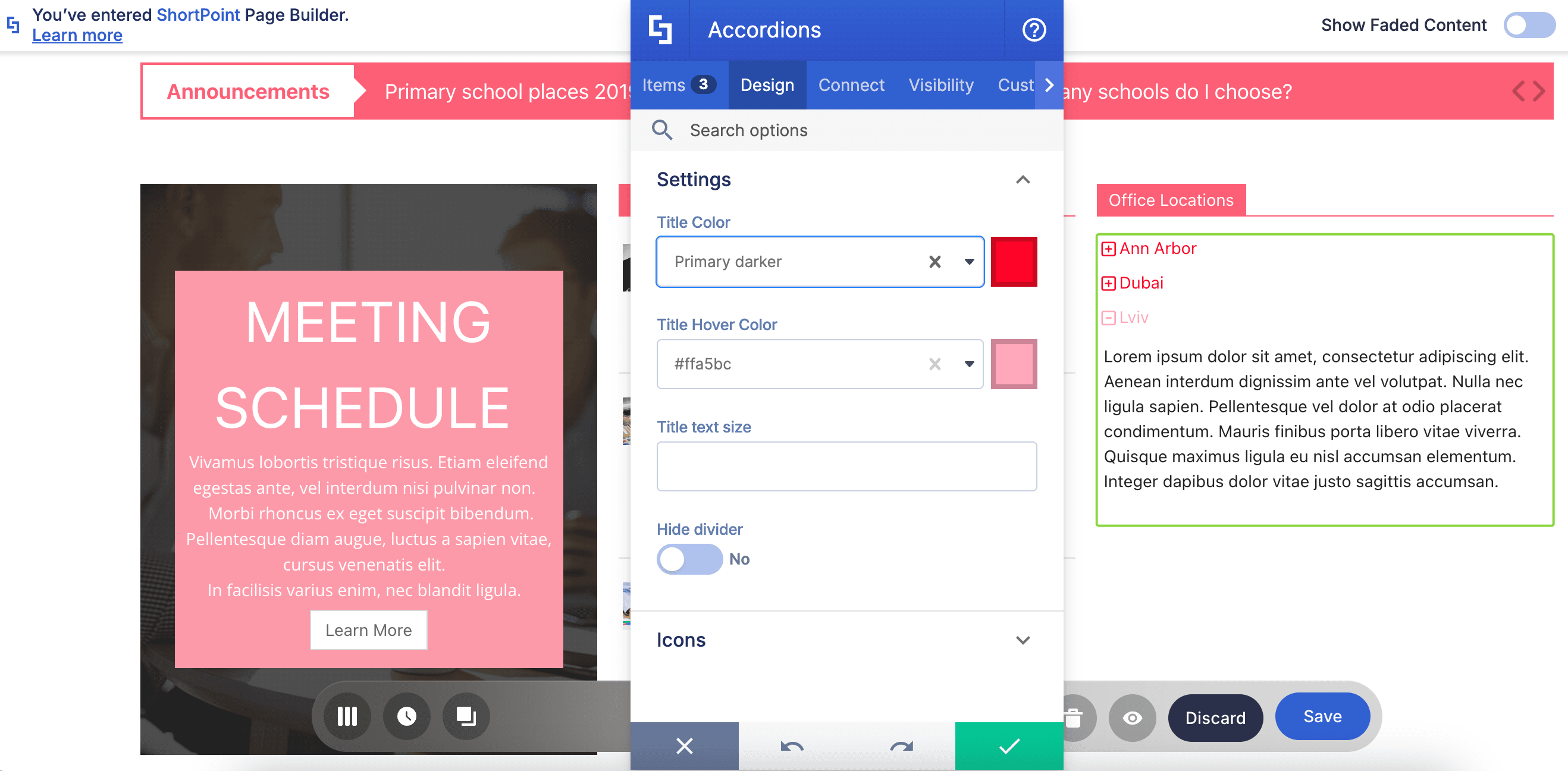
You can also customize its color, size, and so much more:
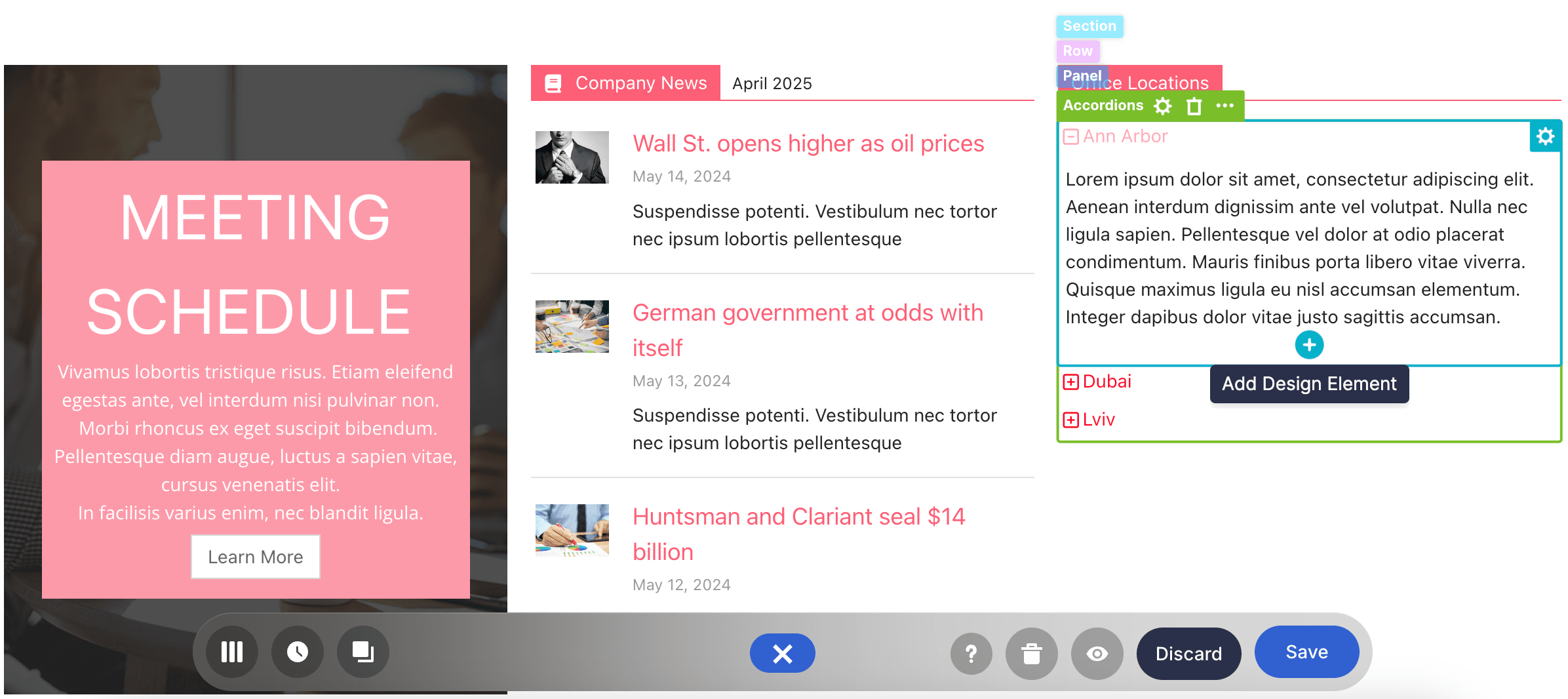
We might sound like a broken record, but you can add Design Elements inside too:
To start creating Accordions, check out How to Customize the Accordions Design Element.
These are just a few of the Content-Holder Design Elements ShortPoint has for you. There is more that you can mix and match to achieve your intranet design goals. Enjoy exploring each one as you continue your ShortPoint design journey.