HR 2
HR Intranet Portal
Central HR hub for search, announcements, events, learning.
 SOC 2 Type II, SOC 3
  GDPR
GDPR 
About this Template
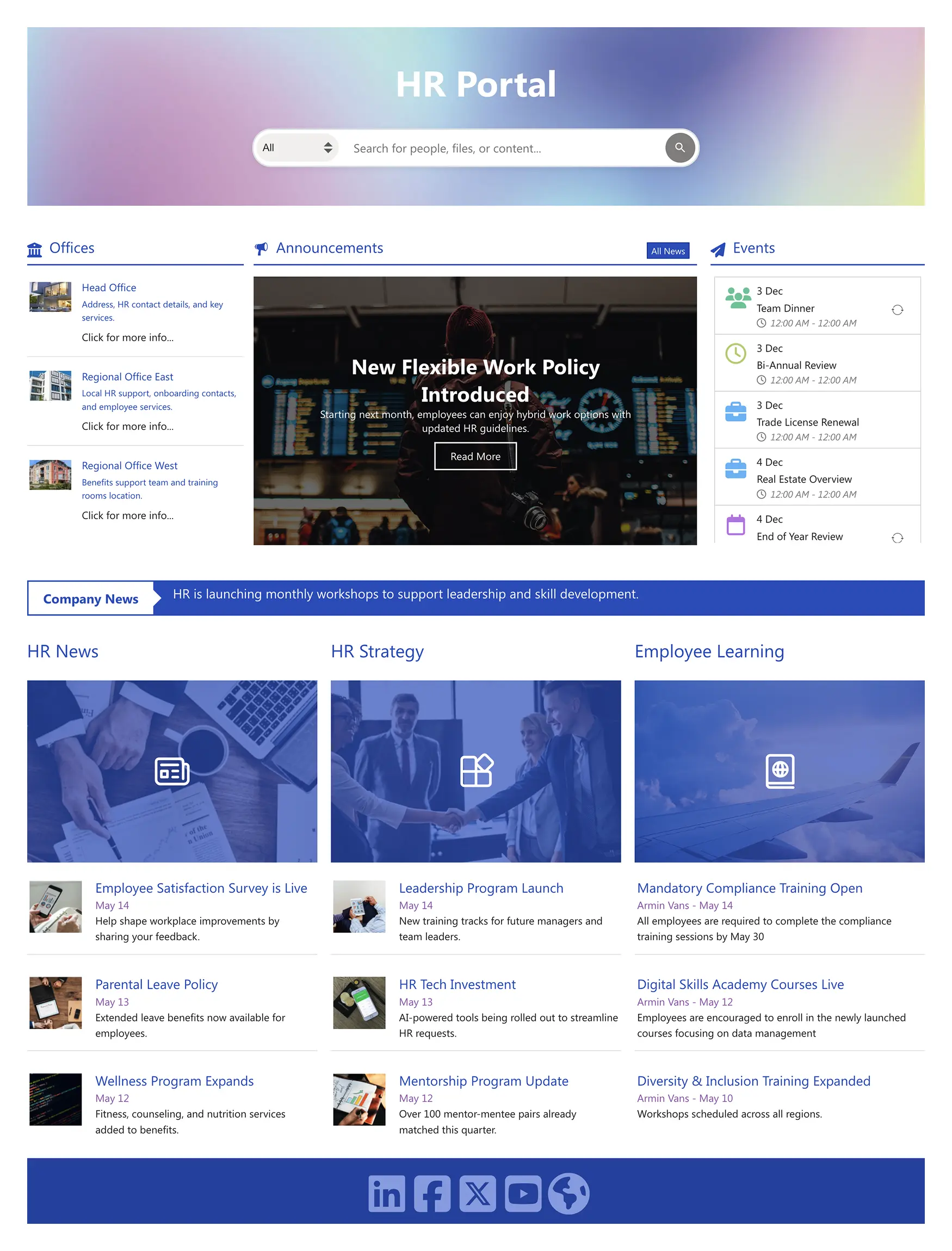
Create an HR intranet portal that centralizes search, announcements, offices, and events so employees find what they need in seconds. A prominent search bar supports people, files, and content; side panels list office locations with contacts and services, while an announcements carousel surfaces policy changes and campaigns. An events agenda shows upcoming reviews and key dates at a glance. Below, three streams—HR News, HR Strategy, and Employee Learning—organize updates and training with clear “Read more” paths. A persistent ticker shares company news, and social links encourage follow-up on external channels. Built for clarity and speed, this layout reduces support requests and turns HR into a reliable, self-service destination.
Template Features
Adopt a visual, no-code approach to deploy responsive, accessible experiences while centralizing governance and preserving brand consistency across teams and sites.
Improve your template with AI. Describe changes and see them in minutes.
Page Builder streamlines layout work. Arrange elements, reuse patterns, and publish fast.
Edit once, update everywhere. Live theme changes maintain consistency with zero code.
There are infinite ways to connect with best-in-class integrations.
Copy text, media, and layouts—paste with perfect styling every time.
Reduce cognitive load with plain language, clear patterns, and feedback.
Bring the best tools together—integrations simplify workflows and publishing.
We have crafted hundreds of page designs to help you start with greater confidence
60+ design elements for bold, simple, and consistent pages.
Pages automatically adapt to phones, tablets, and desktops.
Get Started With Everyday Home In Three Simple Steps
Launch a branded HR intranet portal in under an hour—no coding required.
- 1
Start free trial & add ShortPoint to your site : Click "Start a Trial" and get access to ShortPoint instantly. No credit card needed—just sign in with your Microsoft 365 credentials or download ShortPoint manually and activate your trial.
- 2
Insert a Template : Edit your SharePoint page, insert the ShortPoint web part, and select the HR 2 template (or any preferred template page) from the Templates Library
- 3
Customize & Publish (15–30 mins): Replace placeholder content with your own, connect your SharePoint data sources, apply your company branding, and publish your new communication site for immediate use.
Frequently asked Questions
Your site page can be up and running in a few hours. Site creation is entirely visual, letting you apply the design, hook up your site content, and publish without any technical hurdles.
Yes. It works seamlessly with SharePoint Online (Microsoft 365), SharePoint Subscription Edition (SE) and supported On-Premise environments when used with ShortPoint.
Yes. Use Theme Builder to manage branding elements like colors and fonts, and Page Builder to visually adjust layouts and sections—all without writing any code.
Yes. It’s built mobile-first, so it looks great and works perfectly on phones and tablets with a clean, responsive design.
Yes, easily clone the template for Finance, IT, or regional teams. Customize content while maintaining consistent design standards across your organization.
Definitely. ShortPoint Connect allows seamless integration with SharePoint data and Microsoft 365 applications such as Teams, Outlook, and Planner. This keeps your content automatically updated, eliminating manual updates and ensuring your intranet always reflects the latest information.
You get access to the complete ShortPoint Templates library, all pre-built design elements, seamless integrations to build a stunning intranet site fast, plus ongoing updates and dedicated support to keep your modern sites running as your needs evolve.
Related Templates
See all Templates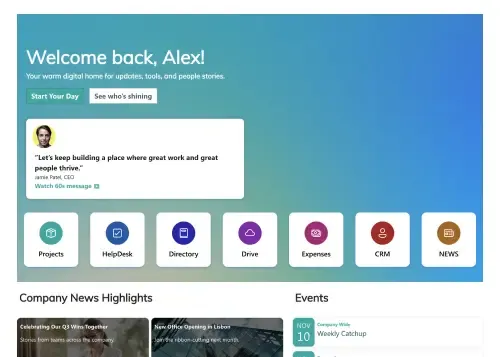
A centralized, engaging welcome hub for every new hire.

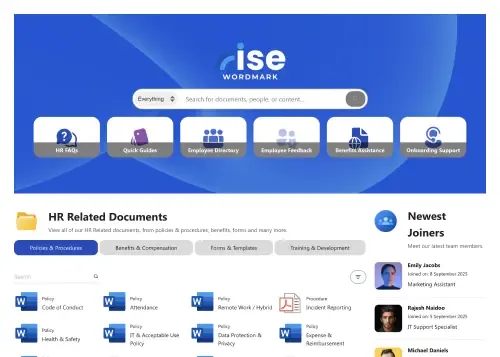
A dynamic, searchable hub connecting employees with HR resources.
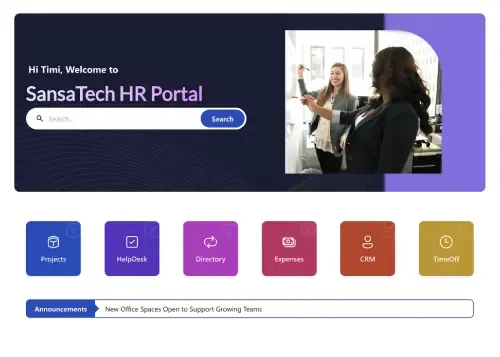
Your all-in-one hub for HR resources, news, policies, and tasks.
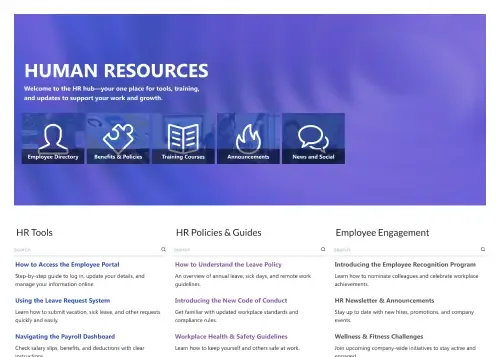
Centralize tools, policies, training, engagement, and news.
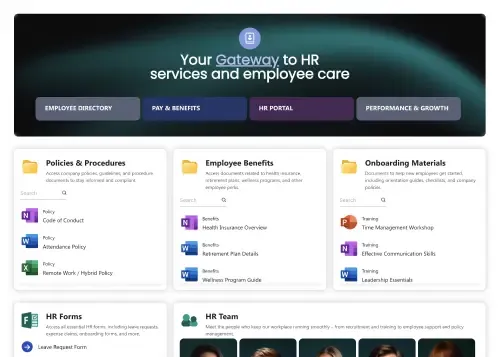
Single, central gateway for all essential employee resources.
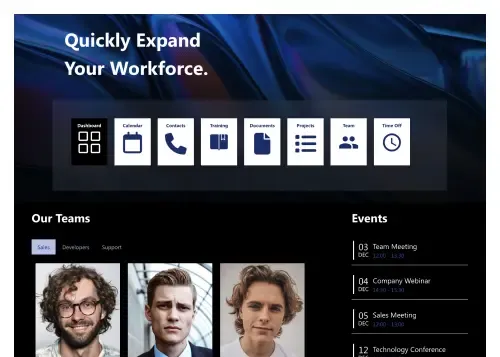
Modern hub for people, policies, events, and tools.









We were spending a lot of development dollars, but things still weren’t how we wanted and every day wasted was a day closer to our deadline.

ShortPoint has enabled us to create internal SharePoint sites that are user-friendly and attractive for our multi-generational group of Associates.

Before using ShortPoint, I’d never have expected that a small team such as ours could deliver a product that looks as good as our portal does today.

ShortPoint reduced the time it took to rebuild our intranet from 3 months to just 2 weeks. It really is a must-have for every company that uses SharePoint.


Building and customizing sites in SharePoint was a very heavy lift. We needed a developer on every project and it felt like we were always doing things the hard way.


I had no idea intranet consultancy would become so big for us! And none of it would have been possible without ShortPoint’s incredible software and support team.


It was hard to find solutions to beautify customers’ SharePoint installations and give customers a visual impression of how a new intranet could look.


Thanks to ShortPoint, the intranet isn’t a pain point for us anymore. I couldn’t put a price on how much happier we are working with ShortPoint as opposed to our previous vendor.

Working with ShortPoint was one of the smoothest projects I’ve ever been involved in. What they created for us is fantastic, and we never felt an ounce of stress.