HR 5
Human Resource Template
Modern hub for people, policies, events, and tools.
 SOC 2 Type II, SOC 3
  GDPR
GDPR 
About this Template
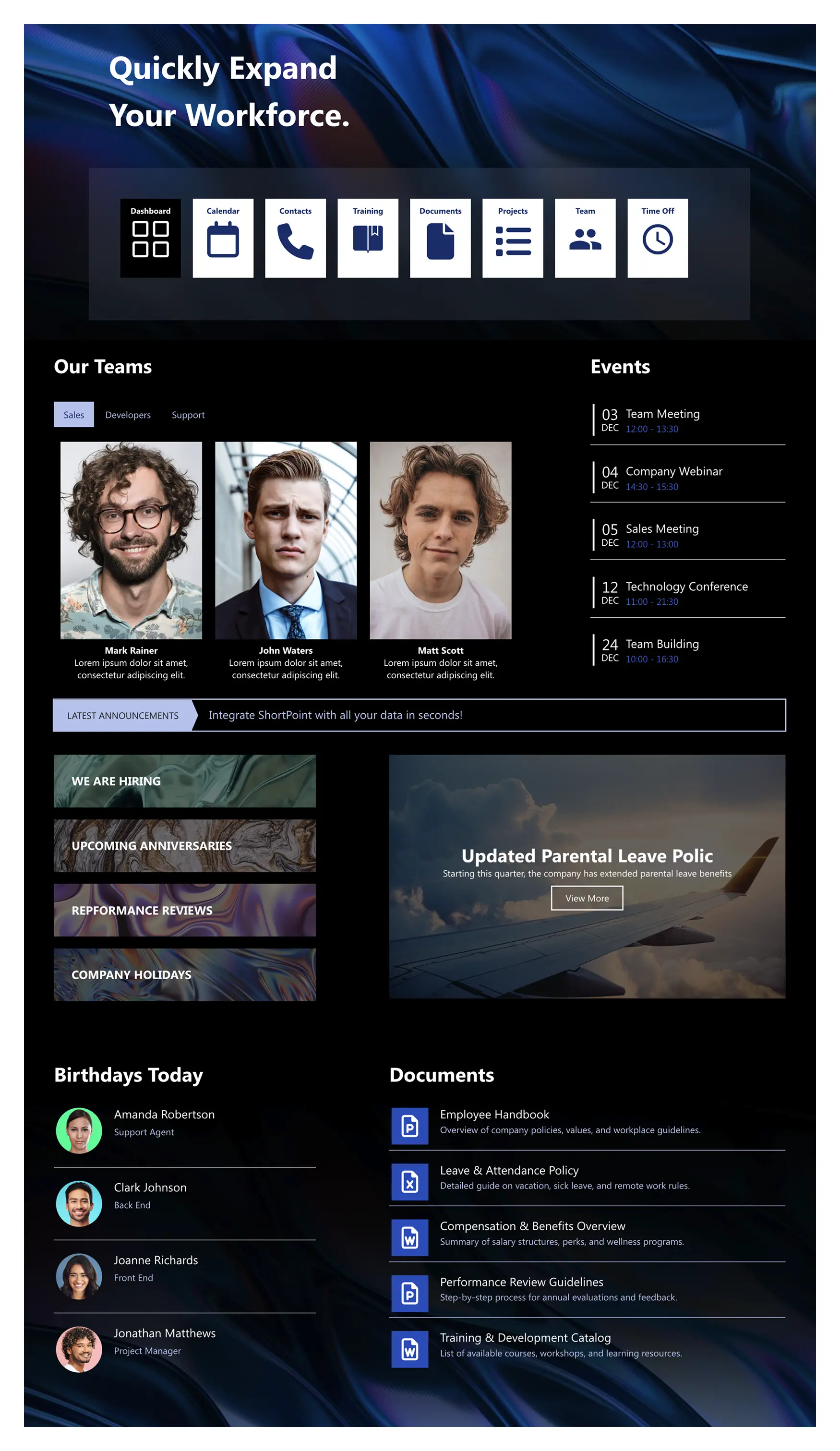
Centralize HR operations with HR 5—a human resource template designed for SharePoint. Give employees one place to check events and time off, browse teams, and access training, documents, and contacts. The top shortcut bar puts everyday tools a click away, while “We’re Hiring,” “Anniversaries,” “Performance Reviews,” and “Company Holidays” tiles surface timely actions. Announcements highlight policy changes (like parental leave), and the Birthdays module adds a human touch. A curated Documents list keeps the handbook, leave rules, benefits overview, performance guidelines, and training catalog easy to find. Add search and simple filters to help people locate answers quickly, reducing routine questions and tickets. The layout is responsive and accessible, so HR communicates clearly and employees can self-serve from any device.
Template Features
Balance flexibility with enterprise patterns, connecting Microsoft 365 resources to SharePoint, aligning branding, delivering accessible experiences quickly, and reducing maintenance.
Improve your template with AI. Describe changes and see them in minutes.
From idea to page quickly. Use blocks and elements to build site pages without code.
Real‑time styling: adjust colors and typography visually, then publish with confidence.
Integrate Microsoft 365 and SharePoint to keep your pages always up to date.
Copy and paste the best parts from past projects to quickly build new sites.
Built-in safeguards include keyboard access, visible focus, and color-independent cues.
Add integrations that keep pages synced with live business data.
Build with confidence using hundreds of ready-to-use page designs and templates.
60+ elements offer range, clarity, and easy customization.
Breakpoints and fluid widths keep designs crisp on any device.
Get Started With Everyday Home In Three Simple Steps
Launch a branded human resource template in under an hour—no coding required.
- 1
Start free trial & add ShortPoint to your site : Click "Start a Trial" and get access to ShortPoint instantly. No credit card needed—just sign in with your Microsoft 365 credentials or download ShortPoint manually and activate your trial.
- 2
Insert a Template : Edit your SharePoint page, insert the ShortPoint web part, and select the HR 5 template (or any preferred template page) from the Templates Library
- 3
Customize & Publish : Replace placeholder content with your own, connect your SharePoint data sources, apply your company branding, and publish your new communication site for immediate use.
Frequently asked Questions
Most teams can launch it the same day. Simply install ShortPoint, apply the human resource template, map your content, and publish—no coding required.
Yes. It works seamlessly with SharePoint Online (Microsoft 365), SharePoint Subscription Edition (SE) and supported On-Premise environments when used with ShortPoint.
You can easily customize colors, fonts, spacing, and page blocks using Theme Builder and Page Builder—completely code-free.
Yes. The template is responsive by default and optimized for phones and tablets with touch-friendly designs.
Yes. You can replicate the template for HR, Finance, IT, or regional teams, allowing tailored content while maintaining a consistent design.
Yes. ShortPoint Connect integrates SharePoint lists, libraries and Microsoft 365 apps like Planner, Outlook, and Teams to keep news and events automatically updated.
A subscription gives you access to all templates, elements, and integrations, helping you build SharePoint sites faster with ongoing updates and support.
Related Templates
See all Templates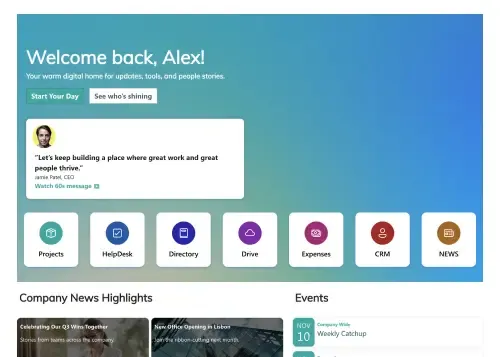
A centralized, engaging welcome hub for every new hire.

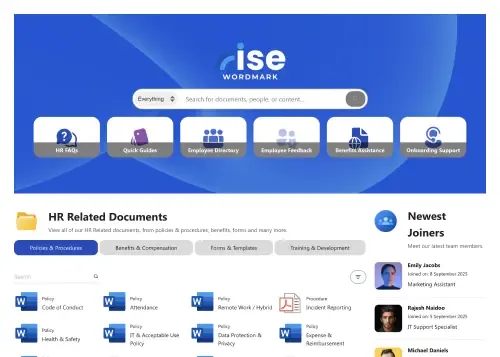
A dynamic, searchable hub connecting employees with HR resources.
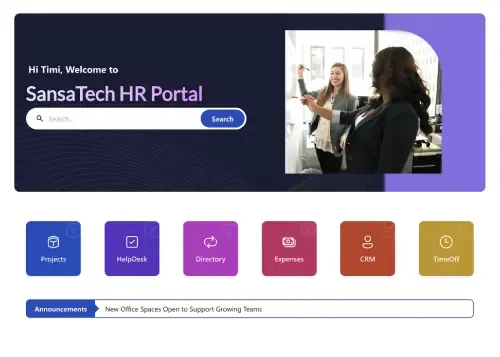
Your all-in-one hub for HR resources, news, policies, and tasks.
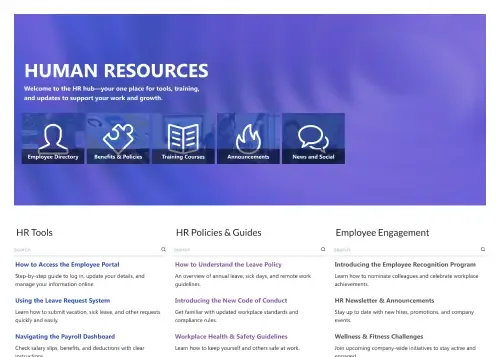
Centralize tools, policies, training, engagement, and news.
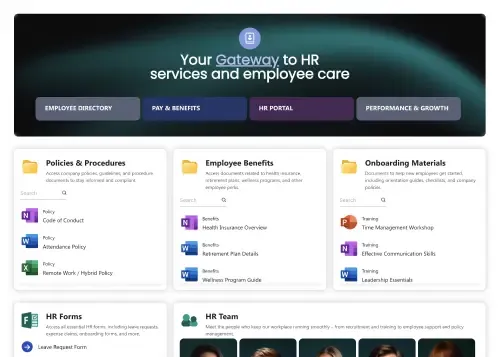
Single, central gateway for all essential employee resources.
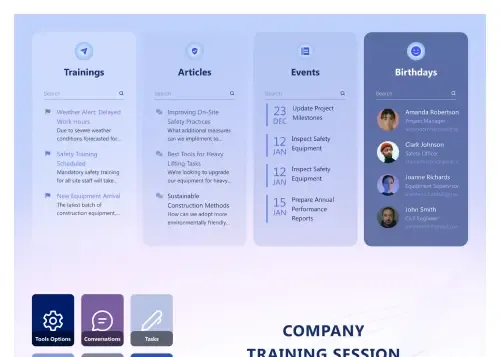
Trainings, articles, events, birthdays, and FAQs in one.









We were spending a lot of development dollars, but things still weren’t how we wanted and every day wasted was a day closer to our deadline.

ShortPoint has enabled us to create internal SharePoint sites that are user-friendly and attractive for our multi-generational group of Associates.

Before using ShortPoint, I’d never have expected that a small team such as ours could deliver a product that looks as good as our portal does today.

ShortPoint reduced the time it took to rebuild our intranet from 3 months to just 2 weeks. It really is a must-have for every company that uses SharePoint.


Building and customizing sites in SharePoint was a very heavy lift. We needed a developer on every project and it felt like we were always doing things the hard way.


I had no idea intranet consultancy would become so big for us! And none of it would have been possible without ShortPoint’s incredible software and support team.


It was hard to find solutions to beautify customers’ SharePoint installations and give customers a visual impression of how a new intranet could look.


Thanks to ShortPoint, the intranet isn’t a pain point for us anymore. I couldn’t put a price on how much happier we are working with ShortPoint as opposed to our previous vendor.

Working with ShortPoint was one of the smoothest projects I’ve ever been involved in. What they created for us is fantastic, and we never felt an ounce of stress.