Browse company-wide sites
Company Hub
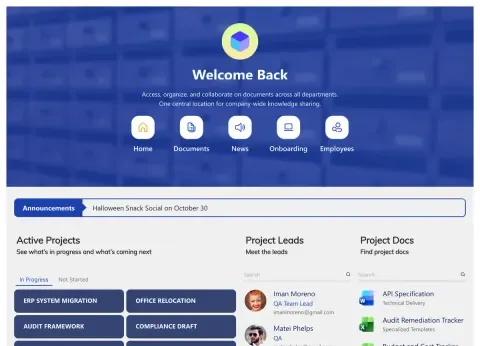
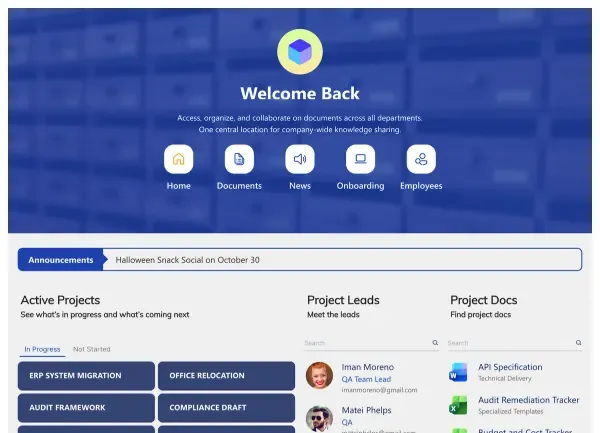
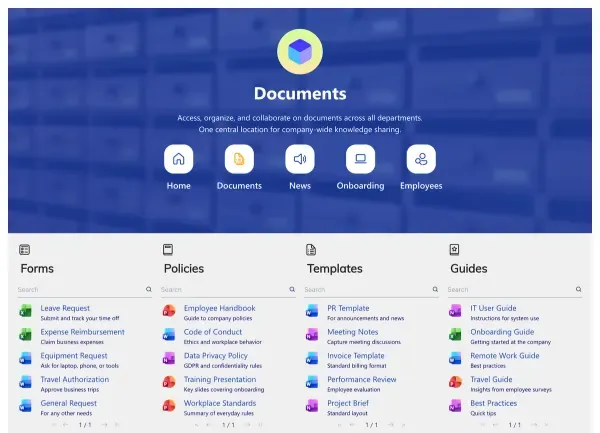
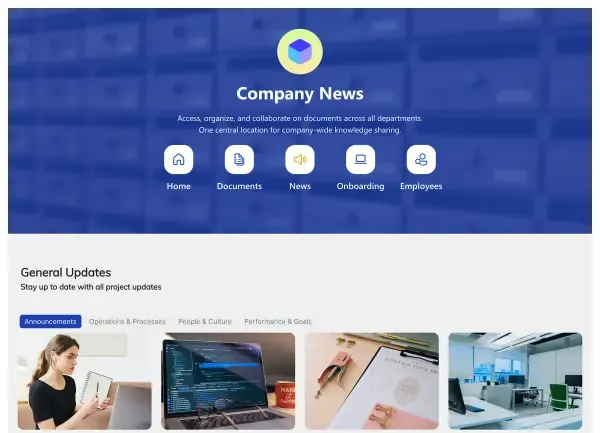
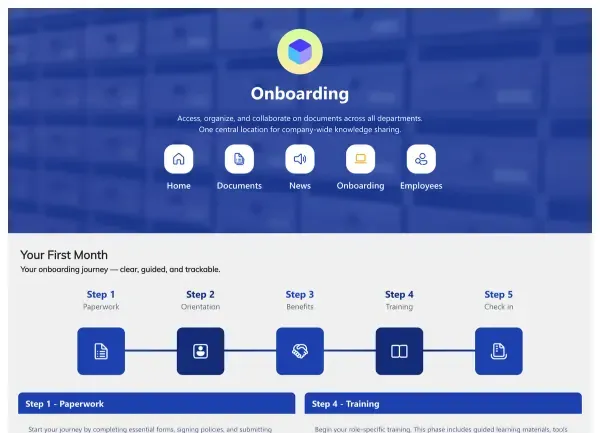
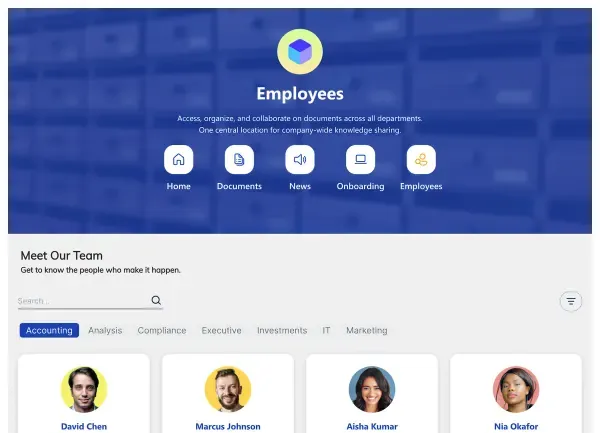
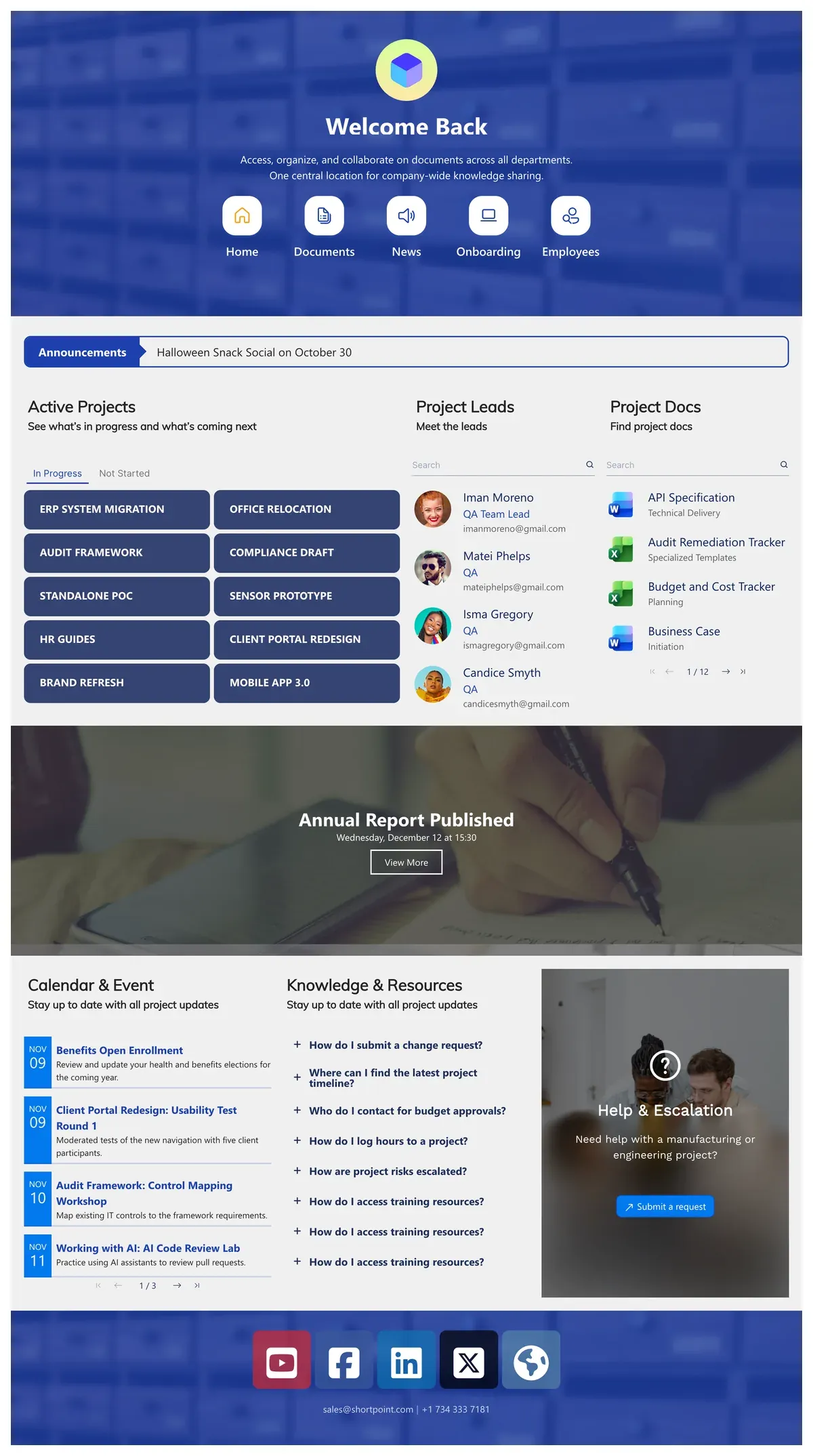
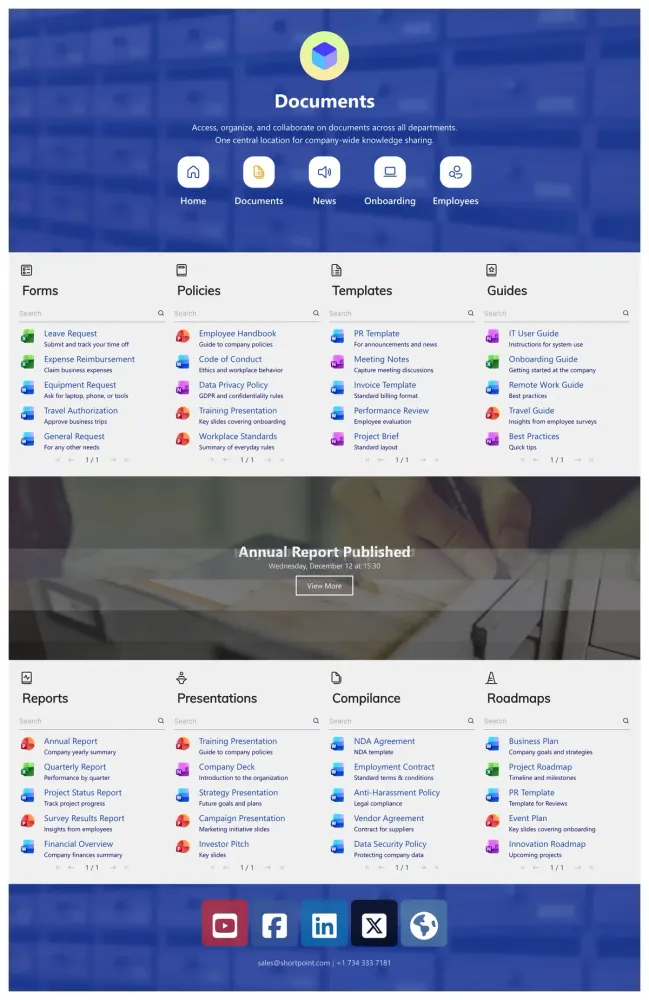
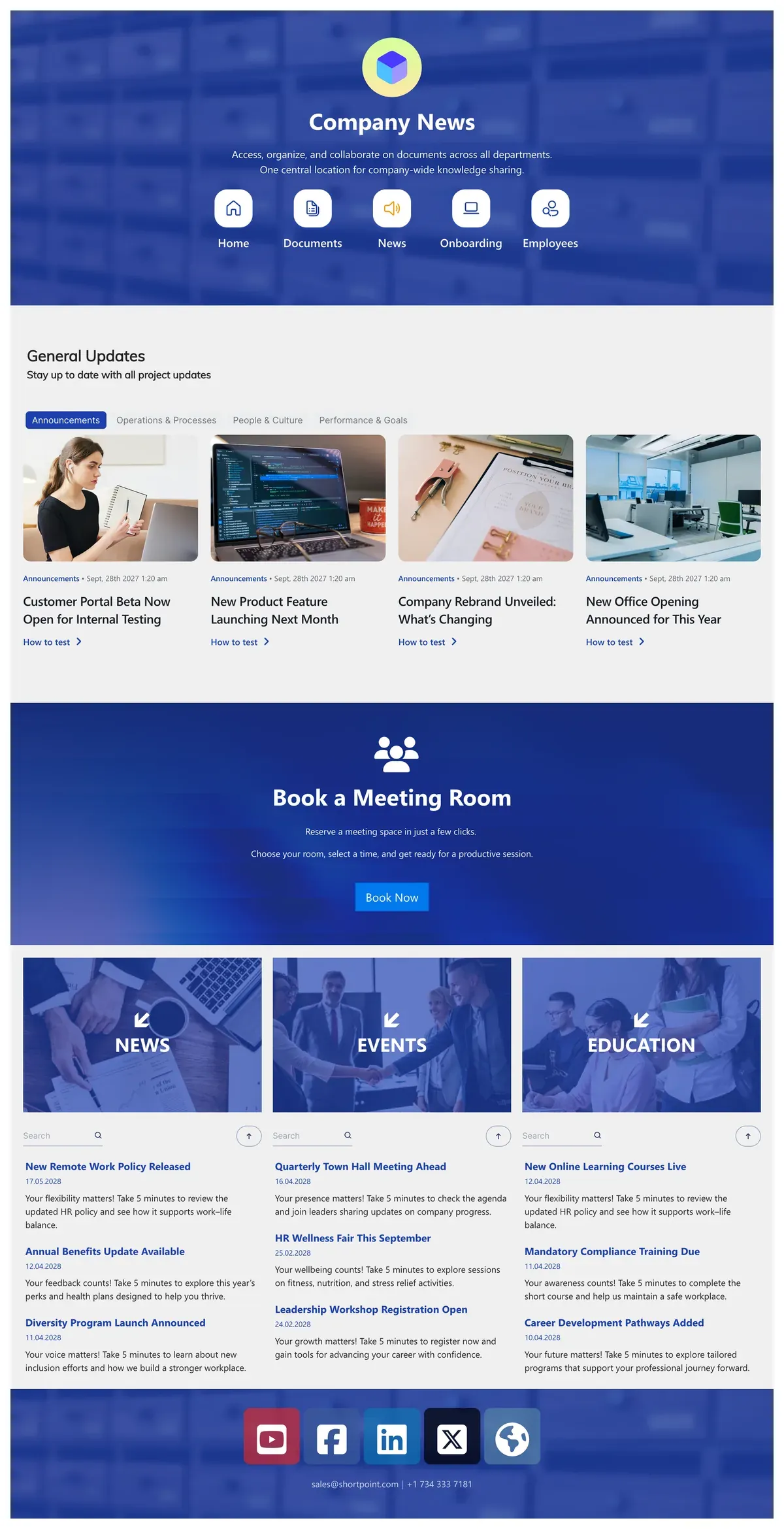
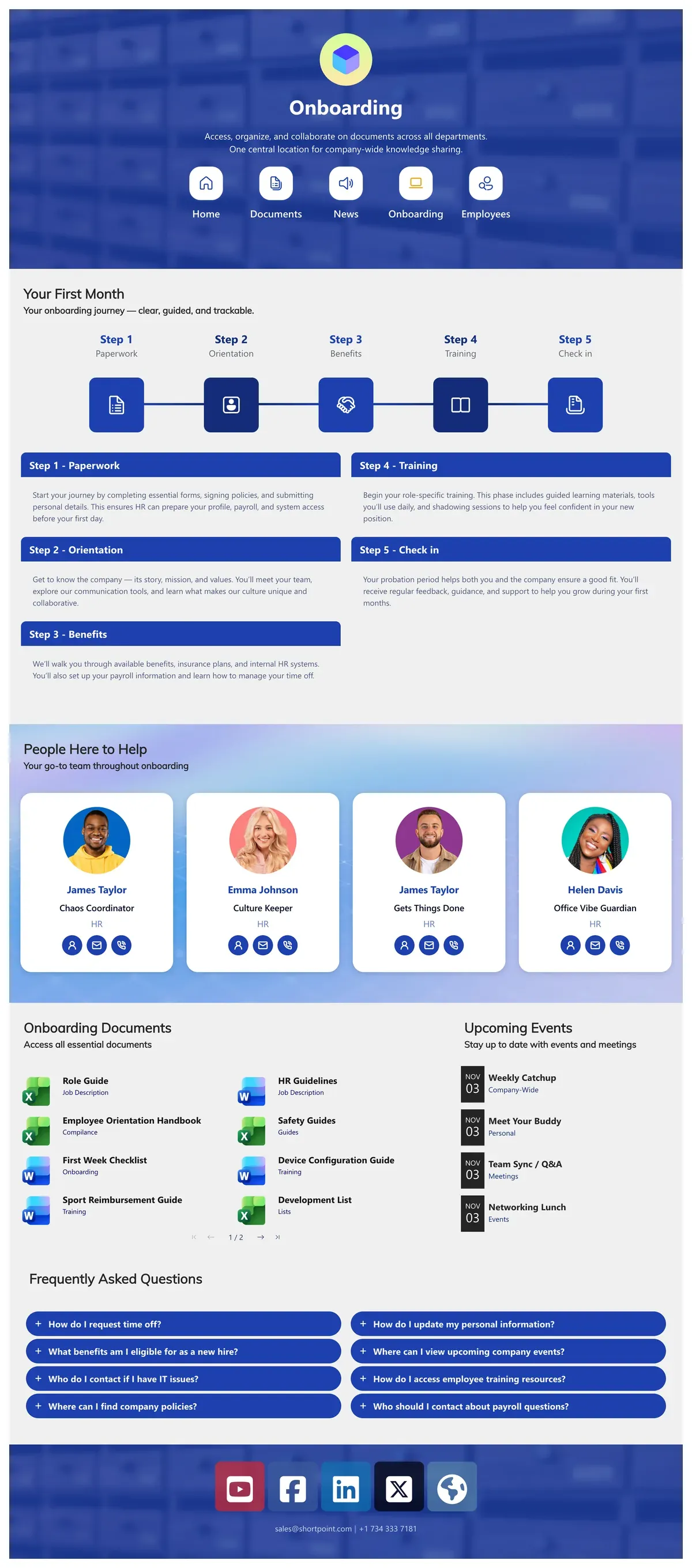
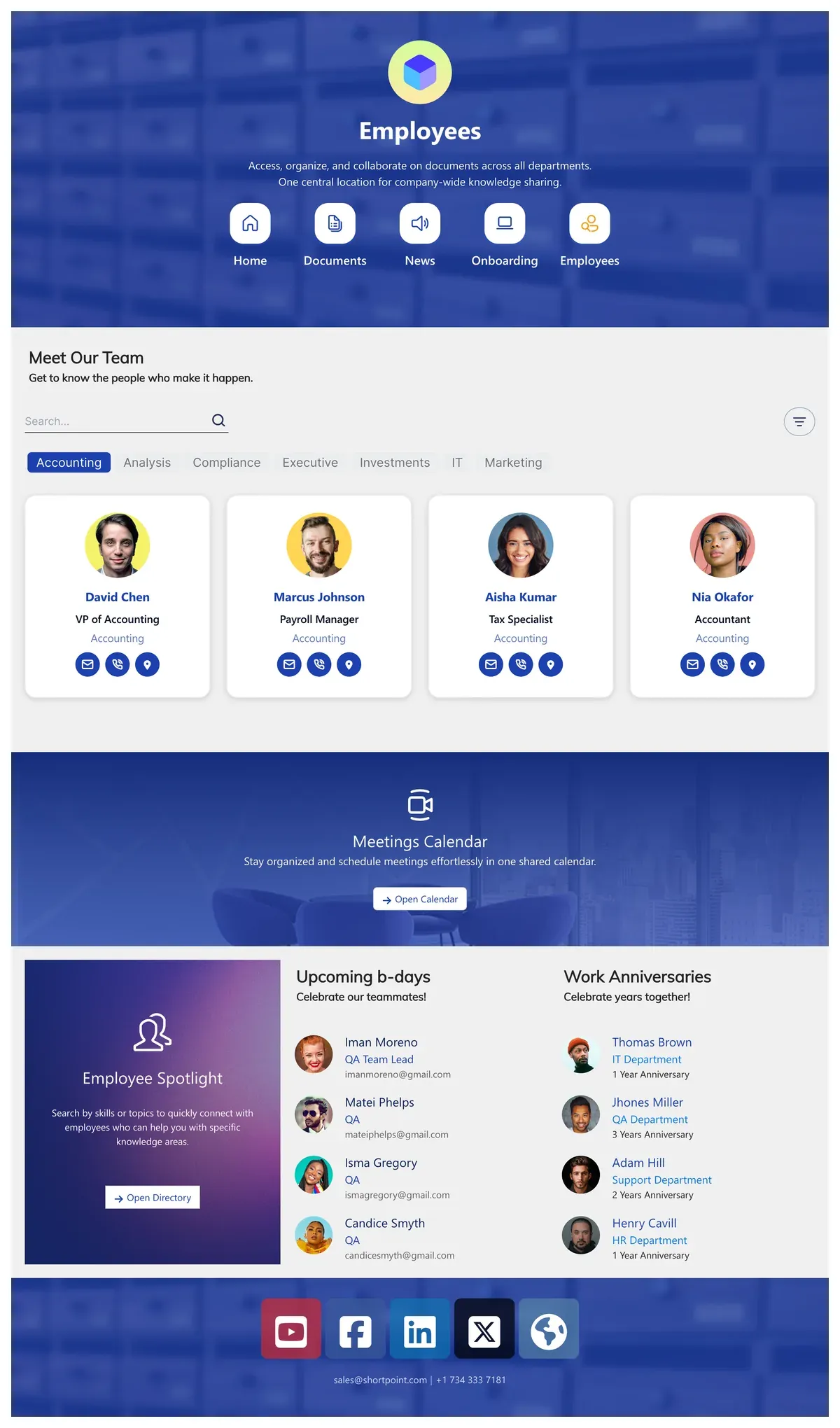
A complete company intranet in one design: a home page for active projects and announcements, plus documents, news, onboarding and employees pages.
How it differs: Every page opens with the same banner and five navigation icons, and the home page is built around projects rather than news, which suits companies that run on project work.
Site Home
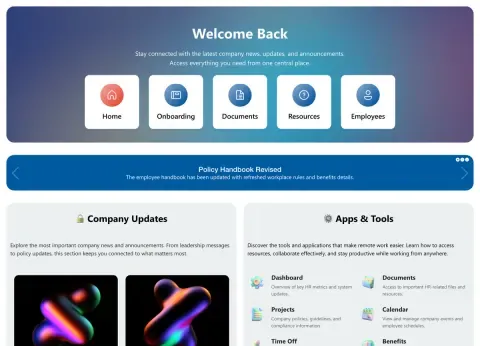
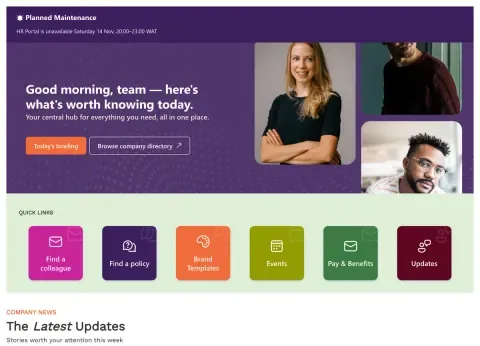
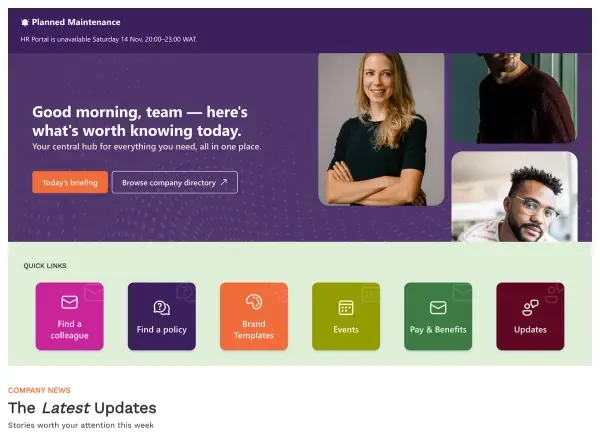
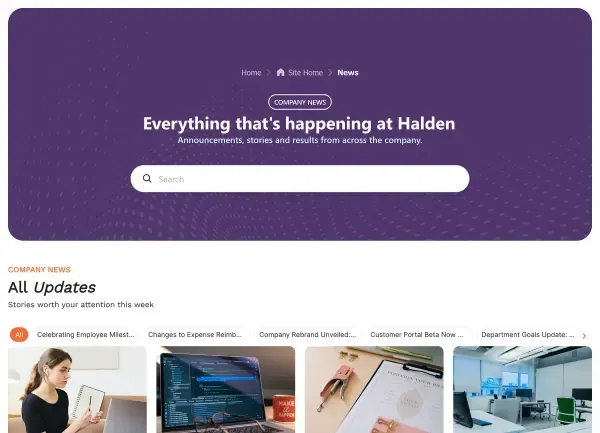
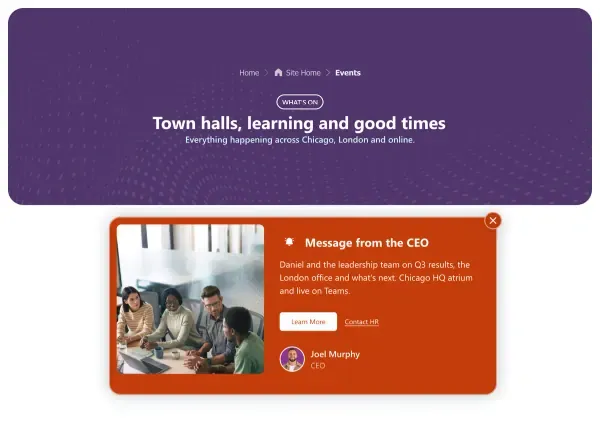
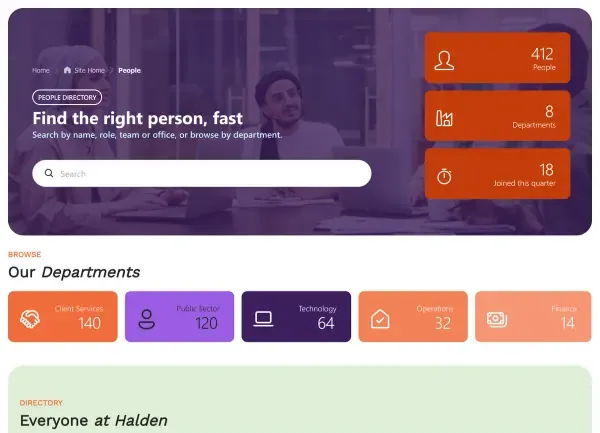
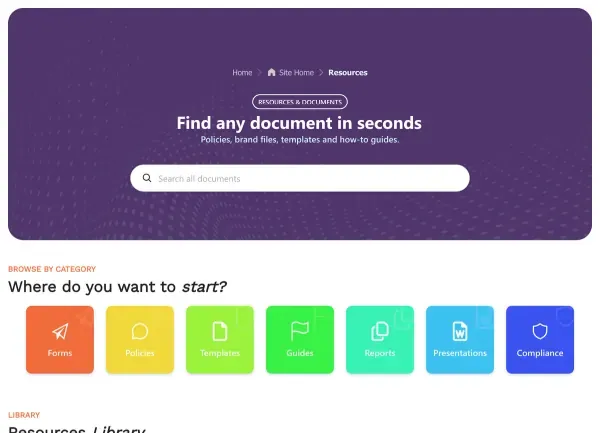
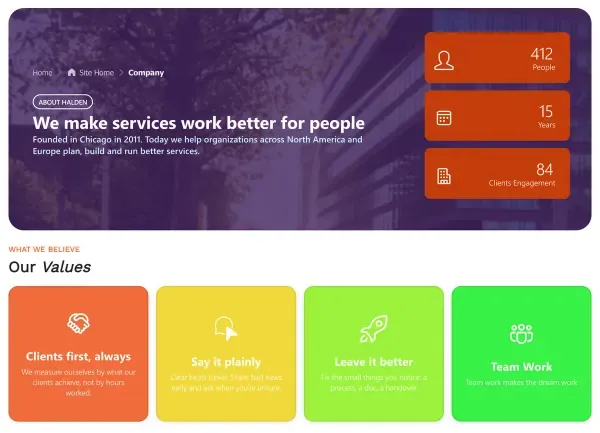
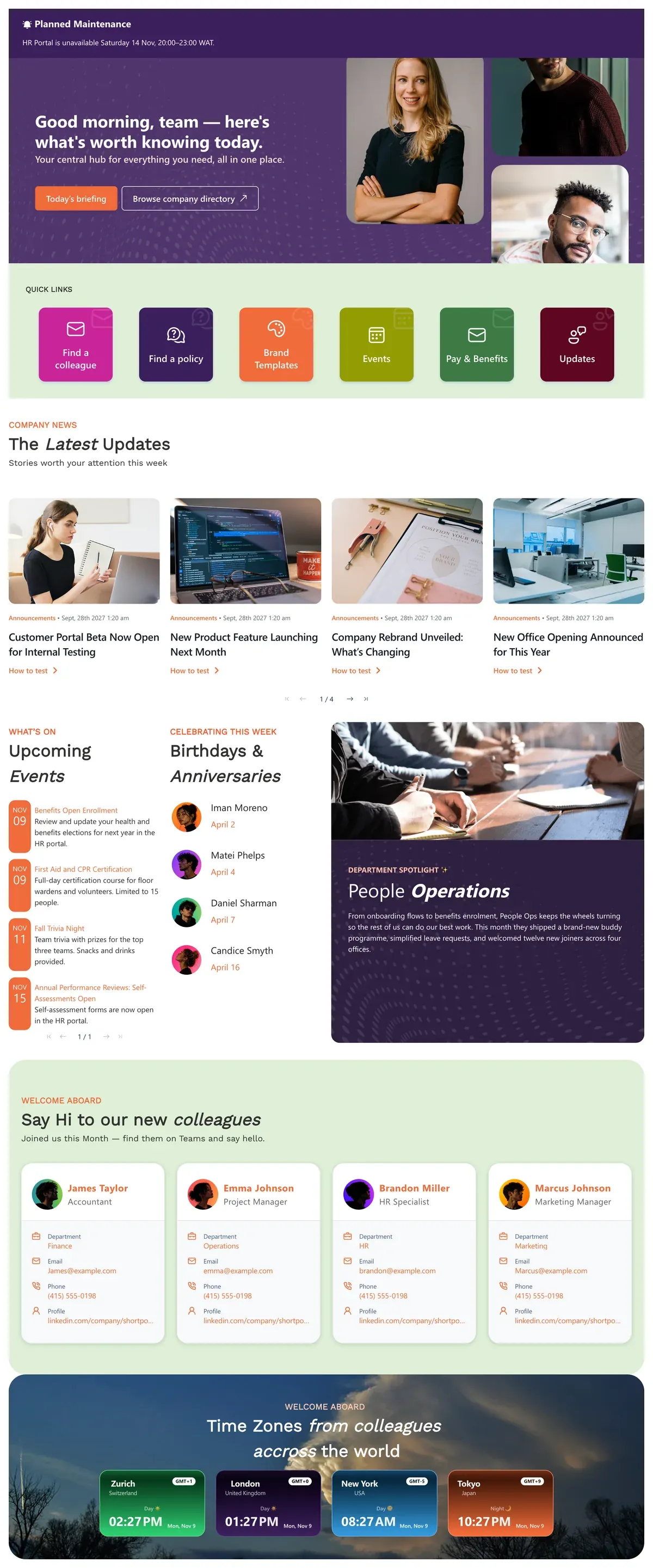
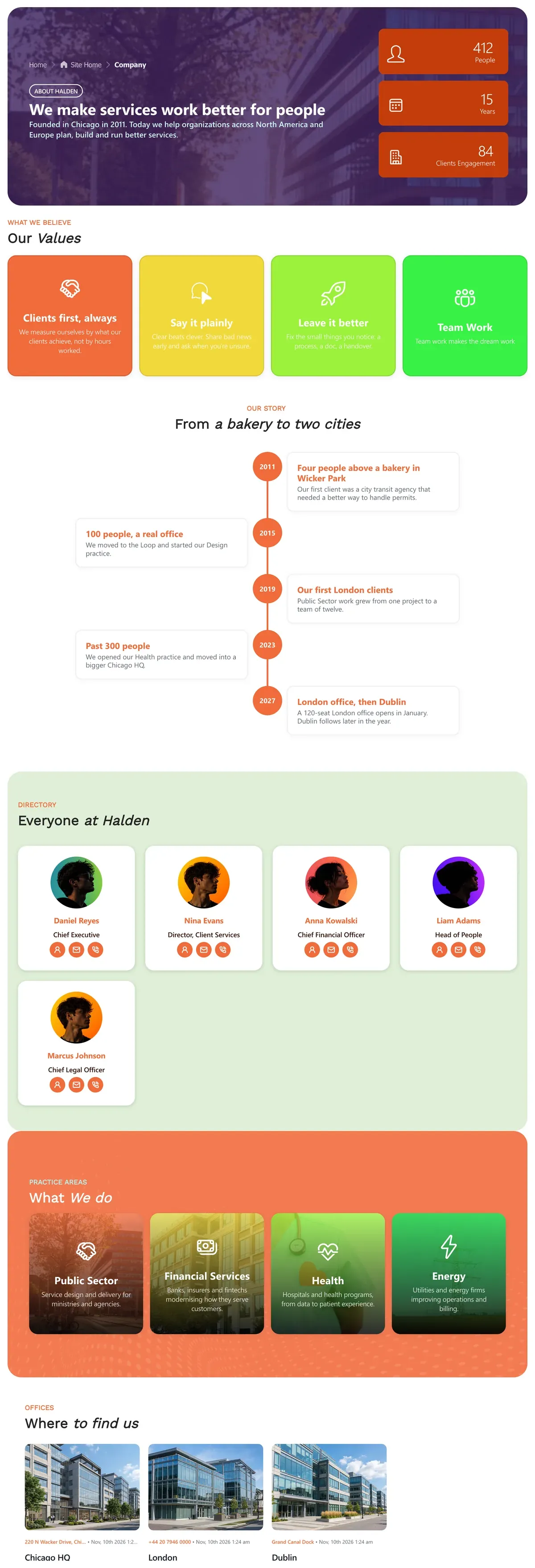
A company intranet built around a daily briefing, with pages for news, events, people, resources and the company itself.
How it differs: Every inner page starts with a search or headline hero and goes deep on one job, so the home page can stay a short daily briefing.
About company-wide SharePoint intranet sites
A company-wide SharePoint intranet site is the front door every employee uses: one home page, plus the news, documents, employee, onboarding and department pages it links to. Each site template here covers the core of that set (home, news, people and documents) in a single design, so every page looks and works the same. Everything installs in your own SharePoint, and communicators edit it there without code.
Older guides call this a SharePoint intranet portal. It’s the same idea: one place to find news, tools and teams.
The pages a SharePoint intranet site needs
Most intranet sites start with these core pages. Each one links to the page templates that cover it in detail.
- Home page News, quick links, events and a way into every department. SharePoint home page templates
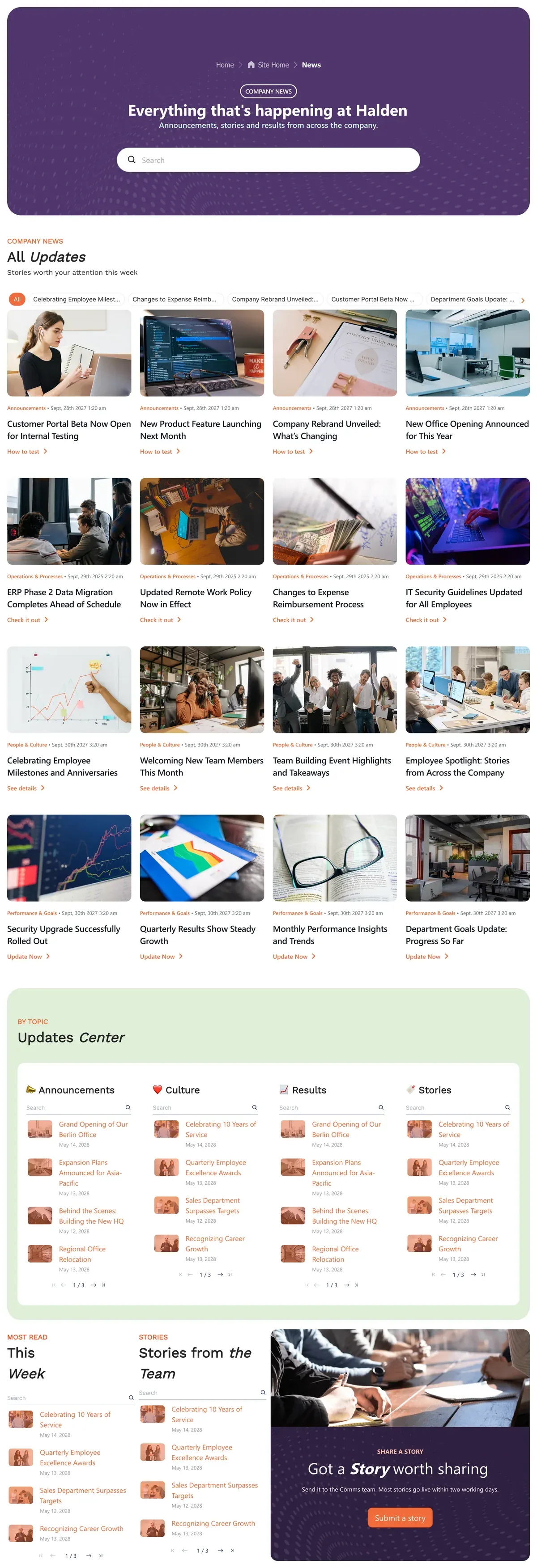
- News Company updates, leadership messages and an archive. News page templates
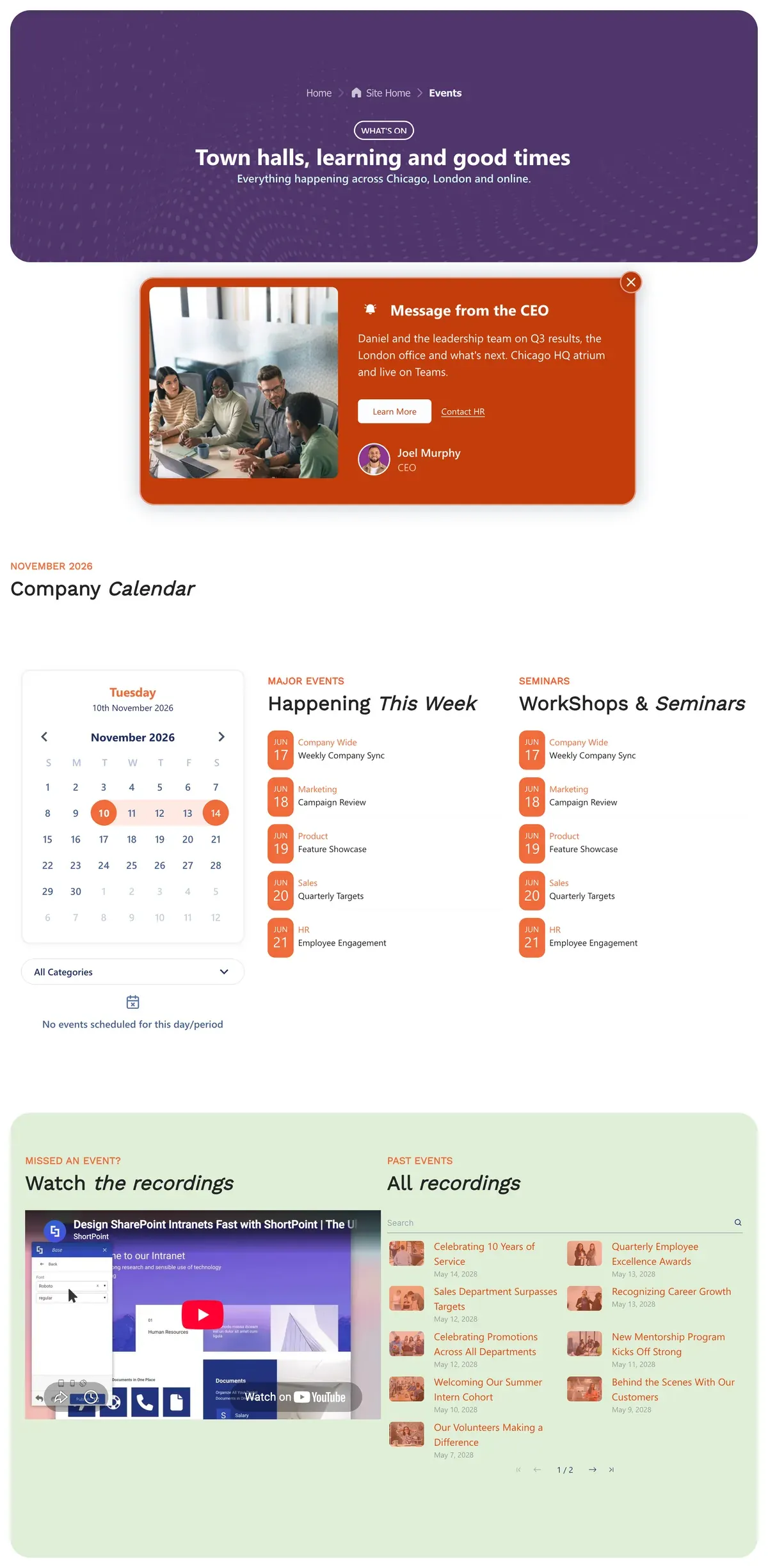
- Events Town halls, training dates and event recordings in one calendar. News page templates
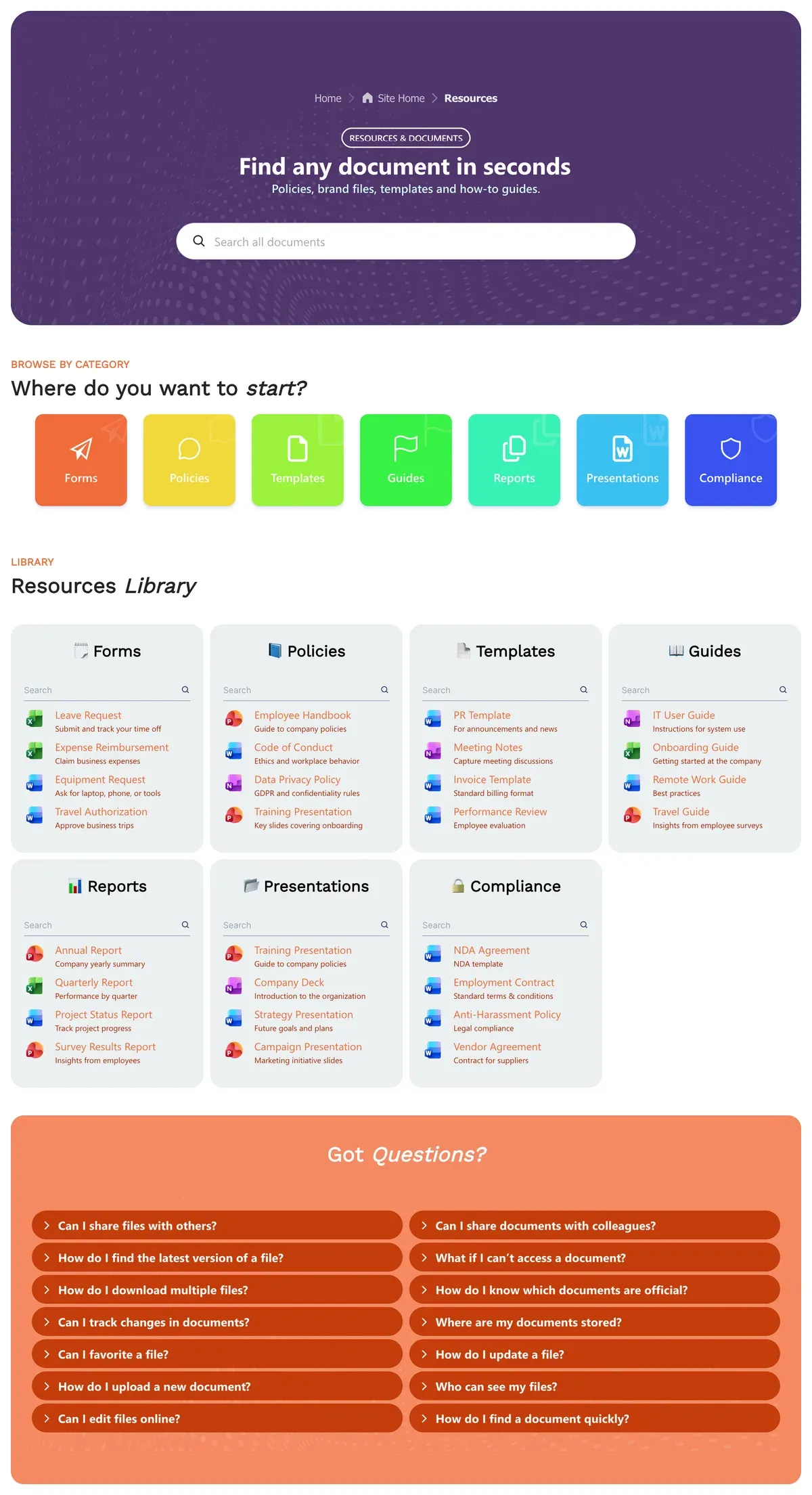
- Documents The handbooks, policies and forms people search for most. Documents page templates
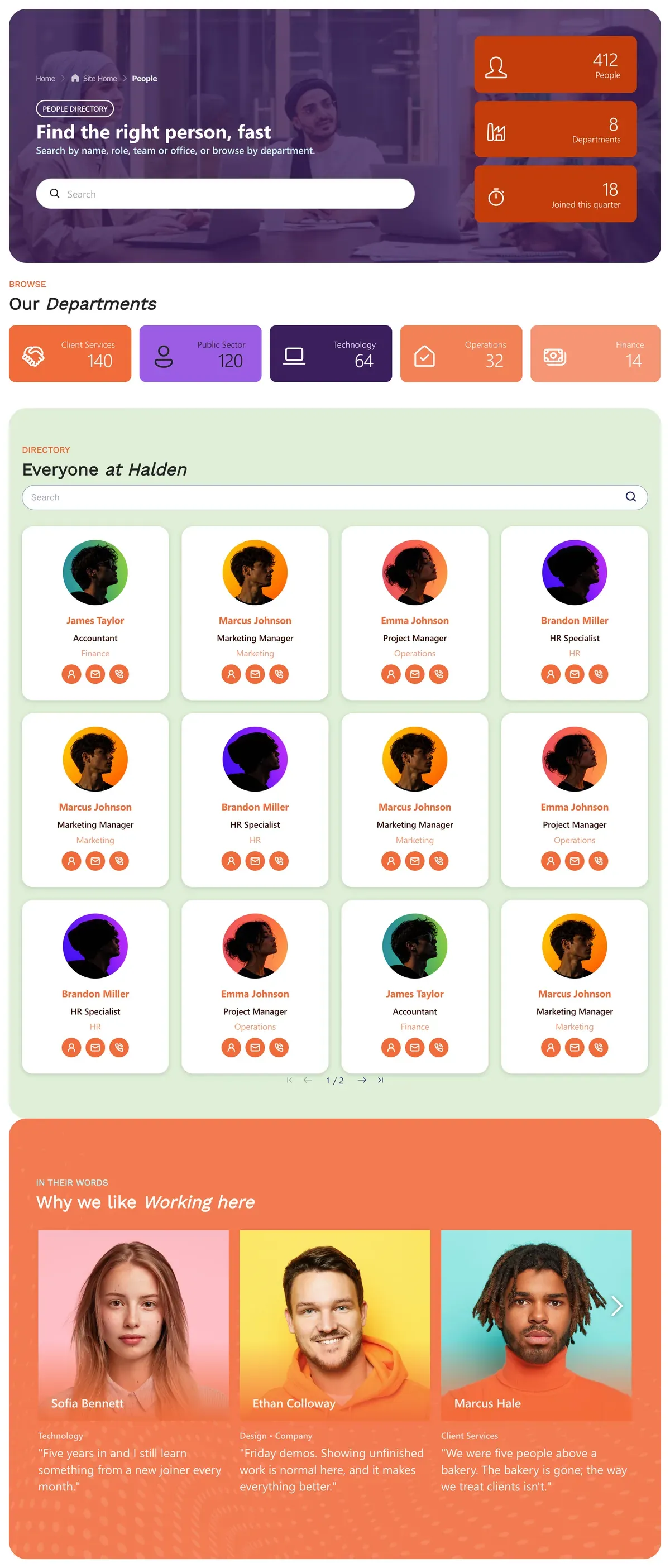
- Employees A searchable employee directory with roles and contacts. Team Hub page templates
- Onboarding The steps, contacts and documents a new joiner needs. Onboarding page templates
- Departments One landing page per team, with its owners, documents and requests. Team Hub page templates
How the pages connect
One header and one navigation bar run across every page, so employees can go from News to Documents to their department without returning to the home page first. News published once shows on both the home page and the news page, and departments keep their own pages in the same layout, so the intranet reads as one site.
- News
- Documents
- Employees
- Onboarding
- Departments
Need a different page? ShortPoint has 250+ page and section templates, so you can add pages to a site or replace any page with one that fits your needs better. Then use AI Designer to adjust or rebrand them to match the site’s layout.
Who owns what
A company intranet stays current when every page has a named owner.
- Internal communications Home page and news
- HR People, policies and benefits
- IT Help pages and system links
- Department leads Their own team page
Rolling it out
- Pick the site whose structure matches how your company is organized.
- Map your existing SharePoint content to its pages.
- Name an owner for each page.
- Launch the home page and news first.
- Add department pages as each team is ready.
Why ShortPoint for a company-wide intranet
SharePoint gives you the platform, but its out-of-the-box pages look and behave differently from one site to the next. ShortPoint site templates give every page the same design system from the start. When a new department or region needs a page, it starts from that design instead of a blank page, so the intranet still looks like one site years later.
Every template here is a starting point. With ShortPoint you can connect any section to live data from SharePoint lists and Microsoft 365, such as people, calendars, news and files, using Connect. You can add or swap any of the design elements without code, and apply your brand to every page at once with Theme Builder. AI Designer can then help you adjust a layout or create a page that isn’t in the library.
ShortPoint intranet sites vs SharePoint’s communication site templates
SharePoint’s own communication site templates, such as Standard communication and Department, give you a site for news, announcements and events, built from SharePoint’s standard web parts, and you design the remaining pages yourself. Microsoft’s SharePoint look book adds more ready-made designs, built from the same standard web parts. A ShortPoint intranet site starts with every page already designed and linked, from the home page to the directory, and each section can connect to the news, libraries and Microsoft 365 profiles you already have. See the full comparison on the template hub.