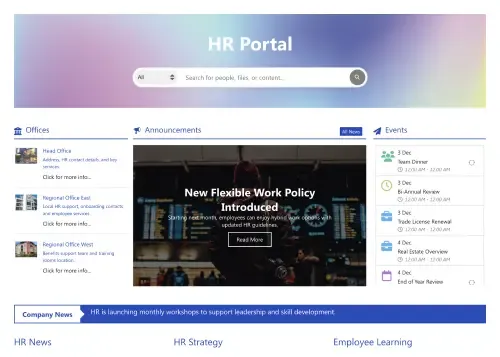
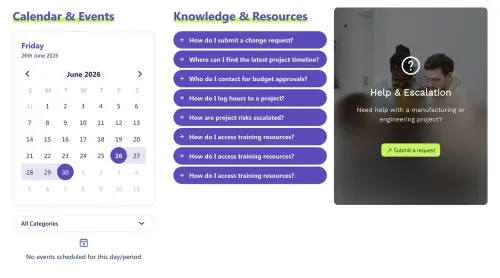
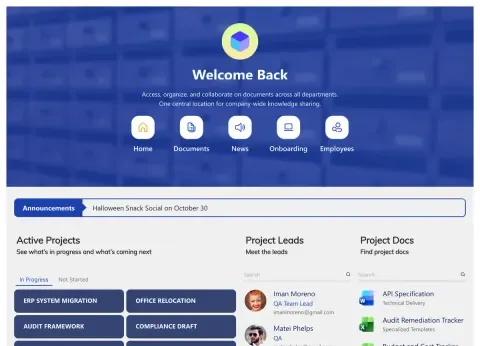
Browse HR sites
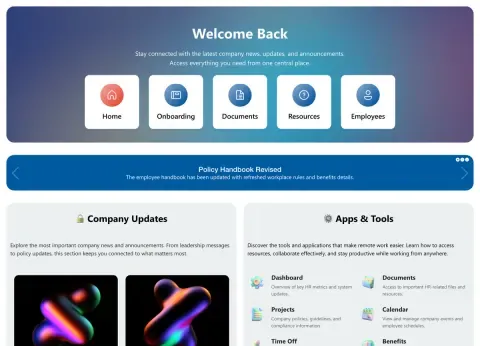
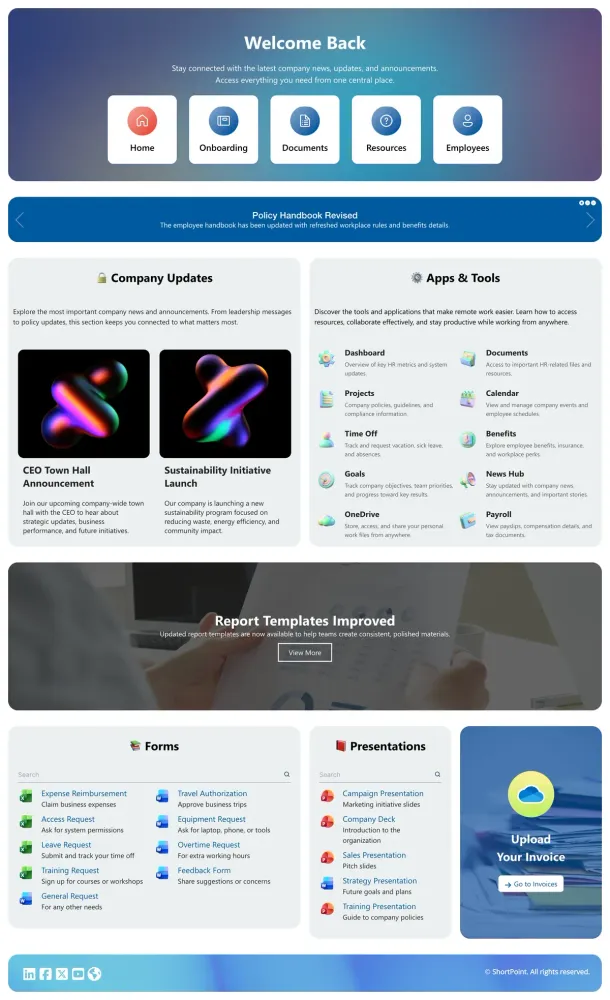
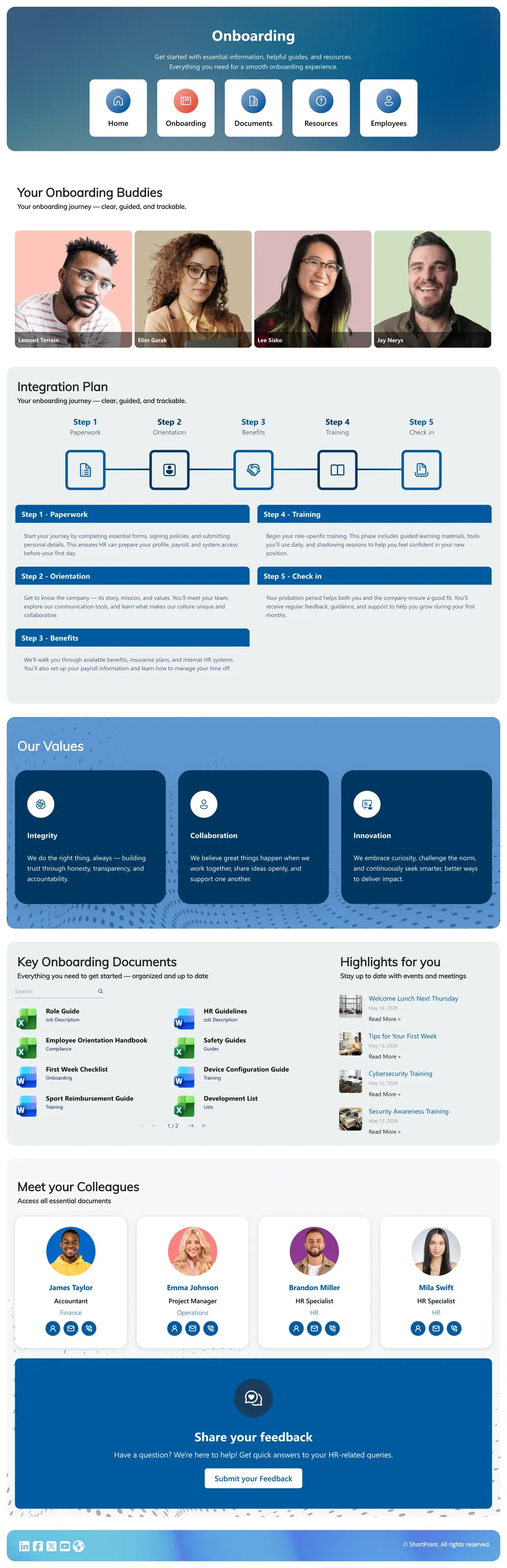
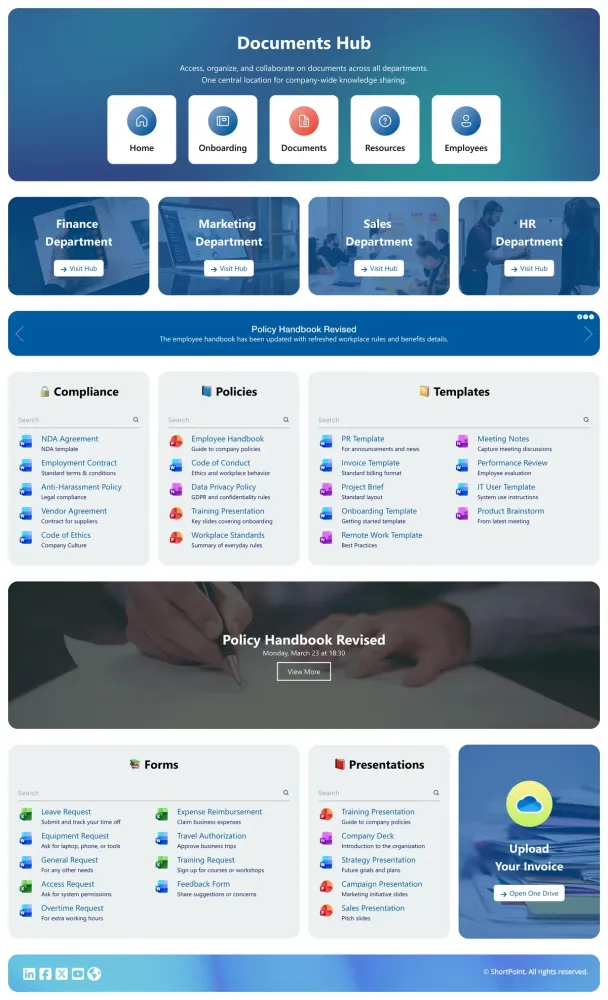
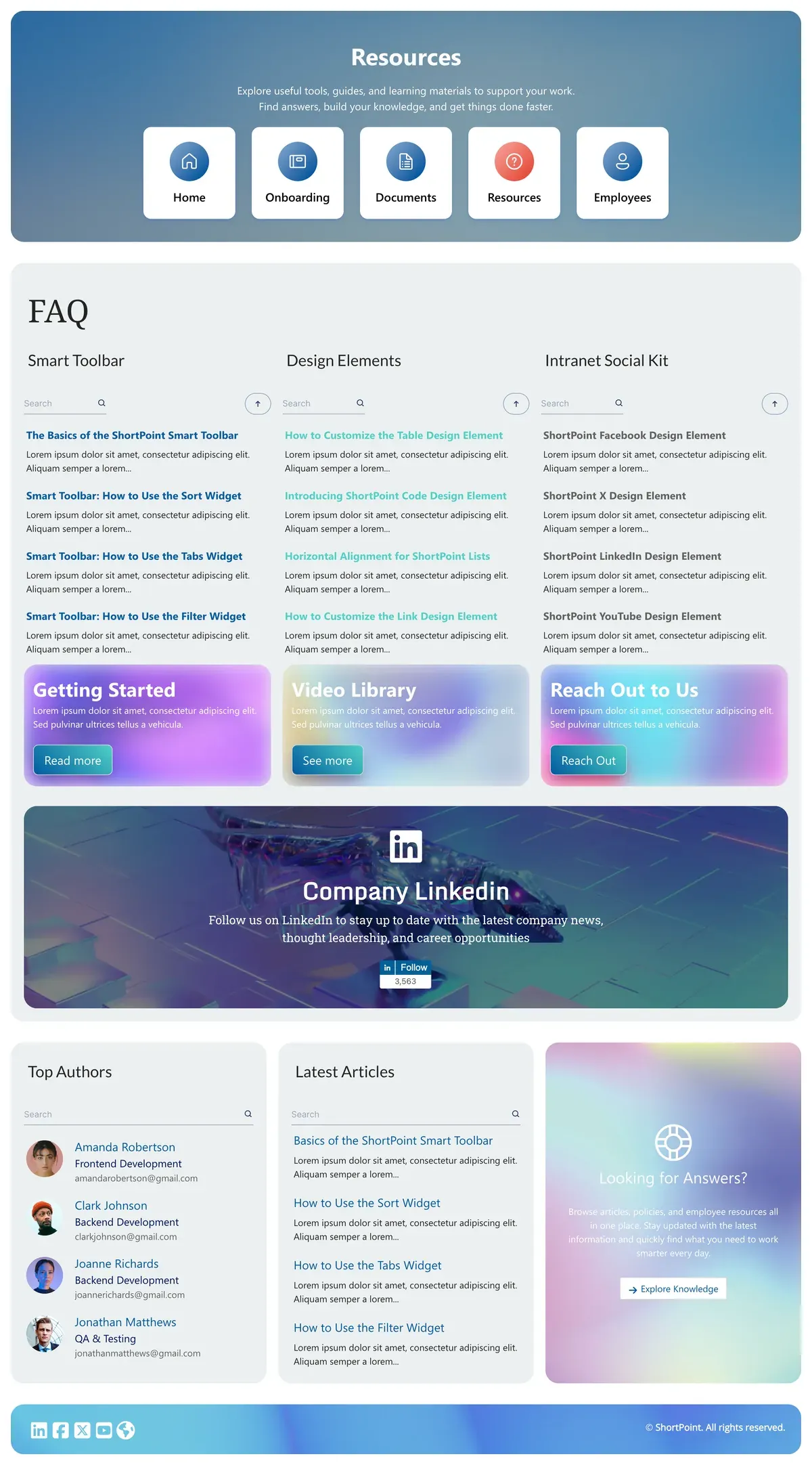
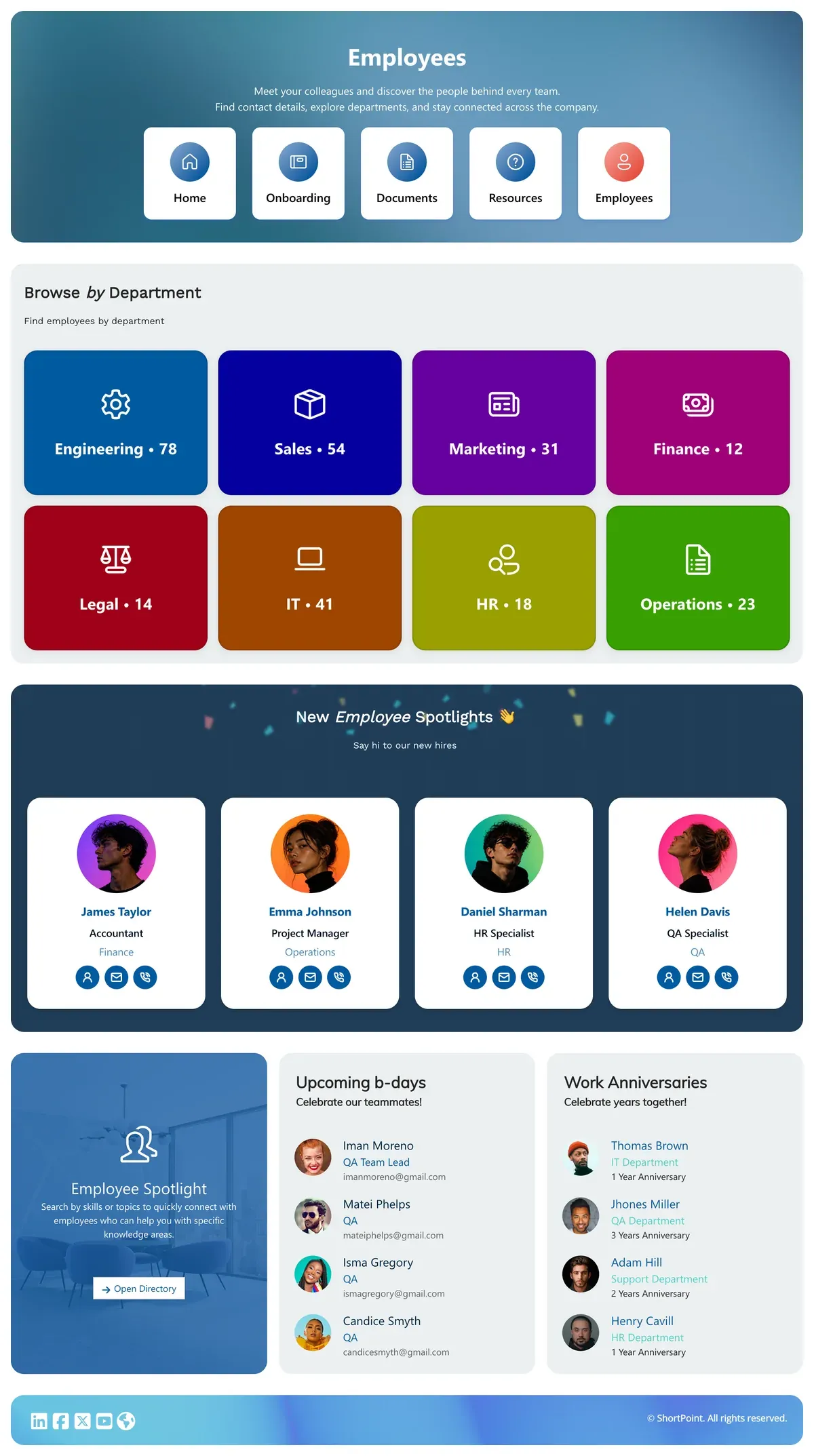
Team Connect
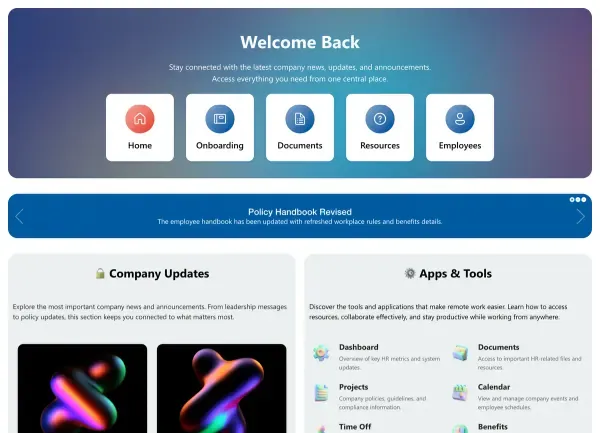
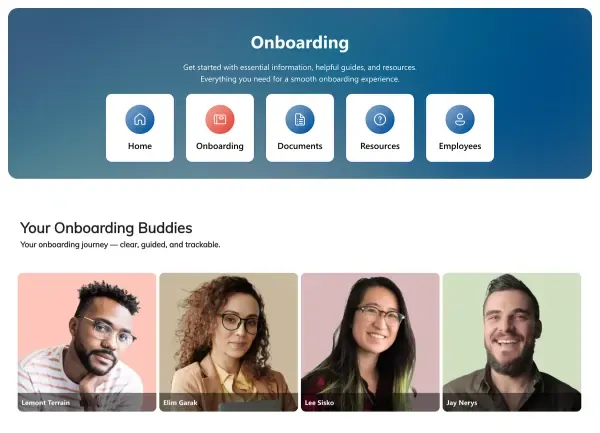
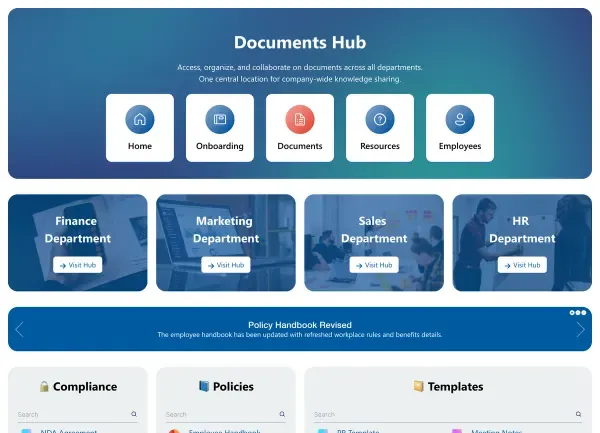
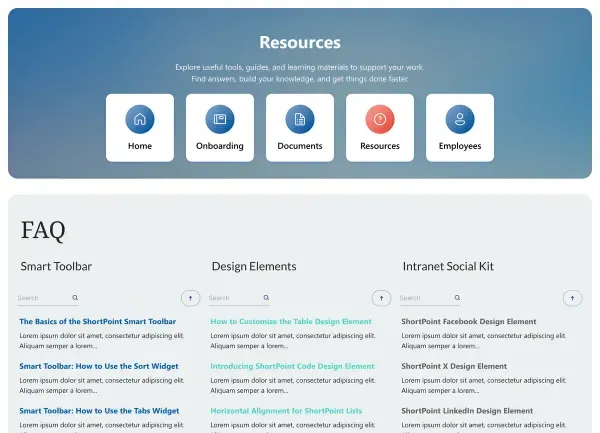
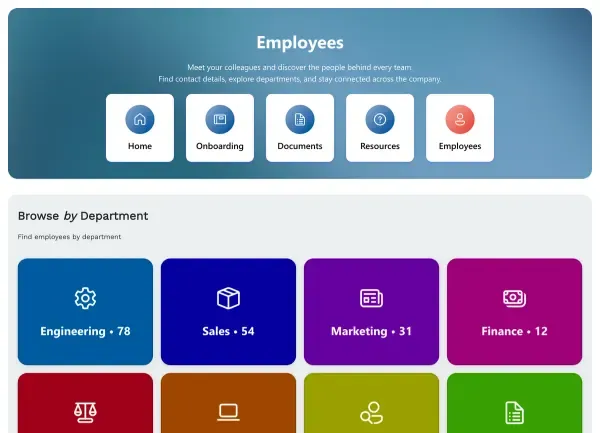
An HR site built around a new joiner’s first weeks: onboarding, documents, resources and the employee directory, one click from home.
How it differs: Every page opens with the same banner and five navigation cards, so people move between onboarding, documents, resources and colleagues without losing their place.
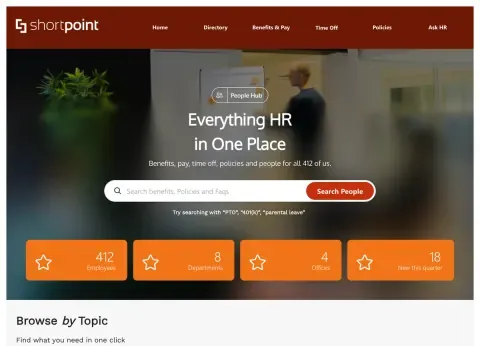
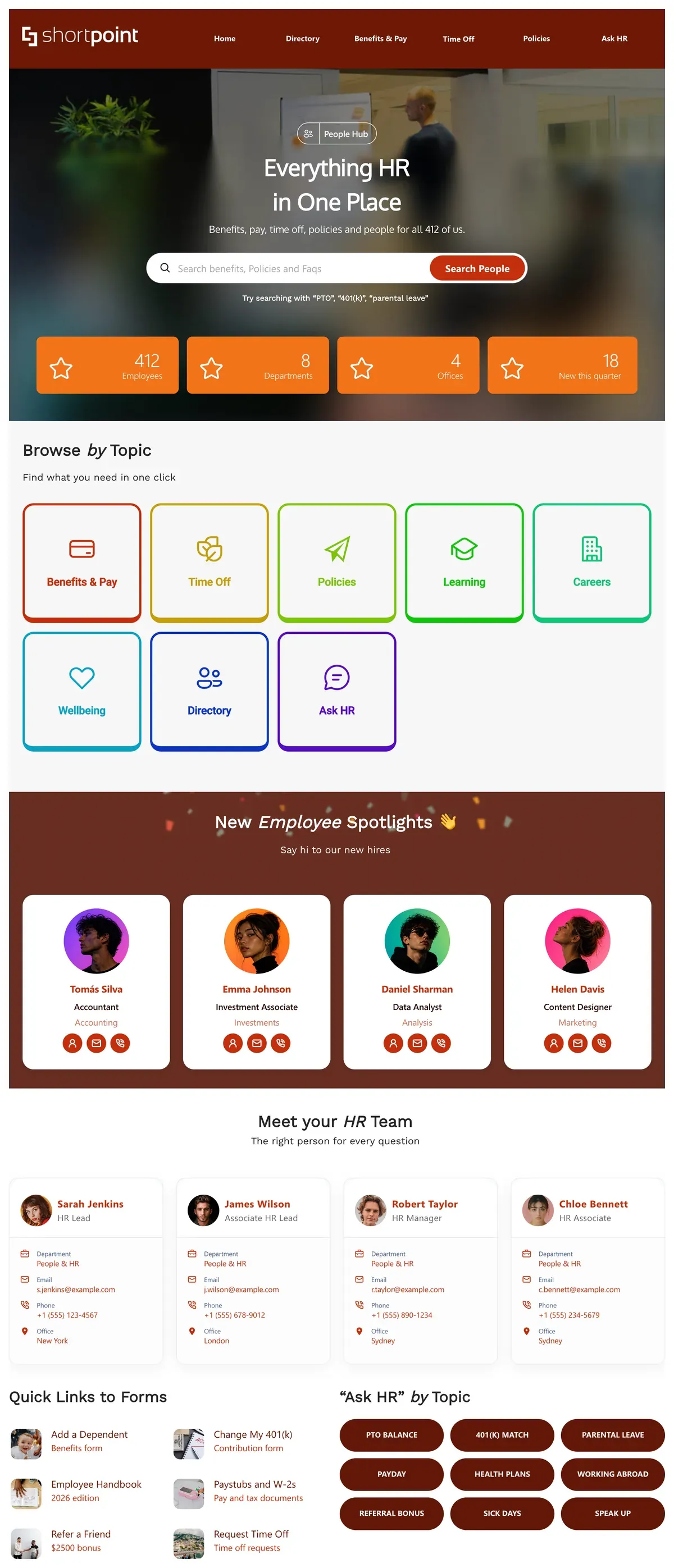
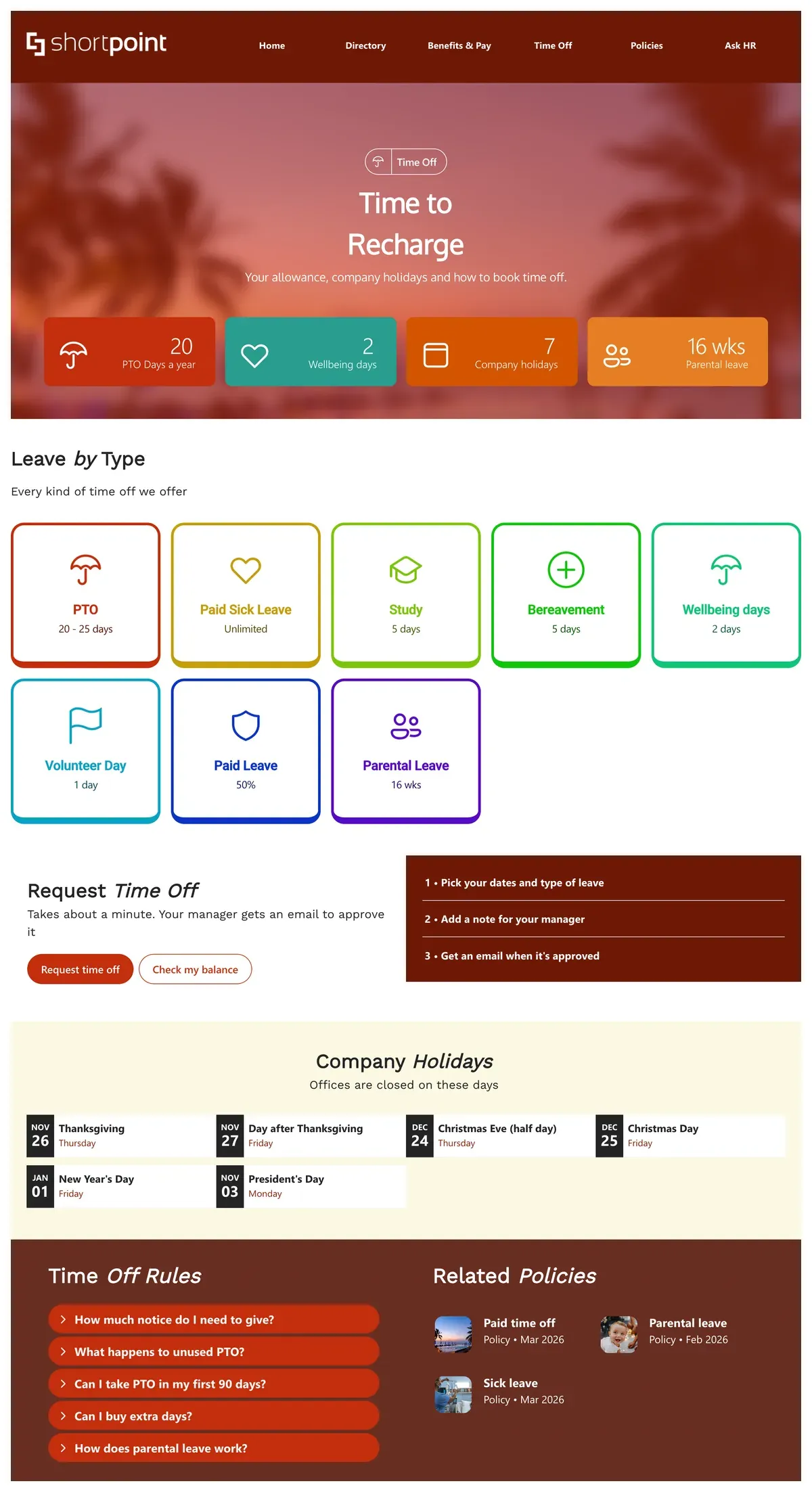
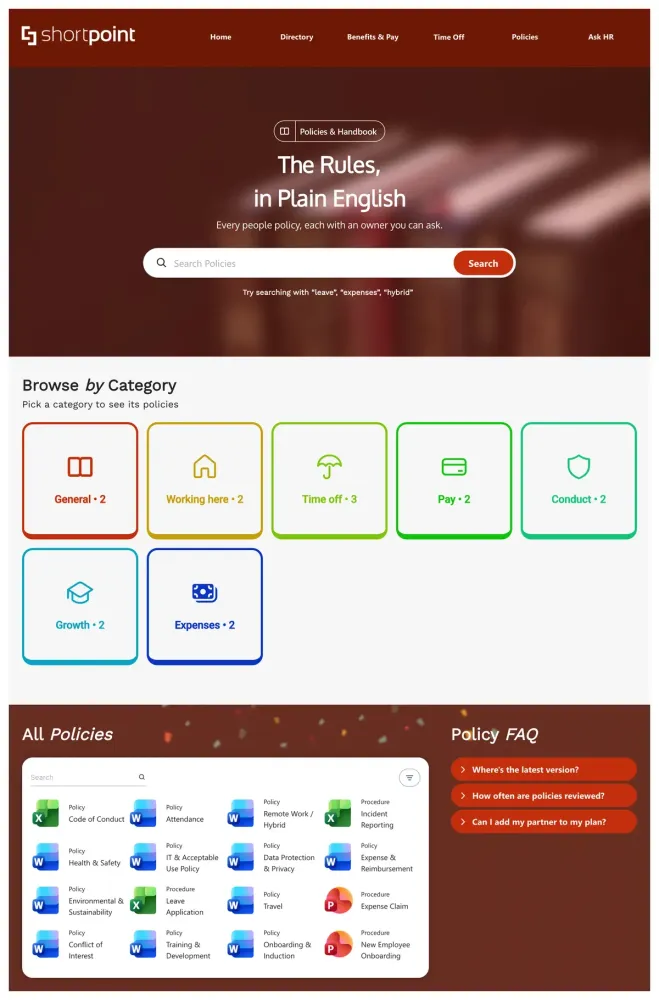
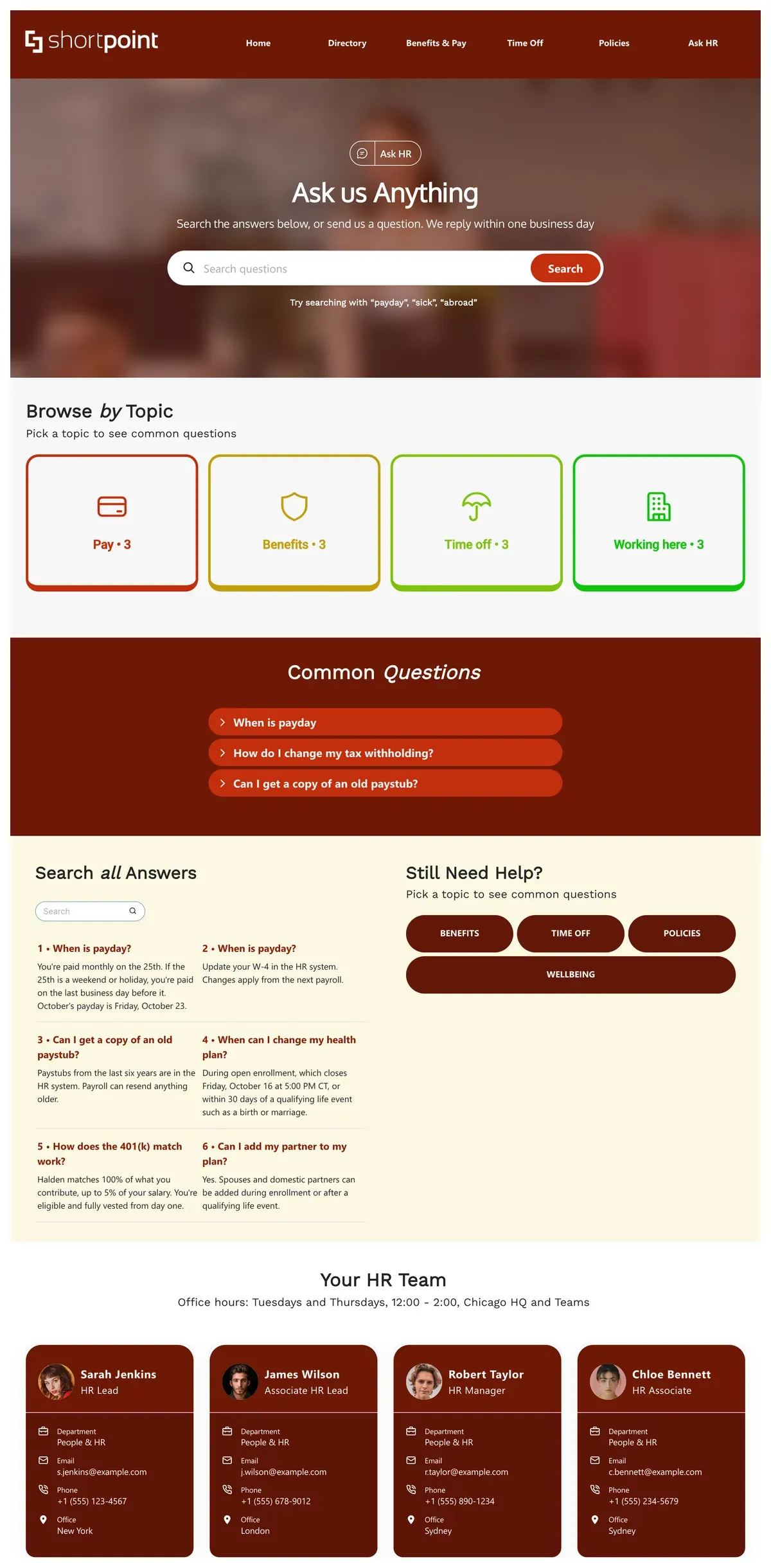
People & HR Hub
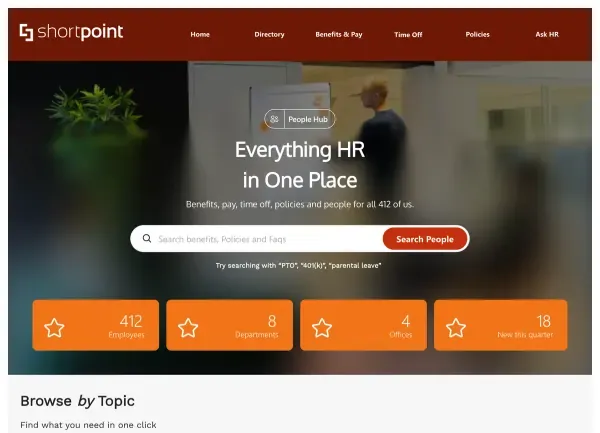
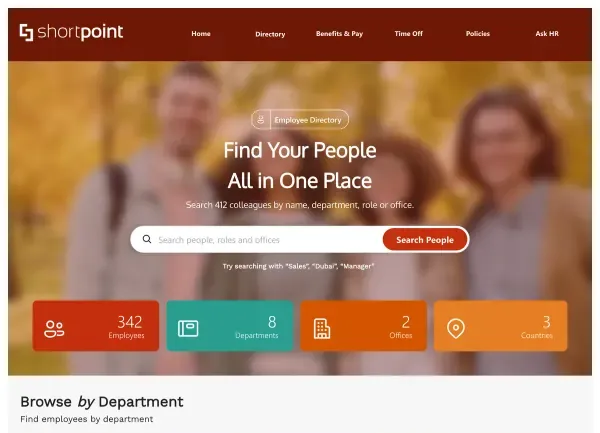
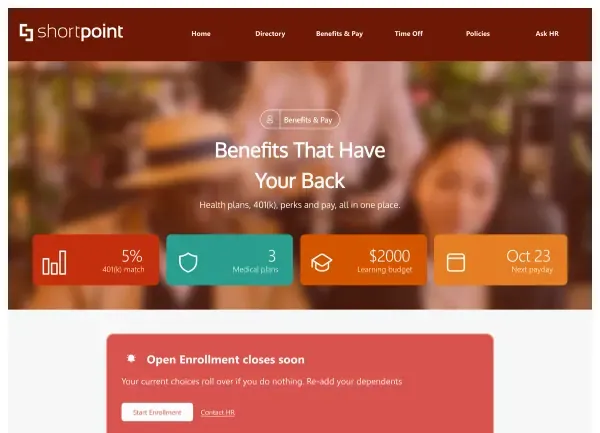
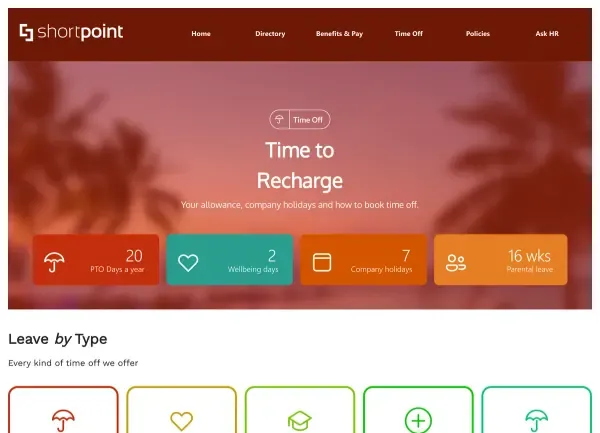
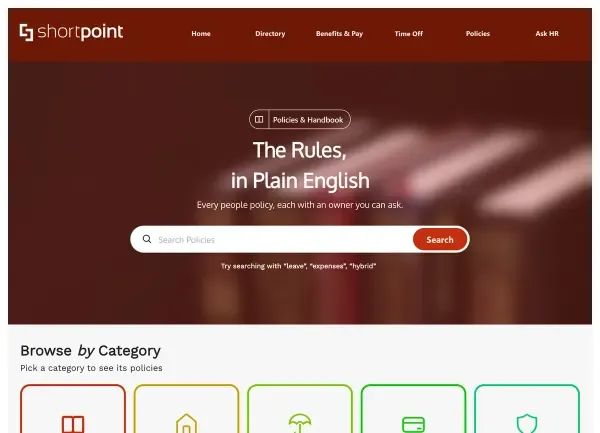
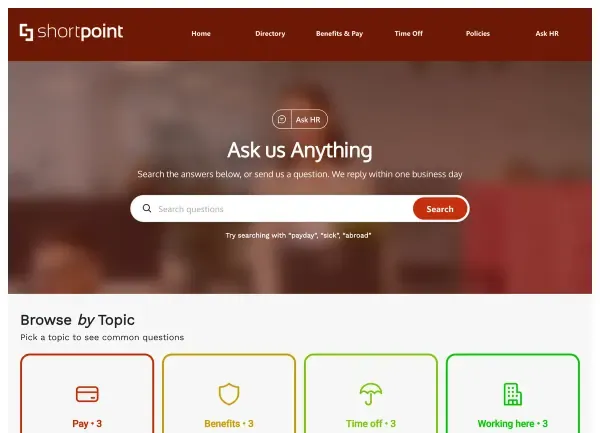
Everything HR in one place: benefits and pay, time off, policies, a people directory and an Ask HR page, behind one top navigation bar.
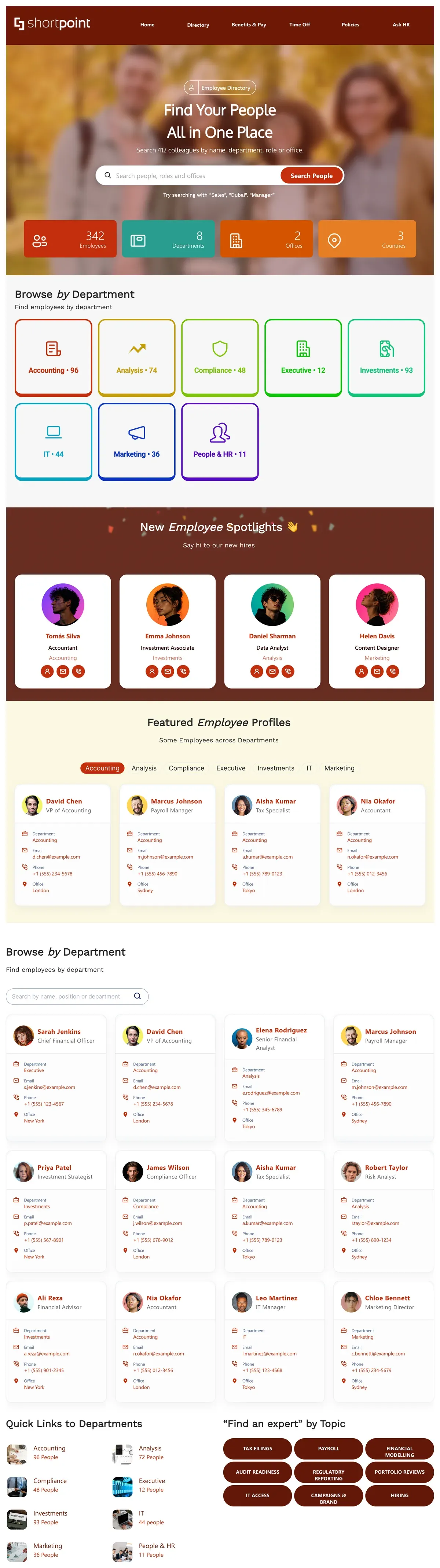
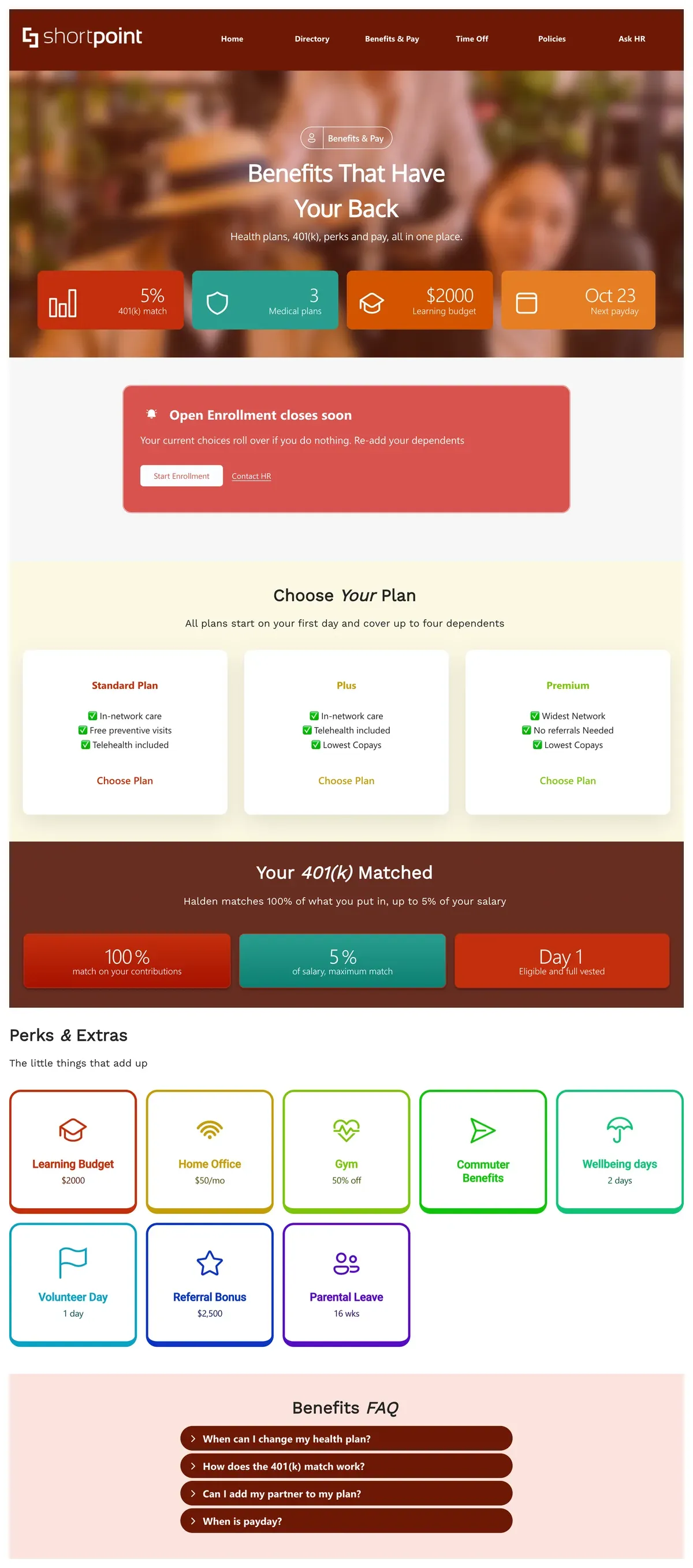
How it differs: Each page leads with what people come for: a search on the home, directory, policies and Ask HR pages, and the key numbers on Benefits & Pay and Time Off.
About SharePoint HR sites
A SharePoint HR site, often called an HR portal, is where employees go for everything HR: policies, benefits and pay, time off, onboarding and who to ask. The sites here each start from a different need, such as onboarding or everyday self-service, and each keeps every HR page in one design so employees always know where they are. HR teams edit it in their own SharePoint, without code.
An HR site is different from a single HR page. It’s several pages that share one navigation, so a question about leave, a payslip or a policy always has a home.
The pages an HR site needs
These seven pages cover what employees ask HR about most. Each links to the templates for that page.
- HR home HR search, announcements and a way into every HR topic. HR page templates
- Policies Handbooks, codes of conduct and forms, searchable by category. Documents page templates
- Benefits and pay Benefits summaries, pay dates and wellbeing programs. HR page templates
- Time off Leave policy, how to request time off and the holiday calendar. HR page templates
- Onboarding The steps, contacts and documents a new joiner needs. Onboarding page templates
- People directory Who’s who, by department and office. Team Hub page templates
- Ask HR HR contacts, FAQs and a way to raise a request. HR page templates
How the pages connect
A single HR navigation bar sits on every page, so an employee checking benefits is one click from time off or Ask HR. Policies sit in one document library, so the benefits, time off and onboarding pages all link to the same file rather than keeping their own copy.
- Policies
- Benefits & pay
- Time off
- Onboarding
- Ask HR
Need a different page? ShortPoint has 250+ page and section templates, so you can add pages to a site or replace any page with one that fits your needs better. Then use AI Designer to adjust or rebrand them to match the site’s layout.
Who owns what
HR content goes out of date fast. Every page needs a named owner and a review date.
- HR operations Policies, time off and the HR home page
- Compensation and benefits Benefits and pay
- Talent or L&D Onboarding
- HR business partners Ask HR and the FAQs
Keeping HR content private where it needs to be
ShortPoint follows your SharePoint permissions, so a section connected to a restricted list or library shows each person only what they’re allowed to see. For more control, Visibility Settings let you choose which people or groups see an individual section.
Rolling it out
- Start from the question your HR team answers most: new-joiner onboarding or everyday self-service, and choose the site built for it.
- Move your policies into one SharePoint library and connect it.
- Connect the directory to your Microsoft 365 profiles.
- Name an owner and a review date for every page.
- Launch the HR home page and policies first, then benefits, time off and onboarding.
Why ShortPoint for an HR site
SharePoint already holds your HR files and people data, but its out-of-the-box pages show them as plain lists. ShortPoint HR sites turn the same data into designed pages: search, benefits cards, time-off details and a directory that updates from Microsoft 365. When a policy or benefit changes, HR updates the source once and every page that links to it shows the new version.
Every template here is a starting point. With ShortPoint you can connect any section to live data from SharePoint lists and Microsoft 365, such as people, calendars, news and files, using Connect. You can add or swap any of the design elements without code, and apply your brand to every page at once with Theme Builder. AI Designer can then help you adjust a layout or create a page that isn’t in the library.
ShortPoint HR sites vs SharePoint’s Human resources template
Microsoft’s Human resources template is a communication site meant as a central hub for benefits, career, compensation and policies, built from SharePoint’s standard web parts. A ShortPoint HR site gives each HR topic its own designed page, such as benefits and pay, time off, policies, a people directory and Ask HR, linked under one HR navigation and connected to your policy library and Microsoft 365 profiles. See the full comparison on the template hub.