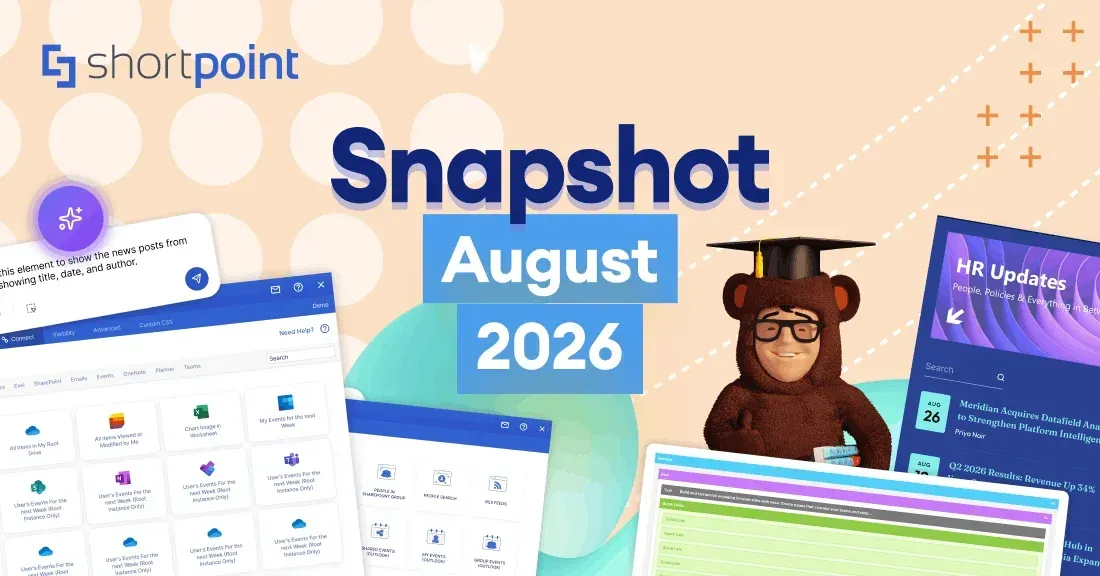
August 2025 Snapshot
This month's Snapshot is filled to the brim with
exciting news and updates.

What's New?
What Just Shipped: ShortPoint's August Release
We’re excited to share the latest updates that have just gone live in ShortPoint’s August release! This
release is all about design flexibility and performance improvements to help you create even better SharePoint
experiences.
- Text Control with Textshow Design Element
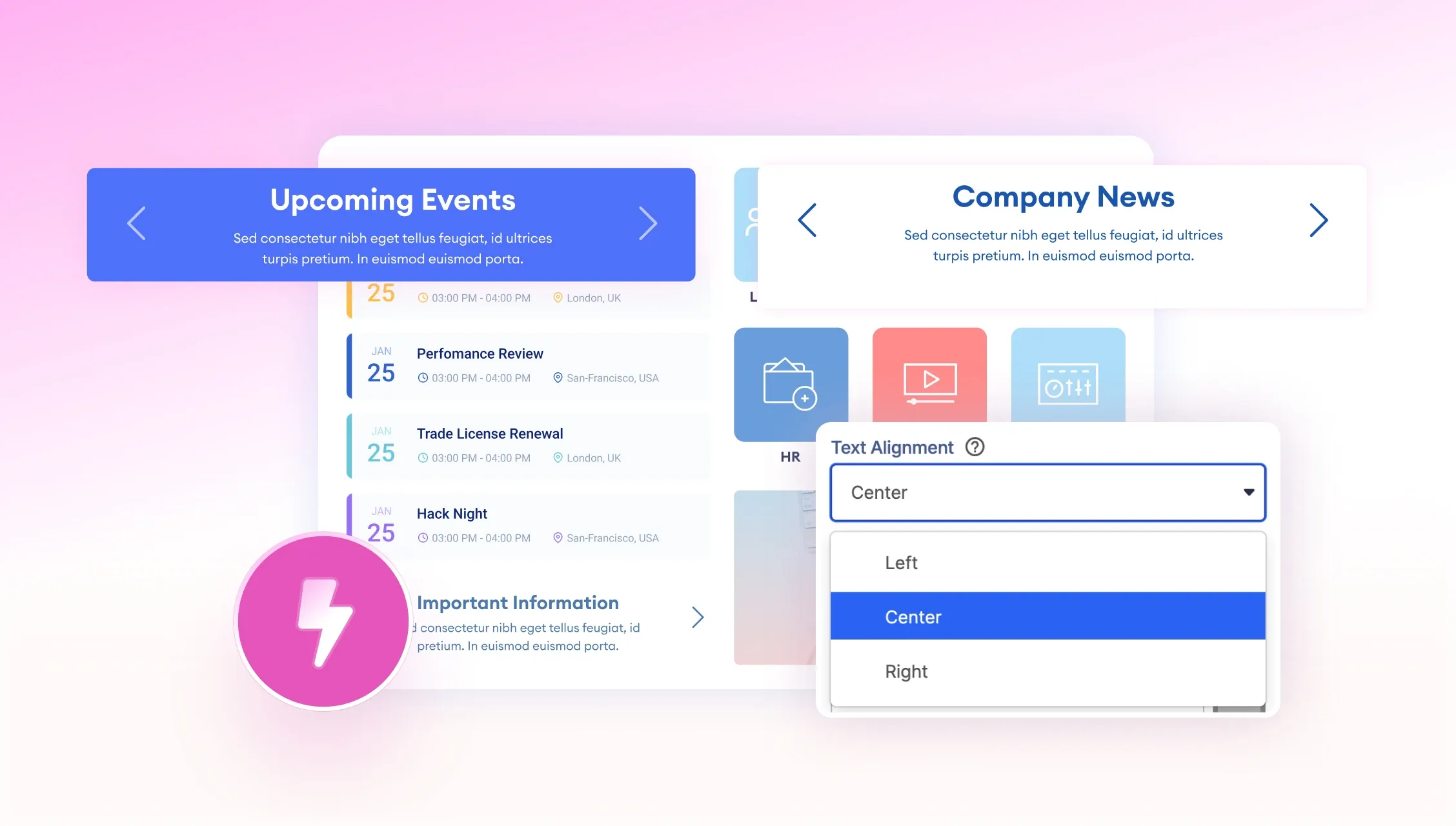
The biggie in this release was the addition of text alignment to the Textshow Design Element. Now you can control how your content looks with options to align text left, center or right within the element. Whether you’re creating clean layouts, highlighting important information or designing call-to-action sections, this gives you the precision you need to make your content look exactly how you want it to. Check out our guide to learn how to use the text alignment feature .
- Performance Improvements Under the Hood
While you were designing, we were working behind the scenes to make ShortPoint faster and more efficient. This release included some technical tidbits, including removal of unused polyfills and updates to several UI components. These improvements reduced the overall application size and now use native browser functionality, so you’ll see noticeable performance improvements. The result? A smoother, more responsive experience as you build and manage your SharePoint sites so you can focus on what matters most – creating awesome user experiences.

Articles
New Articles:
- How to Embed an Entire LinkedIn Feed to a SharePoint Page Using the Code Design Element
- How to Keep the ShortPoint Footer at the Bottom of the Page
- How to Display Dynamic Greetings on Your SharePoint Page Using the Code Design Element
- How to Dynamically Display a SharePoint Group Member Count on Your SharePoint Page
- Known Issue: White Left Navigation Panel and Missing Edit Button in SharePoint 2019
- How to Create a Central News Page in SharePoint
- How to Filter News by Department in SharePoint
- How to Set Up Expiration Dates For SharePoint News
- How to Showcase SharePoint News by Department Using ShortPoint Connect
- How to Use the Text Alignment Feature for the Textshow Design Element
- How to Add a Search Box to Your SharePoint Page Using the Code Design Element

Tech Tip: Don't Lose Search When Hiding SharePoint Headers
When creating a modern intranet, you often need to break free from the traditional SharePoint look and feel.
To get a sleek website-like look that doesn’t scream “SharePoint,” many organizations choose to hide the
SharePoint header using ShortPoint’s Focus Mode. This powerful feature allows you to
hide the SharePoint and Office 365 ribbon and suite bar
and have a clean canvas to build a custom branded experience that matches your organization’s visual identity.
But hiding the SharePoint header presents one big challenge: you lose access to the built-in
SharePoint search that usually resides in the main navigation bar. Since search is a critical component of any
intranet, removing this feature can severely impact user experience and productivity. The search box is often
the most used element on any SharePoint site, helping employees find documents, people, and information across
the entire organization.
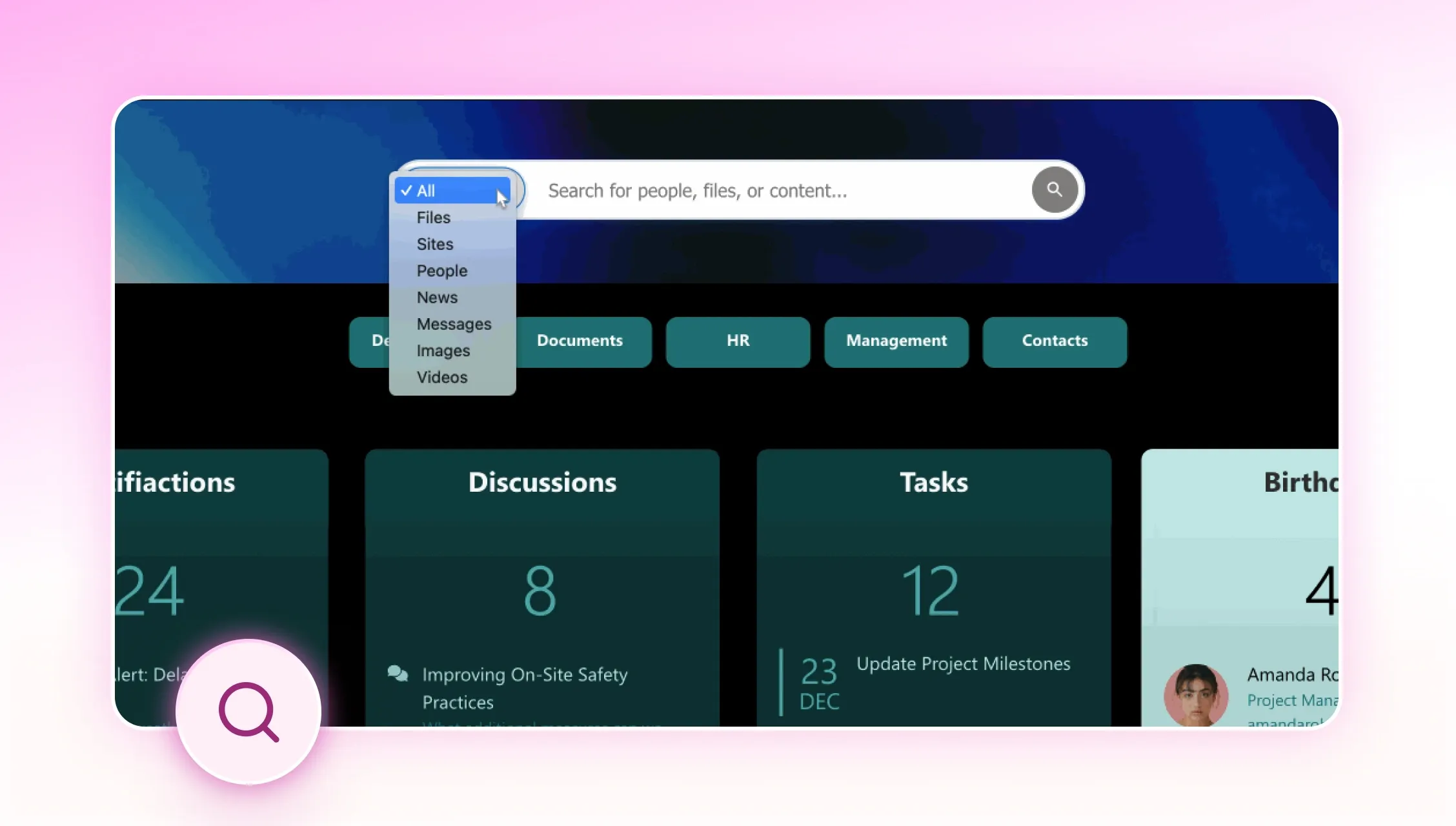
The solution lies in ShortPoint’s Code Design Element, which
allows you to
place a fully functional search box anywhere on your SharePoint page
while maintaining the native SharePoint search capabilities. This means you can add a search box that behaves
exactly like SharePoint’s built-in search, but place it exactly where it makes sense for your users and design.
Moving your search functionality to custom locations provides several advantages in building modern
intranet pages. You can place the search box in your hero section for immediate visibility, integrate it into
your custom navigation design, or place multiple search boxes in different page sections for context-specific
searching. This allows you to create more intuitive user journeys, make search more prominent than the
standard SharePoint placement, and maintain branding throughout the entire user experience. You can also
customize the search box to match your design system and ensure search is accessible even when users are deep
within your content hierarchy.

Customer Spotlight
Spotlight is on World Acceptance Corporation
Is your intranet engagement on the down low? Maybe it’s because your employees can’t find what they’re looking
for! Think about it, when’s the last time you stuck around on a website with a clunky design and a
not-so-friendly interface? Most likely, never.
The World Acceptance Corporation faced the same
problem. As their presence and product offerings expand, one thing became crystal clear: their team needed
lightning-fast access to all the essential company info—everything from customer data to HR resources and
competitor insights.
“Employees couldn’t take care of their own needs, since it was missing a good
interface to even find and view pages,“ Jonathan Jones, the Director of Talent, recalled while discussing
their SharePoint intranet. “It didn’t look attractive, because it’s so difficult to design beyond basic
templates in SharePoint. Plus, we had other sites that were built outside of SharePoint, like our HR site. So
if an employee searched for an HR term on our intranet, it wouldn’t recognize the content that existed in the
portal.”
To solve this problem, Jonathan had to face a humongous task: rebuilding their SharePoint
intranet. But here's where things got even trickier. Jonathan's team was stretched thin. He only had one
full-time person and one part-time teammate available for a massive intranet rebuild. And here's the kicker:
none of them were SharePoint experts!
Jonathan's first instinct? Bring in a specialist to design
and manage the new site. But that would cost a whopping $100,000 per year. Certainly, it’s a number that would
make any CFO's eyes water!
"Our leadership team gave me strict instructions to keep our costs as
low as possible. So there was no budget for hiring developers who could produce code to deliver the high level
of design we needed,” Jonathan further explained.
Then, something amazing happened! While
researching solutions, Jonathan discovered ShortPoint, an all-in-one design platform for SharePoint that
promised to deliver everything his team needed. No coding required, no developer support necessary. It seemed
almost too good to be true!
Within just a couple of weeks, Jonathan and his small but mighty team
were ShortPoint pros! He played it safe by having IT handle the installation, but once that was done, his HR
team took the reins and ran with it. The whole process was surprisingly smooth. "We quickly found that even
without a lot of SharePoint knowledge, we were able to do this internally on our team and pretty much run it
on our own,” he exclaimed.
The results? Absolutely game-changing! "Everyone knows designing is
tough in SharePoint," he says. "Doing anything outside of the normal templates takes a lot of time and a lot
of effort. Using ShortPoint has saved—and continues to save us— literally hours upon hours every week because
we can really simply create the designs we want. We've already saved 100+ hours as a team!"
But the
real magic happened when employees started using the new intranet. "Our usage is increasing daily, as well as
repeat visitors, which is a great measure of the site's success because people keep coming back," says
Jonathan. "I feel like it's really made a difference in an area that every corporation struggles with, which
is communication. Because ShortPoint gives us the ability to have a cleaner front-end interface and cleaner
pages, and organize our information better, we're able to finally give employees information the way they want
it. Employees are finding information faster, which reduces the burden on leaders, who now have fewer manual
enquiries to deal with."
The cherry on top? ShortPoint didn't just help World Acceptance
Corporation transform its outdated intranet into a sleek, modern platform; it also made it effortless to
integrate all its HR content into one unified portal. This was huge for the business. It eliminated extra
costs and finally solved that annoying problem where searches came up empty. Talk about a win-win!
Want to get the same amazing results? Check out
How World Acceptance Corporation rebuilt their Intranet and saved $100k a year
for more information.