December 2025 Snapshot
This month's Snapshot is filled to the brim with
exciting news and updates.
2025: A Year in Review

Major Releases
This year, we focused on transforming how you build and experience ShortPoint. From smarter data connections to breathtaking design capabilities, these releases were developed to elevate your digital workplace to new heights and empower you to build faster than ever.
Fresh New ShortPoint Templates
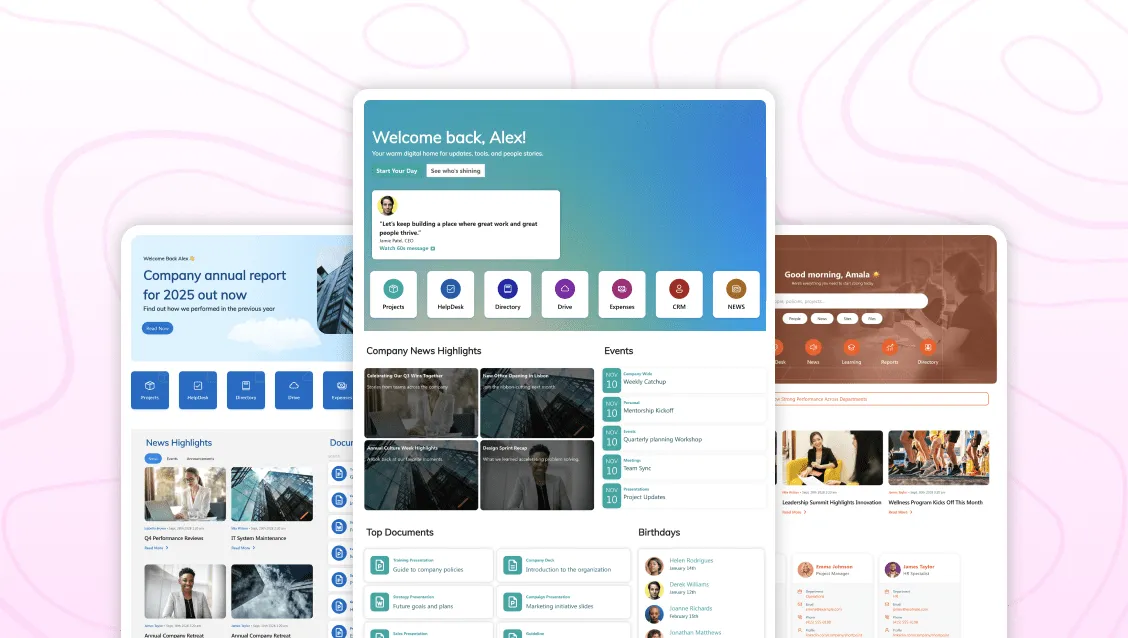
We kicked off the year with a commitment to design excellence, releasing a wave of fresh new ShortPoint Templates . These aren't just pages; they are complete design systems ready to be deployed. Whether you needed a stunning HR portal, a modern News hub, or a sleek Home page, 2025 saw the library grow with practical yet stunning and fluid designs.
Search and Filter Toolbar: Evolution & Intelligence
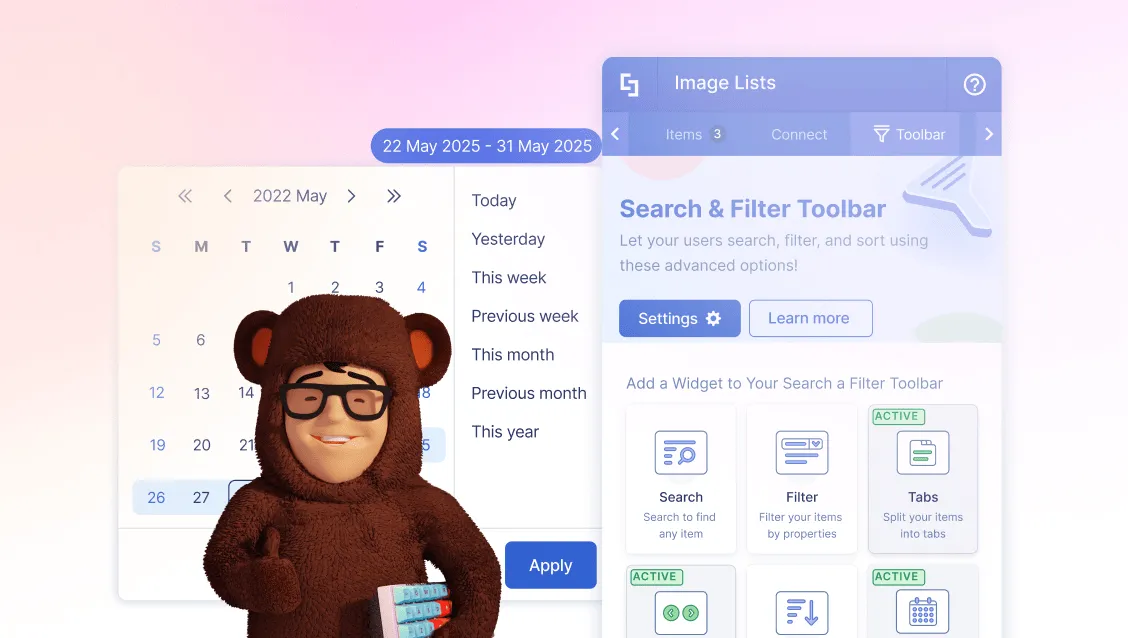
We also enhanced how users interact with content. We first launched the Search and Filter Toolbar , giving you the power to add three essential widgets to your favorite Design Elements:
- Search: To instantly find a specific item or entry within your content.
- Filter: To narrow down data based on specific criteria, like department or category.
- Sort: To organize information alphabetically or by date with one click.
But we didn't stop there. We followed up with a Smarter Search and Filter Toolbar Update , introducing:
- Pagination: To break down large datasets into easy-to-browse pages.
- Tabs: To organize content into clear, clickable categories.
- Date Filters: allowing users to find content by "This Week," "Last Month," or custom ranges.
- Metadata Integration: Powering it all by adding metadata to static content.
ShortPoint Microsoft Graph API Connection
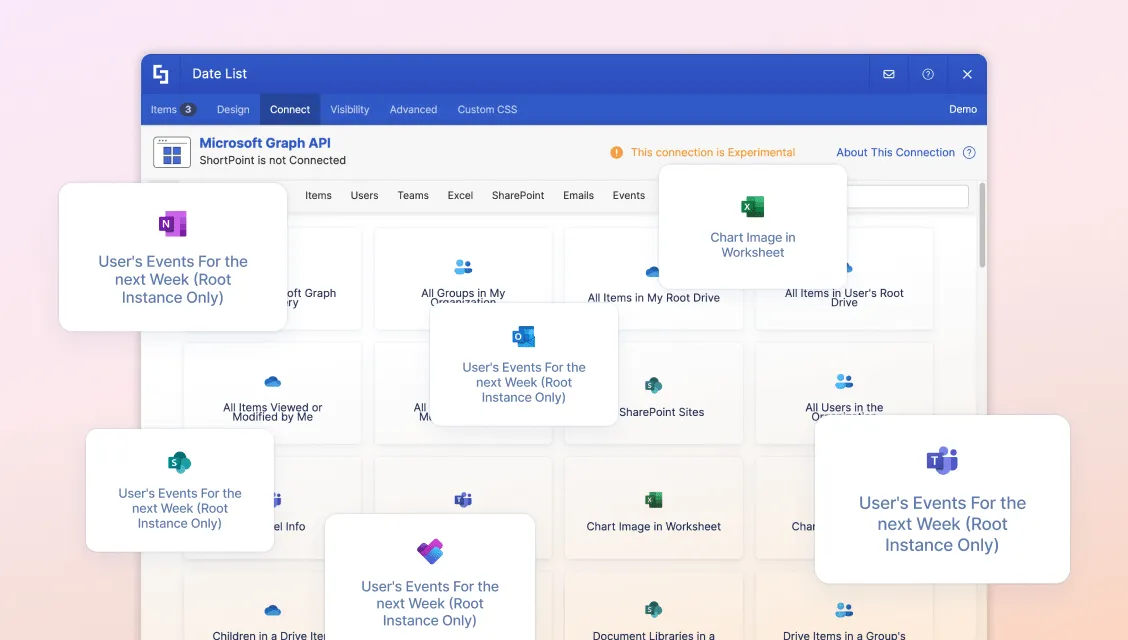
Perhaps our biggest technical leap this year was the ShortPoint Microsoft Graph API Connection . We broke down the silos between your Microsoft 365 tools. Now, without writing a single line of code, you can fetch and display:
- Outlook Calendars directly on your intranet.
- Teams Channels, and activity feeds.
- Planner Tasks integrated into user dashboards.
- OneDrive Files alongside SharePoint documents.
It is the master key to a truly unified digital workplace, and it's available right inside the ShortPoint interface.
11 New ShortPoint Design Elements
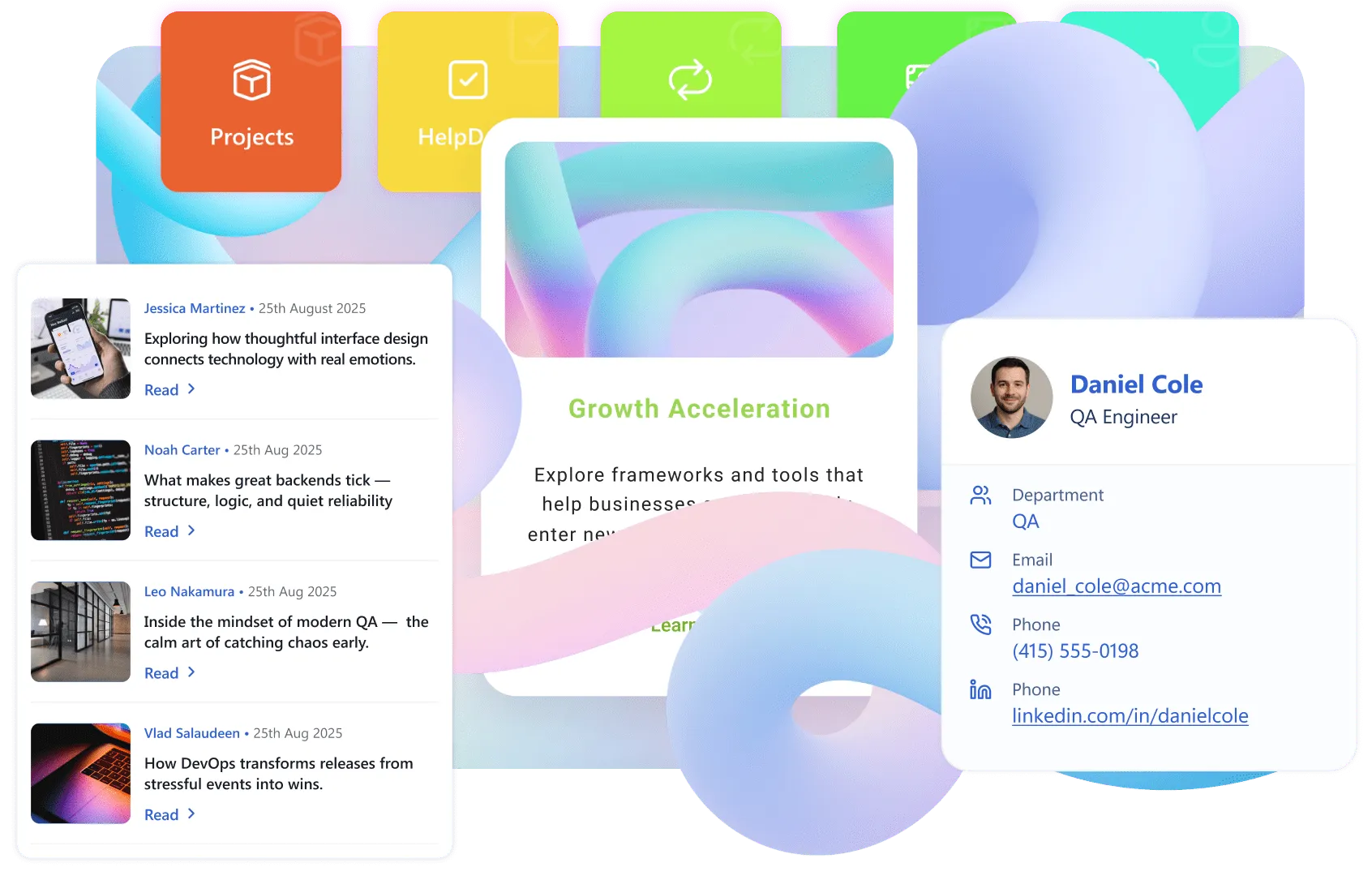
To give you even more creative freedom, we released 11 New Design Elements designed for modern, on-brand intranets. The collection includes:
- Search Box for instant information retrieval.
- Quick Links and Steps for streamlined navigation and processes.
- Person Cards to showcase your team with style.
- News Cards, CTA Cards, and Image Boxes to make your content pop.
- Gradient Text for that extra touch of modern flair.

Security Wins
Trust is the foundation of our partnership with you. In 2025, we doubled down on our commitment to data protection, achieving significant milestones that ensure your intranet remains secure, compliant, and enterprise-ready.

ShortPoint Renews SOC 2 Report and Gains SOC 3 Report
Security remains our top priority. In the beginning of the year, we announced that ShortPoint has renewed its SOC 2 Report and, in a major win, gained the SOC 3 Report with no exceptions. This validation underscores our unwavering commitment to maintaining the highest standards of data security and operational excellence for our enterprise customers.
ShortPoint Now Fully GDPR Compliant
We have also solidified our stance on privacy by becoming fully GDPR compliant . We've updated our data processing addenda and privacy frameworks to ensure that your data is handled with the utmost care and legal compliance, giving you total peace of mind.

2025 Highlights
Beyond the headlines, we delivered a series of impactful updates aimed at improving your daily workflow. From community gifts to educational resources and performance tweaks, these releases were all about refining the ShortPoint experience.
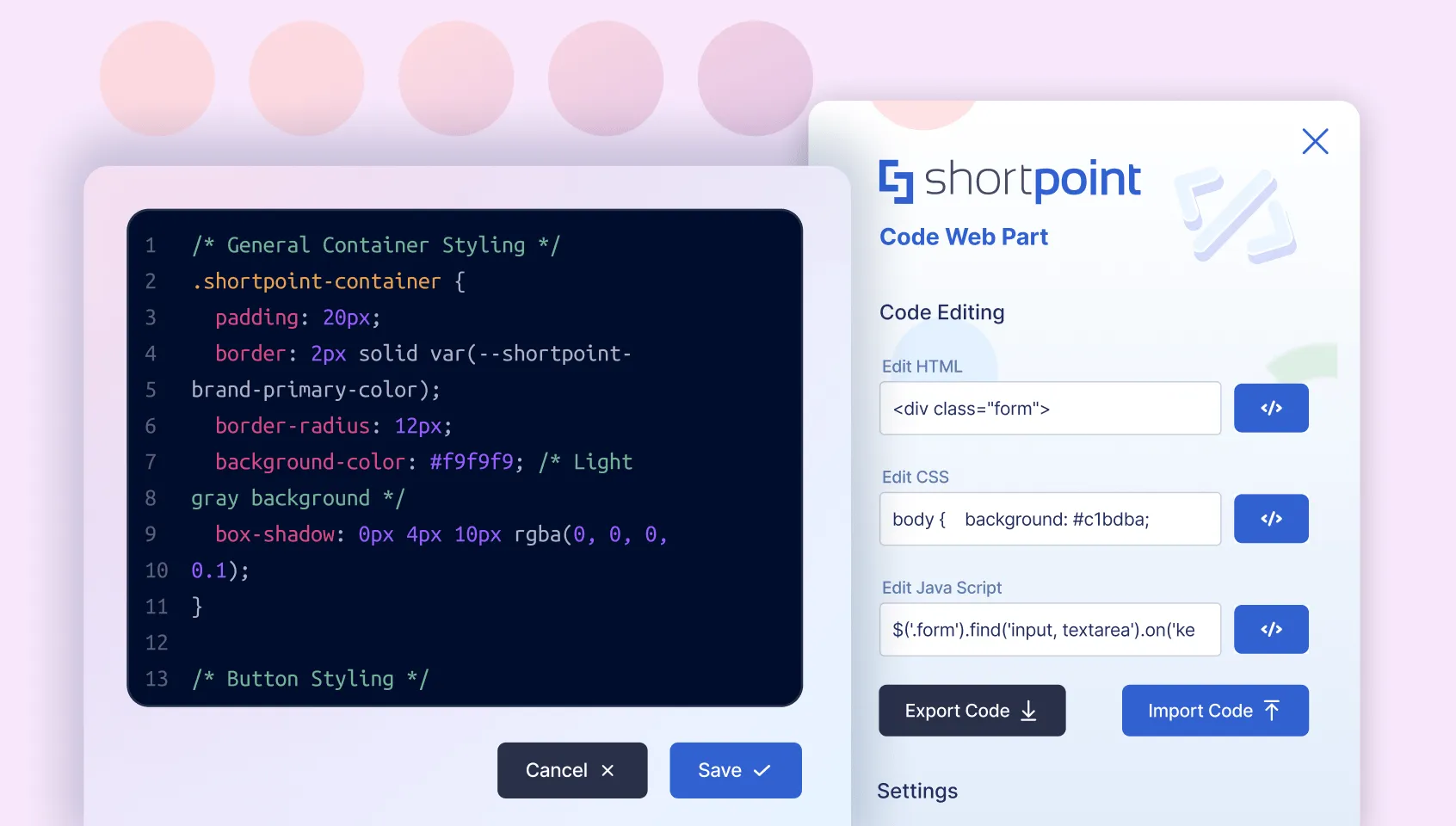
Free ShortPoint Code Editor Web Part
To celebrate our journey with the SharePoint community, we released the Free ShortPoint Code Editor Web Part . It's the best way to add HTML, CSS, or JavaScript snippets to pages and is completely free, even if you aren't a full ShortPoint subscriber yet!
ShortPoint Academy Course on Design Elements
Education is key to adoption. We launched a comprehensive ShortPoint Academy Course on Design Elements , helping you master how they work. From basic configuration to advanced styling, this course turns beginners into design pros.
Style & Accessibility Enhancements
True design excellence is found in the small things. We dedicated significant effort to refining the core building blocks of our product, giving you granular control over visual design while ensuring your sites are inclusive and lightning-fast. These enhancements guarantee that your pages don't just look good—they feel professional, work for everyone, and perform seamlessly:
- Style Options: New controls for Roundness, Shadow Styles, and precise Text Control within the Textshow Design Element.
- Accessibility: We introduced enhanced Alt Text capabilities across Design Elements, ensuring your intranet is inclusive and accessible to all users.
- Performance: Continuous improvements have made the Page Builder experience faster and the live sites snappier, even with complex integrations.