ShortPoint Just Dropped: 7 New Ways to Boost Your SharePoint Design Experience
Your SharePoint design experience just got even better! ShortPoint has some great news for you: we just dropped 7 new design elements that will make creating a beautiful, engaging SharePoint intranet a breeze.
These new additions enable you to create visually stunning pages which showcase your brand and deliver great user experiences. Let's dive into how each element can shake up your SharePoint designs.
7 Amazing Elements to Revolutionize Your SharePoint Design
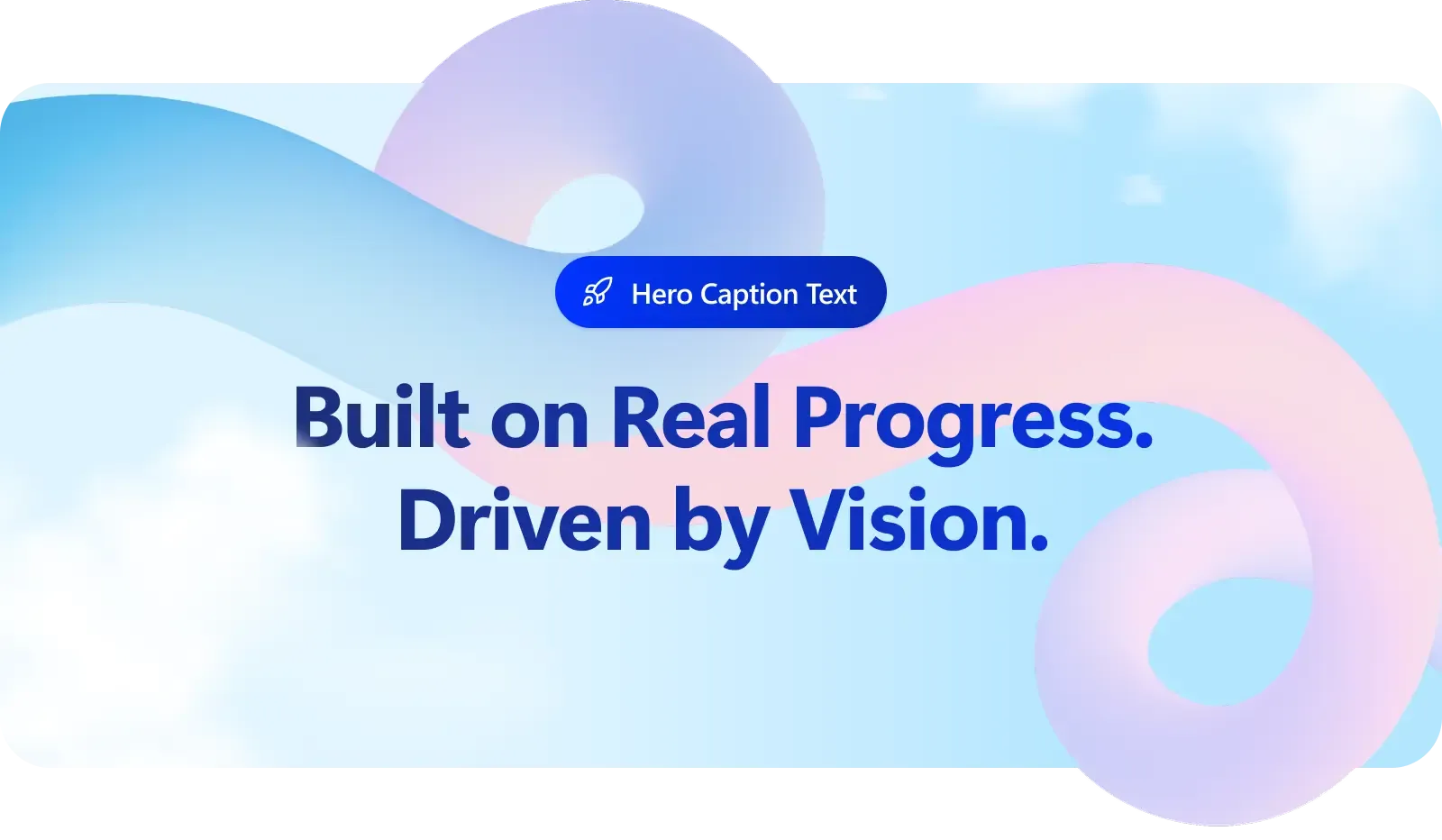
1. Add Creative Headings
Your SharePoint design starts with making a strong impression, and that means you have to get your headings right. The Heading Design Element enables you to create bold, eye-catching headers while giving you complete control over the look and feel. Get your visual hierarchy spot on, ensuring every header harmoniously blends with your brand identity and supports a user-friendly experience.
Learn more about the Heading Design Element
2. Create Effective Call-to-Actions
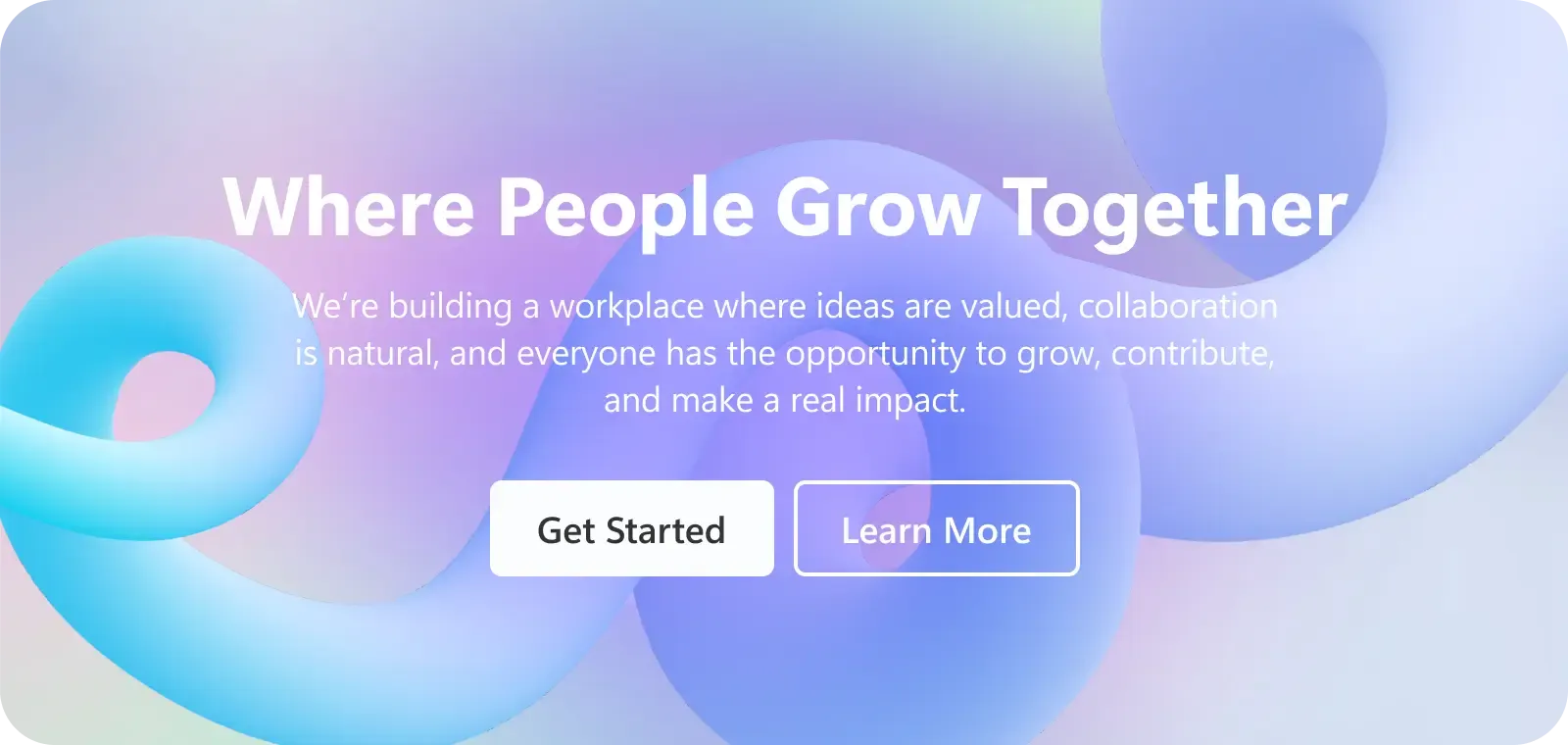
Streamline your users' journey with crystal-clear navigation paths. The Dual Button Design Element makes it easy to create side-by-side call-to-action buttons that guide visitors through your SharePoint site content effortlessly. This allows your users to access information faster and strengthens engagement in the digital workplace.
Take a closer look at the Dual Button Design Element
3. Showcase Compelling Hero Captions
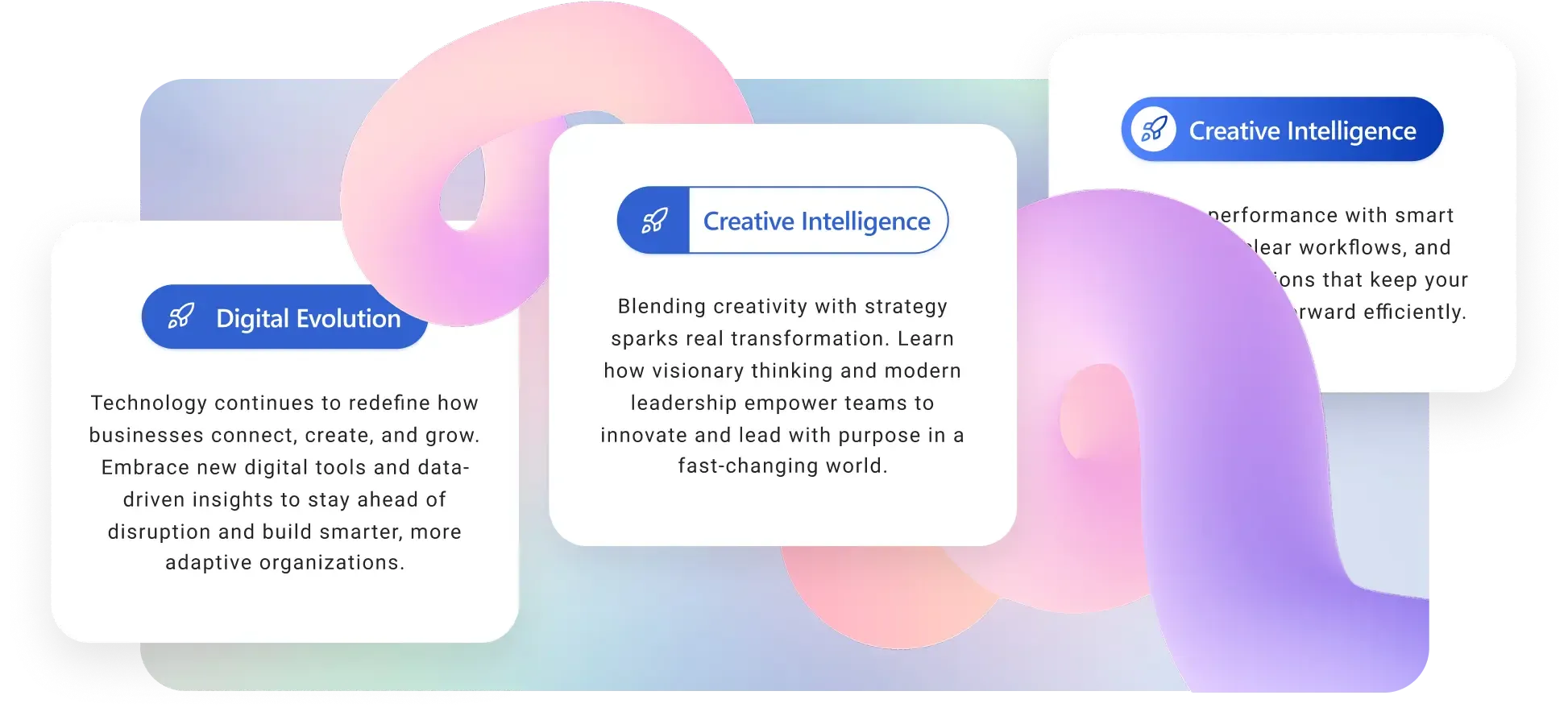
Give your most critical content the spotlight treatment it deserves. The Hero Caption Design Element seamlessly integrates into your SharePoint design, grabbing immediate attention with key messages and announcements to streamline communication and boost productivity within your digital workplace.
Discover the Hero Caption Design Element's features
4. Highlight Important Content
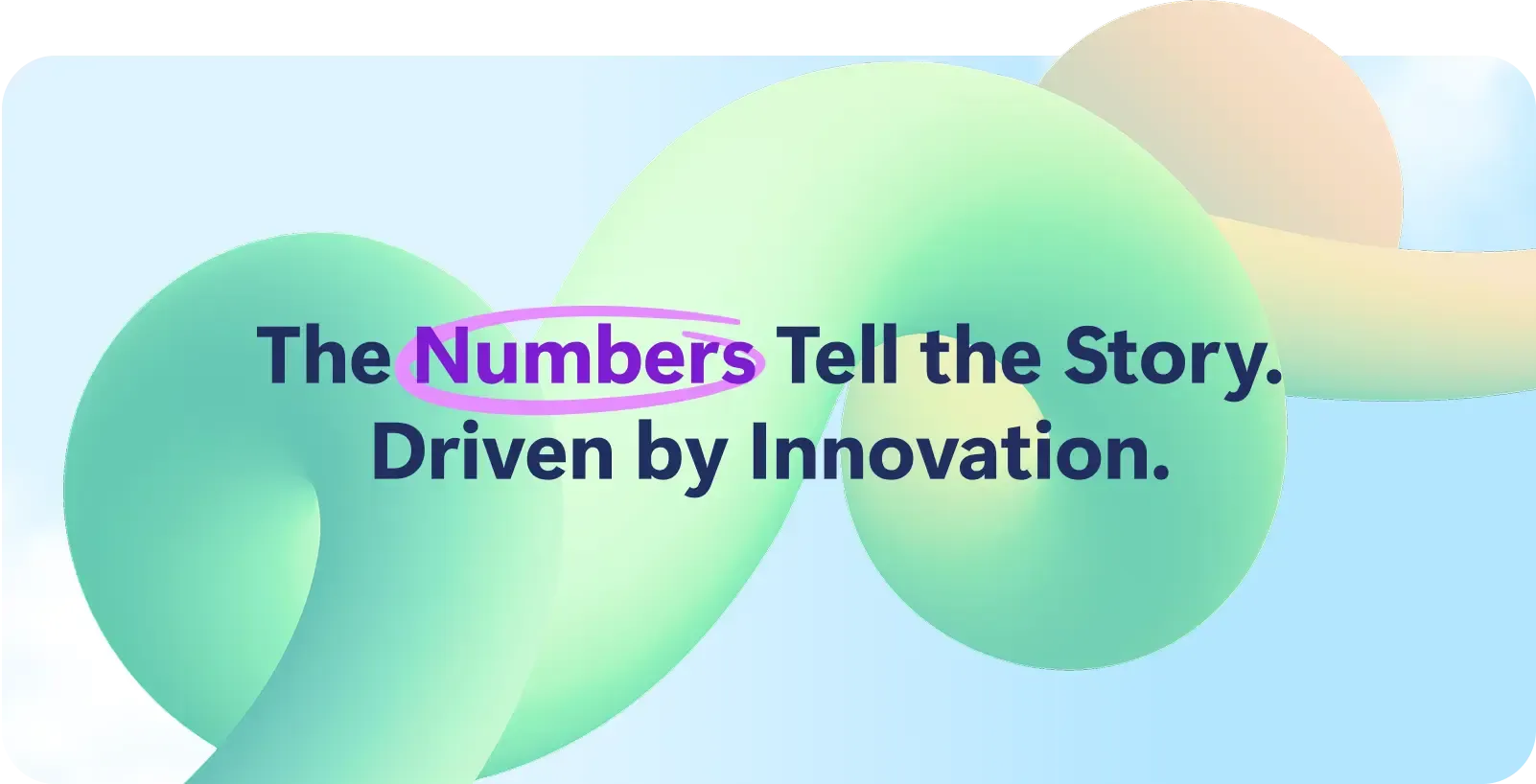
Add personality to your content, and help call out the bits that matter most by using the Highlighted Text Design Element. It helps make text-heavy SharePoint pages more scannable and assists people in finding what's necessary quickly.
See how the Highlighted Text Element works
5. Showcase Company Milestones
Make chronological storytelling a breeze with the Timeline Design Element. Showcase company milestones, project phases, or future roadmaps in an easily digestible format that fits perfectly into any SharePoint site. This will be great for your organization's communication sites, project sites, and team sites that focus on collaboration and knowledge management.
Check out the Timeline Design Element's capabilities
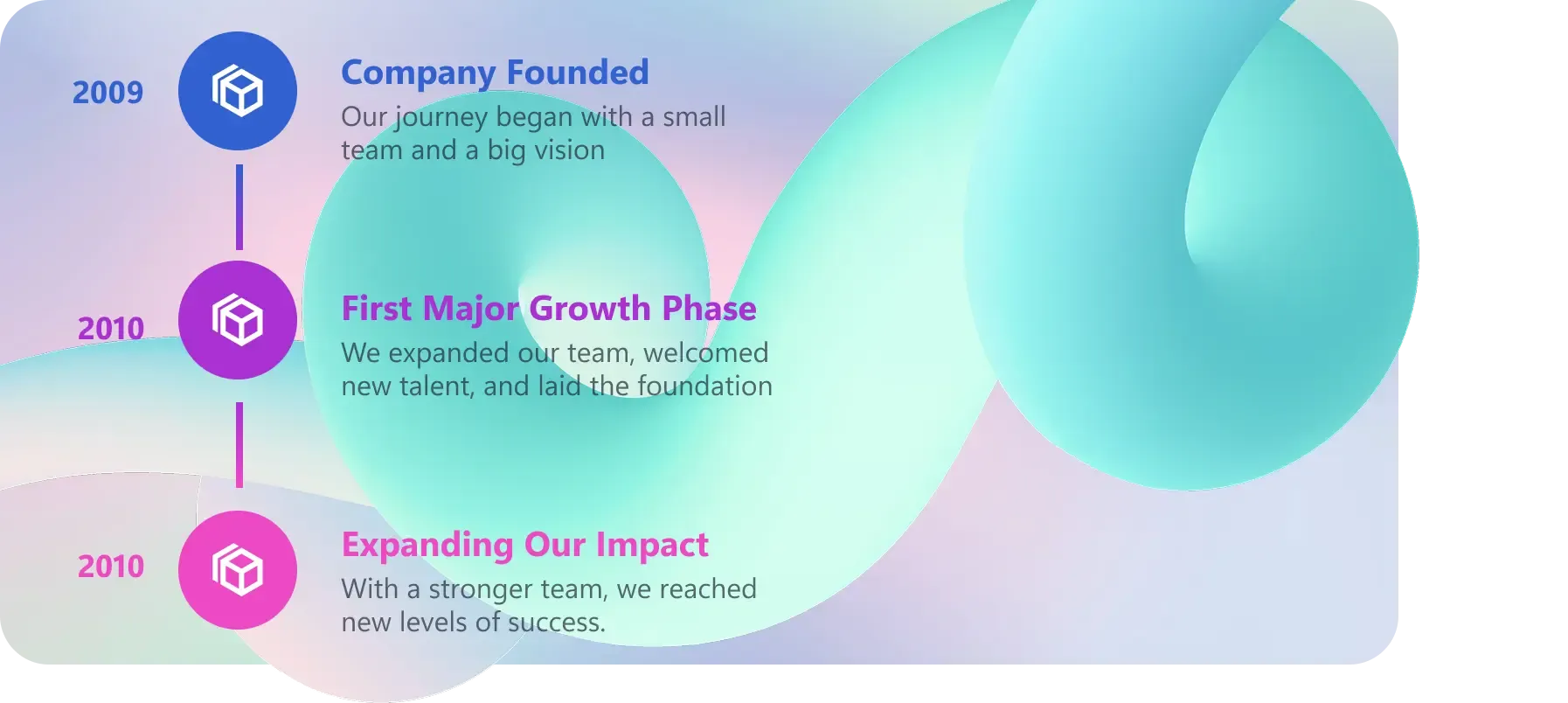
6. Create Spinning Text Effects
Add dynamic movement to your Microsoft 365 modern pages with the Rotating Text Design Element. Perfect for highlighting various benefits, announcements, or value propositions while saving valuable page space and enhancing user experience.
7. Add Amazing Lottie Animations
Add sophisticated motion design to your SharePoint pages with high-quality animations that require zero coding skills. The Lottie Design Element adds a premium feel to your page and attracts user attention.
How to Get Started with These ShortPoint Design Elements for SharePoint
Ready to give your SharePoint sites a makeover? These Design Elements are now available in ShortPoint SPFx version 8.8.0.0 and up. Current ShortPoint Designers can access them straight away, while new users can find out why thousands of companies choose ShortPoint for their SharePoint site and digital workplace needs.
Quick Start Guide:
- Install or update to the latest version of ShortPoint.
- Open up the Design Element library.
- Add elements to your pages with just one click.
- Customize styling to reflect your brand.
- Publish your enhanced SharePoint site.
Master SharePoint Design with ShortPoint Academy
Take your SharePoint design skills to the next level with ShortPoint Academy's comprehensive course on Design Elements. Learn how to customize and use powerful Design Elements to create beautiful, user-friendly SharePoint sites that answer the unique user needs of your organization.
Create Exceptional SharePoint Design Today
Your SharePoint site deserves more than just basic functionality; it deserves exceptional designs. These 7 new Design Elements give you everything you need to create professional, engaging SharePoint experiences that truly represent your organization.
Whether you are creating a new site, refreshing your existing pages, or developing areas of specialized content, these Design Elements give you the creative freedom to achieve outstanding results without having to be a coding expert.
Ready to get started? Join Fortune 500 companies and small businesses around the world who rely on ShortPoint. Your transformation is just a few clicks away. Just start a FREE 15-day trial with us , or reach out to our experts . They will be glad to help you.
Want help in making those design changes to your SharePoint site? Refer to our ShortPoint Knowledge Base , where you will find the step-by-step guides to accomplish the task. If you still need further assistance, then head on over to our support team . They are truly fantastic, and they can provide personalized support.
Ignite your vision. Install ShortPoint directly on your site, or play in sandbox mode. No credit card required.