Microsoft's CSP Enforcement in SharePoint Online: What It Really Means for Your Intranet in 2026
UPDATE FEBRUARY 2026: The CSP-compliant version of ShortPoint is now officially available. All customers are encouraged to update their installation before the March 1, 2026 deadline to avoid any service disruptions. Jump to the Action Plan .
The 60-Second Summary
Microsoft is enforcing Content Security Policy (CSP) in SharePoint Online starting March 1, 2026. This security baseline shift moves from "reporting" to "blocking" unauthorized scripts to prevent attacks like XSS. ShortPoint is proactively aligned with these modern standards, ensuring a secure and uninterrupted experience for all customers well before the deadline.
Microsoft is moving forward with full Content Security Policy (CSP) enforcement in SharePoint Online starting March 1, 2026.
If you manage a SharePoint intranet, rely on custom web parts, or use third-party solutions, this change matters—not because something is "breaking," but because the rules of what browsers will allow are getting stricter. At ShortPoint, we view this as a positive security enhancement for the ecosystem, and we are already aligned with this new direction.
CSP Enforcement Is a Security Baseline Shift
CSP is not new; browsers have supported it for years. What is changing is Microsoft's stance. Until now, SharePoint Online has largely operated in "reporting mode." This means security violations were logged but not blocked. Starting March 1, 2026, those same violations will be actively enforced.
In practical terms:
- Code that works today may be blocked tomorrow if it doesn't meet modern standards.
- Inline scripts and ad-hoc script injection patterns become security liabilities.
- Defense in Depth: CSP reduces the "blast radius" if a bug slips through.
To see exactly how these security rules protect your environment, you can view these examples of real attacks CSP helps prevent or reduce , such as Cross-Site Scripting (XSS) and Clickjacking.
Building Confidence for 2026
The move to enforcement is a signal of a maturing, secure platform. It is a forcing function to remove unsafe legacy patterns and standardize how scripts are loaded across the enterprise.
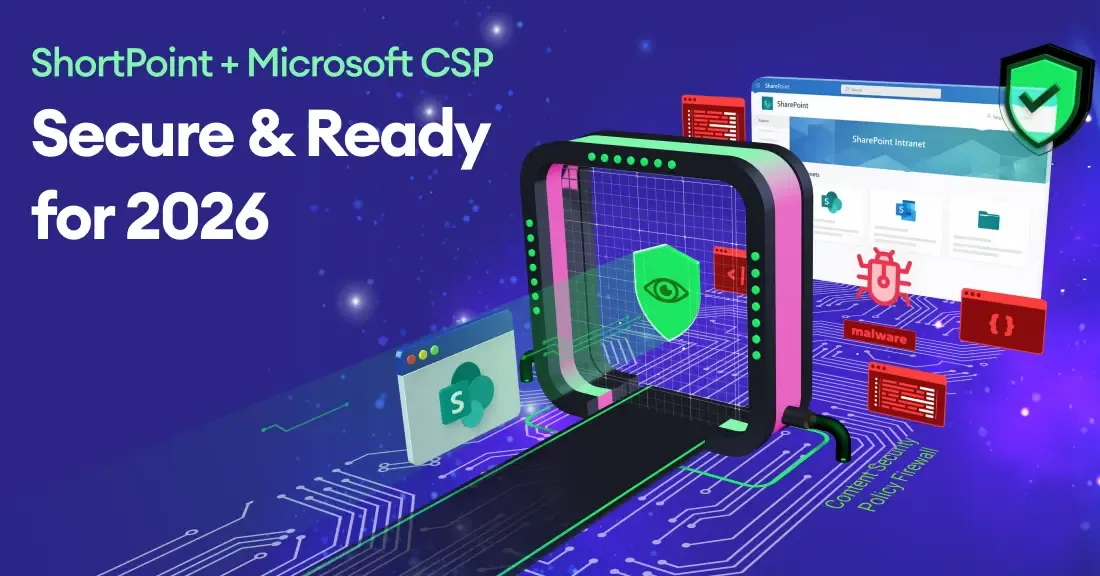
ShortPoint is aligning with SharePoint Online's CSP enforcement approach in a proactive way, so customers can continue to use ShortPoint confidently as Microsoft moves toward enforcement starting March 1, 2026.
Our architecture is engineered to follow Microsoft's recommended SPFx patterns. This ensures that our scripts load only from trusted, CSP-compliant sources, providing you with a smooth, uninterrupted experience. You can read the full breakdown of our technical roadmap here: How ShortPoint is Preparing .
The Strategic "Practice Run"
One of the most valuable aspects of the current rollout is that we are in a testing window. Because SharePoint is in Reporting Mode, you can already see exactly how enforcement will behave without impacting your users.
From a strategic perspective, readiness comes down to three questions:
- Do we know what scripts run on our pages? (Reporting mode already has this data).
- Are we relying on shortcuts? (Legacy script editors are the usual suspects).
- Are our vendors proactive? (Alignment should happen well before the deadline).
To help you navigate this period, we have outlined specific steps for what customers can do today to audit and validate their environments.
Moving to Compliance: Your 2026 Action Plan
Now that ShortPoint’s CSP-compliant update is live, ensuring your site remains functional is a simple, two-step process. We recommend completing these steps well ahead of the March deadline.
1. Reinstall the ShortPoint SPFx Package
To align with the new security protocols, you must refresh the ShortPoint app in your SharePoint App Catalog.
- Automated (Recommended): Use our Automated Installer for a guided, one-click experience.
- Manual: Download the latest SPFx package and replace the existing version in your App Catalog.
2. Verify You Are on Version 8.7.6.0 or Later
Check your ShortPoint Dashboard. If your version number is 8.7.6.0 or higher, your environment is officially "future-proofed." For users with Auto-Update enabled, this verification is often all you need to do.
Need More Time? If your organization requires a longer lead time for updates, you can use a PowerShell command to postpone enforcement until late 2026. View the Postponement Guide here .
Frequently Asked Questions: SharePoint CSP Enforcement
Microsoft will begin full enforcement on March 1, 2026. Until then, SharePoint remains in "Reporting Mode," where potential issues are logged but nothing is blocked.
The browser will block any script or resource that does not come from a "trusted source." This includes blocking most inline scripts and unauthorized injections. Solutions that follow standard SPFx packaging will mostly be unaffected.
You can simulate the 2026 enforcement immediately. Simply add ?csp=enforce to the end of any SharePoint page URL to see how the security rules behave in real-time.
ShortPoint is proactively aligned with this security model to ensure you can continue using the application confidently. To maintain a secure and uninterrupted experience, existing users simply need to upgrade to version 8.7.6.0 or later and reinstall the SPFx package before the March 1st deadline.
No. Once you update the ShortPoint SPFx package in your Tenant App Catalog, the core application is updated for the entire environment.
If your organization's internal review or change-management process prevents an immediate upgrade, you can postpone Microsoft's enforcement using a PowerShell command. This extends your current setup's compatibility for another 90 days, giving your team more breathing room to plan your transition to the CSP-compliant version.
Next Steps for Your Team
CSP enforcement is not a last-minute fire drill; it is a long-term stability win. By understanding the shift and auditing early, you ensure your intranet remains a secure, high-performing environment.
For a complete, step-by-step technical walkthrough of the update process, please visit our:
Ignite your vision. Install ShortPoint directly on your site, or play in sandbox mode. No credit card required.