Social Layout 2
SharePoint Community Site
Community hub for news, learning, profiles, and events.
 SOC 2 Type II, SOC 3
  GDPR
GDPR 
About this Template
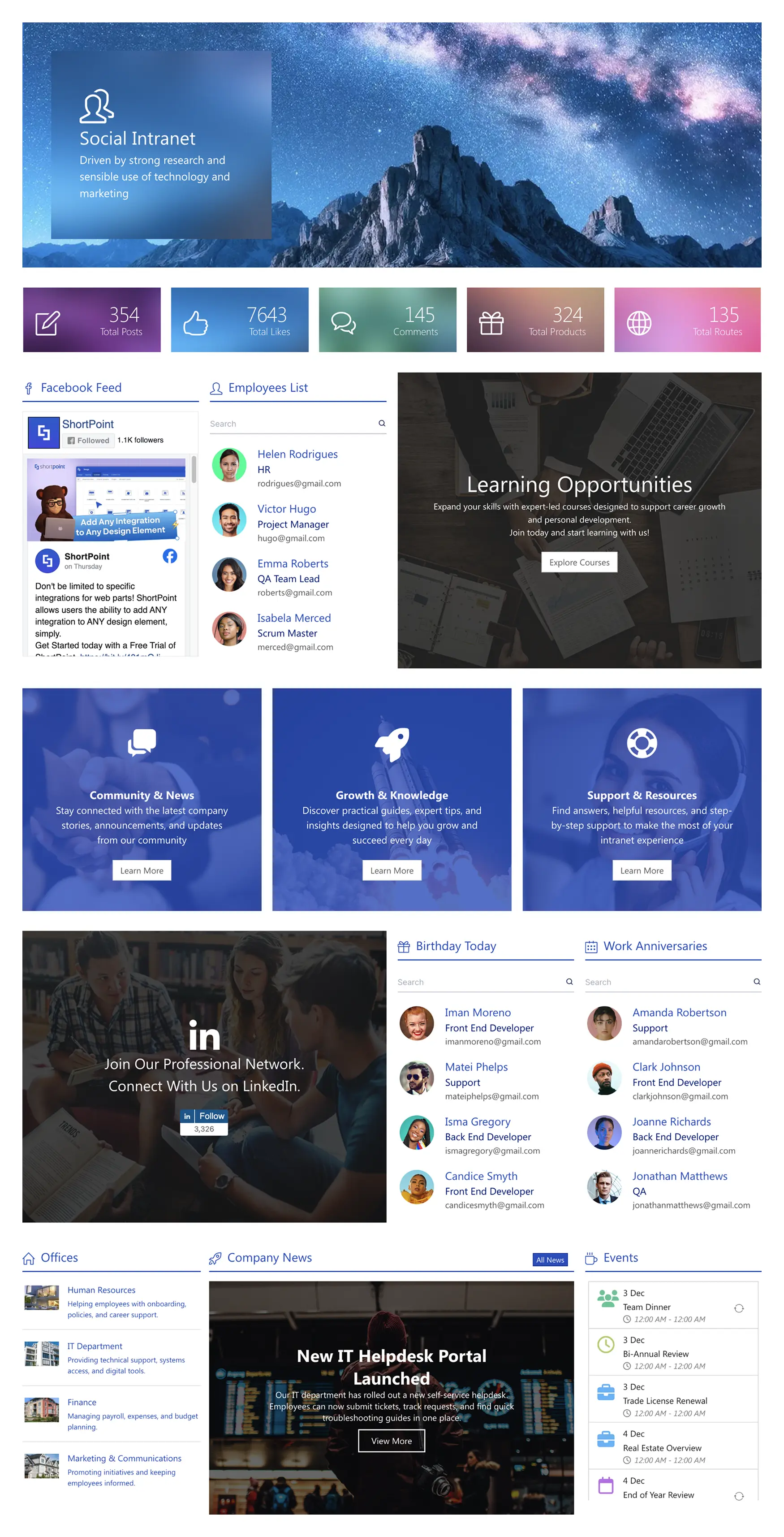
Spark participation across teams with Social Layout 2, a SharePoint community site that brings updates, people, and resources together. Hero tiles highlight total posts, likes, and comments, while a news stream and announcement cards keep priorities clear. Embedded social feeds amplify messages, and a Learning Opportunities banner promotes courses and development. Employees List supports quick lookup, and “Community & News,” “Growth & Knowledge,” and “Support & Resources” blocks guide people to the right content. Celebrate culture with birthdays and work anniversaries, and list office location links, company news, and an events calendar in one place. The responsive, accessible design makes everything easy to browse on any device, reducing email noise and building connection across departments.
Template Features
Publish SharePoint pages quickly without developers using ShortPoint tools and integrations; connect Microsoft 365, enforce branding, and deliver accessible layouts efficiently.
Improve your template with AI. Describe changes and see them in minutes.
Build clean pages visually. Add elements, organize sections, and edit fast—with no coding.
Simplify branding by making visual edits once and updating instantly.
Pull in lists, libraries, Microsoft 365 content—no-code connections for dynamic content.
Copy design patterns and paste to speed up rollouts.
Consistent headings and navigation landmarks help assistive technologies navigate better.
Integrate data flows to keep your intranet relevant and reliable.
Our extensive collection of page designs empowers you to start confidently.
60+ elements simplify building while expanding possibilities.
Responsive typography ensures lines and headings remain easy and comfortable to read.
Get Started With Everyday Home In Three Simple Steps
Launch a branded SharePoint community site in under an hour—no coding required.
- 1
Start free trial & add ShortPoint to your site : Click "Start a Trial" and get access to ShortPoint instantly. No credit card needed—just sign in with your Microsoft 365 credentials or download ShortPoint manually and activate your trial.
- 2
Insert a Template : Edit your SharePoint page, insert the ShortPoint web part, and select the Social Layout 2 template (or any preferred template page) from the Templates Library
- 3
Customize & Publish : Replace sample content with your own, connect your SharePoint data sources, apply your company branding, and publish your new communication site for immediate use.
Frequently asked Questions
You can launch your community site in just a few hours. We've made the process entirely visual and code-free, so you can focus on building engagement from day one instead of getting bogged down in a complex technical setup.
Yes. It works seamlessly in SharePoint Online (Microsoft 365), SharePoint Subscription Edition (SE) and supported On-Premise environments, ensuring that you can deliver whatever your setup is.
A strong community needs its own identity. Use the Theme Builder to apply custom colors and fonts, and the Page Builder to organize content in a way that’s intuitive and engaging for your members, all without writing any code.
Yes. Social communities thrive on real-time interaction, and our design is fully responsive to support that. Members can easily post, read, and engage from their phones or tablets, ensuring the conversation continues even when they're away from their desks.
Yes. You can easily replicate a successful social layout structure. Once you have a great setup, you can clone it to launch new spaces for different departments, project teams, or employee interest groups, each with its own dedicated content and members.
Keeping your community vibrant is easy with live content. Using ShortPoint Connect, you can pull in dynamic feeds from SharePoint lists or ongoing Microsoft Teams conversations. This ensures the space is always current, encouraging members to check back often for the latest updates.
A subscription gives you the entire platform to build rich digital experiences. You unlock our full library of templates, all our design elements, and powerful integrations—it’s everything you need to create and grow engaging communities and other valuable sites across your organization.
Related Templates
See all Templates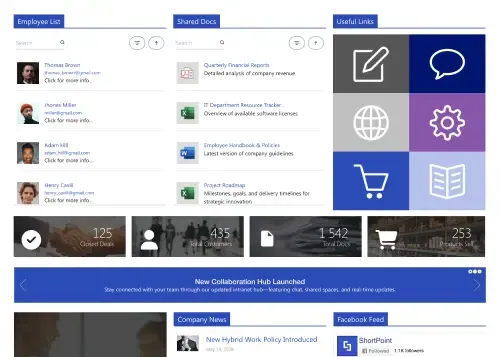
Social hub for news, documents, events, and shortcuts.
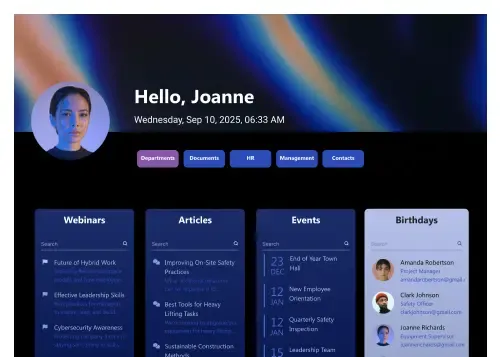
Personalized hub for people, milestones, meetings, and FAQs.
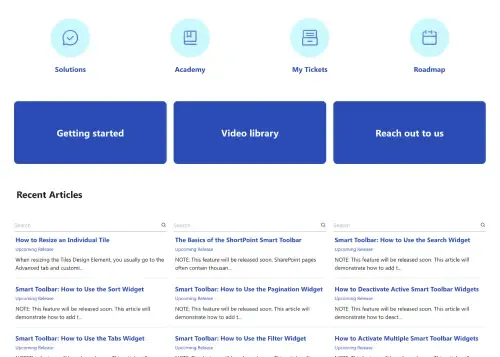
Centralize documents, FAQs, and updates for teams.
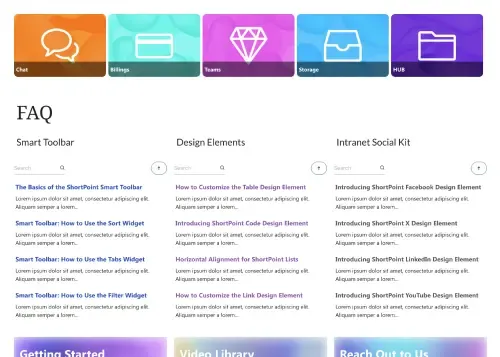
Centralize company news, events, highlights, and resources.
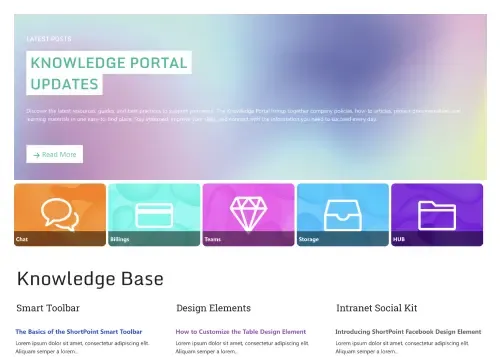
Streamline documents, FAQs, guides, and updates for teams.
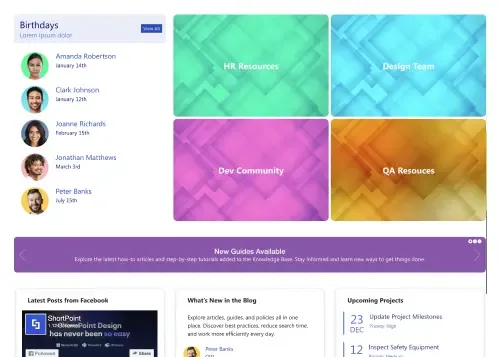
Unify resources, news, projects, and guides in one place









We were spending a lot of development dollars, but things still weren’t how we wanted and every day wasted was a day closer to our deadline.

ShortPoint has enabled us to create internal SharePoint sites that are user-friendly and attractive for our multi-generational group of Associates.

Before using ShortPoint, I’d never have expected that a small team such as ours could deliver a product that looks as good as our portal does today.

ShortPoint reduced the time it took to rebuild our intranet from 3 months to just 2 weeks. It really is a must-have for every company that uses SharePoint.


Building and customizing sites in SharePoint was a very heavy lift. We needed a developer on every project and it felt like we were always doing things the hard way.


I had no idea intranet consultancy would become so big for us! And none of it would have been possible without ShortPoint’s incredible software and support team.


It was hard to find solutions to beautify customers’ SharePoint installations and give customers a visual impression of how a new intranet could look.


Thanks to ShortPoint, the intranet isn’t a pain point for us anymore. I couldn’t put a price on how much happier we are working with ShortPoint as opposed to our previous vendor.

Working with ShortPoint was one of the smoothest projects I’ve ever been involved in. What they created for us is fantastic, and we never felt an ounce of stress.