

ShortPoint Connect Basics
Understanding the Main Idea Behind Connecting
In this lesson, you will learn why the ShortPoint Connect feature exists, the problem it solves, and the benefits it brings to designers and content contributors alike.

Two ways to add information to a page
There are two main ways to add information to a SharePoint page: the static method and the dynamic method.
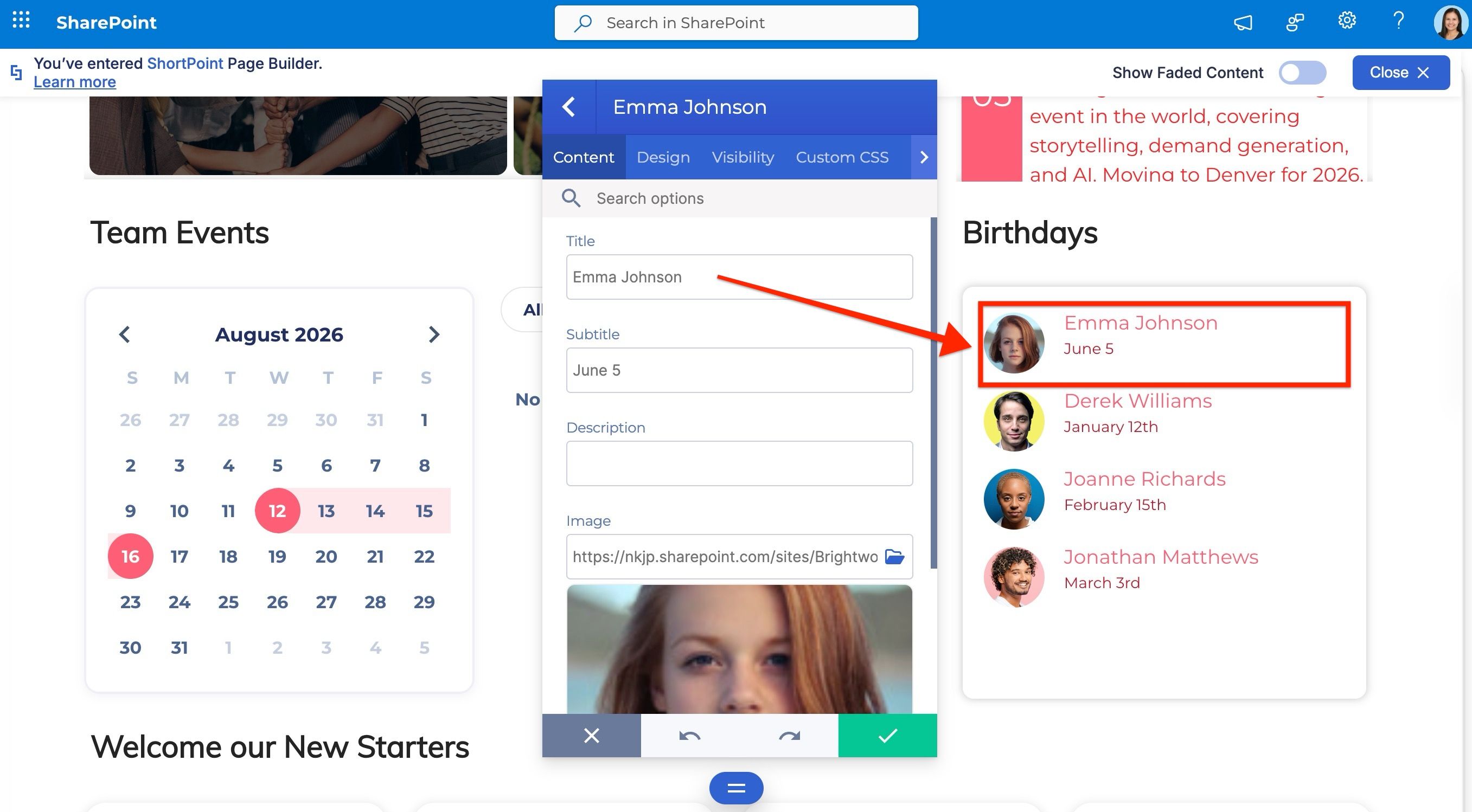
With the static method, you open a Design Element and add information manually. Like typing in text, links, and images directly into the element itself. This is the most common method used across most page builders.
However, intranets are different from typical websites. They’re built for employees across an organization, where different people usually have distinct roles. For example, a designer who builds pages has different tasks from a contributor who manages content.
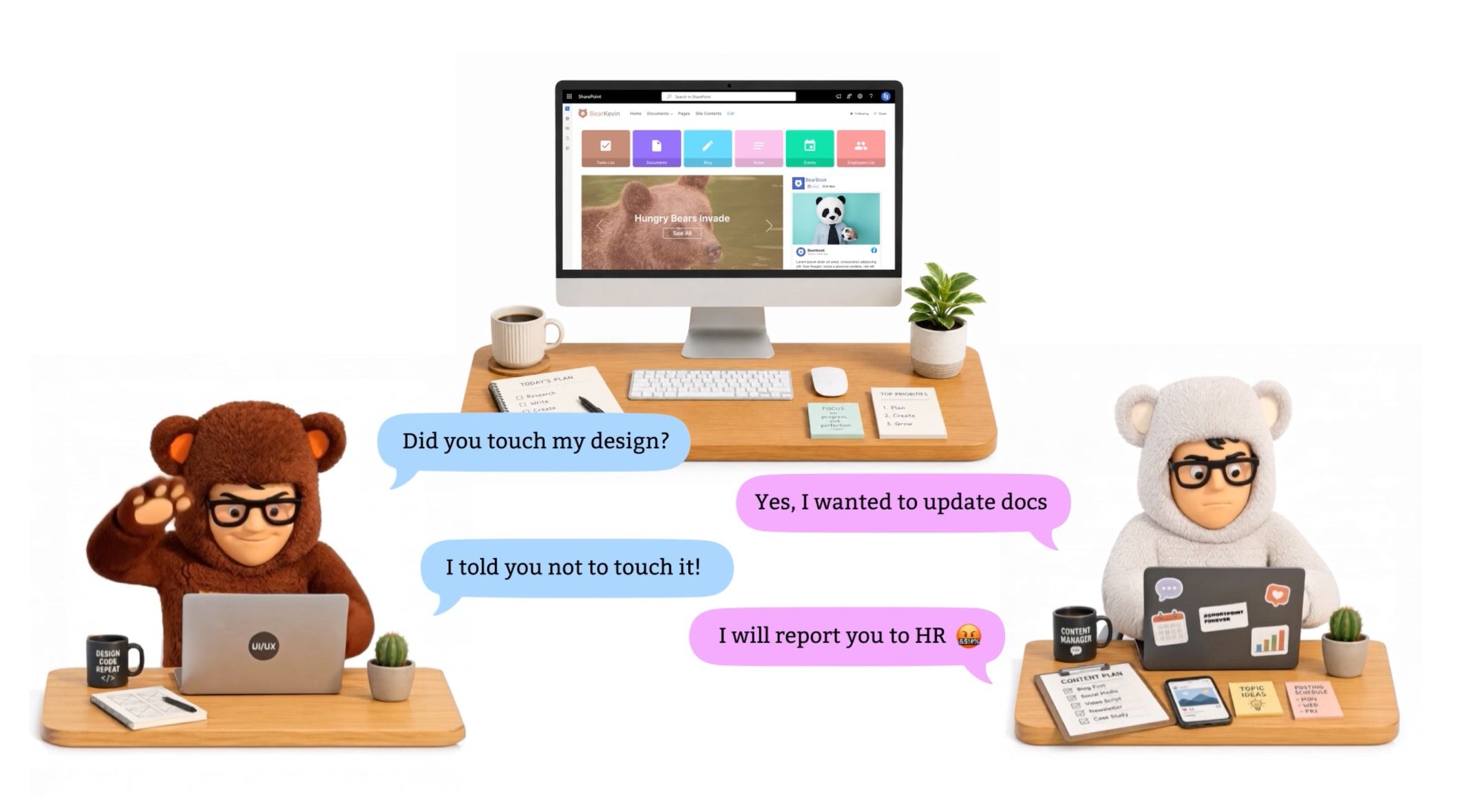
When you add information through the static method, these roles start to overlap. The designer ends up managing content, while the contributor ends up needing to touch page elements they weren’t meant to work with. A simple content update can turn into a lengthy back-and-forth between teams.
This is the problem ShortPoint Connect was built to solve.
Introducing the dynamic method and ShortPoint Connect
With ShortPoint Connect, contributors add information to the back end of SharePoint — a list, library, or other resource — and the designer builds the page, then connects to that information with just a few clicks.
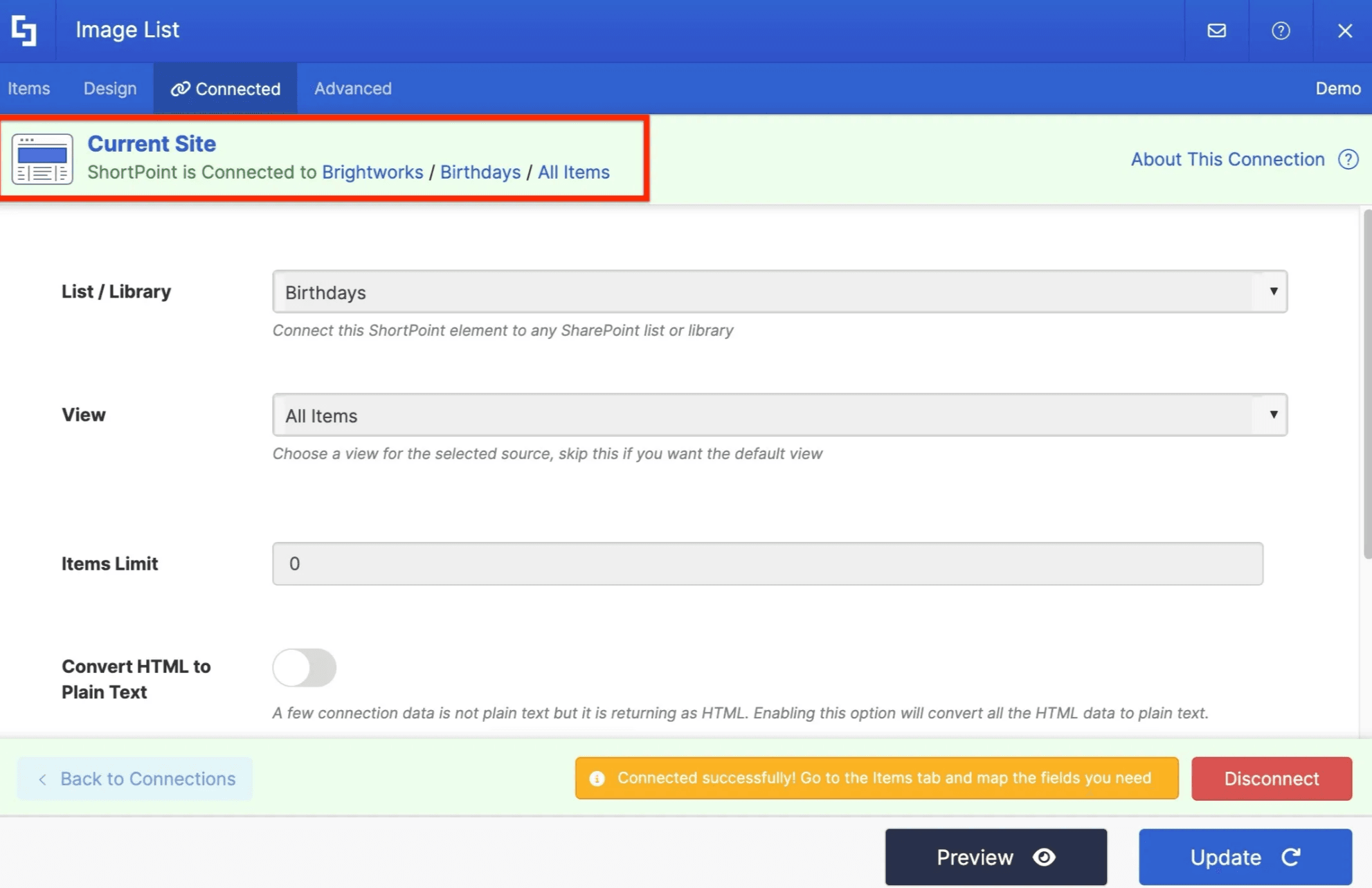
This is the dynamic method of adding information to a page, and it enables effective collaboration between contributors and designers without either one stepping into the other’s role.
Benefits of the dynamic method
Making design independent from content brings several practical benefits:
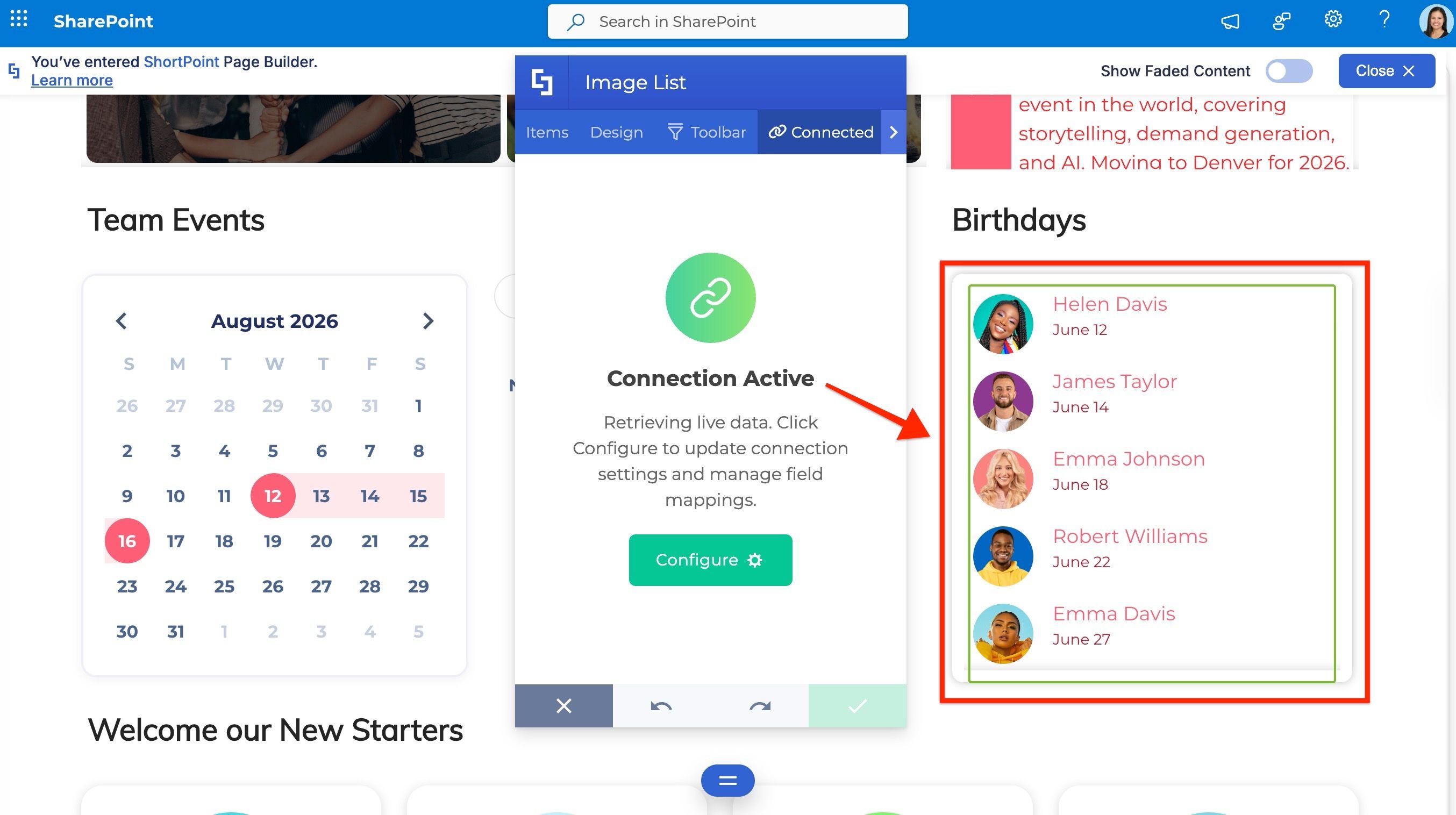
- The designer doesn’t need to get involved every time new content is added. Design Elements update automatically.
- Multiple contributors can add information to their respective lists and libraries, and the page reflects changes from all sources in near real-time.
- Elements can pull information from other sites within your tenant, as well as from external sources like RSS feeds.
- Contributors work within the familiar SharePoint interface, so you only need one Designer license for the person building pages, rather than licensing every contributor.
A bonus for ShortPoint license holders
Here’s something worth knowing: even after your ShortPoint license expires, your designs stay on your pages, and your data keeps refreshing through Connect. You just won’t be able to make edits until you renew.
What’s next
Now that you understand the logic behind ShortPoint Connect, you’re ready to move into the practical lessons and start connecting elements to your pages yourself.