Knowledge Portal 3
Best SharePoint Template For Knowledge Base
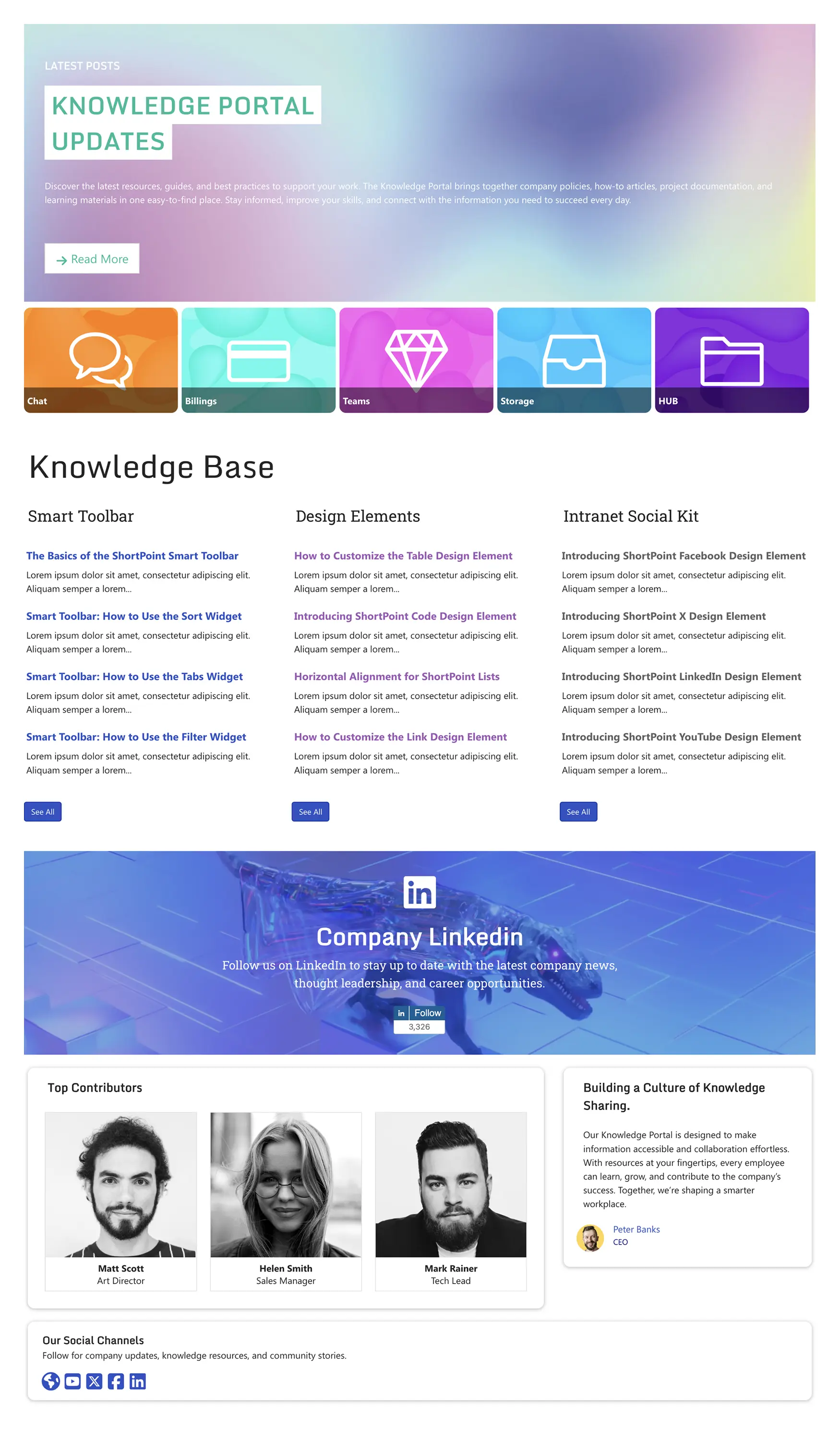
Streamline documents, FAQs, guides, and updates for teams.
 SOC 2 Type II, SOC 3
  GDPR
GDPR 
About this Template
Launch a modern, search-first SharePoint knowledge base that helps people find, trust, and use information fast. Knowledge Portal 3 brings product information, FAQs, how-tos, and updates into one organized hub with category tiles, featured posts, and compact article lists. The layout is responsive, accessible, and optimized for performance, with clear headings and keyboard-friendly interactions. Use ShortPoint’s no-code builder and Connect to surface SharePoint lists automatically, control visibility, and keep content current without custom development. Ideal for HR, IT, and communications teams who want a dependable portal that scales across departments and reduces support tickets.
Template Features
Accelerate SharePoint knowledge bases with ShortPoint builders and Microsoft 365 integrations, preserving responsive accessibility and brand consistency as content expands and evolves.
Improve your template with AI. Describe changes and see them in minutes.
Create pages with Live and Grid Modes in real-time.
Refresh your look in seconds. Theme Builder updates styles globally with instant preview.
There are infinite ways to connect with best-in-class integrations.
Duplicate sections across sites—copy & paste accelerates build time.
Built for inclusion: keyboard navigation, ARIA labels, captions, and color-safe palettes.
Connect everyday apps and data sources to deliver richer, smarter intranet experiences.
Choose from hundreds of SharePoint page templates so you're more confident when starting.
Build anything fast—60+ elements, flexible and easy to use.
Mobile, tablet, desktop breakpoints ensure consistent user experience.
Get Started With Everyday Home In Three Simple Steps
Launch a the best SharePoint template for knowledge base in under an hour—no coding required.
- 1
Start free trial & add ShortPoint to your site : Click "Start a Trial" and get access to ShortPoint instantly. No credit card needed—just sign in with your Microsoft 365 credentials or download ShortPoint manually and activate your trial.
- 2
Insert a Template : Edit your SharePoint page, insert the ShortPoint web part, and select the Knowledge Portal 3 template (or any preferred template page) from the Templates Library
- 3
Customize & Publish : Replace sample content with your own, connect your SharePoint data sources, apply your company branding, and publish your new knowledge portal for immediate use.
Frequently asked Questions
You'll be surprised how fast it is. Simply install ShortPoint, choose the best SharePoint template for knowledge base that fits your needs, connect your existing data sources, and you're ready to publish. Most teams have their knowledge base live within hours, not days.
Yes. Whether you're using SharePoint Online or have a compatible on-premise deployment, this template works seamlessly with ShortPoint across SharePoint environments.
You have complete creative control. Use the Theme Builder to apply your brand colors, fonts, and styling, then fine-tune the layout structure with Page Builder. No custom CSS coding required—everything is visual and user-friendly.
Yes. The template is fully responsive and touch-optimized, automatically adapting to any screen size while following accessibility best practices. Your employees can access information on your SharePoint intranet whether they're at their desk or on the go.
Yes. You can easily duplicate the best SharePoint template for knowledge base across your organization, customize the content for a particular department's specific needs, while maintaining a consistent user experience throughout. You can bring knowledge management to the next level.
ShortPoint makes this effortless by connecting directly to your existing Microsoft 365 ecosystem. Pull in live content from Microsoft SharePoint lists, libraries, Microsoft products such as Planner, Outlook, and Teams so your knowledge base automatically displays the latest news, social feeds, and project updates without manual intervention.
Your subscription unlocks our complete SharePoint Templates Library, advanced design elements, seamless integrations, dedicated customer support, and regular updates—everything you need to build a great SharePoint site that your team will actually want to use.
Related Templates
See all Templates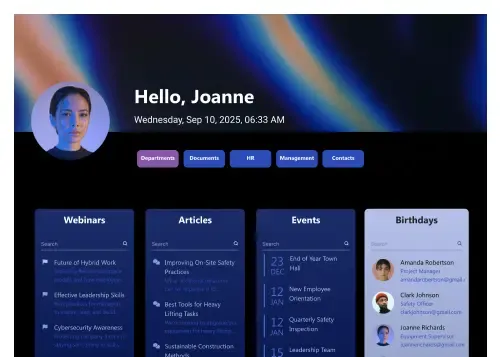
Personalized hub for people, milestones, meetings, and FAQs.
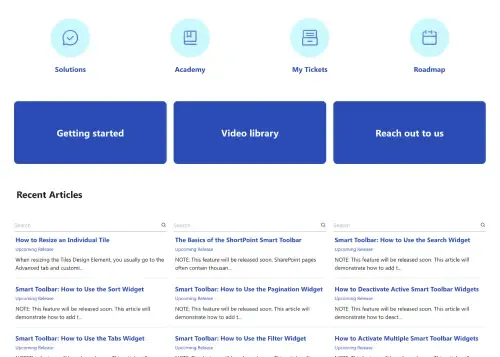
Centralize documents, FAQs, and updates for teams.
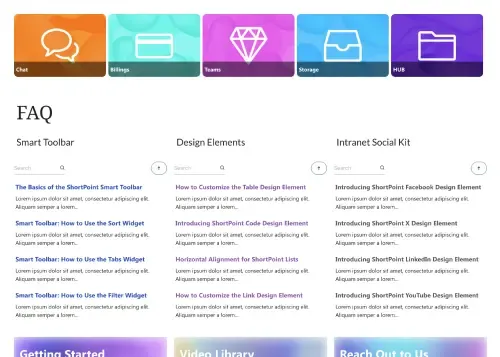
Centralize company news, events, highlights, and resources.
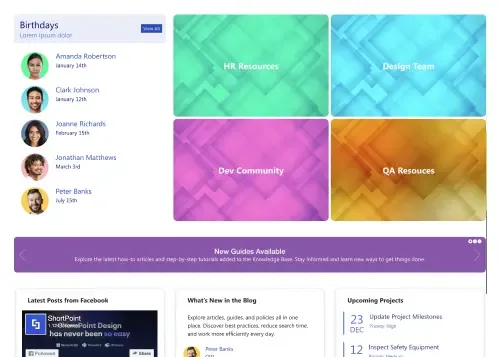
Unify resources, news, projects, and guides in one place
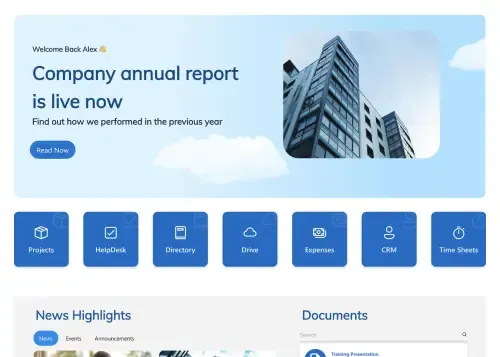
Drive internal communication and corporate transparency instantly.

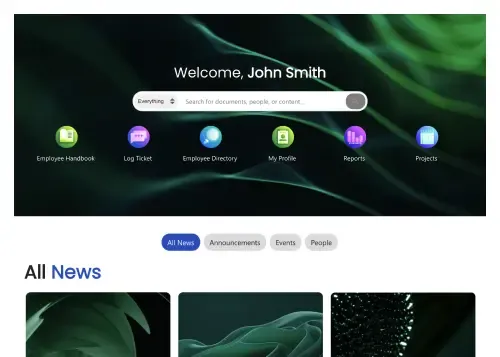
Personalized intranet homepage for search, news, and actions.










We were spending a lot of development dollars, but things still weren’t how we wanted and every day wasted was a day closer to our deadline.

ShortPoint has enabled us to create internal SharePoint sites that are user-friendly and attractive for our multi-generational group of Associates.

Before using ShortPoint, I’d never have expected that a small team such as ours could deliver a product that looks as good as our portal does today.

ShortPoint reduced the time it took to rebuild our intranet from 3 months to just 2 weeks. It really is a must-have for every company that uses SharePoint.


Building and customizing sites in SharePoint was a very heavy lift. We needed a developer on every project and it felt like we were always doing things the hard way.


I had no idea intranet consultancy would become so big for us! And none of it would have been possible without ShortPoint’s incredible software and support team.


It was hard to find solutions to beautify customers’ SharePoint installations and give customers a visual impression of how a new intranet could look.


Thanks to ShortPoint, the intranet isn’t a pain point for us anymore. I couldn’t put a price on how much happier we are working with ShortPoint as opposed to our previous vendor.

Working with ShortPoint was one of the smoothest projects I’ve ever been involved in. What they created for us is fantastic, and we never felt an ounce of stress.