
Dual Button
Place two call-to-action buttons side by side to create clear navigation paths in your SharePoint sites. Direct visitors to related resources, offer multiple options, or create decision points with ease. Drive engagement and help users take action quickly with streamlined dual-button functionality.


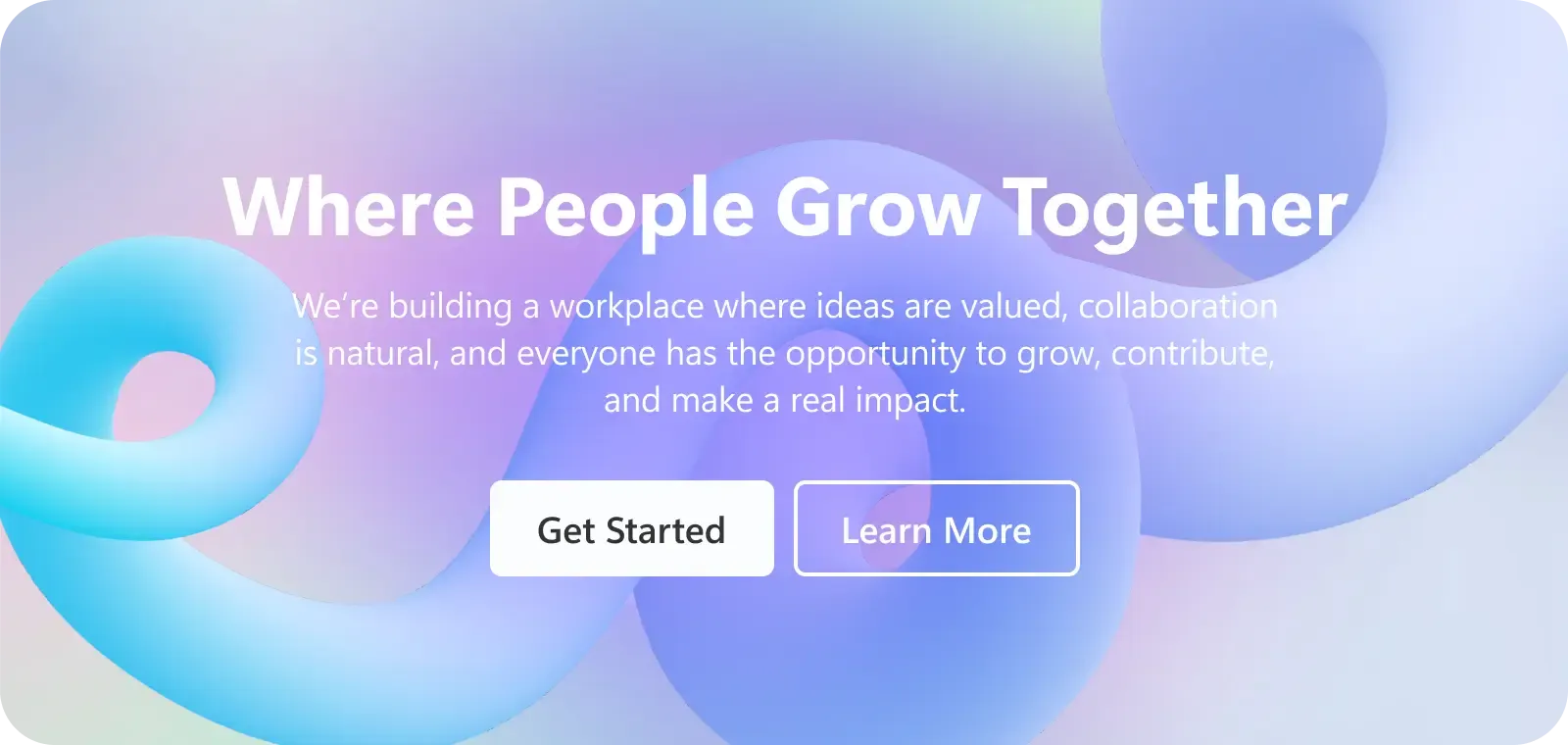
Action-oriented
Designed to get clicks and improve user engagement.Design Flexibility
Customize the design according to your brand and requirements.Dual Format
Modern dual button layout that ensures improved visual appeal.Direct Linking
Link users to internal SharePoint sites, forms, content, or pages where users complete desired actions.
Harmony Between Design & Back End
There is no limit to what can be done with ShortPoint. You can create any design you want with the available options.
Learn more about Dual Button Integration
Ignite your vision. Install ShortPoint directly on your site, or play in sandbox mode. No credit card required.
Incredible SharePoint Design Elements
Each element has been designed to look good and functional flawlessly.
-

Abbreviation
-

Accordions
-

Alert
-

Animate
-

Announcement
-

Background
-

Before and After
-

Blockquote
-

Breadcrumb
-

Button
-

CTA Card
-

Calendar
-

Canva
-

Code
-

Content Boxes
-

Countdown
-

Counter Boxes
-

Date List
-

Divider
-

Dropcap
-

Emphasis
-

Events
-

FAQs
-

Facebook
-

File List
-

FlipBoxes
-

Frame
-

Gradient Text
-

Heading
-

Hero Caption
-

Highlighted Text
-

Icon
-

Icon Boxes
-

Icon List
-

Image
-

Image Boxes
-

Image Caption
-

Image Carousel
-

Image List
-

Image Titles
-

Info
-

Instagram
-

Label
-

Lead
-

Link
-

LinkedIn
-

List
-

Lottie
-

Map
-

News Cards
-

Note
-

Organization Chart
-

Panel
-

Person Cards
-

Popover
-

Power Apps
-

Power BI
-

Quick Links
-

Rotating Text
-

Row
-

Search Box
-

Section
-

SharePoint Web Part
-

Simple List
-

Slideshow
-

Small
-

Steps
-

TOC Content
-

TOC Navigation
-

Table
-

Table of Contents
-

Tabs
-

Teams
-

Template
-

Testimonials
-

Text
-

Textshow
-

Tickers
-

Tiles
-

Timeline
-

Toggles
-

Tooltip
-

Vimeo Video
-

Viva Engage
-

Well
-

World Clock
-

X
-

YouTube Video