
Text
Optimize the readability and value of your content with the Text Design Element. Establish clarity and creativity in your content with the right typography choices.


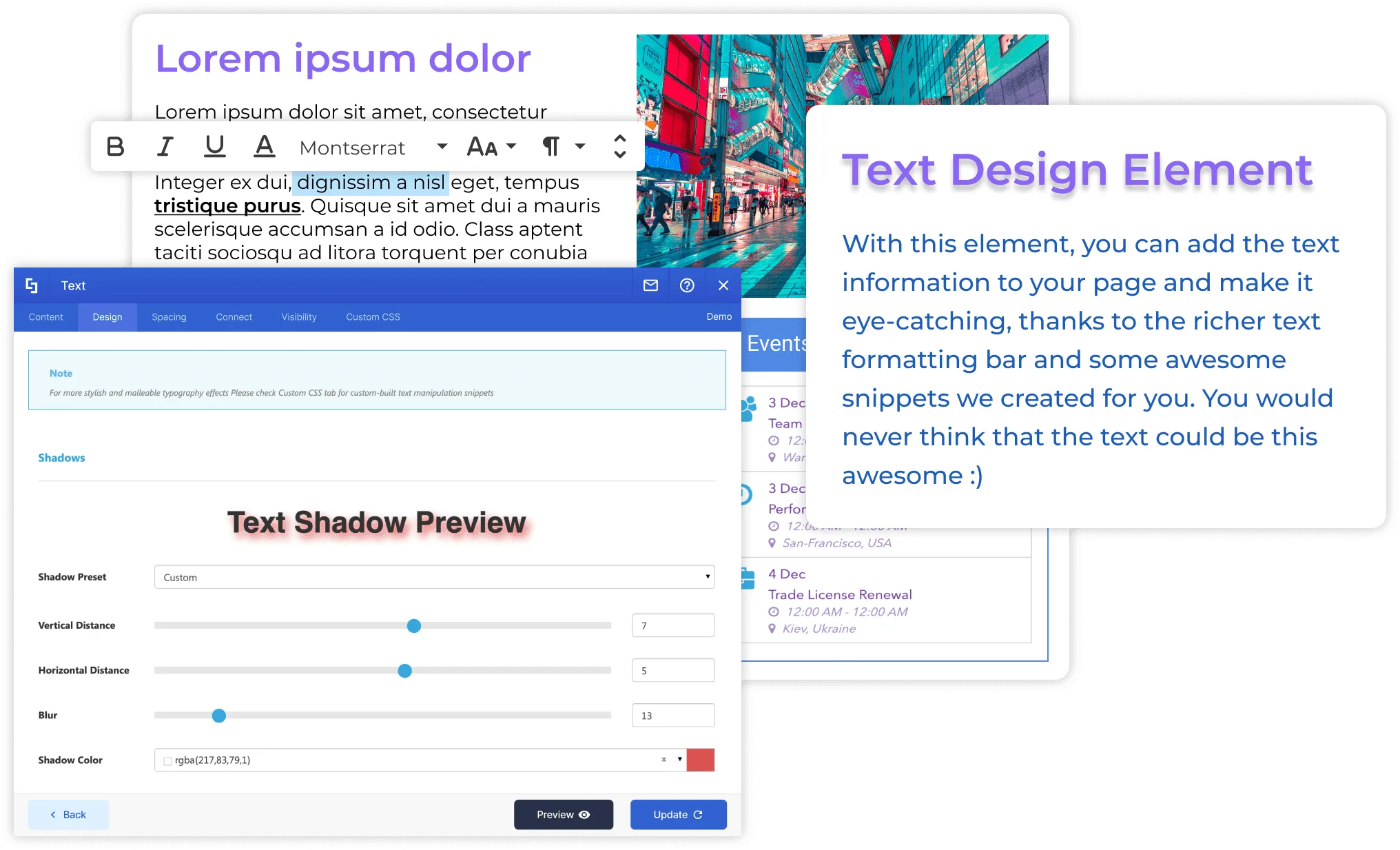
Design for Content Clarity
-
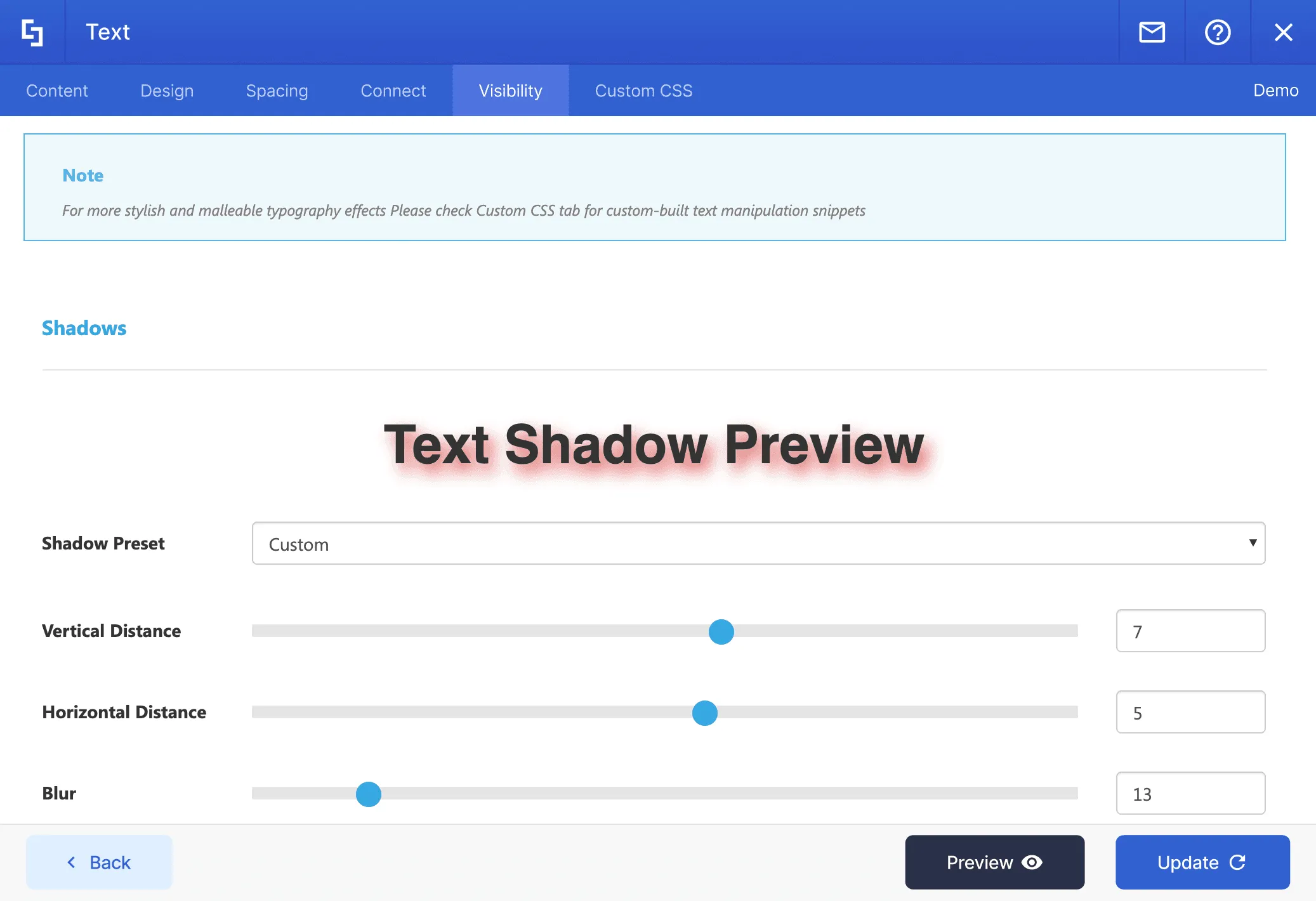
Text Shadows
Use this feature to add or change the shadow of your text.
-
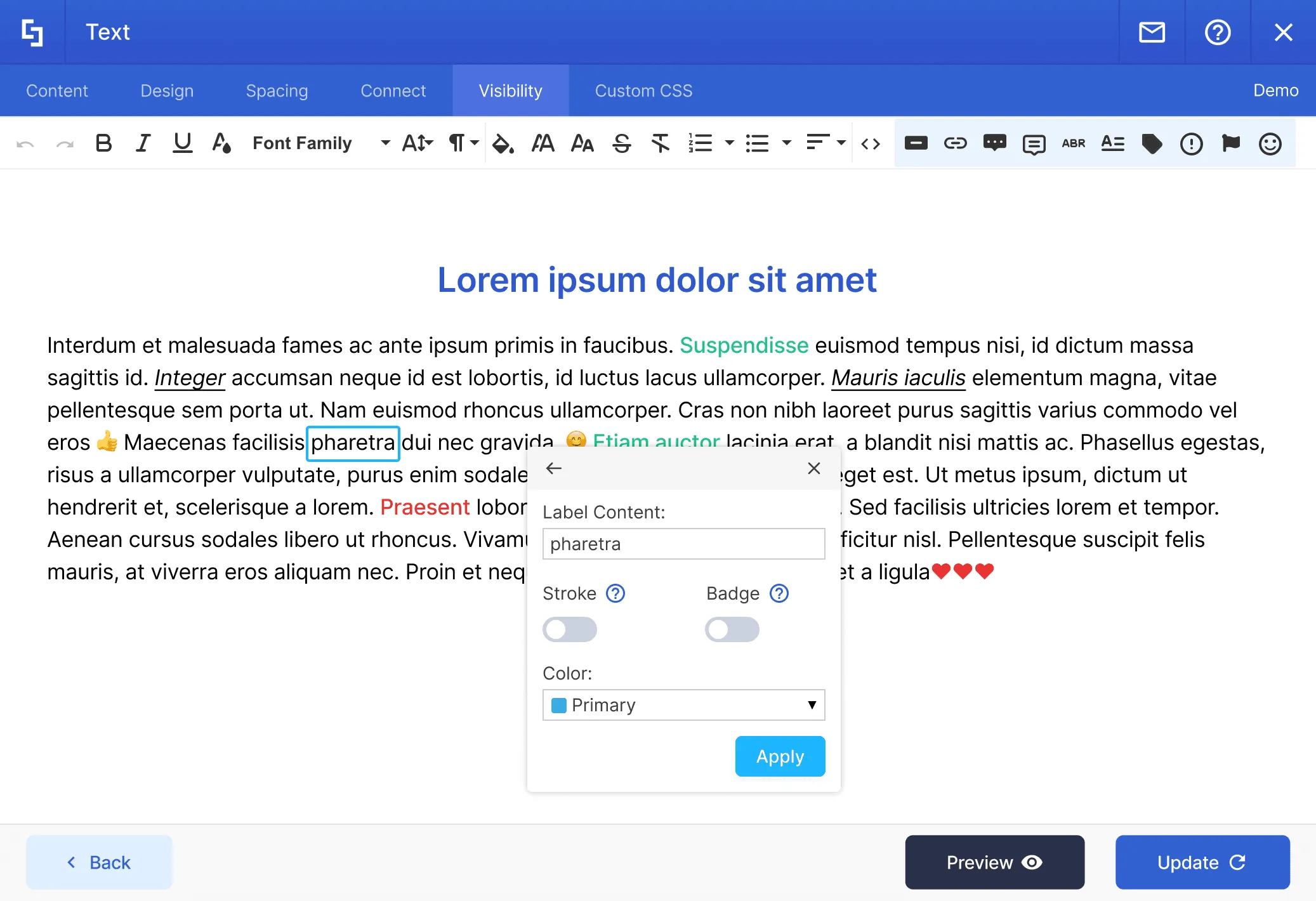
Text formatting bar
You can make your text bold, italic, underlined and strikethrough, change its size, text alignment, make the text an ordered or unordered list, add hyperlinks or clear the formatting.
-
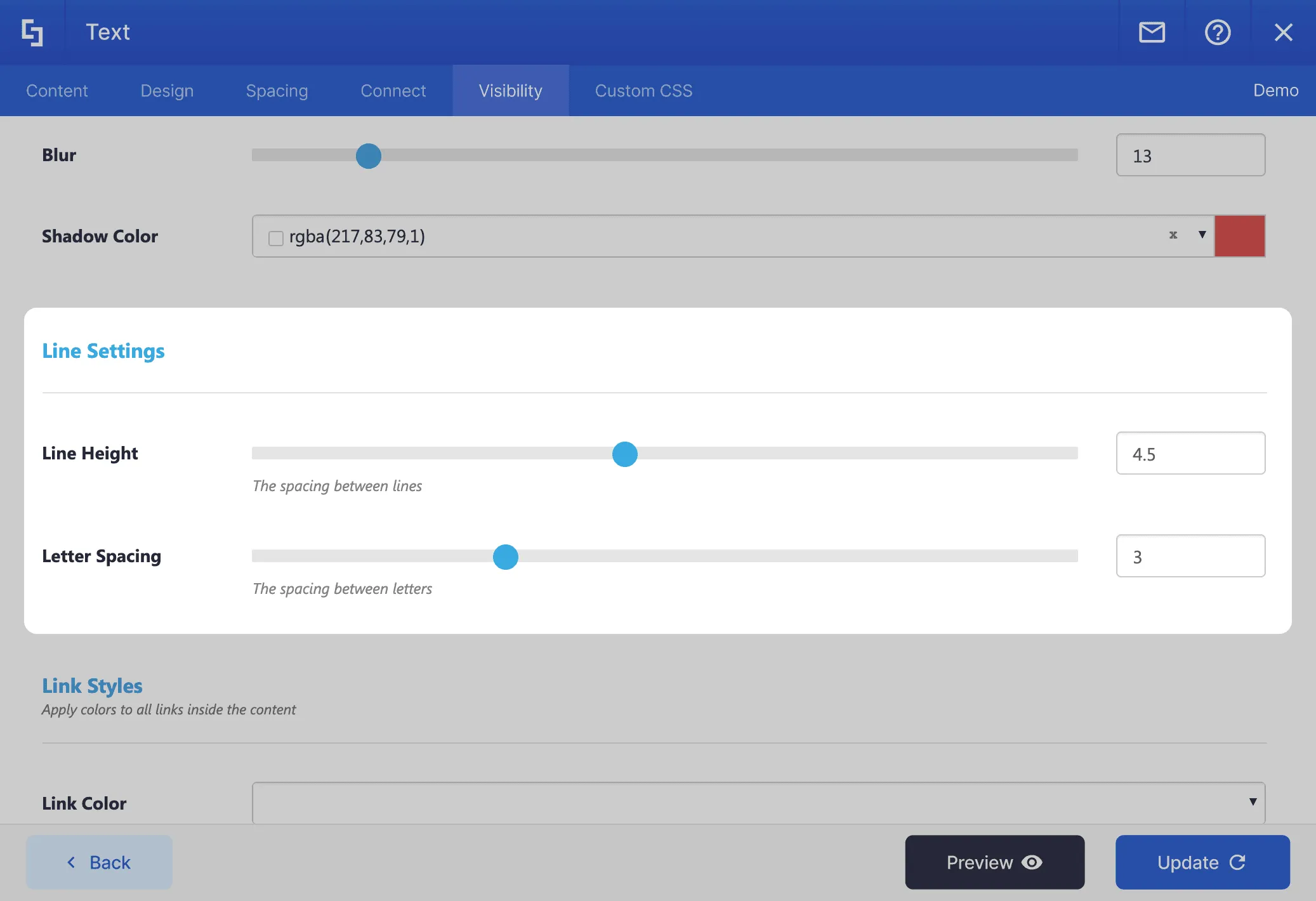
Line Height and Letter Spacing
Control spacing between lines and letters
Harmony Between Design & Back End
There is no limit to what can be done with ShortPoint. You can create any design you want with the available options.
Learn more about Text Integration
Ignite your vision. Install ShortPoint directly on your site, or play in sandbox mode. No credit card required.
Incredible SharePoint Design Elements
Each element has been designed to look good and functional flawlessly.
-

Abbreviation
-

Accordions
-

Alert
-

Animate
-

Announcement
-

Background
-

Before and After
-

Blockquote
-

Breadcrumb
-

Button
-

CTA Card
-

Calendar
-

Canva
-

Code
-

Content Boxes
-

Countdown
-

Counter Boxes
-

Date List
-

Divider
-

Dropcap
-

Dual Button
-

Emphasis
-

Events
-

FAQs
-

Facebook
-

File List
-

FlipBoxes
-

Frame
-

Gradient Text
-

Heading
-

Hero Caption
-

Highlighted Text
-

Icon
-

Icon Boxes
-

Icon List
-

Image
-

Image Boxes
-

Image Caption
-

Image Carousel
-

Image List
-

Image Titles
-

Info
-

Instagram
-

Label
-

Lead
-

Link
-

LinkedIn
-

List
-

Lottie
-

Map
-

News Cards
-

Note
-

Organization Chart
-

Panel
-

Person Cards
-

Popover
-

Power Apps
-

Power BI
-

Quick Links
-

Rotating Text
-

Row
-

Search Box
-

Section
-

SharePoint Web Part
-

Simple List
-

Slideshow
-

Small
-

Steps
-

TOC Content
-

TOC Navigation
-

Table
-

Table of Contents
-

Tabs
-

Teams
-

Template
-

Testimonials
-

Textshow
-

Tickers
-

Tiles
-

Timeline
-

Toggles
-

Tooltip
-

Vimeo Video
-

Viva Engage
-

Well
-

World Clock
-

X
-

YouTube Video