
Timeline
Showcase company milestones, project phases, historical achievements, or roadmap plans in an intuitive, chronological format. Tell your organization's story in SharePoint with visual impact.


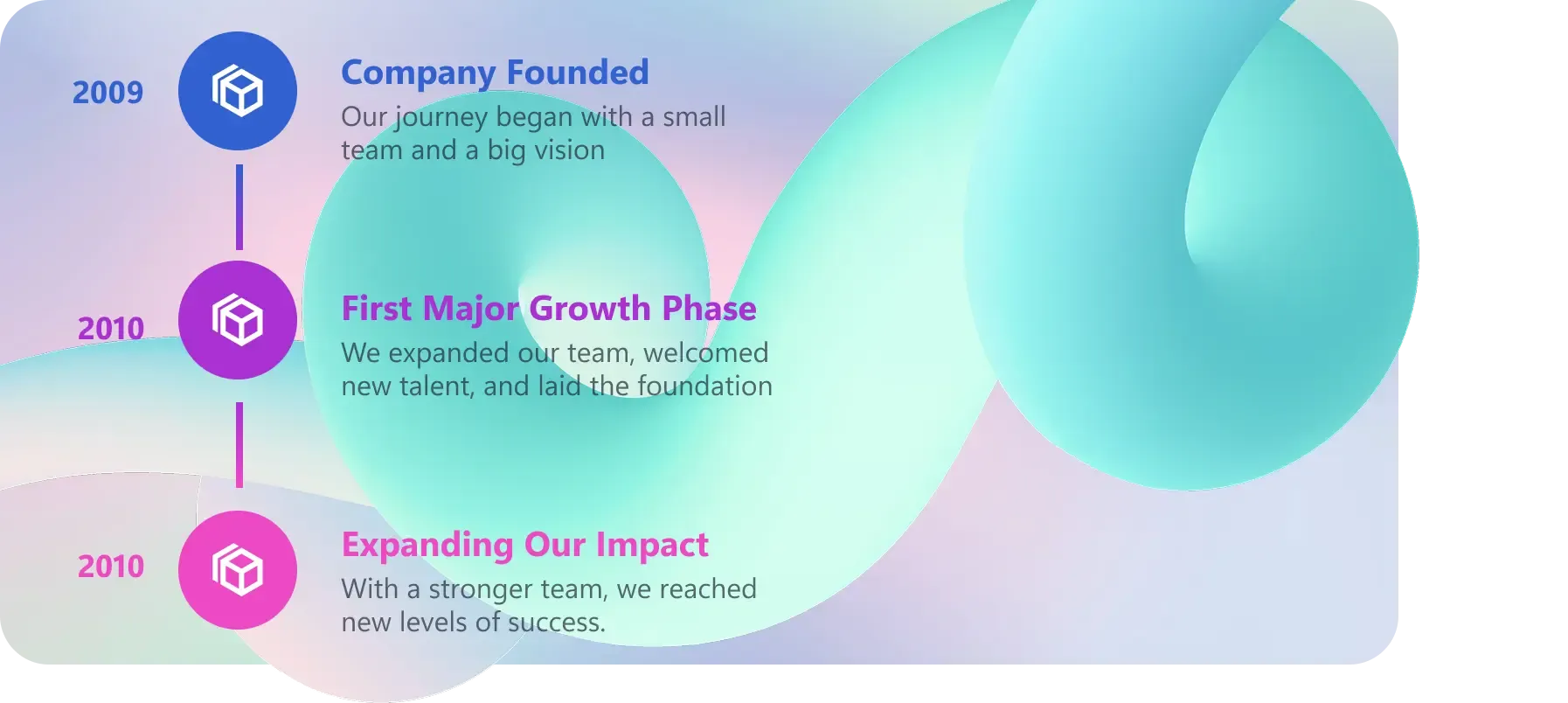
Showcase Content Visually
Display chronological events in an organized and beautiful layout.Responsive Layout
Adapts to different screen sizes for optimal viewing on all devices.Interactive Design
Engage your users with creative timeline layouts and styles that make your content more interesting and interactive.Custom Branding
Fine-tune every visual element, including colors, fonts, and styles, to authentically represent your corporate identity.
Harmony Between Design & Back End
There is no limit to what can be done with ShortPoint. You can create any design you want with the available options.
Learn more about Timeline Integration
Ignite your vision. Install ShortPoint directly on your site, or play in sandbox mode. No credit card required.
Incredible SharePoint Design Elements
Each element has been designed to look good and functional flawlessly.
-

Abbreviation
-

Accordions
-

Alert
-

Animate
-

Announcement
-

Background
-

Before and After
-

Blockquote
-

Breadcrumb
-

Button
-

CTA Card
-

Calendar
-

Canva
-

Code
-

Content Boxes
-

Countdown
-

Counter Boxes
-

Date List
-

Divider
-

Dropcap
-

Dual Button
-

Emphasis
-

Events
-

FAQs
-

Facebook
-

File List
-

FlipBoxes
-

Frame
-

Gradient Text
-

Heading
-

Hero Caption
-

Highlighted Text
-

Icon
-

Icon Boxes
-

Icon List
-

Image
-

Image Boxes
-

Image Caption
-

Image Carousel
-

Image List
-

Image Titles
-

Info
-

Instagram
-

Label
-

Lead
-

Link
-

LinkedIn
-

List
-

Lottie
-

Map
-

News Cards
-

Note
-

Organization Chart
-

Panel
-

Person Cards
-

Popover
-

Power Apps
-

Power BI
-

Quick Links
-

Rotating Text
-

Row
-

Search Box
-

Section
-

SharePoint Web Part
-

Simple List
-

Slideshow
-

Small
-

Steps
-

TOC Content
-

TOC Navigation
-

Table
-

Table of Contents
-

Tabs
-

Teams
-

Template
-

Testimonials
-

Text
-

Textshow
-

Tickers
-

Tiles
-

Toggles
-

Tooltip
-

Vimeo Video
-

Viva Engage
-

Well
-

World Clock
-

X
-

YouTube Video