SharePoint Templates
Explore 250+ SharePoint site templates, intranet page designs, and sections. Fully customizable without code.
- No credit card required
- SharePoint Online / M365, SE & On-Premises
- 350K+ SharePoint sites
- Microsoft
Partner - 4.7 on Capterra


See all SharePoint intranet templates and design ideas
A SharePoint template is a pre-built, fully customizable page or site design you edit without code. Browse ready-to-use SharePoint page templates for intranet homepages, HR portals, onboarding hubs, knowledge bases, team sites and more — every one going beyond SharePoint Lookbook with live data connections, full branding control, and responsive layouts built for modern SharePoint.
Your search spans page and section templates, so both are listed together below. Pick a type above to narrow to one.
Page templates
Complete pages you insert and edit.
“”.
Showing 51107 of 107 page templates
No template matches “” exactly — but AI Designer will build it for you.
Start the free trial and AI Designer turns that brief into a complete, on-brand page inside your own SharePoint — editable like any template.
Start trial and build it with AI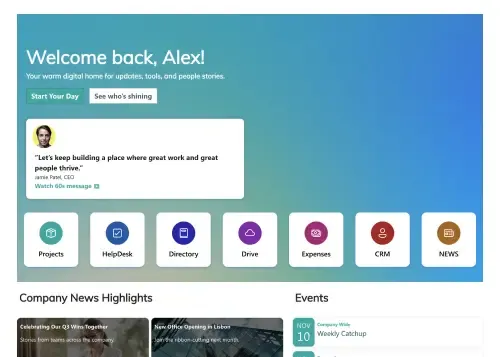
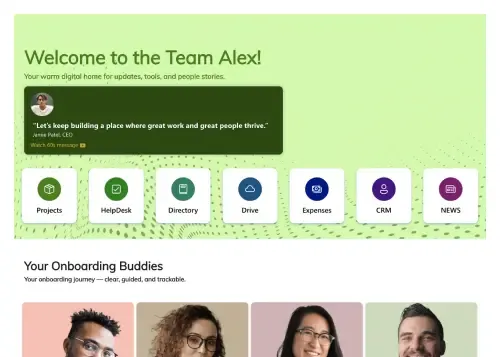
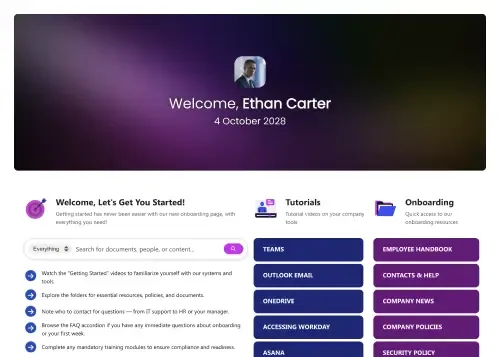
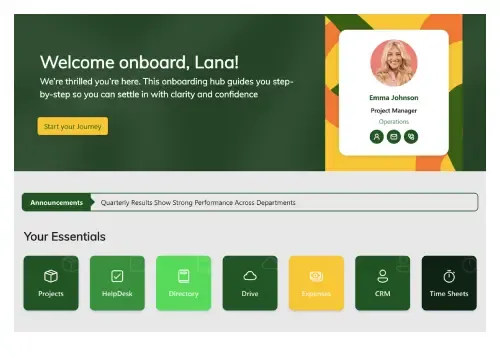
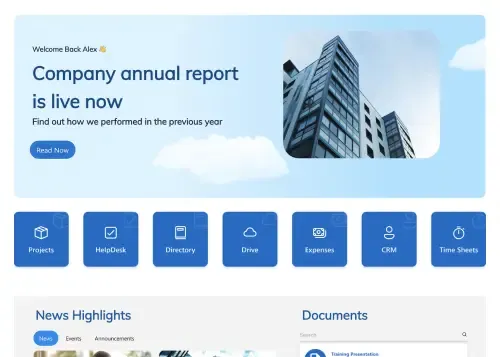
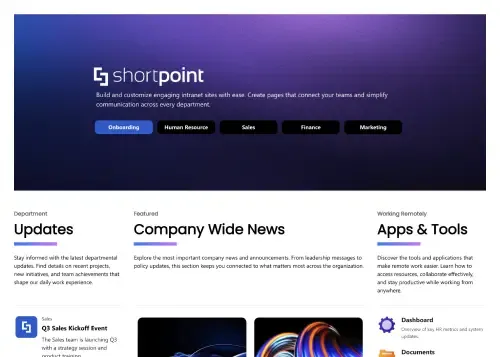
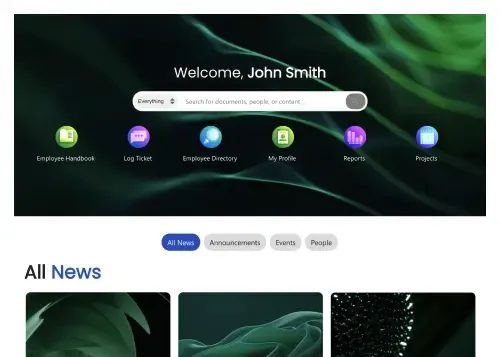
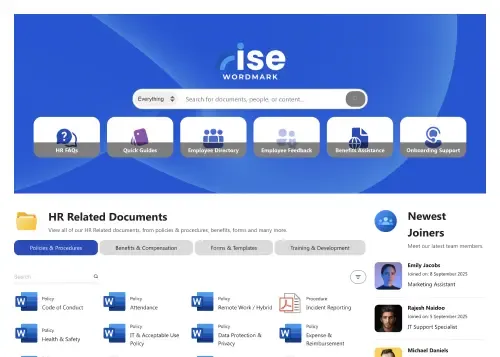
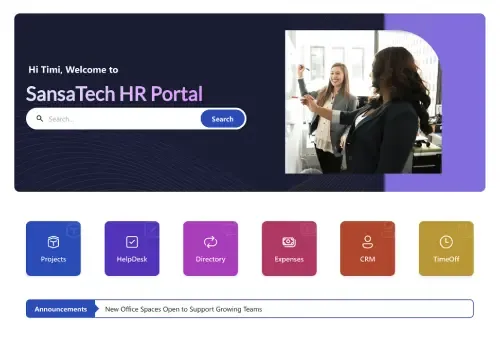
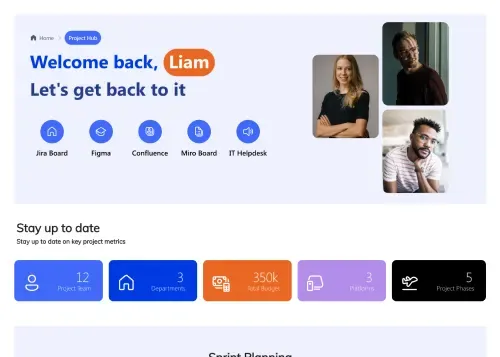
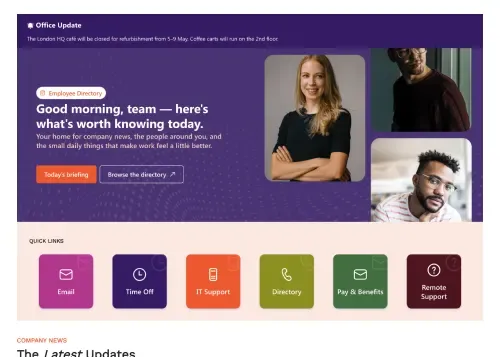
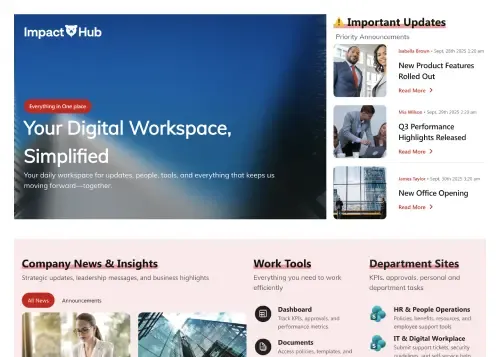
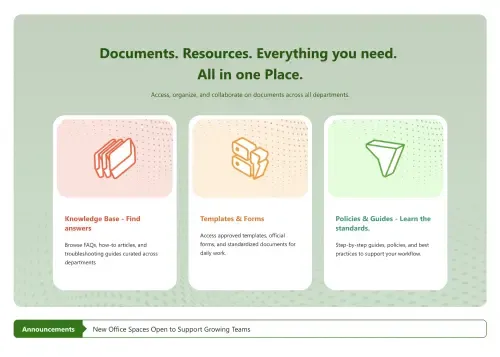
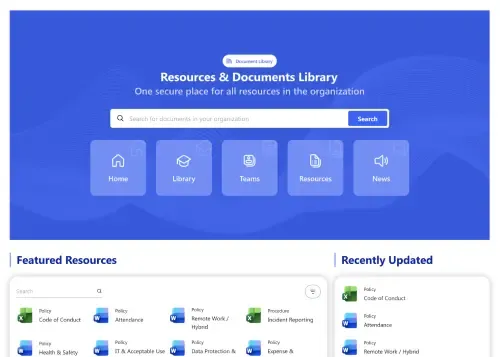
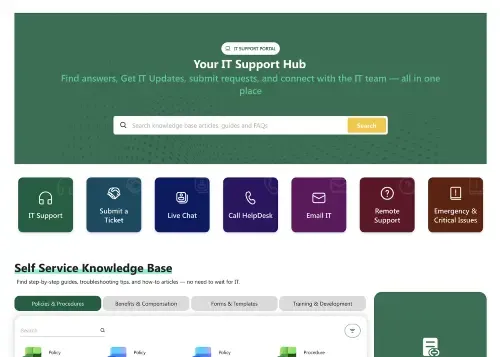
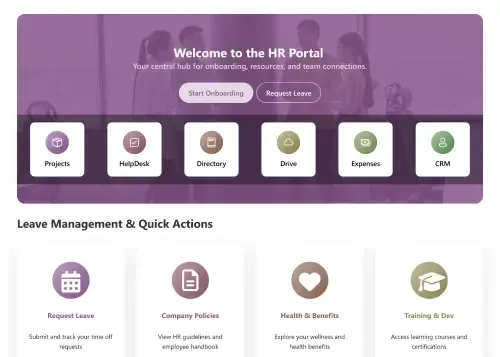
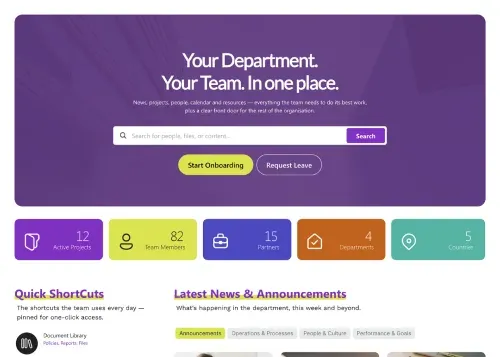
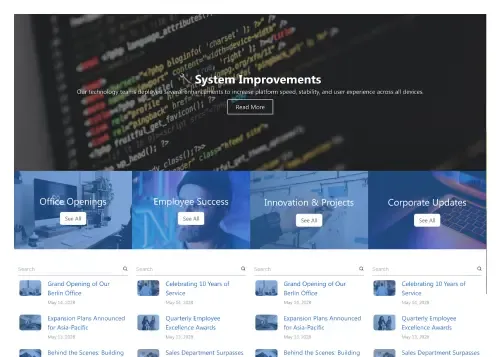
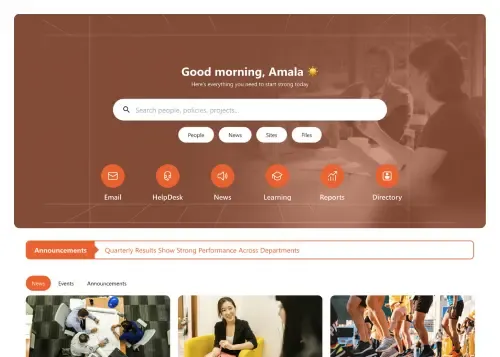
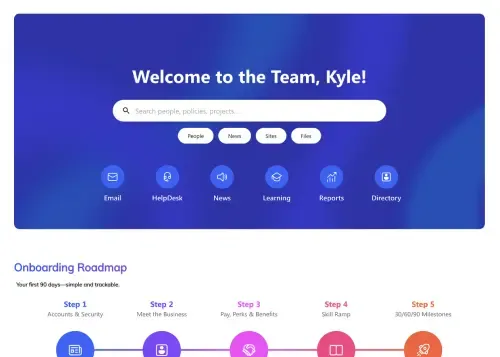
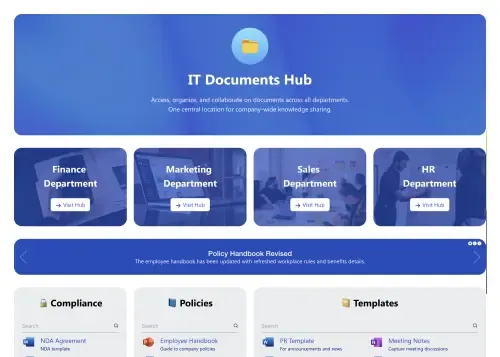
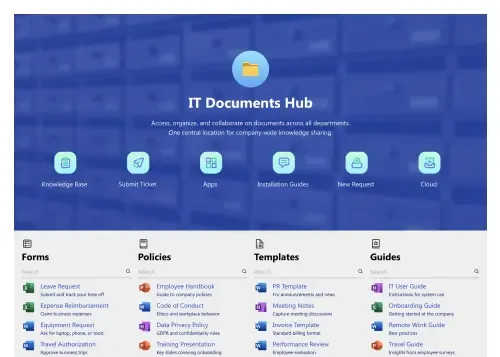
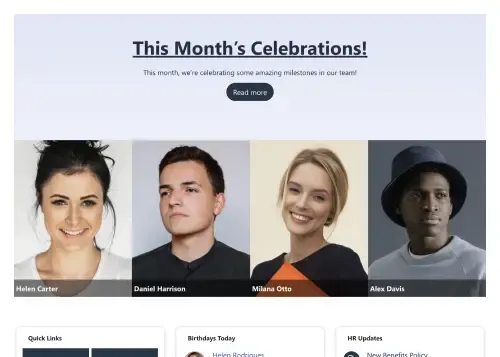
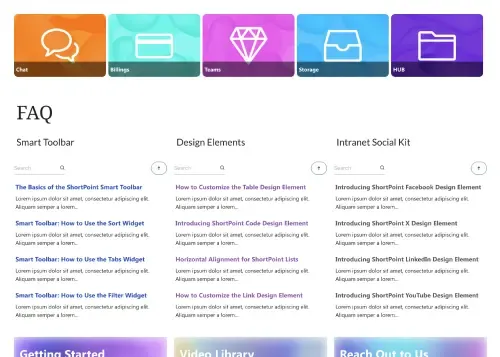
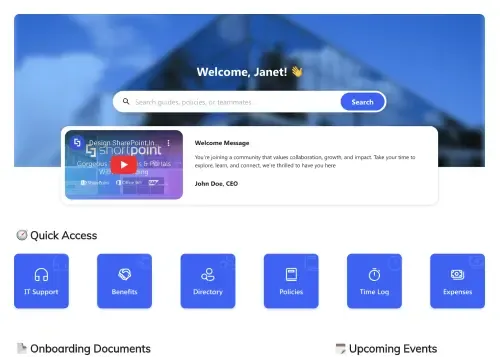
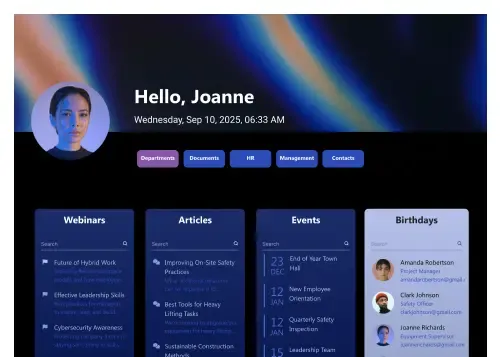
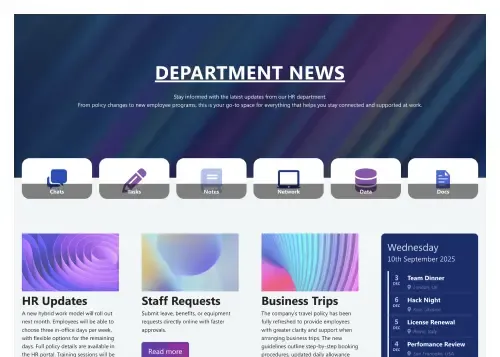
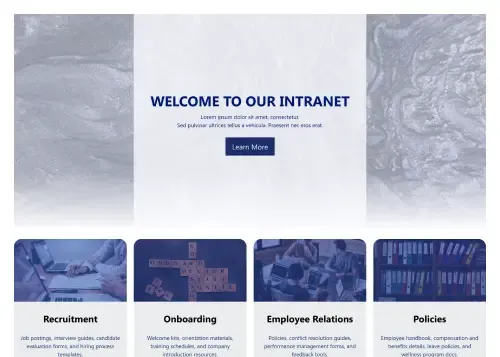
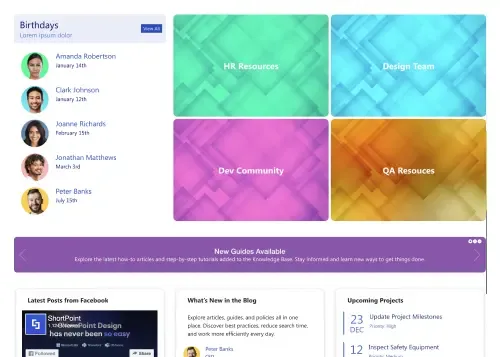
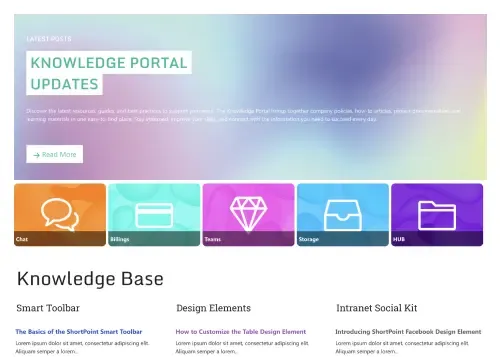
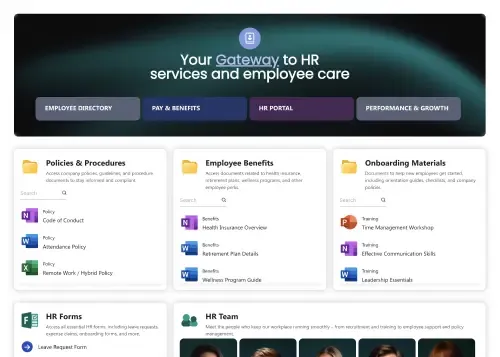
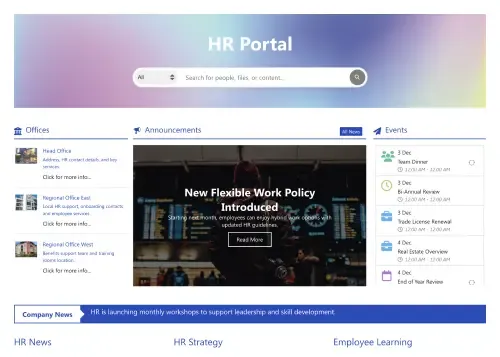
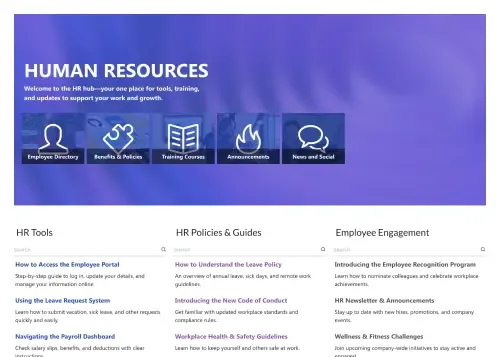
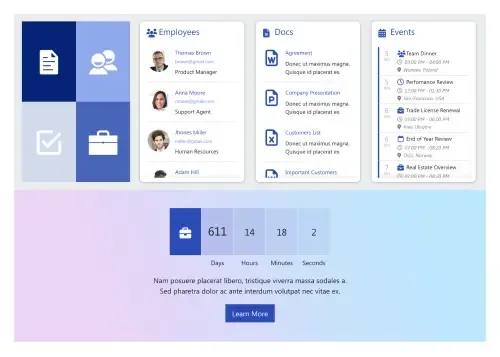
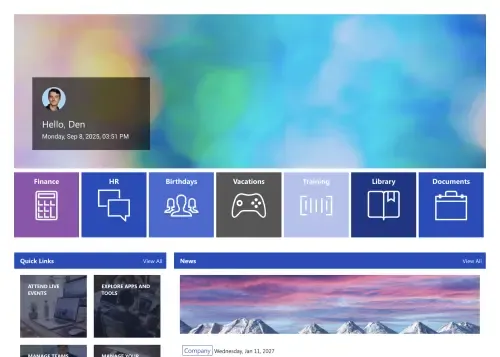
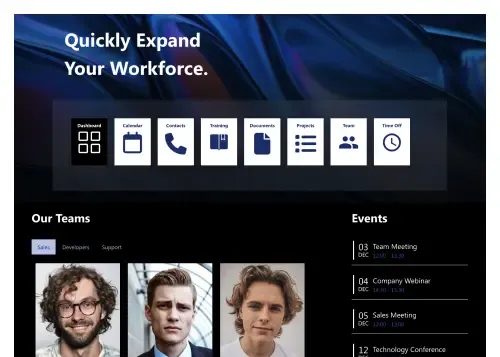
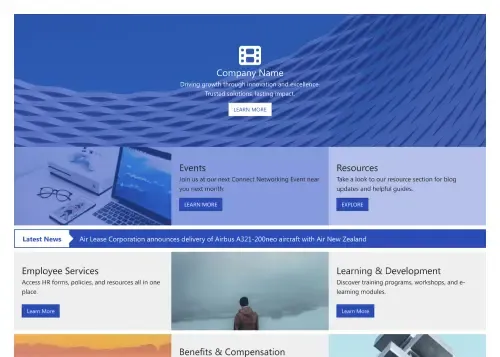
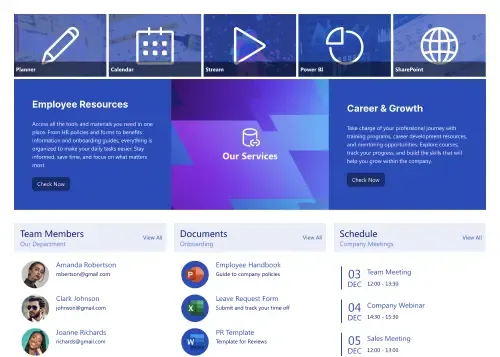
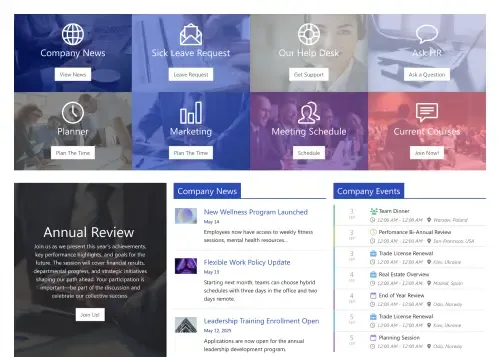
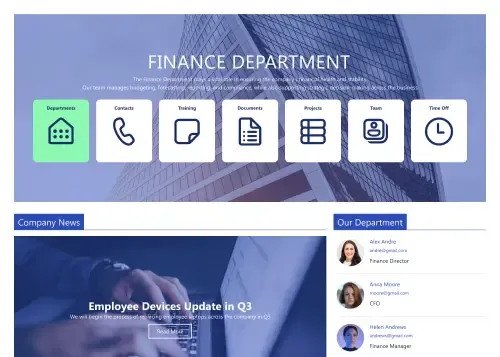
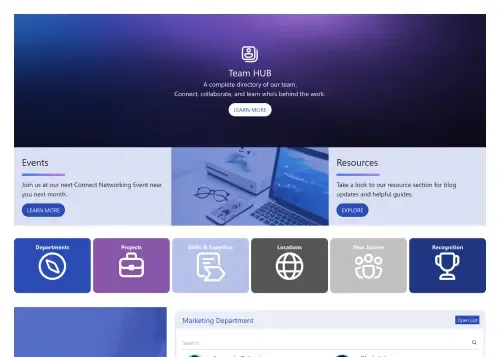
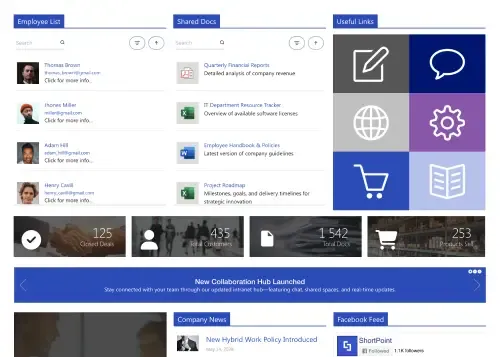
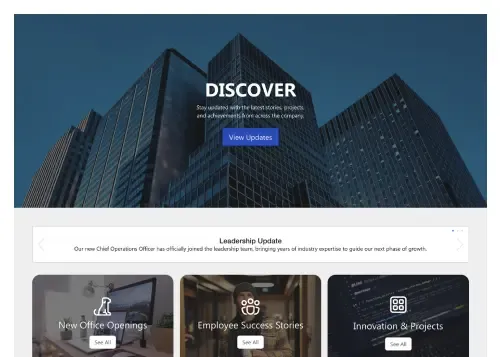
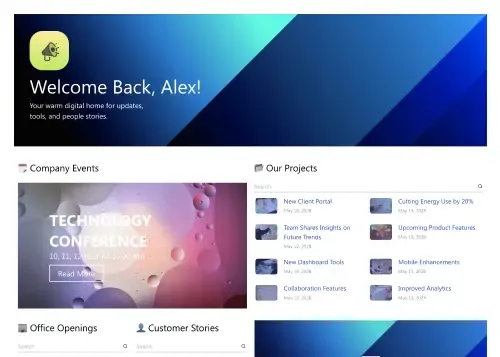
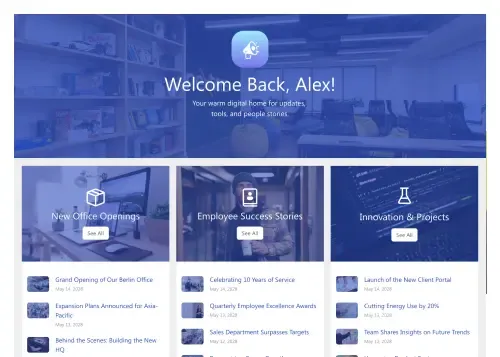
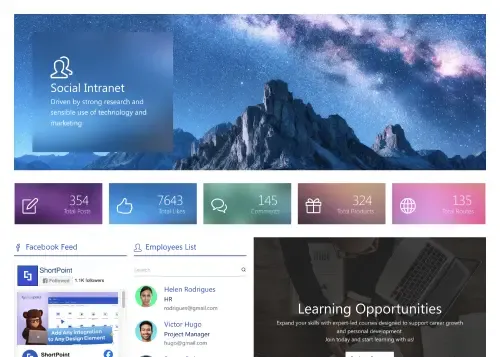
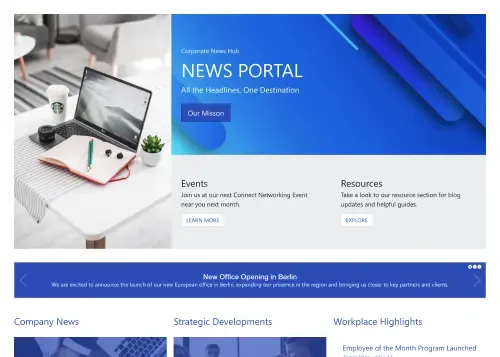
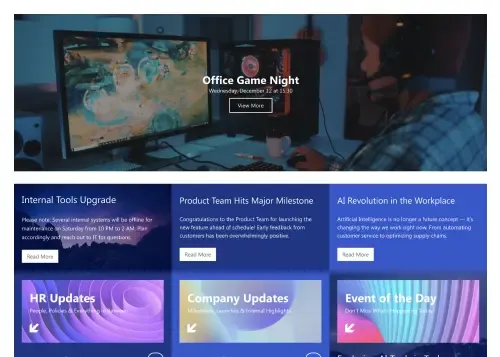
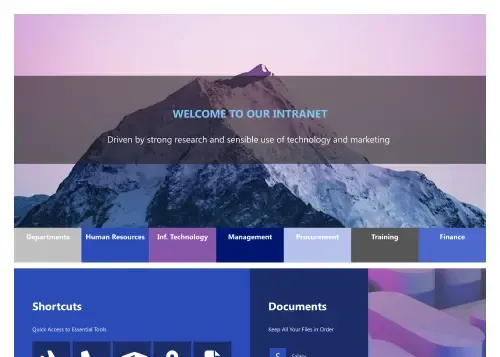
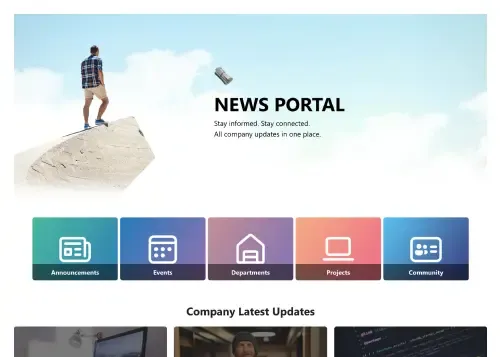
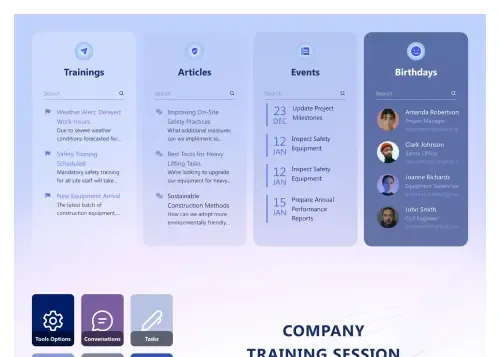
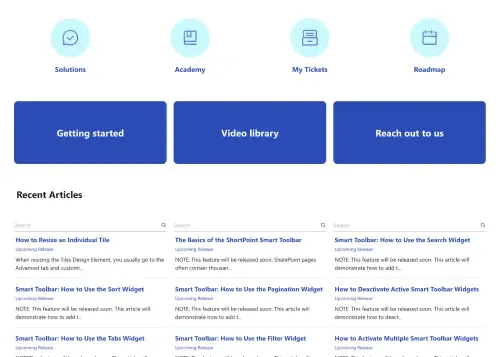
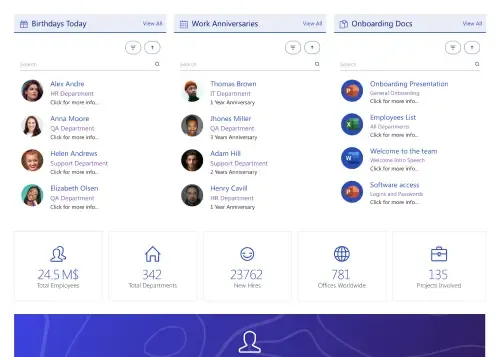
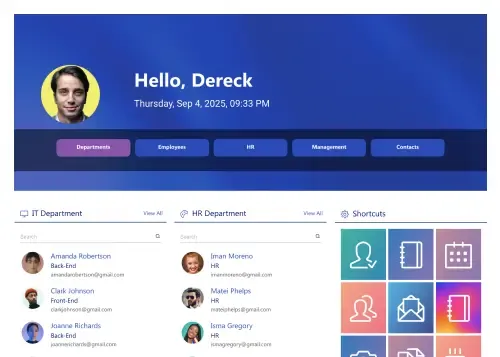
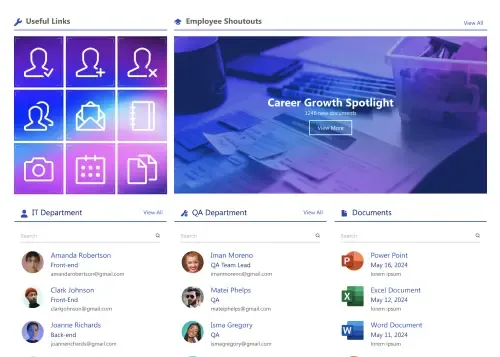
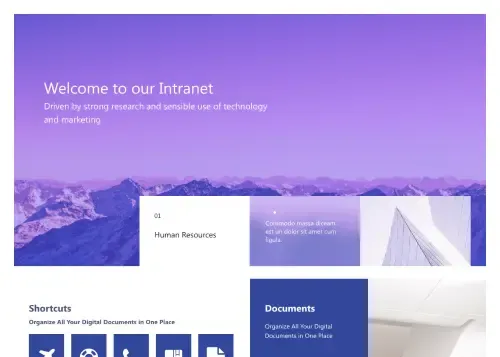
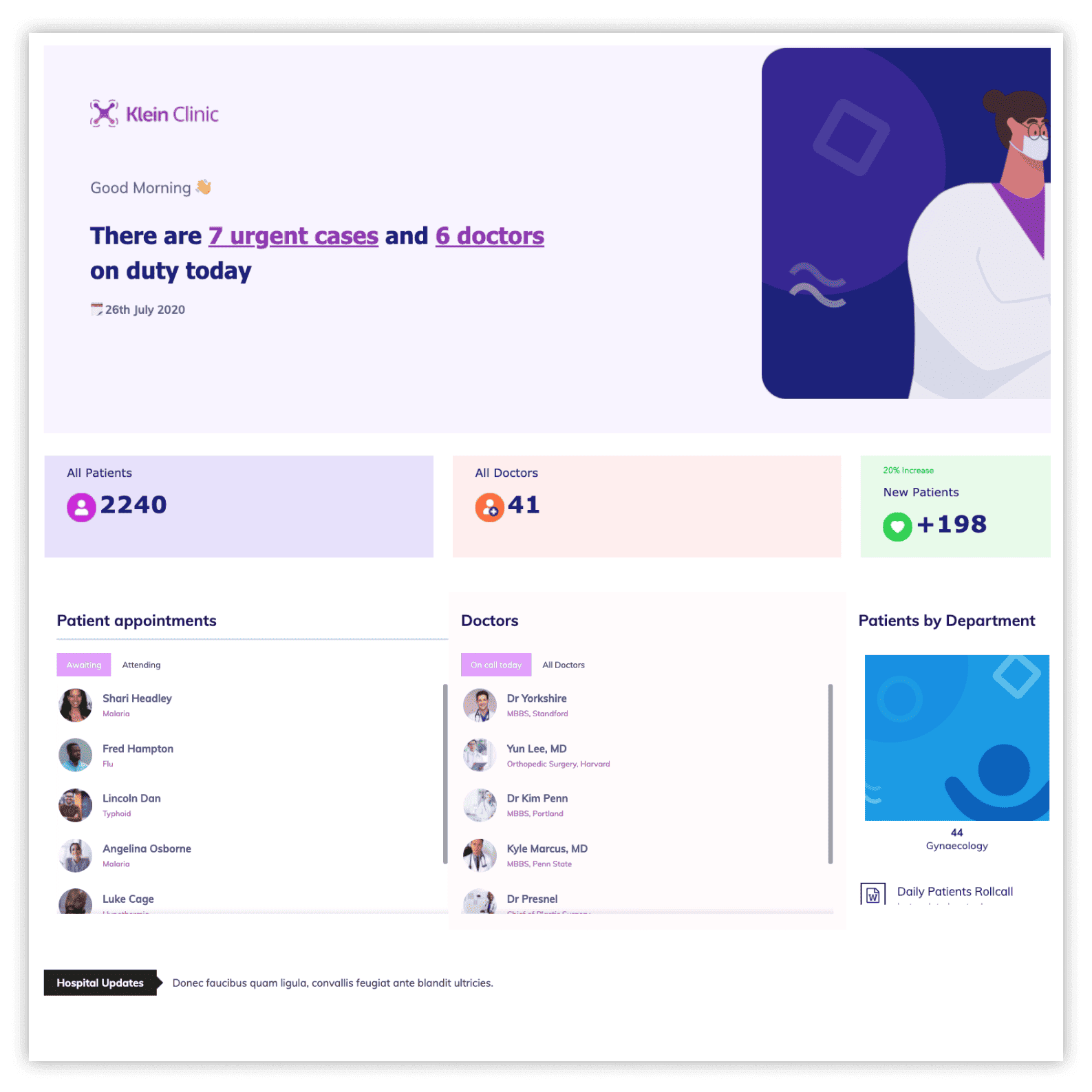
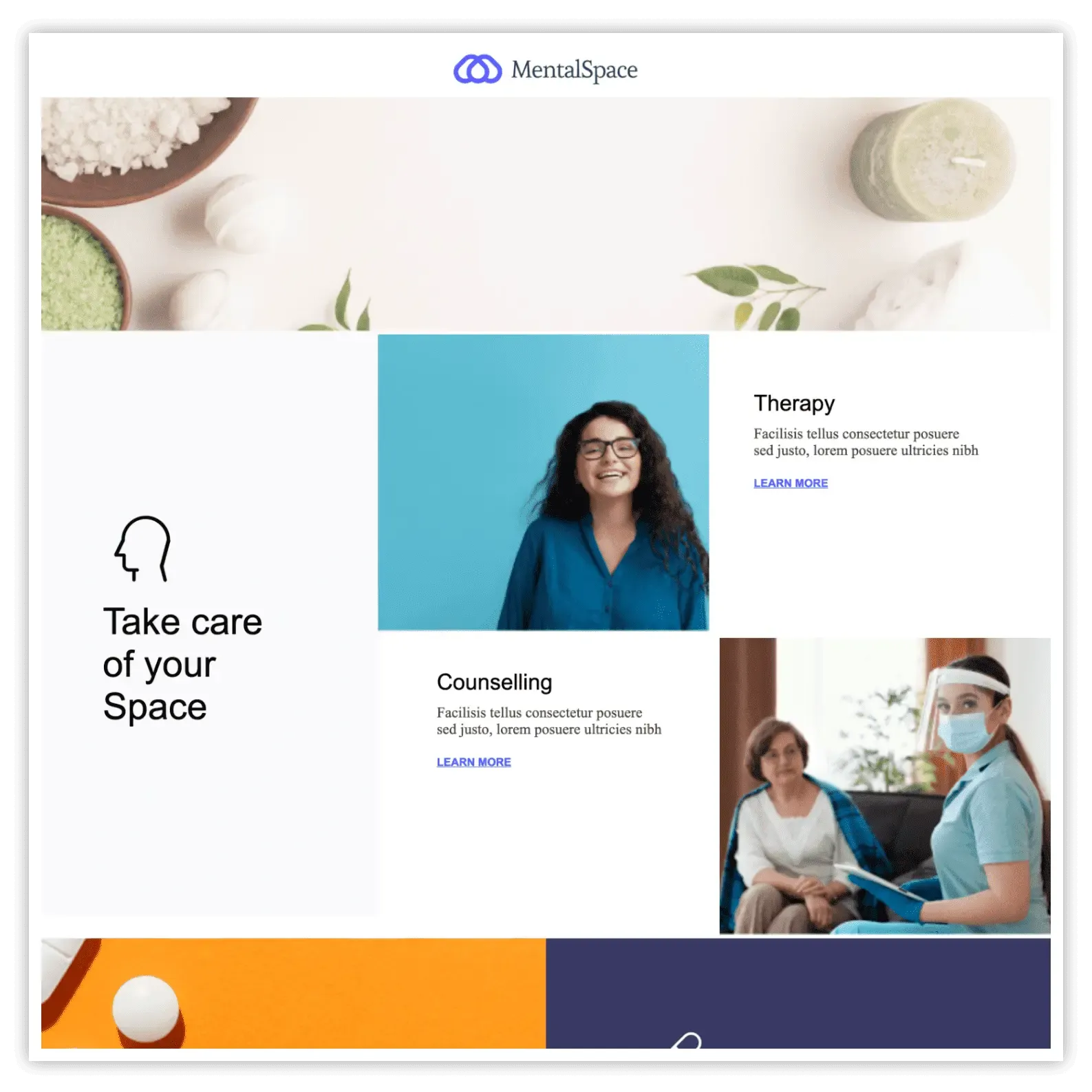
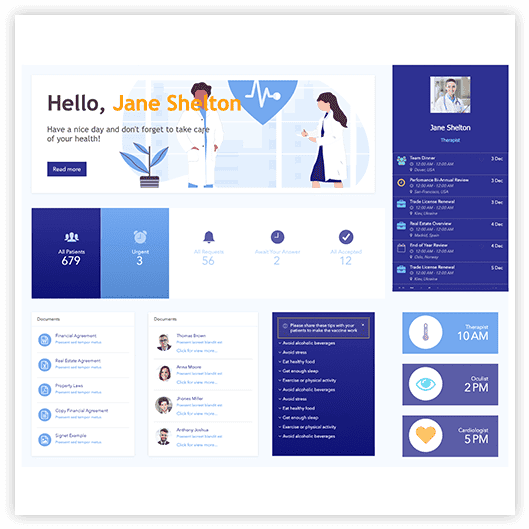
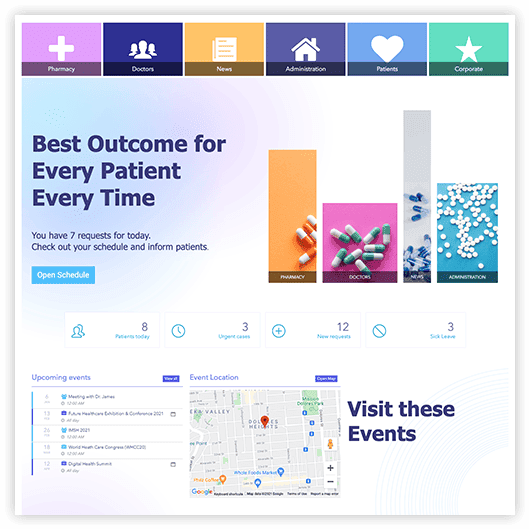
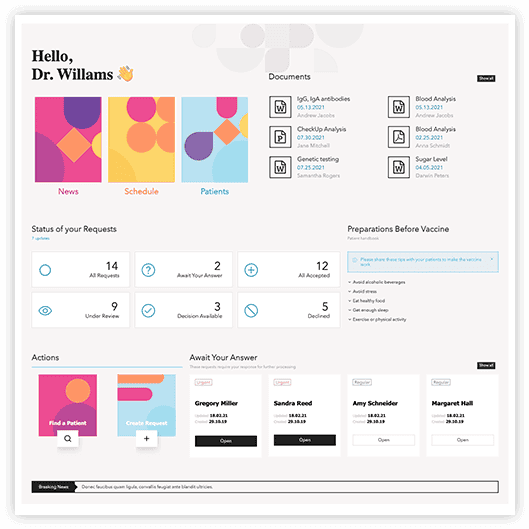
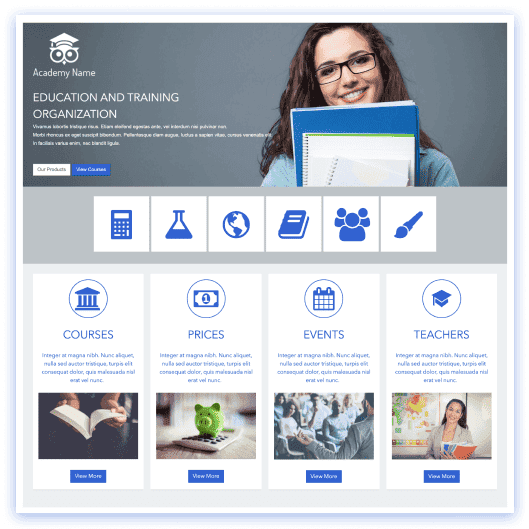
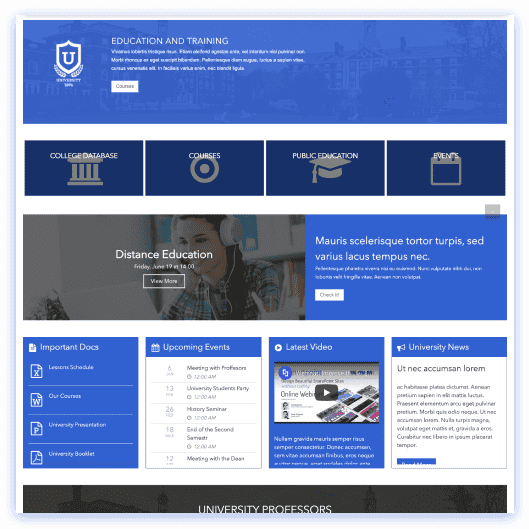
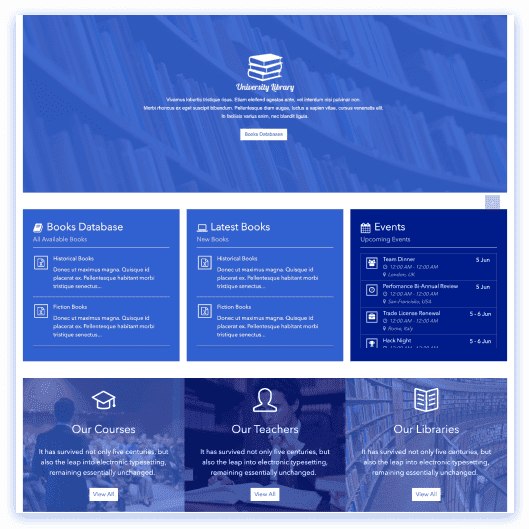
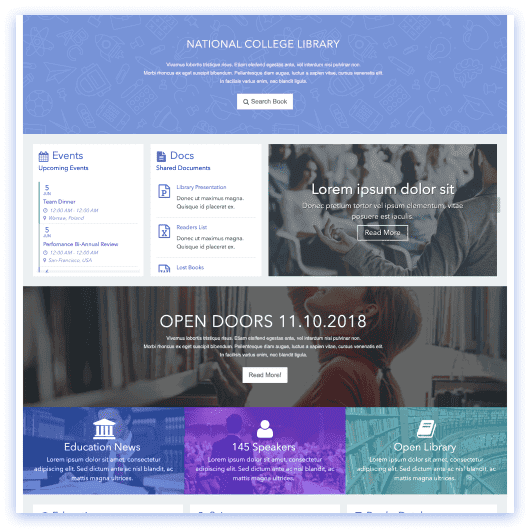
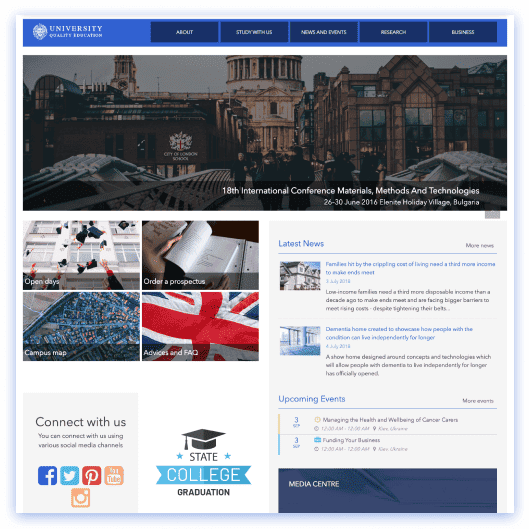
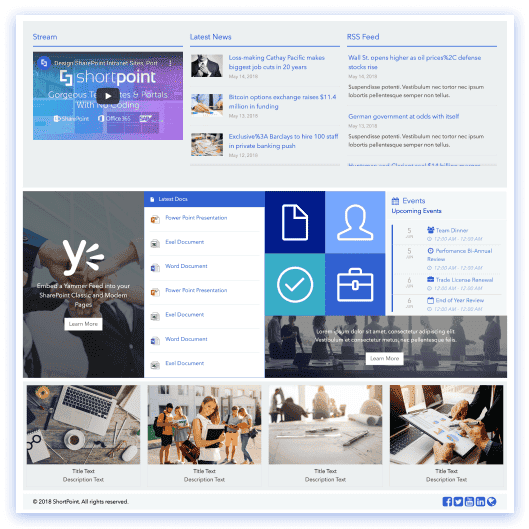
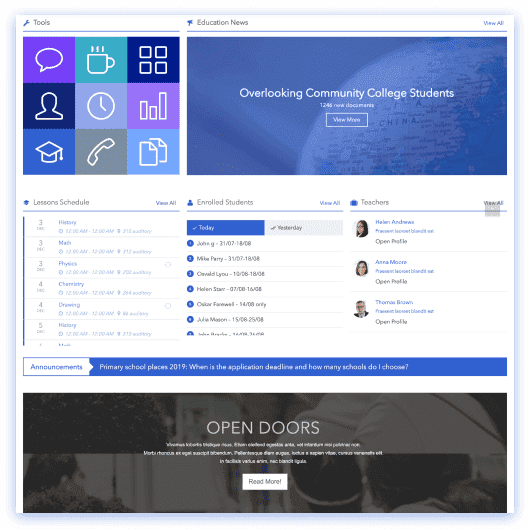
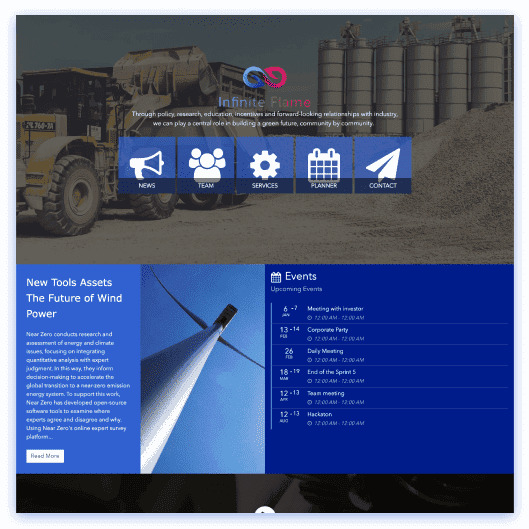
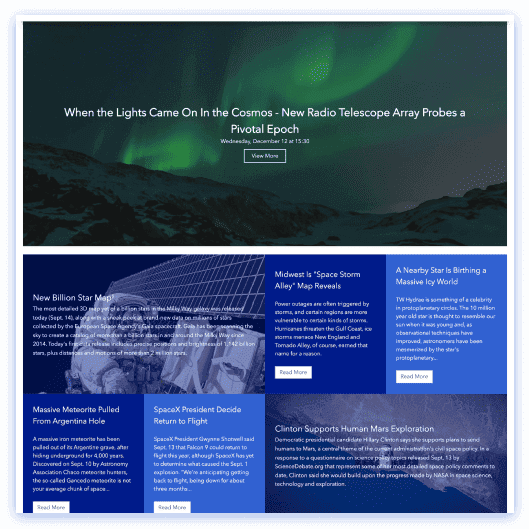
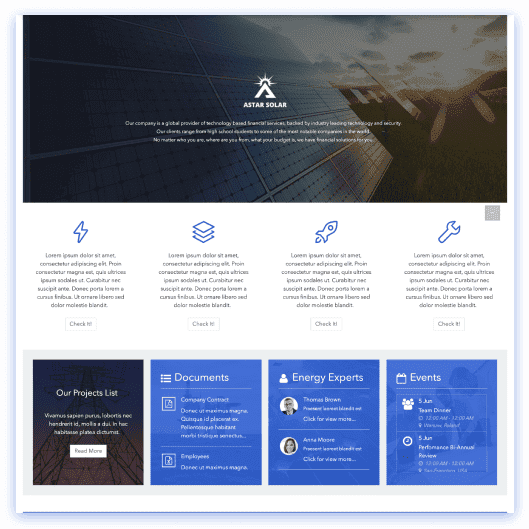
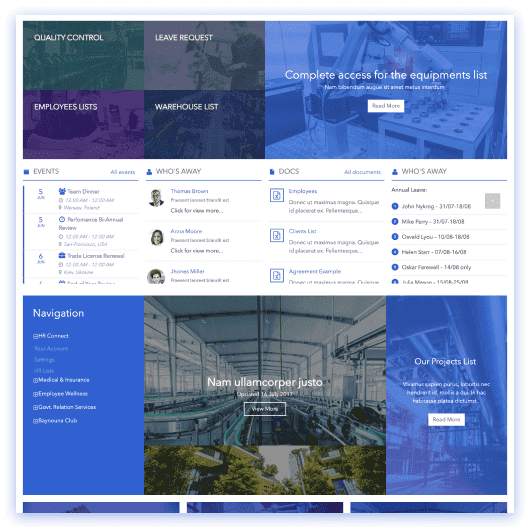
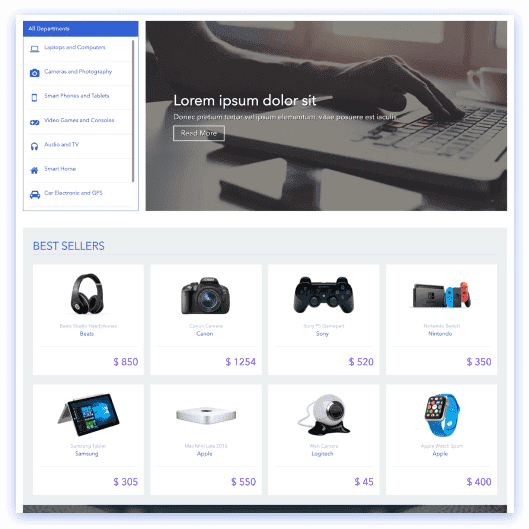
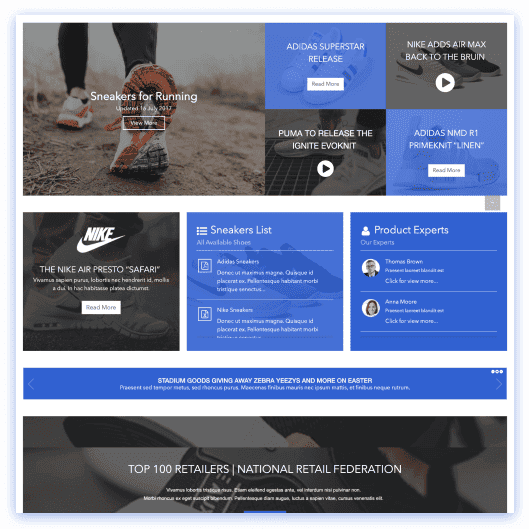
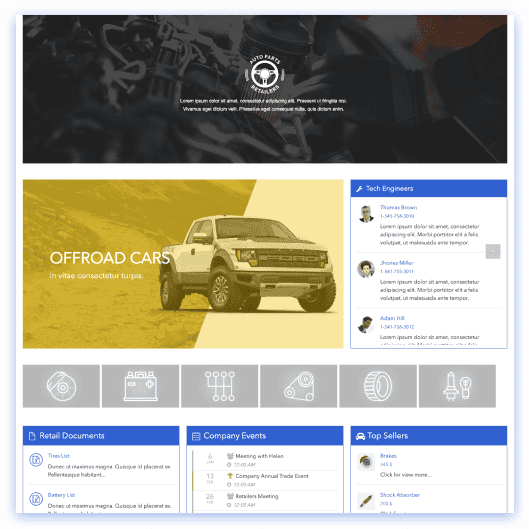
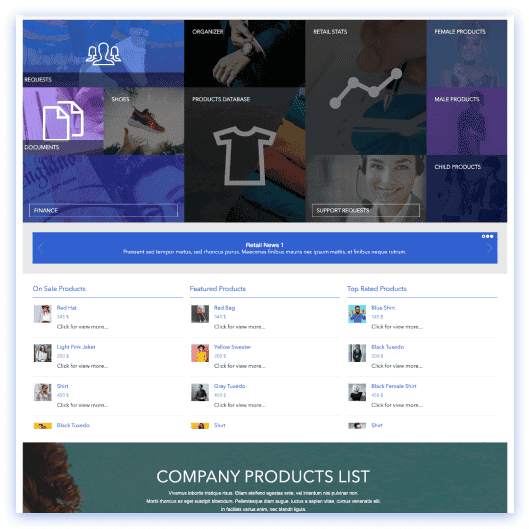
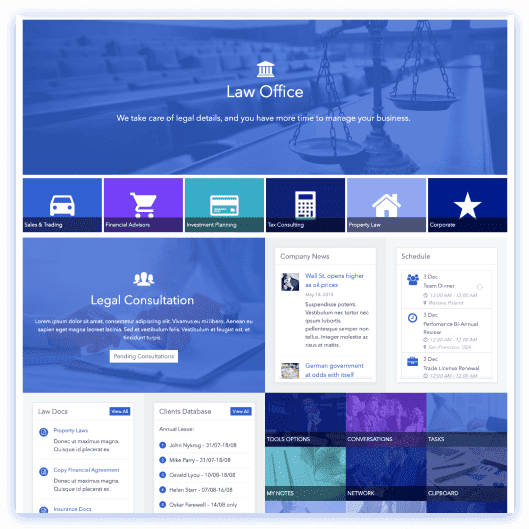
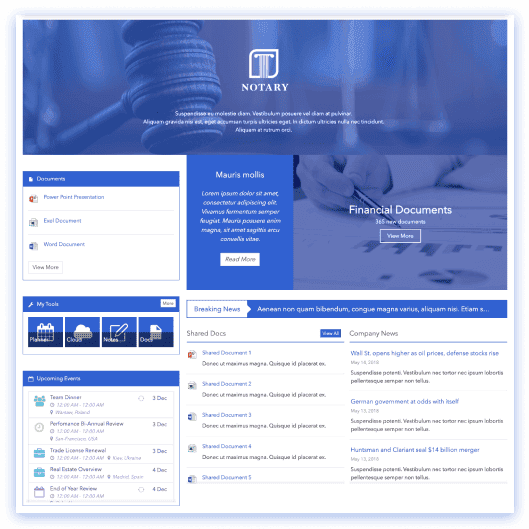
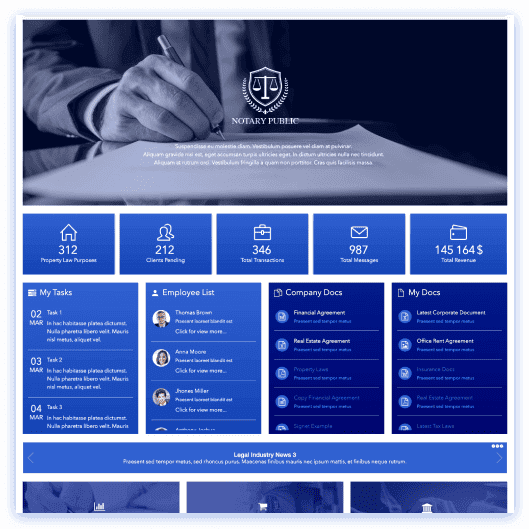
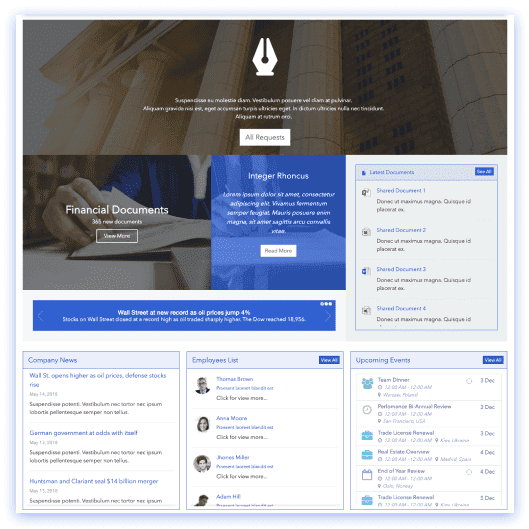
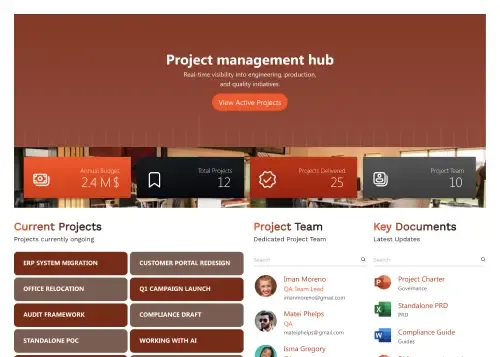
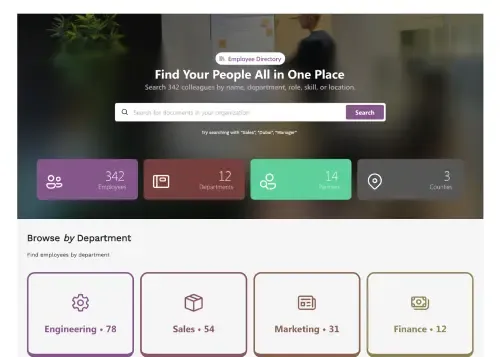
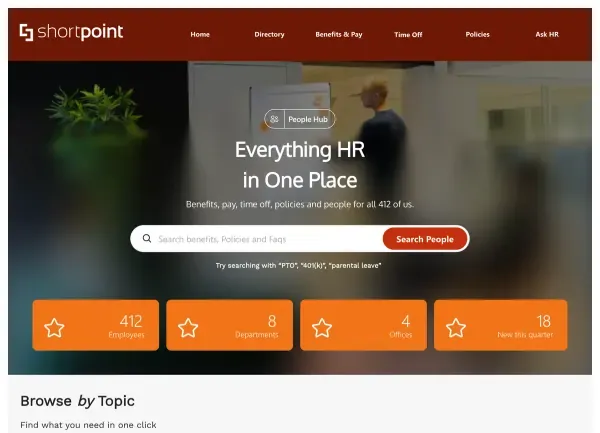
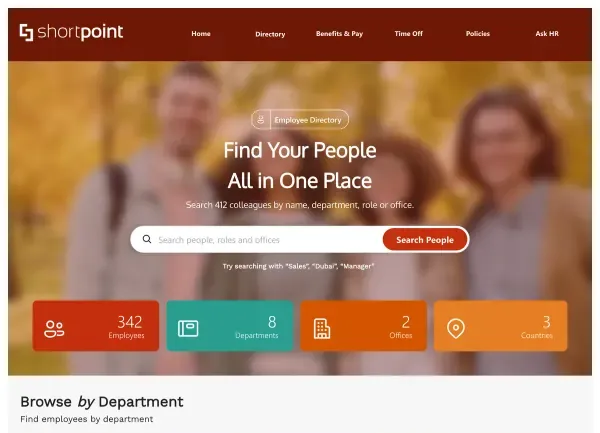
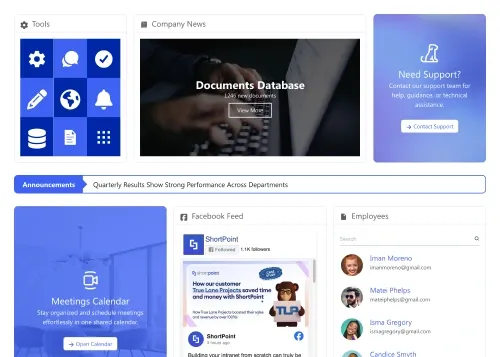
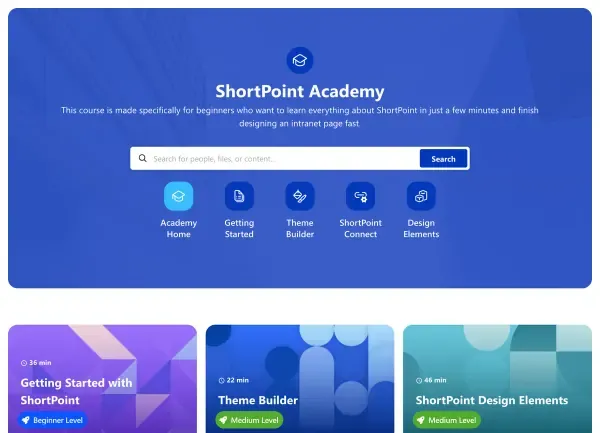
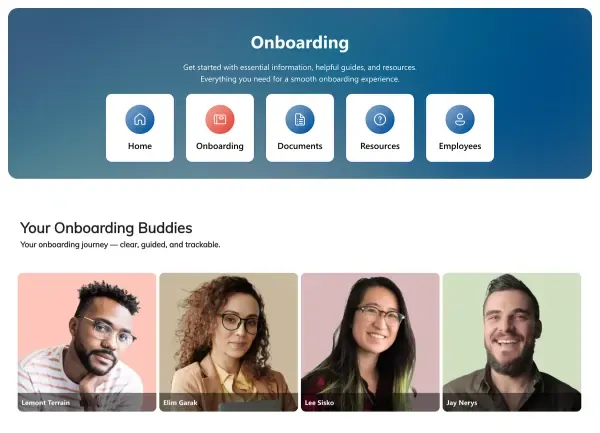
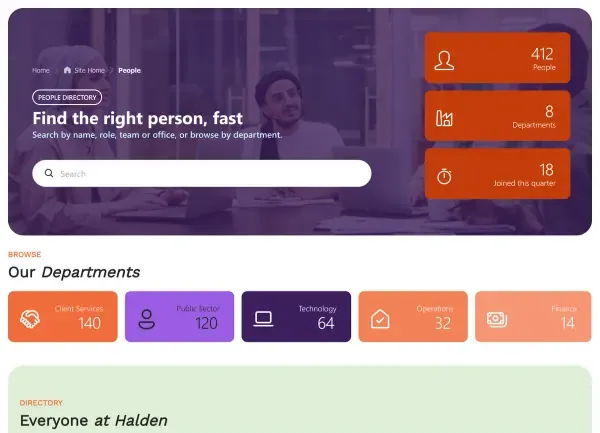
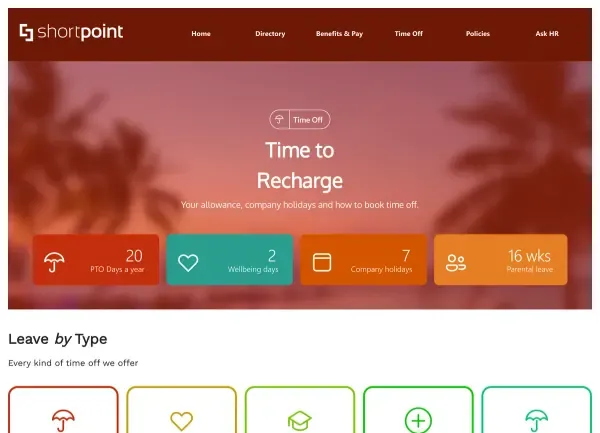
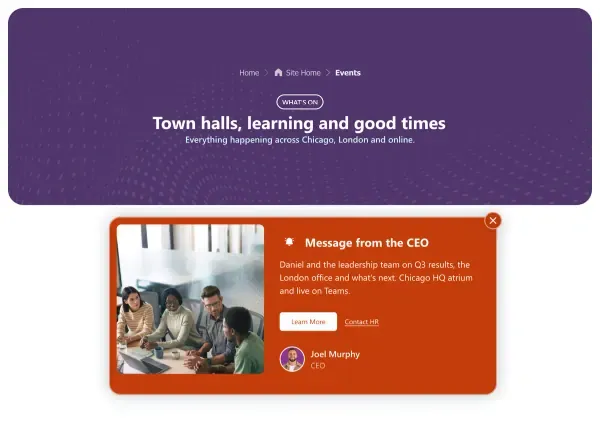
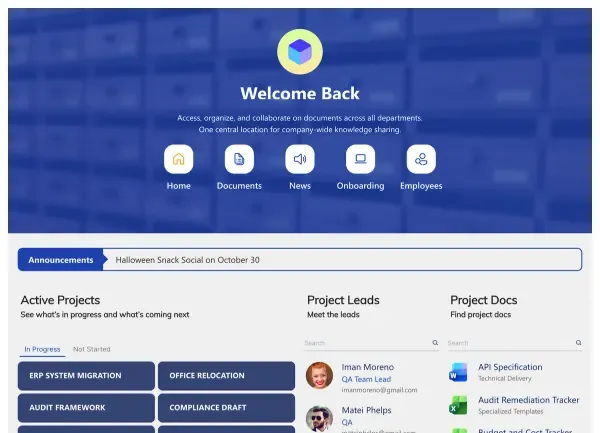
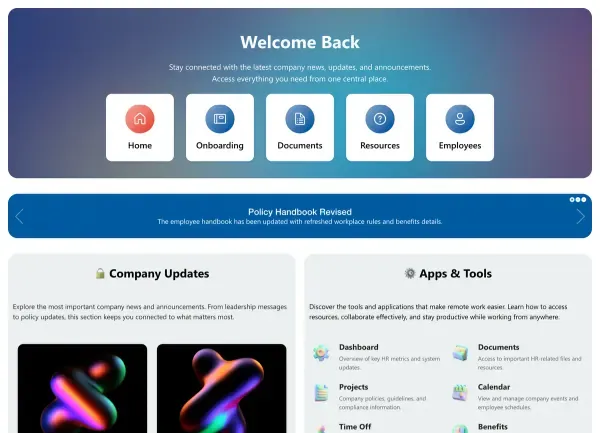
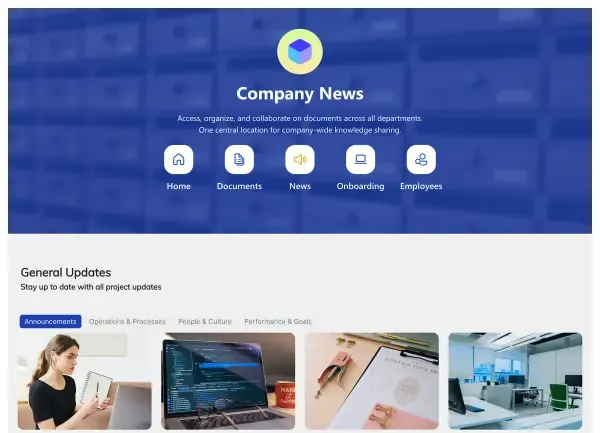
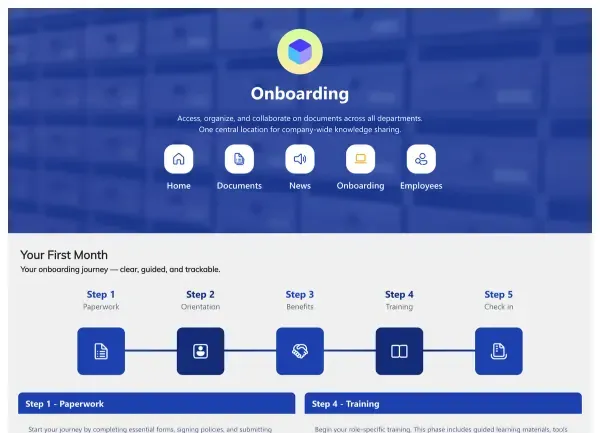
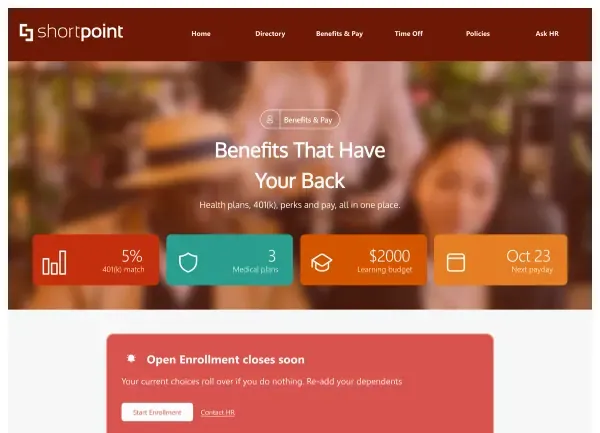
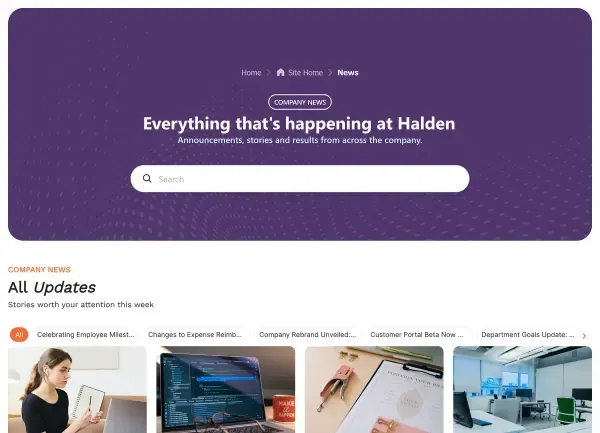
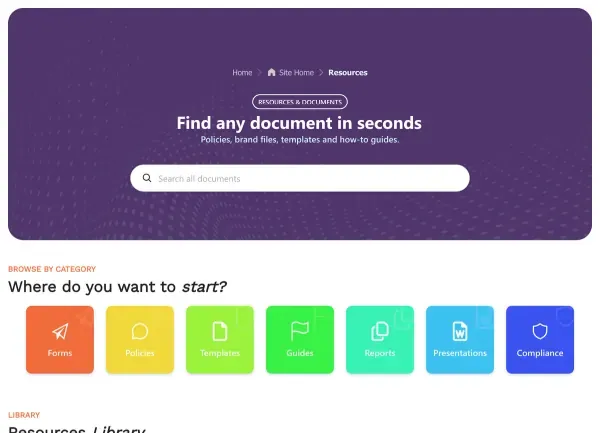
Showing 5 of 5 site templates
No templates match. Try another category or search.
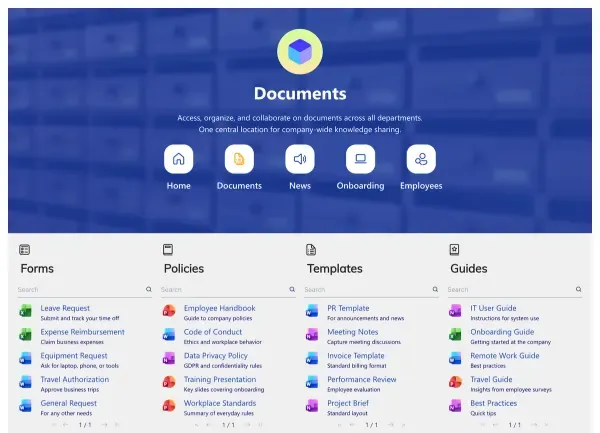
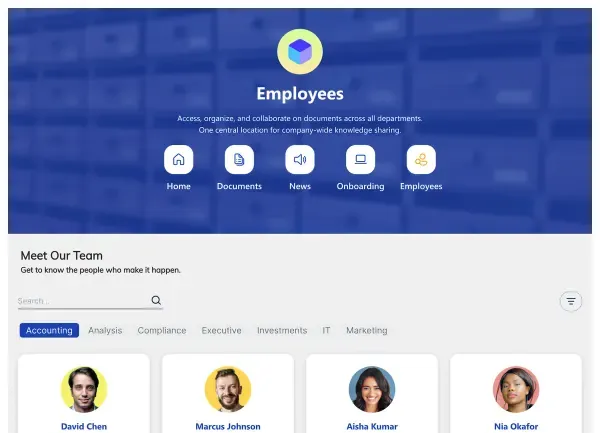
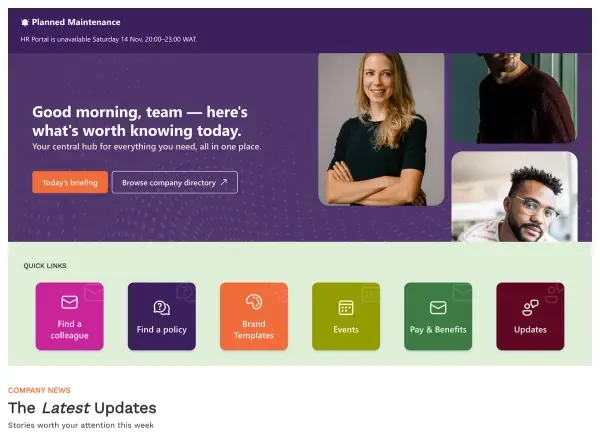
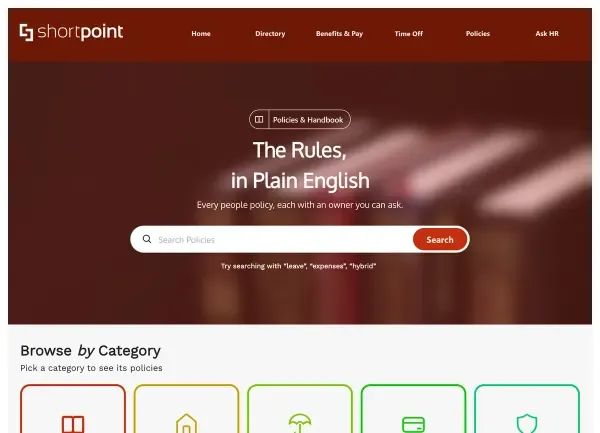
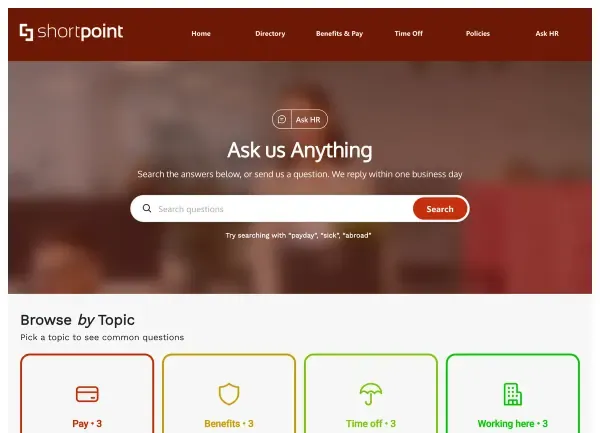
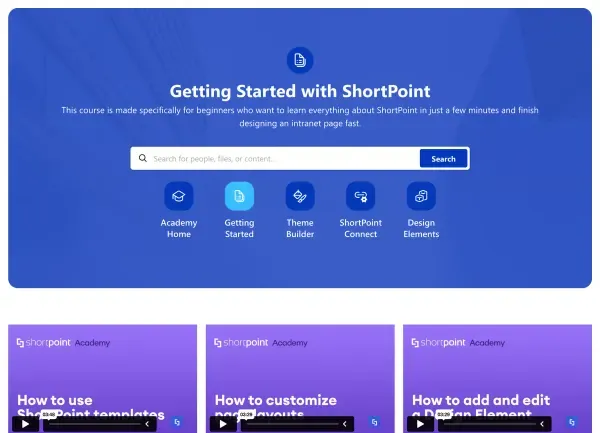
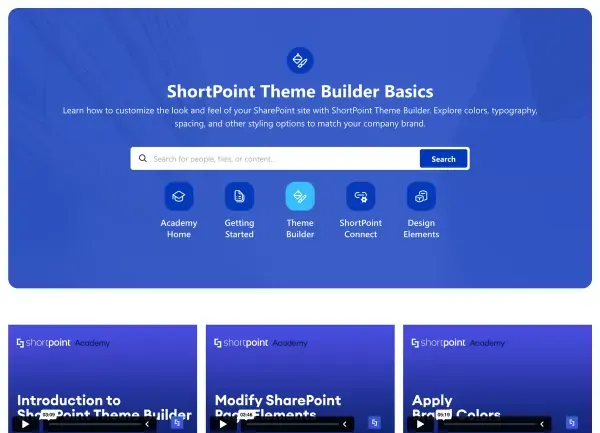
Section templates
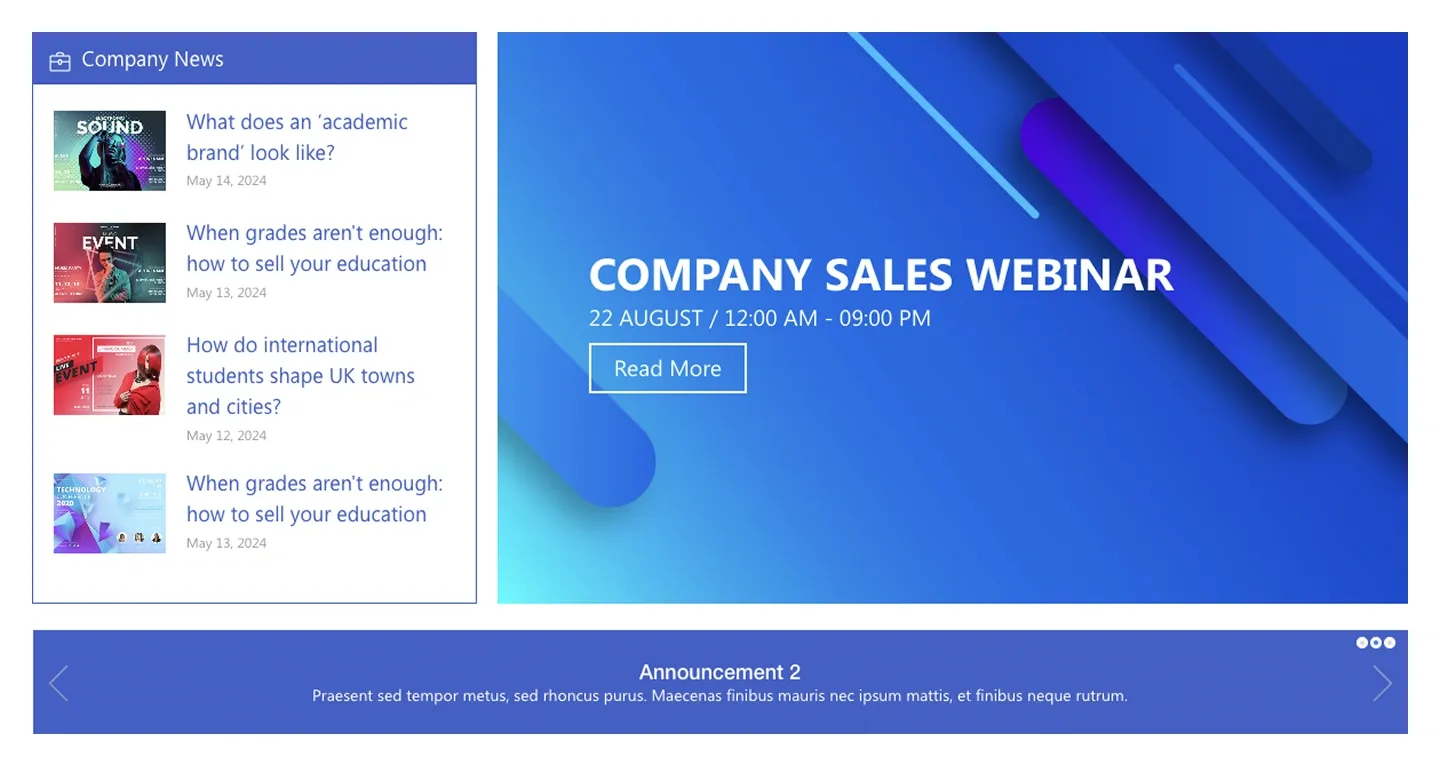
Single blocks you drop onto any page and combine.
“”.
Showing 14 of 156 sections
No section matches “” exactly — but AI Designer will build it for you.
Start the free trial and AI Designer turns that brief into a complete, on-brand section inside your own SharePoint — editable like any template.
Start trial and build it with AI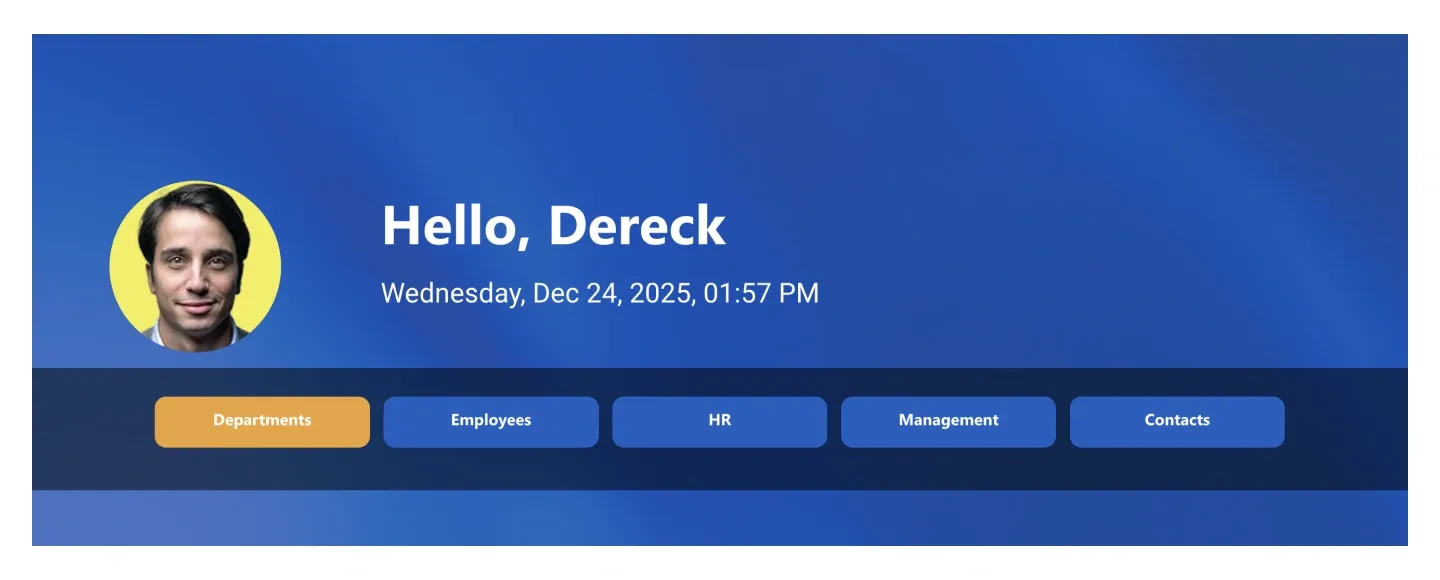
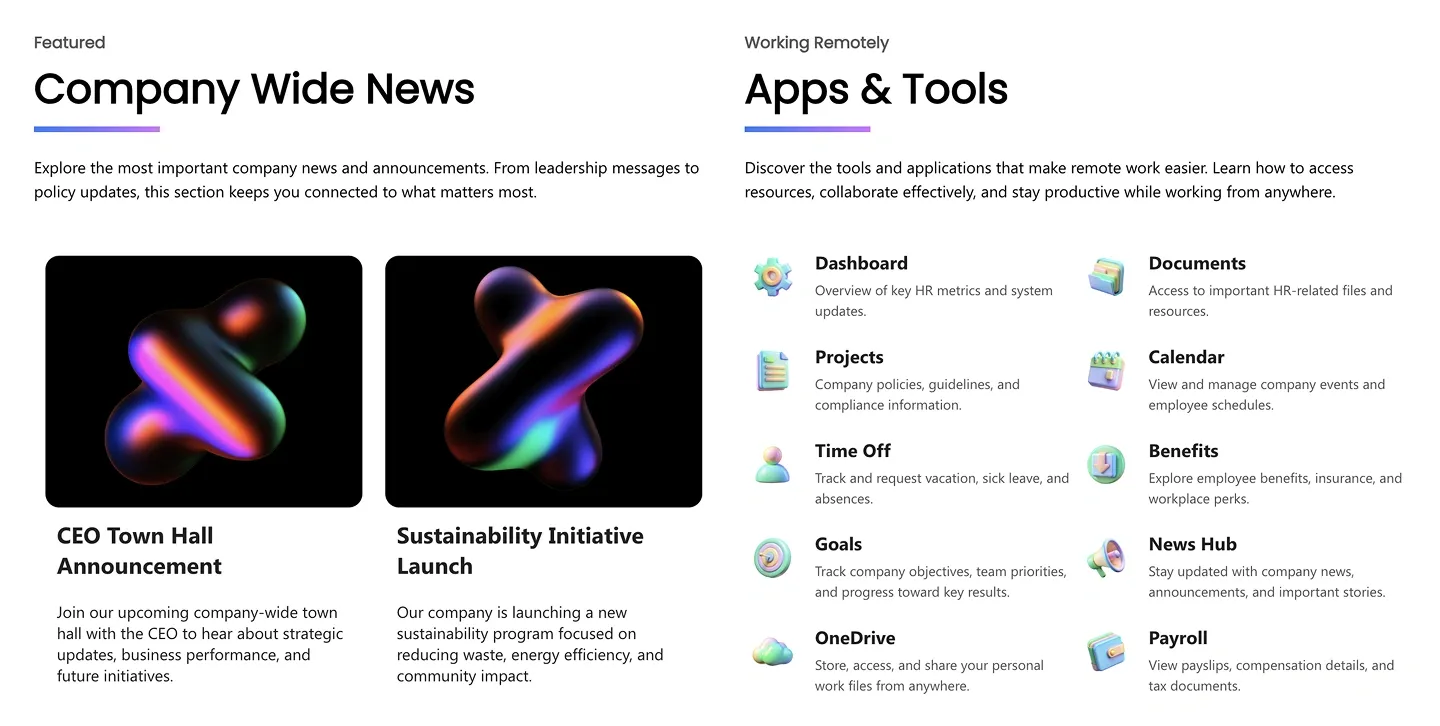
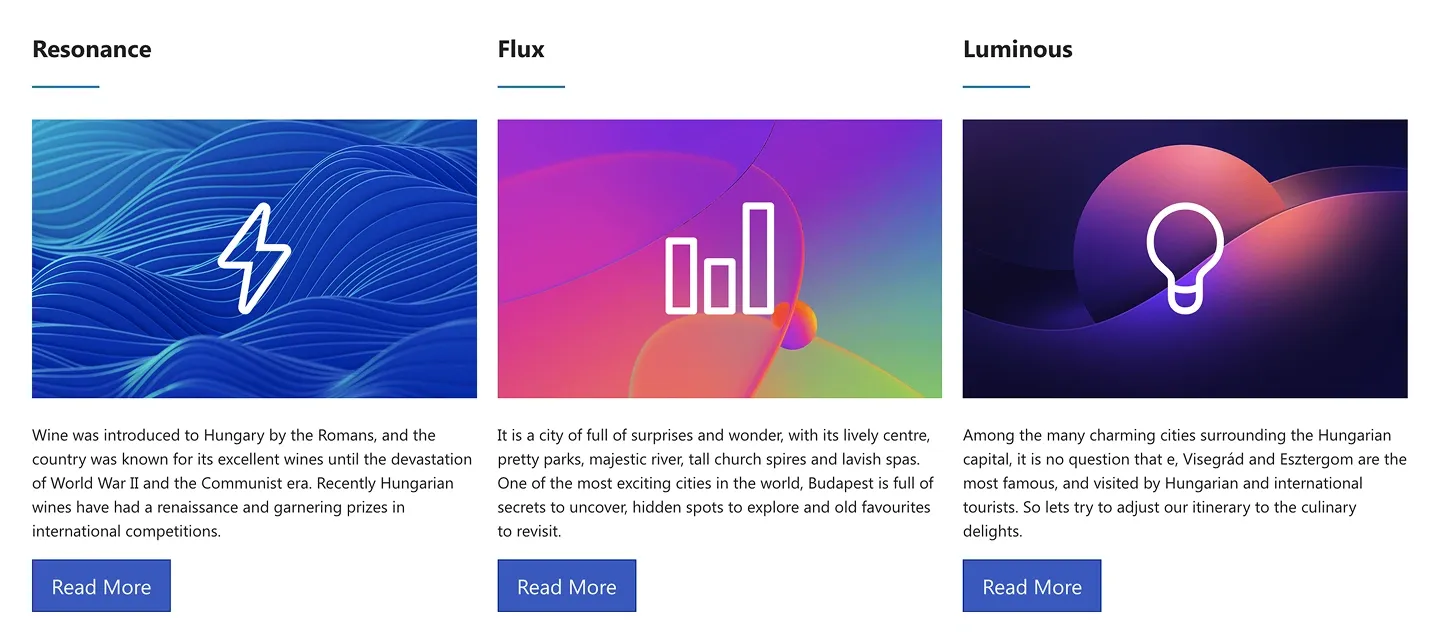
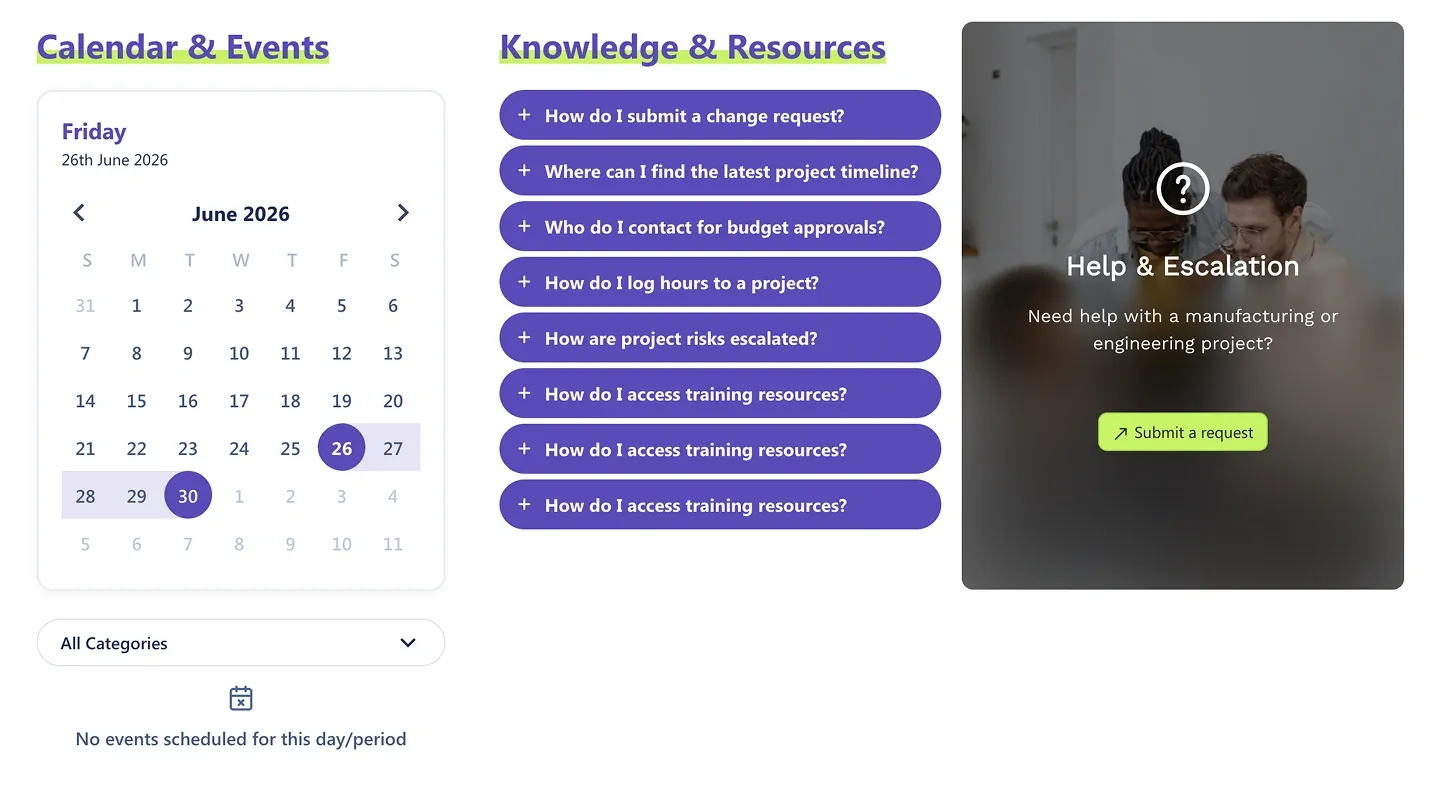
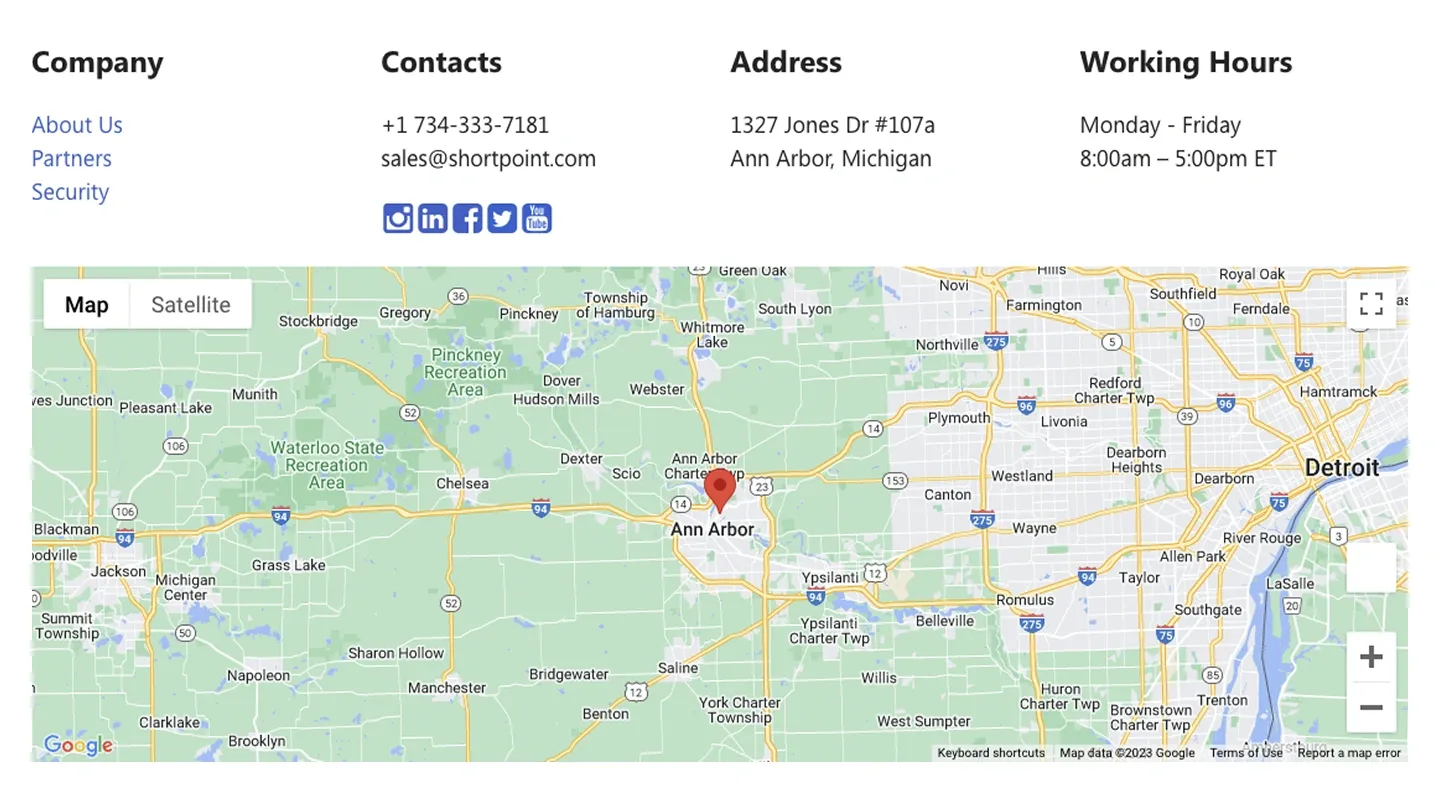
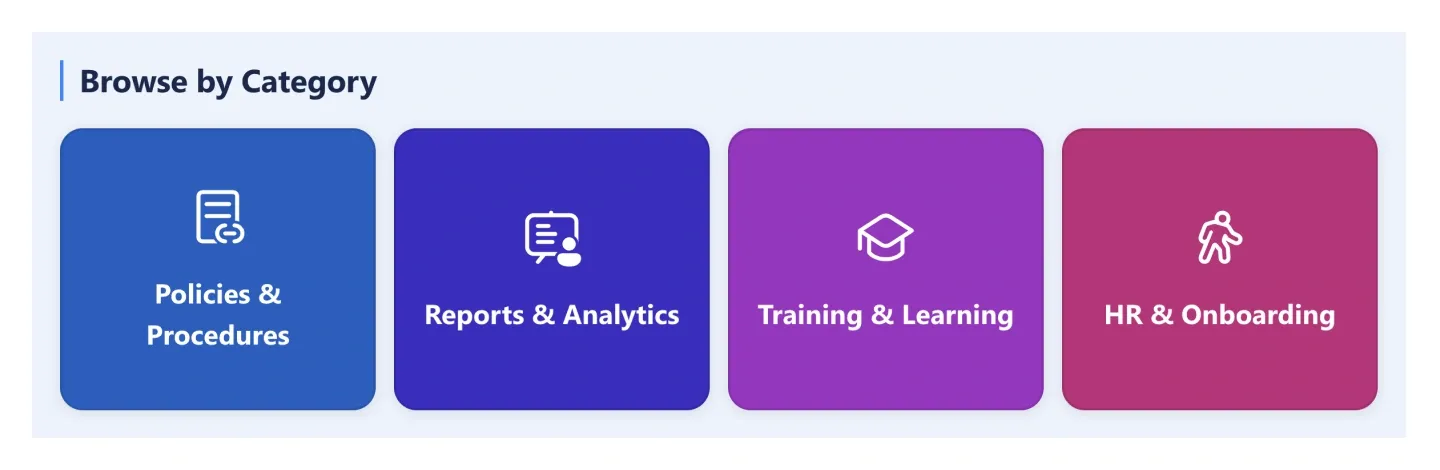
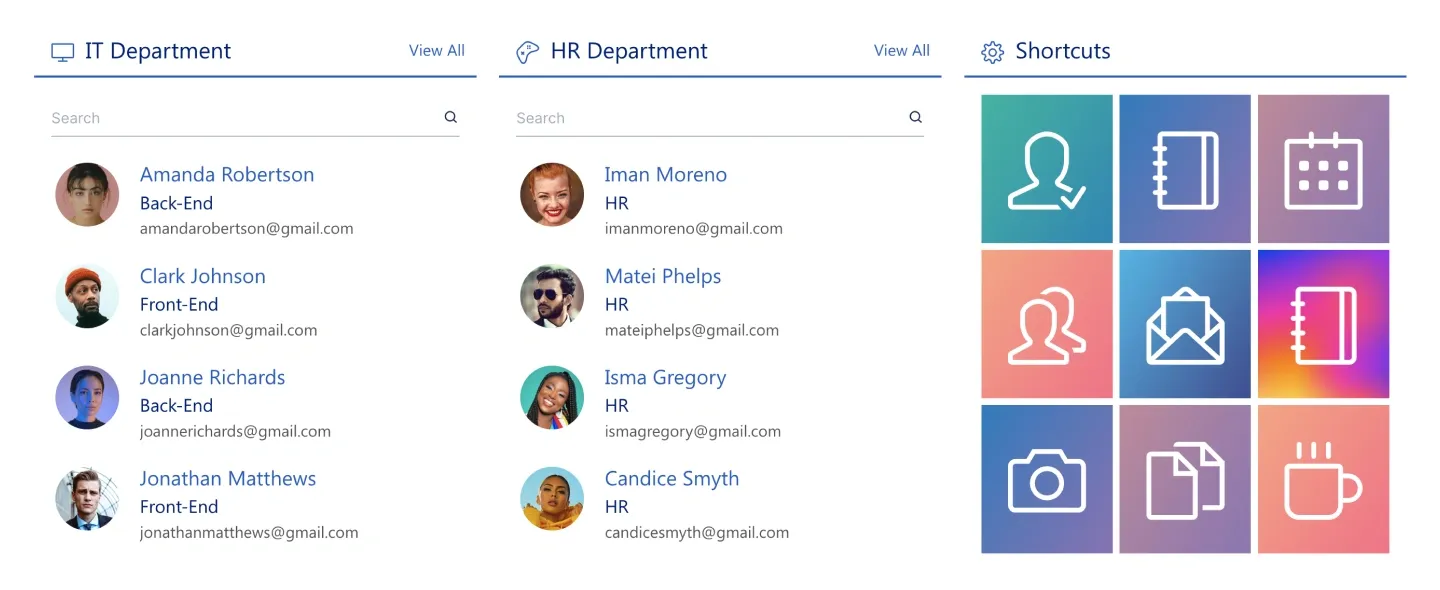
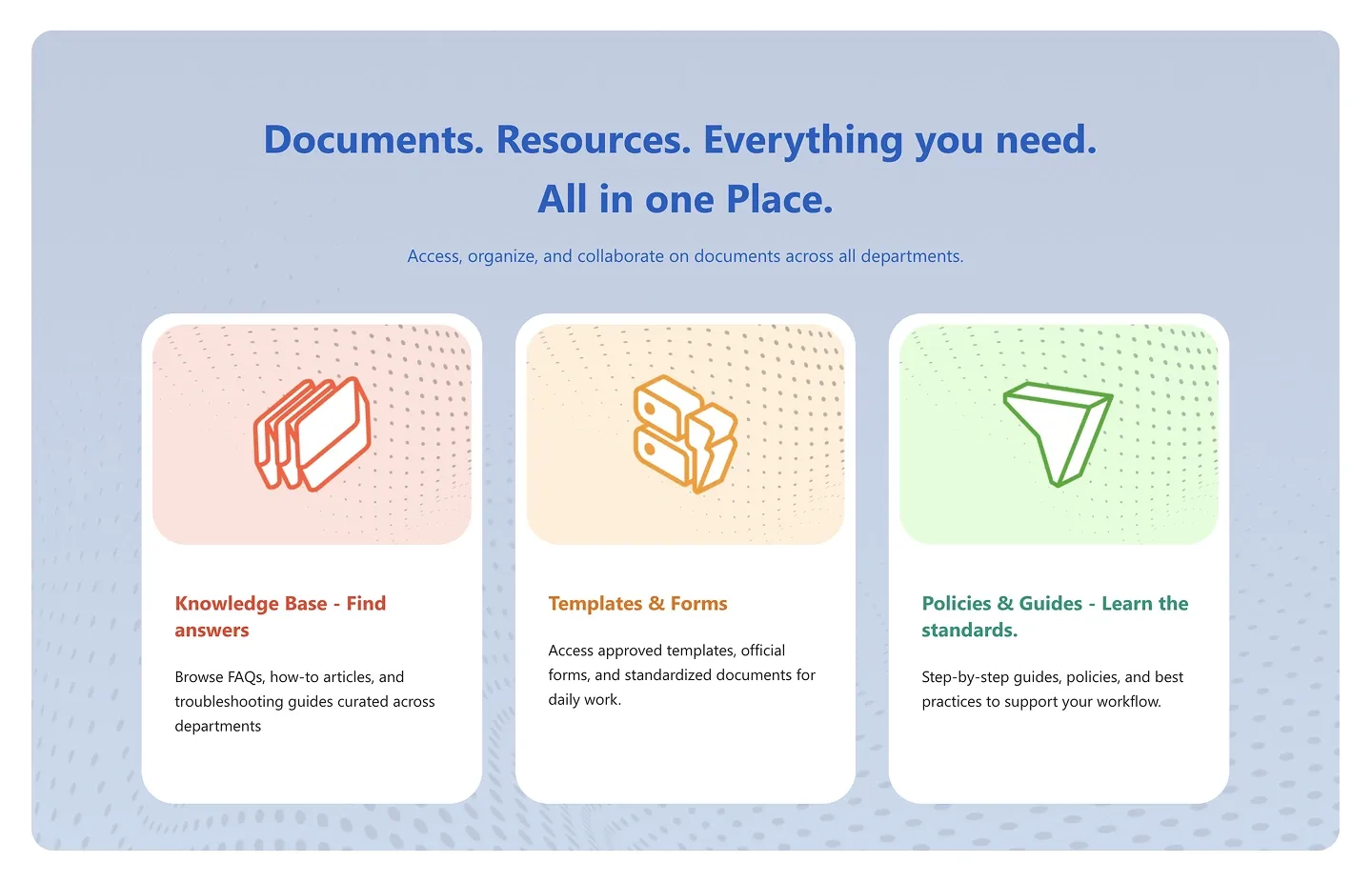
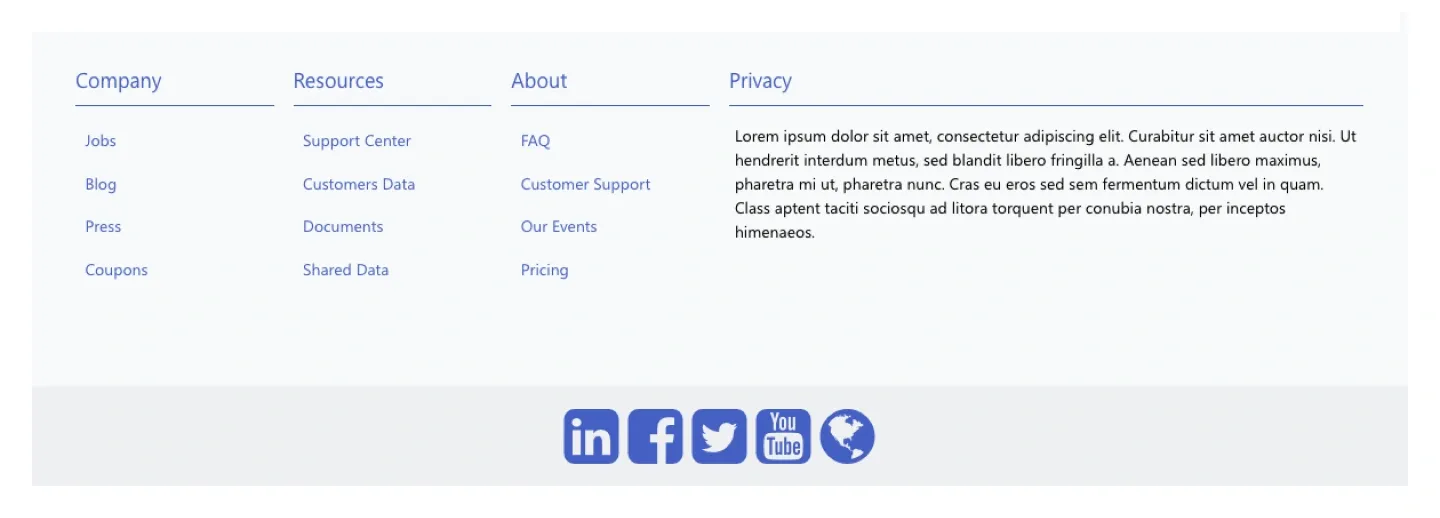
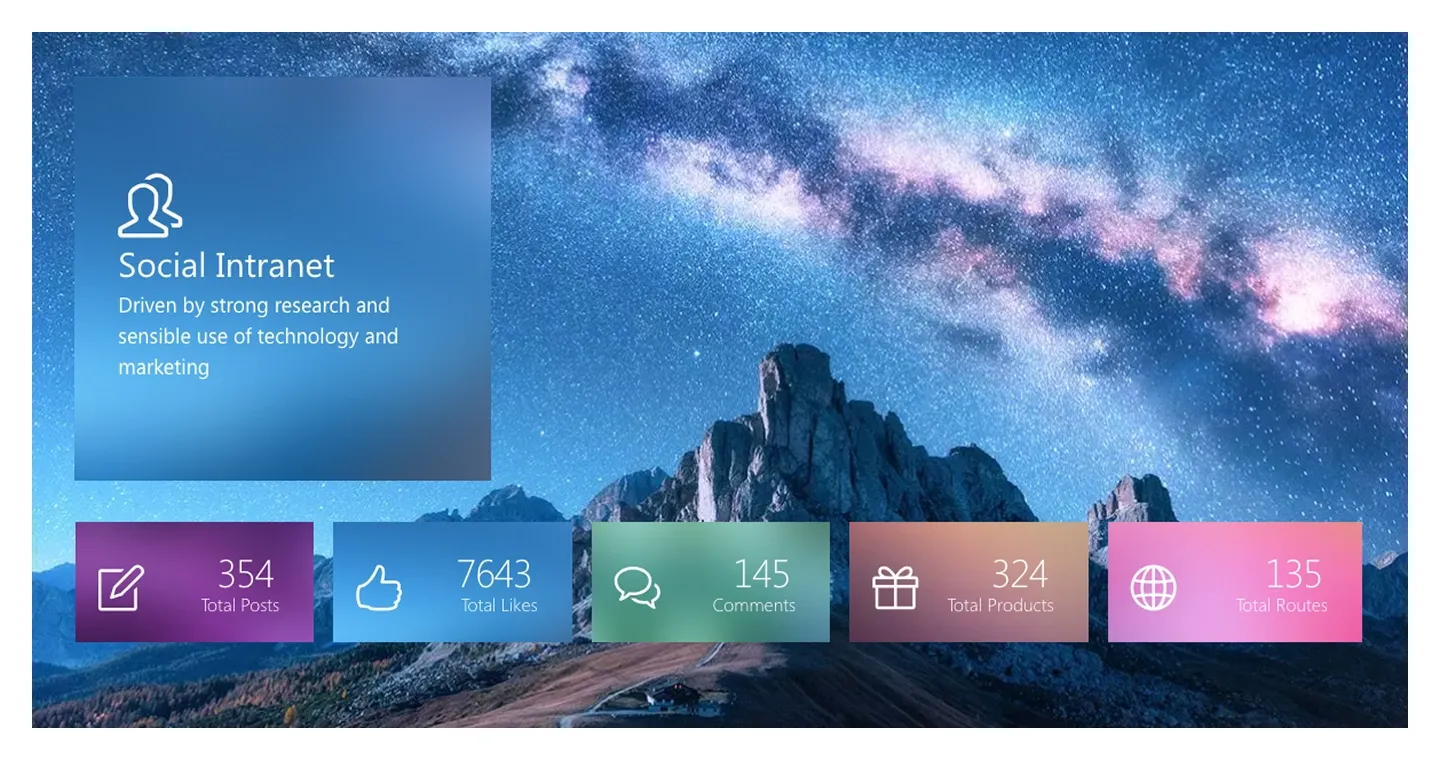
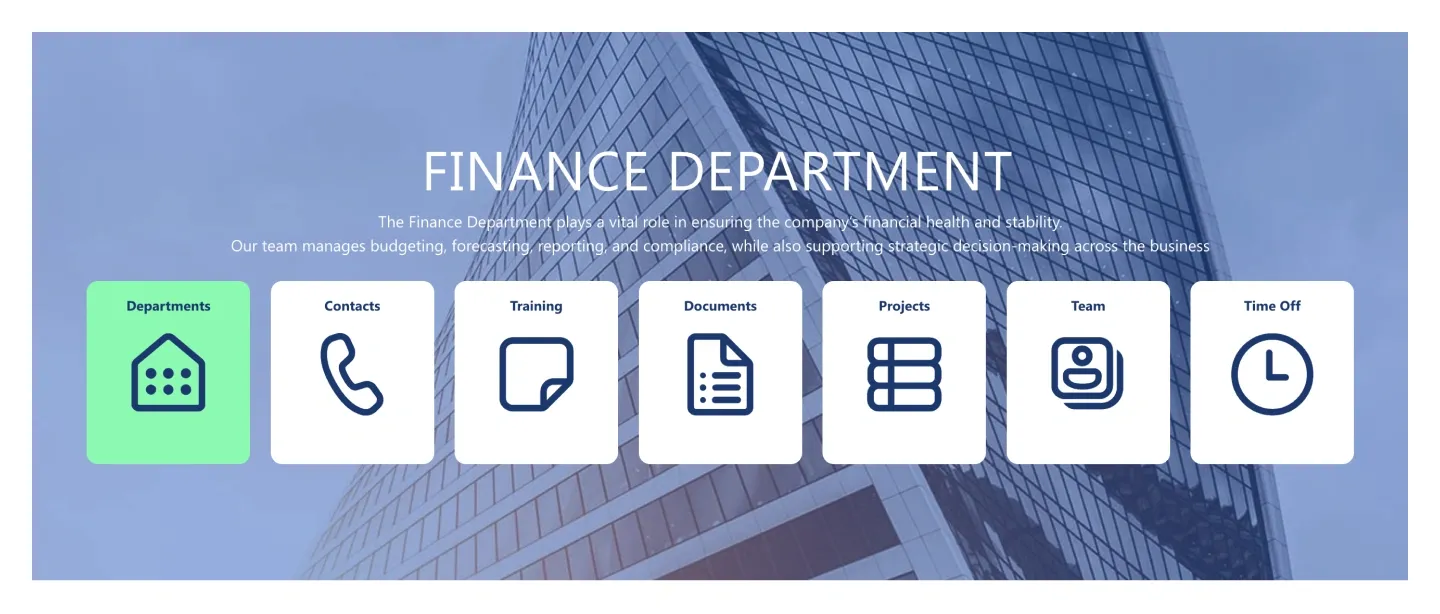
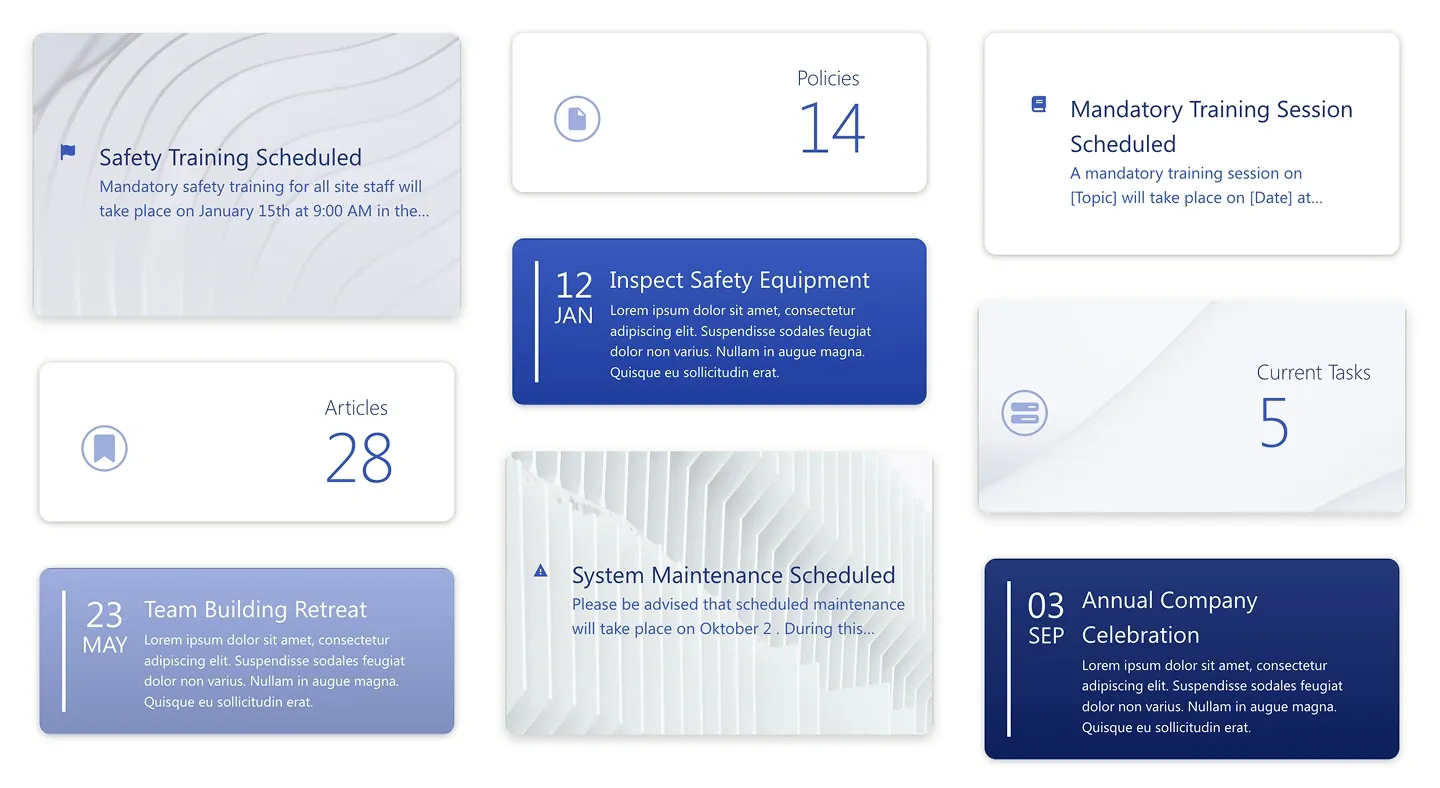
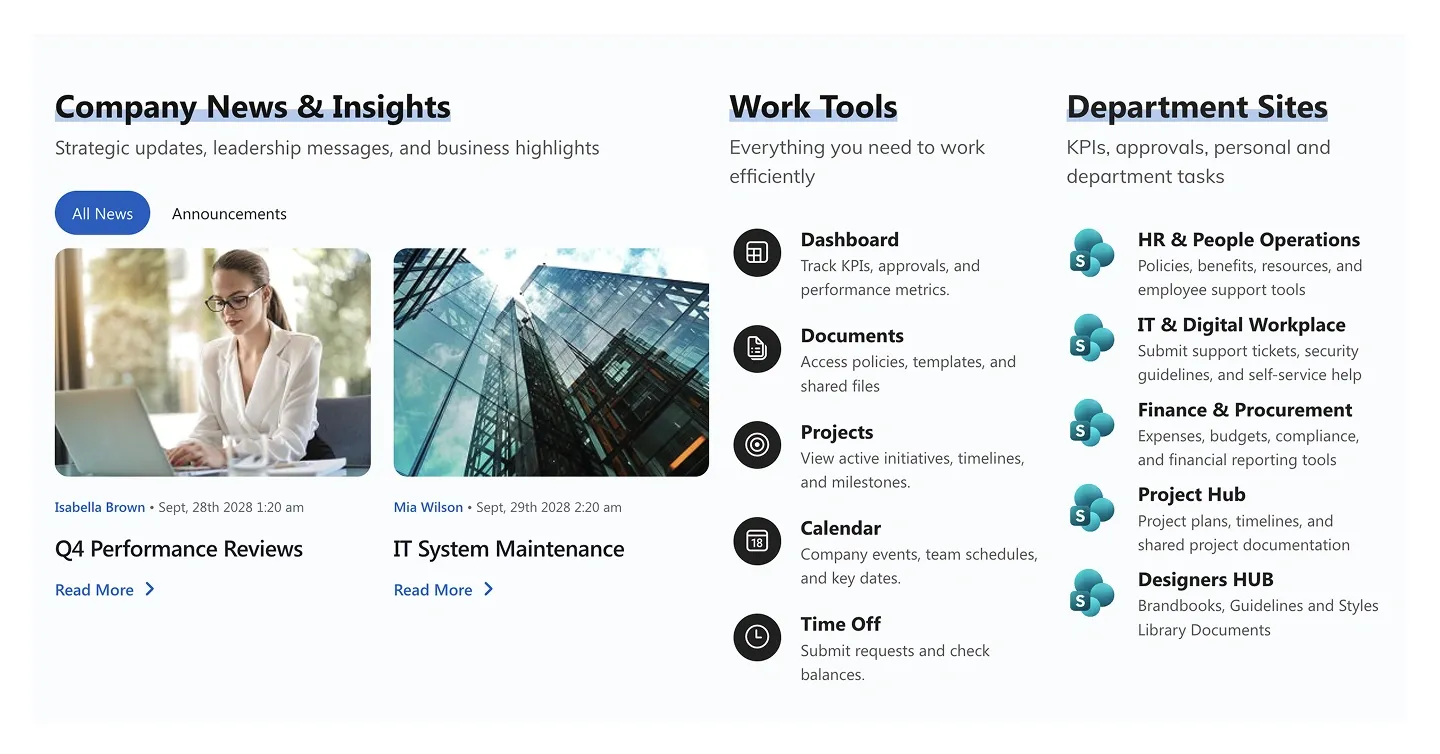
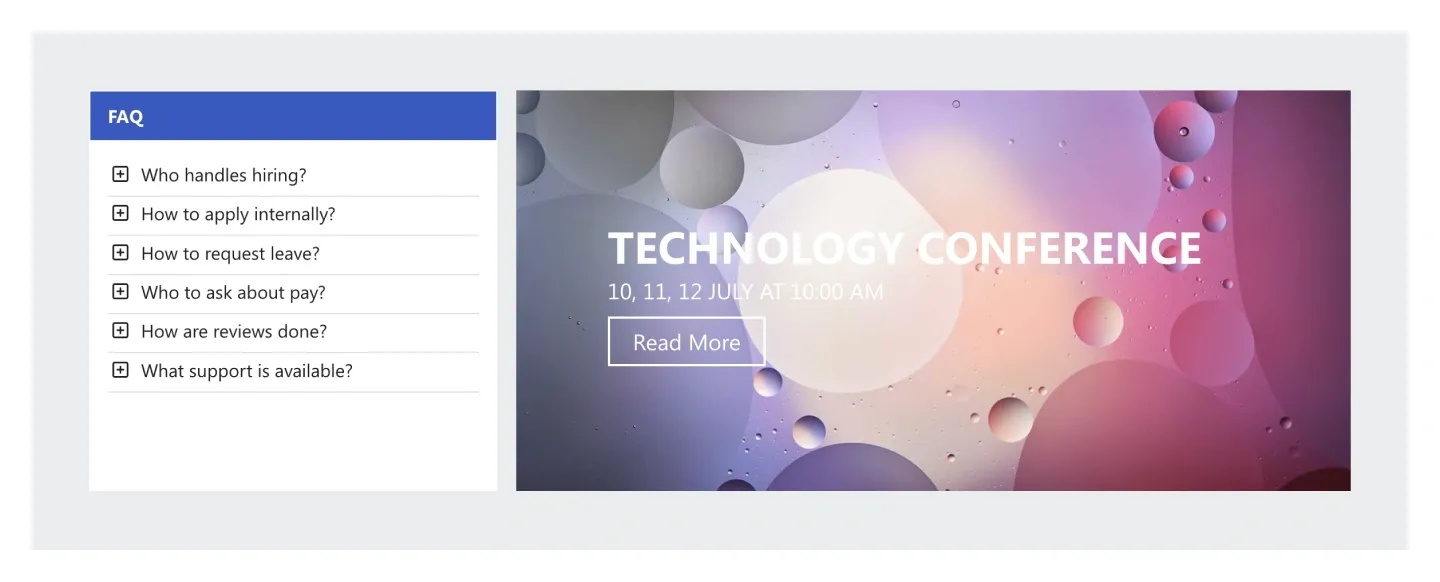
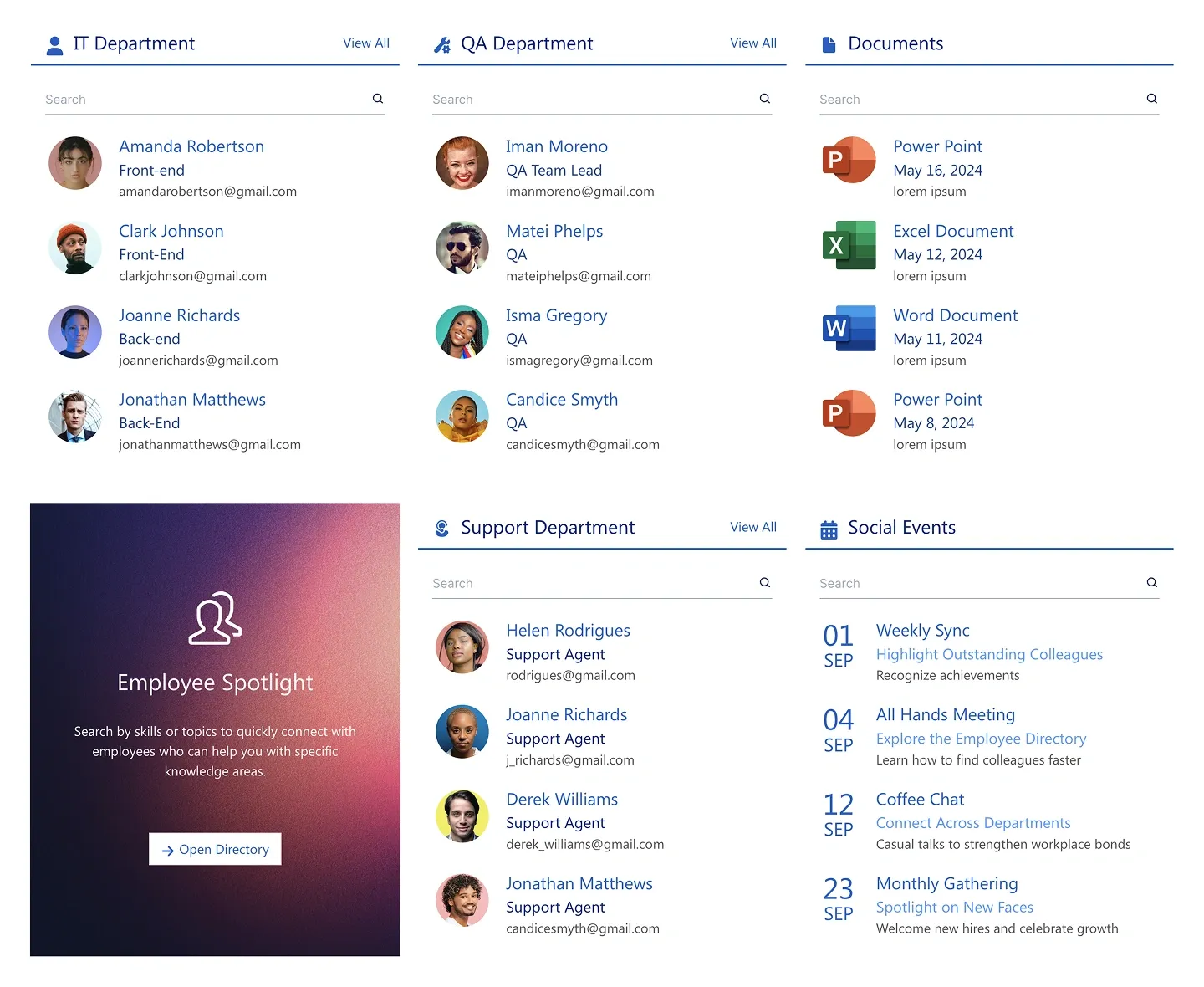
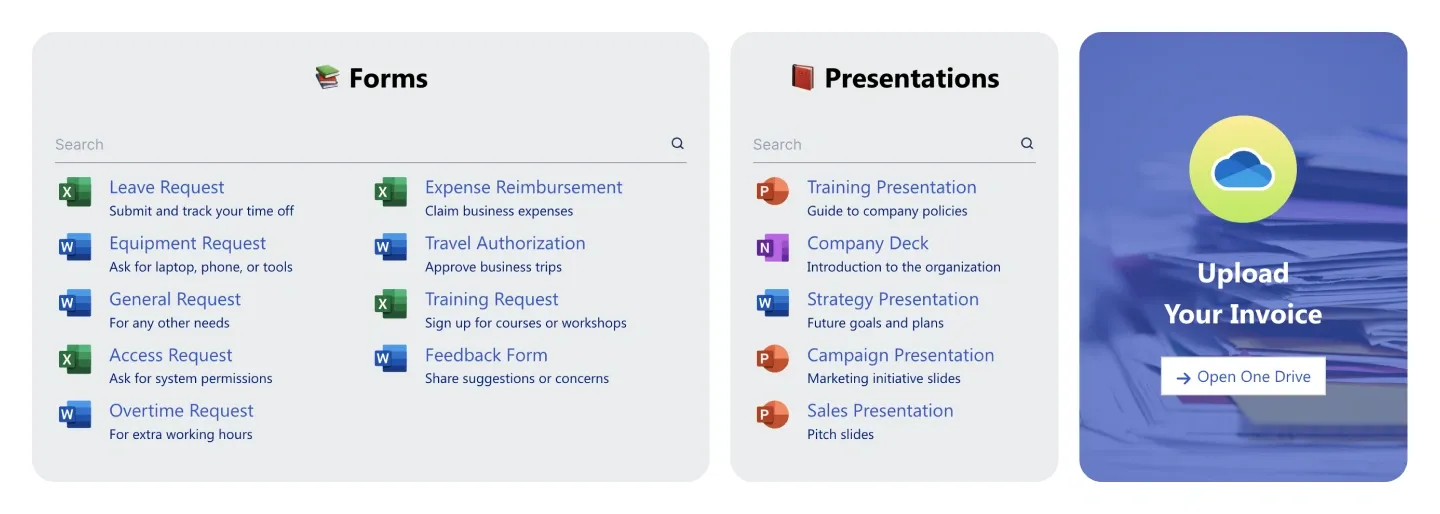
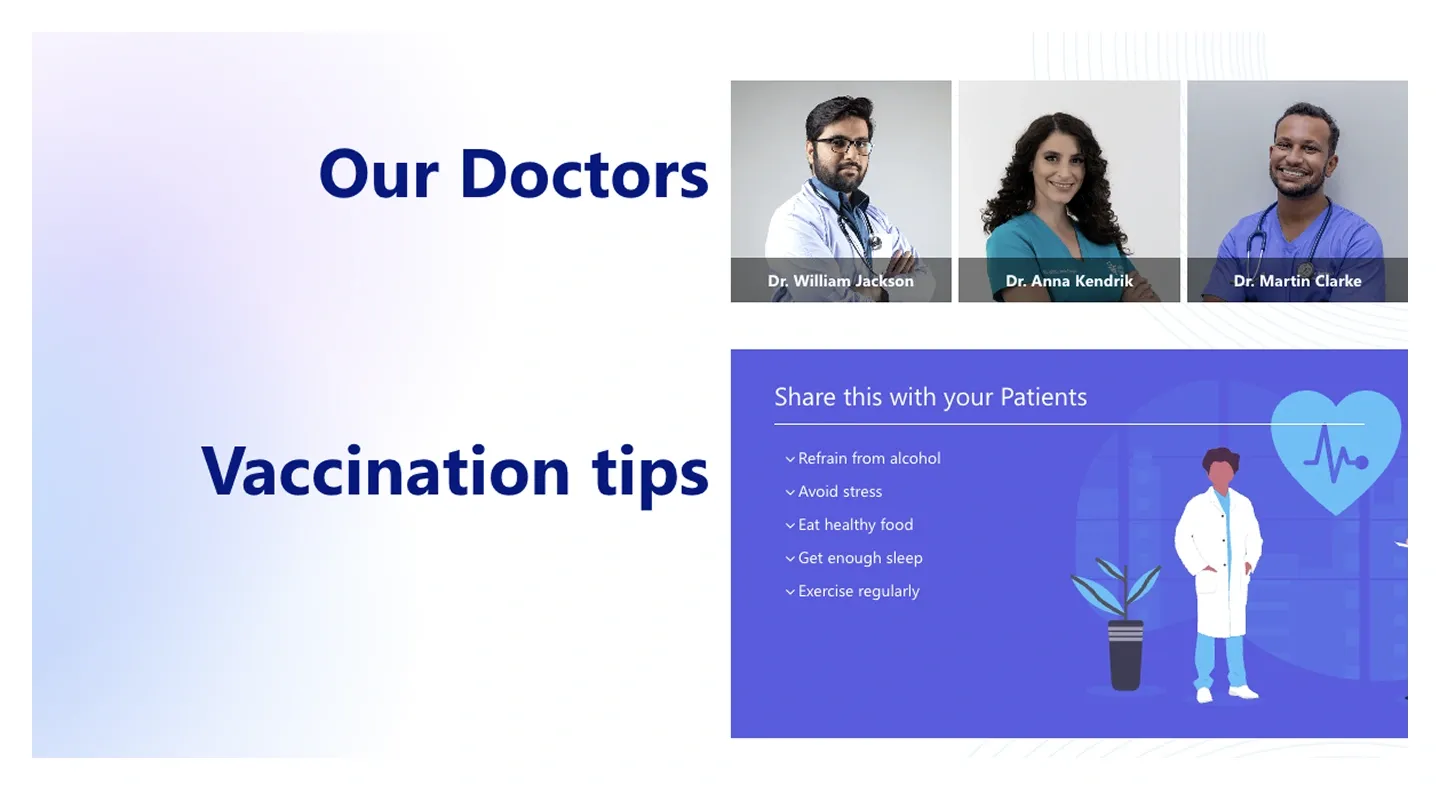
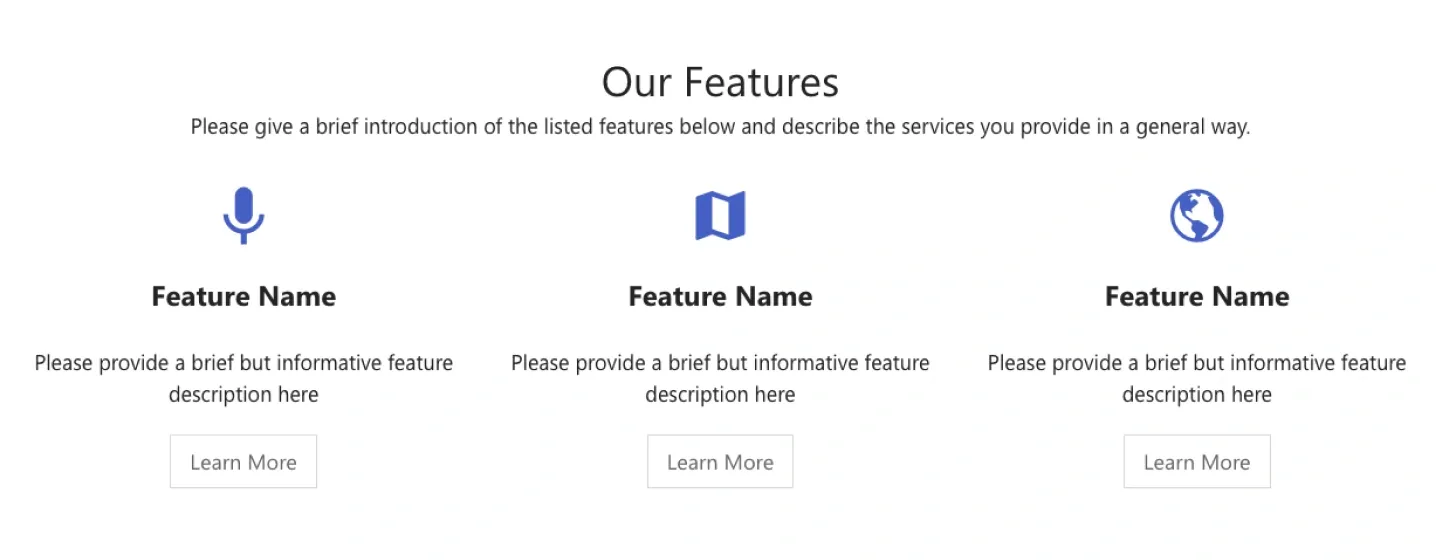
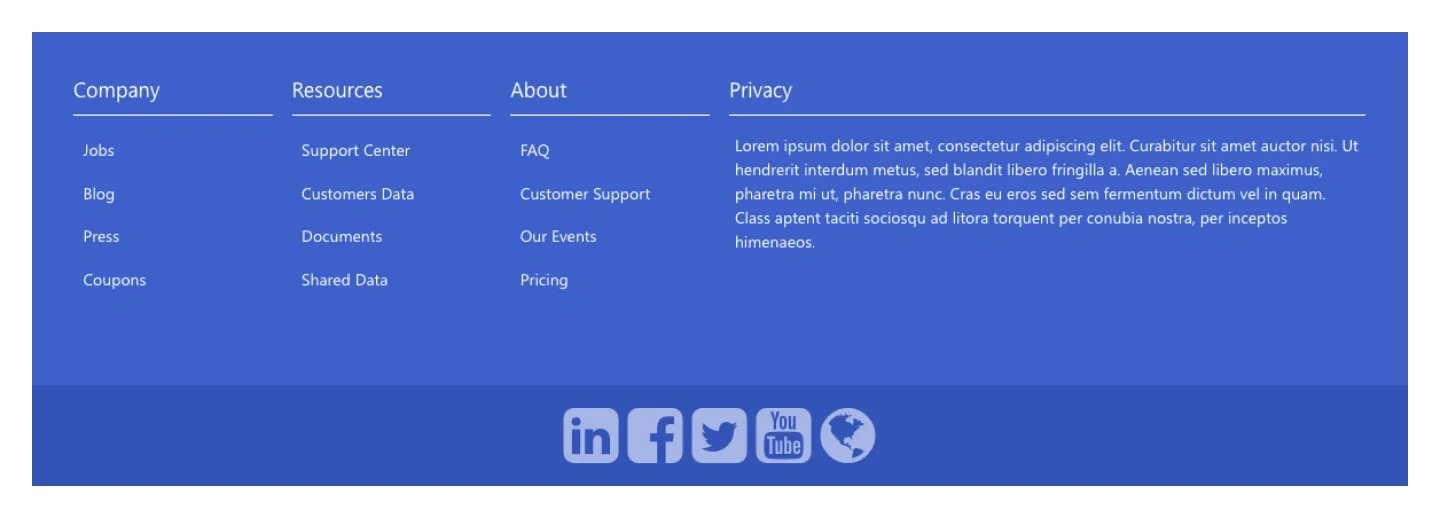
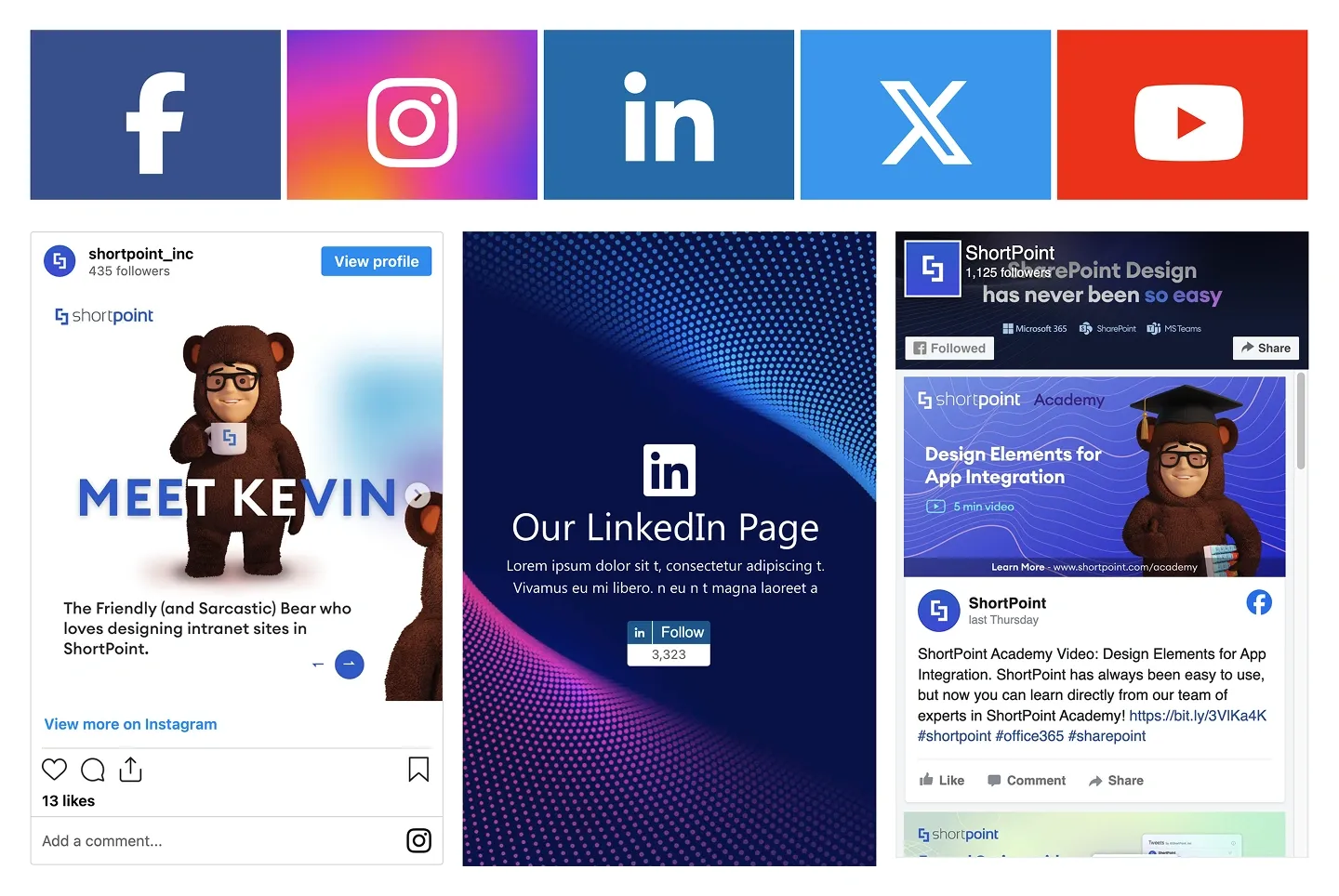
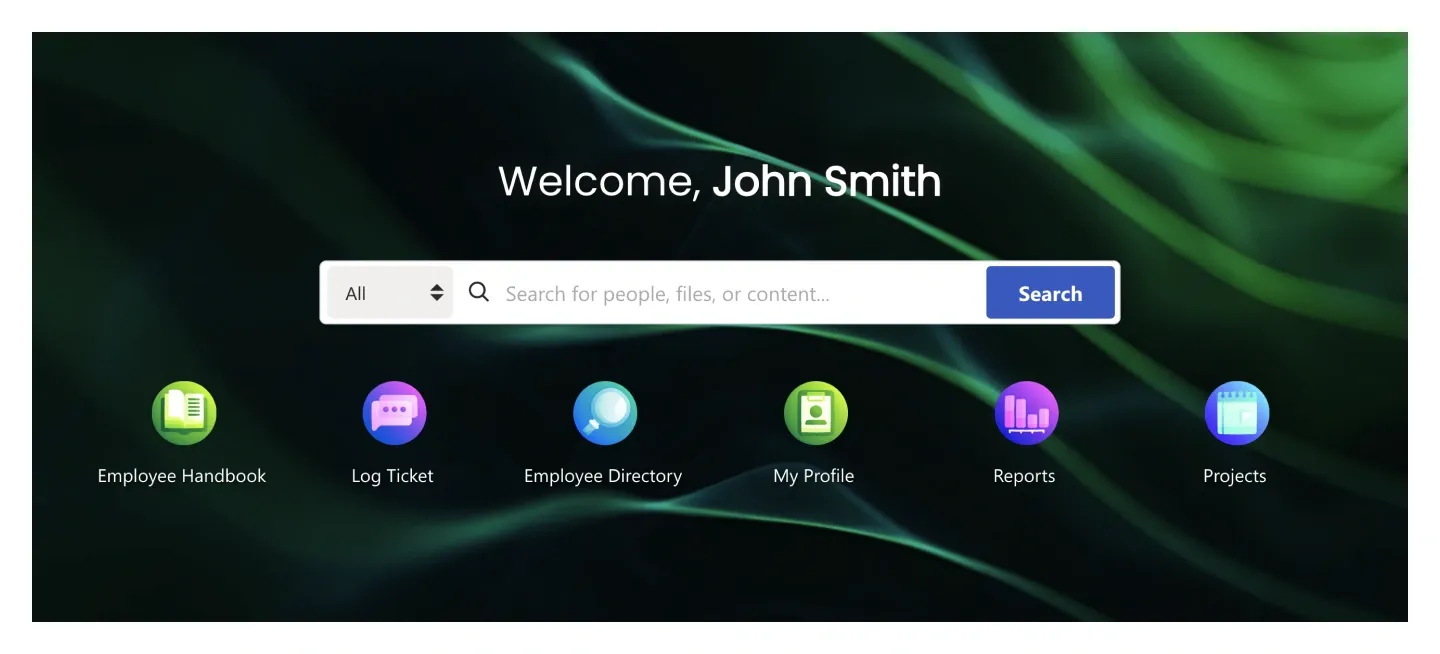
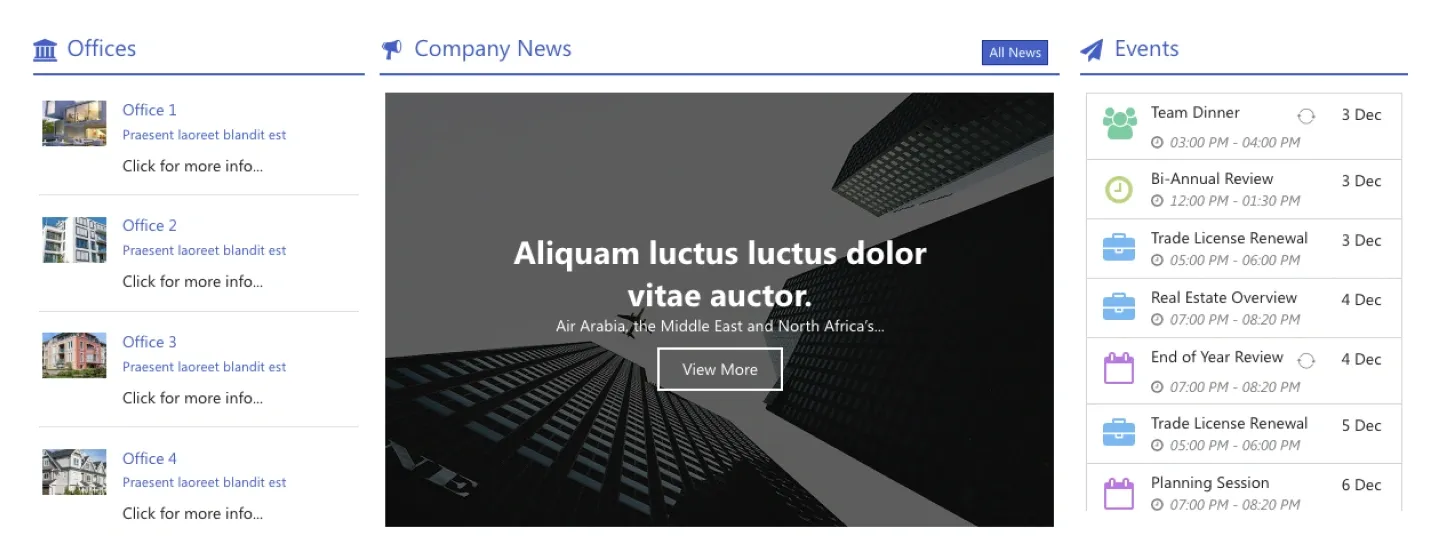
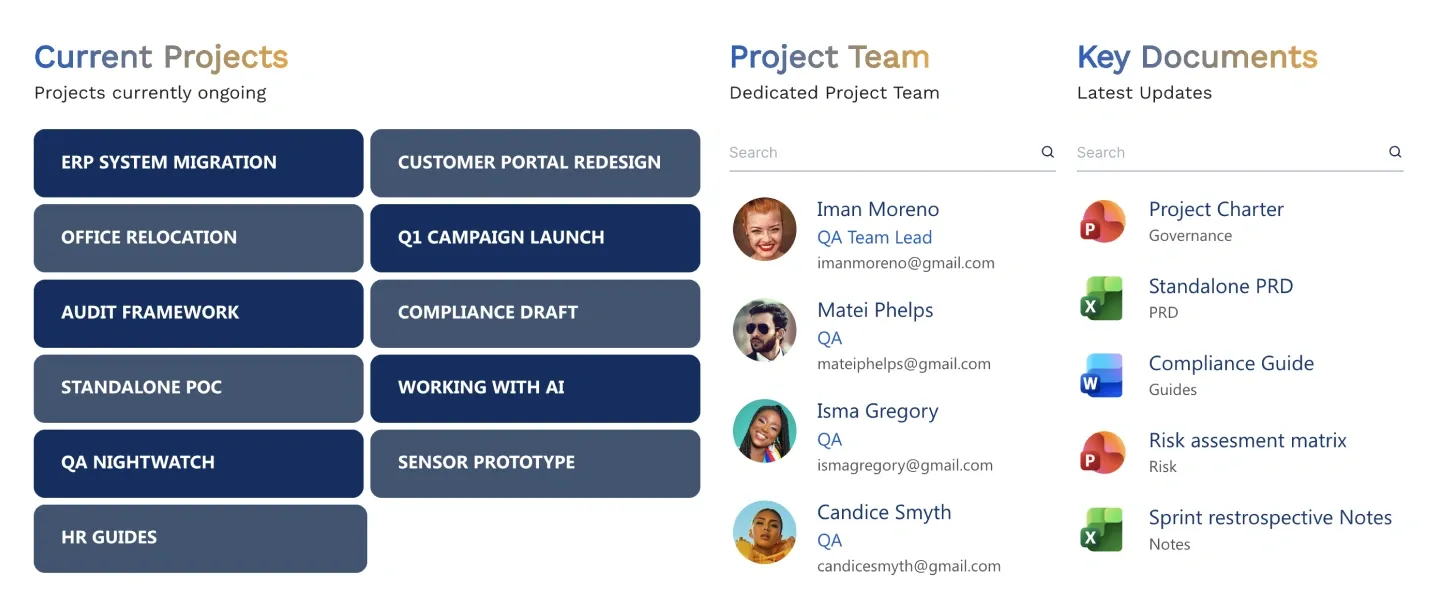
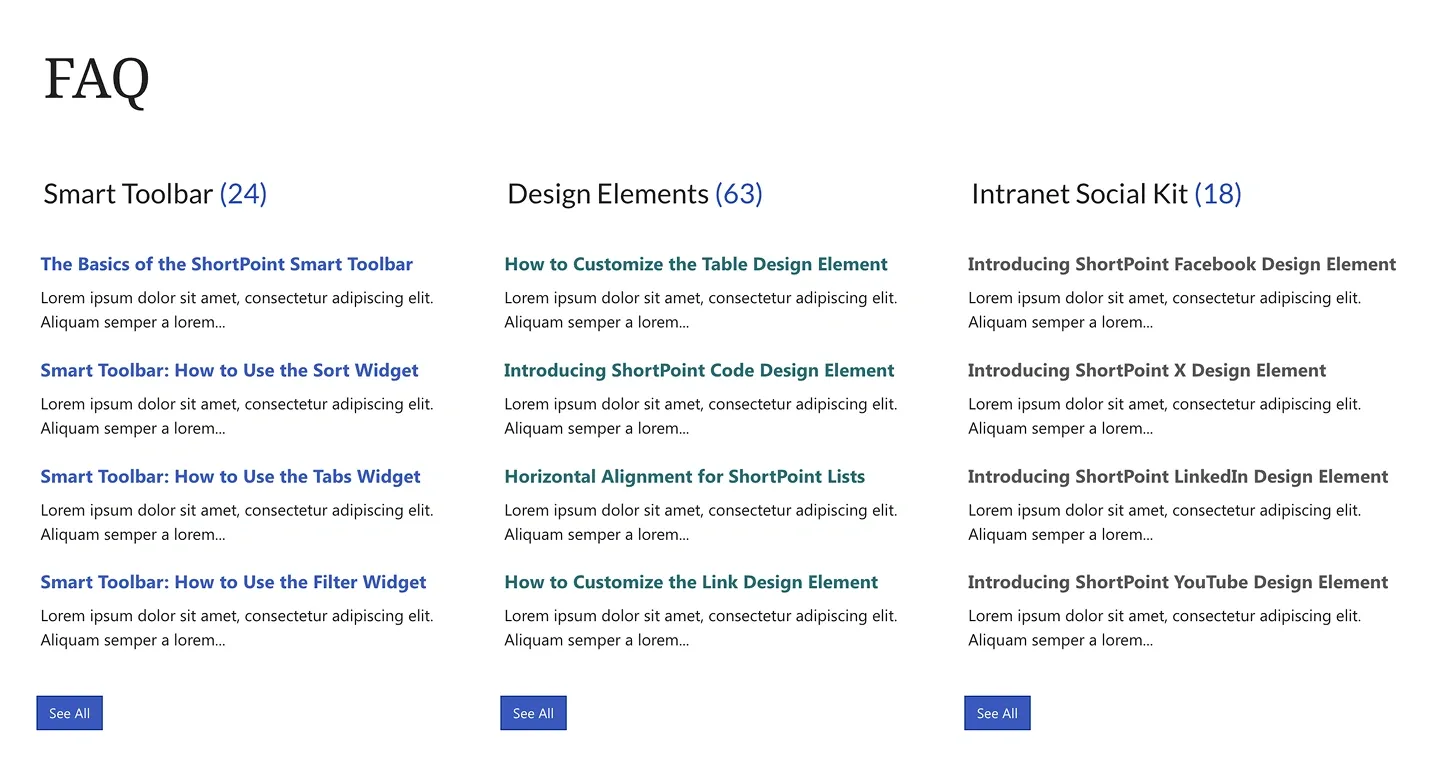
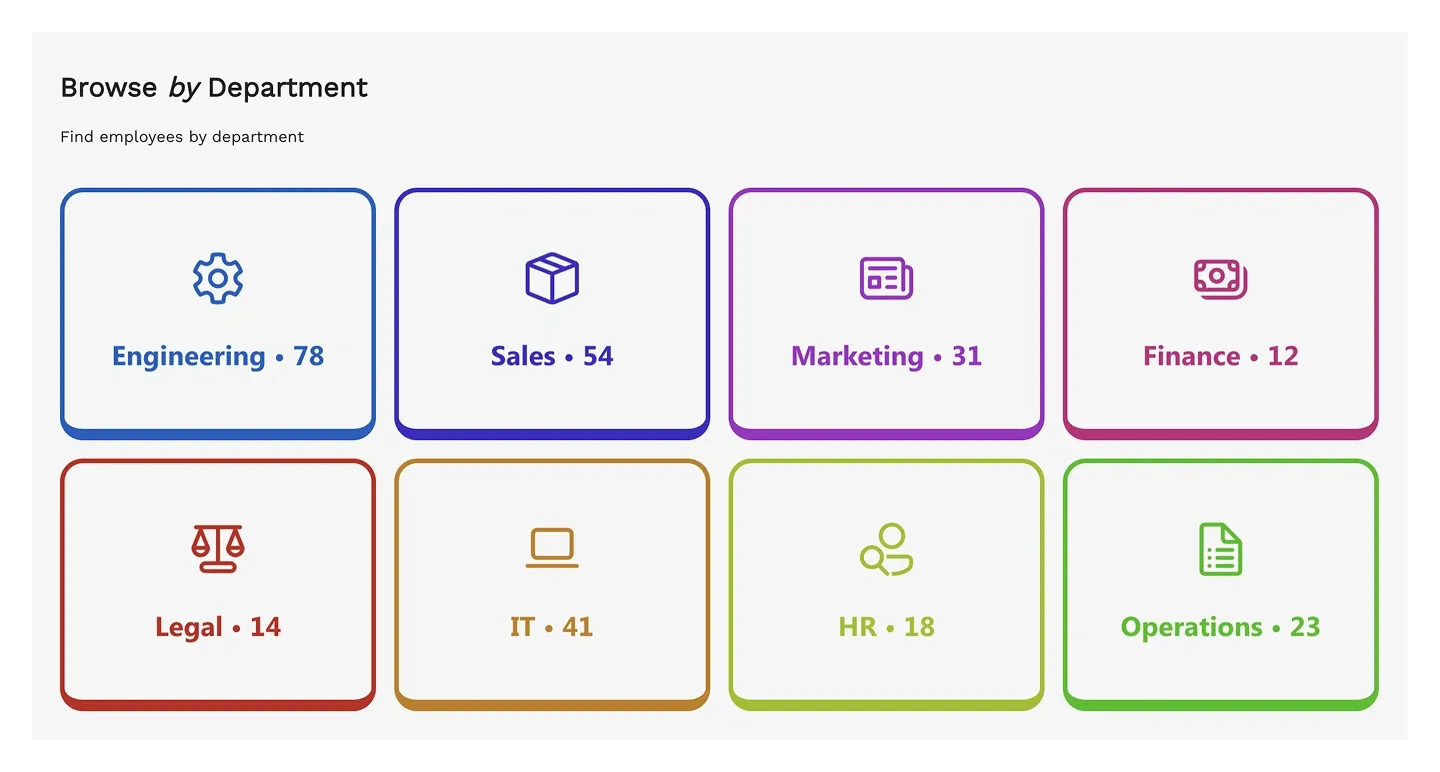
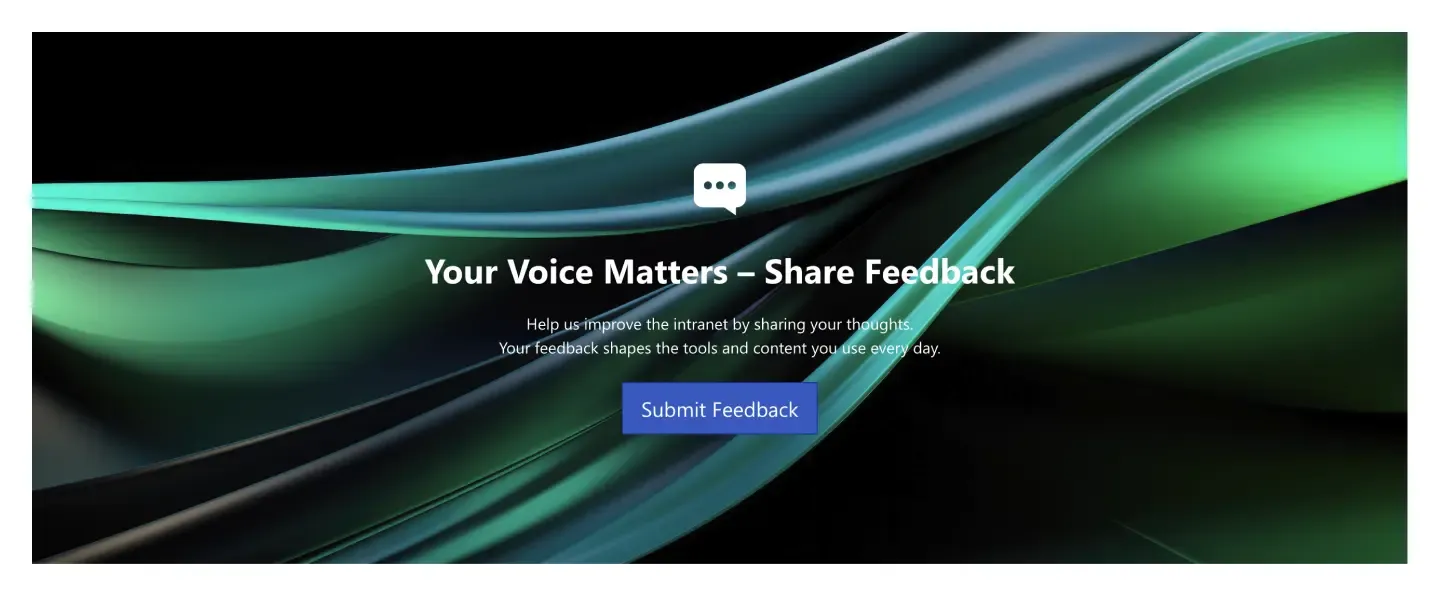
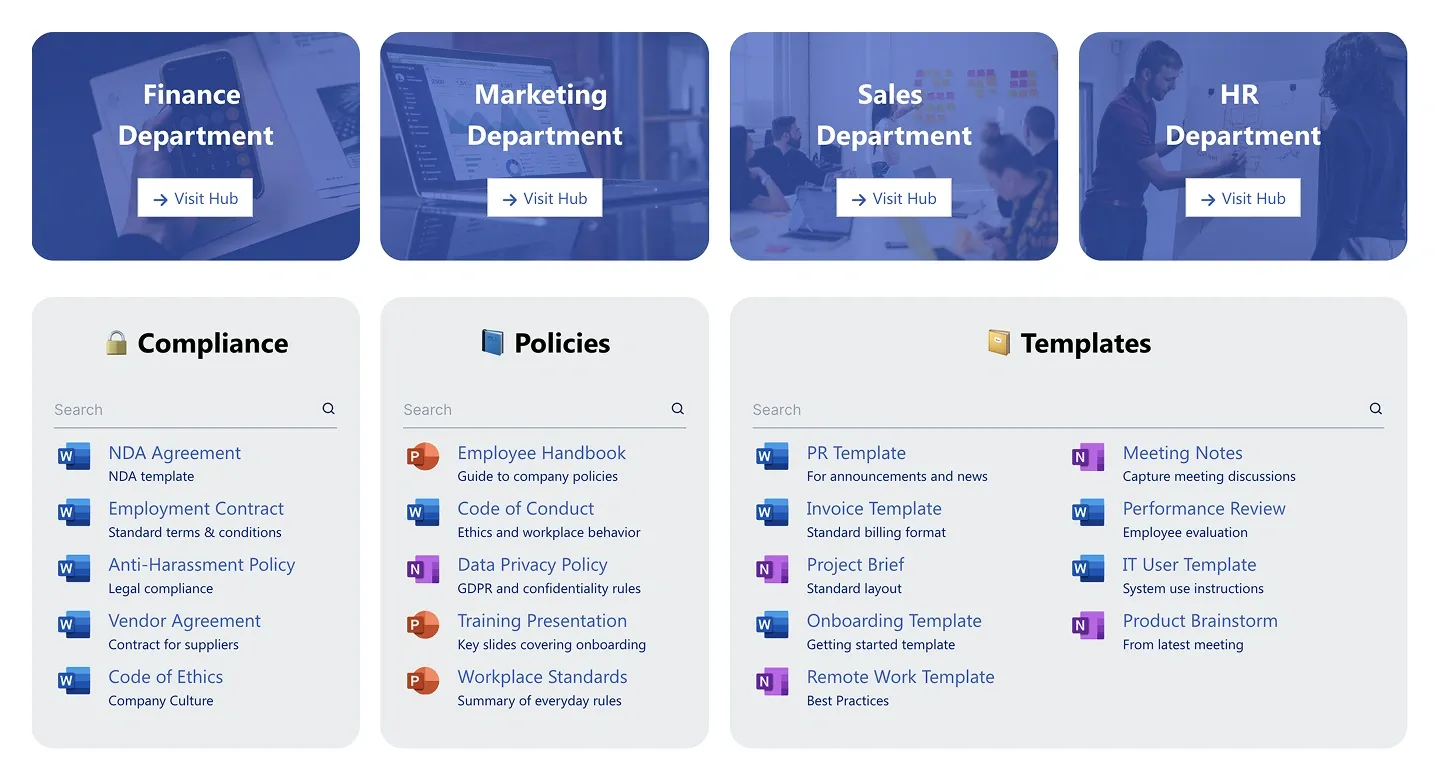
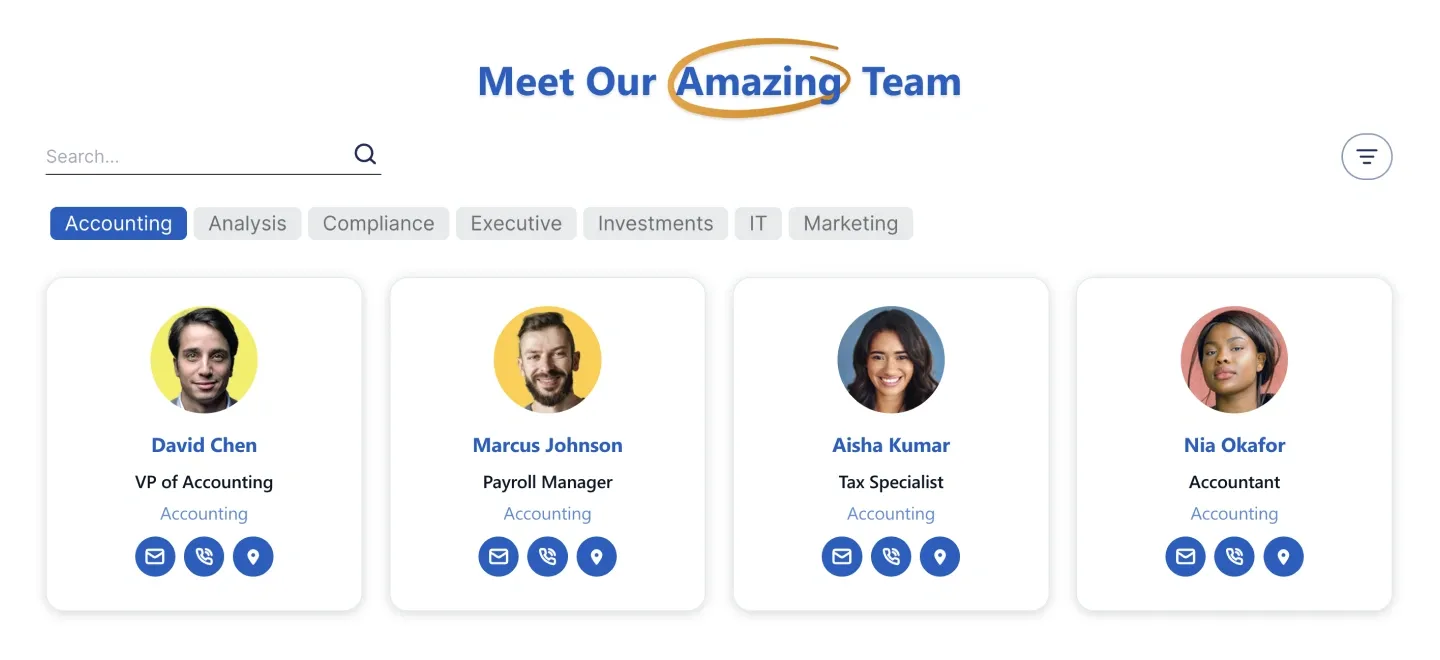
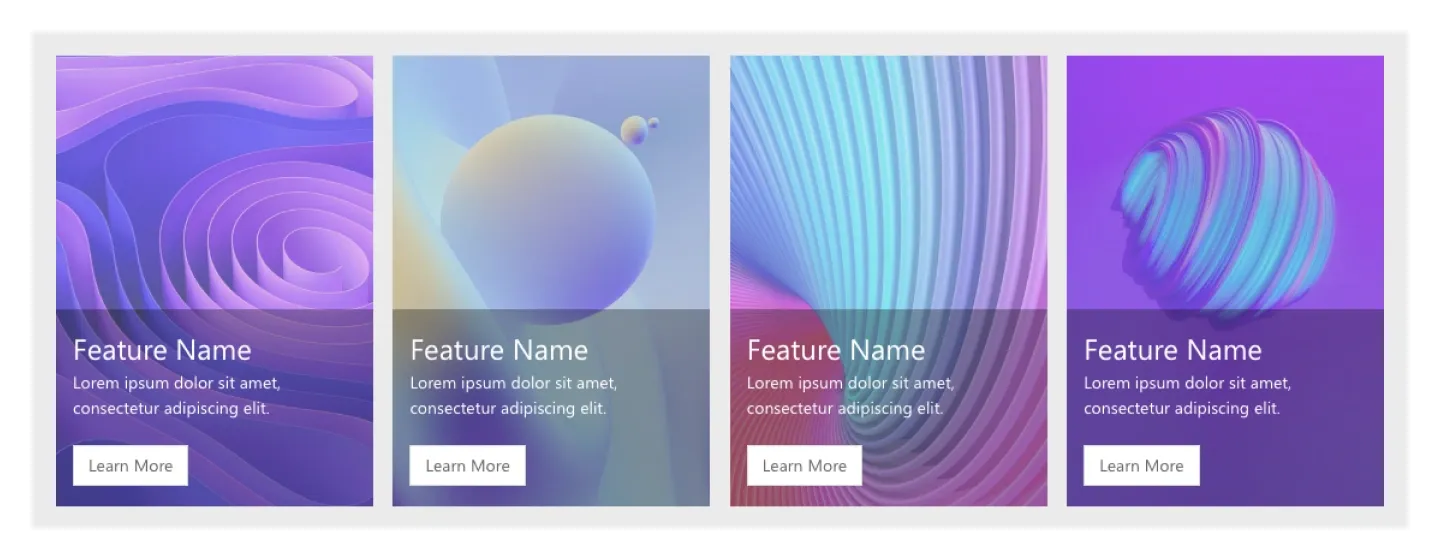
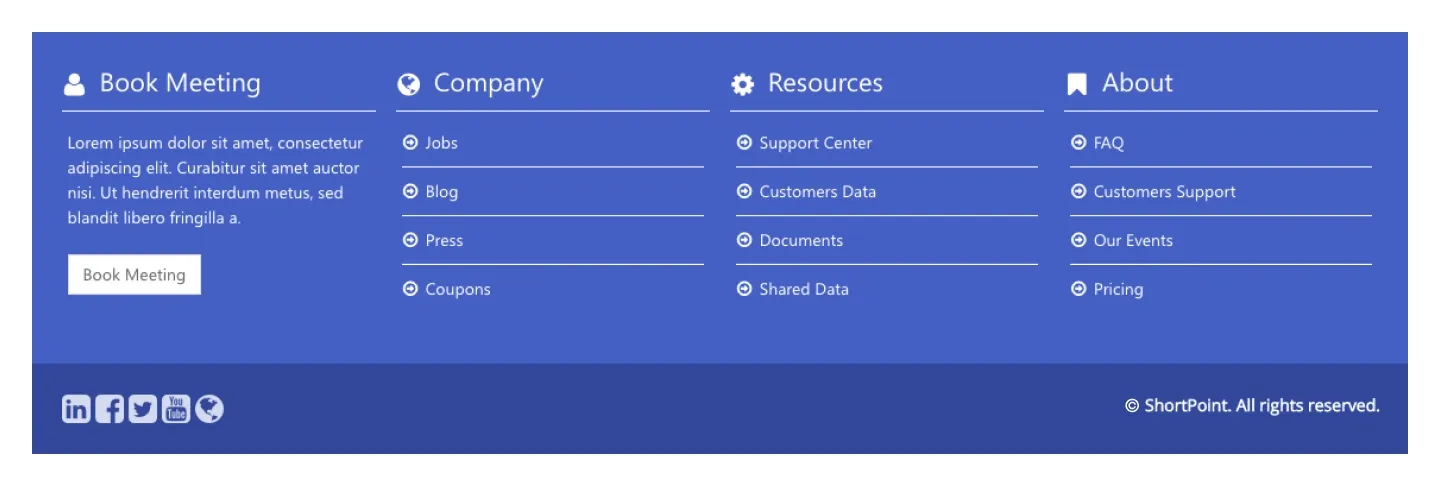
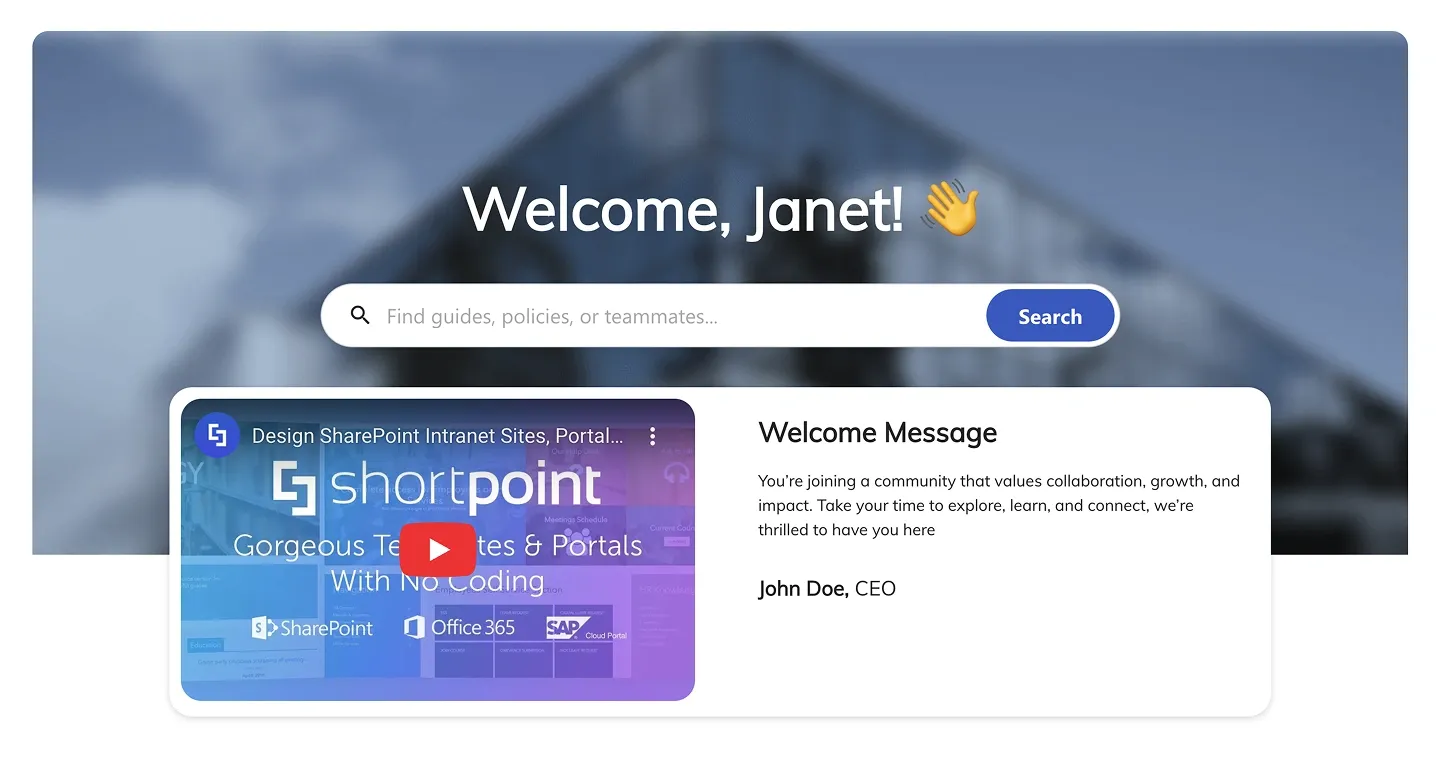
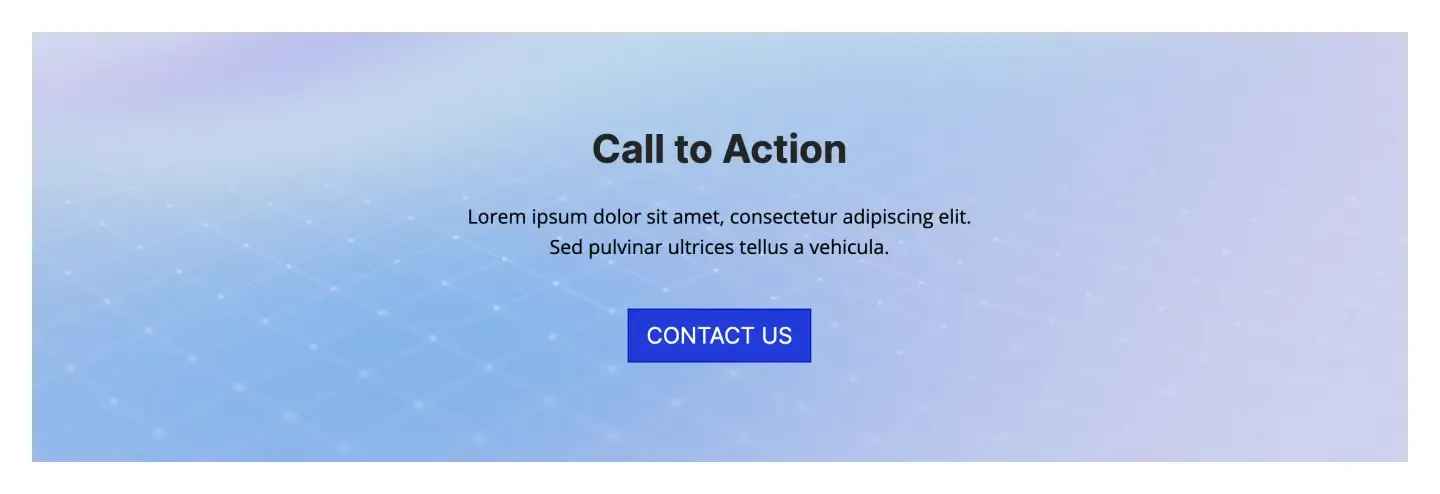
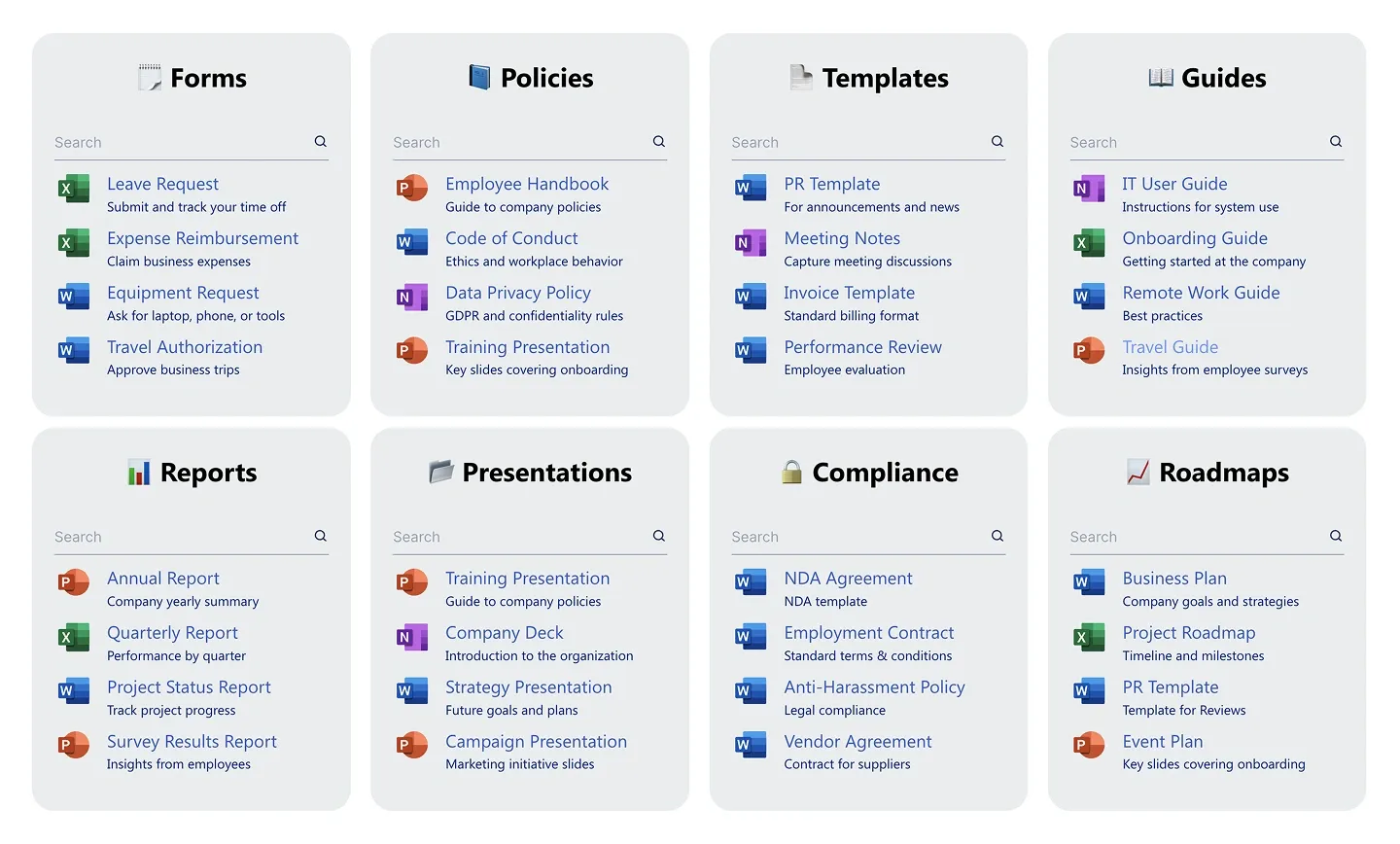
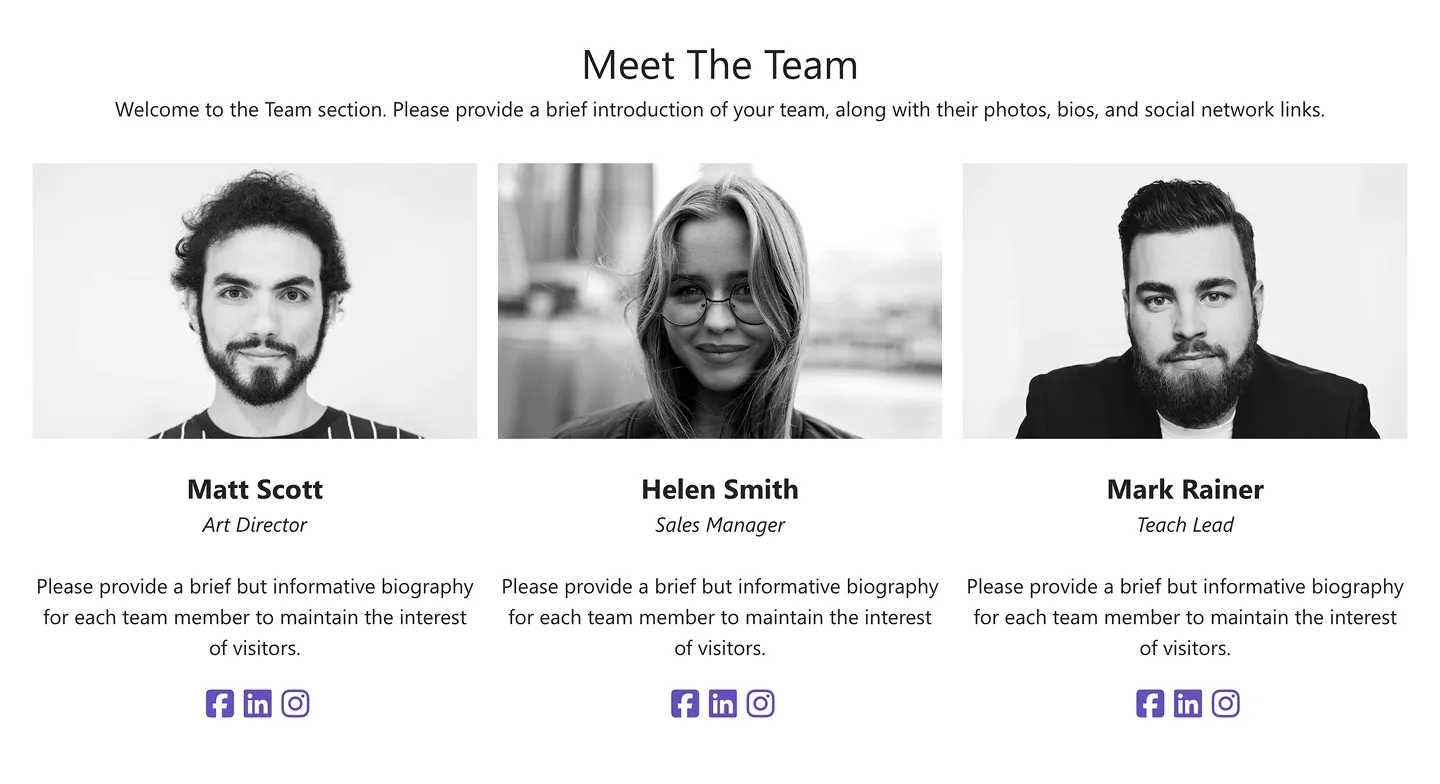
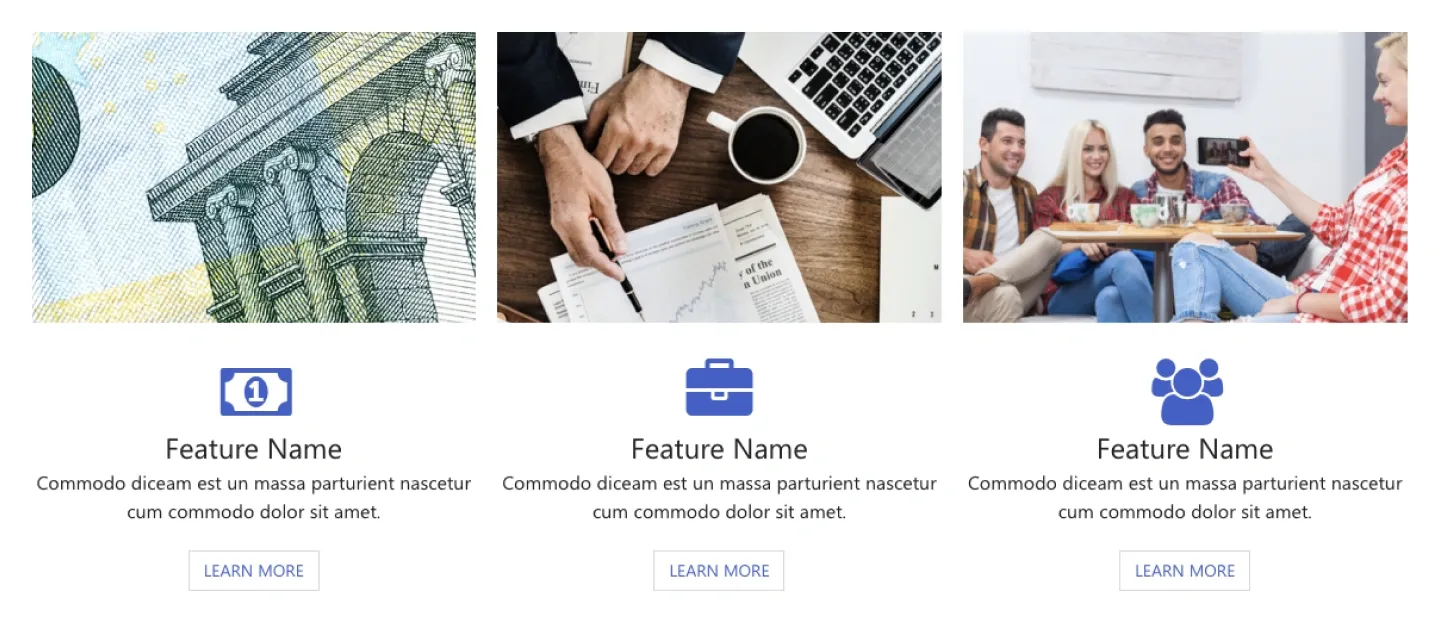
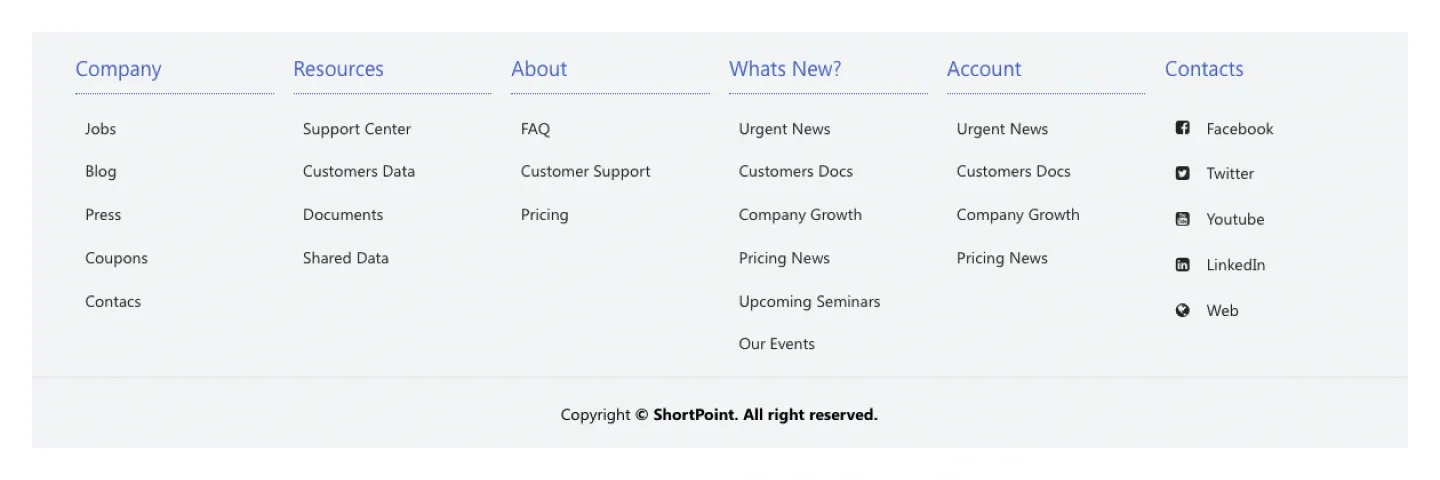
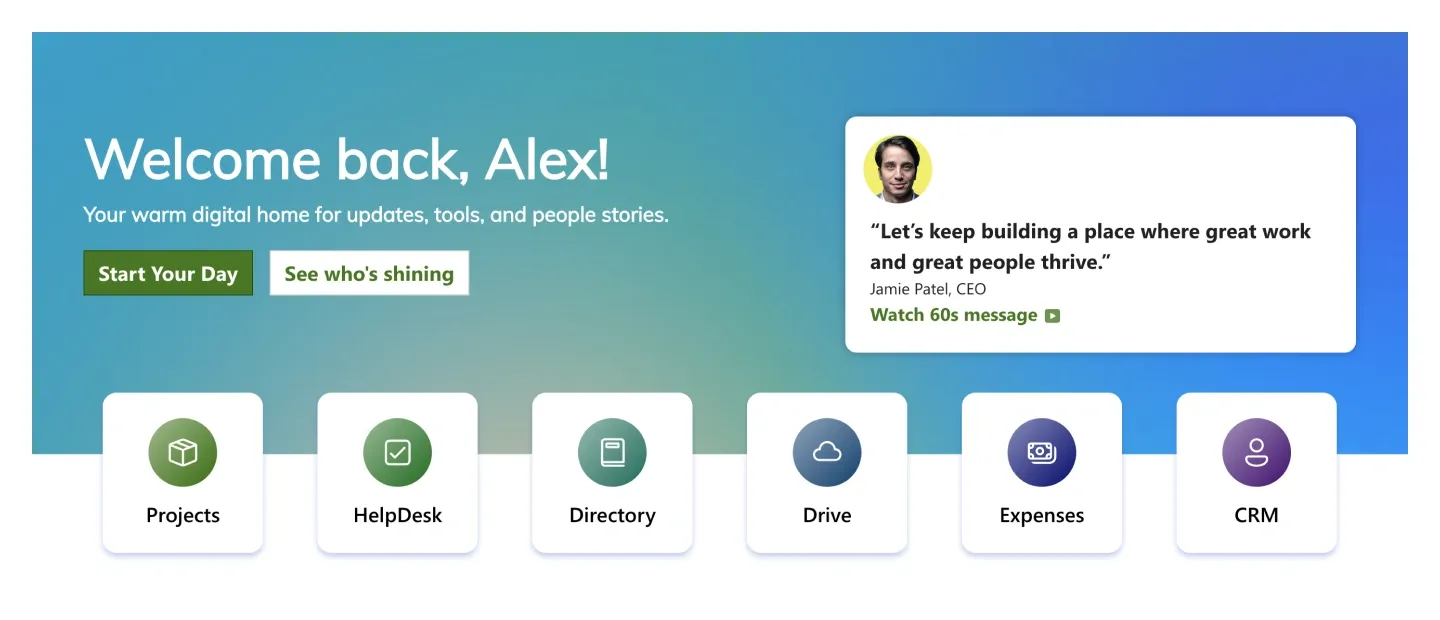
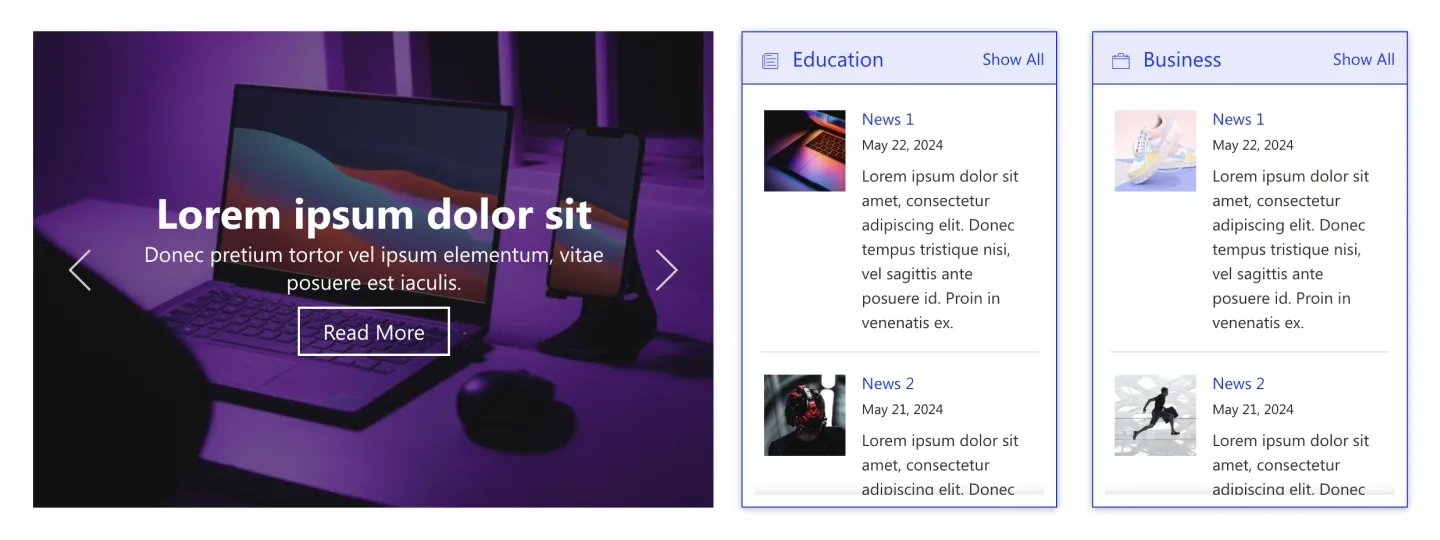
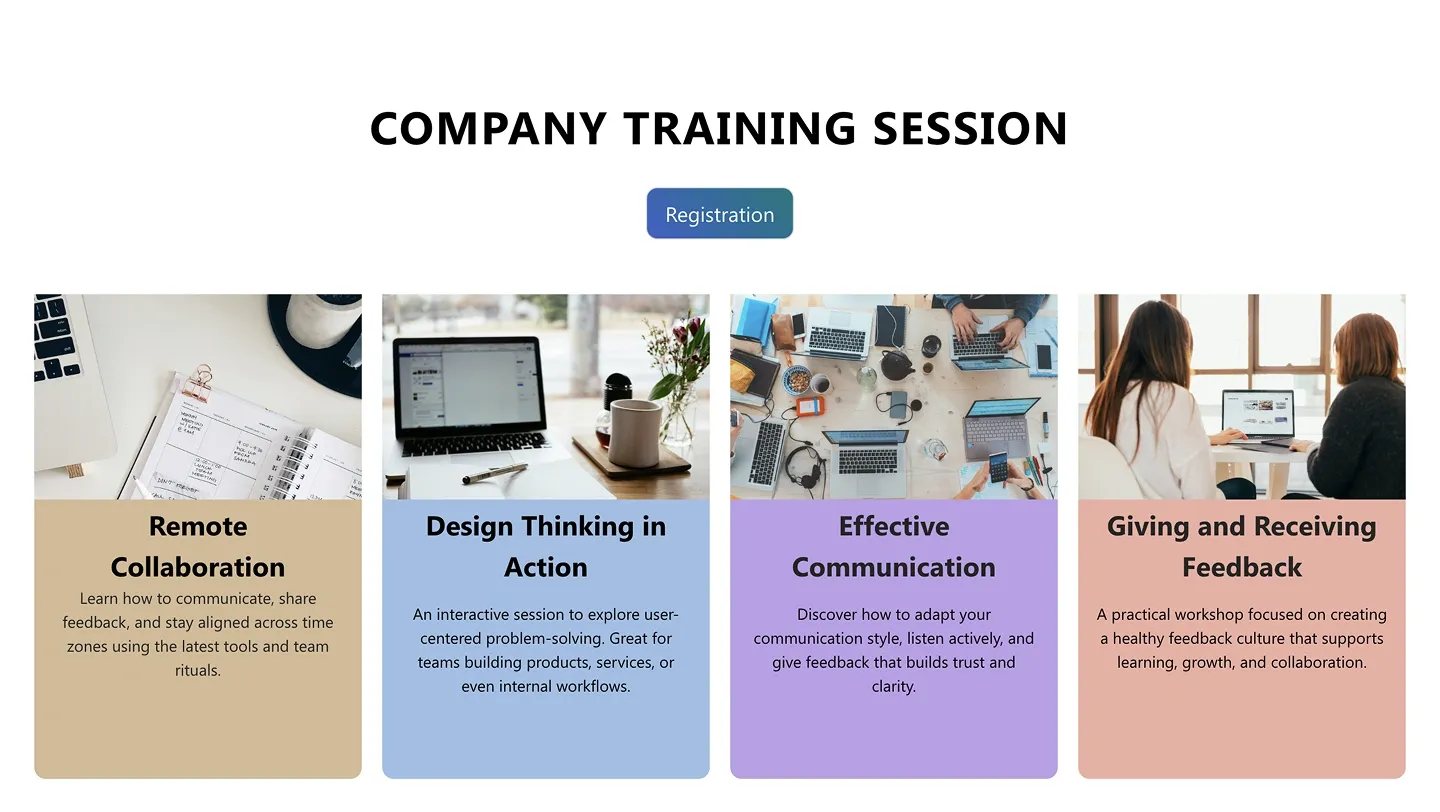
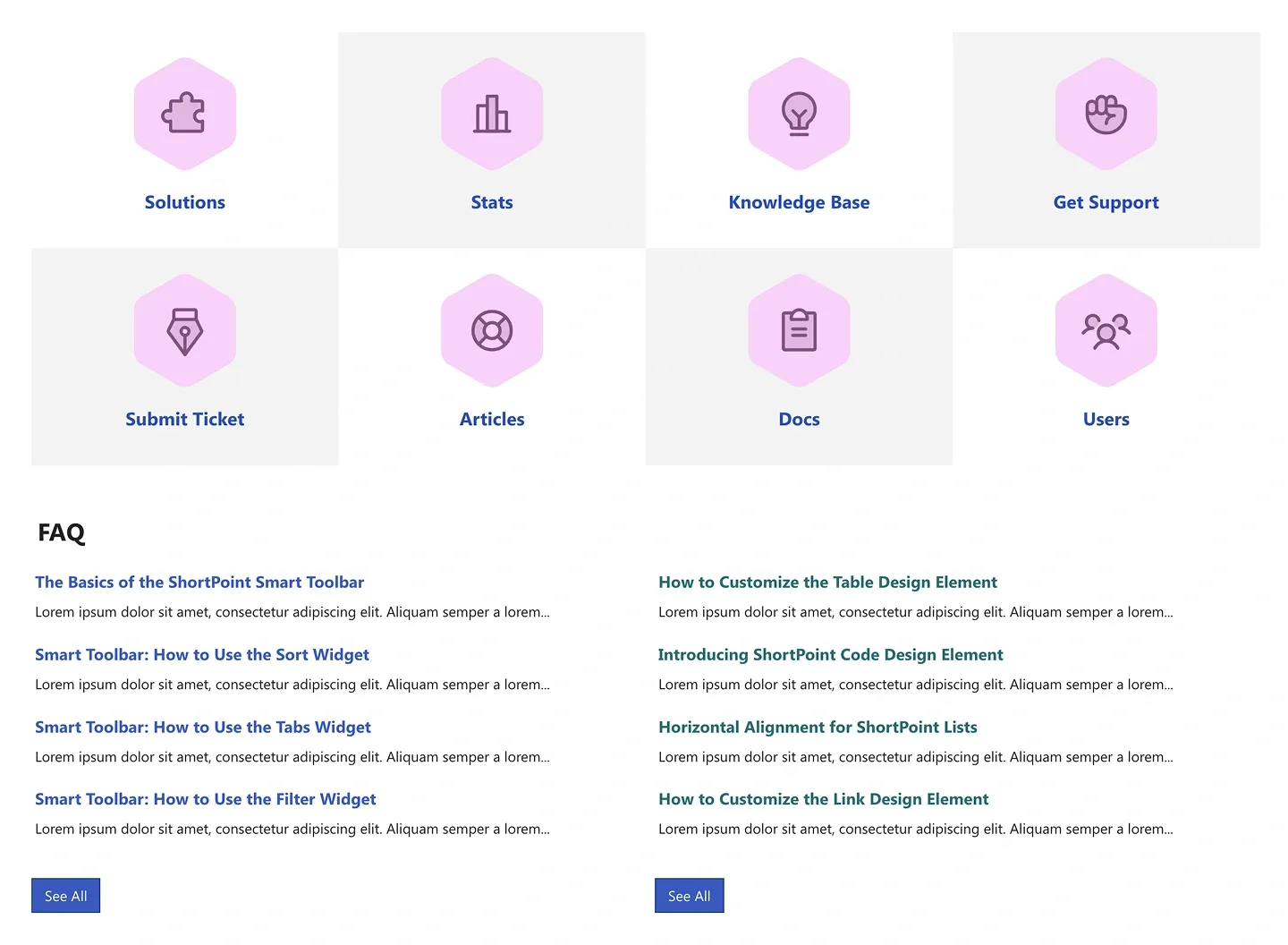
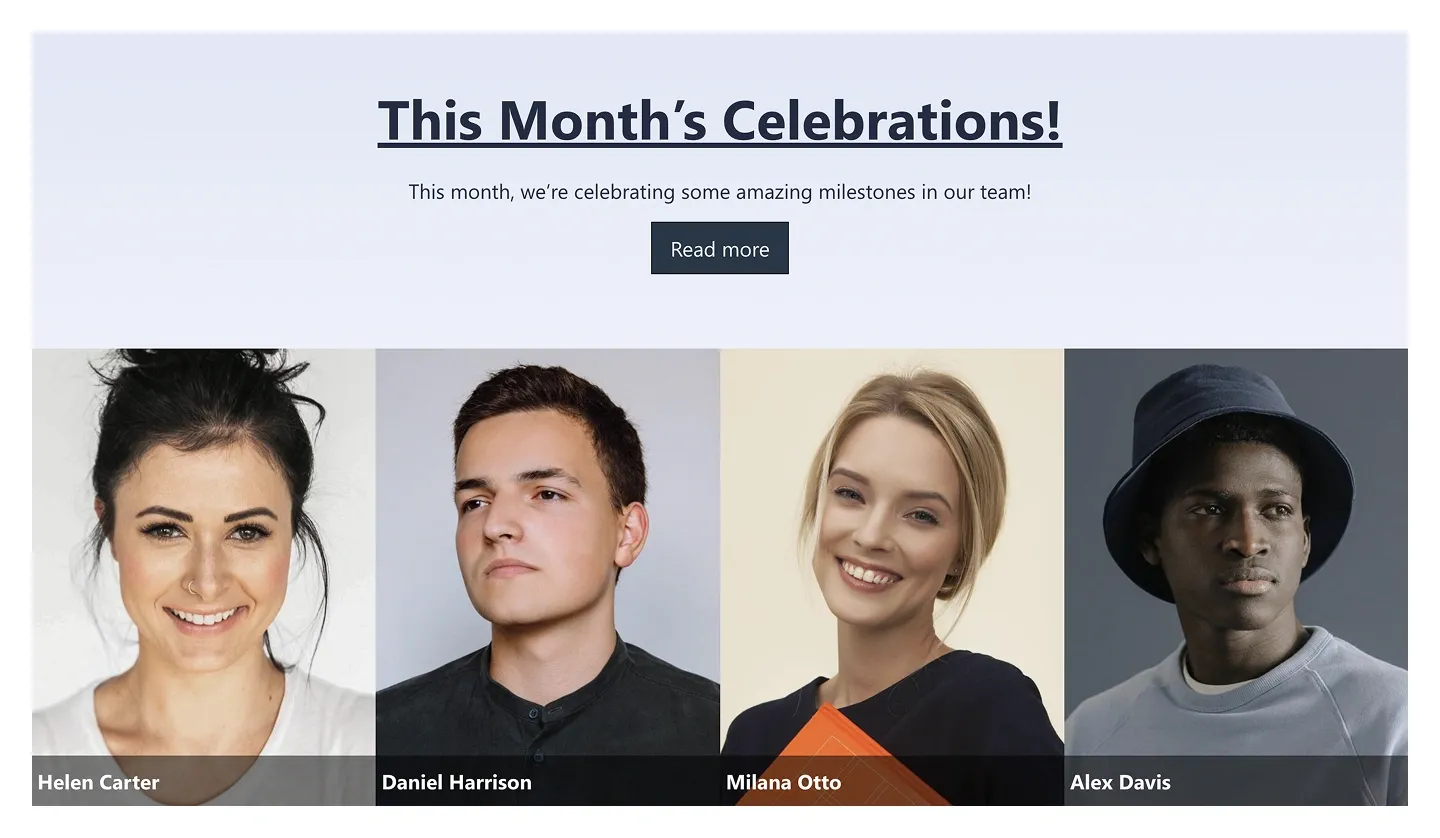
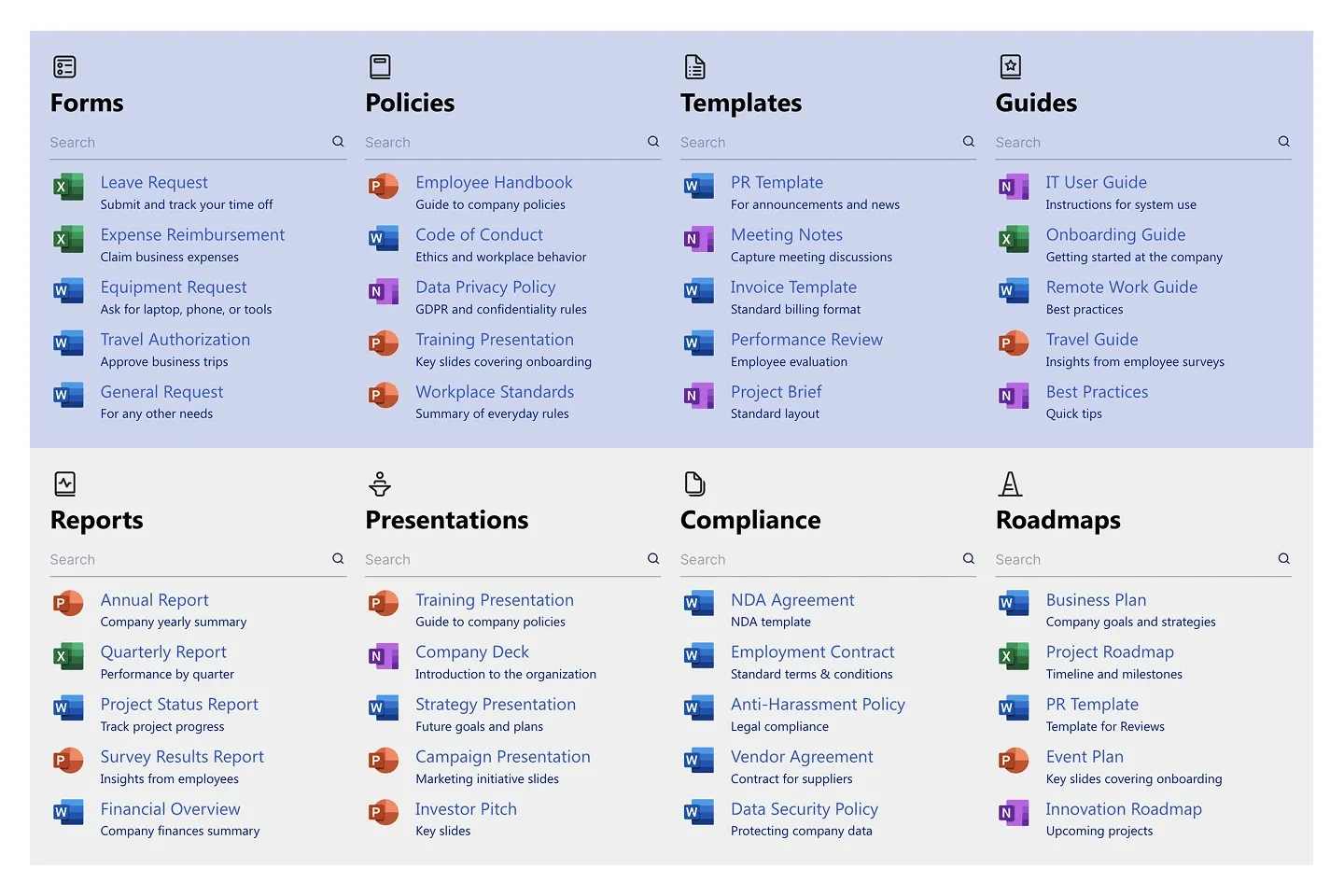
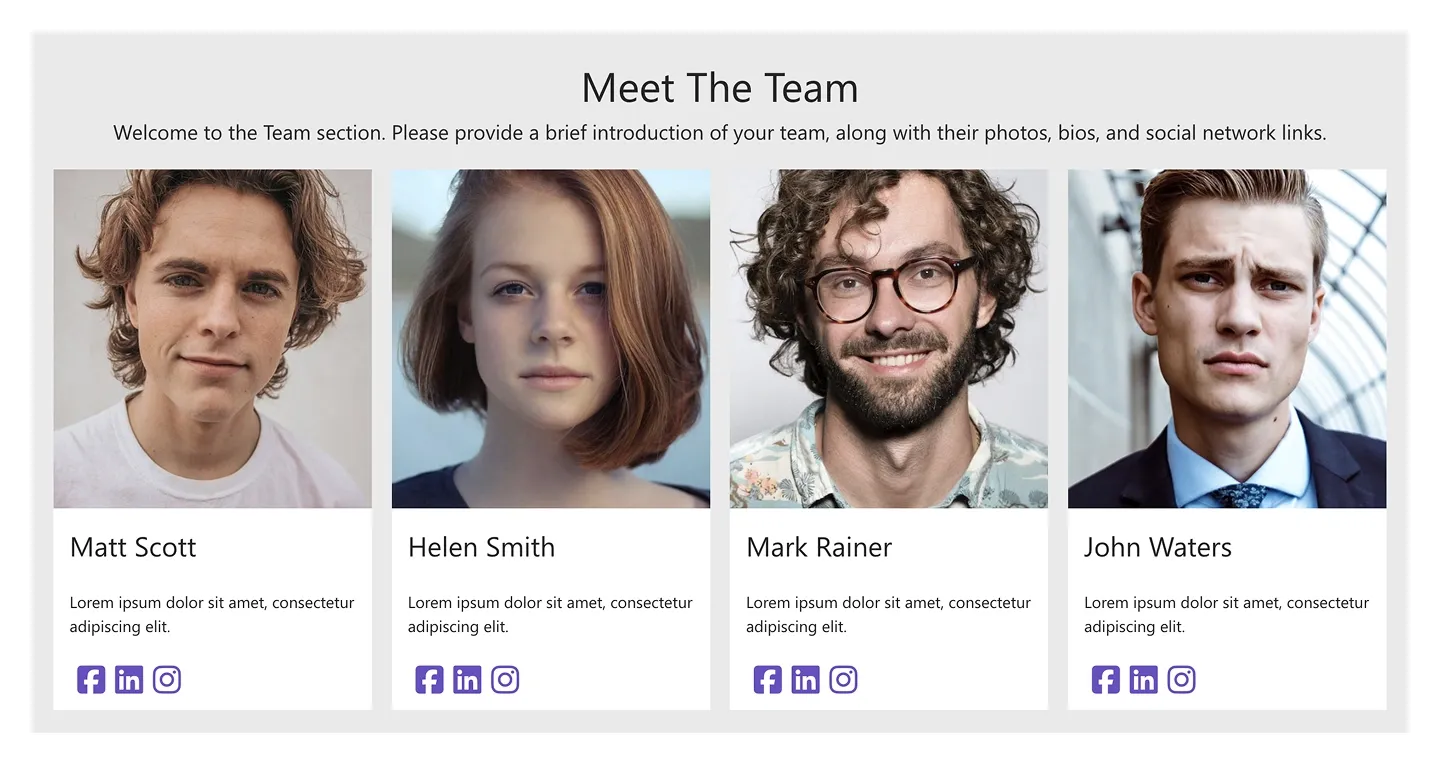
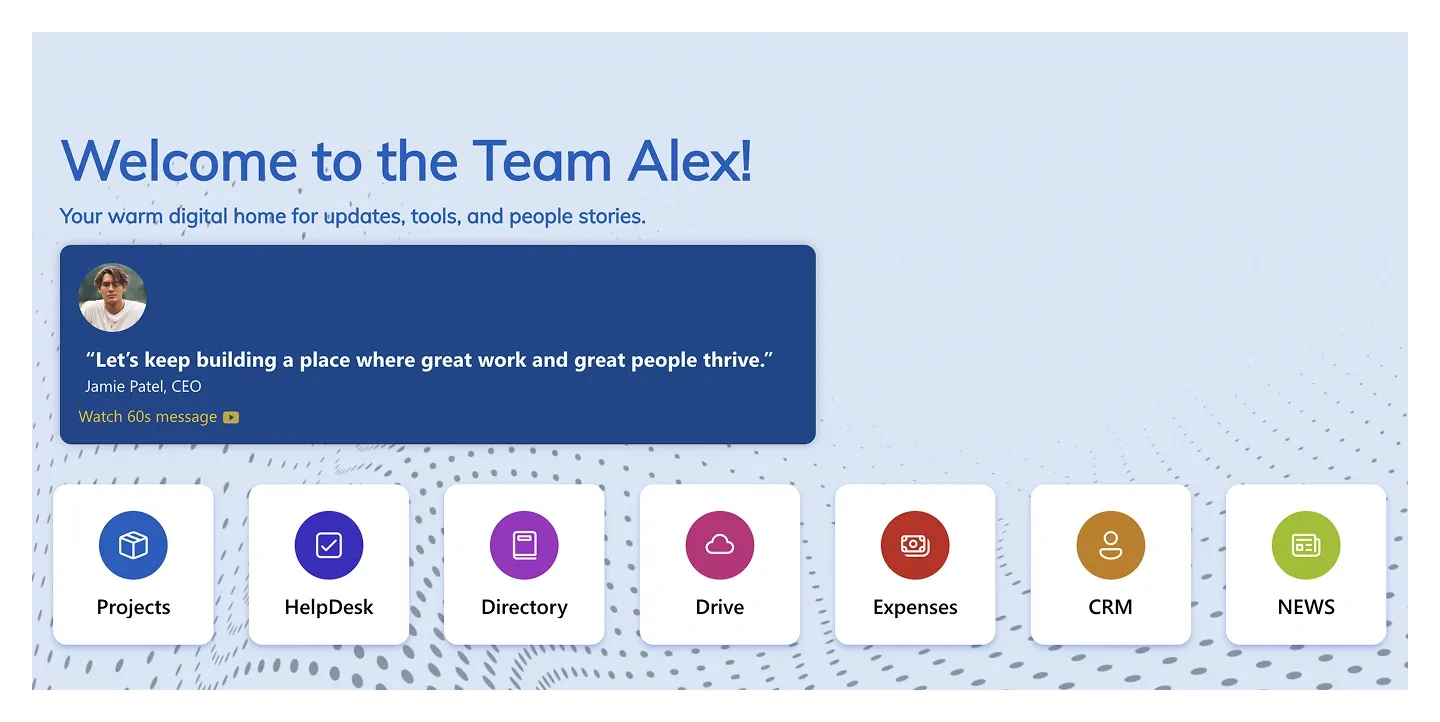
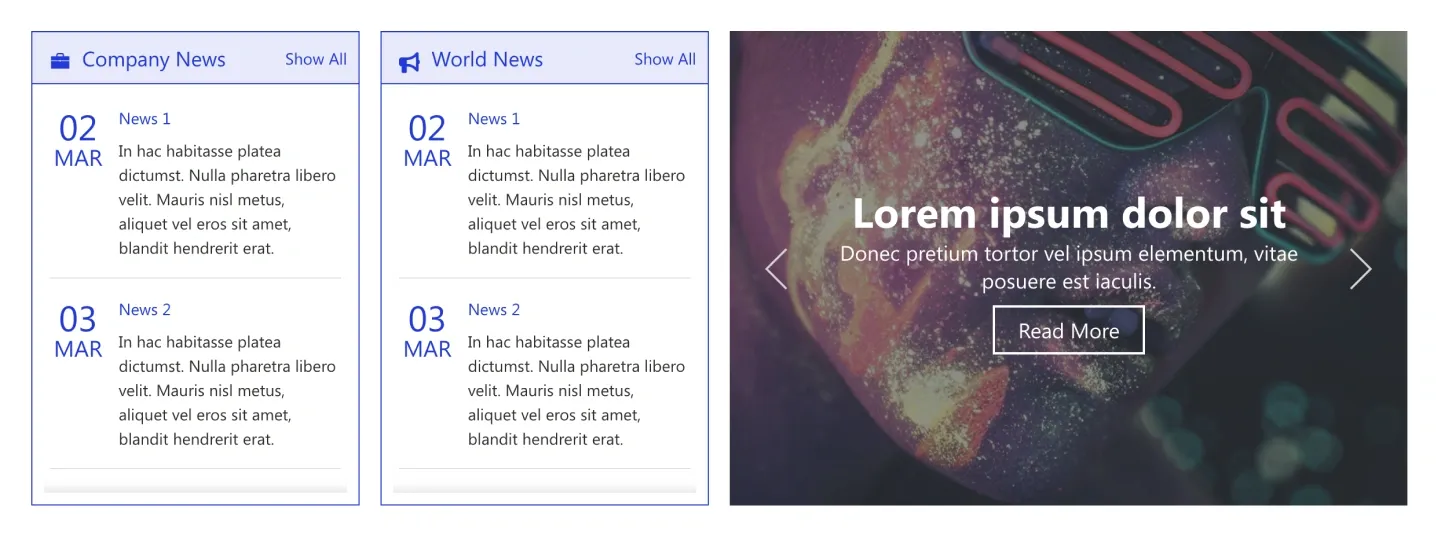
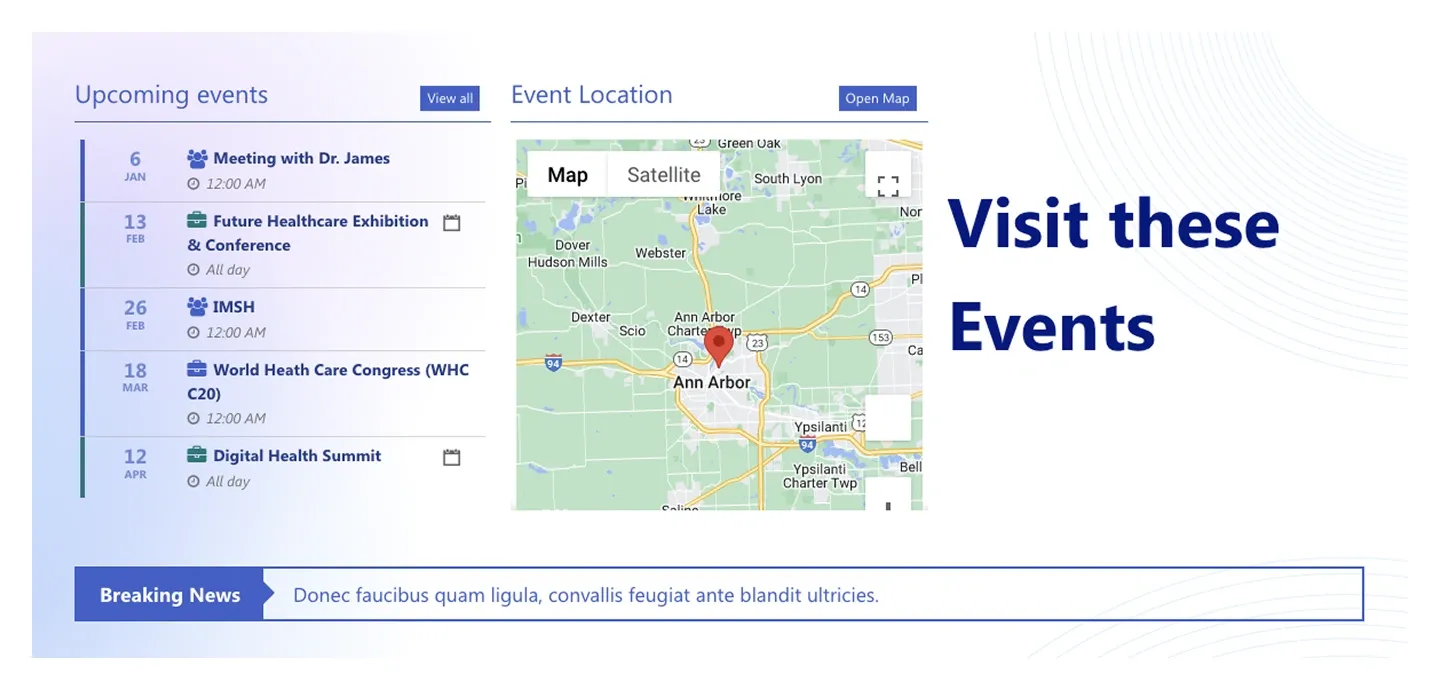
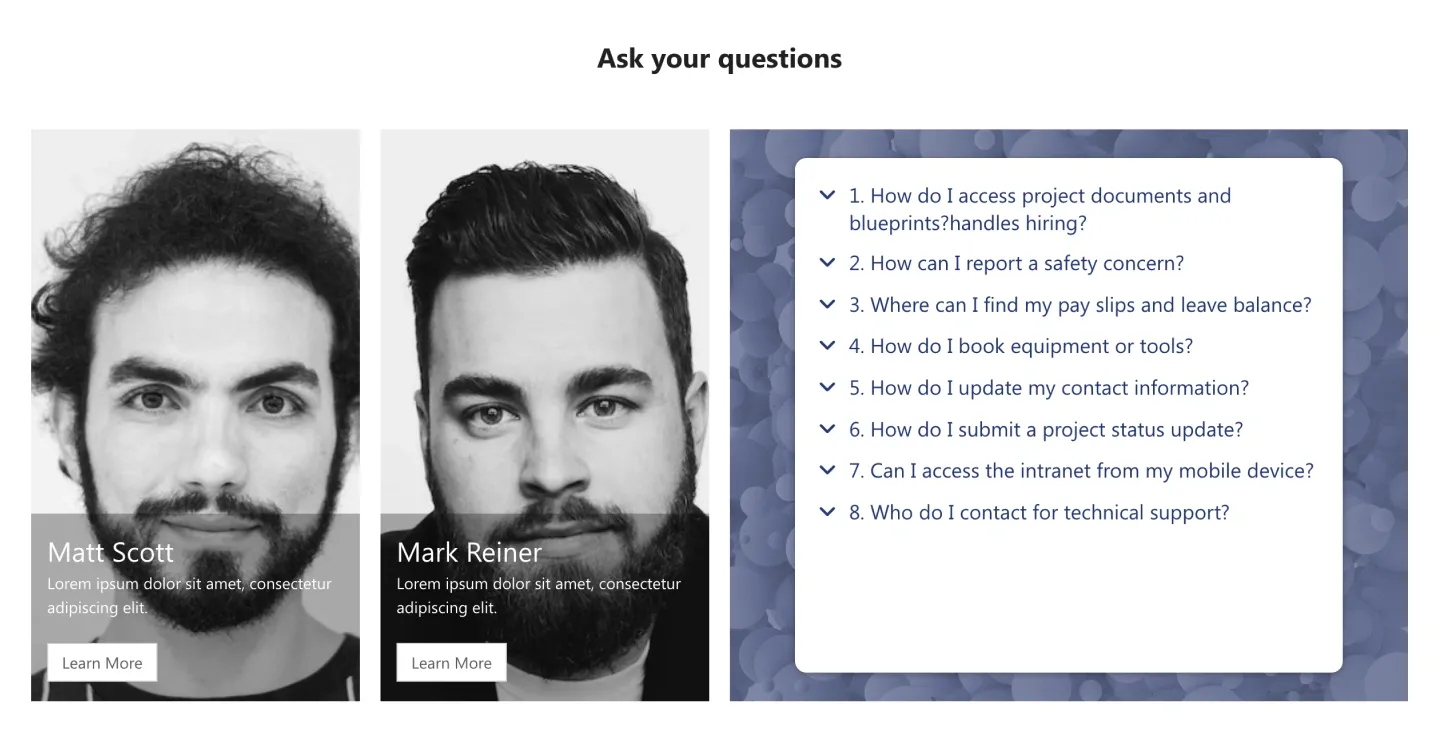
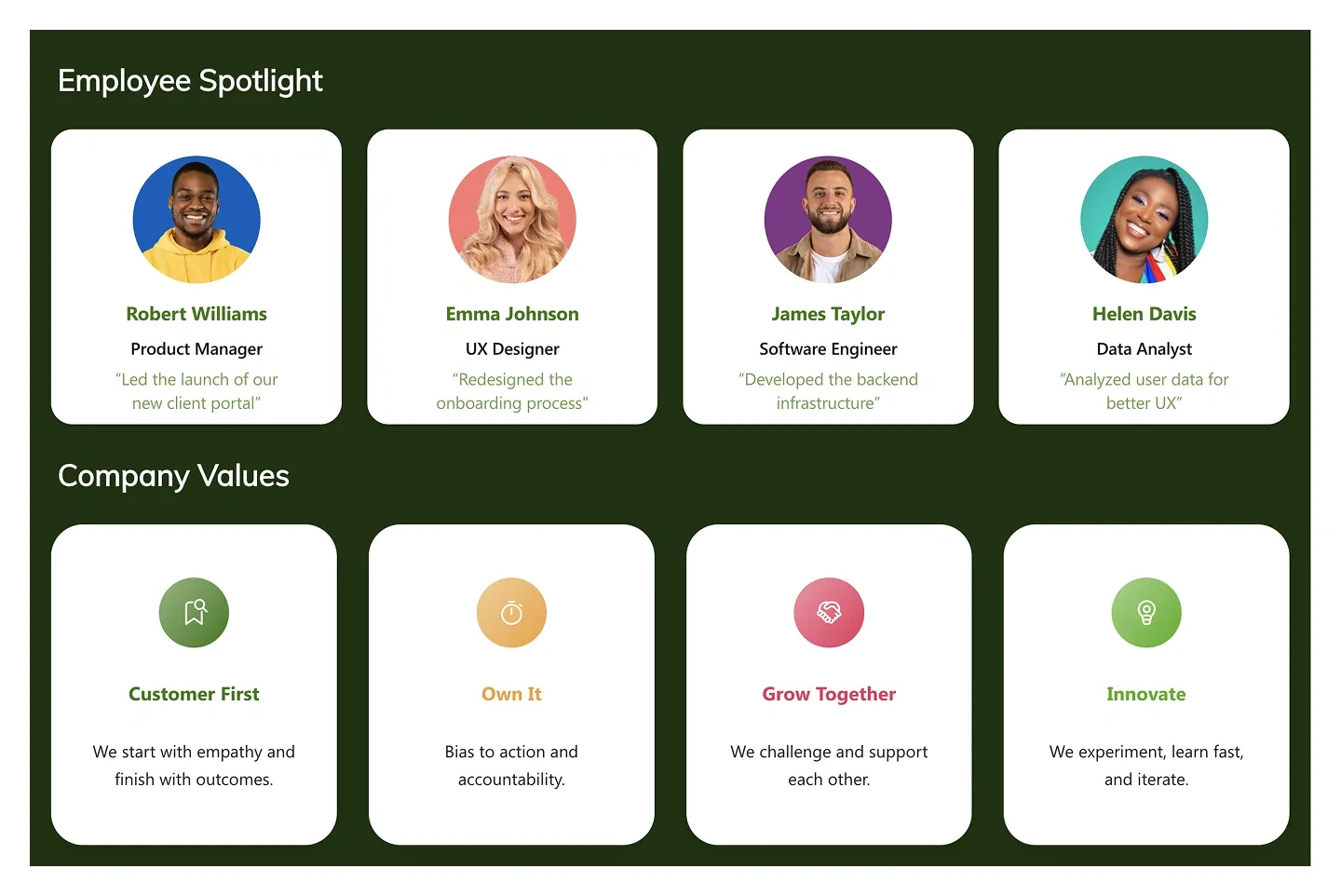
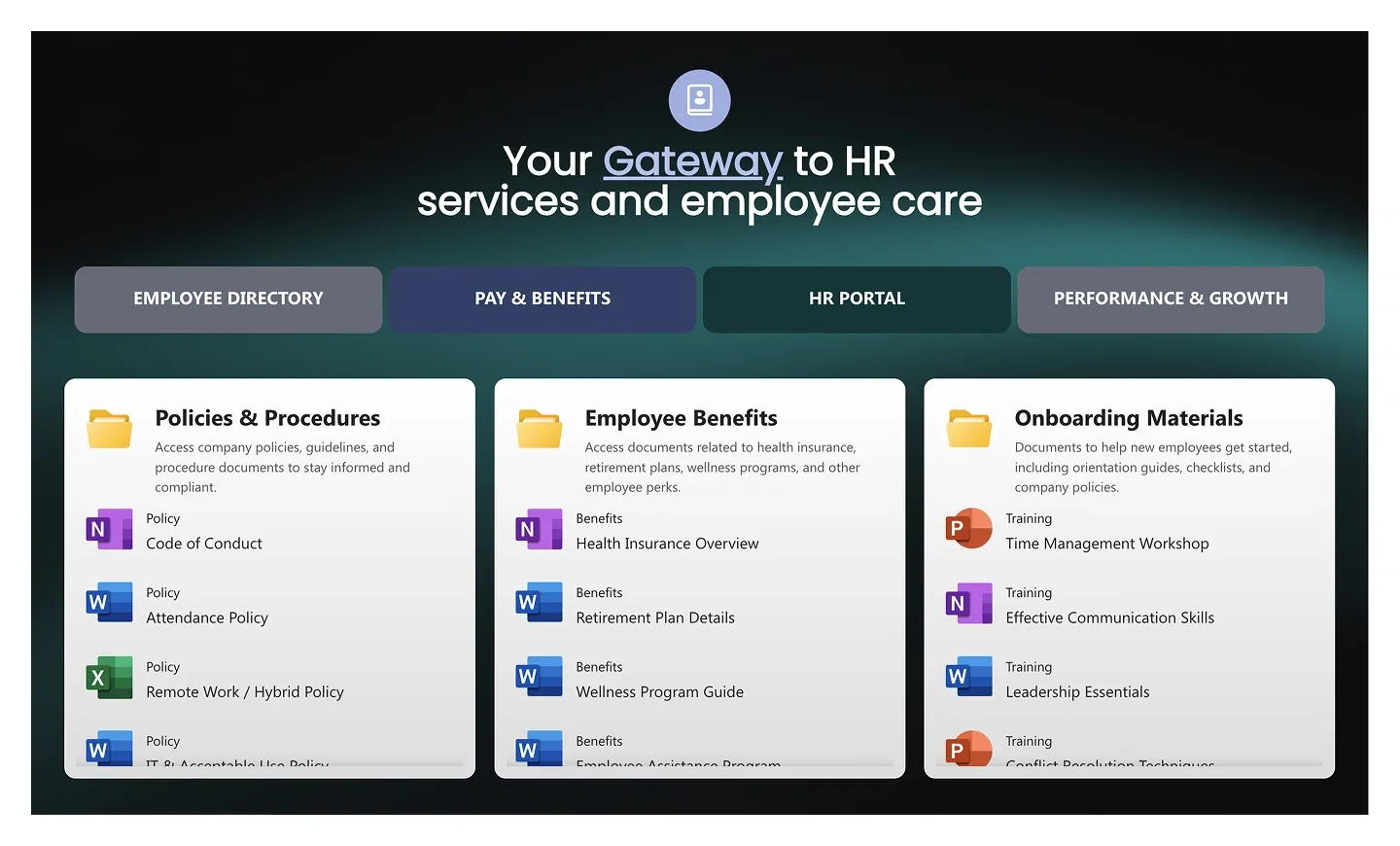
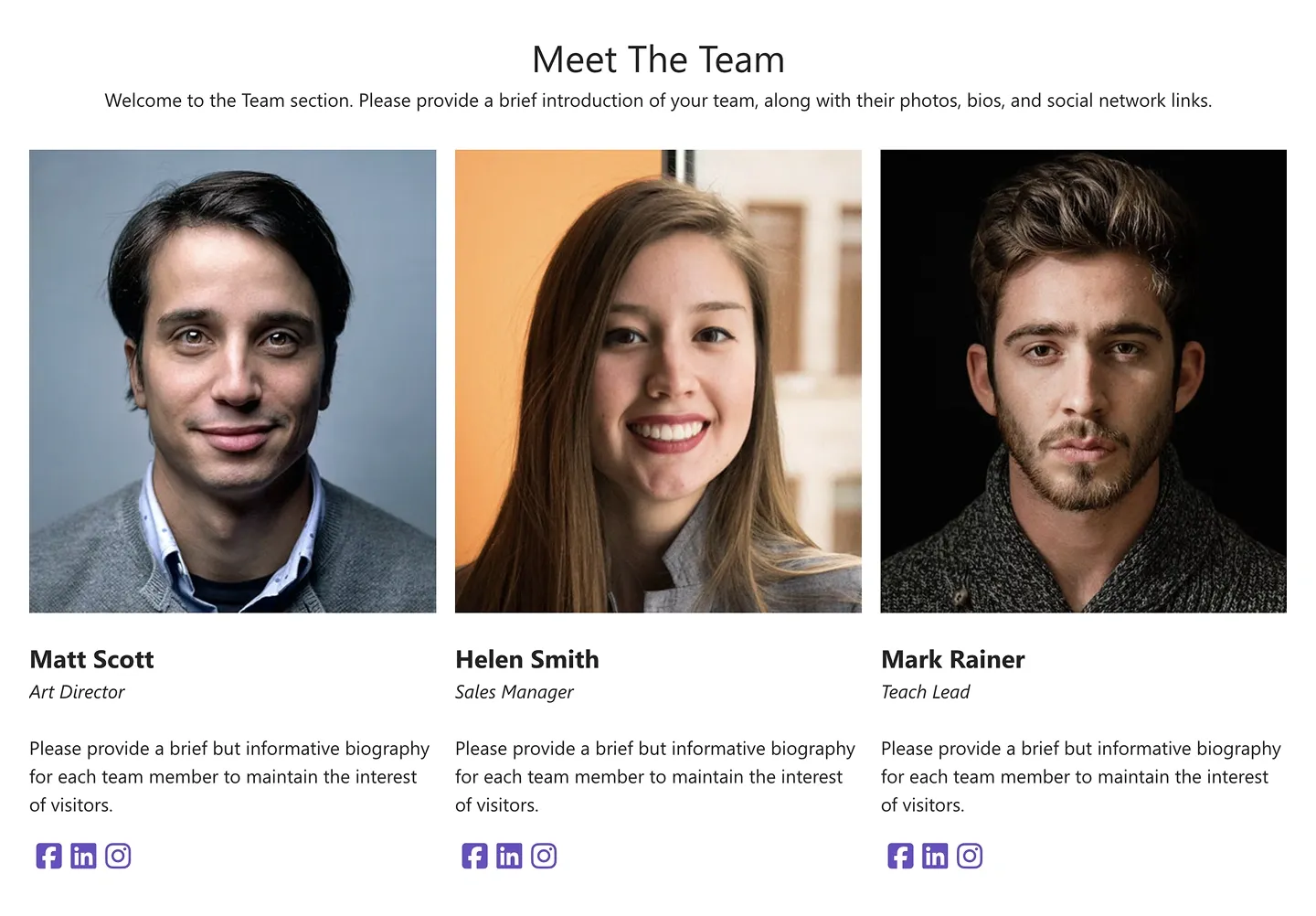
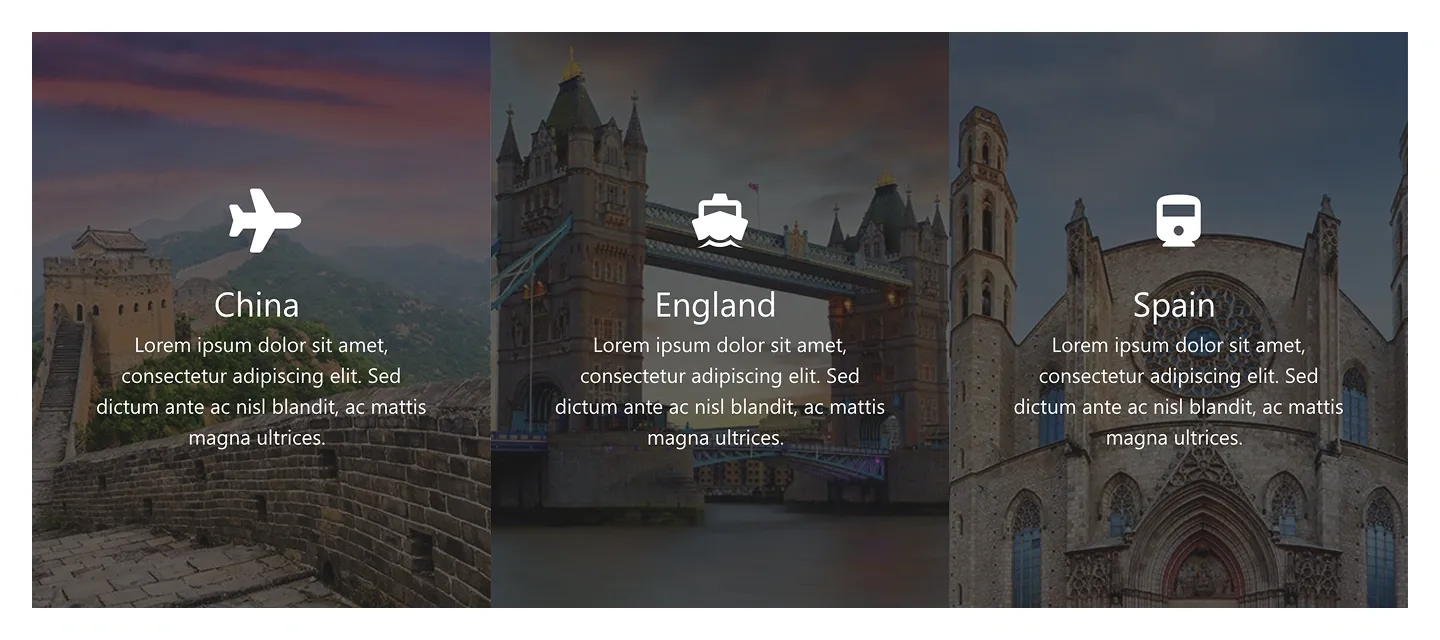
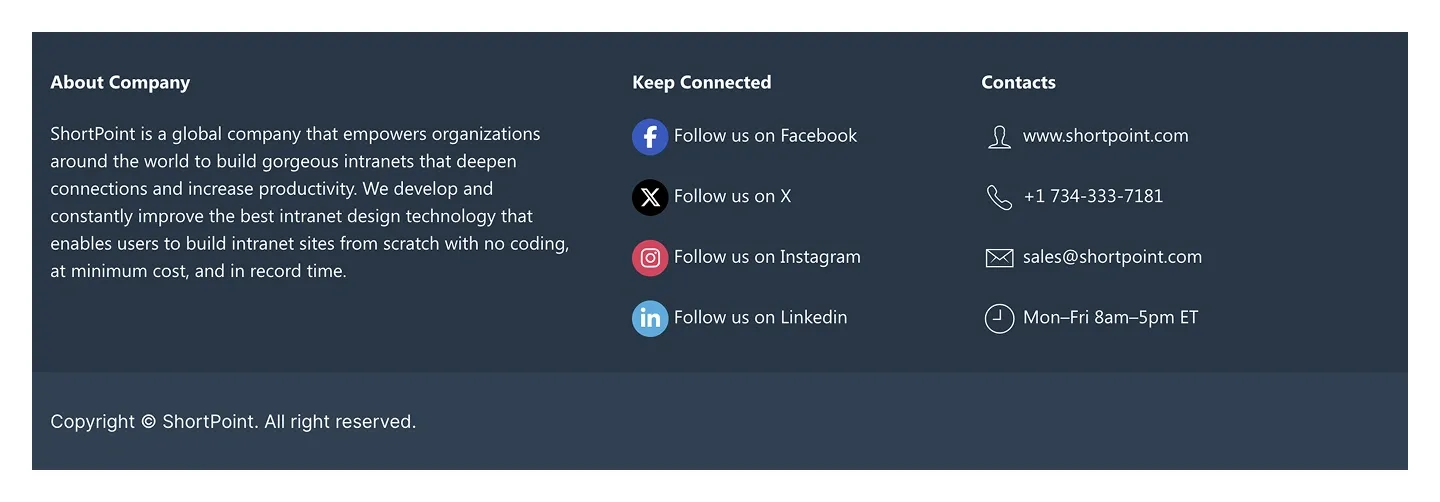
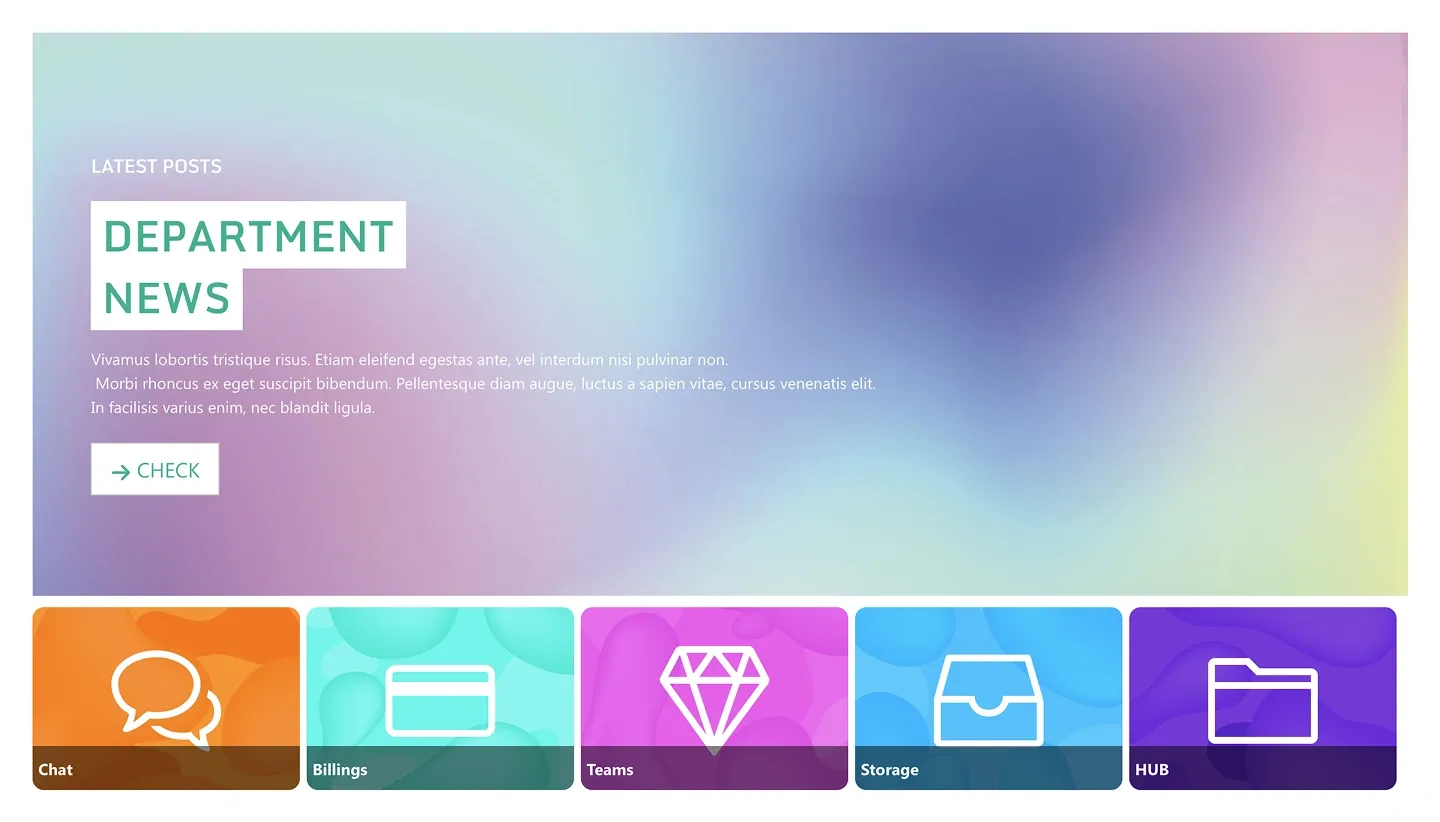
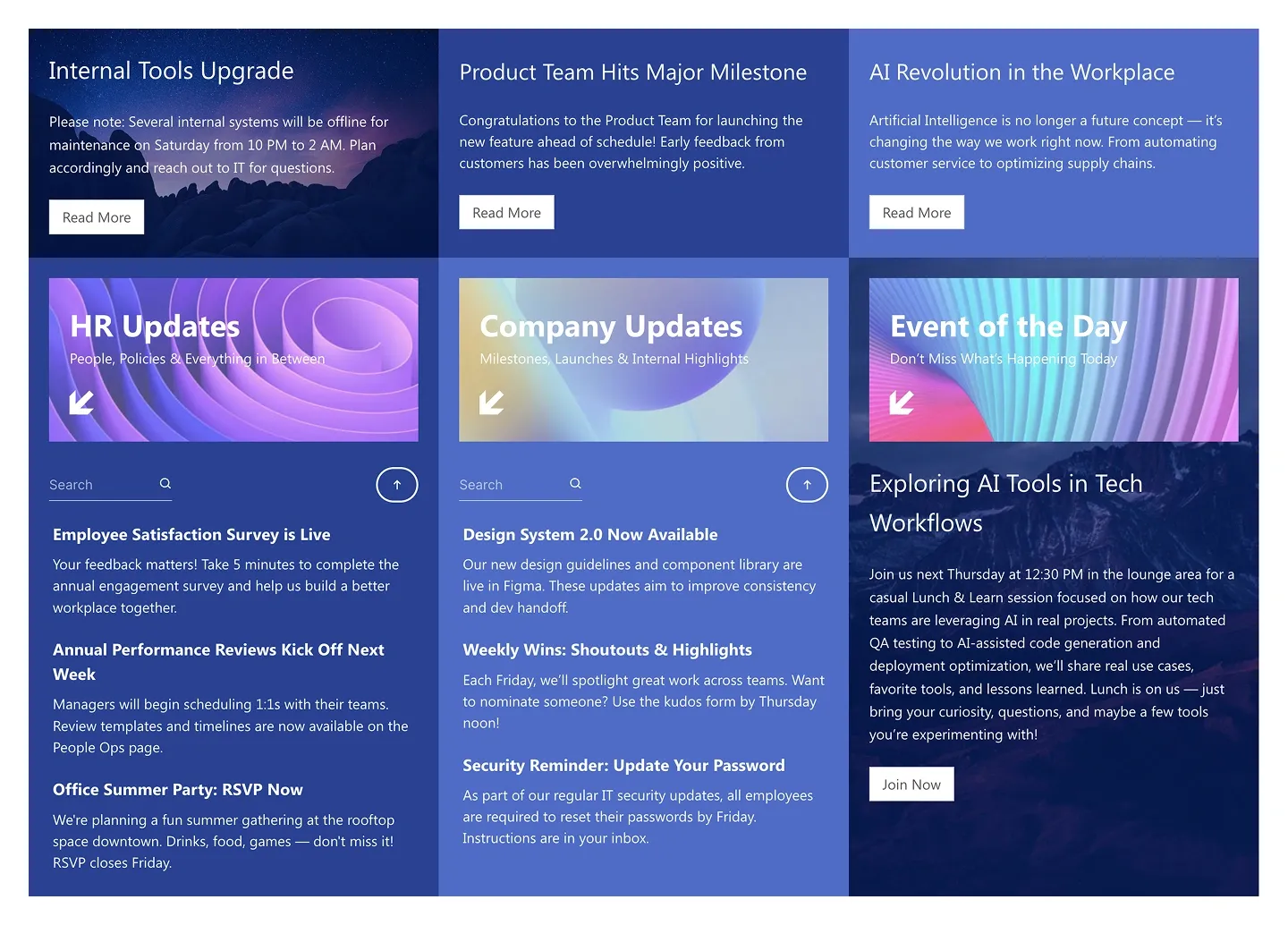
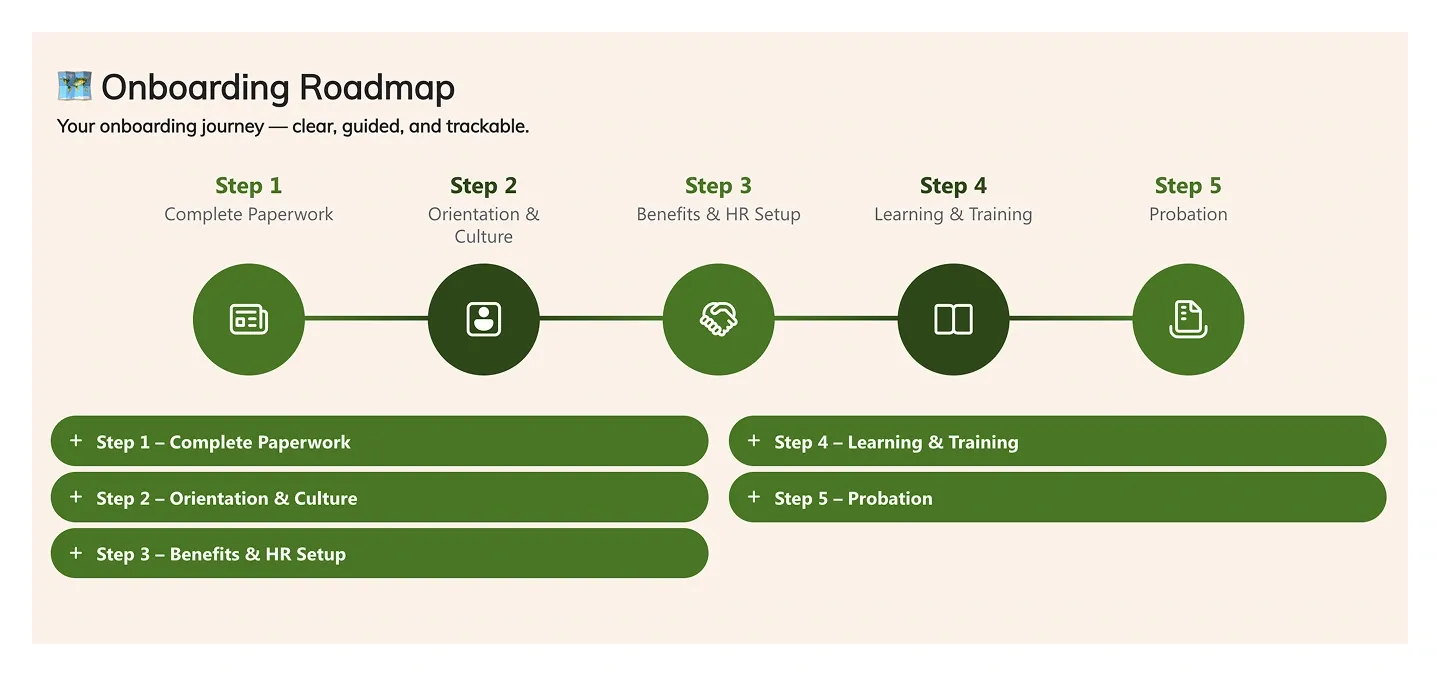
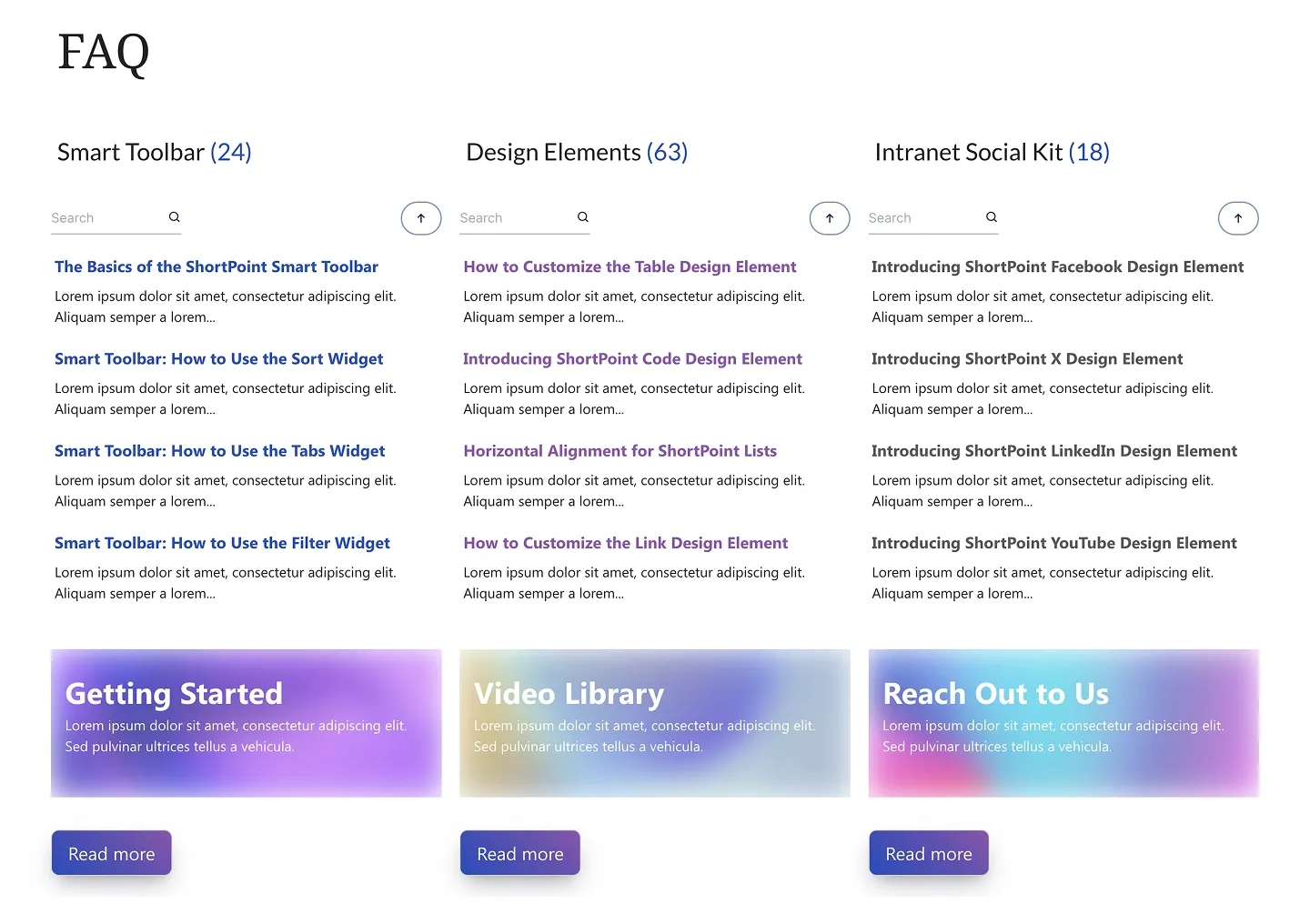
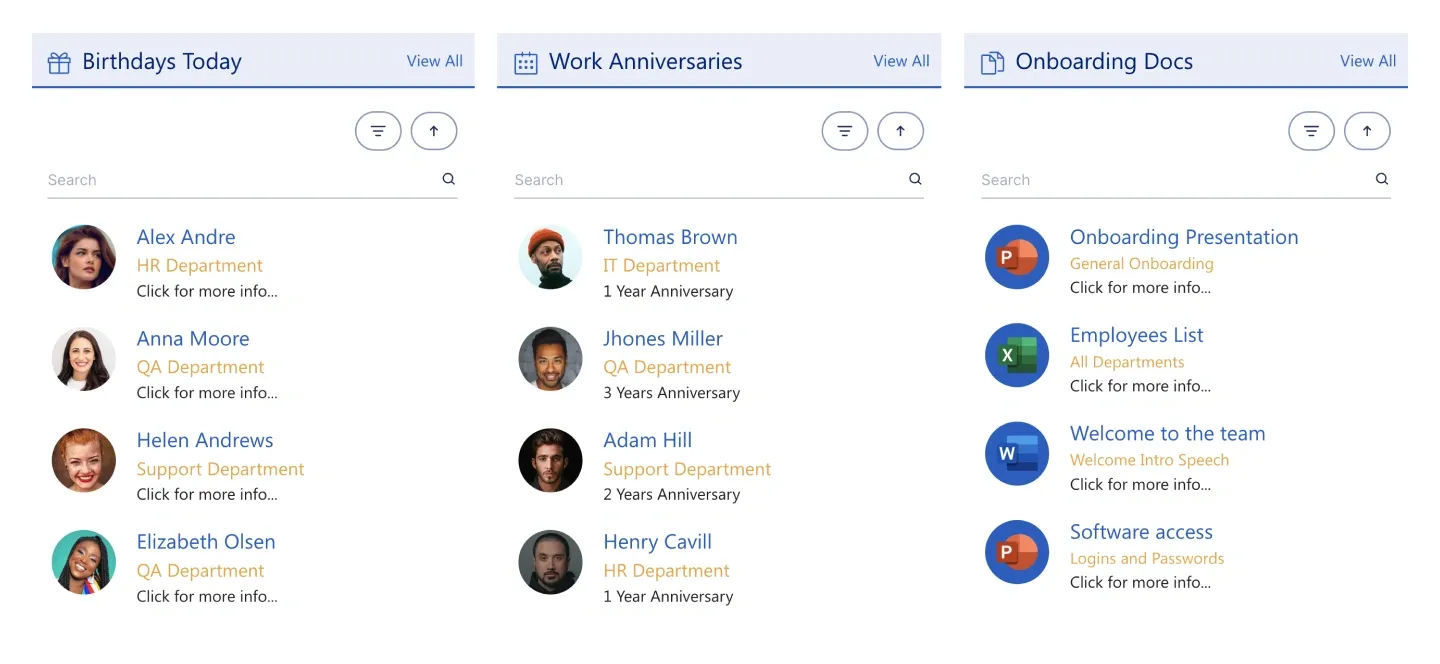
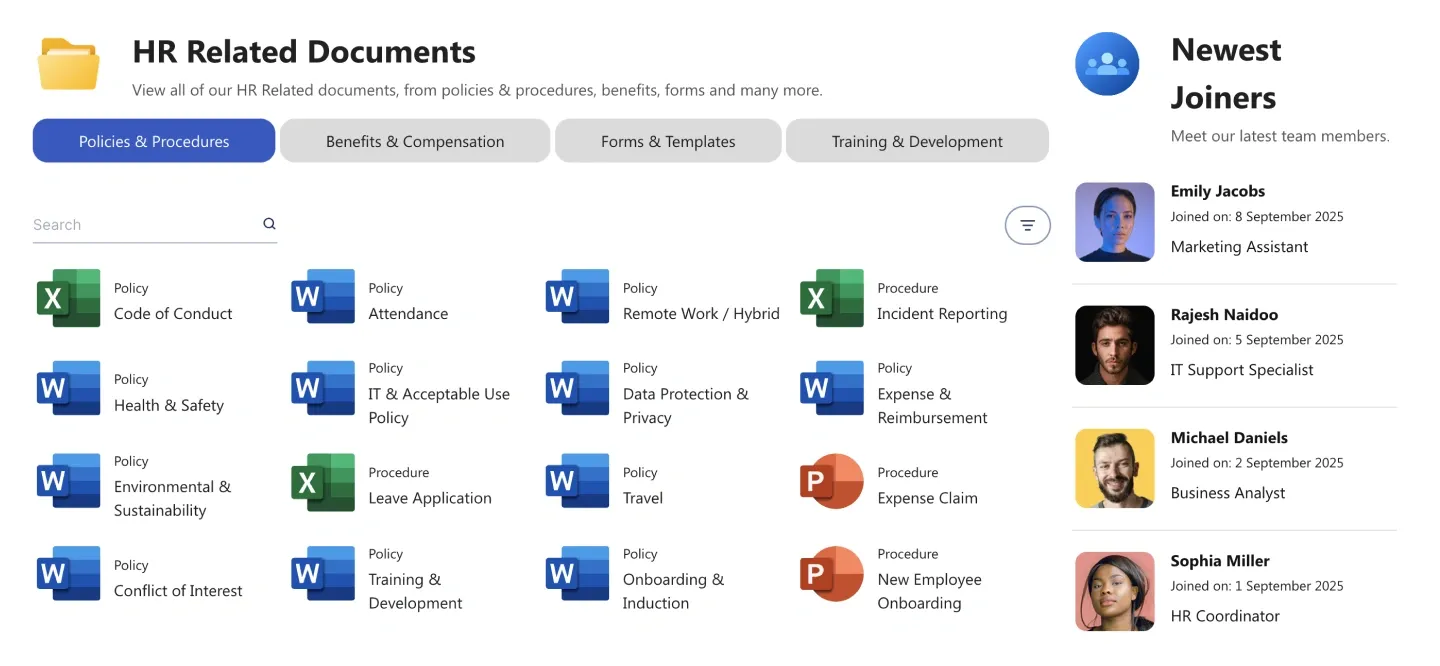
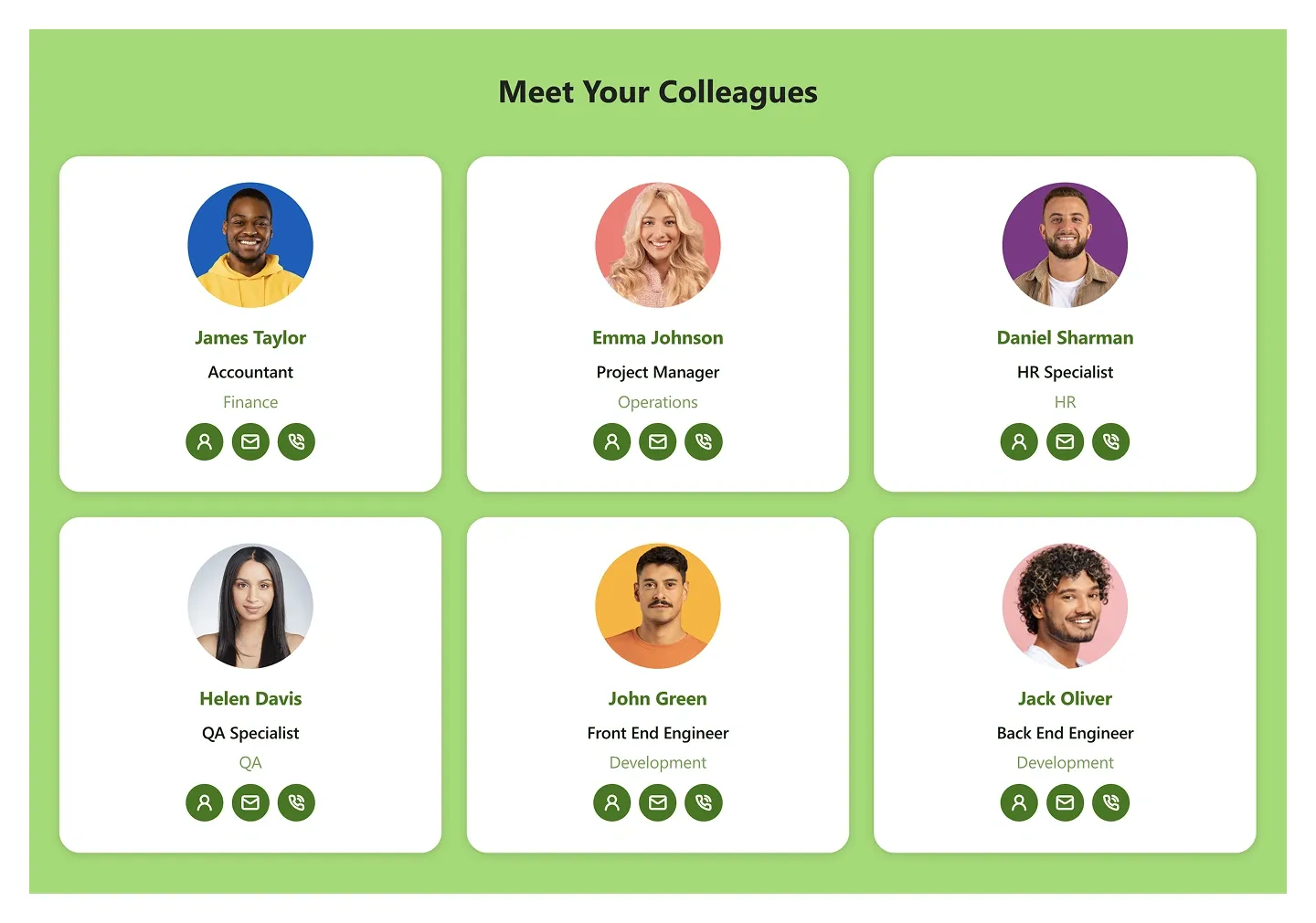
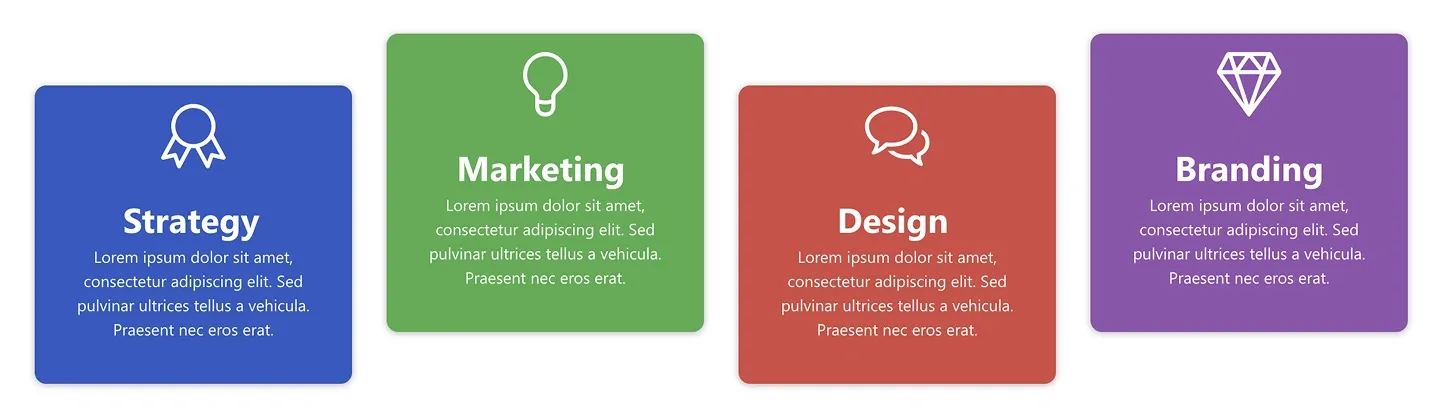
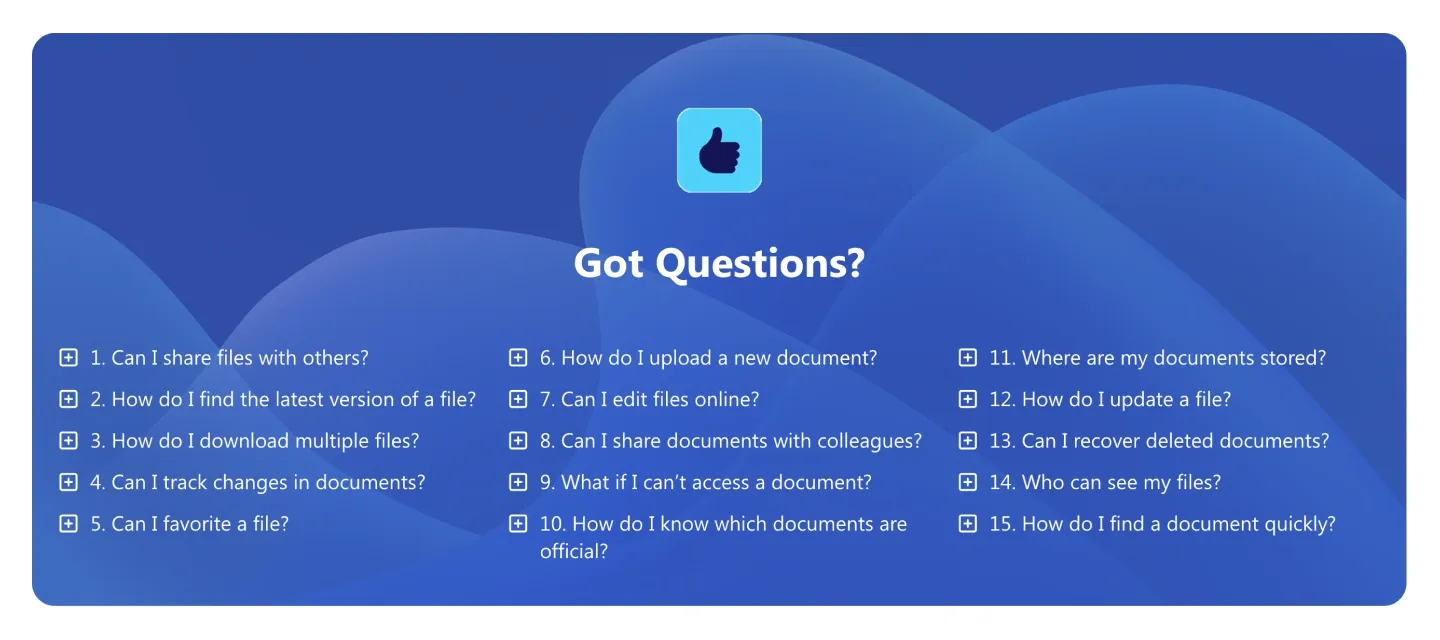
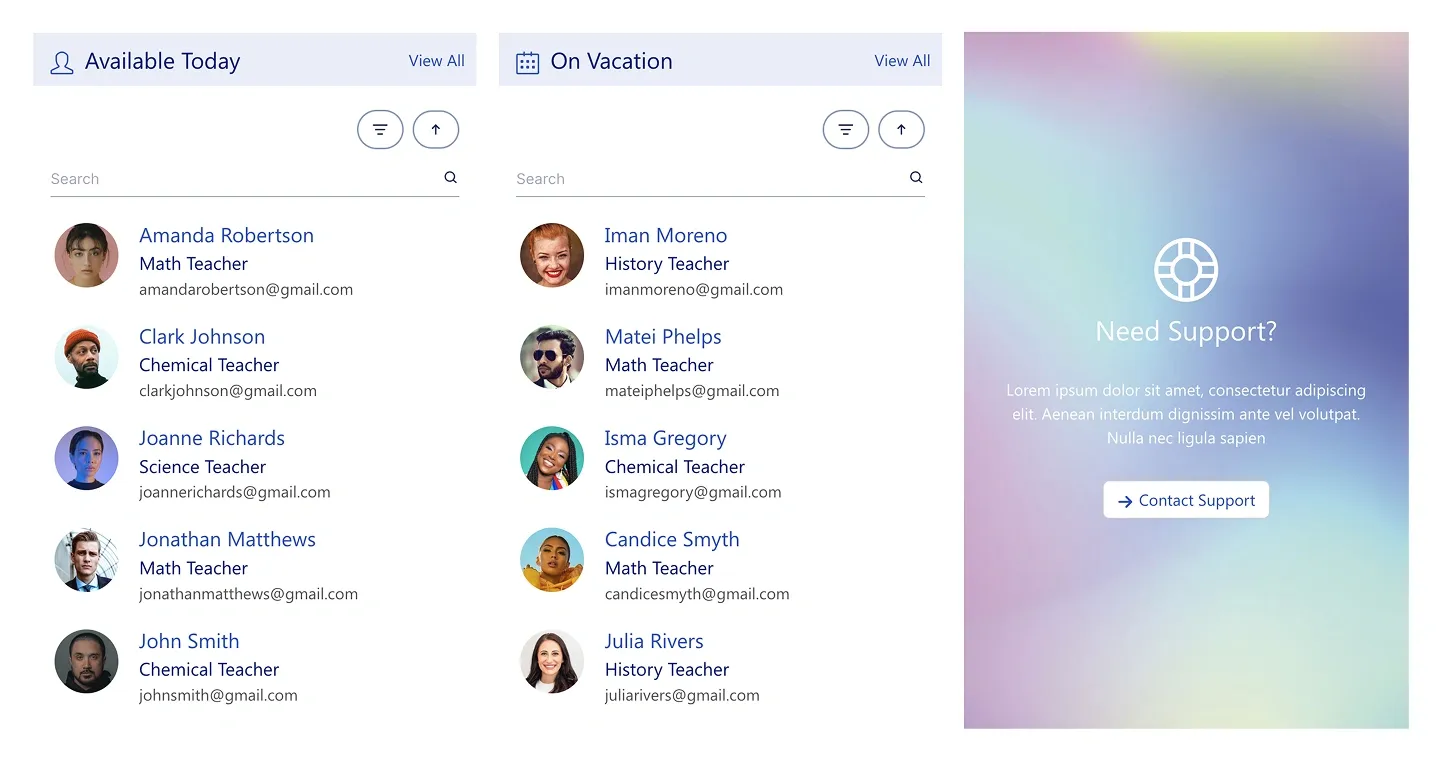
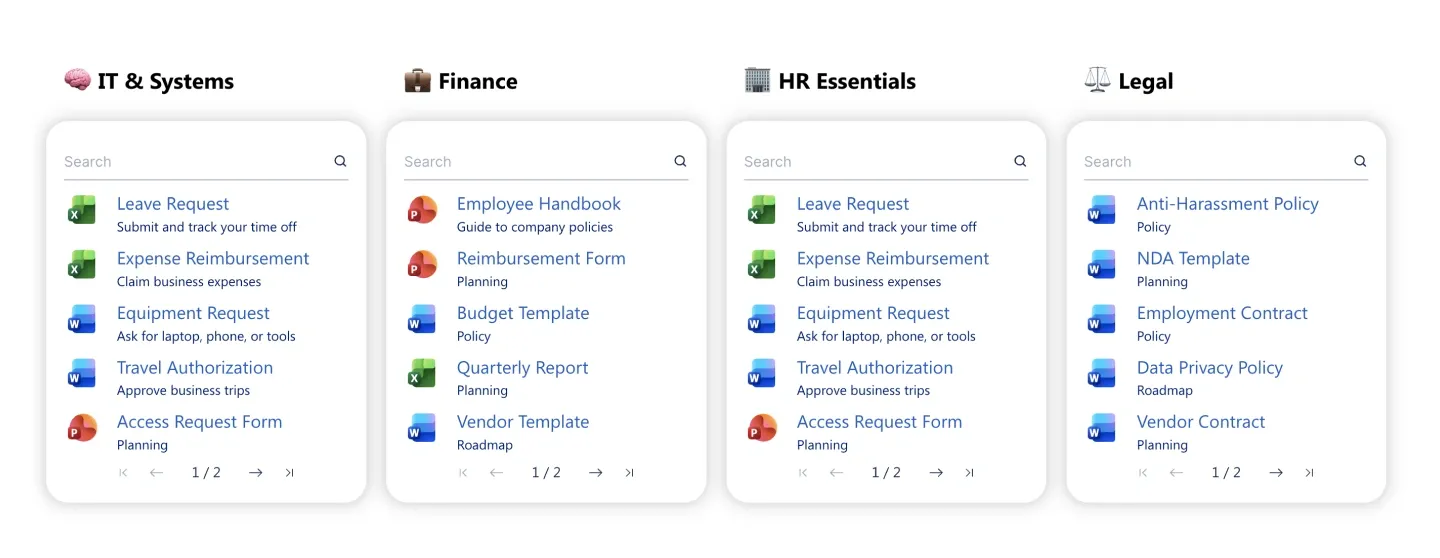

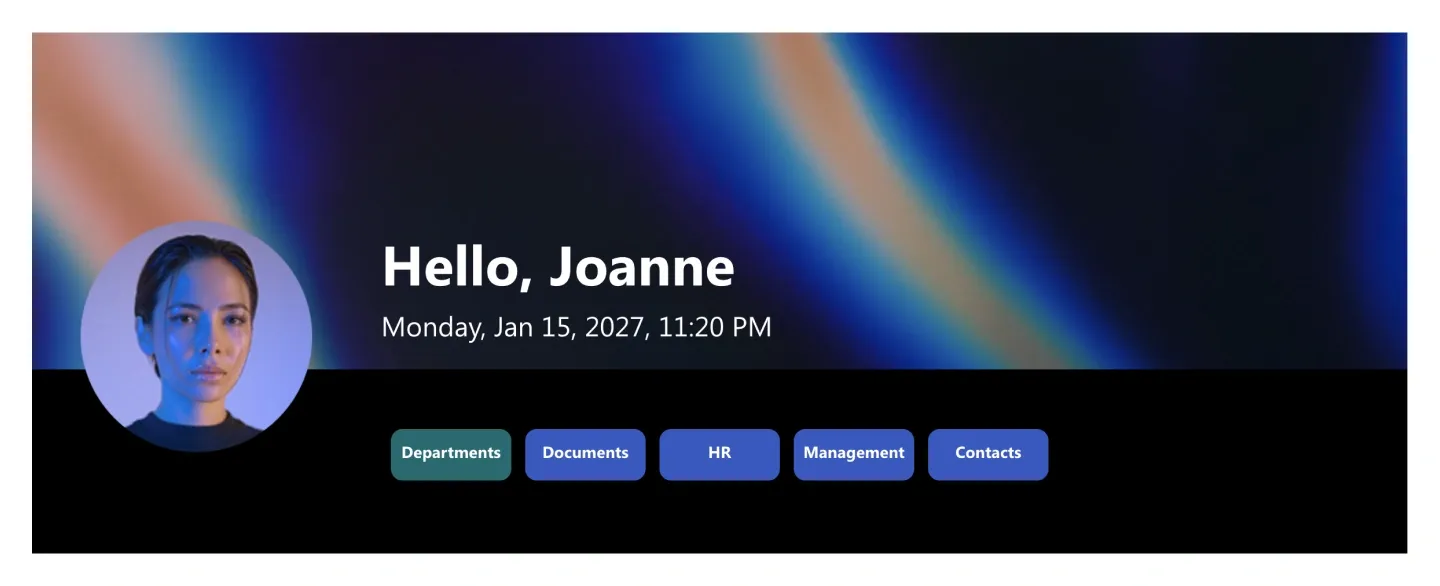
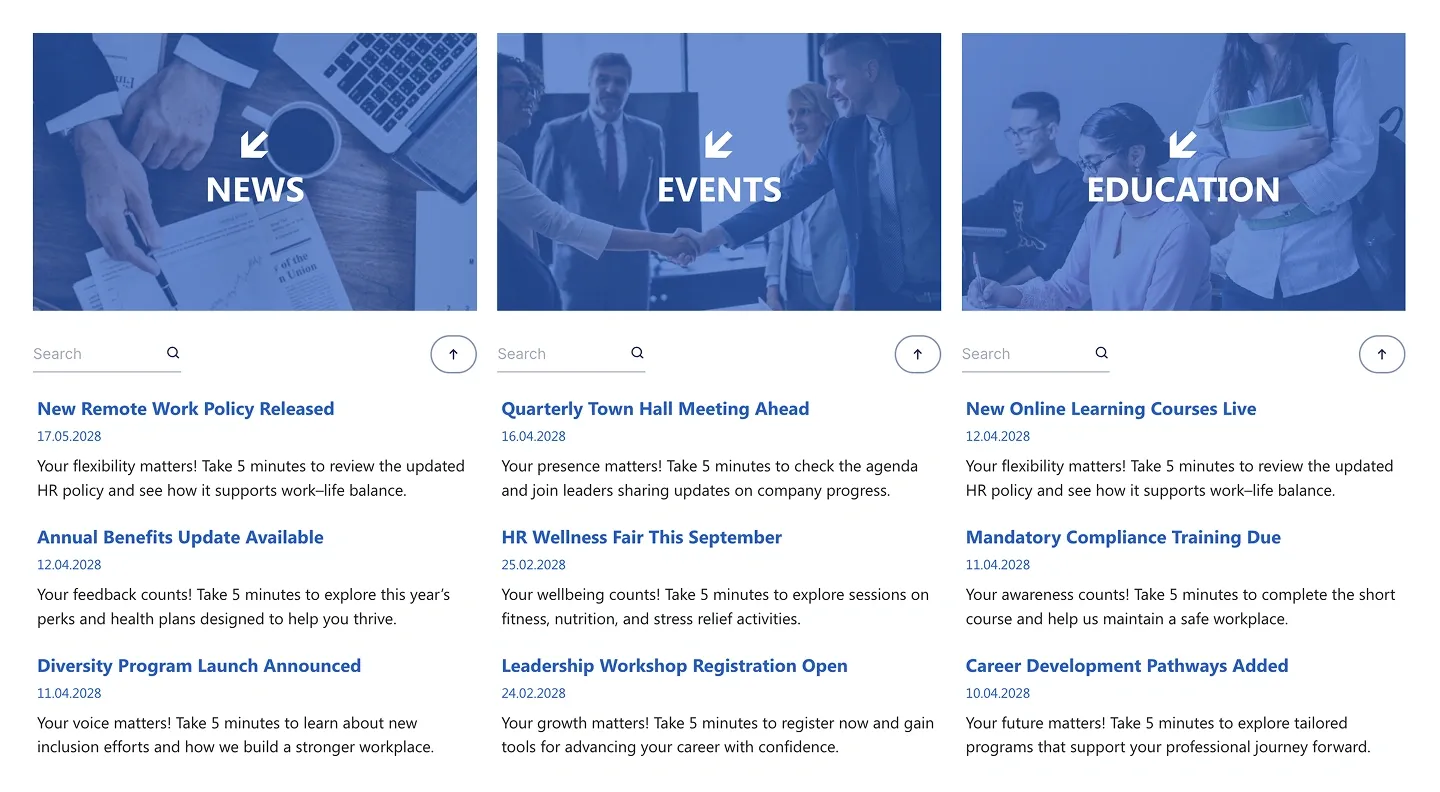
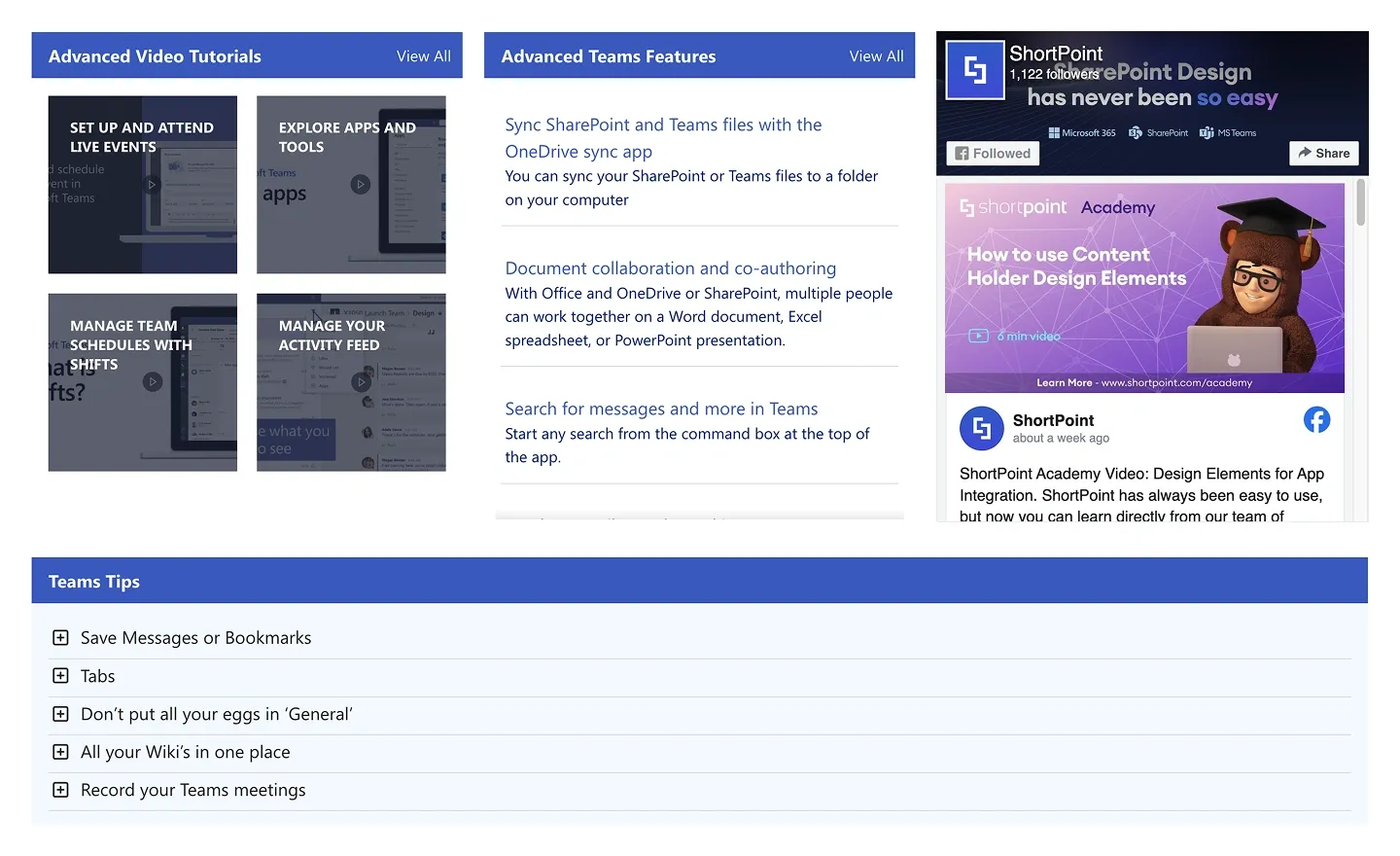
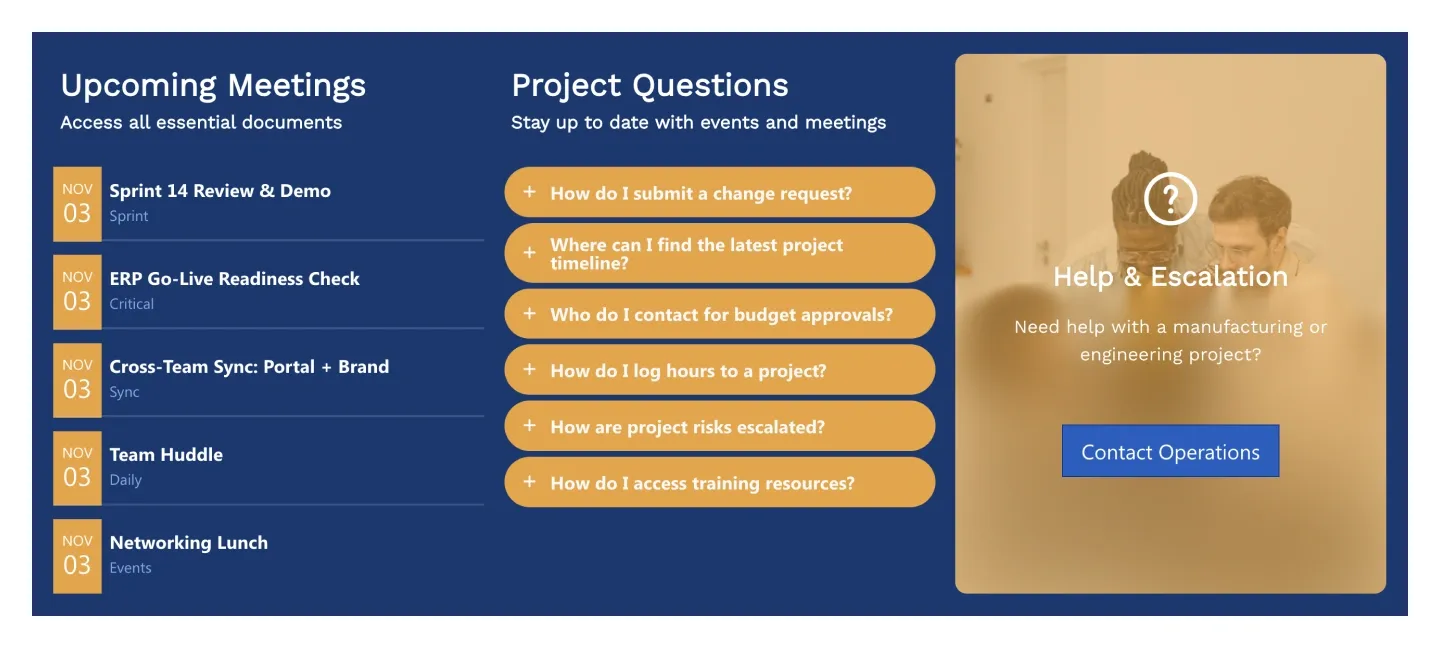
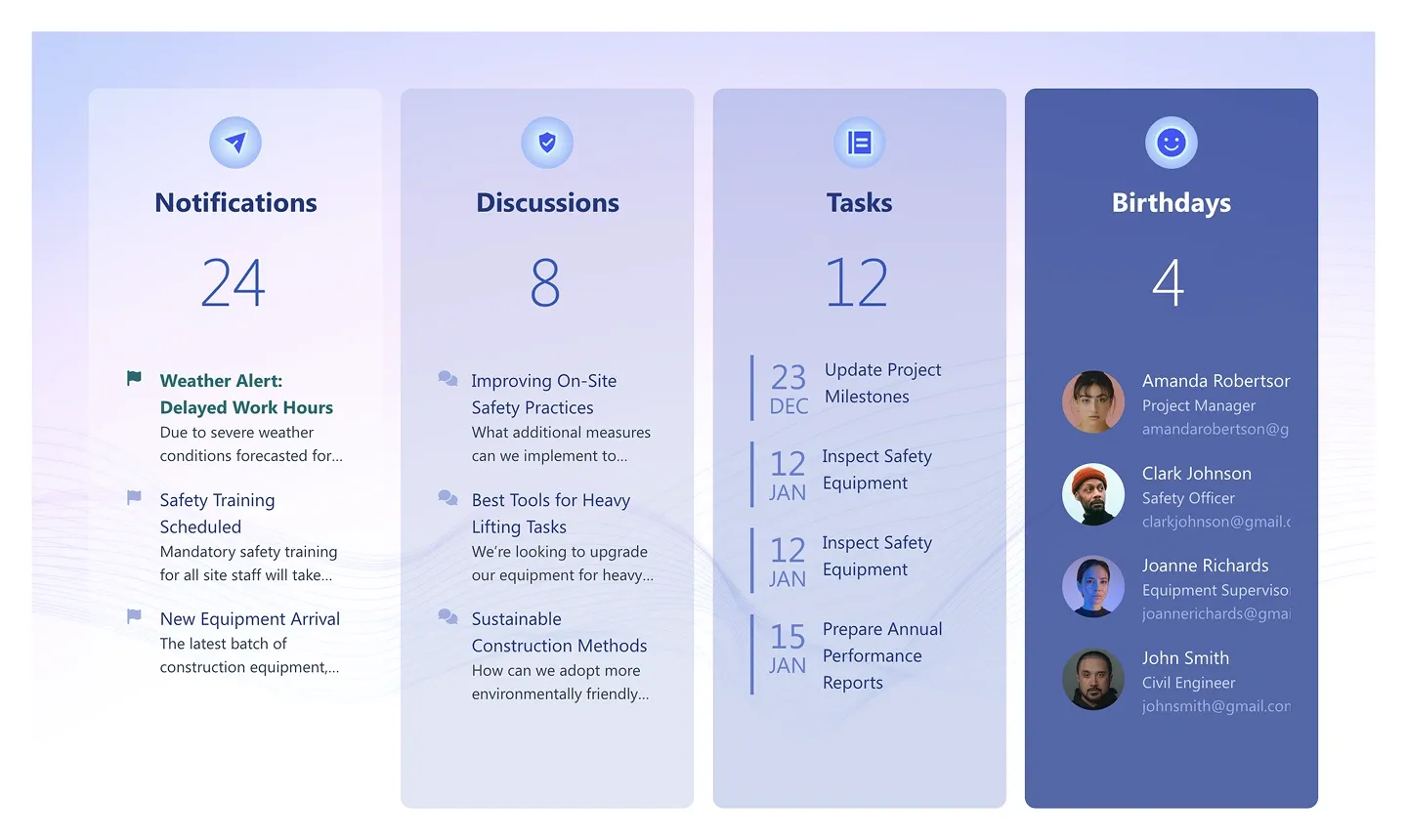
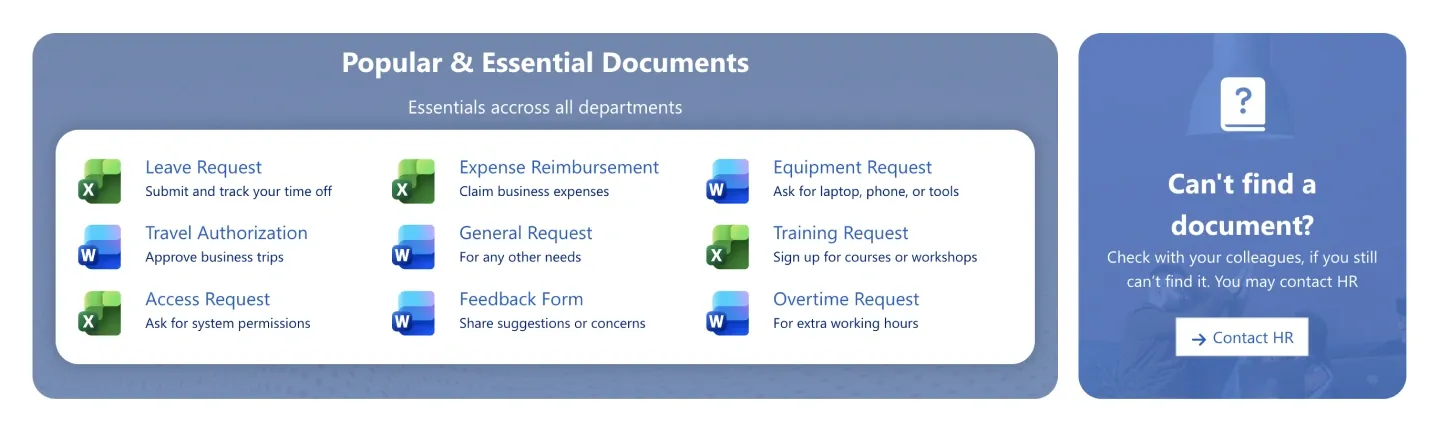
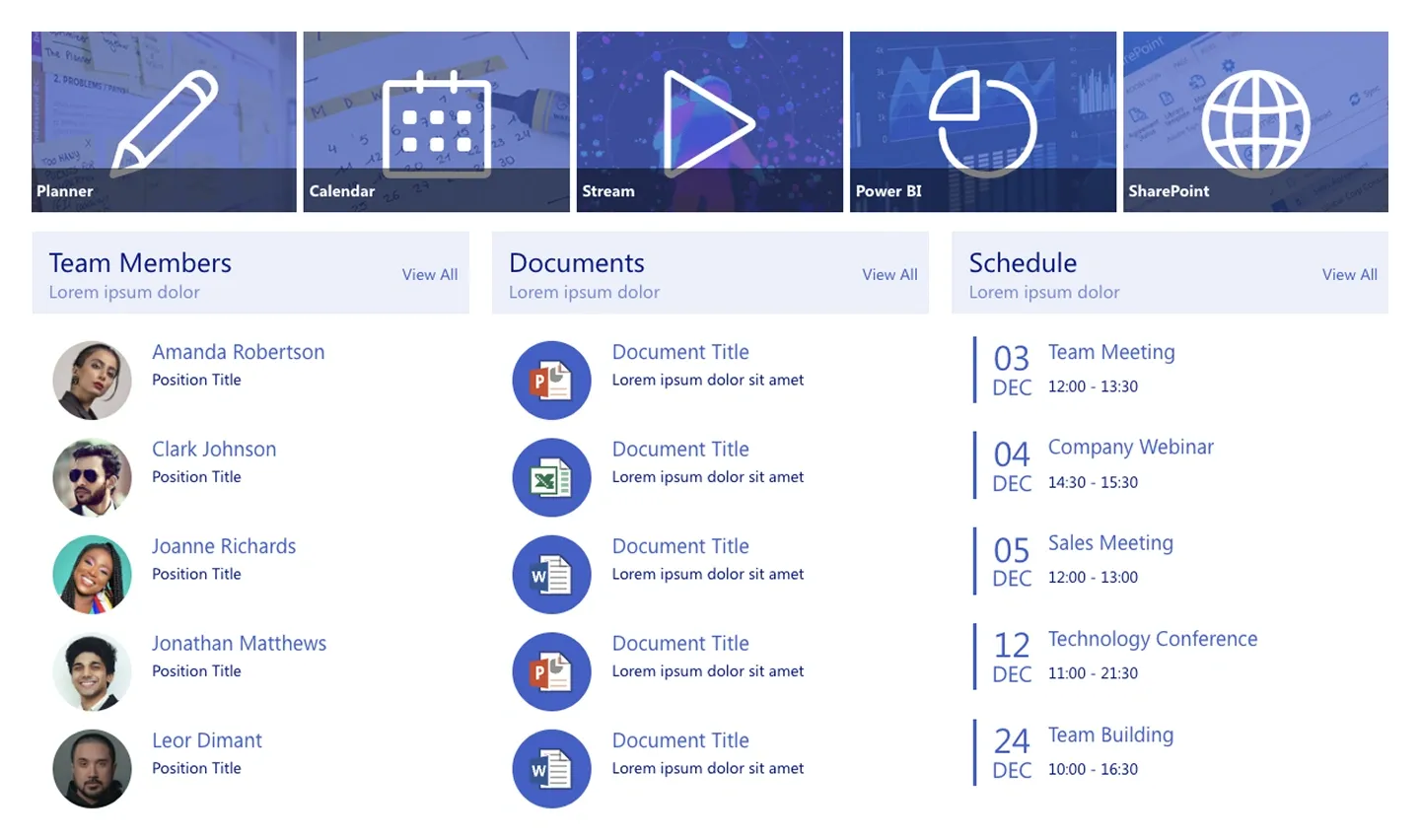
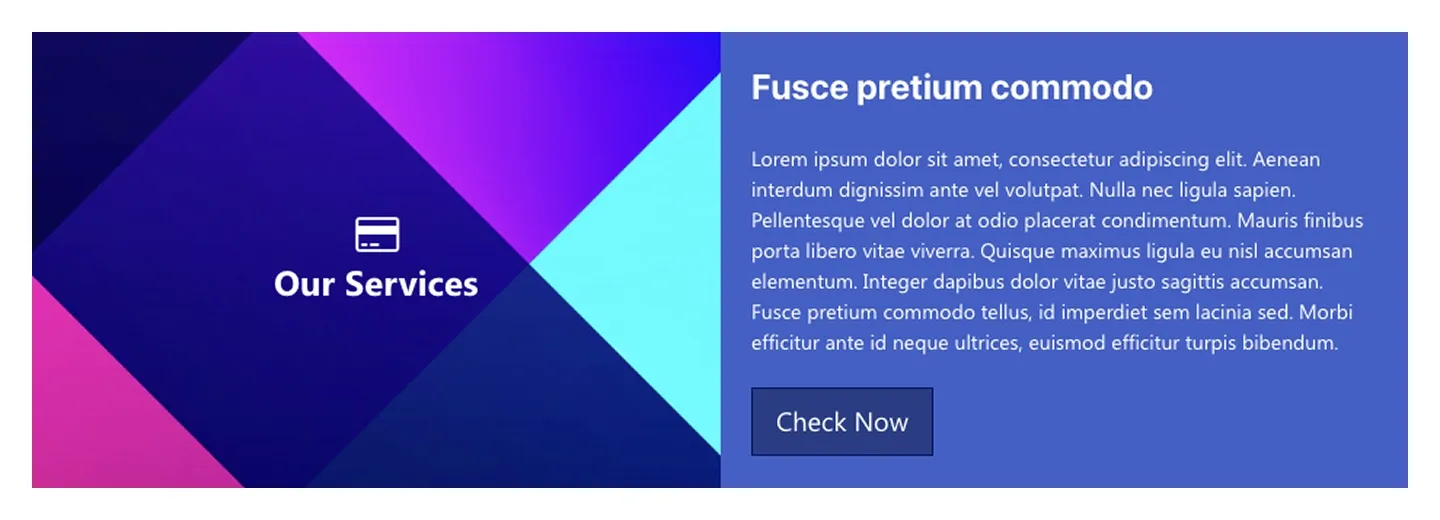
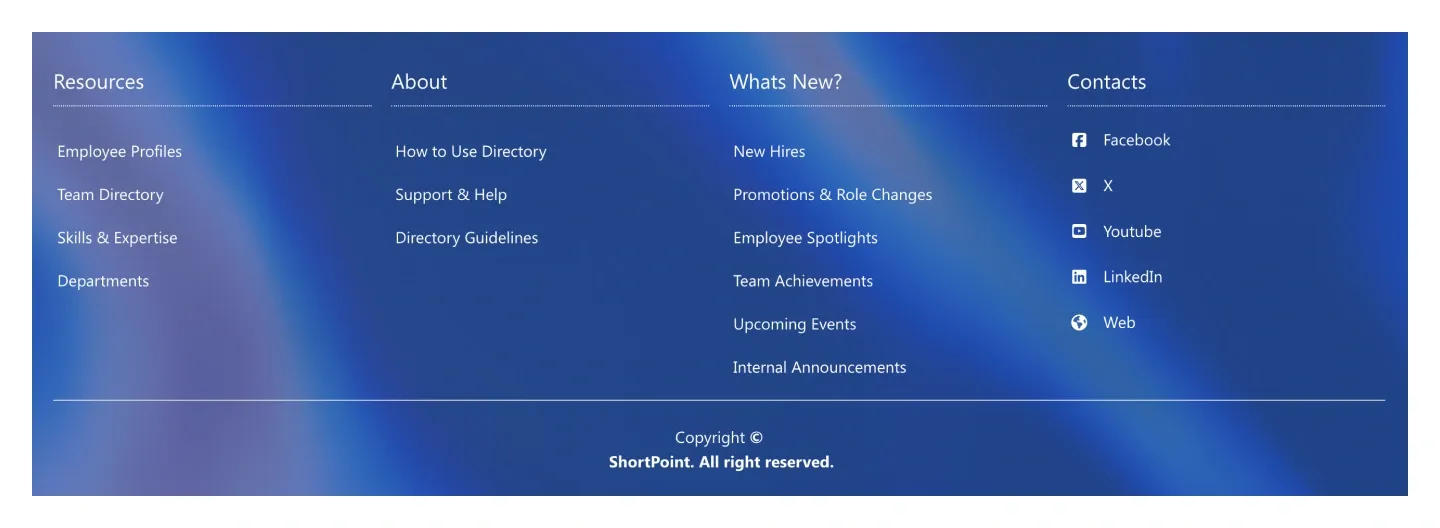
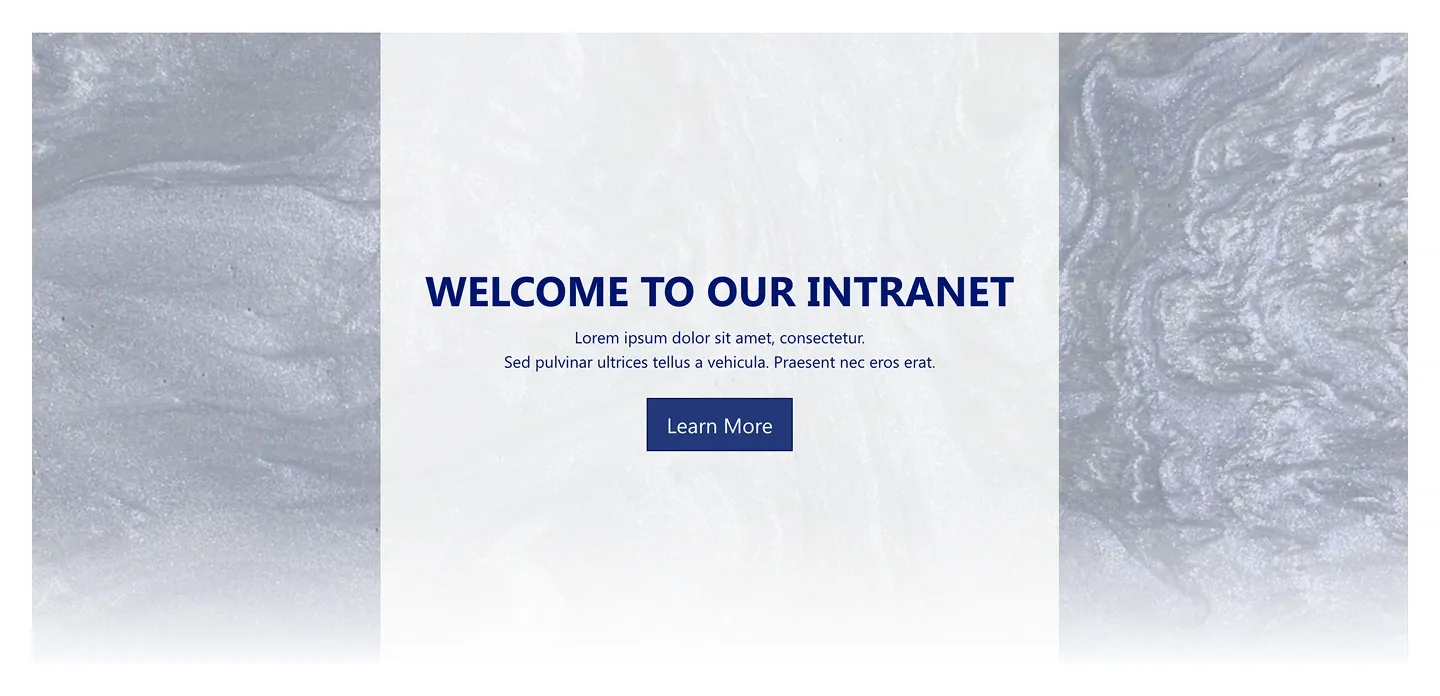
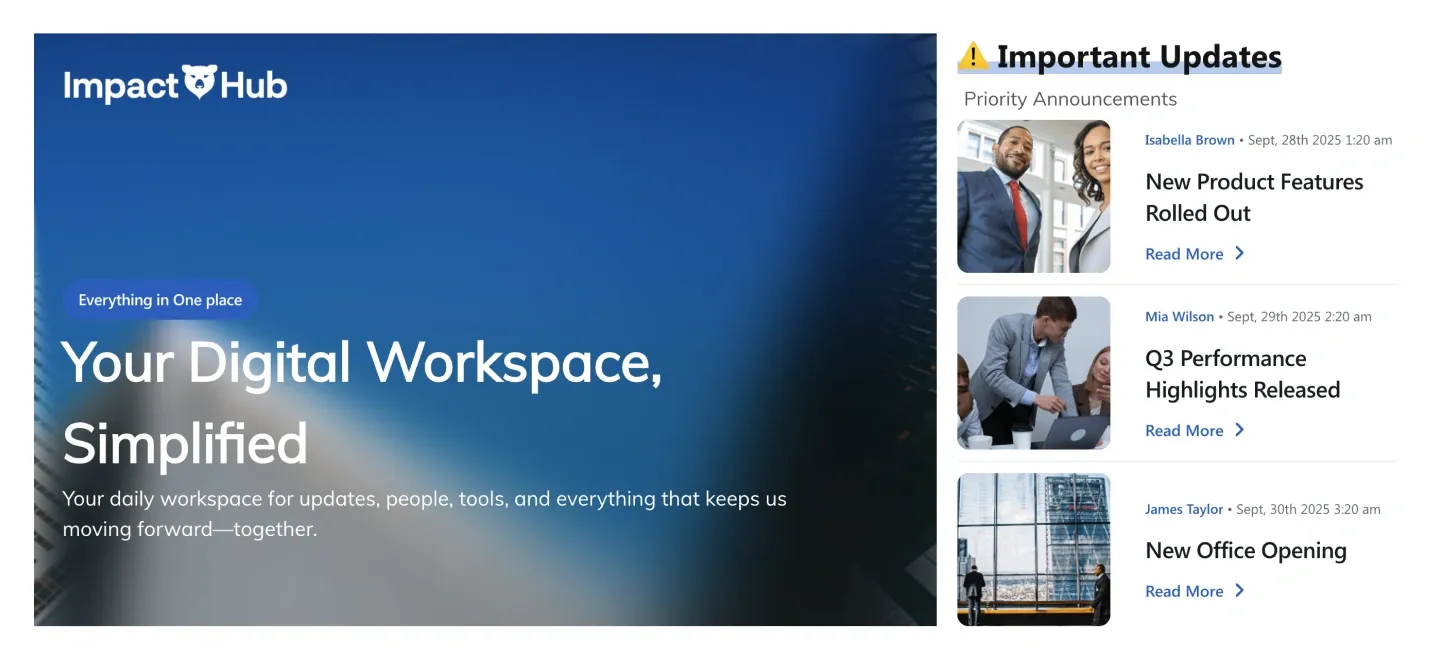
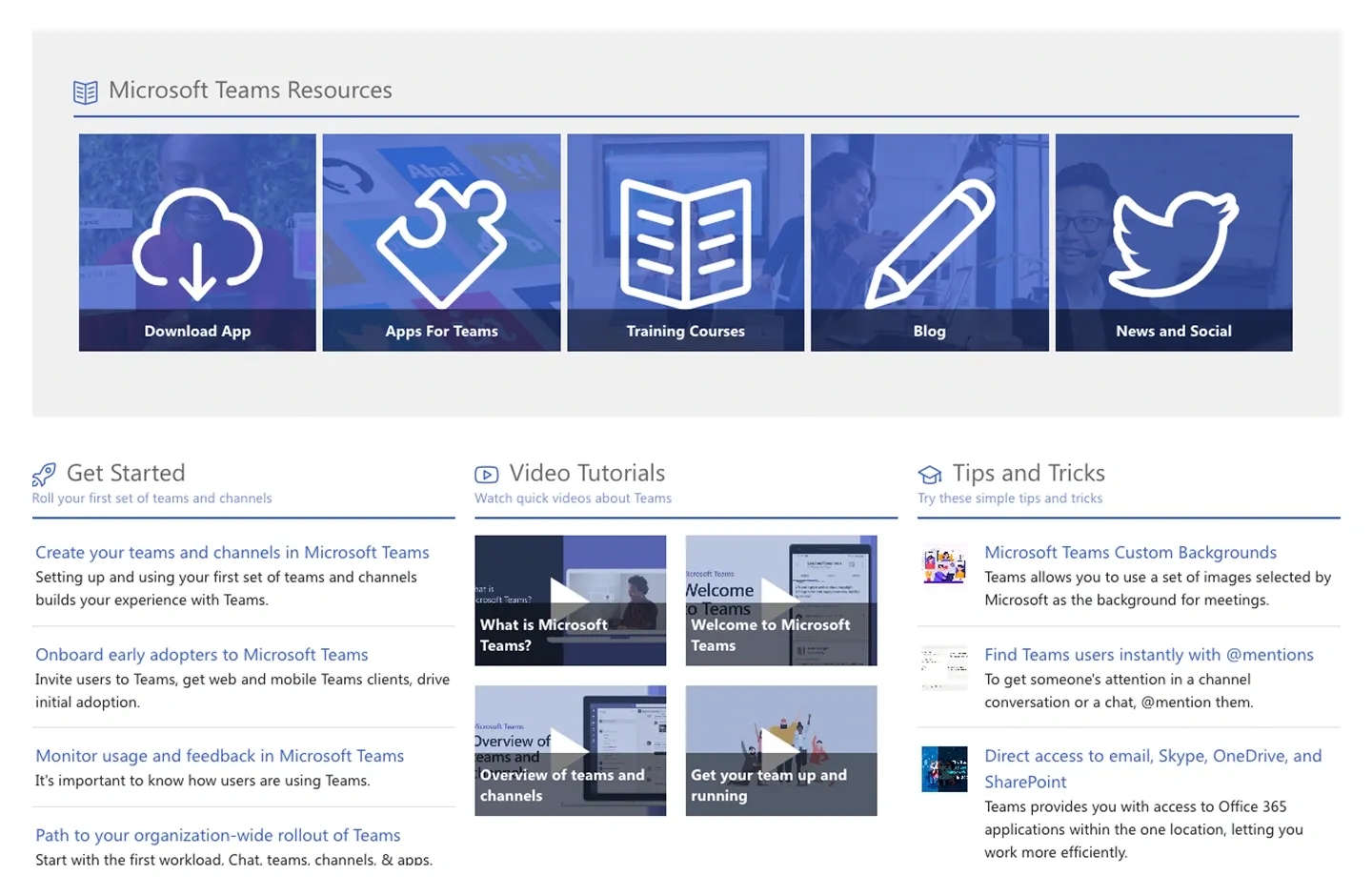
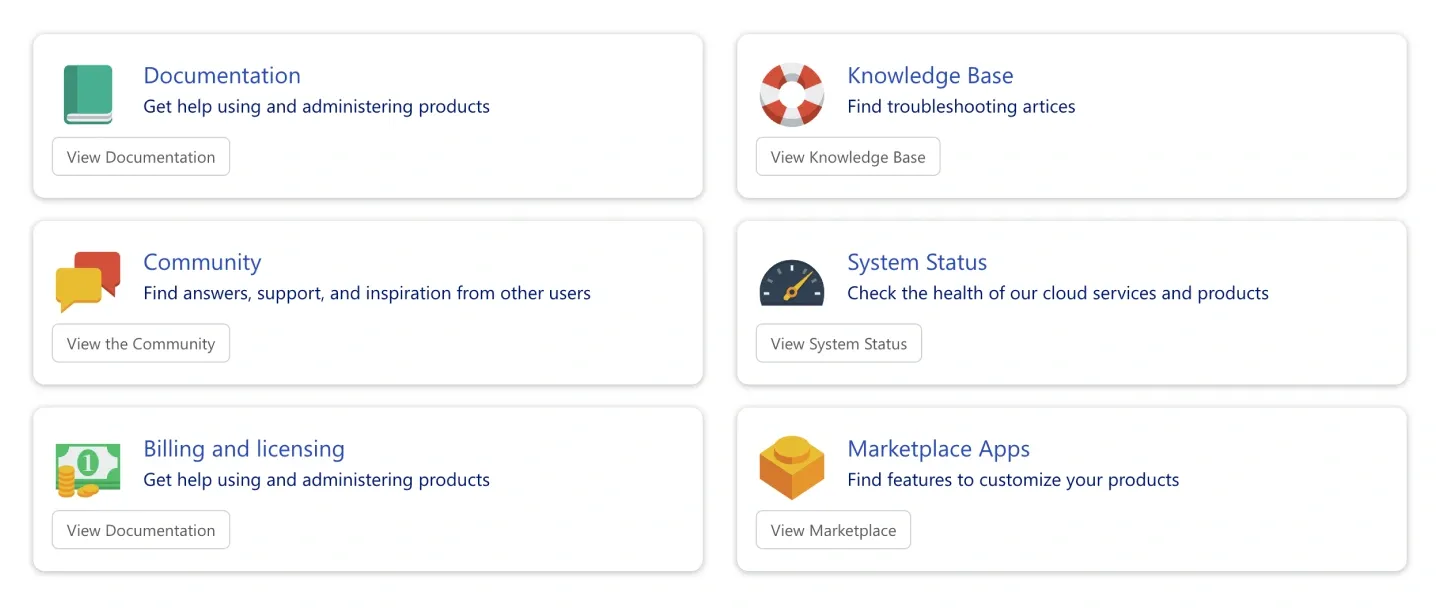
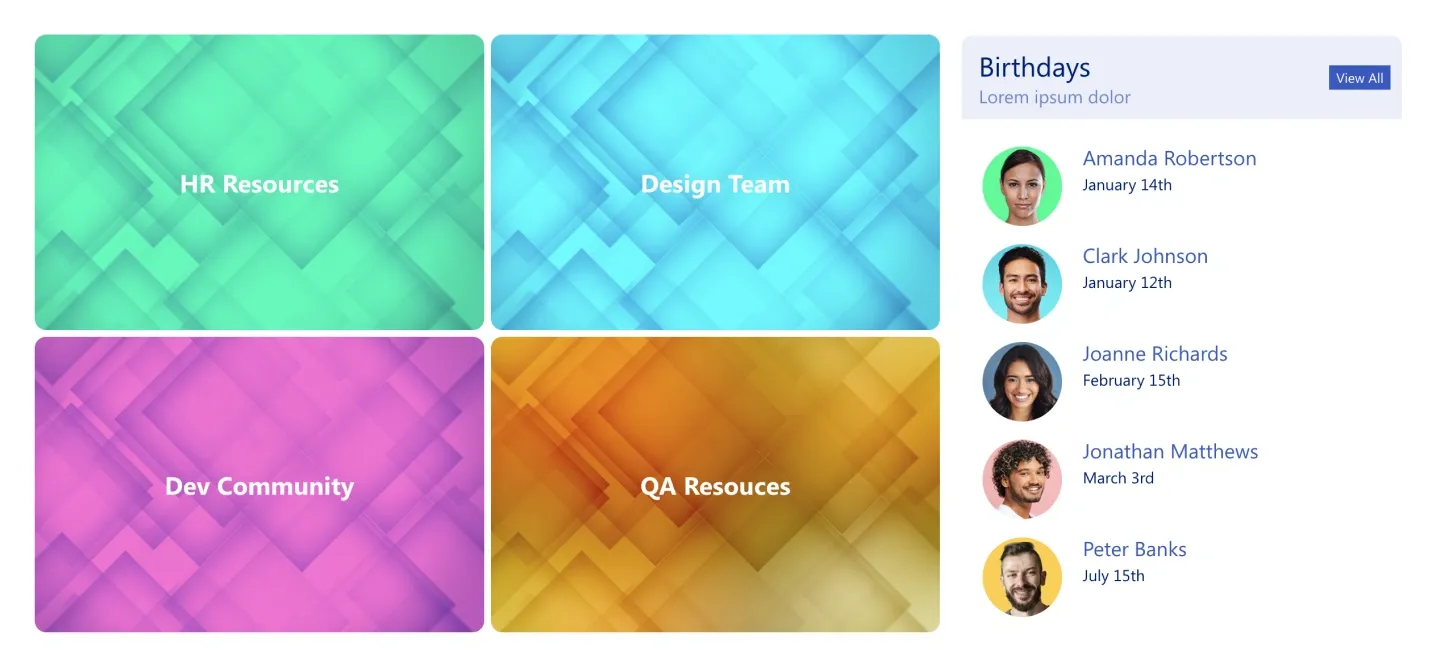
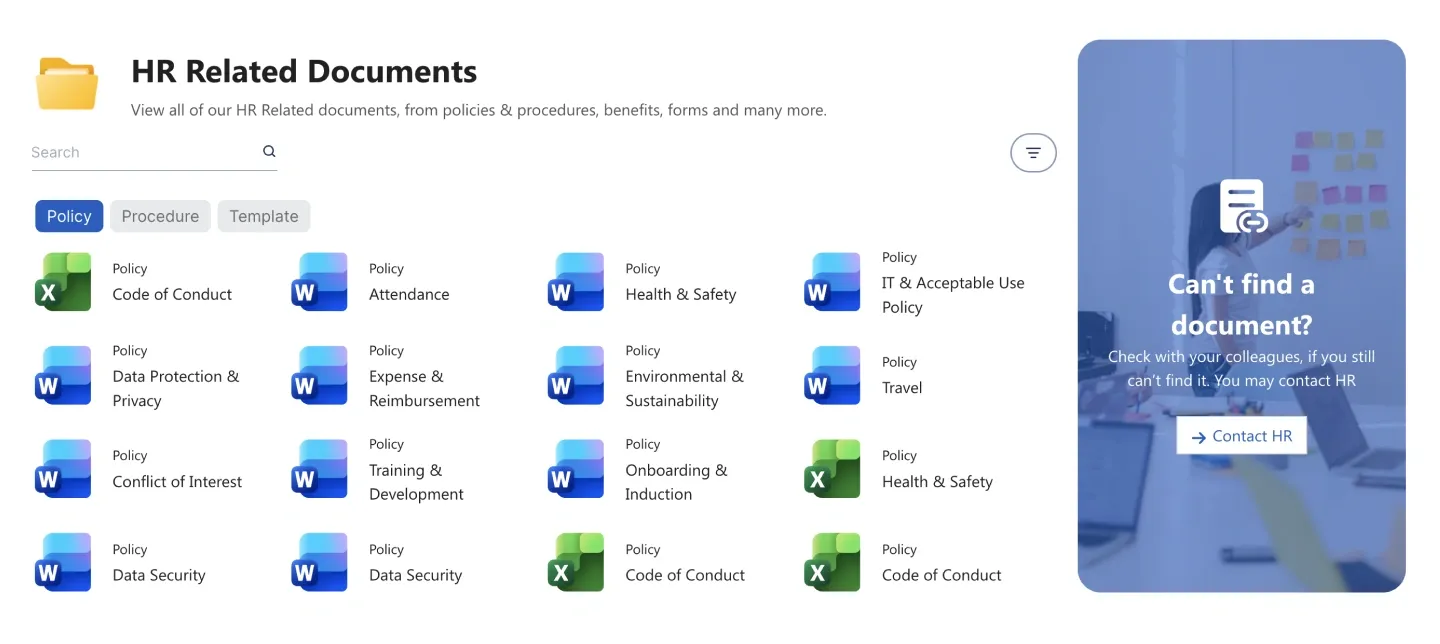
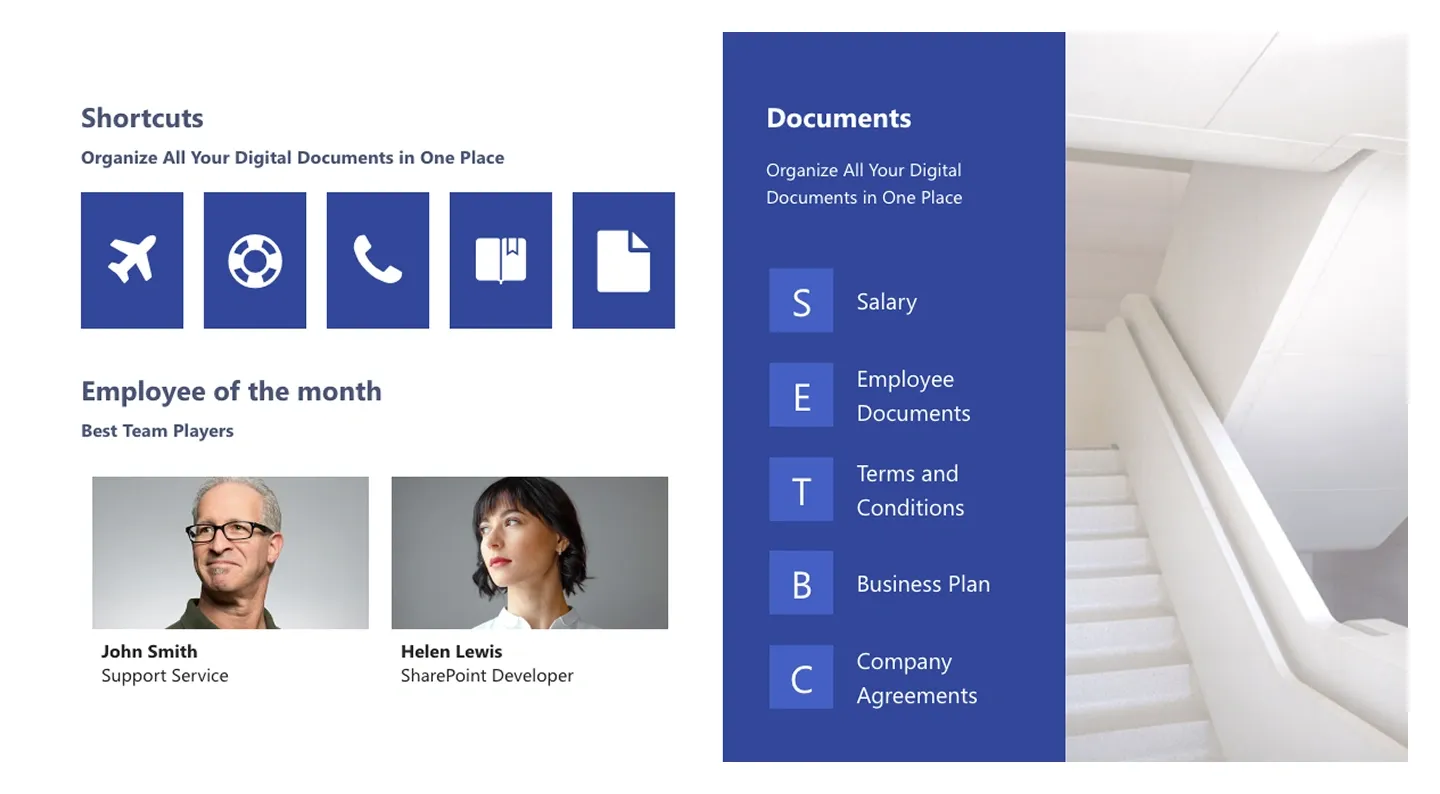
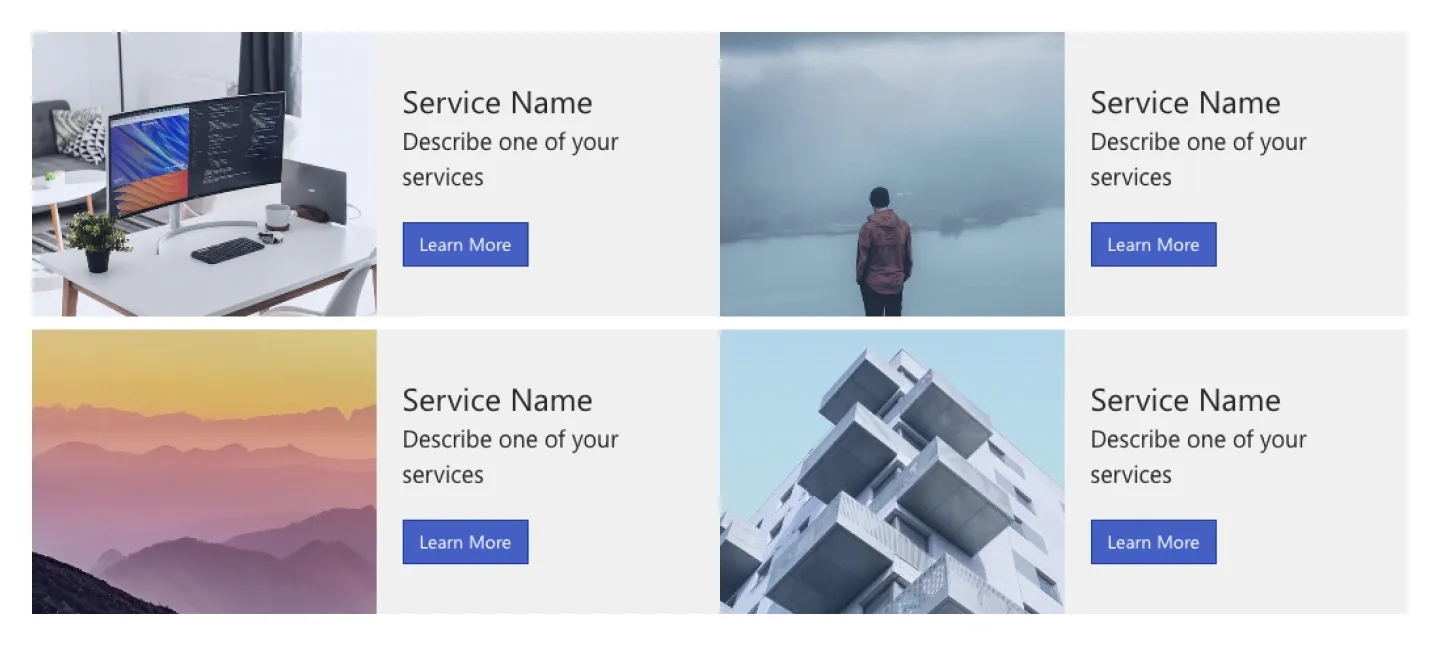
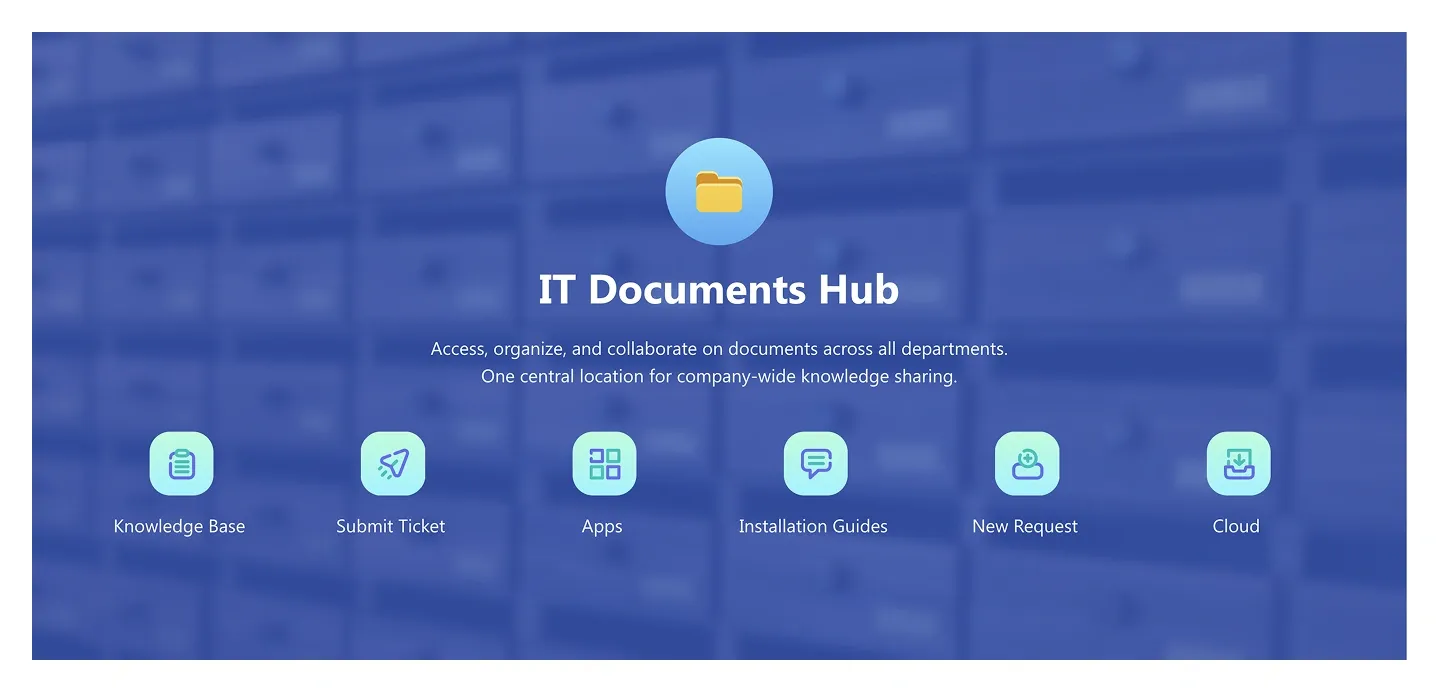
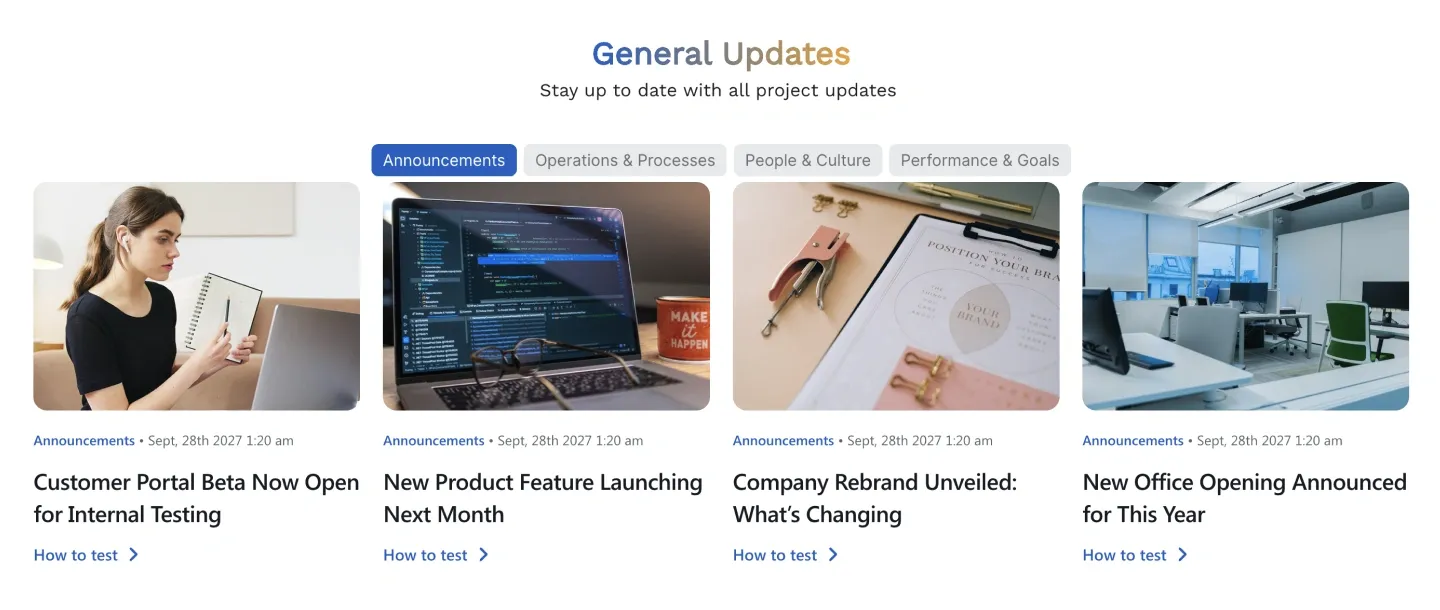
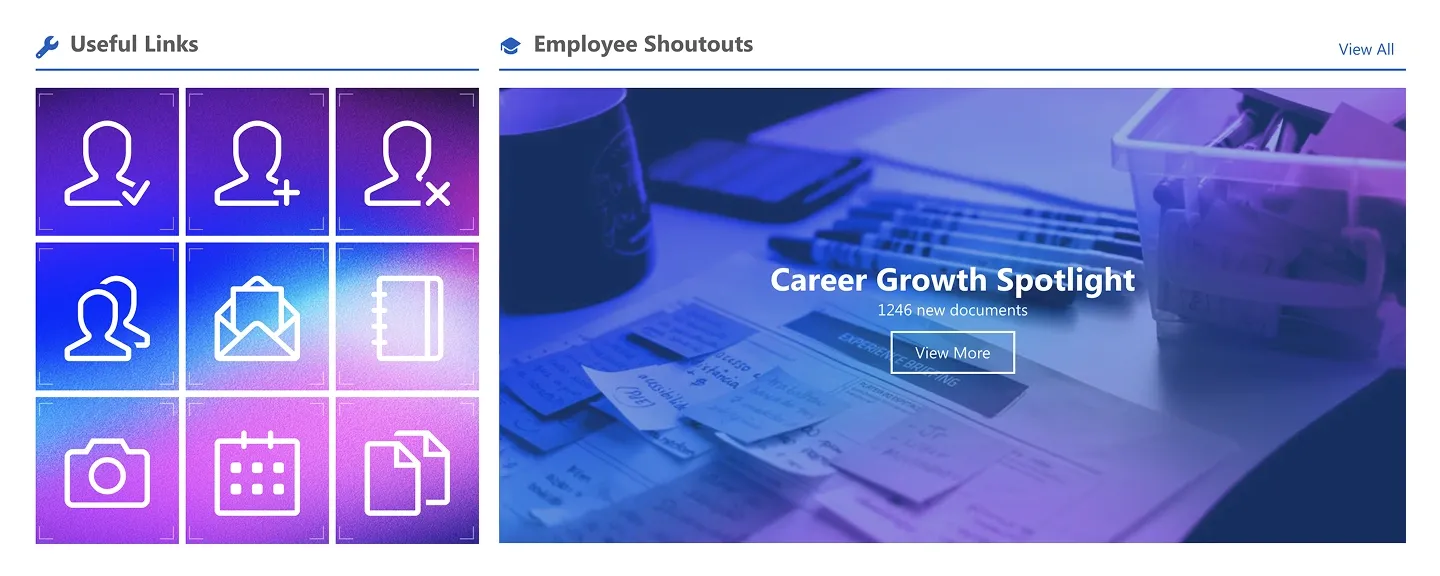
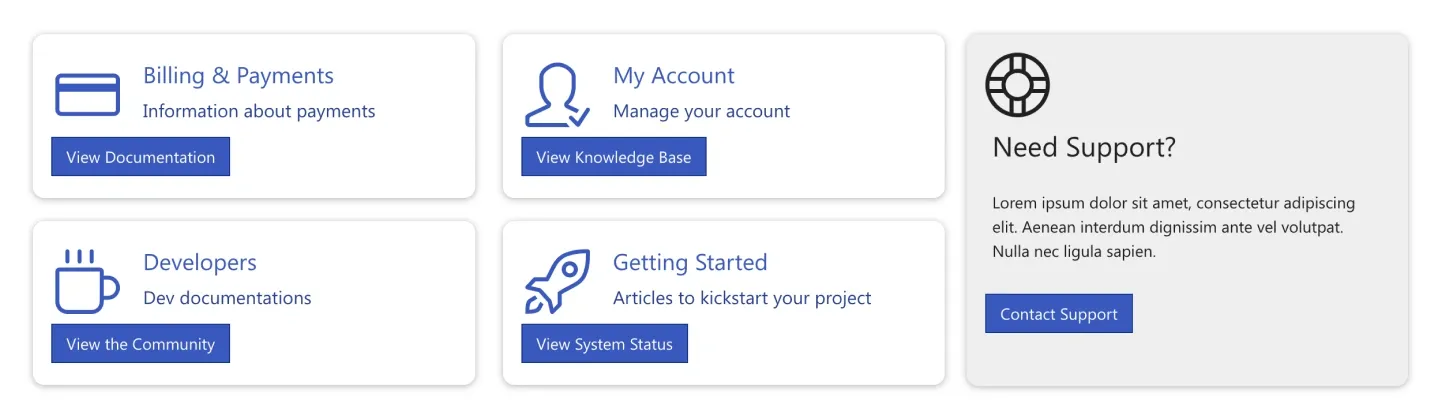
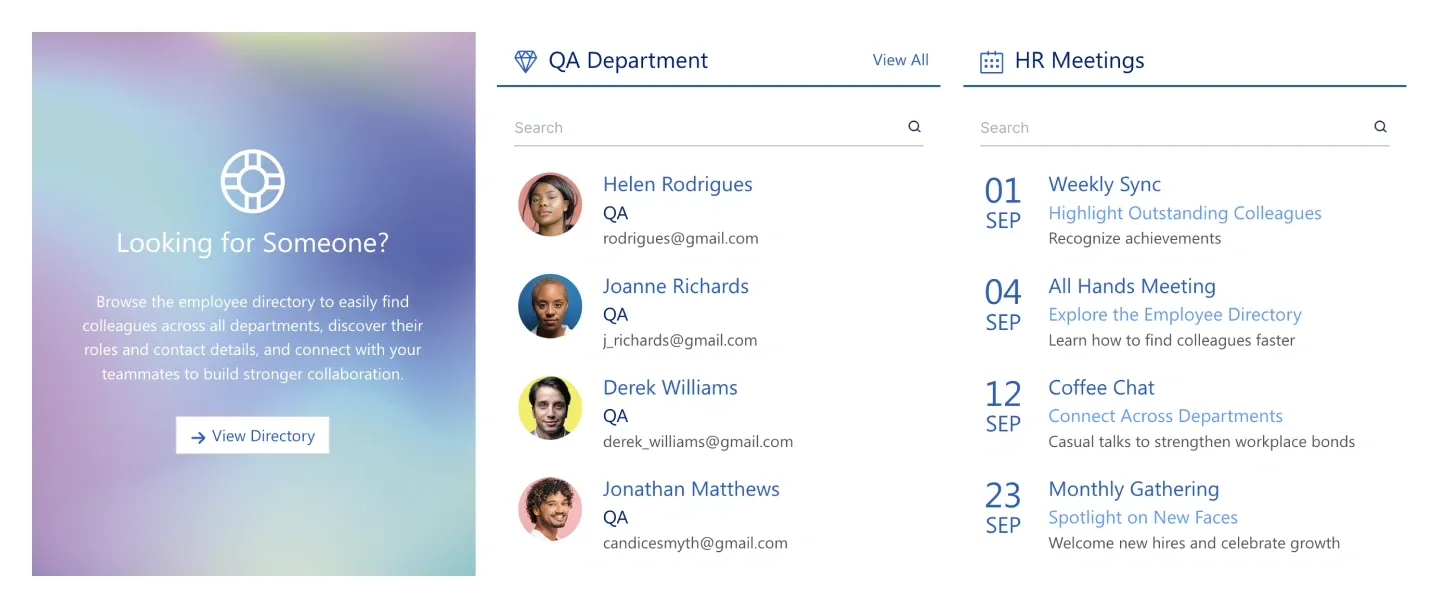
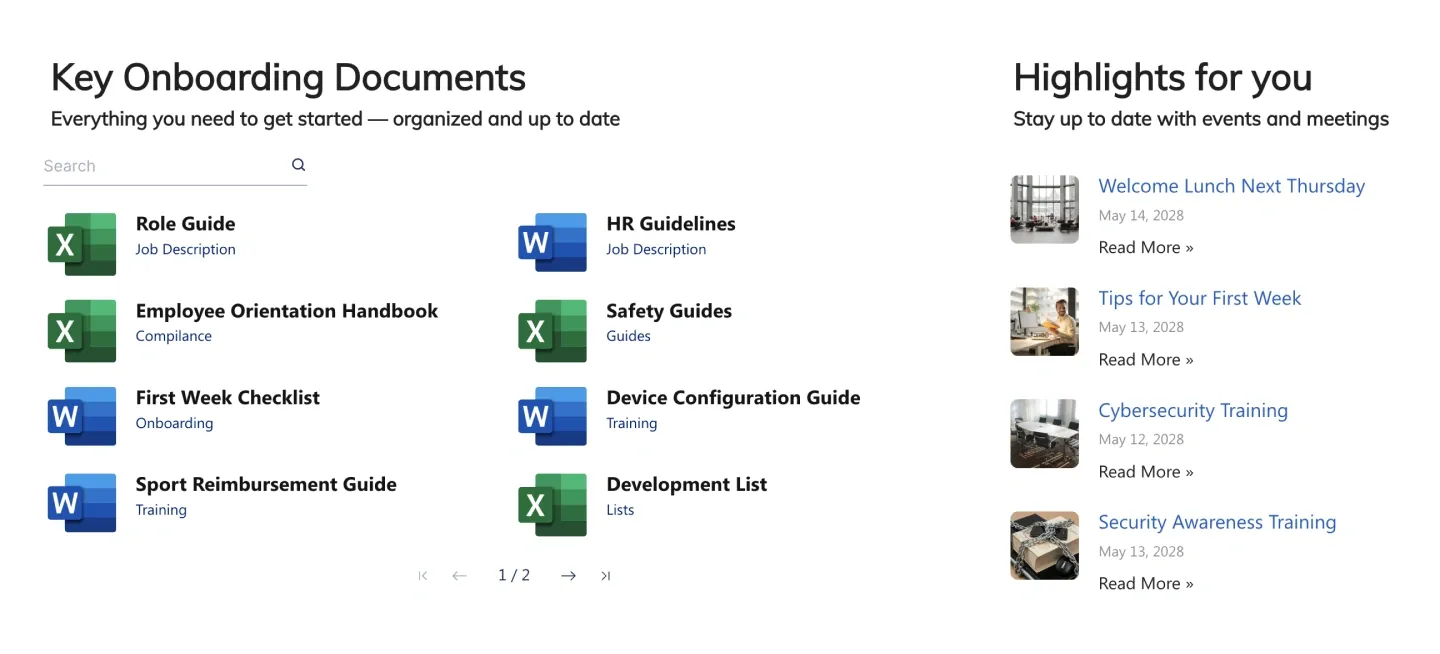
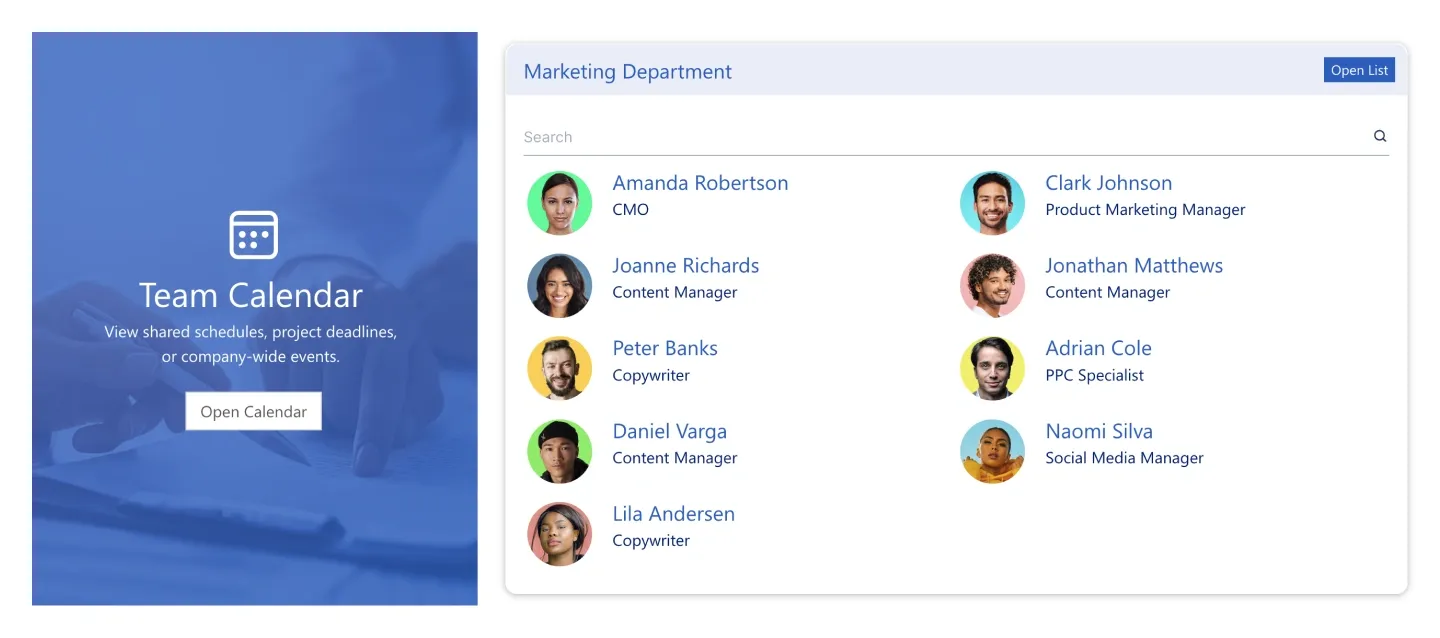
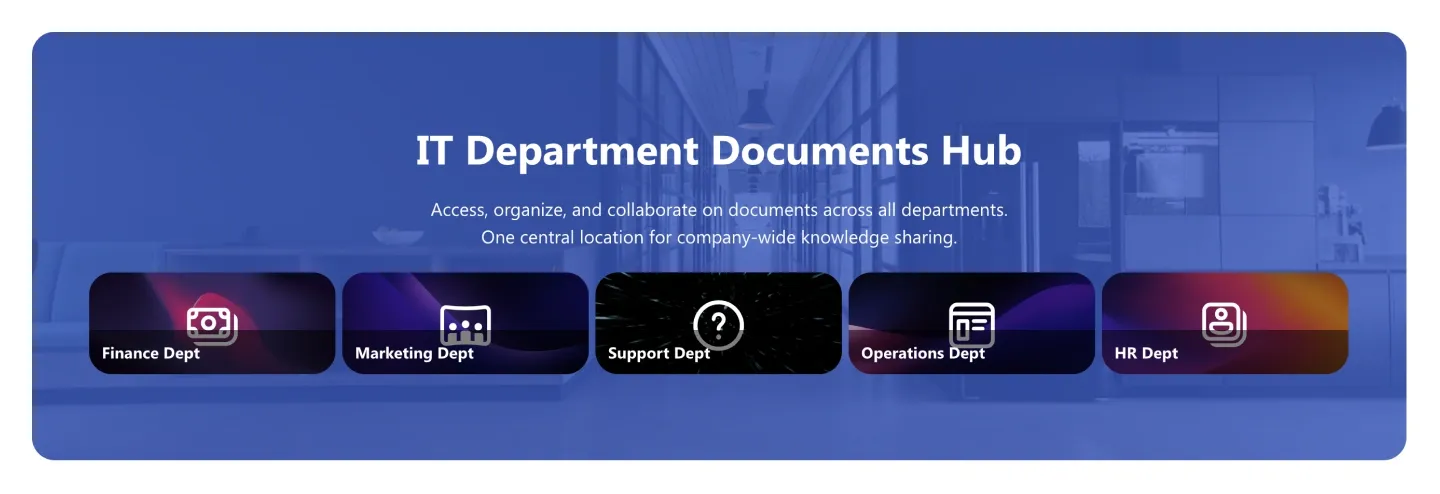
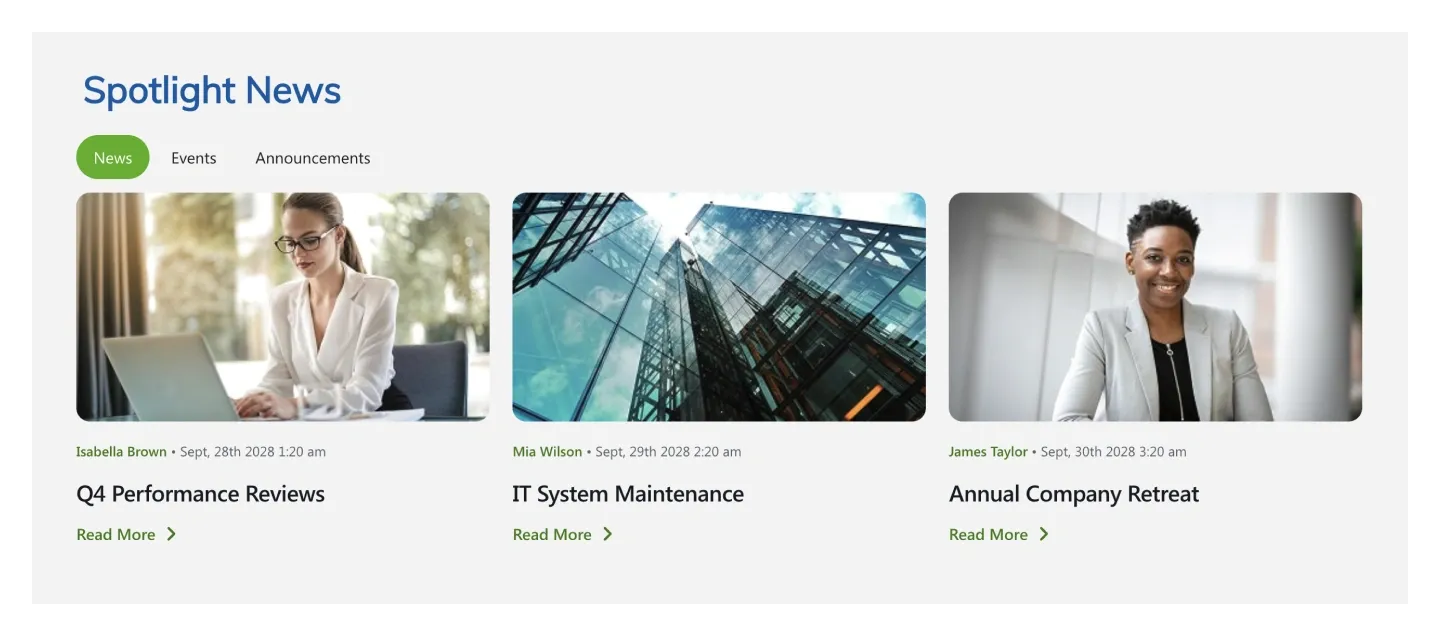
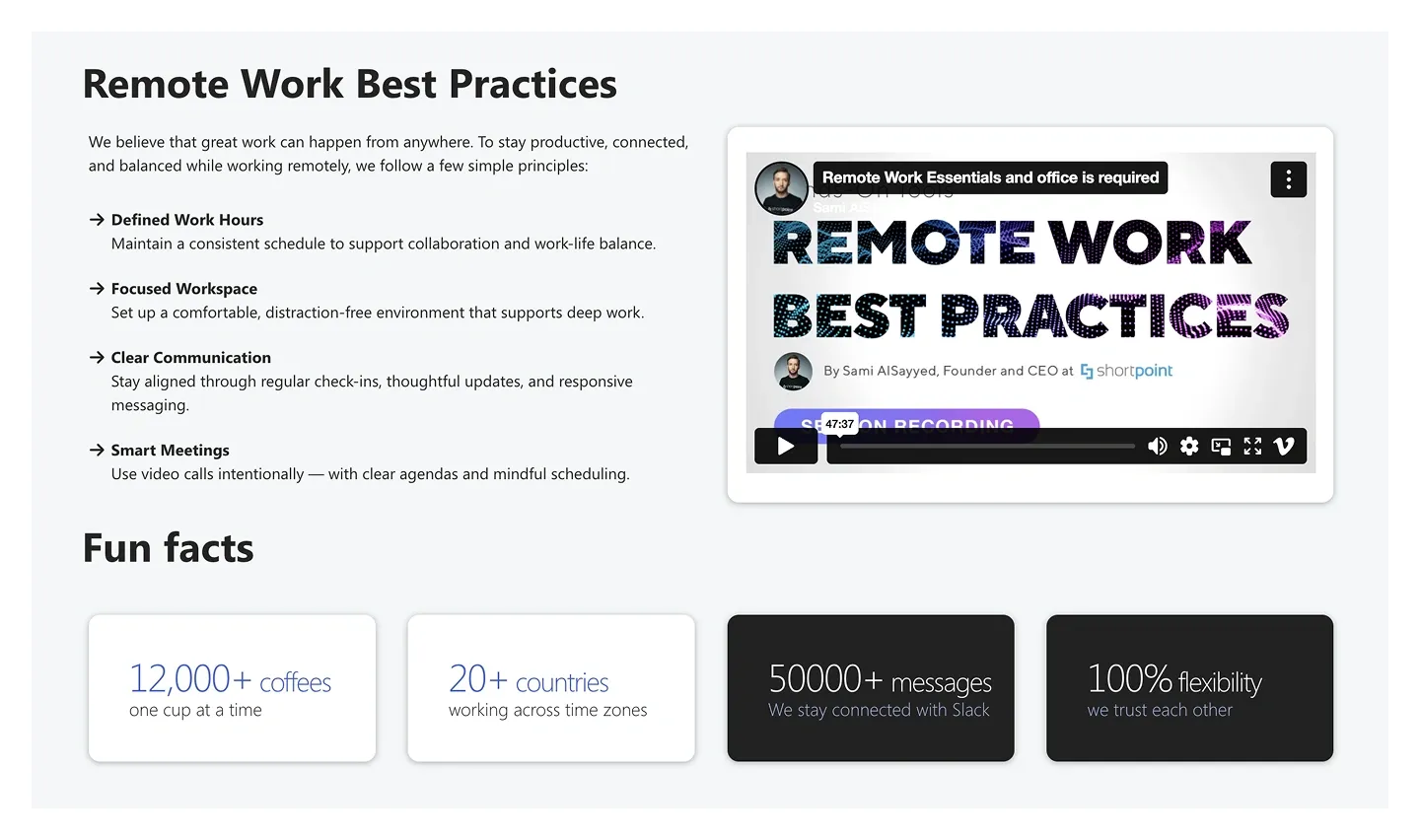
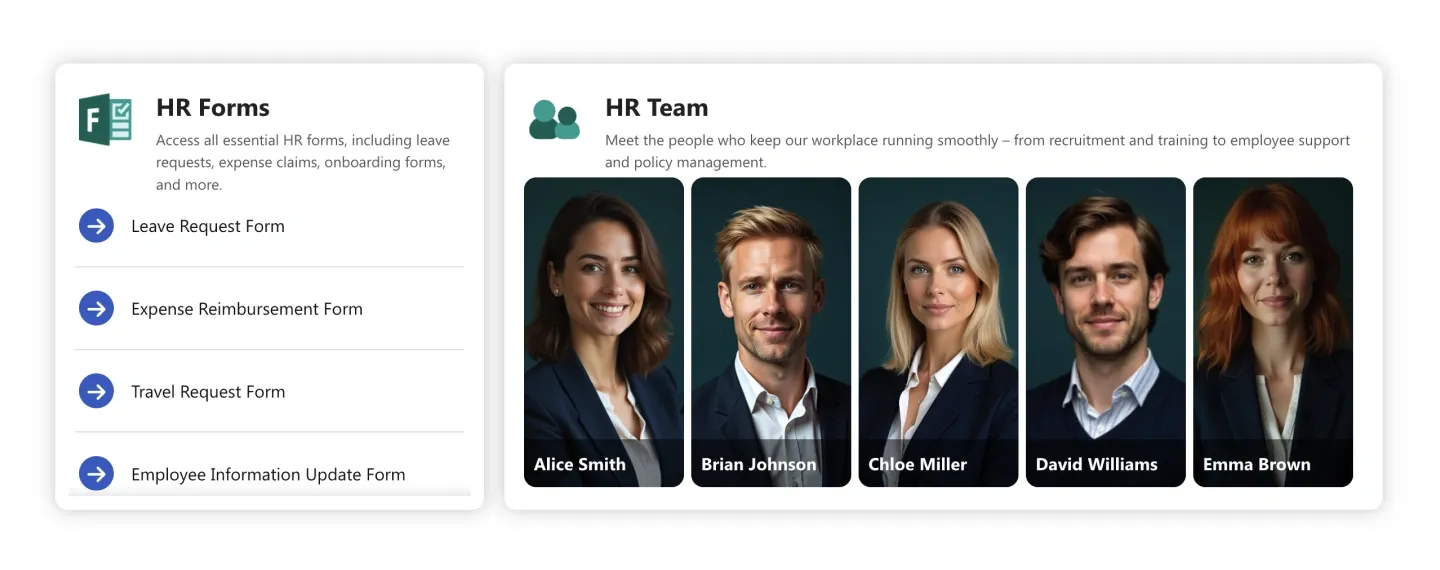
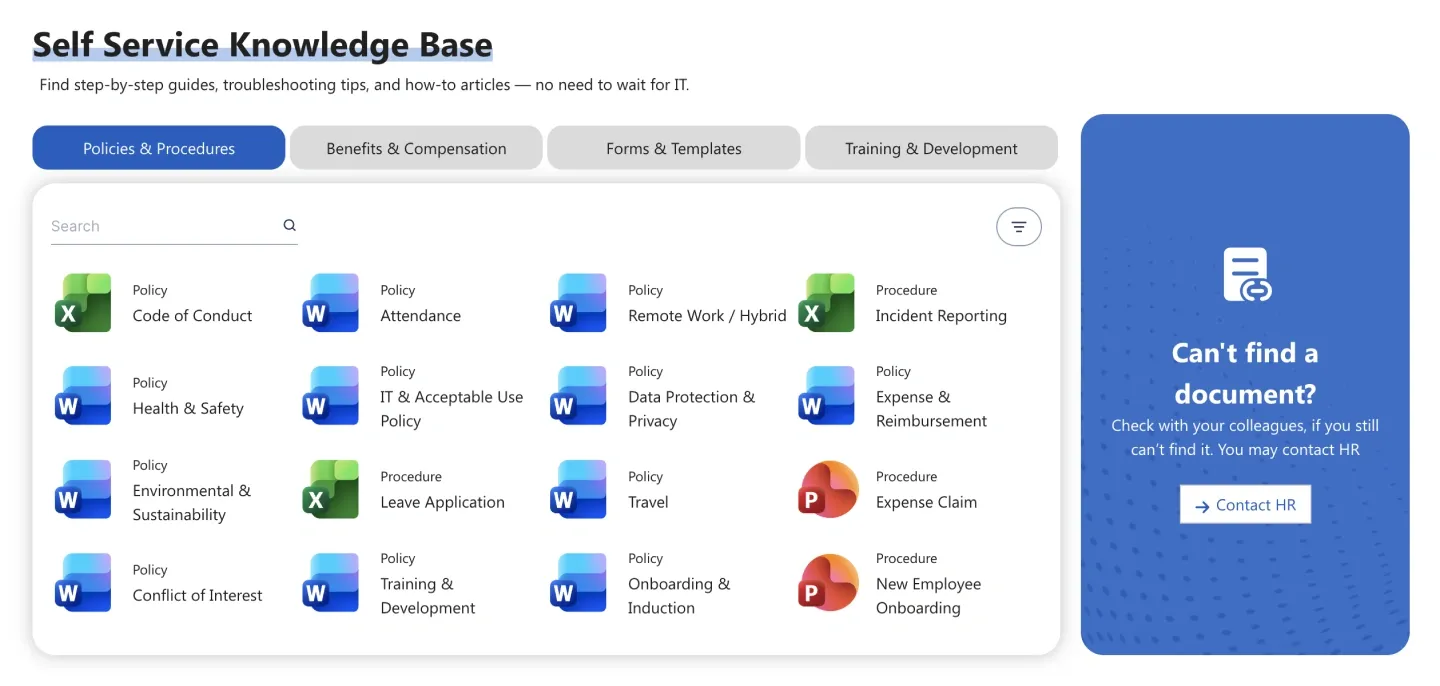
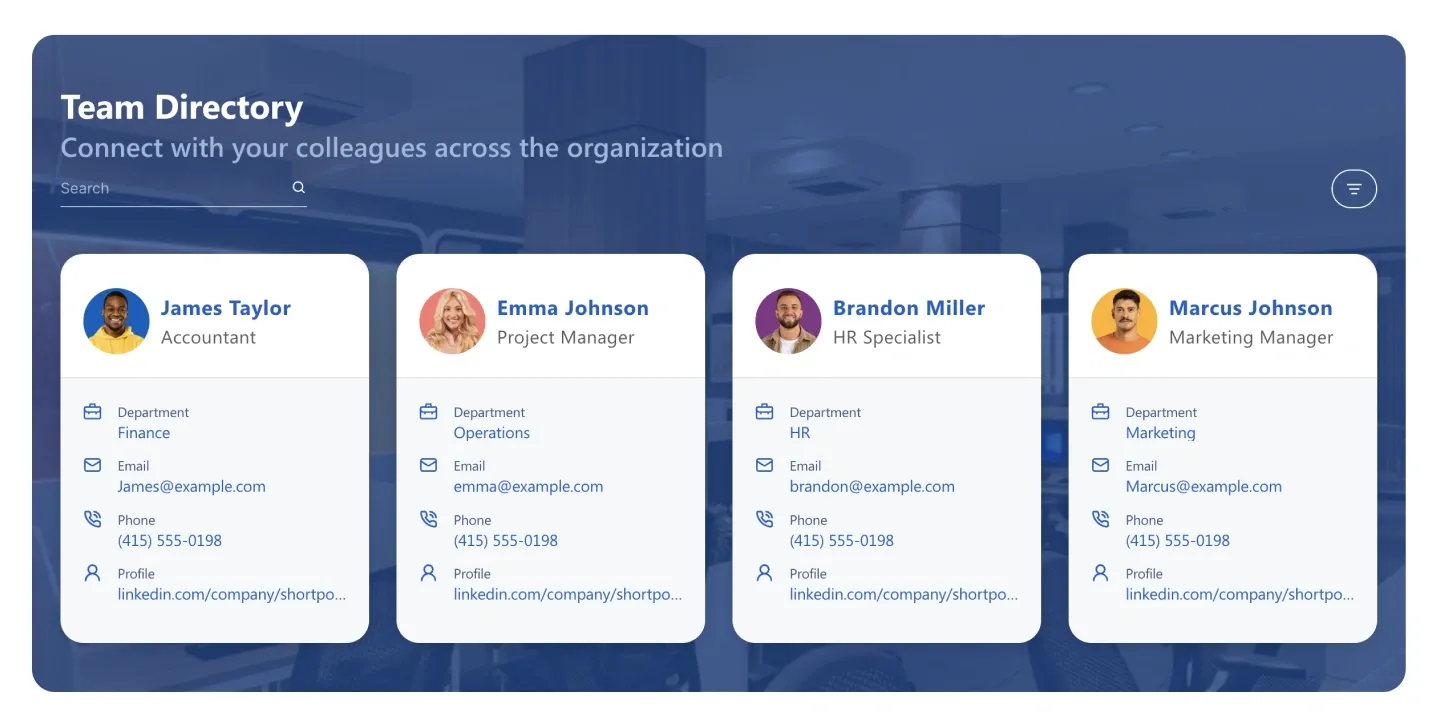
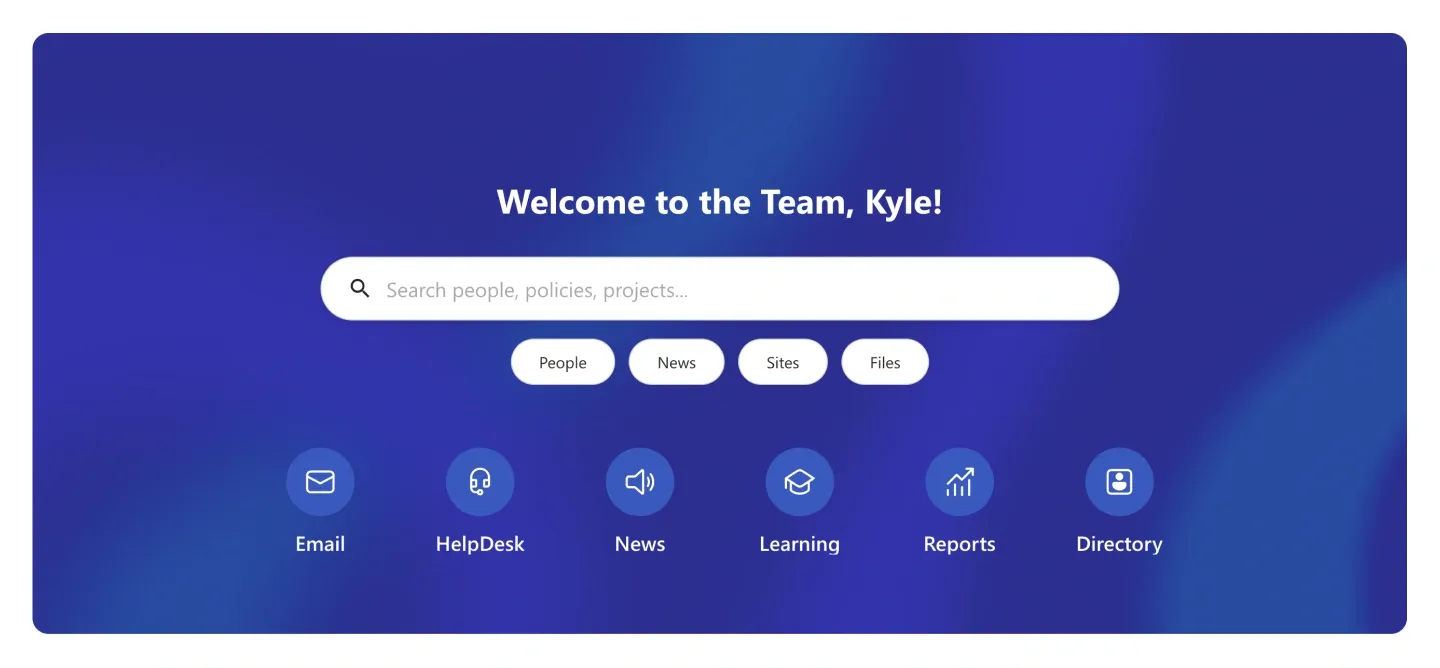
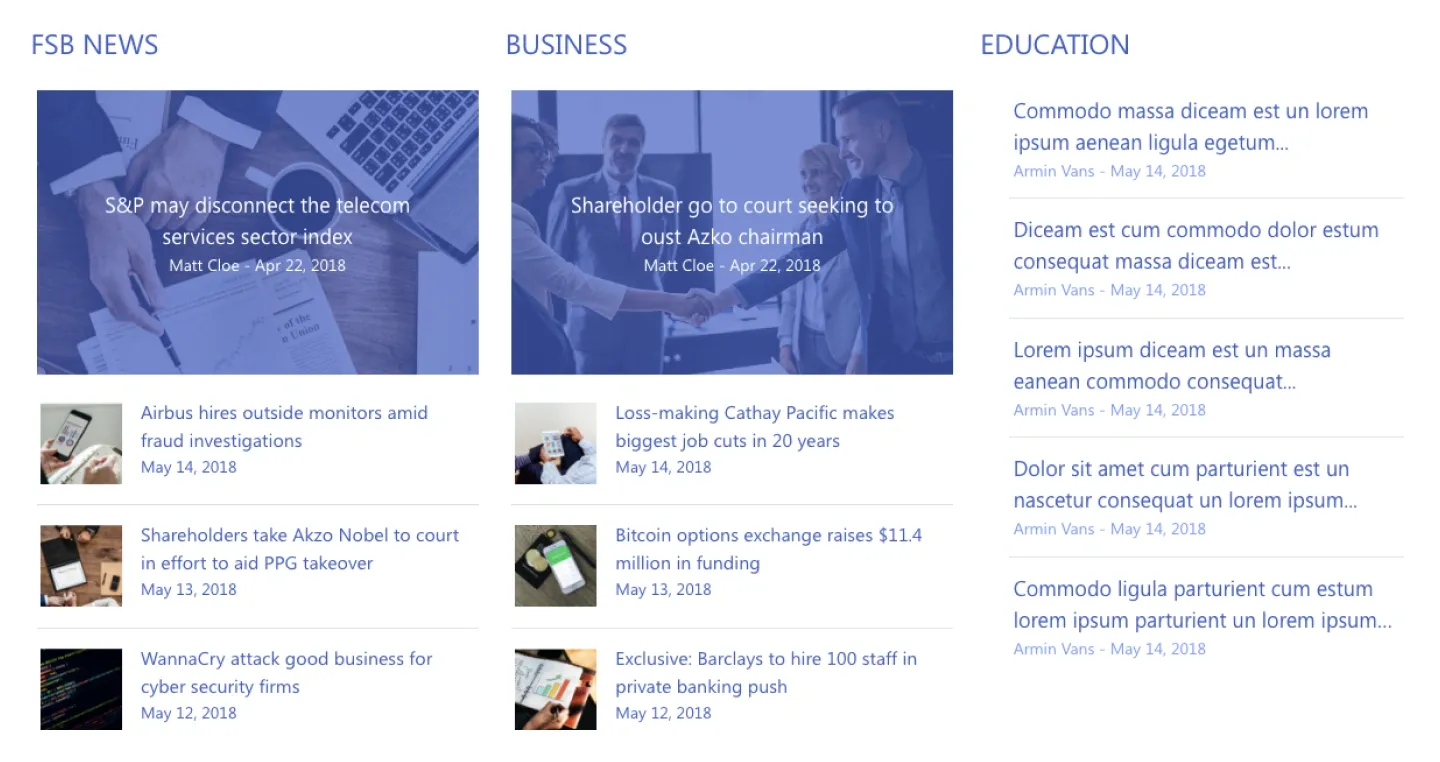
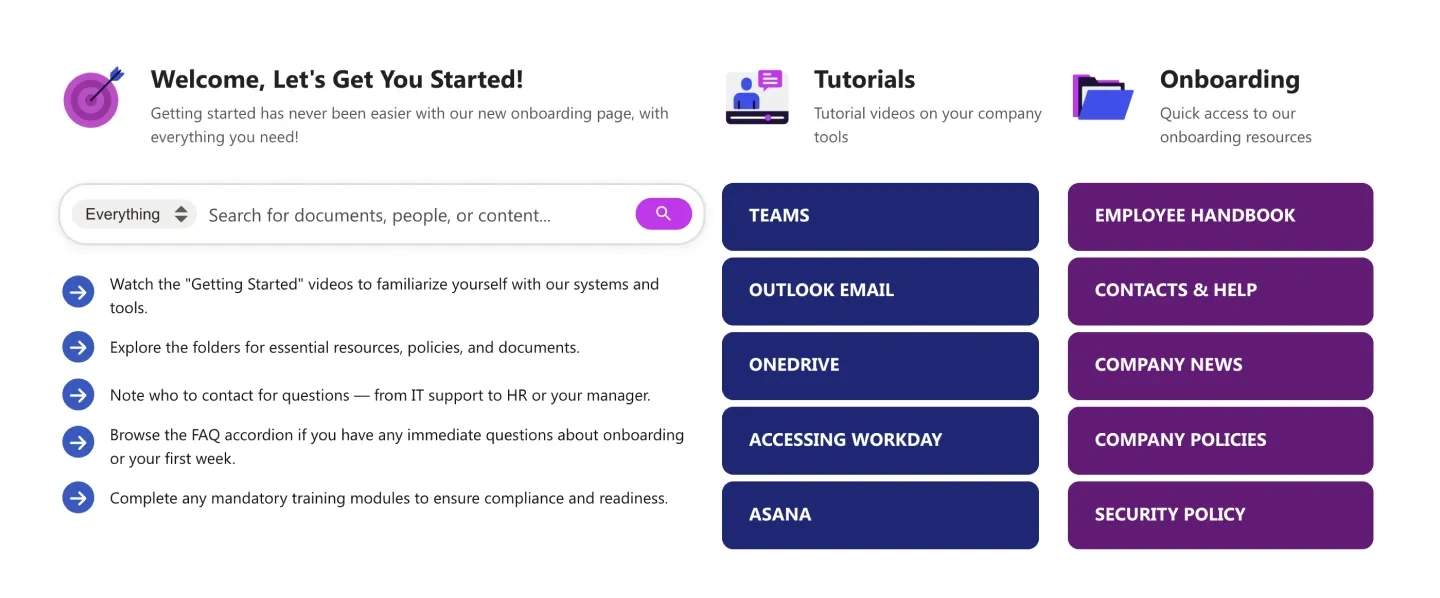
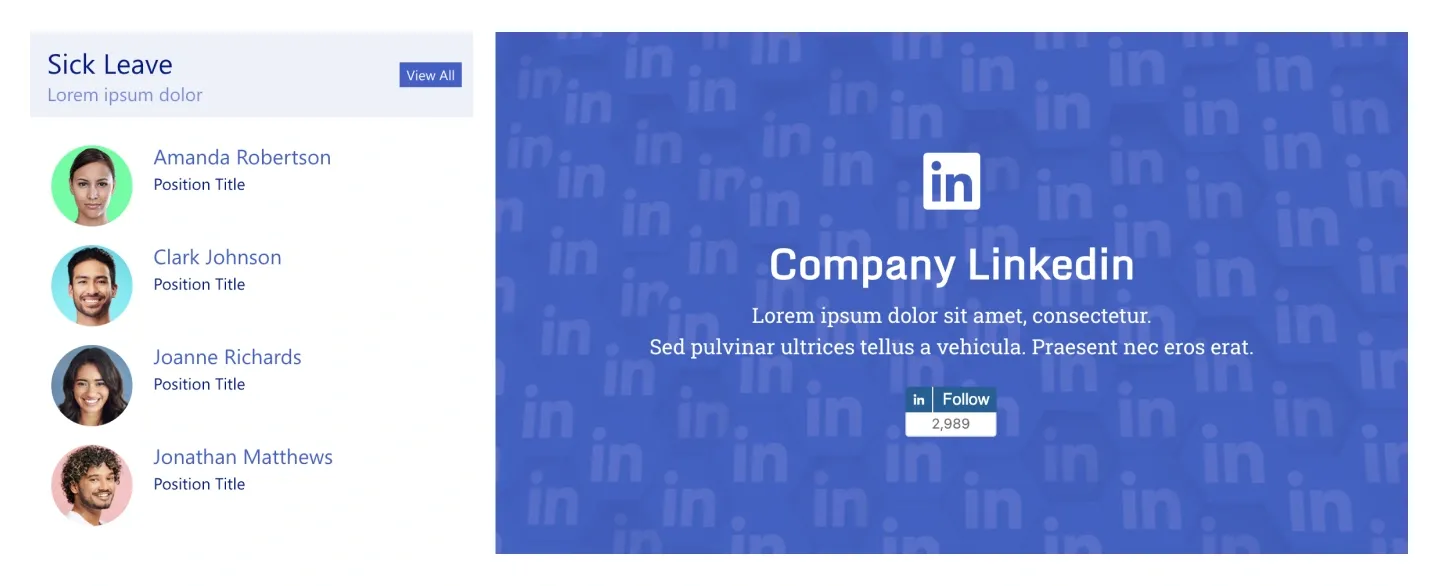
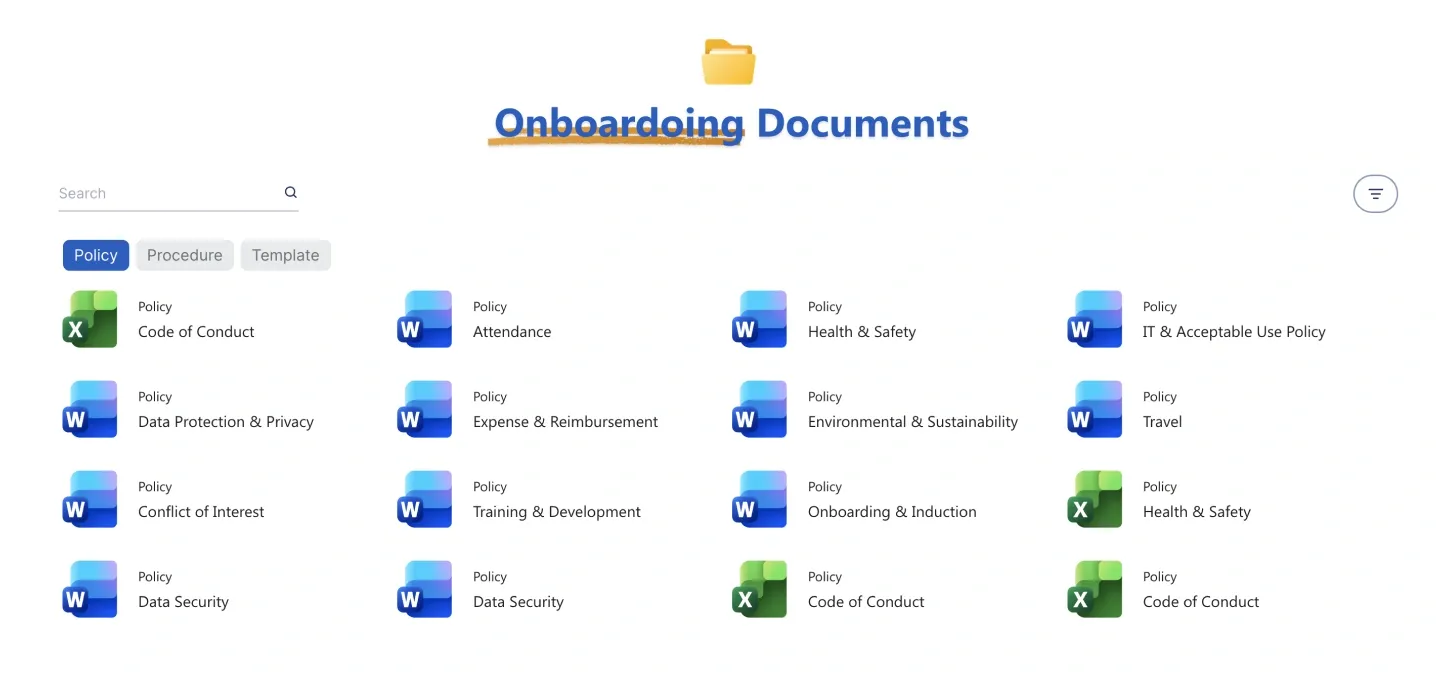
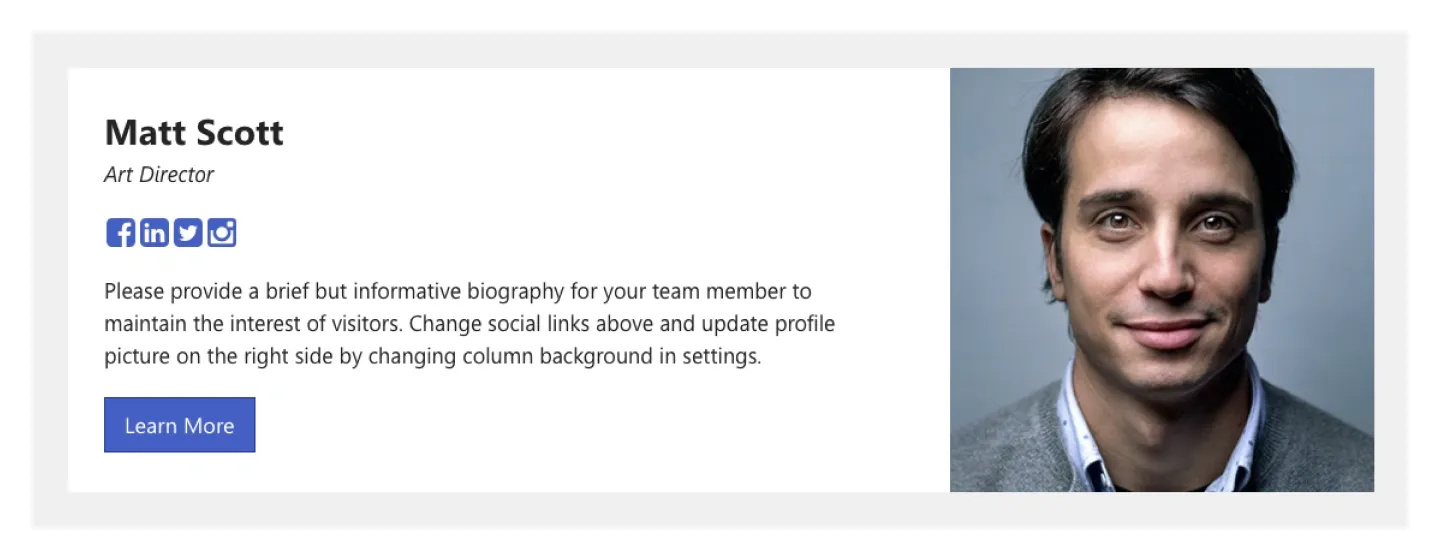
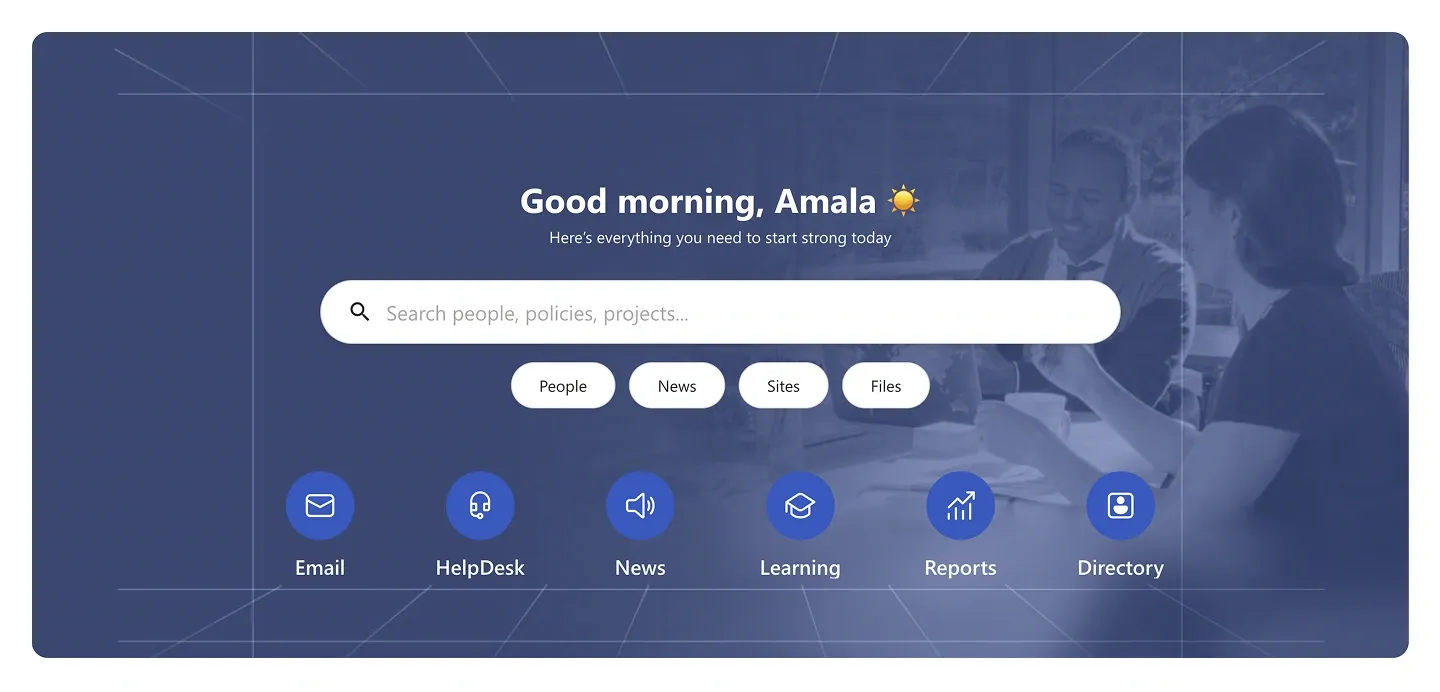
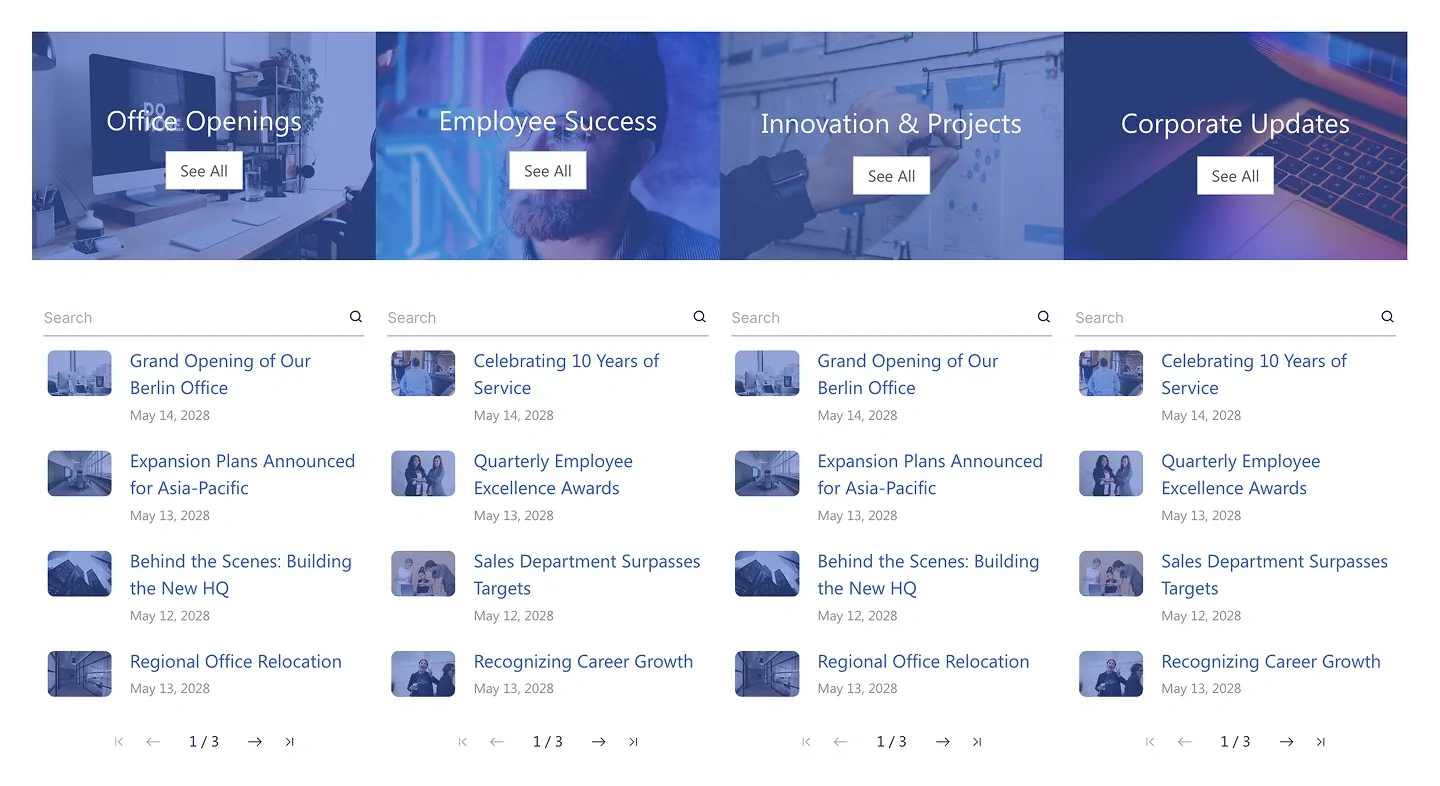
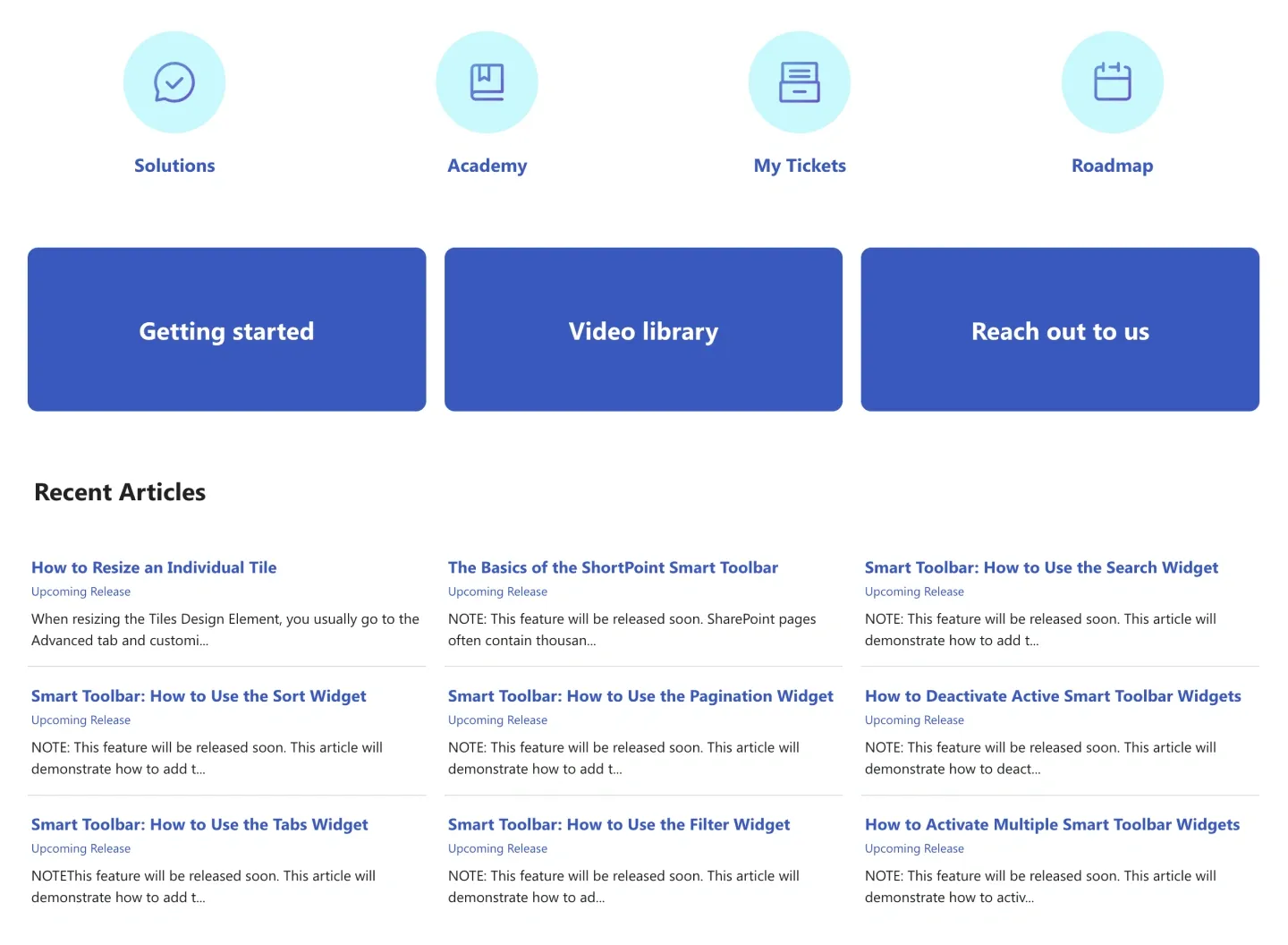
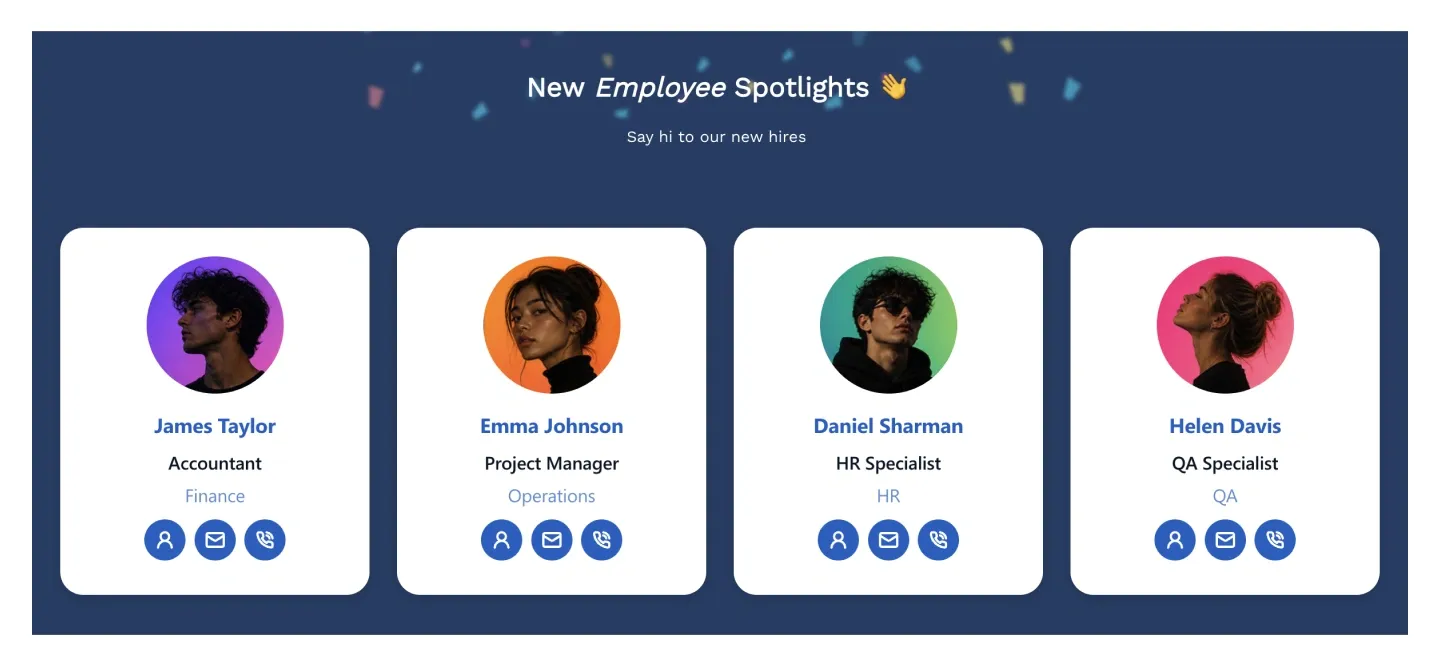
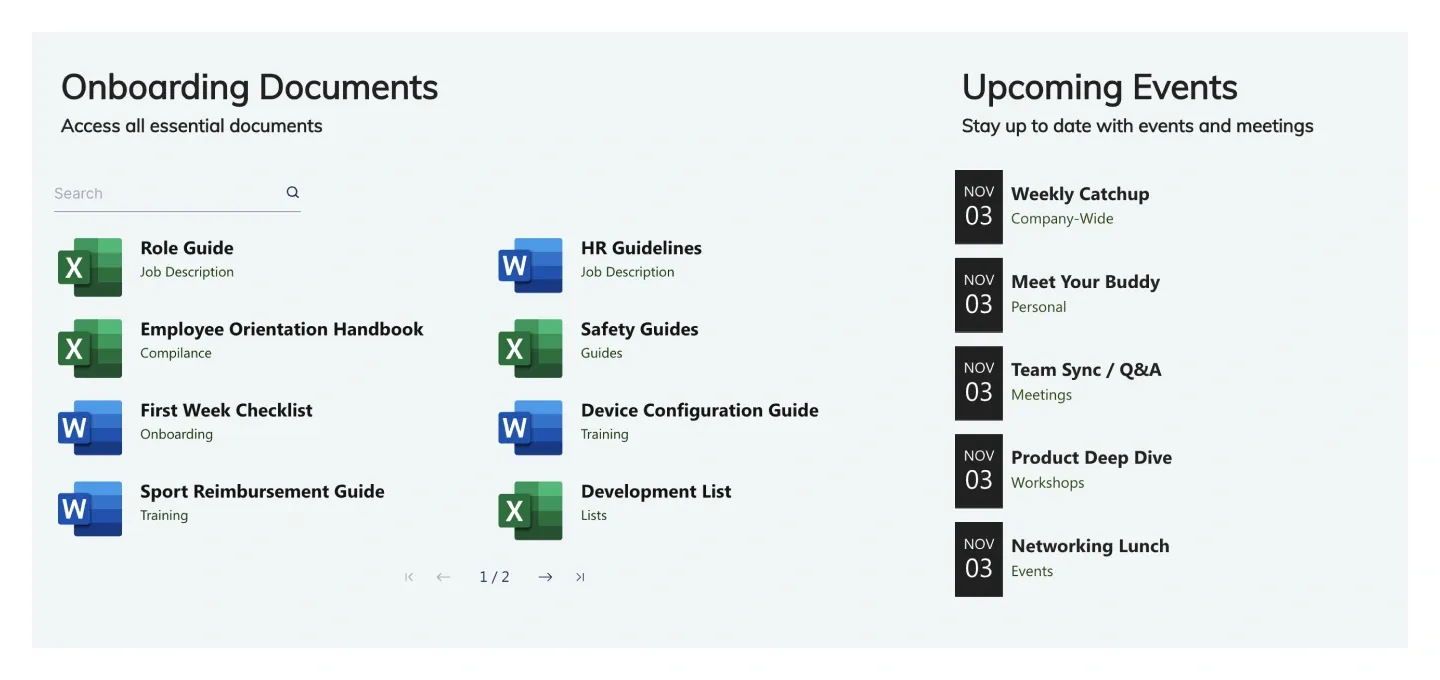
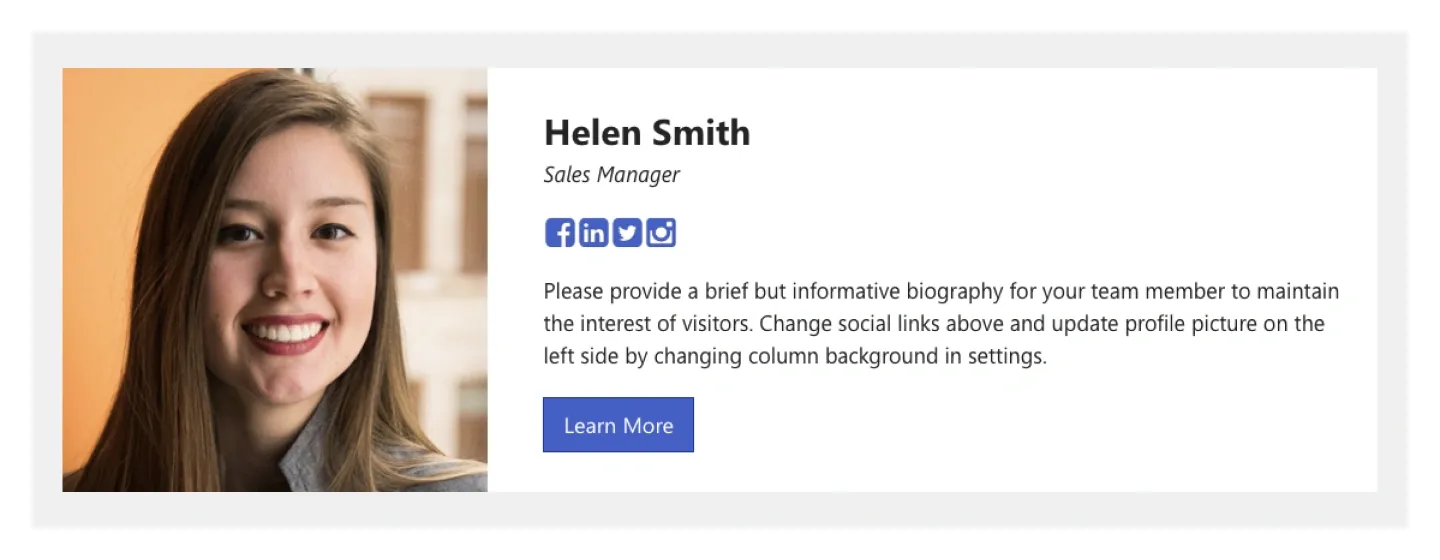
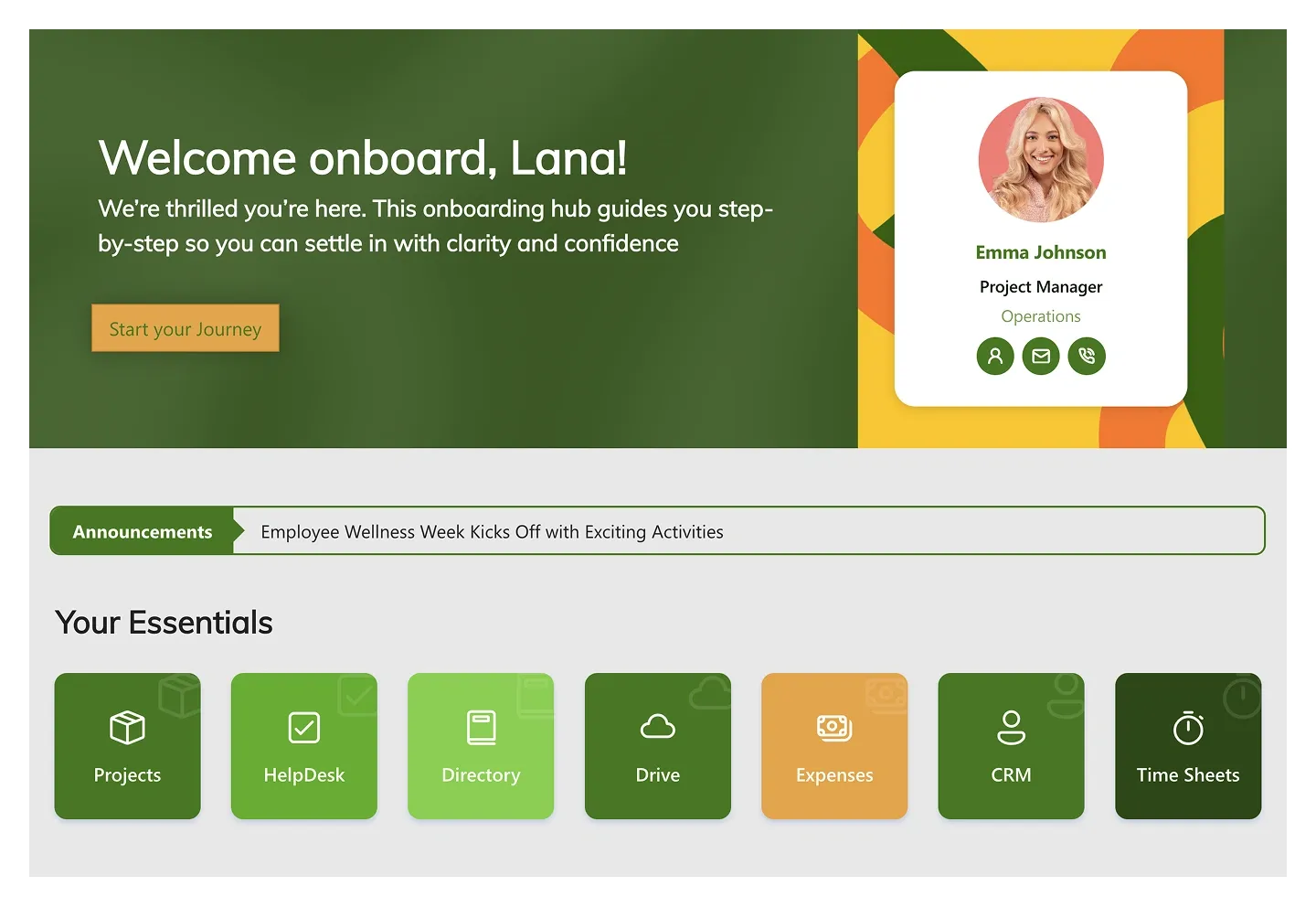
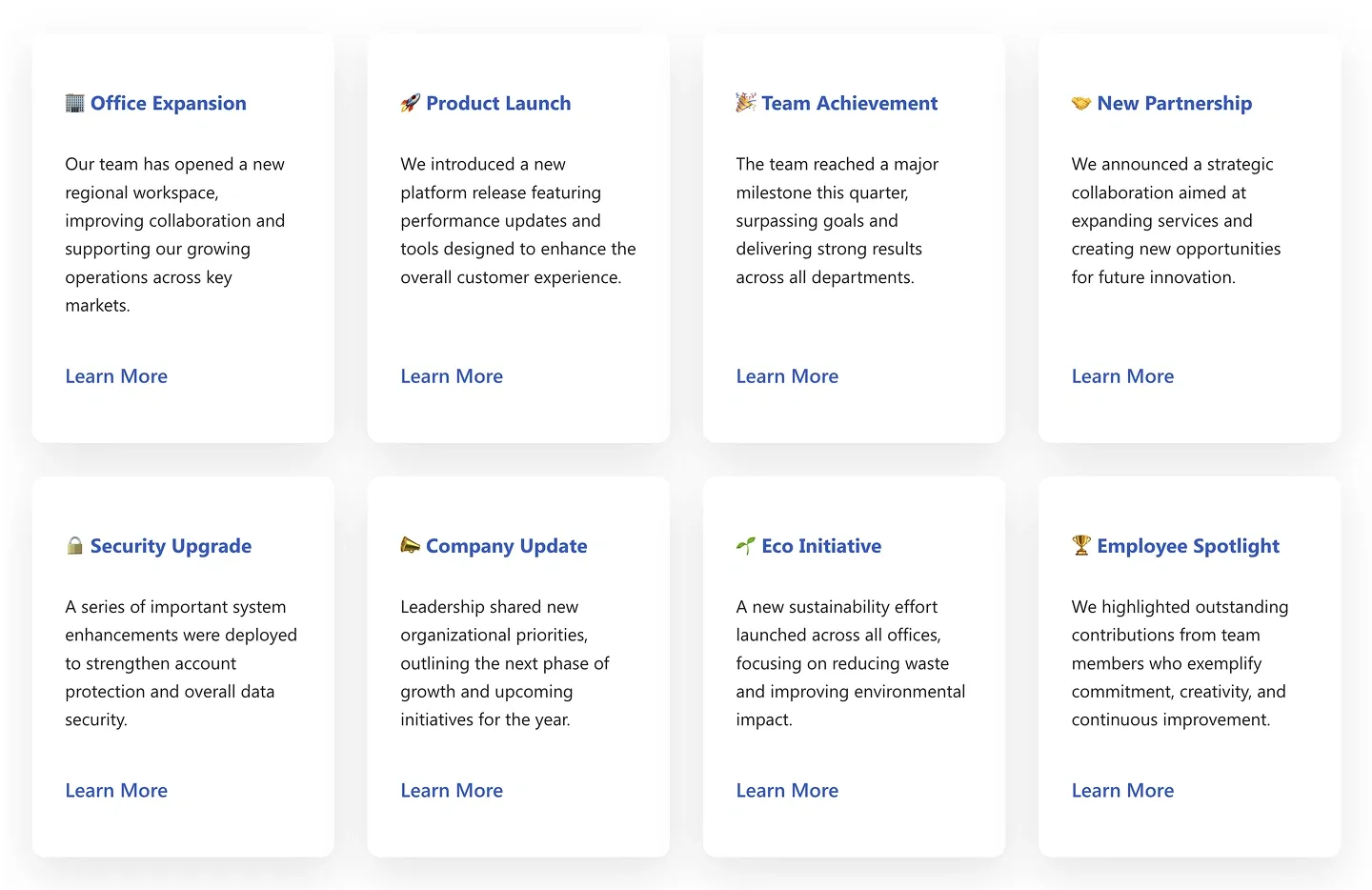
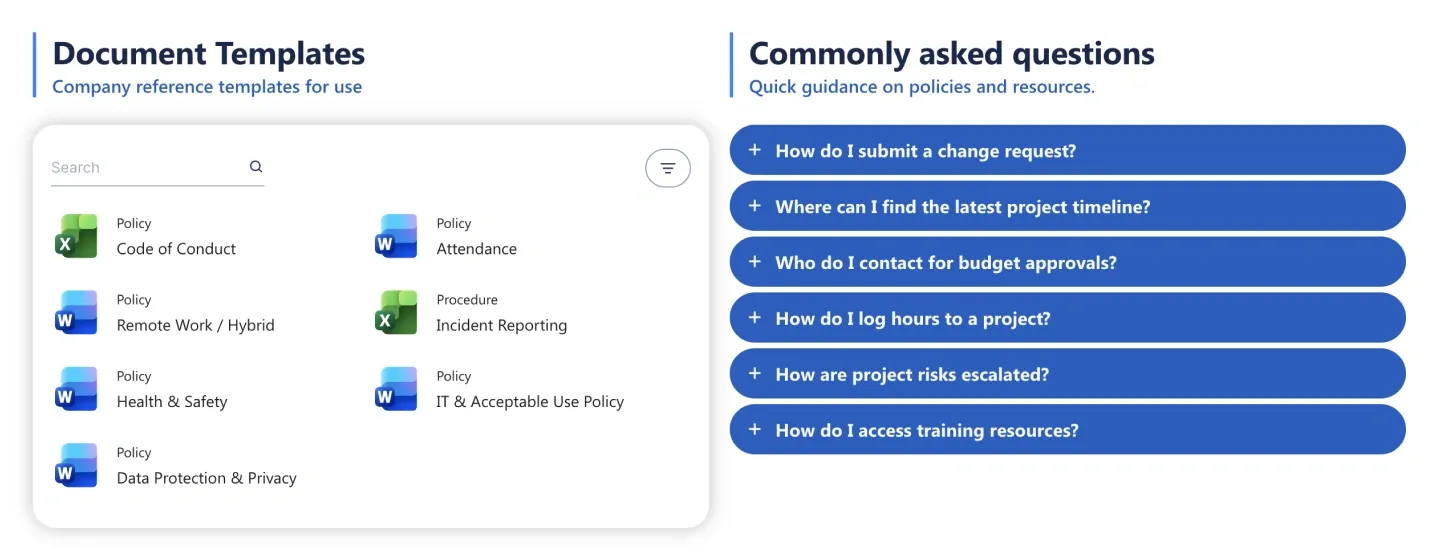
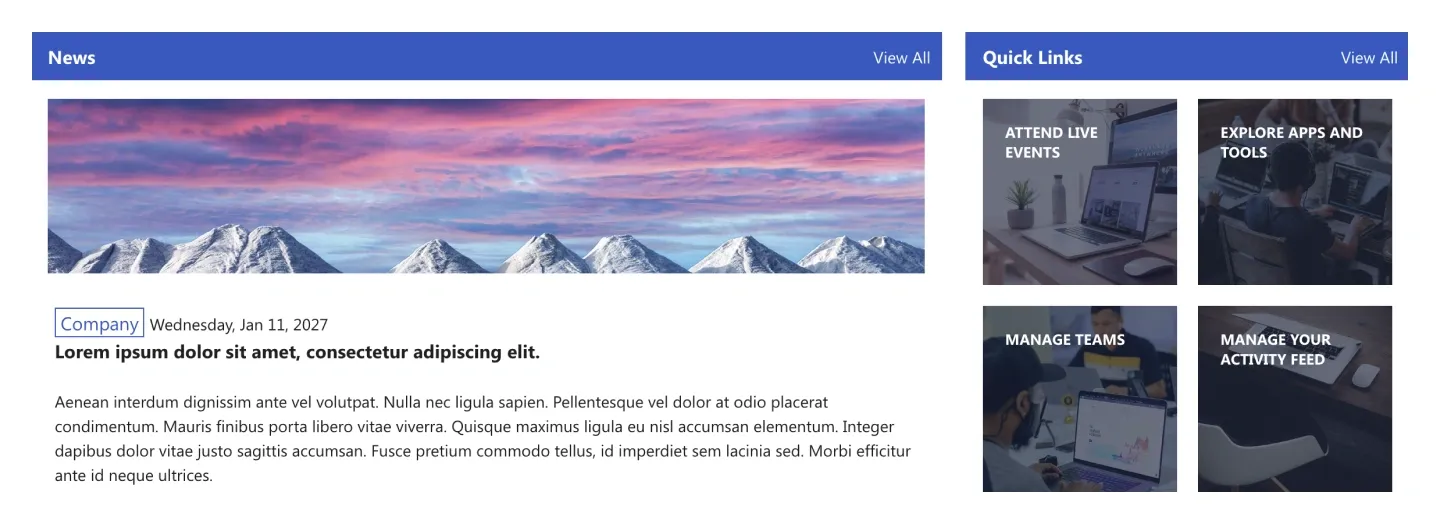
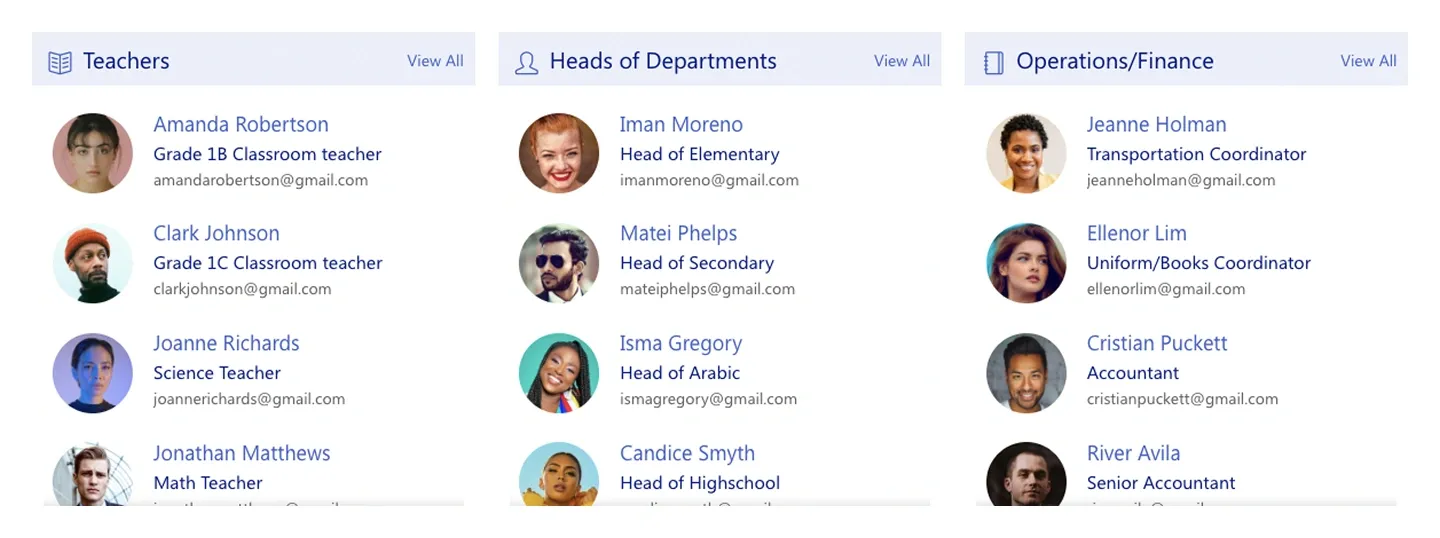

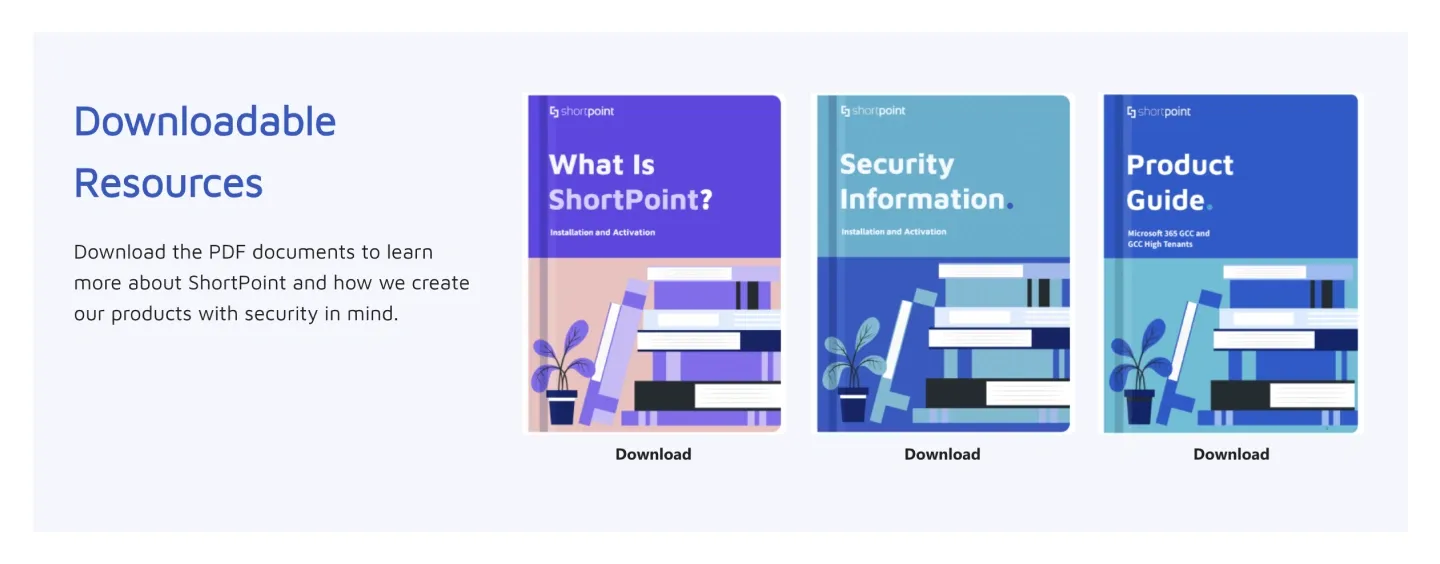
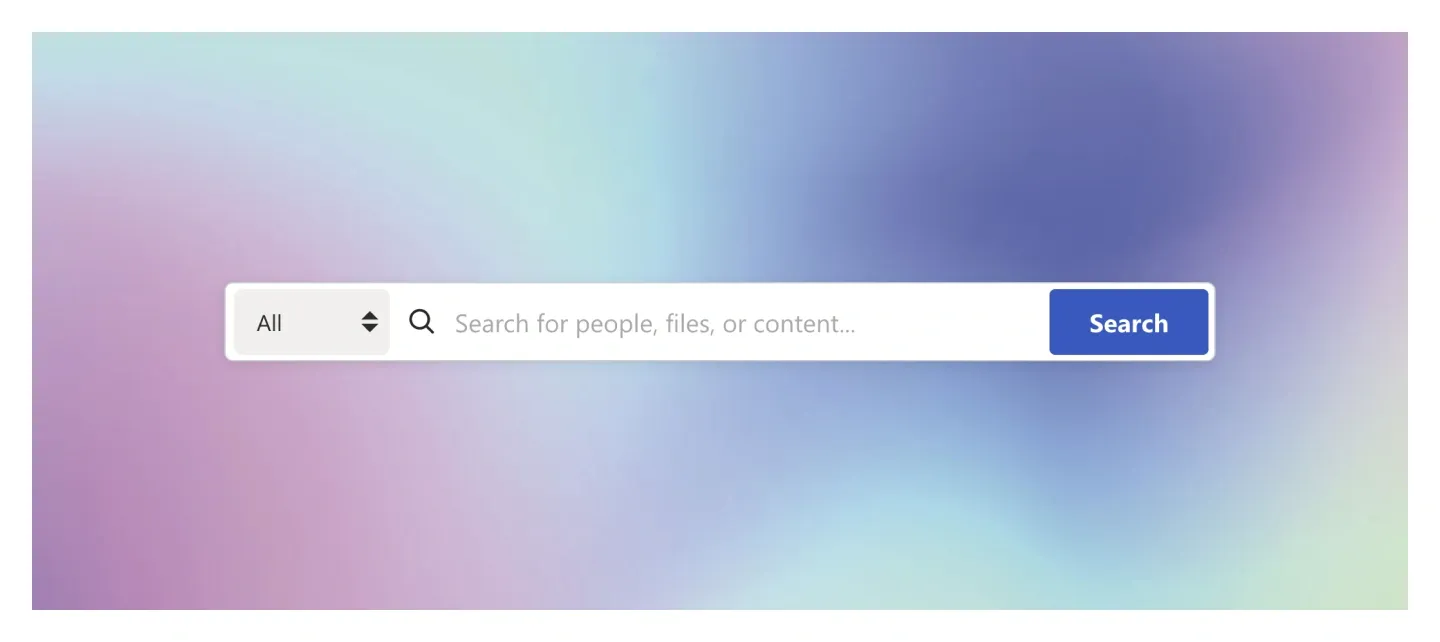
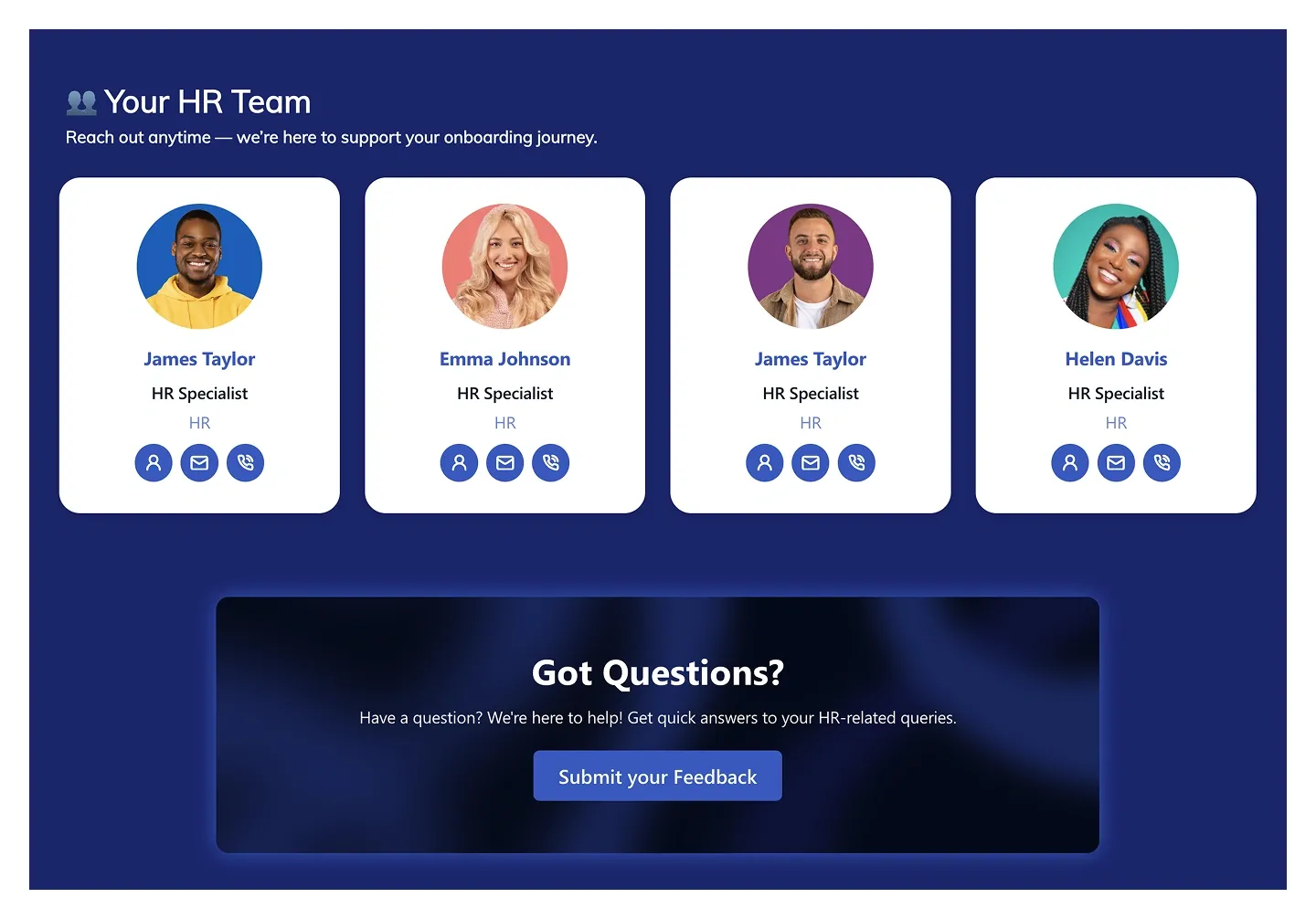
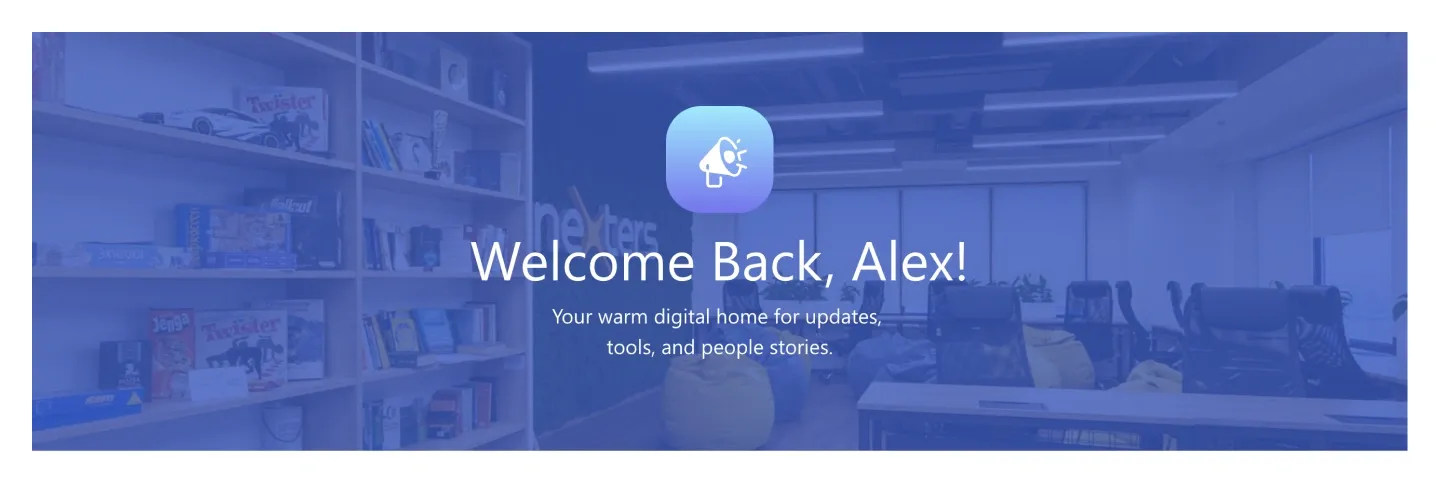
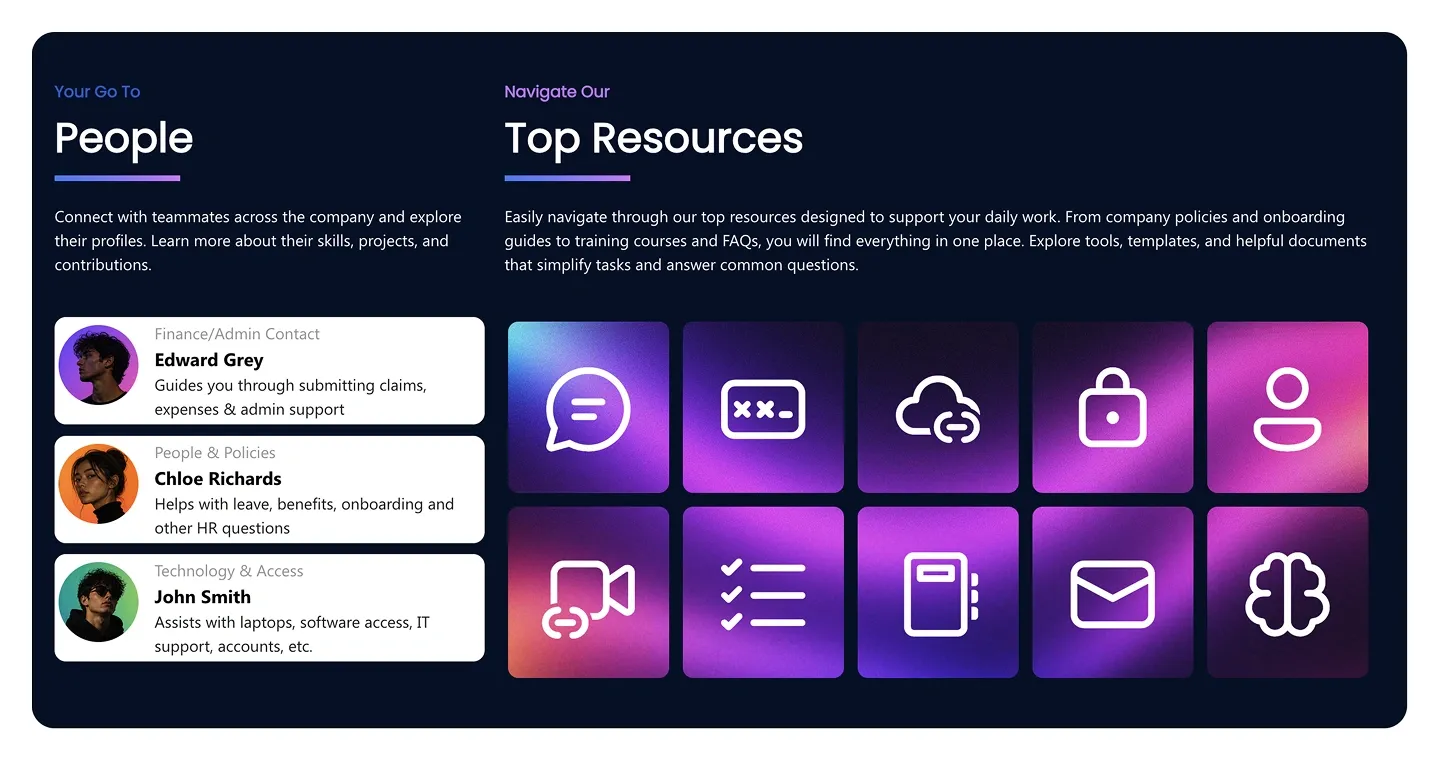
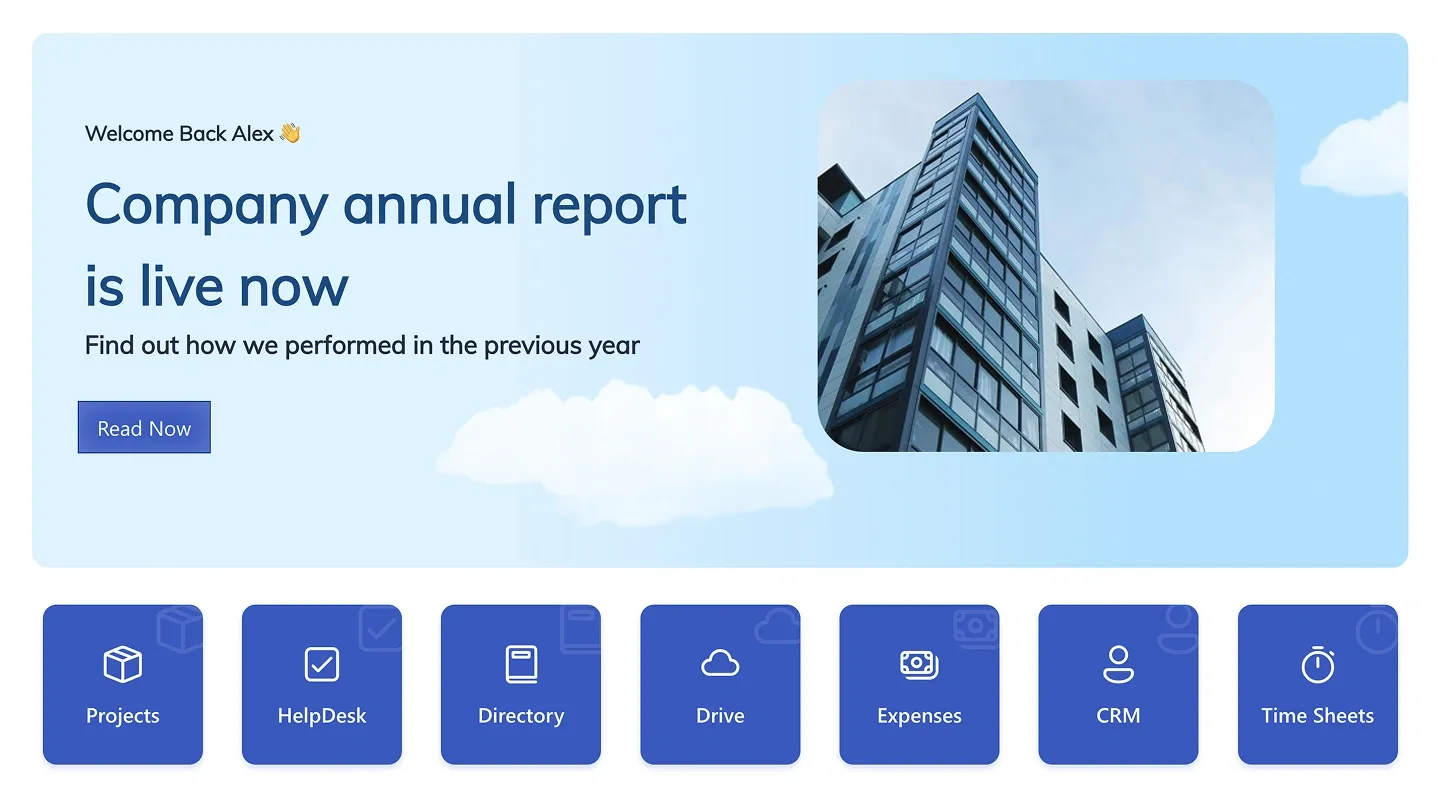
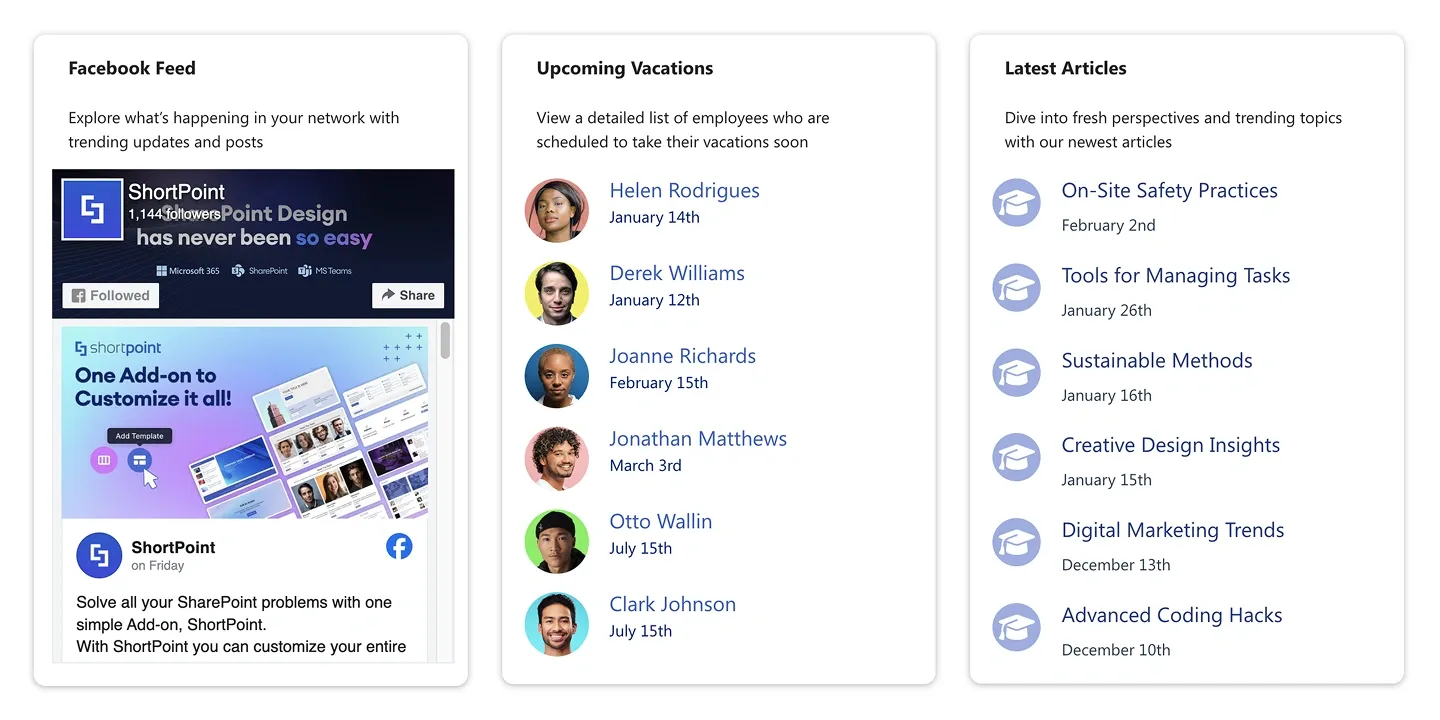
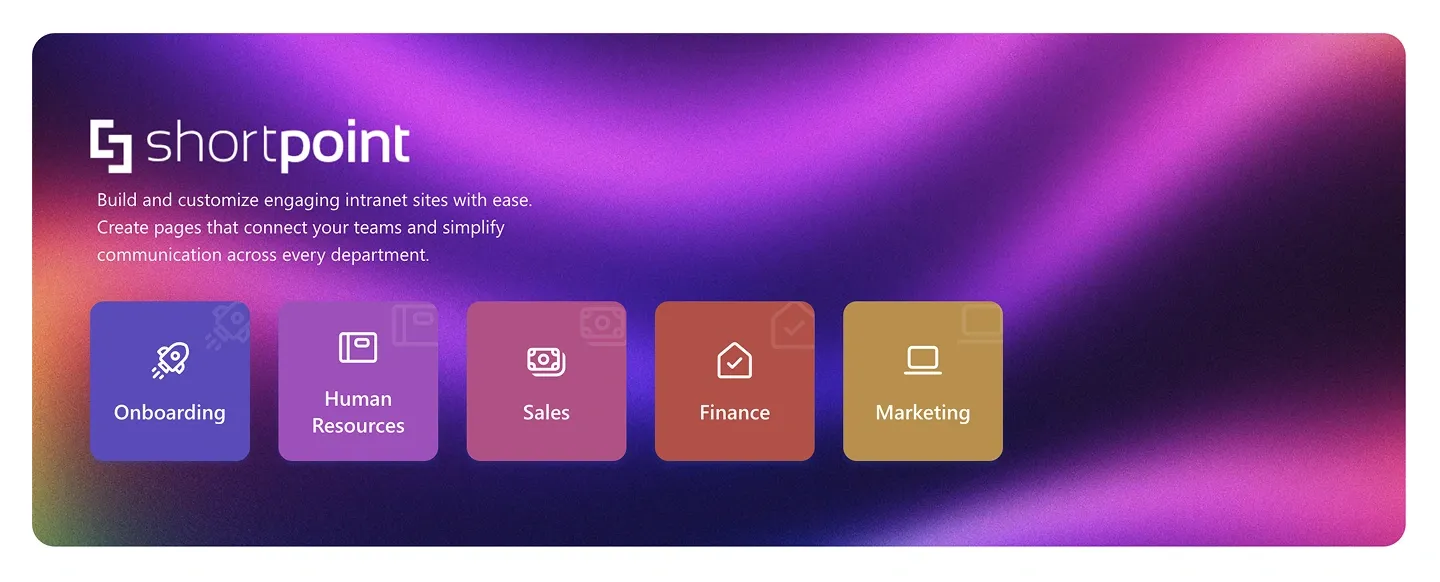
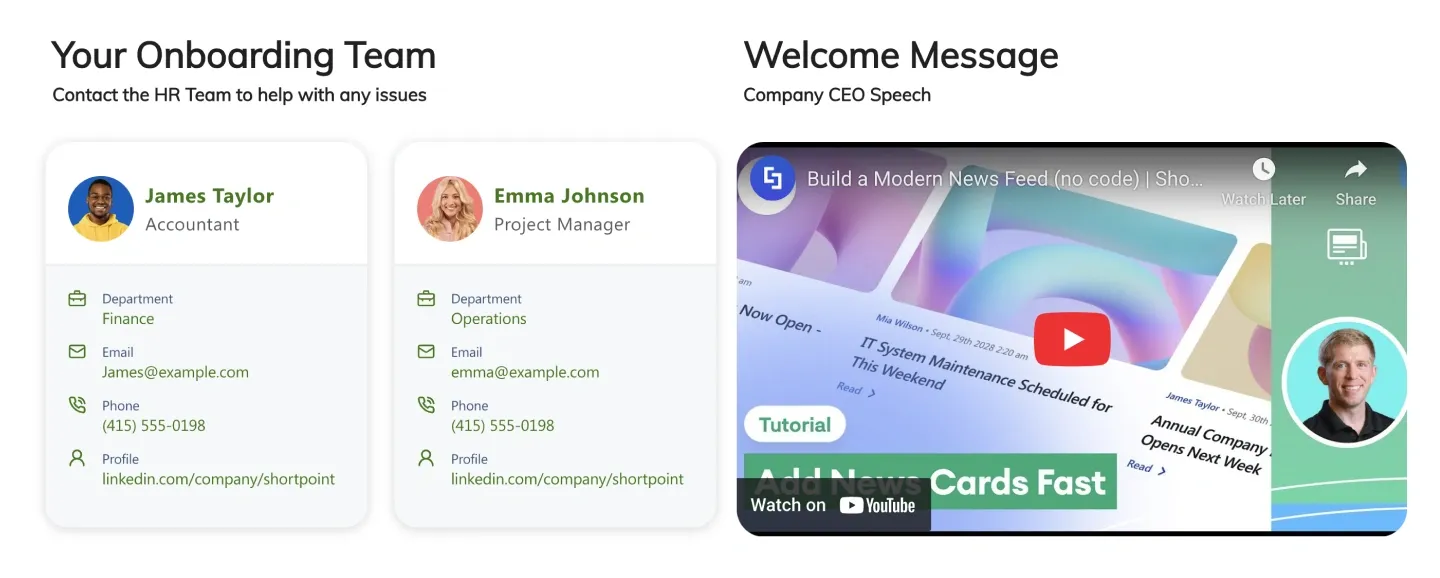
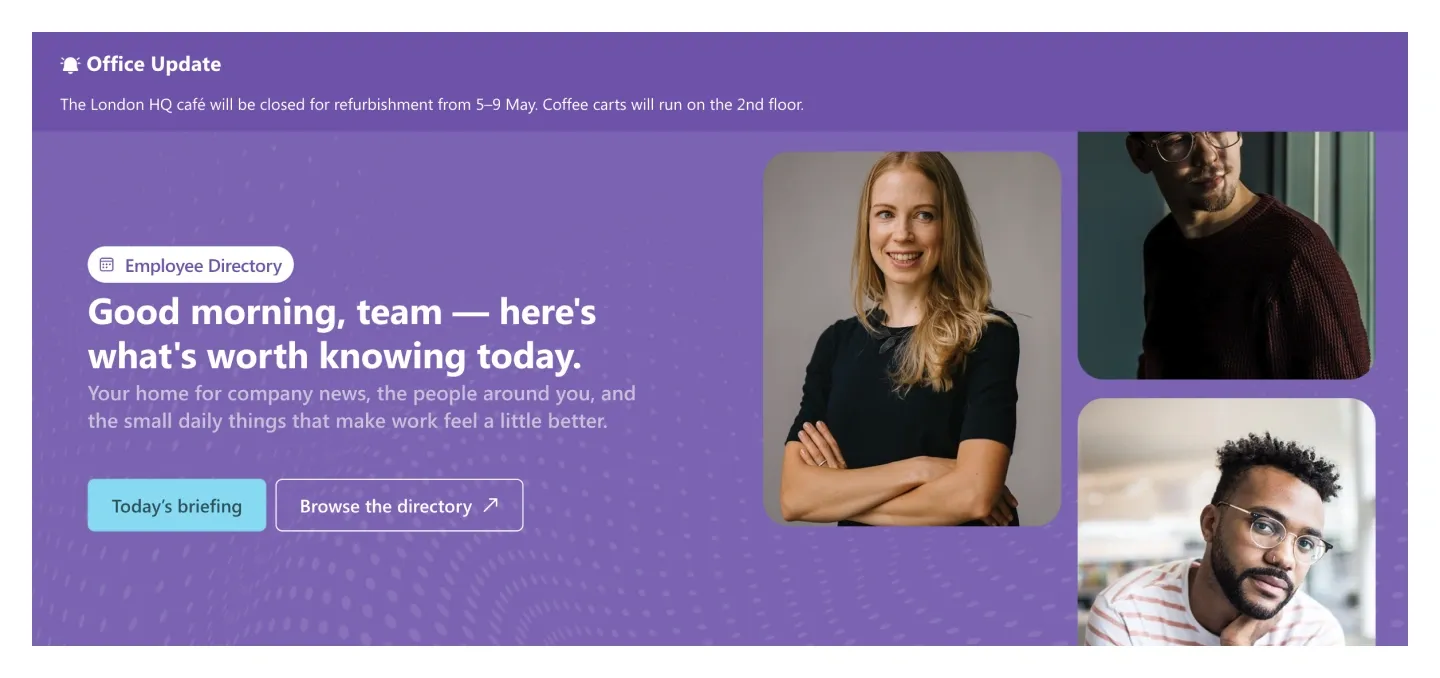
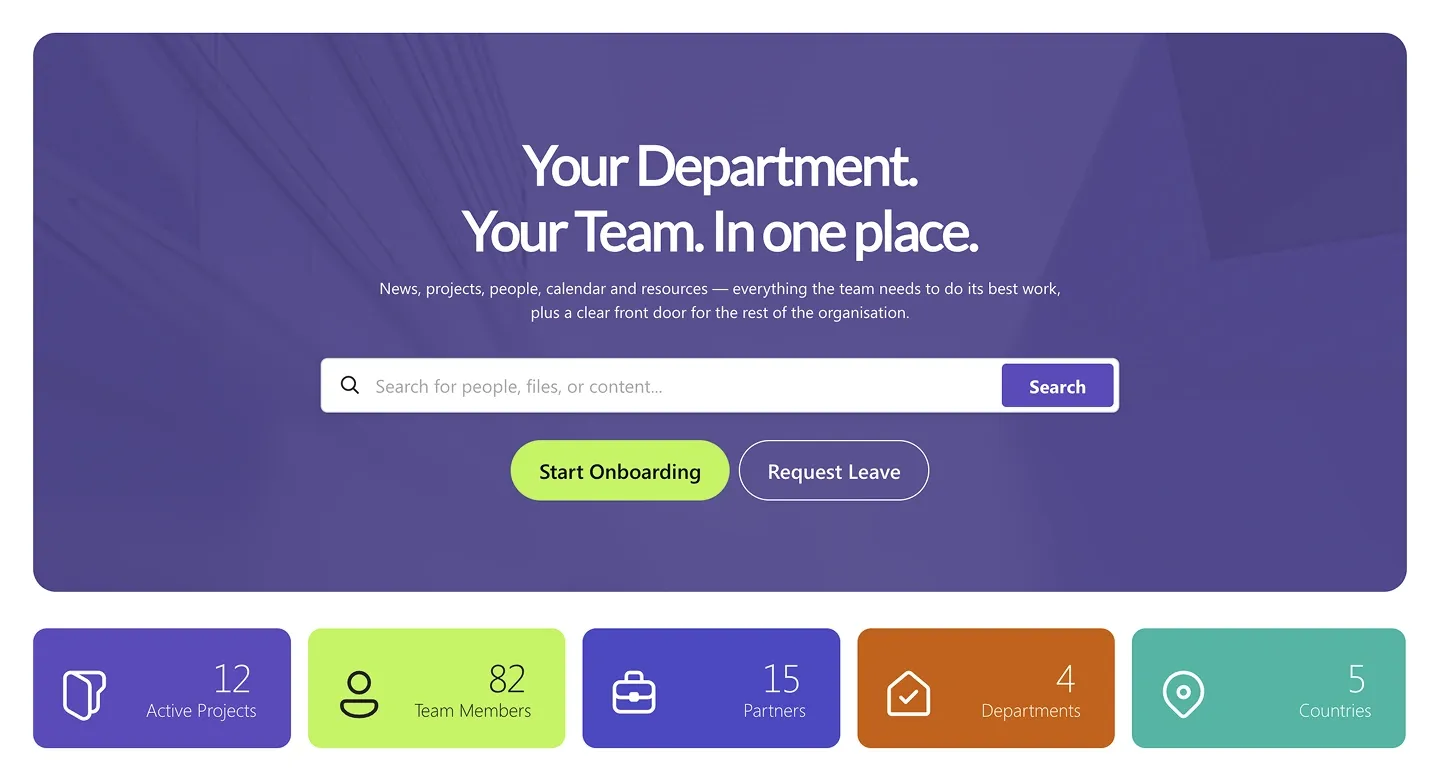
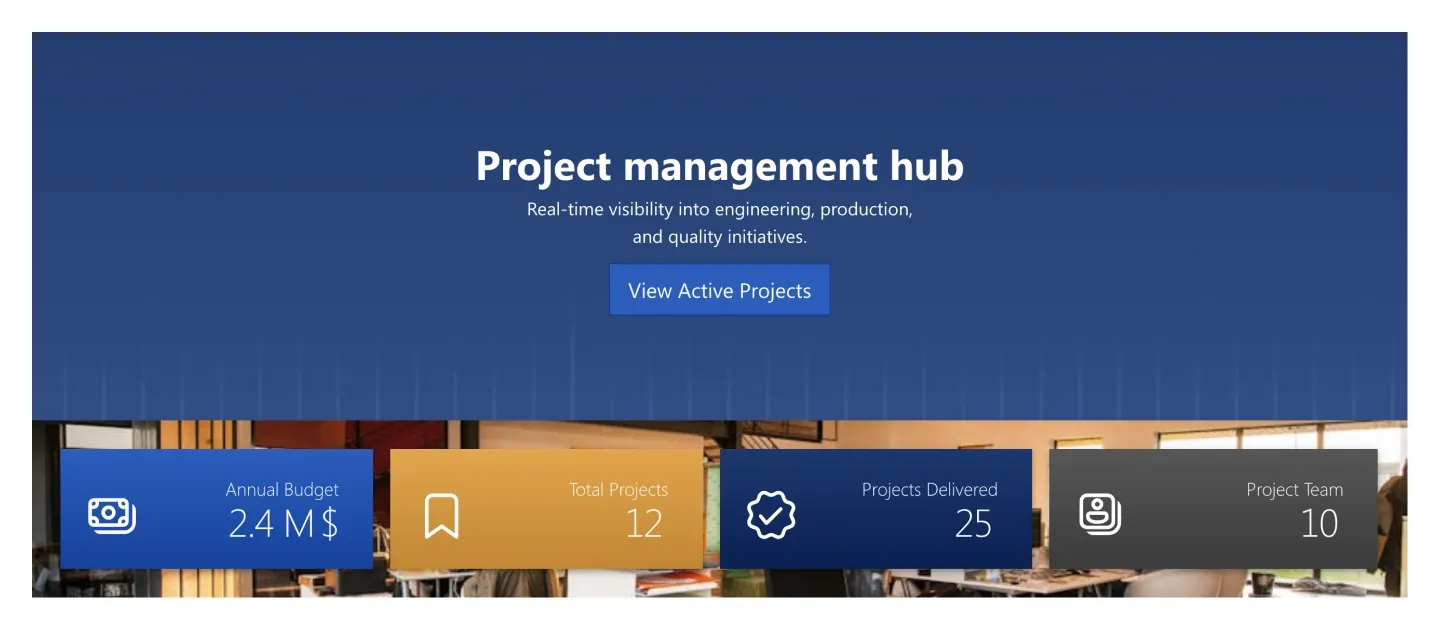
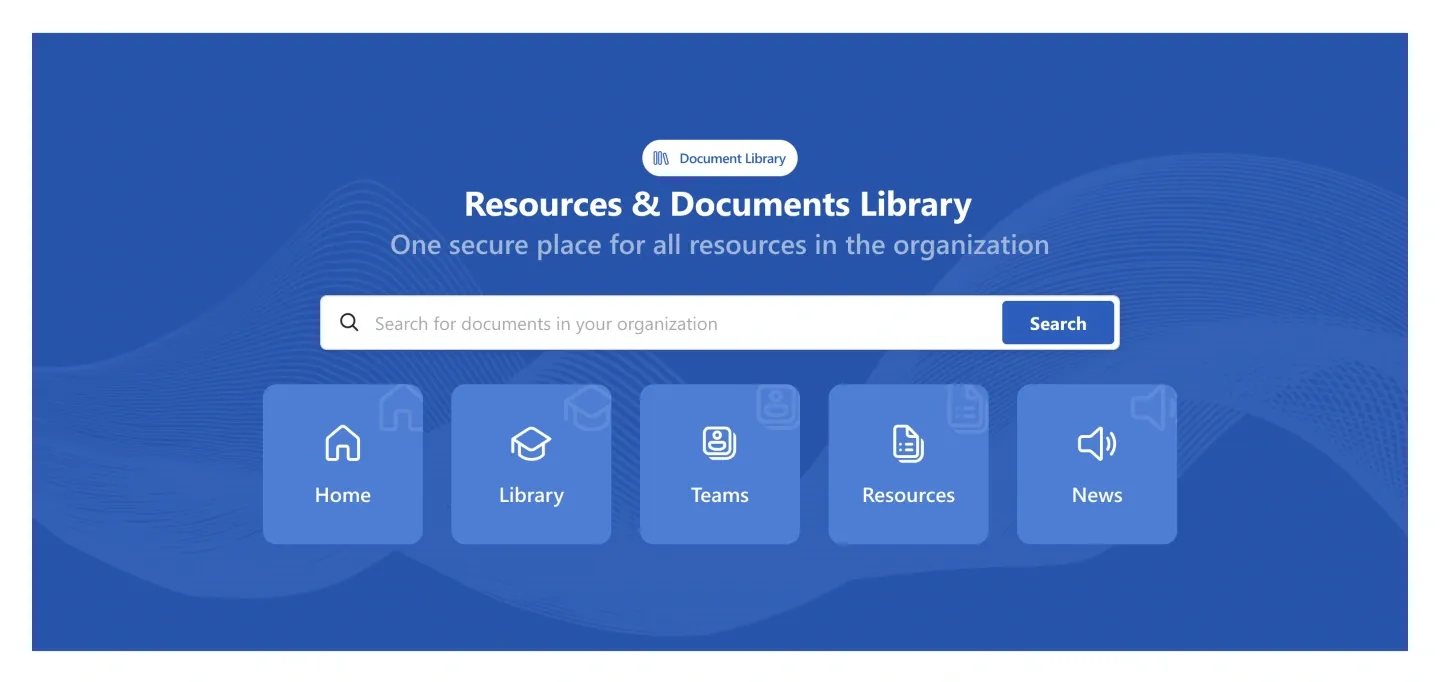
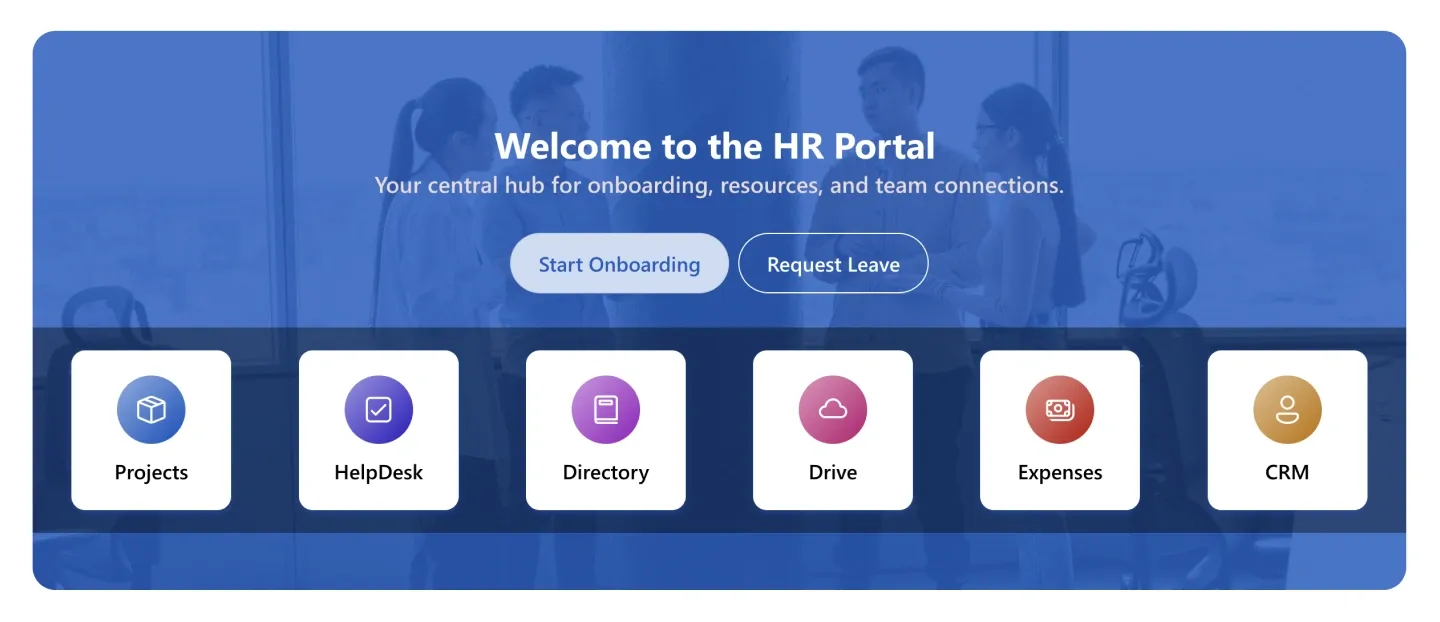
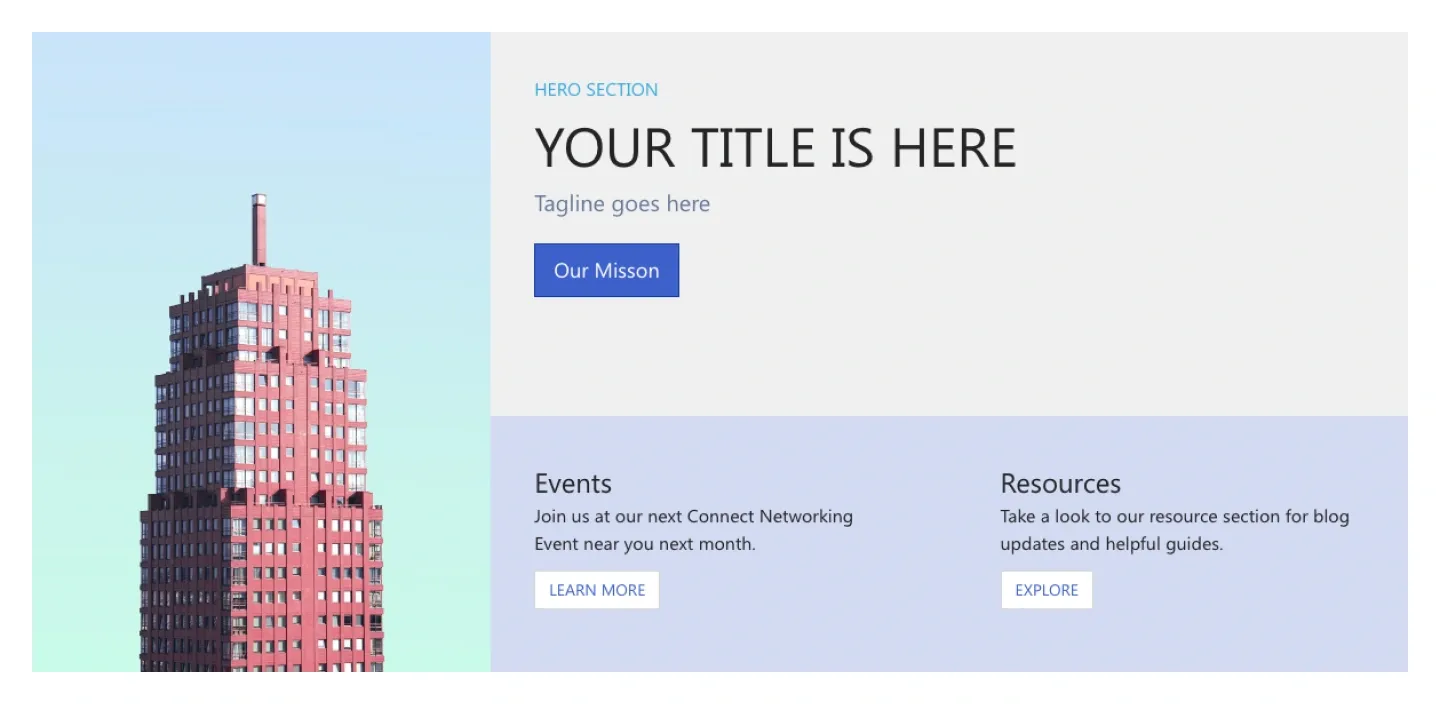
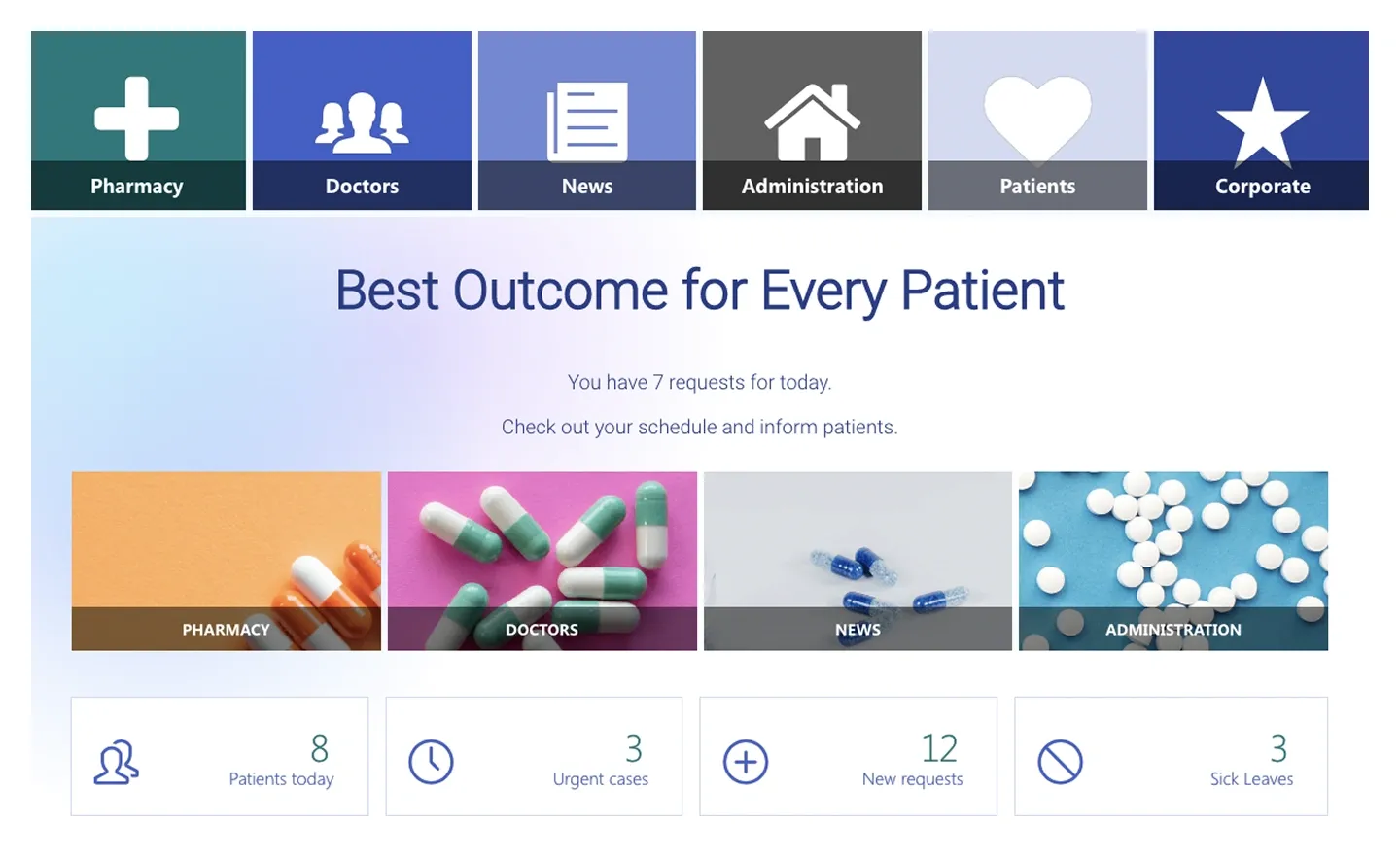
More SharePoint section templates
The sections teams add most often.
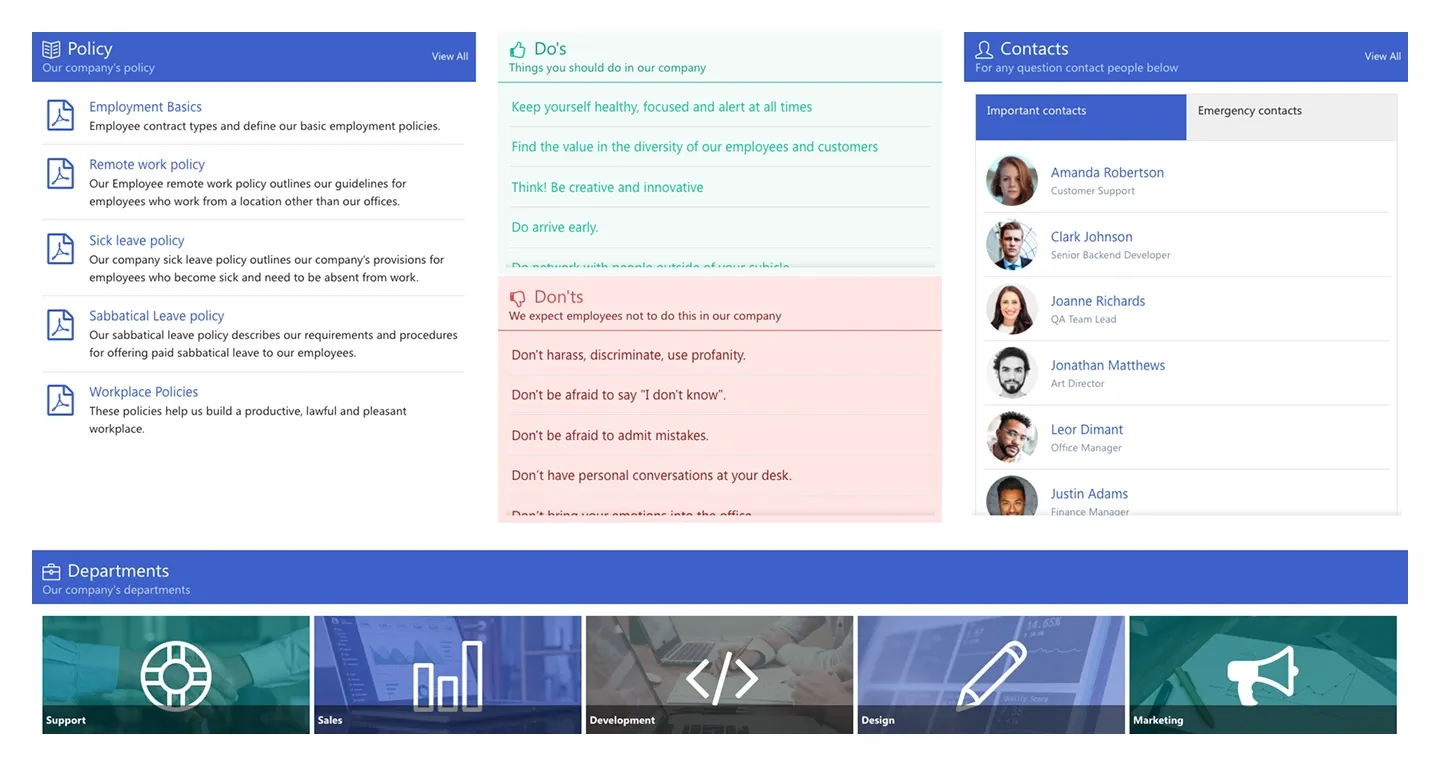
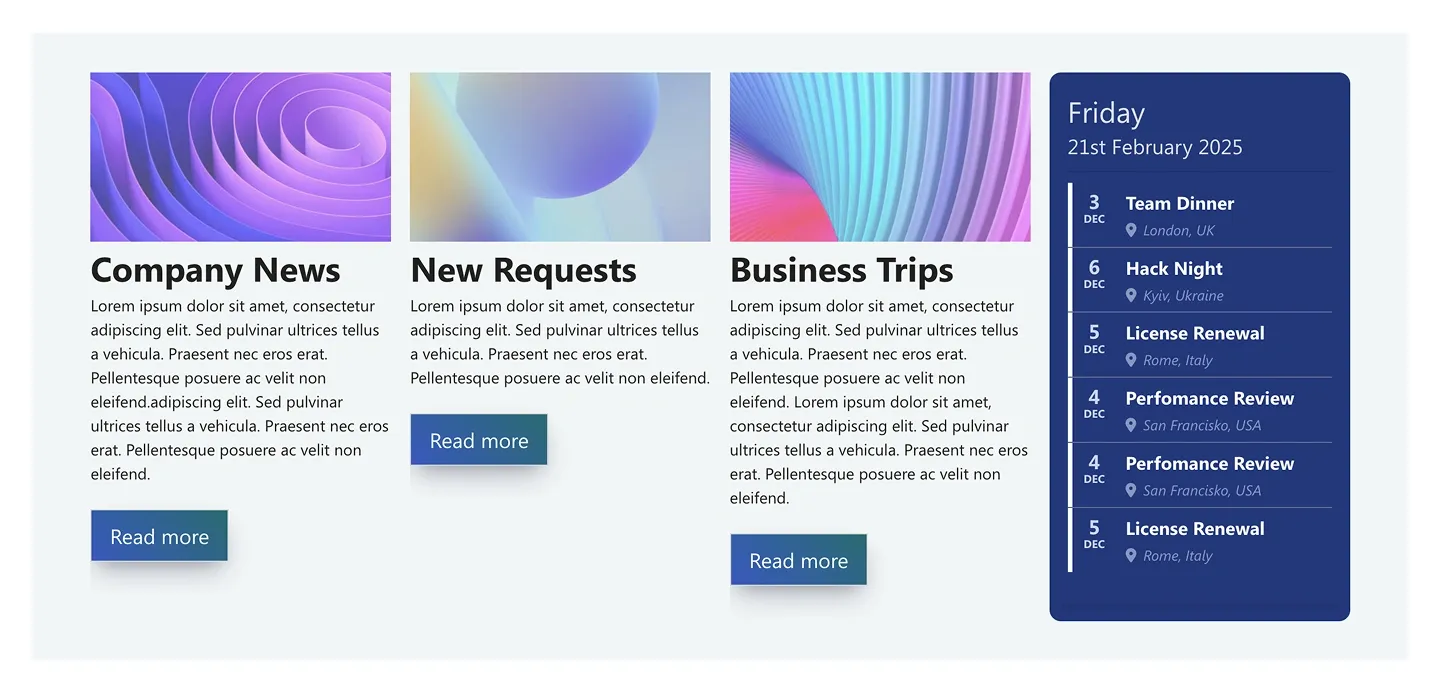
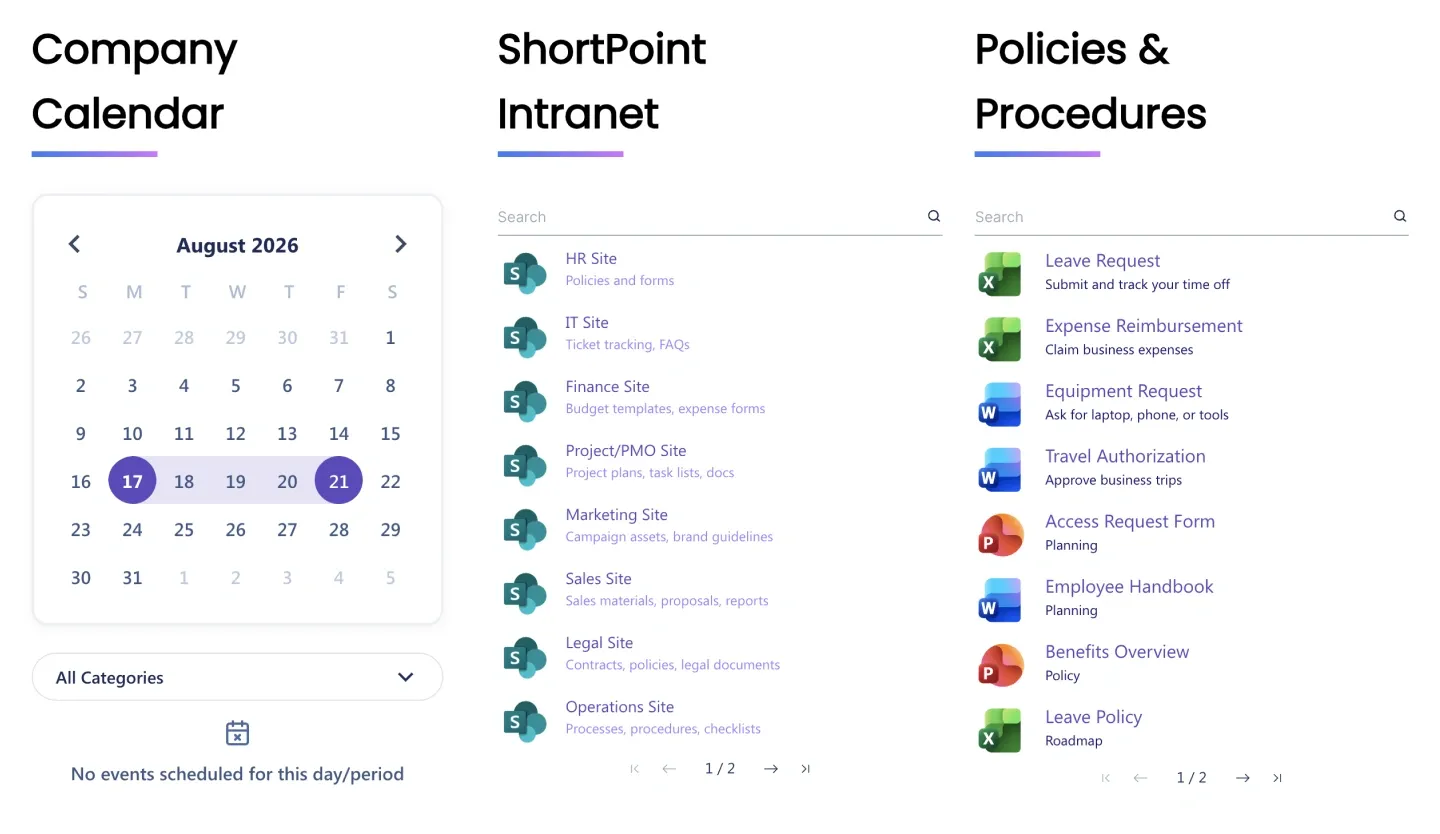
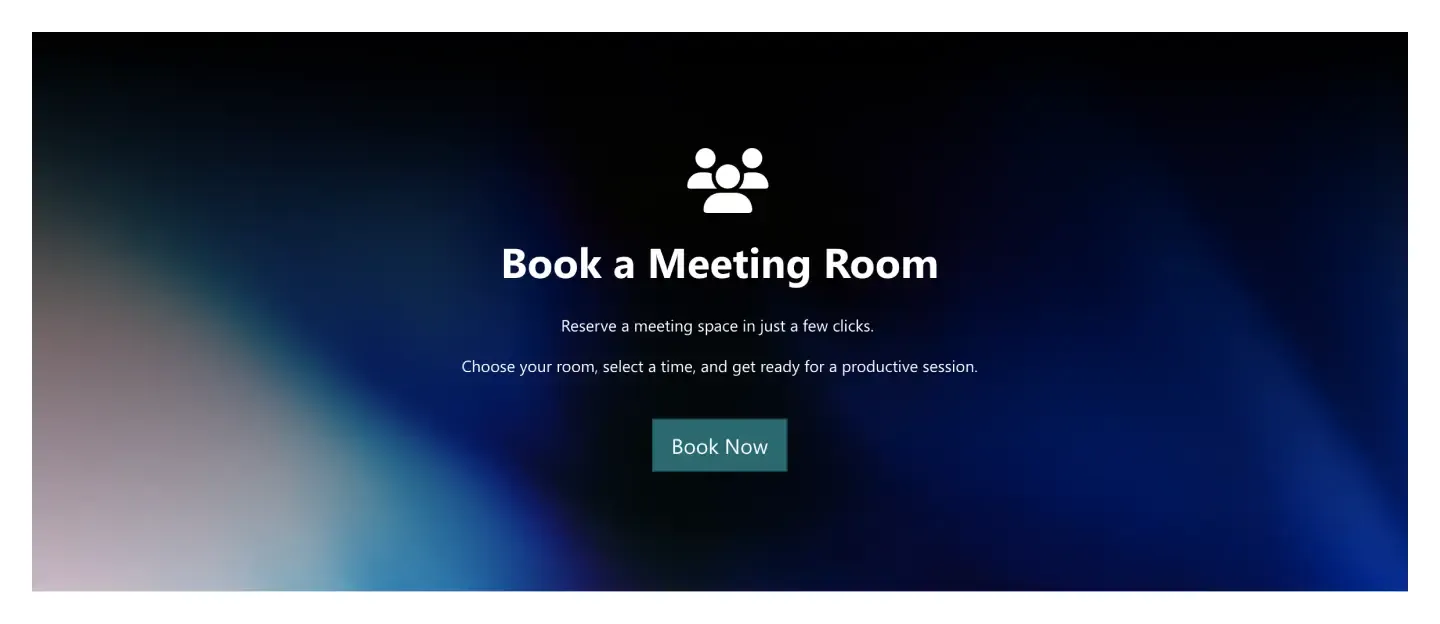
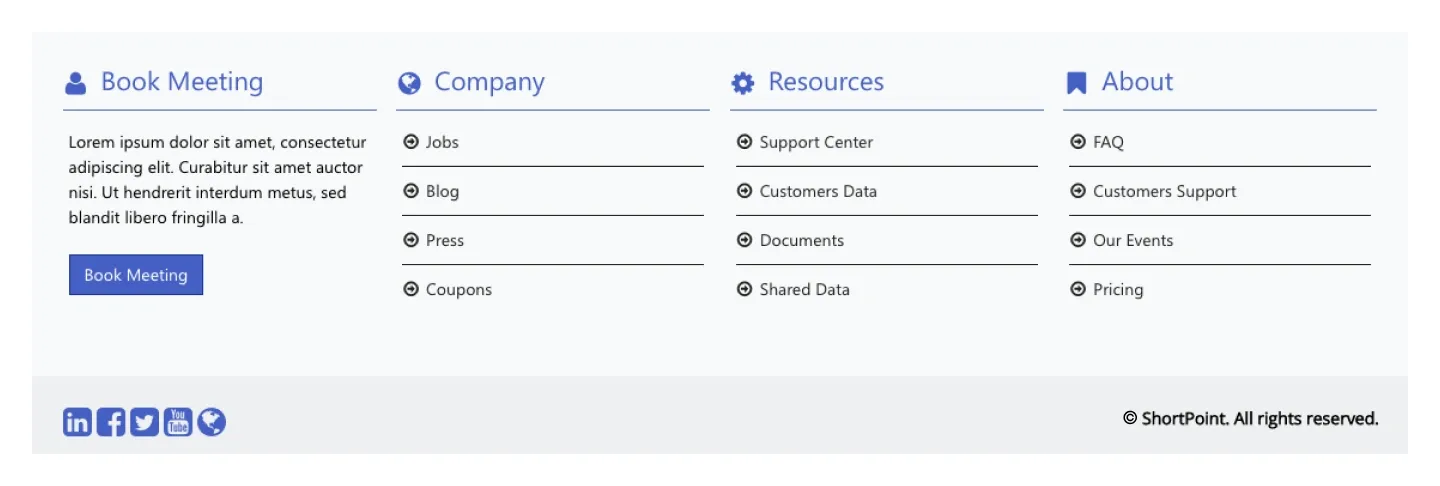
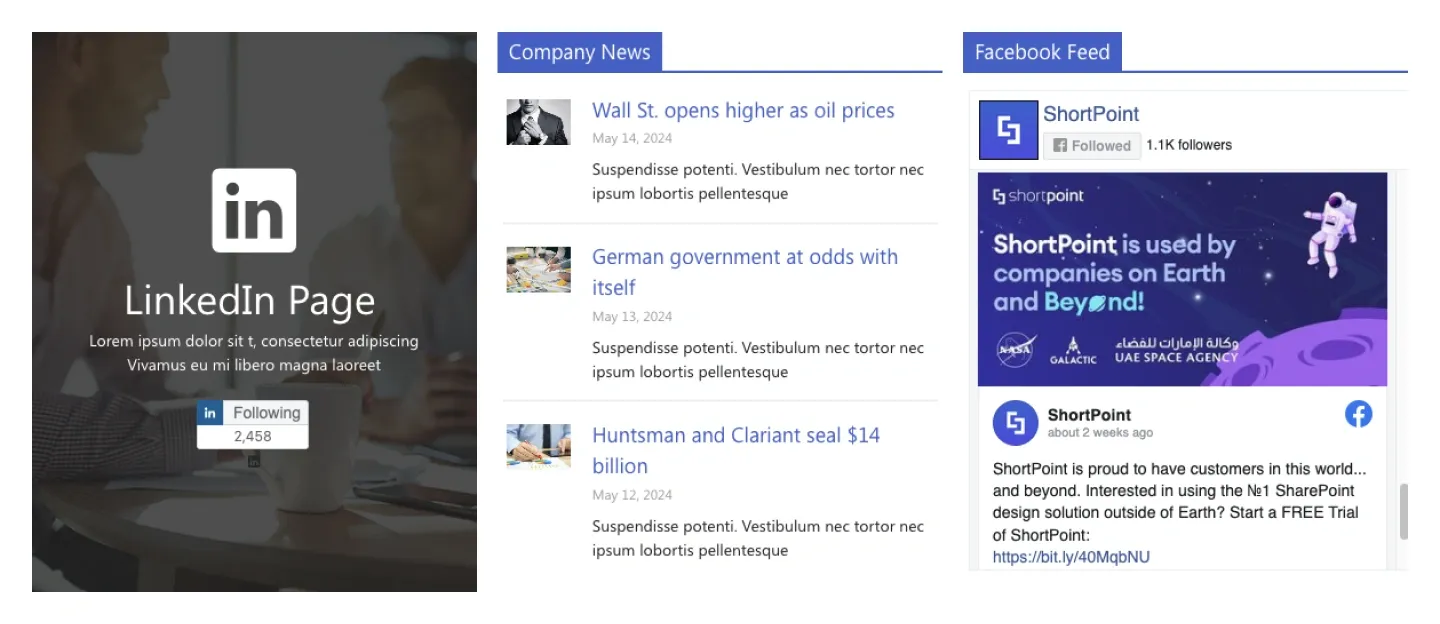
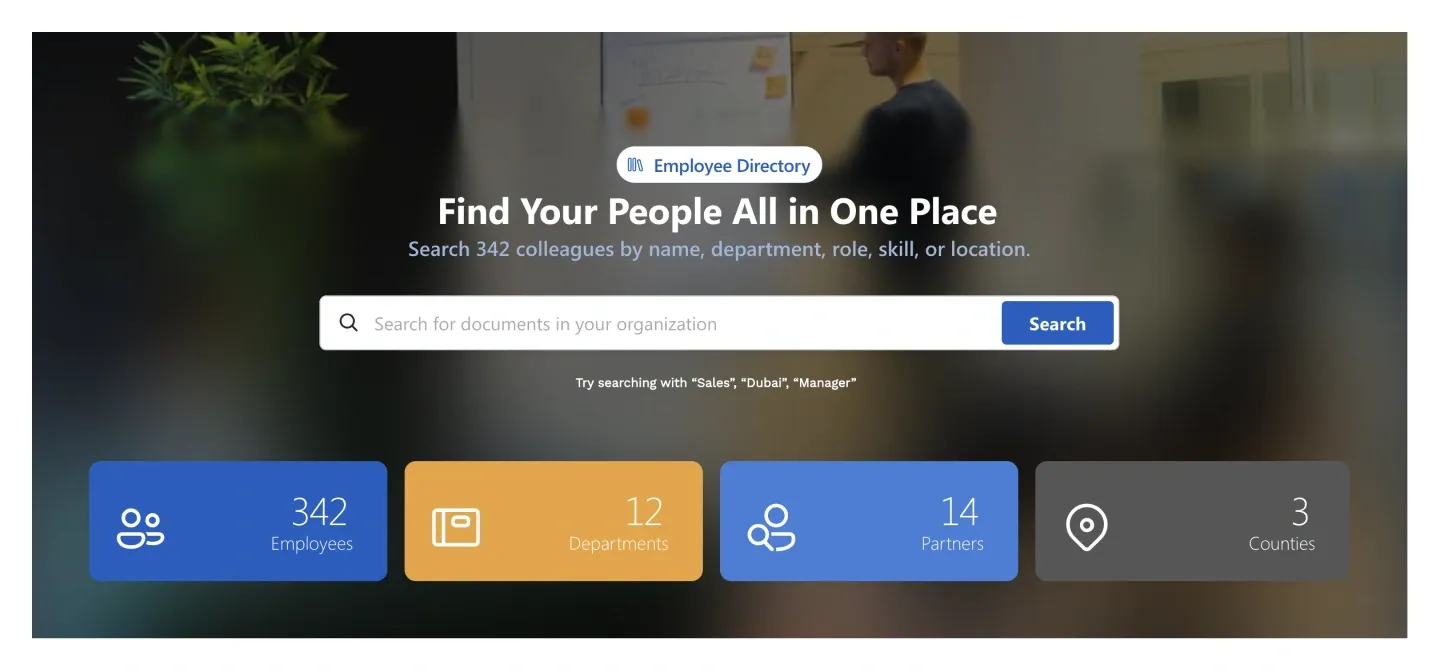
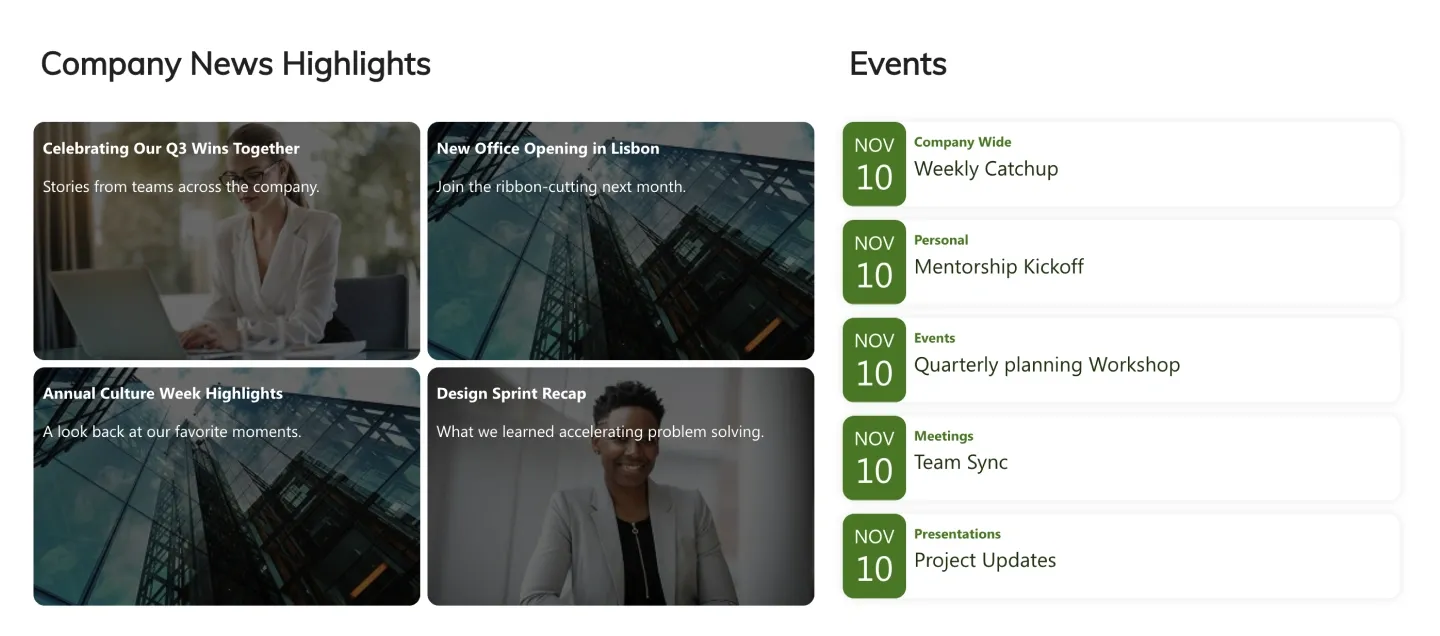
Explore more templates
The page templates teams start from most often.
Explore section templates
The sections teams add most often: drop any of them onto a page.
The template library comes with your ShortPoint license
You don’t buy templates. You license ShortPoint for your SharePoint sites, and every page and section template — plus Page Builder, Theme Builder and Connect — is included. Pro and Enterprise add site templates and AI Designer. See ShortPoint pricing.
Every plan, every page and section template
Lite, Pro and Enterprise all include every page and section template. Pro and Enterprise add the site templates. No marketplace, no per-template fee, no “premium” tier of designs.
Lives inside SharePoint
Nothing to download or upload. Insert any page or section template with one click from inside your SharePoint page — your SharePoint content stays in your tenant.
Try everything for 15 days
The free trial unlocks the library, AI Designer and every feature on your own site. No credit card, and viewers are always free and unlimited.
SharePoint site templates, page templates and section templates — what’s the difference?
Every ShortPoint design comes in three sizes. Pick the one that matches how much you’re building — a whole intranet, one page, or one block — and mix them freely: they share one design system.
Site templates
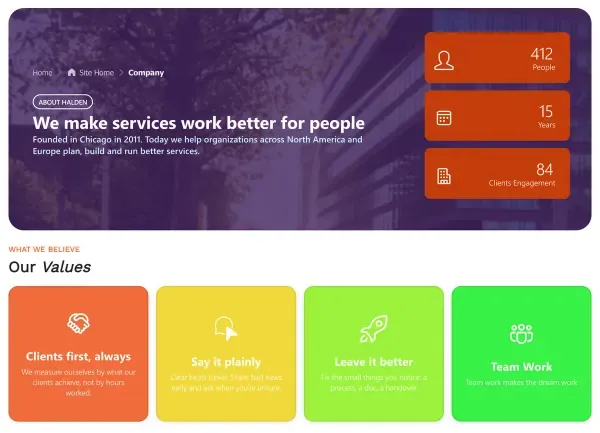
SOONReady-made SharePoint intranet sites: a home page and the pages around it, such as news, people and documents, in one design with one navigation. Every page is a page template you can also use alone.
- Consistent design across the whole site from day one
- For SharePoint Online, on Pro and Enterprise plans
- Brand the whole site at once with Theme Builder
Page templates
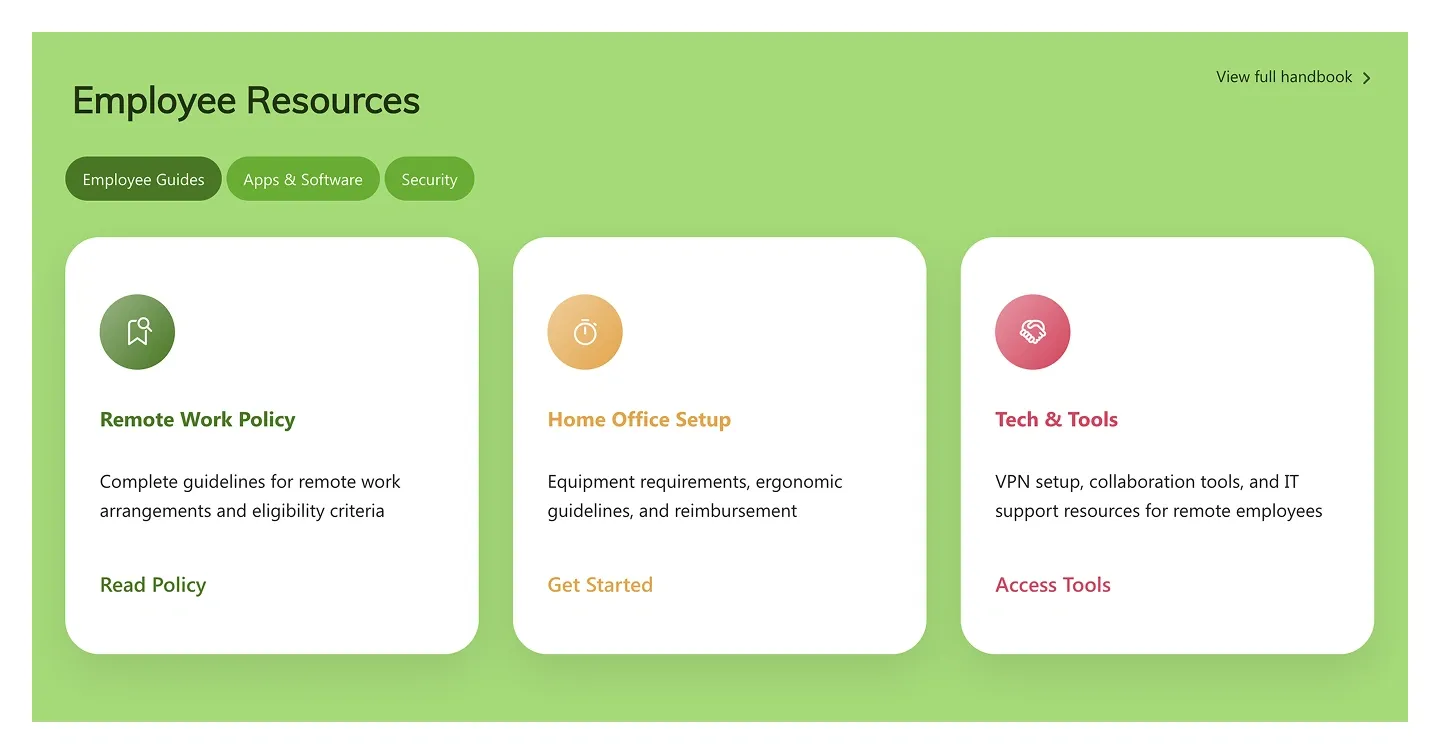
A complete page layout with every section pre-arranged: an intranet homepage, HR portal, IT helpdesk, knowledge base. Insert it on any SharePoint page and edit without code.
- Fully editable in Page Builder
- Connected to live lists, libraries and calendars
- Save your own pages to the library
Section templates
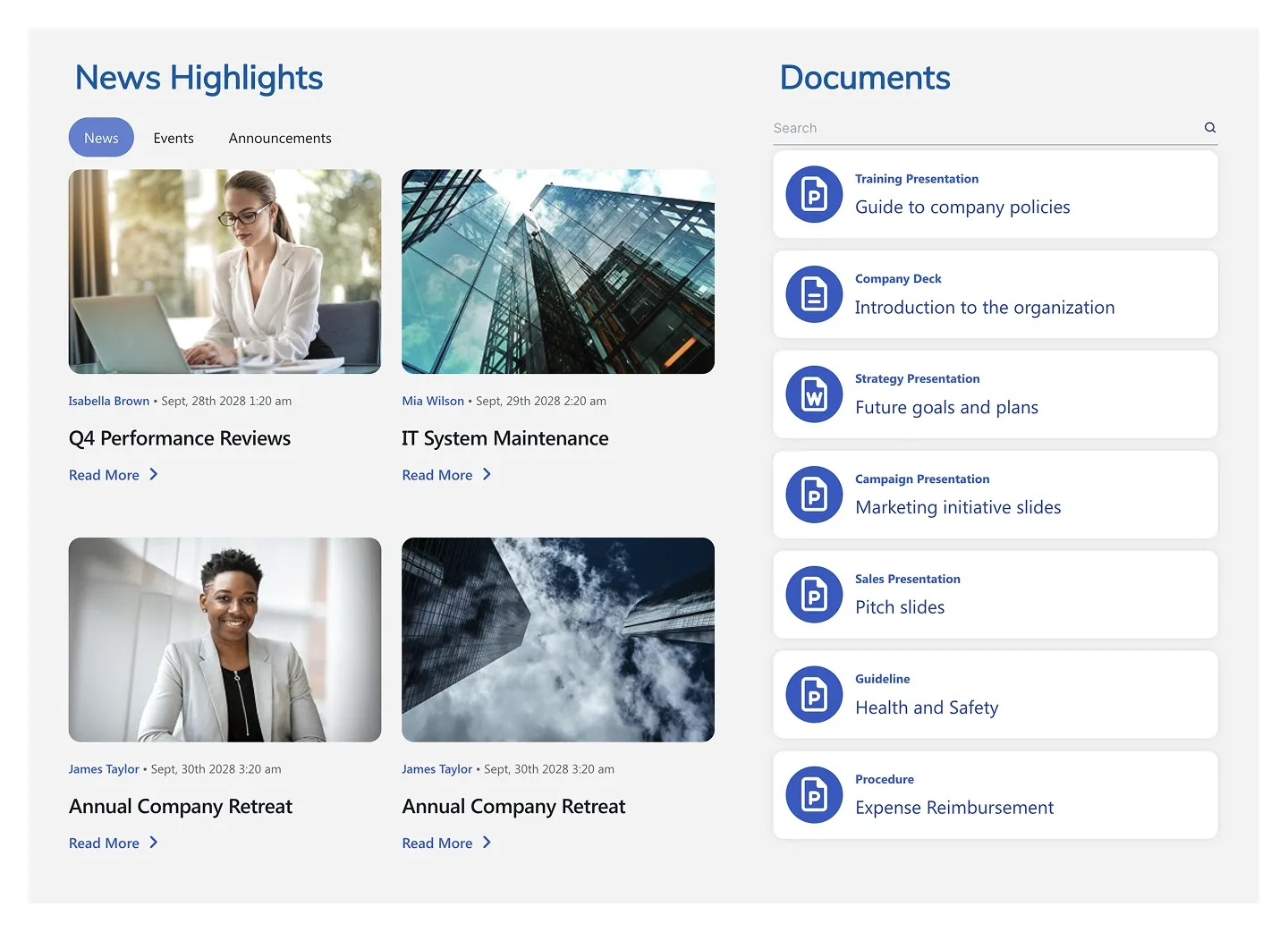
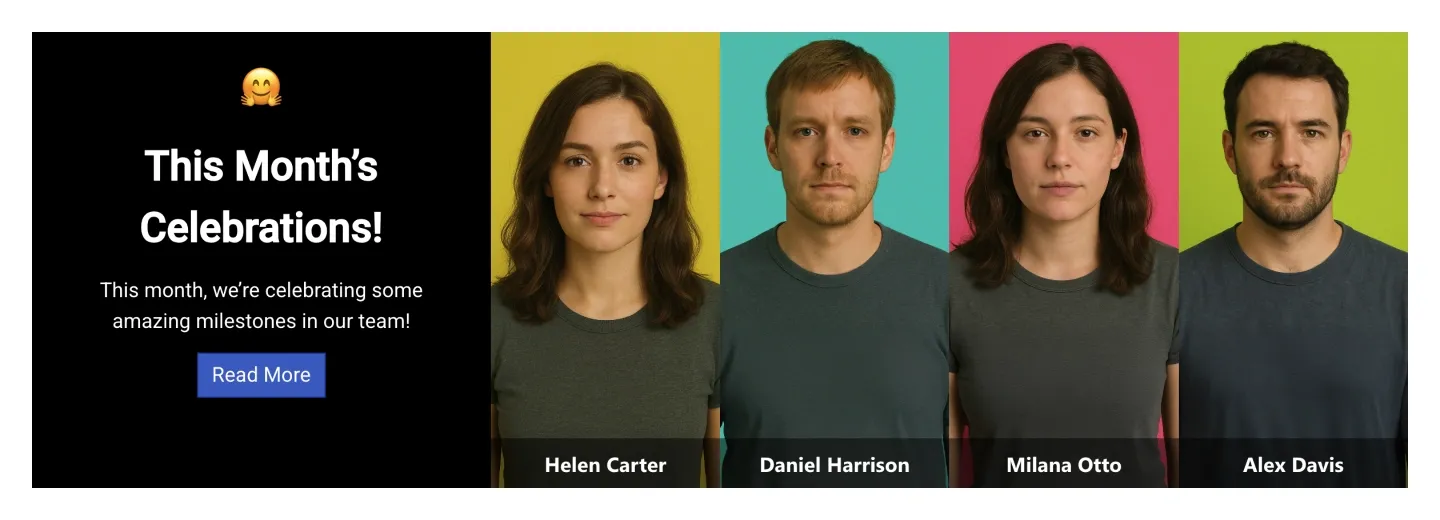
Ready-made, designed web parts you mix and match: hero banners, news lists, employee directories, quick links, FAQ accordions, KPI counters.
- Copy & paste sections between pages and sites
- Same design system as every page and site template
- Bind to lists, calendars, profiles and Power BI
Different job. Microsoft’s team site, communication site and scenario templates set up a site’s structure — lists, libraries, navigation, permissions. ShortPoint templates provide the design. Page and section templates run on top of any Microsoft site template, whether it’s a communication site, team site or hub site. Lists, forms and workflow templates are SharePoint data features; ShortPoint connects to them rather than replacing them.
Popular types of SharePoint templates
Pick the job your page needs to do. Each link opens the templates for that job.
Intranet homepage templates
Announcements, quick links, directories and key resources — the digital front door employees open every day. See home page templatesHR & onboarding templates
Policies, benefits, training and new-hire journeys in self-service hubs employees actually use. See HR templates See onboarding templatesNews & communications templates
Magazine-style layouts with hero stories and category feeds for campaigns and company updates. See news templatesKnowledge base templates
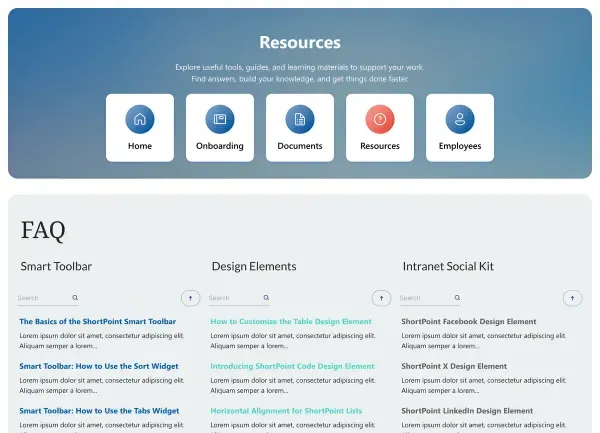
SOPs, how-tos, FAQs and internal documentation in searchable hubs with category navigation. See knowledge base templatesIT helpdesk & ticketing templates
Self-service knowledge base, request forms, system status and contacts that cut ticket volume. See the IT Helpdesk templateEmployee directory templates
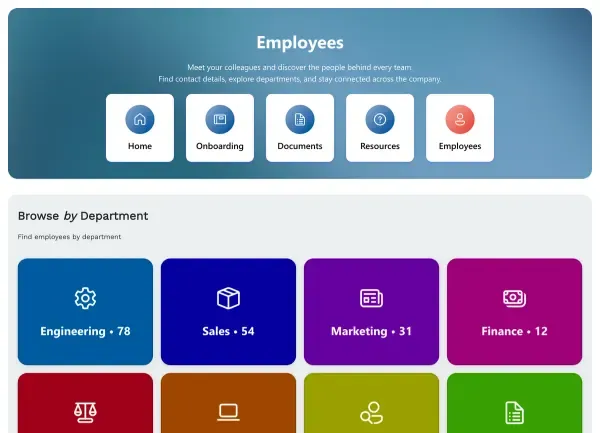
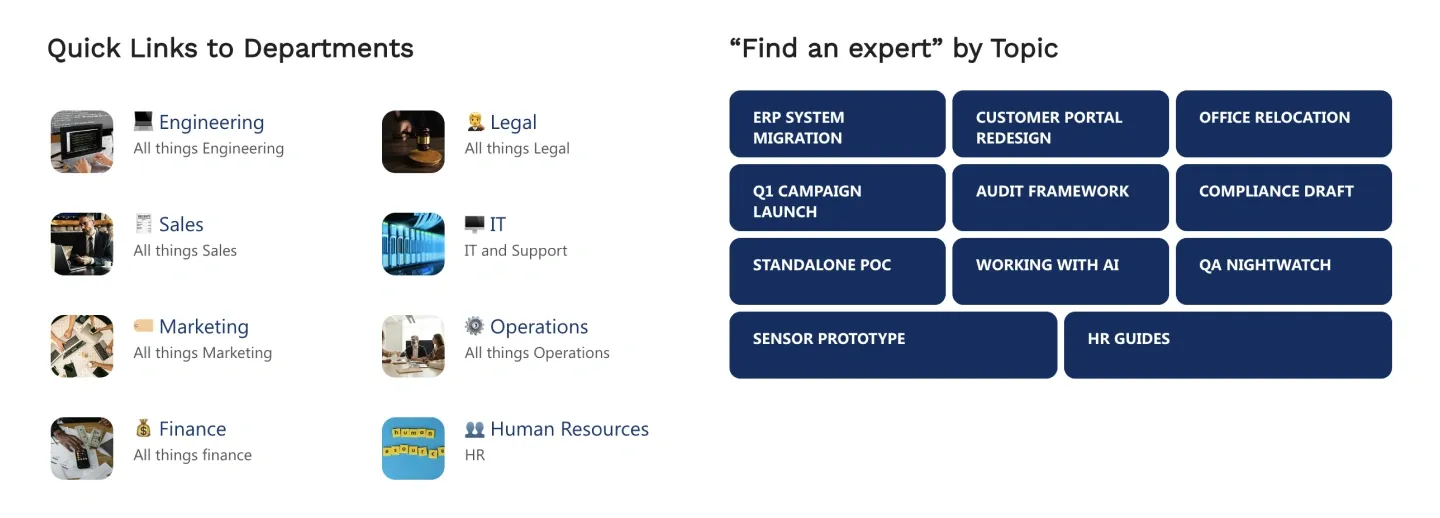
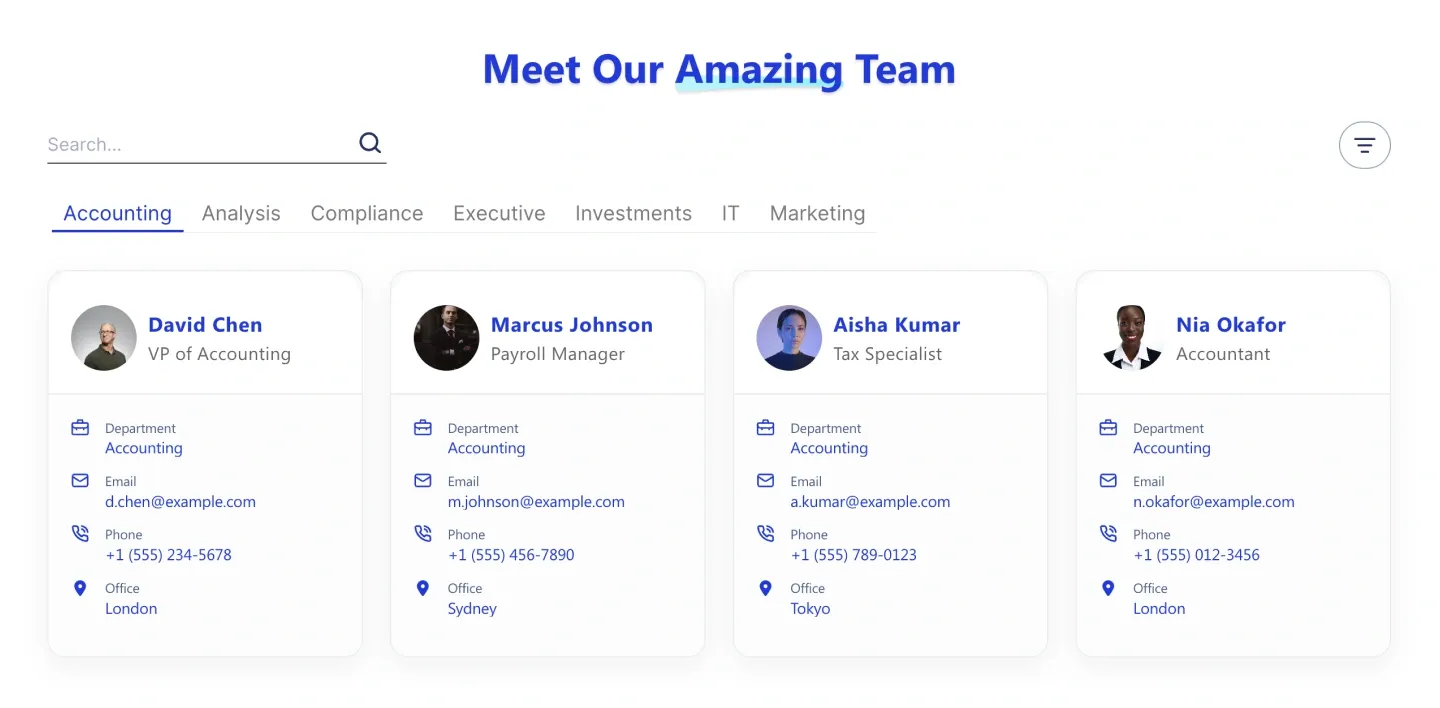
Browse by department, spotlight people and find experts fast, powered by live Microsoft 365 profiles. See team and directory templatesProject management templates
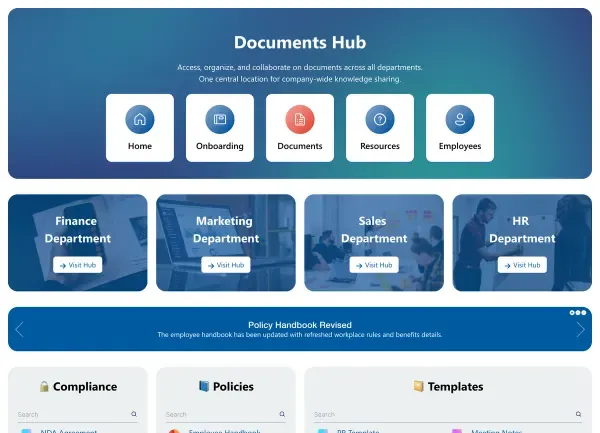
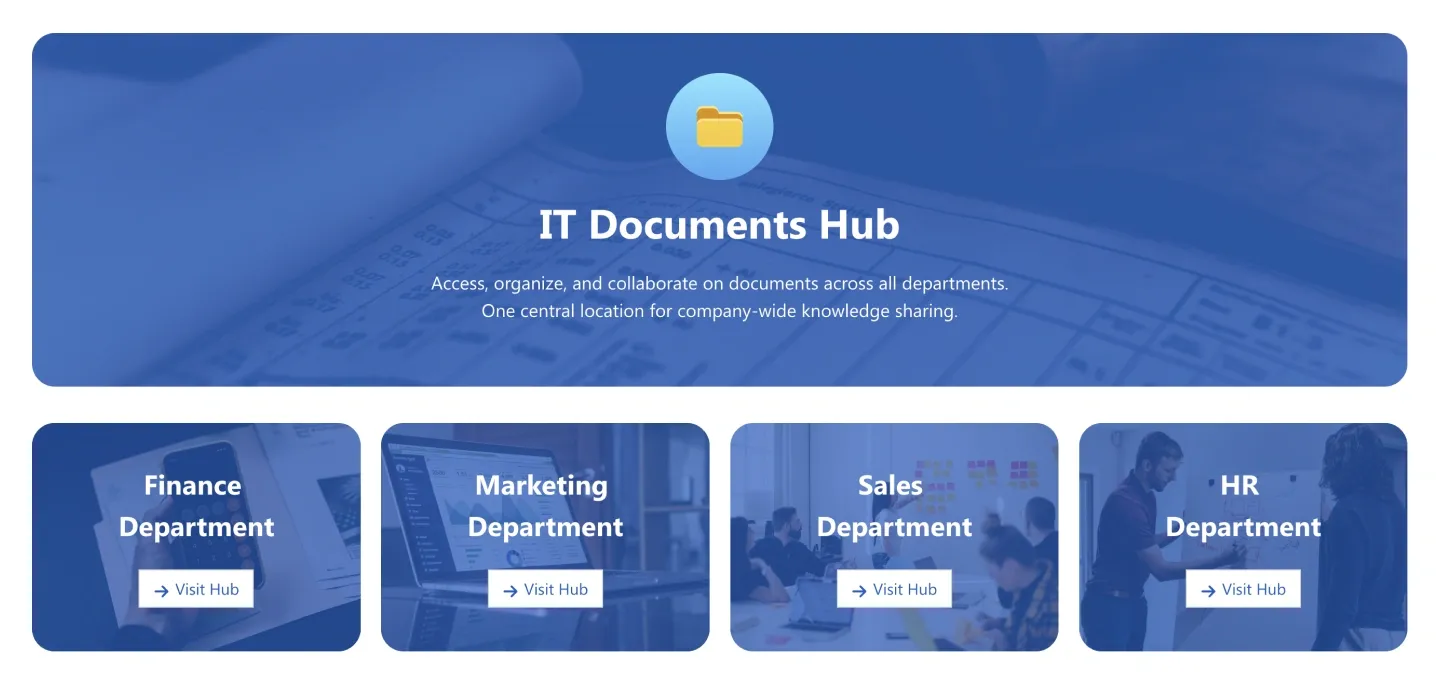
Sprints, KPIs, escalations, meetings and documents in one project hub connected to your lists. See project management templatesDocument center templates
Searchable file hubs pairing metadata filters, alert banners and quick actions so files are easy to find. See document templatesA template is the starting point. This is what you can do with it.
Most people find the library and stop there. Every template also comes with the full ShortPoint toolset — the same one used on 350,000+ SharePoint sites.
Page Builder — Live & Grid modes
Edit any section visually, on the real page. Drag, resize, restyle. No HTML, CSS or SPFx.
Page BuilderTheme Builder
Apply your logo, fonts and full color palette to every template at once — not page by page.
Theme BuilderConnect — 27+ data sources
Bind any component to SharePoint lists, libraries, calendars, Microsoft Graph, Power BI, Teams and external systems. Content stays live.
ConnectCopy & paste + save as template
Reuse any section across pages, sites and site collections. Save your own pages and blocks to the Templates Library.
Copy & PasteAccessibility built in
Semantic HTML, keyboard navigation and ADA-compliant contrast in every template, with automatic WCAG 2.1 issue detection.
AccessibilityAI Designer
From a prompt, mockup, or template, AI Designer builds a complete on-brand page in your SharePoint. Ask again, and it refines any section.
How it worksHow to use a SharePoint template — and save your own
Four steps. The first three publish a page from any template above; the fourth turns that page into your own SharePoint template for every site in the tenant.
-
Add ShortPoint to your site
Start the free trial and sign in with Microsoft 365 for SharePoint Online, or run the installer for Subscription Edition and On-Premises. No credit card. -
Insert a template
Edit any SharePoint page, add the ShortPoint web part and pick a page or section template. Everything arrives fully editable. -
Make it yours and publish
Swap the sample content, connect your lists and libraries, apply your logo and colors with Theme Builder, publish. Most teams do this in under an hour. -
Save it as your own SharePoint template
Save the finished page — or any single section — to your Templates Library. Other departments insert it, Theme Builder keeps the branding consistent, and you update it in one place.
Why step 4 matters: Microsoft’s “save site as template” isn’t available on modern communication or team sites. Saving in ShortPoint captures the finished look, so branding and governance travel together to every new site.
Bonus tip: No template fits? Describe the page in AI Designer and get an on-brand first version in about three minutes — then continue from step 3. See AI Designer
How to choose the right SharePoint site template
- Step 1
Decide between a whole site and one page
A site template gives you a complete intranet site at once — a home page, news, people and documents in one design — on SharePoint Online with a Pro or Enterprise plan. Page templates work on every plan and SharePoint version, one page at a time. You can mix both.
- Step 2
Start with the use case, not the look
HR portals, news hubs and knowledge bases need different structures. Pick the SharePoint site or page template that matches the job — aesthetics come second and change in minutes.
- Step 3
Match the layout to content volume
Heavy knowledge bases need stronger information architecture; homepages and HR portals lean on quick links, directories and live announcements.
- Step 4
Prefer templates with reusable sections
Every ShortPoint template shares one component library, so a hero from one and a news list from another combine without rework.
- Step 5
Customize after stakeholder alignment
Agree on a template, then brand it in Theme Builder. You’re never locked in — reshape any installed template later with AI Designer.
Teams choose ShortPoint — and rate it 4.7 stars
Intranet Users worldwide
Partner
on Capterra
-
The ease of use and not needing a coding background is a godsend – it has already paid for itself in the first year.
Darryl S.
Columbia University · Capterra 5.0
-
ShortPoint reduced the time to rebuild our intranet from 3 months to just 2 weeks. A must-have for every company that uses SharePoint.
Rami Abdulkarim
DSOA · 3 months → 2 weeks · Case study
-
They are on top with the latest releases – I always look for the additional features that are added. Very easy to navigate and understand.
Charan G.
University of Michigan · Capterra 5.0
- Microsoft Partner
- SOC 2 Type 2 & SOC 3
- GDPR-aligned
- WCAG 2.1 & ADA
- 12M+ users
Frequently asked questions about SharePoint templates
Cost & access
Templates aren’t sold separately. Every page and section template comes with a ShortPoint Lite, Pro or Enterprise license, alongside Page Builder, Theme Builder and Connect. Site templates come with Pro and Enterprise. ShortPoint is licensed per designer: Lite covers one designer on one site for $1,998 per year, and Pro covers one designer on unlimited sites for $3,998 per year, including AI Designer. Enterprise pricing is quoted, and viewers are always unlimited and free. See ShortPoint pricing for current plans.
Yes. Microsoft’s SharePoint Lookbook offers free site designs, with limited control over layout and branding. SharePoint’s built-in template gallery also has free page and news post templates. ShortPoint’s library comes with the license rather than for free, and you can use all of it free for 15 days on your own site to compare.
You don’t download ShortPoint templates. They live inside SharePoint: edit a page, add the ShortPoint web part and insert a template from the library. Microsoft’s free Lookbook templates are provisioned to a site the same way — neither is a downloadable file.
SharePoint’s own page and news post templates open in its template gallery when you create a new page. ShortPoint templates are in the ShortPoint template library: edit a page, add the ShortPoint web part and open the library to browse page and section templates, along with the ones your team saved.
Start a 15-day free trial, install ShortPoint on any SharePoint site and insert a template. If you’d prefer a guided experience, schedule a walkthrough and our team will pick, install and customize one live with you.
SharePoint Online: tenant-level install requires SharePoint Admin or Global Admin; site-collection install requires Site Collection Administrator for that site collection.
Subscription Edition and SharePoint 2019: you need remote server access and SharePoint Central Administration access (typically farm admin) to run the installer.
Types & compatibility
A complete SharePoint intranet site in one design: a home page plus the pages around it, such as news, people and documents, sharing one navigation. There are company-wide, HR and knowledge base sites. Each page is also available on its own as a page template, and the whole site is branded at once with Theme Builder — so a new site looks finished on day one instead of page by page. Site templates need SharePoint Online and a Pro or Enterprise plan.
Yes. ShortPoint page and section templates support SharePoint Online (Microsoft 365), SharePoint Subscription Edition and SharePoint 2019. For SharePoint Online you install via the app catalog; On-Premises uses the ShortPoint installer on your server. Page and section templates work the same across all versions; site templates are for SharePoint Online only.
Microsoft’s built-in site and page templates and the SharePoint Lookbook cover basic team and communication sites and pages with limited visual customization and branding. ShortPoint adds complete multi-page site templates plus 250+ page and section templates, full layout editing in Page Builder, one-click branding with Theme Builder, live data connections and AI page generation. Start a trial to test them in your own environment.
The SharePoint Lookbook, now part of the Microsoft Adoption site, is Microsoft’s gallery of site design inspiration and free templates for SharePoint Online. It is a good source of ideas, but its templates are static starting points with limited customization and are difficult to brand to your identity.
For a whole intranet on SharePoint Online, start from a site template: Company Hub or Site Home for the whole company, Team Connect or People & HR Hub for HR, and Academy for training. For a single page, most teams start with Essentials Page or Enterprise for a homepage, HR Portal for HR, Onboarding Essentials for onboarding and Knowledge Center for a knowledge base. The best template is the one that matches the job your page needs to do — layout and content change afterwards without code.
A section template is a designed, ready-to-use web part — a hero banner, news card grid, employee directory, quick links row, FAQ accordion or KPI counter — that you drop onto any SharePoint page. Microsoft’s out-of-the-box web parts provide the raw function; ShortPoint section templates provide the finished design and connect to the same data. Mix sections from different templates and they still look like one page.
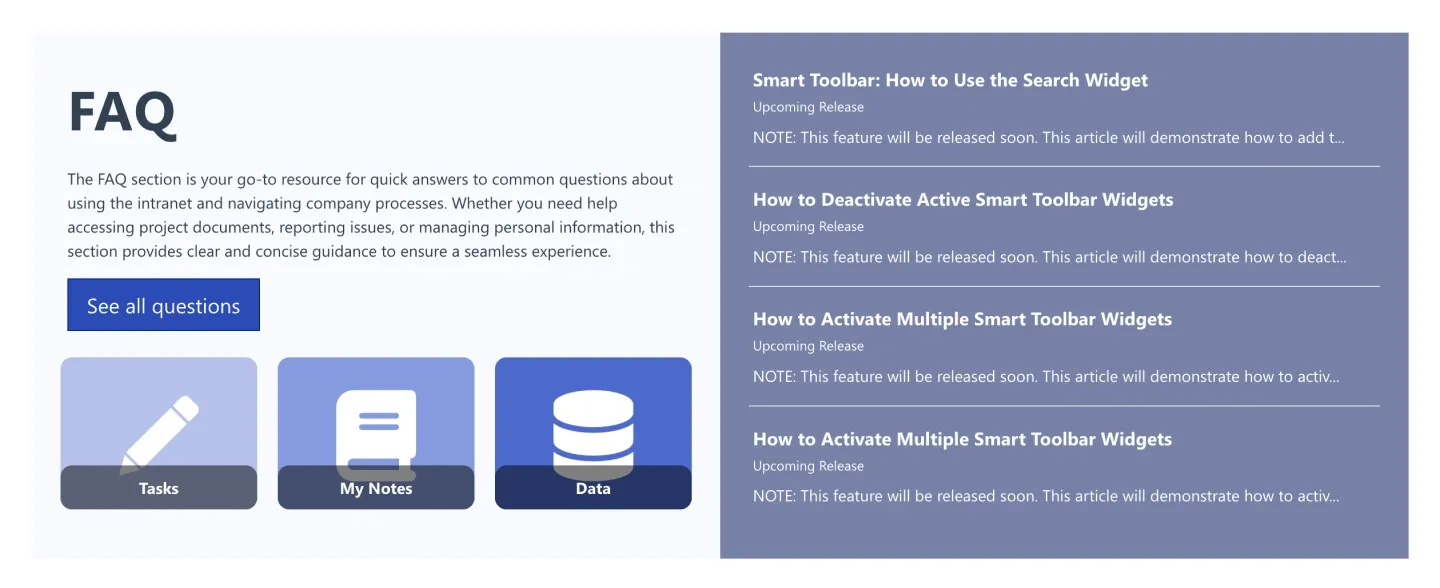
Yes — all three are section templates. The employee directory pulls photos, titles and departments from Microsoft 365 profiles with search and filters; the FAQ accordion and news cards bind to SharePoint lists and news. Search for “directory”, “FAQ” or “news” in the library above to see the pages that include them.
Yes. People Net is an employee directory template, IT Helpdesk is a self-service ticket and knowledge base template, and Project Hub and Project Management cover sprints, KPIs and project tracking. Use the use-case filters above the library to find them.
Building & customizing
Insert a page or section template on any SharePoint page, then edit the layout and content in Page Builder (Live Mode or Grid Mode) without writing code. Apply your logo, fonts and colors with Theme Builder, and connect components to live SharePoint data with Connect.
Yes. ShortPoint AI Designer generates a complete, on-brand SharePoint page from a text prompt, a mockup or an example page in under three minutes, then lets you refine individual sections with follow-up prompts. It is available on Pro and Enterprise plans and included in the free trial.
No. Copilot in SharePoint helps with content: answering questions, drafting pages and scaffolding sites on SharePoint's native web parts. AI Designer builds the designed page itself: layout, sections, components and brand theming, using the same 80+ elements and 250+ templates as Page Builder.
Yes. Pick a template, then describe your changes (brand, audience, sections) and AI Designer reshapes the design around them. The layout structure stays intact while colors, copy and sections update to fit your team.
Build a page with ShortPoint, then save the whole page or any single section as a template. It appears in your Templates Library and can be reused on any site or site collection in your tenant, with Theme Builder keeping the branding consistent.
Yes. Save any page or section as a reusable template and apply it across departments, teams and site collections — consistent design at scale, with each team free to change the content.
No. Layouts, sections, colors, typography and content are all edited visually in Page Builder. No HTML, CSS, JavaScript or SPFx development is required.
Yes. Connect links any component to SharePoint lists, document libraries, calendars and Microsoft 365 data including the Microsoft Graph API. Pages update automatically when the underlying data changes.
Yes. Theme Builder applies your logo, fonts and full color palette across every template. Templates are built on accessible patterns — semantic HTML, keyboard navigation and ADA-compliant contrast — to support WCAG 2.1. See our accessibility documentation for details.
Yes. Start with a homepage template, then add department, news, HR and knowledge base pages from additional templates. Theme Builder keeps branding consistent and Connect keeps every page’s content live.
Choose a homepage template using the Home Pages filter above or from all home page templates, install it on your site, customize it in Page Builder, apply your brand with Theme Builder and connect live data sources. Minutes, not weeks — no developers required.